Farworlds Fantasy Sky
A fantasy sky: a glowing nebula, dense starfields, a colossal city world, a shattered moon, a blazing sun-world and over a hundred distant planets, plus a shattered-world sky for the End. Client-side.
截图
介绍
Farworlds
Farworlds replaces the vanilla overworld and End skies with hand-built ones. Everything is drawn by shaders, with no textures, so it stays sharp at any resolution, even zoomed in through a spyglass.
What you’ll see
At night
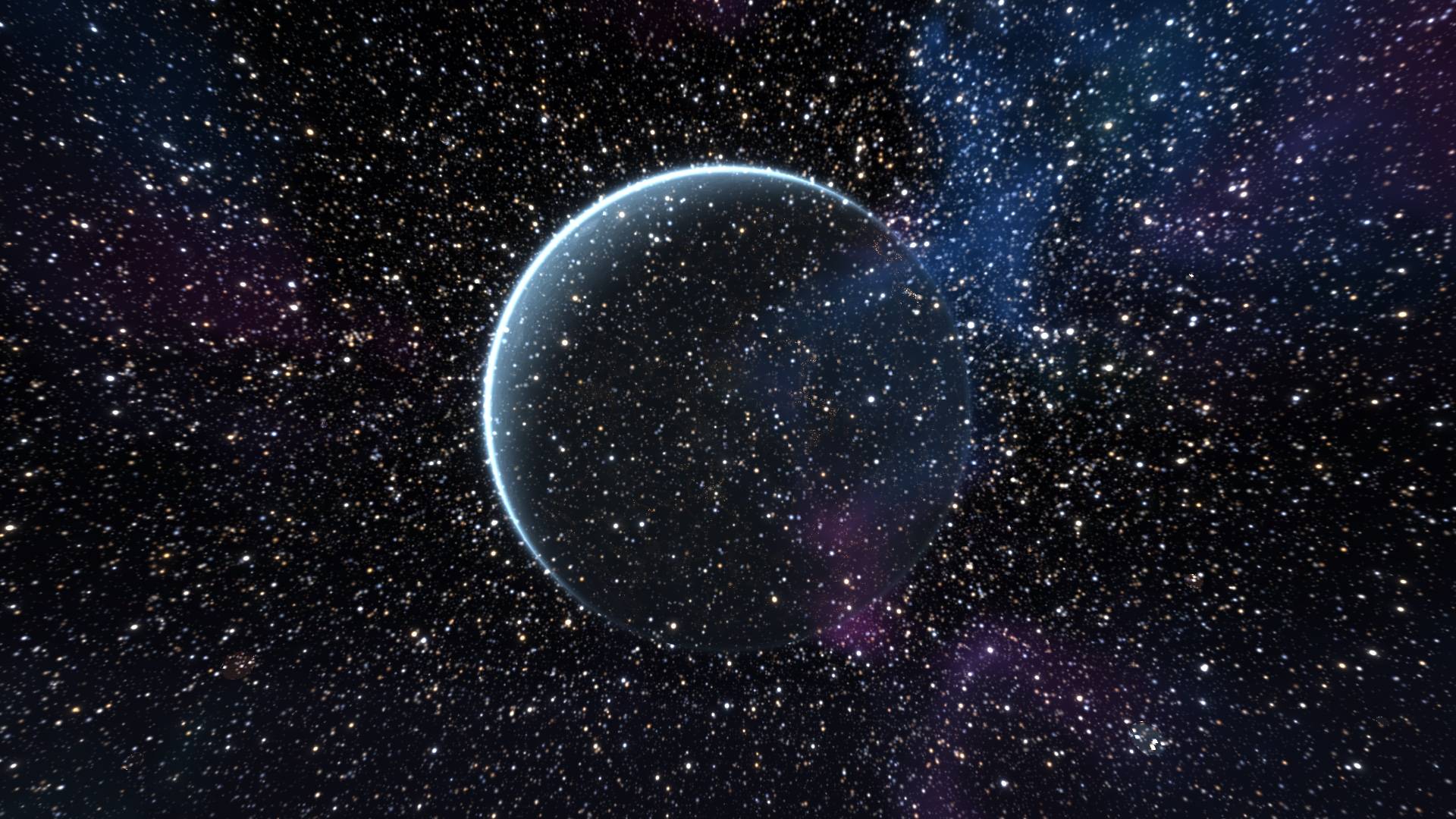
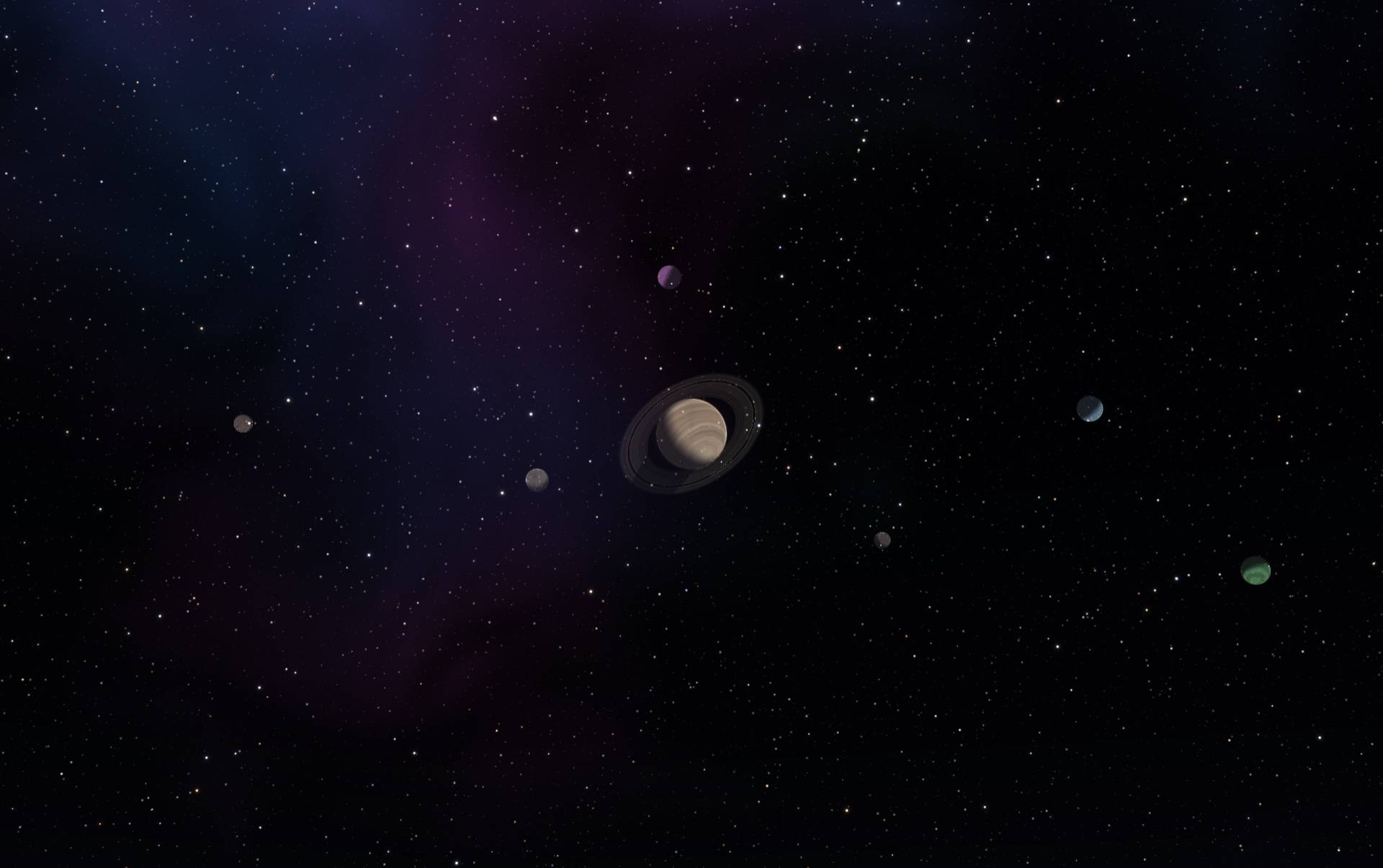
- A glowing nebula drifting across a dense starfield, with dark dust lanes and stars of different colours and brightness.
- Erebon, a colossal city world hanging over the horizon. Its night side is covered in thousands of amber city lights, with a thin blue crescent of atmosphere around it.
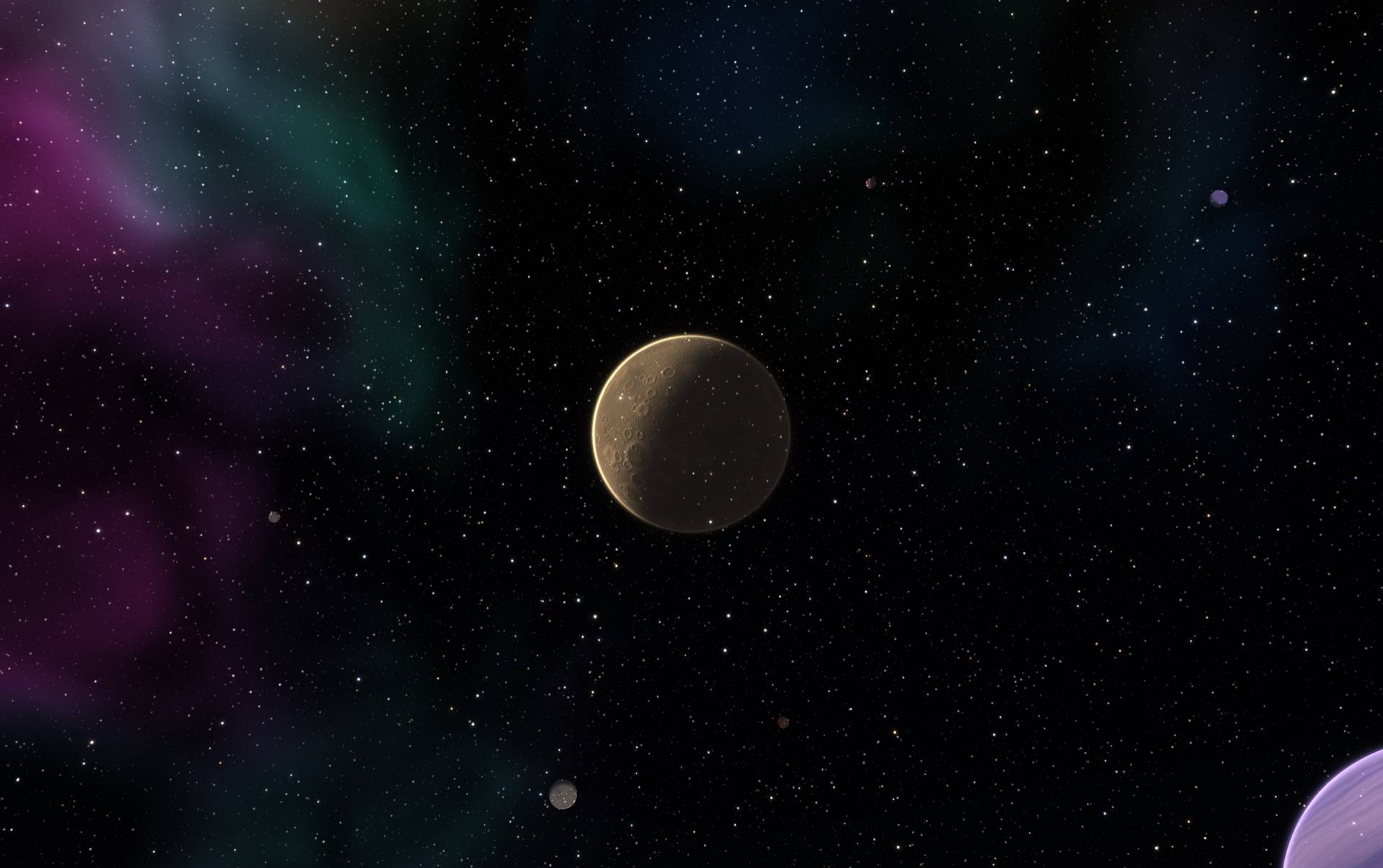
- Four more named worlds, each in its own style:
- Oruun, a banded violet gas giant
- Caldris, a dusty cratered world
- Vaskar, a ringed giant
- Nyssa, a tiny ice world
- A shattered moon with a bite taken out of it, a glowing fracture face and a trail of drifting debris. It sits opposite the sun, so it’s up all night and still low in the east at sunrise.
- 140 small, far-away planets scattered across the sky: cratered worlds, gas giants, ice worlds, lava worlds, ringed worlds and city worlds.
By day
- A blazing sun-world replaces the vanilla sun: a molten surface with boiling granules, flares and eruptions at the edge.
- Erebon stays visible as a pale giant in the blue sky, and the other named worlds show up faintly.
In the End
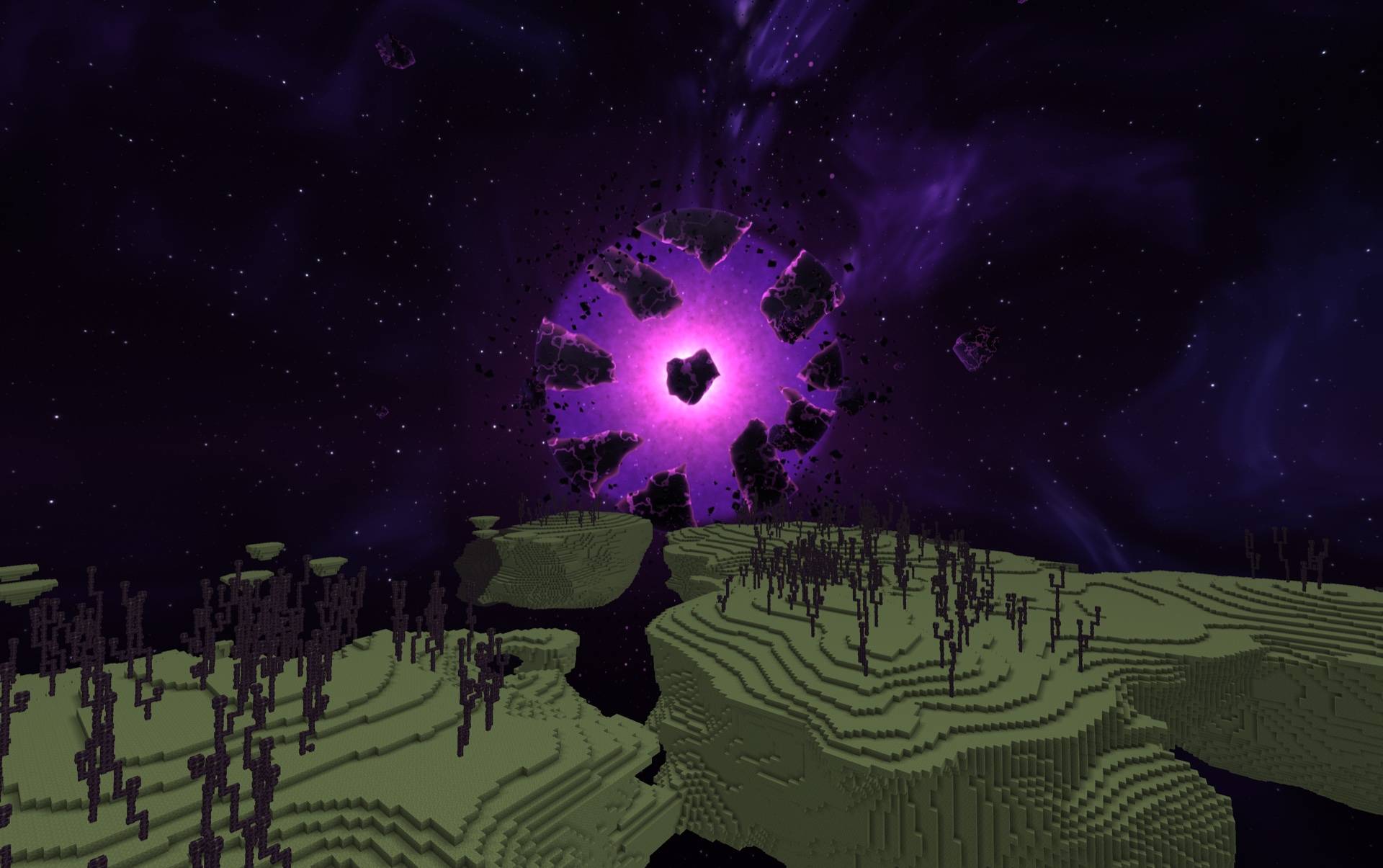
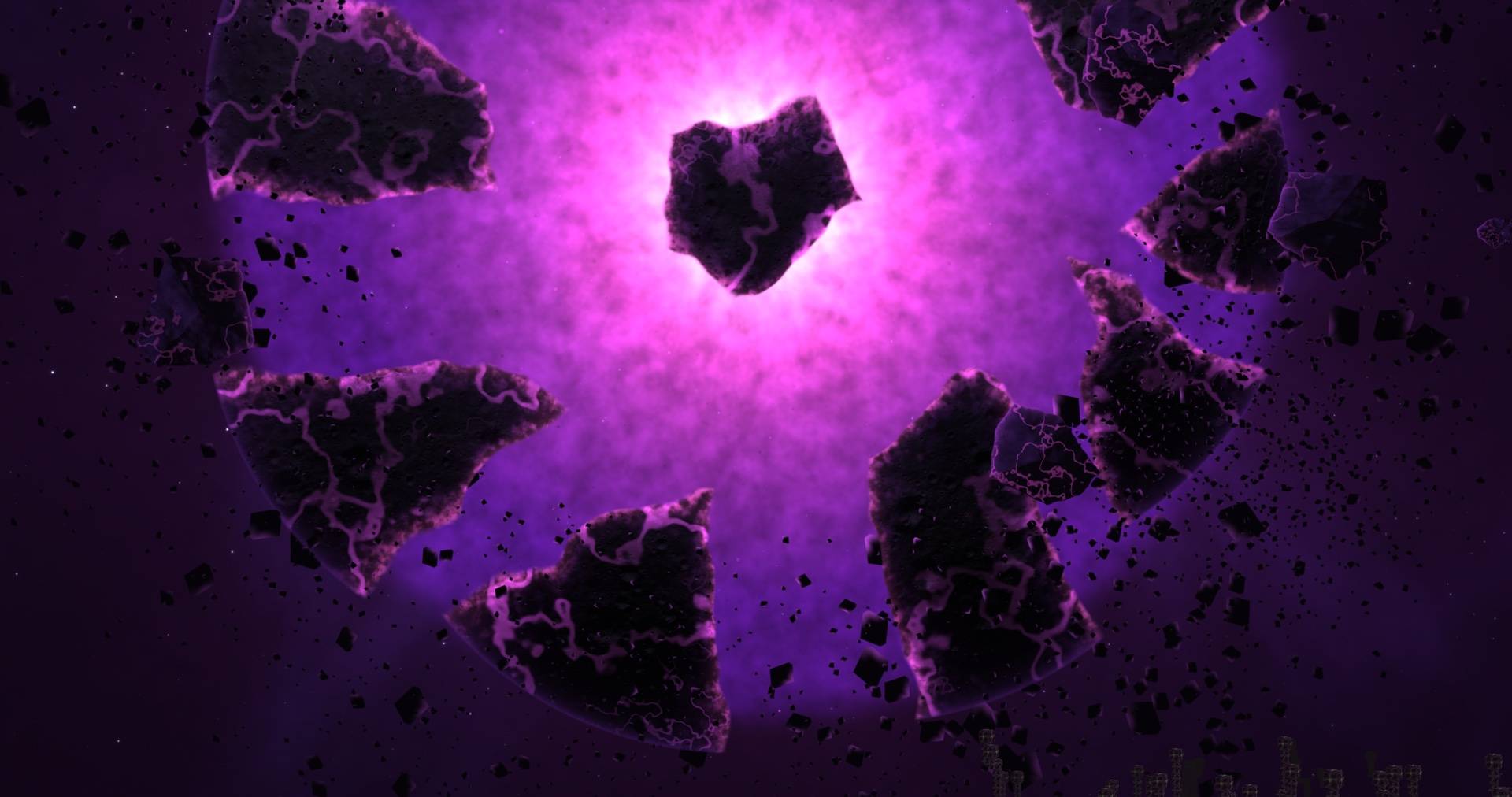
- Devastated space: a deep purple void, shredded magenta and violet nebula cut by dark dust lanes, and sparse, cold stars.
- A shattered world hangs over the islands, its crust plates drifting apart around a glowing violet core.
- A second, smaller world with a chunk missing, plus faceted shards and a belt of wreckage drifting through the void.
Tip: Zoom into planets using a spyglass!
Settings
Open the settings in game: through Mod Menu on Fabric, or with the Config button in the Mods list on Forge and NeoForge. They are saved to config/farworlds.json, which you can also edit by hand.
| Setting | Effect |
|---|---|
enabled |
turns the whole sky on or off |
stars |
the starfield |
nebula |
the nebula |
planets |
the planets |
daytimePlanets |
whether planets show during the day |
shatteredMoon |
the broken moon |
sunPlanet |
the sun-world |
endSky |
the End sky (off = vanilla End sky) |
brightness |
overall brightness, 0–200 (100 is the default) |
quality |
sky detail: Low, Medium, High (default) or Ultra. In the JSON file it’s 0–3 (2 is High). Lower it on weak GPUs |
Details
- Client-side only: works on any server, and nothing is needed on the server.
- Loaders: Fabric, Forge and NeoForge.
- Versions:
- Fabric: 1.18.2, 1.19.2, 1.20–1.20.6, 1.21–1.21.11, 26.1–26.1.2, 26.2, 26.3
- NeoForge: 1.21–1.21.11, 26.1–26.1.2, 26.2, 26.3
- Forge: 1.18.2, 1.19.2, 1.20.1
- Requirements: Fabric API is needed only on Fabric 1.18.2–1.21.1. Mod Menu is optional (for the settings screen on Fabric).
- Vanilla stars, sun, moon and End sky are replaced. The Nether is untouched.
- Don’t combine it with another mod that replaces the sky, such as Starlit. Both draw over the same sky.
MIT licensed.
常见问题
Farworlds Fantasy Sky 支持哪些 Minecraft 版本?
Farworlds Fantasy Sky 支持 Minecraft Java 版 1.18.2–26.3,共 26 个版本,可用的加载器:Fabric / Forge / NeoForge。下载时注意选择和你游戏版本一致的文件。
Farworlds Fantasy Sky 怎么安装?
先用 PCL2 或 HMCL 启动器安装对应版本的 Fabric / Forge / NeoForge,再把下载的 .jar 文件放进游戏目录的 mods 文件夹,重新启动游戏即可。开启了版本隔离的,mods 文件夹在 versions/版本名 下面。
comedy 的其他作品
查看全部 →
Starlit – Better Sky, Stars, Auroras, Galaxies, Shooting Stars, Planets.
打造更出色的夜空:数千颗彩色闪烁的星星、银河、星云、星系、流星、流星雨、彗星和极光;白天还有日落、光晕和彩虹。仅限客户端,支持 Fabric、NeoForge 和 Forge。兼容光影!
Heartline – Health Bars & Damage Numbers
在所有生物头顶显示血条,显示伤害数字、金色暴击和连击数;目标面板还会显示击杀还需命中几次。提供 11 种血条样式、宠物提醒,支持完全自定义。客户端模组,支持 Fabric、NeoForge 和 Forge。

Identify – What Am I Looking At?
指向任意目标即可查看其信息,包括方块、生物、作物,以及 25 个模组中的机器信息。客户端模组。
Limn – Colored Block Outlines
重新为你注视的方块外框上色:可选任意纯色,或让彩虹沿着边缘流动。还可调整不透明度和线条粗细。仅限客户端,兼容 Mod Menu。
评论
登录后评论和评分