
Stilled TFC
A calming and beautiful TerraFirmaCraft experience on 1.21.1 with QOL additions, ambiance, and a steady framerate!
截图
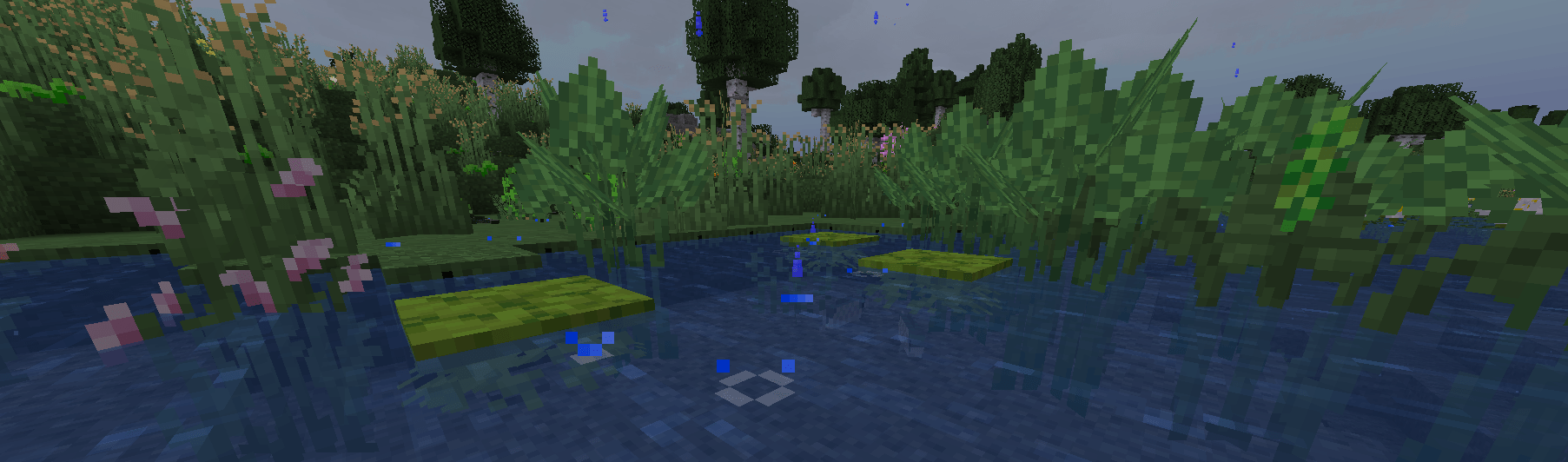
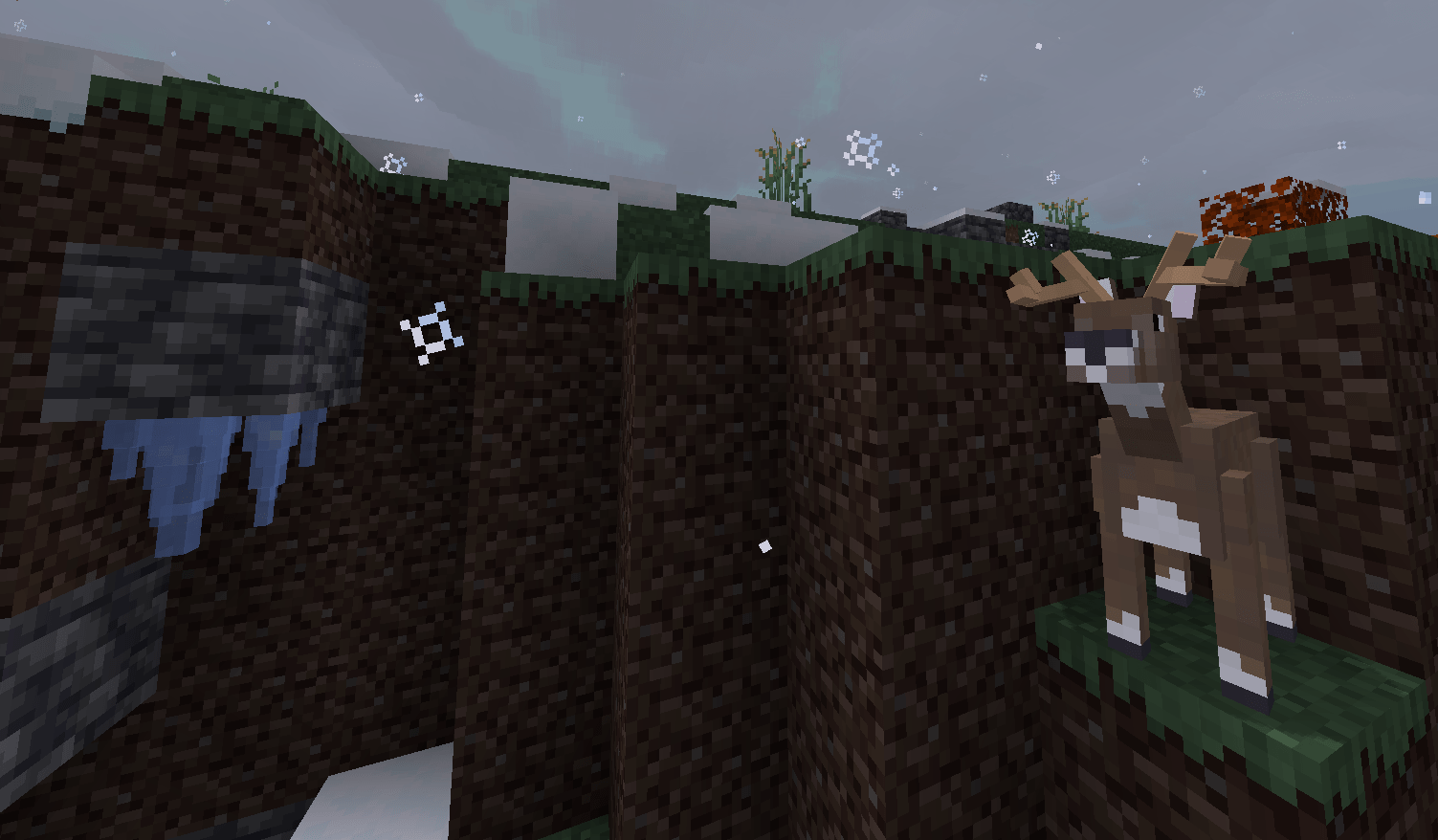
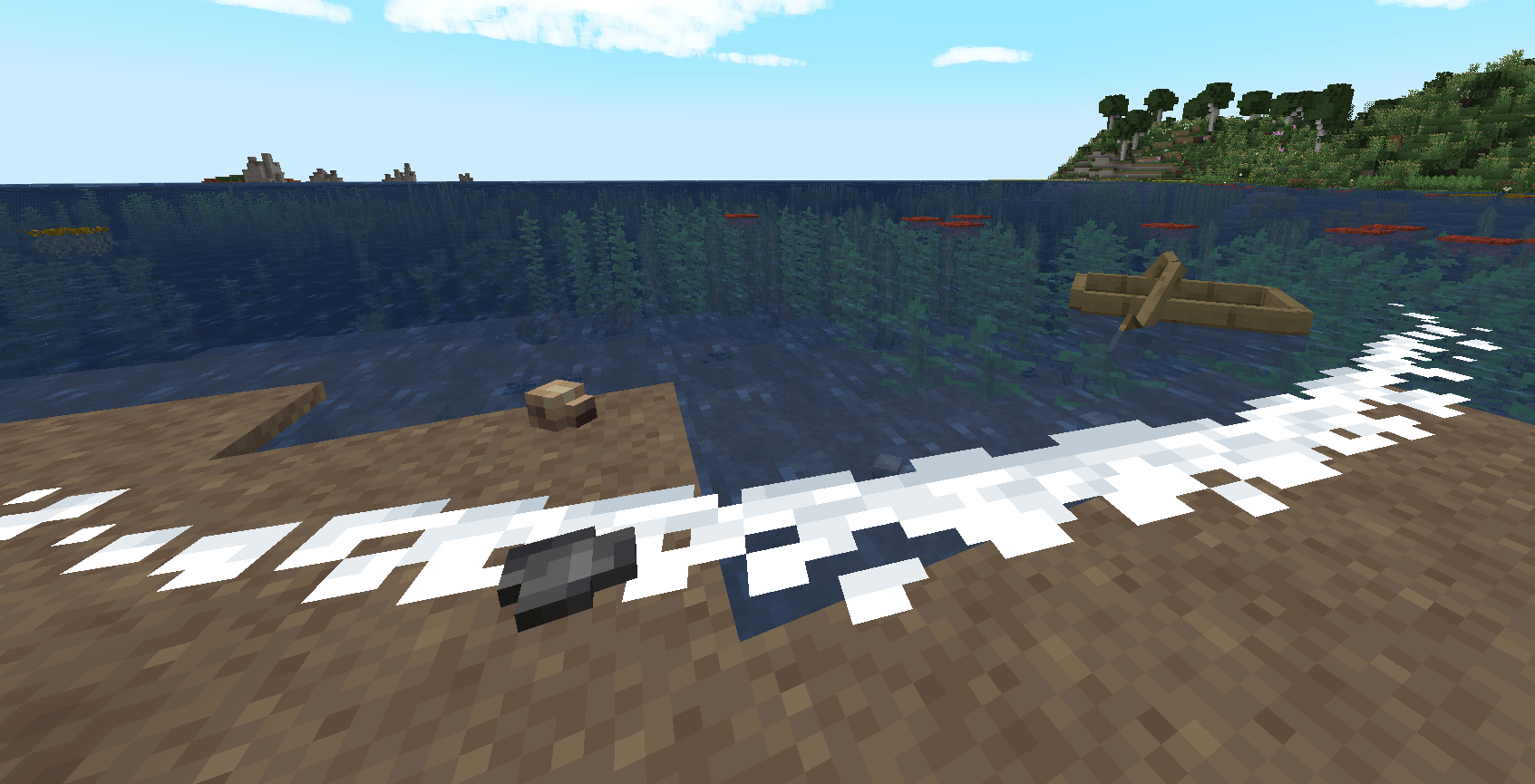
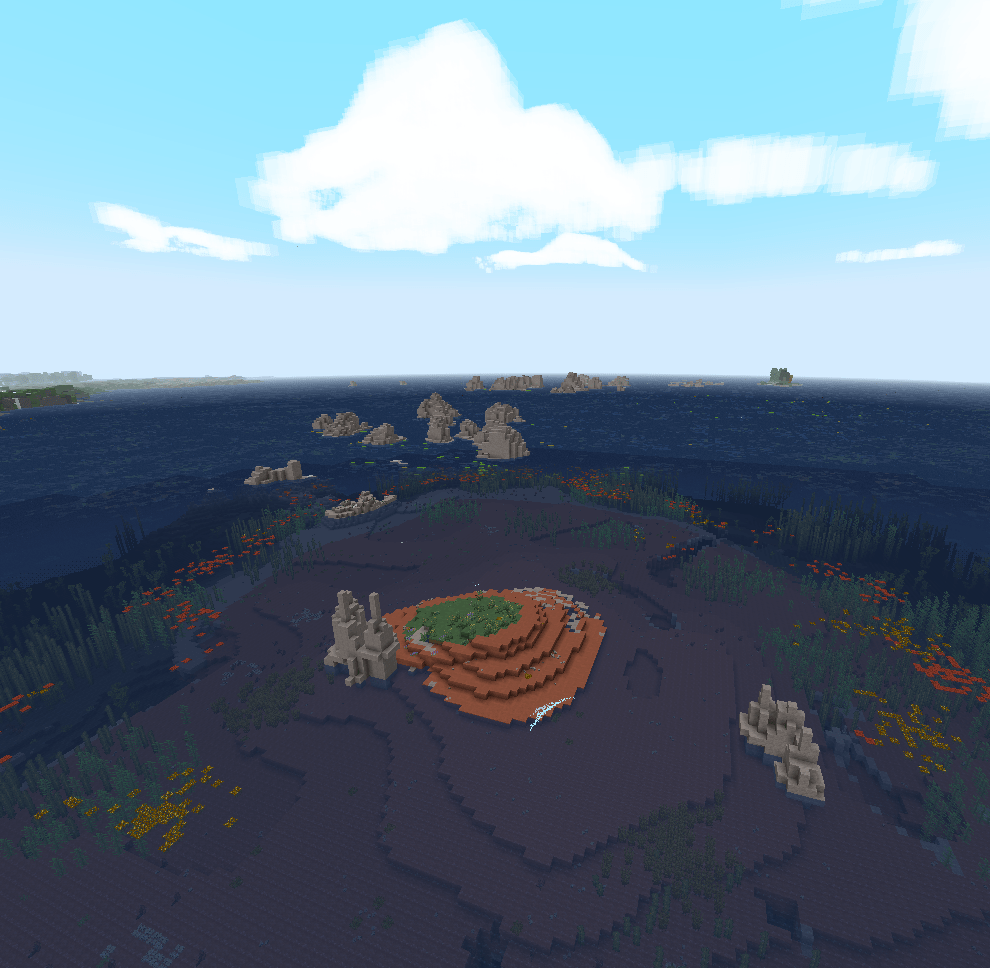
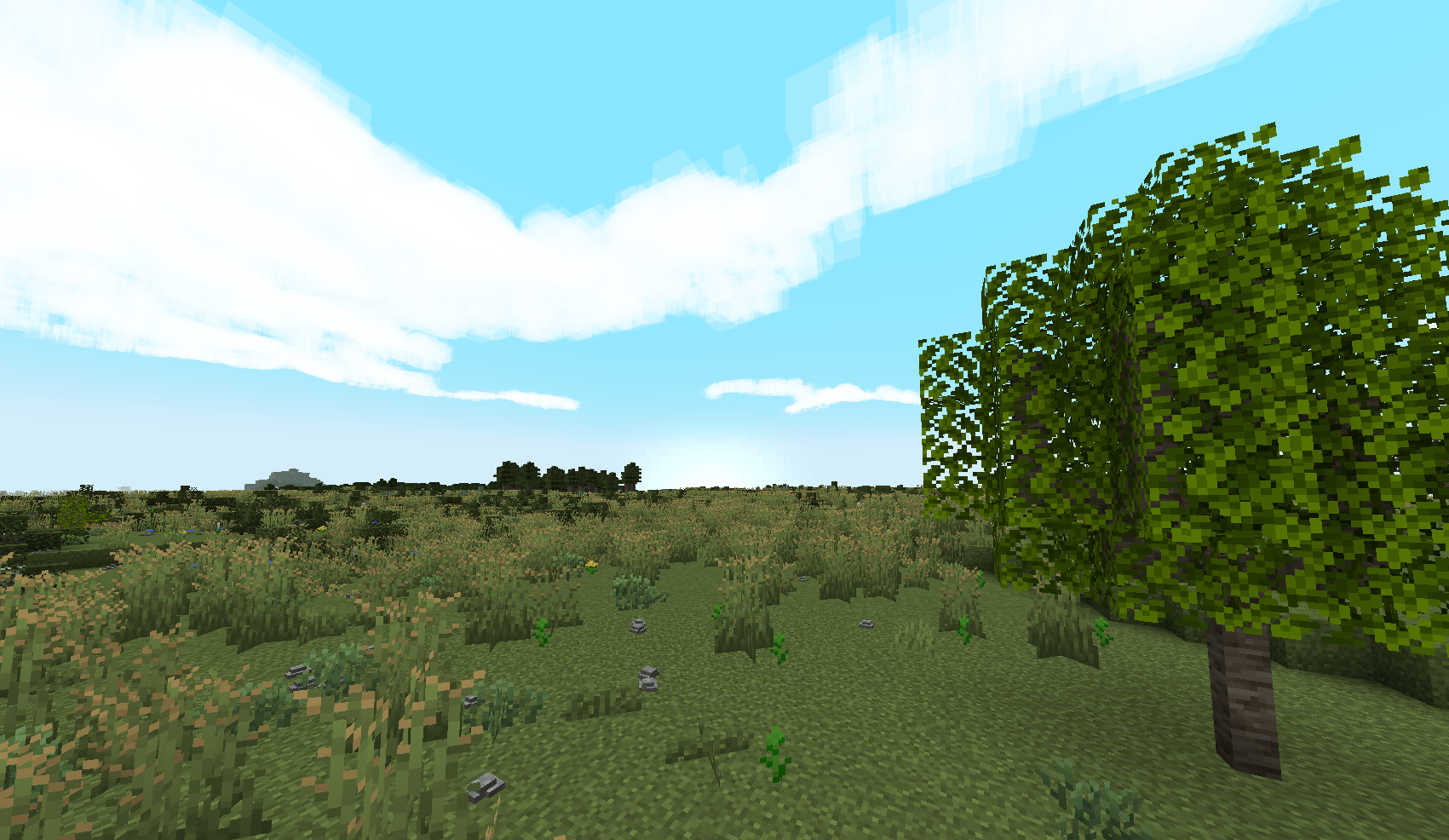
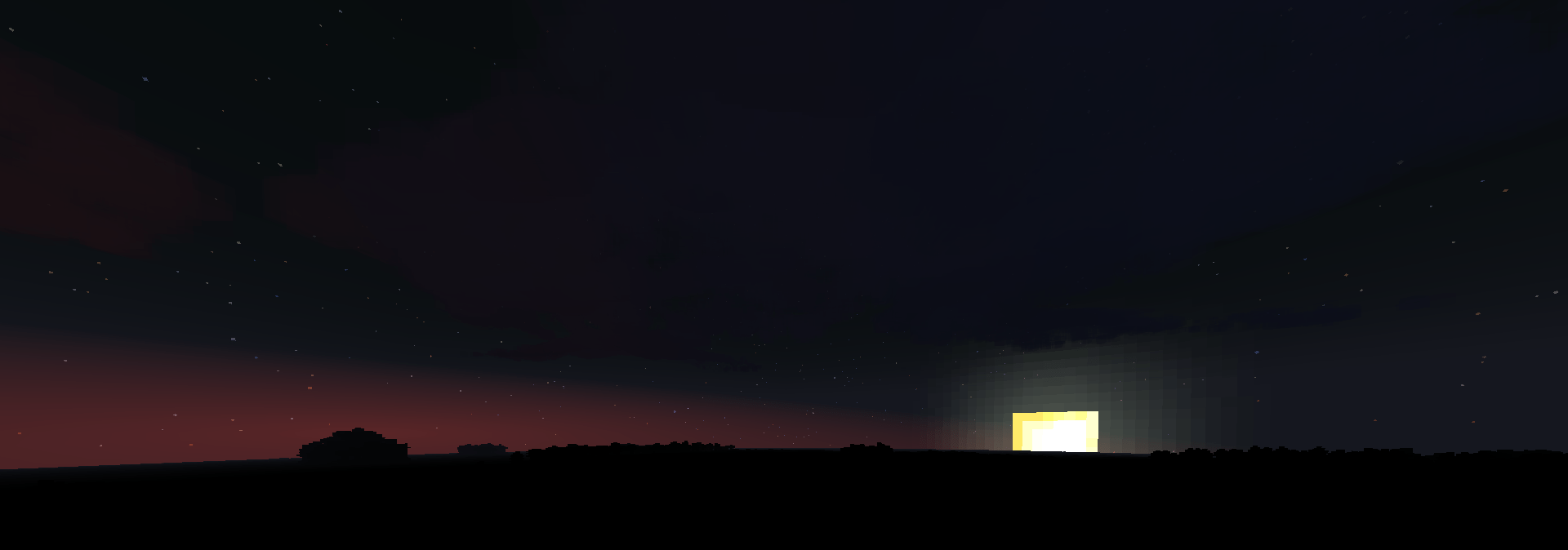
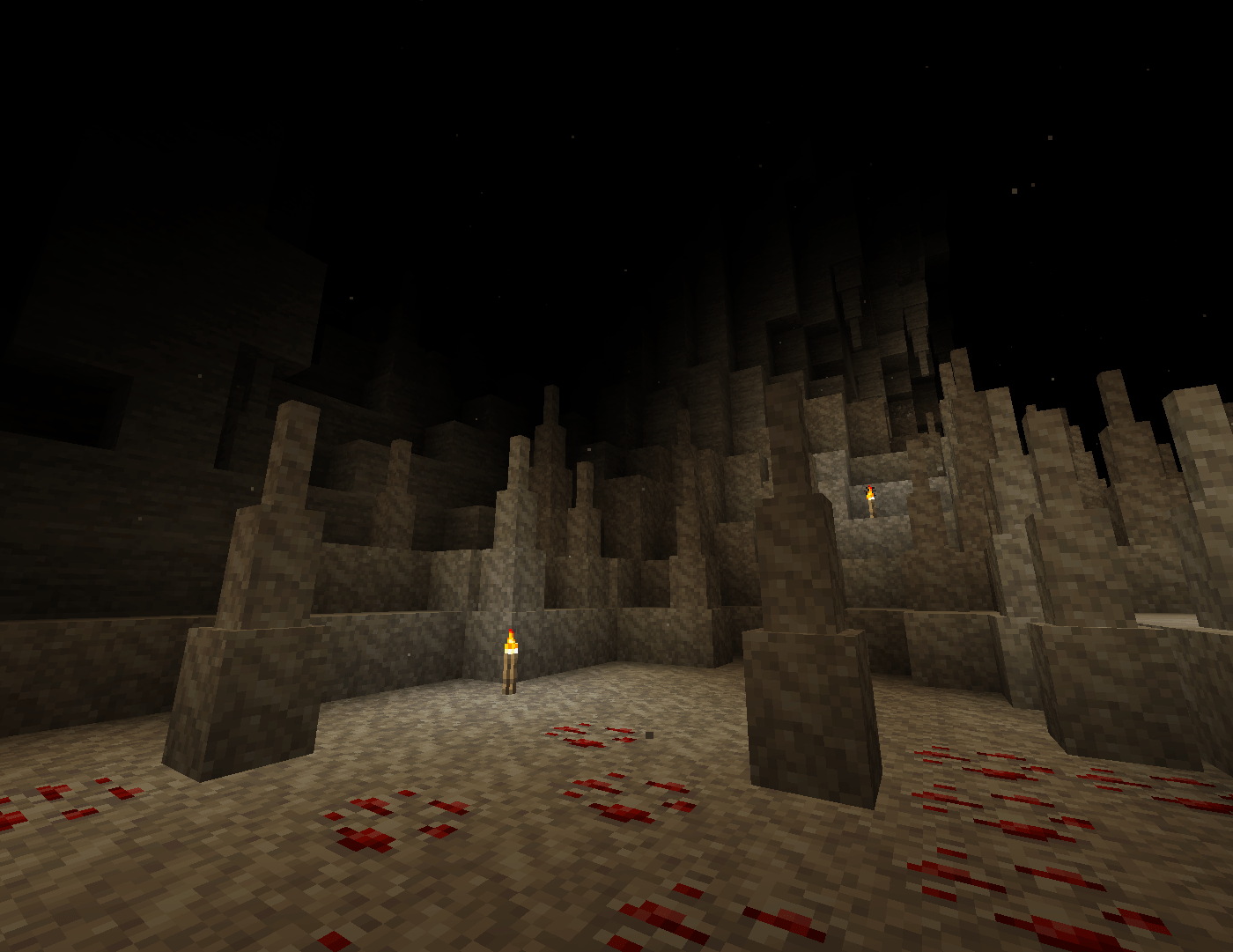
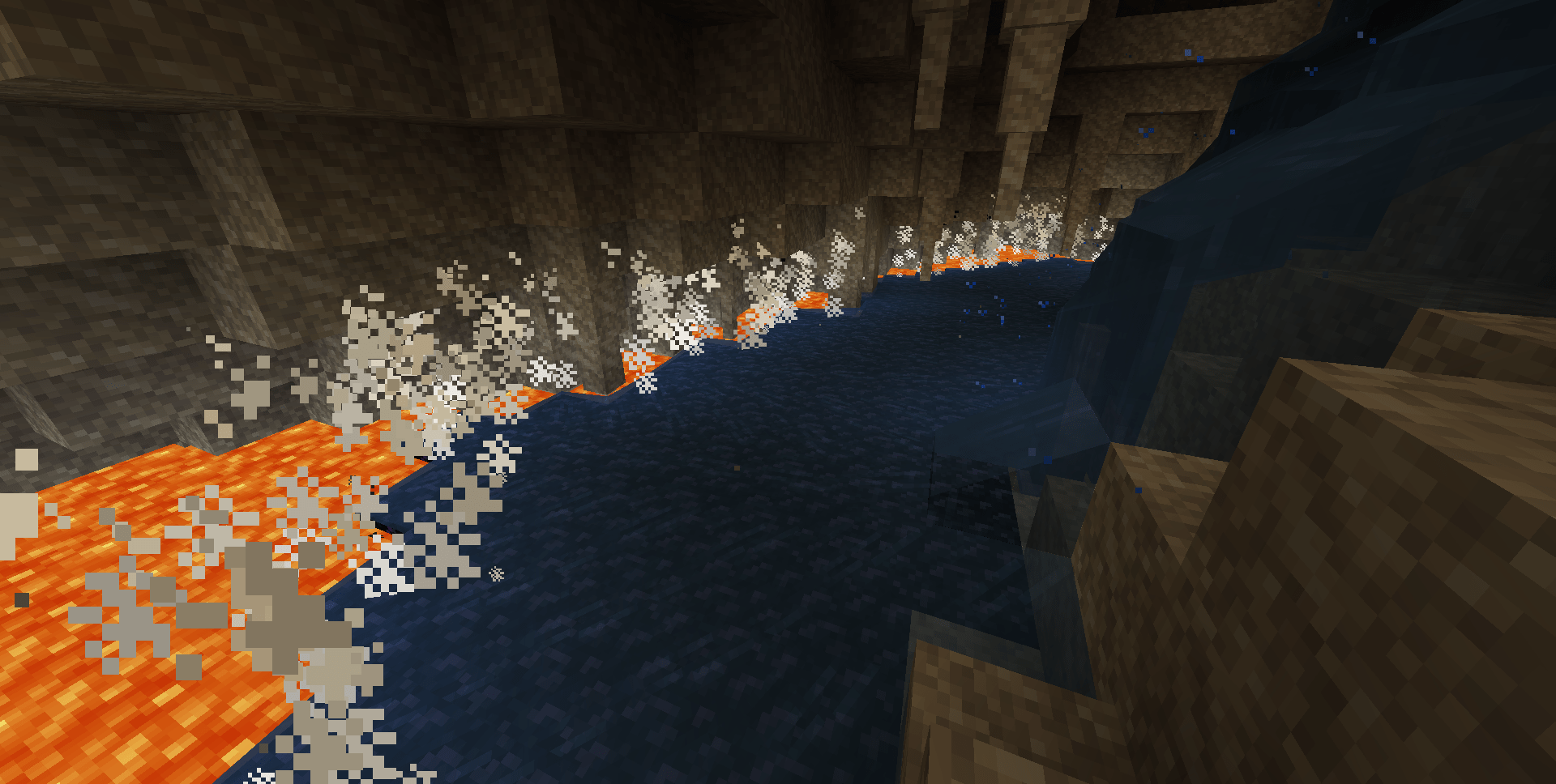
介绍
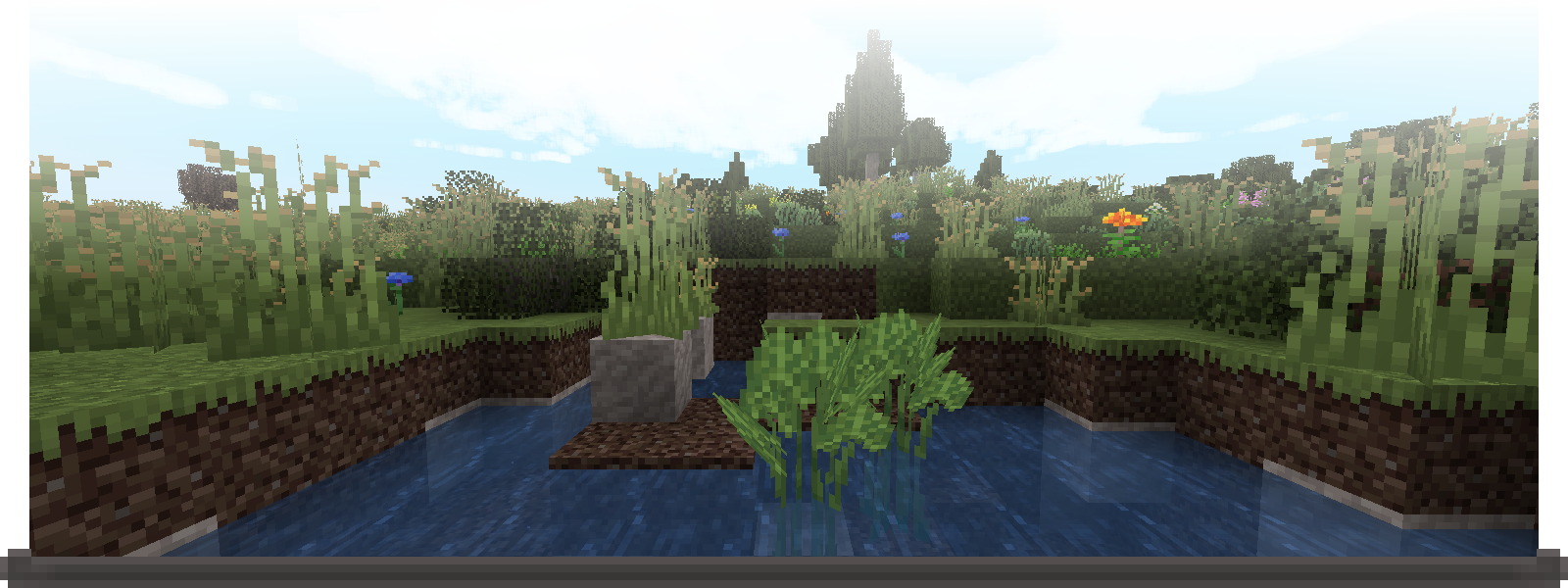
Stilled TFC is a modpack built around TerraFirmaCraft that makes the world more beautiful.
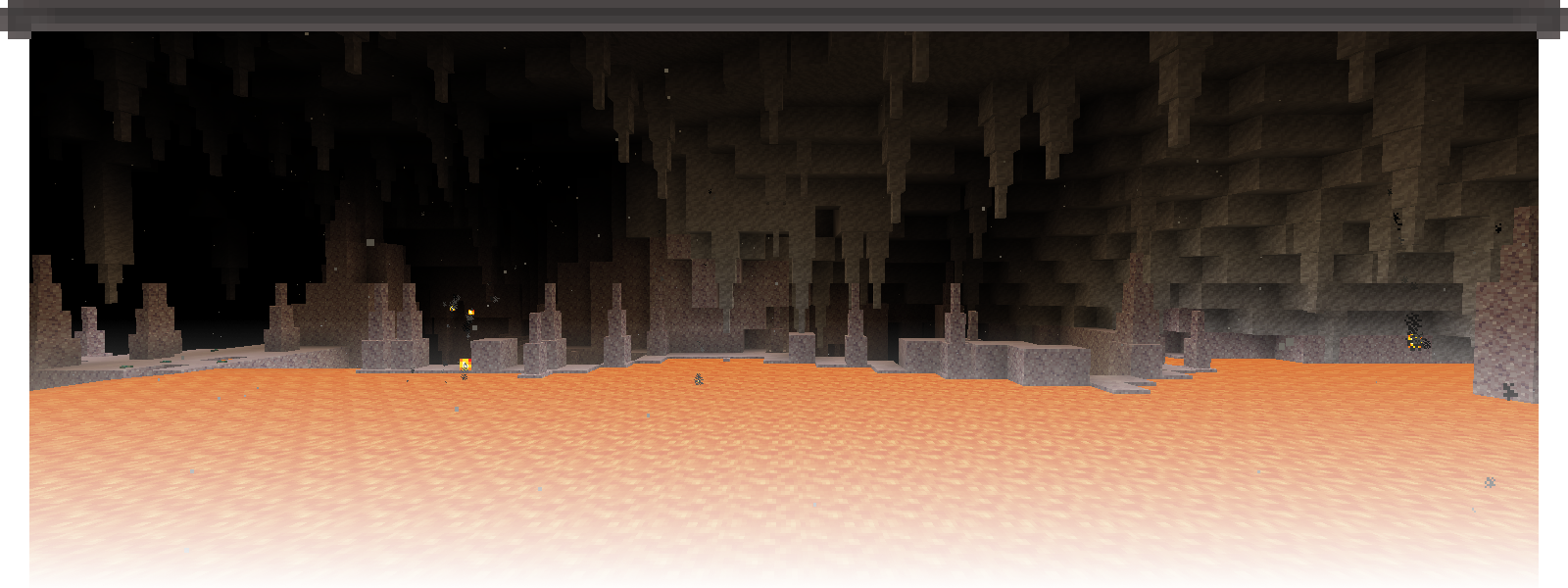
You’ll see waves upon the beaches, hear winds in the grasses, and see land as far as the horizon of the Earth. It does all this while maintaining a high FPS. I’ve worked hard to make this modpack as cohesive as possible while being as performant as possible.
For the best experience, I’d recommend allocating between 4gb and 6gb of ram and using Eclipse Temurin 25 with -XX:+UseZGC -XX:+UseCompactObjectHeaders JVM arguments. See here for more detailed information on which JVM arguments to use and what they do!
Low Frame Rate?
You could try disabling either Distant Horizons, Better Clouds, or both.
- To disable Distant Horizons, from the Main Menu or Pause Menu go to
Options...
Within Options... click on the Distant Horizons button to the top left. Set both Enable Rendering and Enable Distant Generation to False.
- To re-enable vanilla fog, proceed down
Advanced optionsthen toGraphics. Here setEnable Distant Horizons Fogto False andEnable Vanilla Fogto True.
- To disable Better Clouds, from the Main Menu or Pause Menu go to
Mods
Search or scroll to the Better Clouds mod, then click on Config. Click on the Enabled button at the top of the config screen to change Better Clouds to Vanilla.

The main additions of Stilled TFC are:
- QOL in the form of
- Inventory management
- Crafting tweaks
- Dedicated and more precise prospecting tools
- and more!…
- Improved Visuals with
- Dynamic lights
- Rain splashes on water
- Better clouds
- Low cost LOD terrain with Distant Horizons
- Improved Sounds with
- Walking sounds
- Occlusion and reverb
- A custom ambient sounds pack that adds more life to the world in the form of wind, water, and foliage!
- High performance with configs specifically tweaked to reduce stutters and increase FPS
- Expanded Temperature mechanics with the addition of Cold Sweat TFC
- and too much polish to even list…

Pssst, don’t have Prism Launcher or the Modrinth App but still like the look of this? You can click the link below to convert the most recent version of this modpack to a .zip containing all the modpack’s resources. This conversion is done locally, so be patient.
With these resources you’re able to import Stilled TFC into any launcher! I’ve made guides for the CurseForge app and the Minecraft Launcher below.
Modpack Converter: .mrpack to .zip
Importing into the CurseForge app
Begin by opening the CurseForge app, once opened click on the + Create button to start a new modpack.
- Fill out the data like so:
Modpack Name: Stilled TFC
Minecraft Version: 1.21.1
Game Type: NeoForge
Modloader Version: [Select the most recent version]
- Once the modpack has finished setting up, navigate to the modpack folder:
From within the modpack click on the three dots next to Play then head to Open Folder ↗
If instead on the main page, first right click on the modpack then head to Open Folder ↗
- Bring over the .zip containing all of Stilled TFC now. To finish off the modpack import you will need to extract the .zip in the modpack directory. Make certain the contents are extracted directly into the modpack directory! If you get a folder containing all the files, move those files into the modpack directory.
You’re fine to delete the zip after completing these steps. To update the modpack in the future, delete the mods, resourcepacks, datapacks, and config folder before repeating step 3.
Importing into the Minecraft Launcher
- Download the NeoForged Installer, select
1.21.1as the Minecraft Version and use the latest NeoForged Version. I’d suggest following the entire installation section of the NeoForged docs.
- Now that you have NeoForged installed on the Minecraft Launcher and have decided on whether to make a separate profile or not, navigate to that profile directory.
(What the NeoForged docs and I refer to as profiles are labeled Installations within the Minecraft Launcher. Me referring to them as Installations would lead to confusion however)
- Bring over the .zip containing all of Stilled TFC. To finish off the modpack import you will need to extract the .zip in the modpack directory. Make certain the contents are extracted directly into the modpack directory! If you get a folder containing all the files, move those files into the modpack directory.
You’re fine to delete the zip after completing these steps. To update the modpack in the future, delete the mods, resourcepacks, datapacks, and config folder before repeating step 3.
包含的模组 65 个,另有 1 个其他文件
 Architectury API
BadOptimizations
 Balm
 Better Beds
 Better Clouds
 Better Third Person
 Biome Particle Weather
 Cerulean
 Cherished Worlds
 Coastal Waves
 Cold Sweat
 Concurrent Chunk Management Engine (NeoForge)
 Controlling
 Corals TFC // 1.18.2 // 1.20.1 // 1.21.1 //
 Corpse
 Crafting Tweaks
 Cubes Without Borders
 Cut Through
 Default Options
 遥远的地平线
 动态环境
 EMI
 实体剔除
 Explosive Enhancement: Reforged
 FerriteCore
 Flerovium
 Forgified Fabric API
 Global Packs
 Gnetum
 ImmediatelyFast
 Jade 🔍
 JEI物品管理器
 LambDynamicLights - Dynamic Lights
 LanguageReloadUnofficial
 锂
 Logarithmic Volume Control
 Map Atlases [Forge]
 ModernFix
 Moonlight Lib
 鼠标微调
展开全部 65 个
 Nemo's Inventory Sorting
 oωo (owo-lib)
 帕秋莉手册
 Precision Prospecting
 Presence Footsteps
 Puzzles Lib
 Random World Names
 Reese's Sodium Options
 ScalableLux
 Searchables
 Sinytra Connector
 钠
 Sodium Extra
 Sound Physics Remastered
 TerraFirmaCraft
 TFC Cold Sweat
TFC Support Indicator
 TFC Vessel Tooltip
 TrashSlot
 True Darkness Refabricated
 TxniLib
 Vexxed Audio: TerraFirmaCraft
 Vexxed Visuals: TerraFirmaCraft
 World Play Time
 YetAnotherConfigLib (YACL)
绿色边框的模组本站有收录,点进去看中文介绍;其余跳转到 Modrinth。
常见问题
Stilled TFC 支持哪些 Minecraft 版本?
Stilled TFC 基于 Minecraft Java 版 1.21.1,使用 NeoForge 加载器。
Stilled TFC 怎么安装?
点本页「前往下载」拿到整合包文件(Modrinth 的是 .mrpack,CurseForge 的是 .zip),在 PCL2 或 HMCL 启动器里选择「导入整合包」,启动器会自动装好 Minecraft、加载器和全部模组。这个整合包有 65 个模组,建议在启动器里给游戏分配 4–6 GB 内存。
Stilled TFC 开服需要多大内存?
推荐服务器内存 12 GB。在线人数多、或者建了大量机器和区块加载器时,可以再加 2–4 GB。
怎么和朋友一起玩 Stilled TFC?
点本页的「一键开服」,选好配置后会自动安装 Stilled TFC 的服务端,几分钟就能开好。把服务器地址发给朋友,大家用同一个版本的整合包连进去就行。
Wildeditour 的其他作品
查看全部 →
Vulkan32
The most performant Vulkanmod modpack around, built for the Vulkan renderer with extensive testing to ensure no clutter nor sacrifice!

QuakeWater
A resourcepack that adds Quake-like water & lava!

Egregious Model Optimizations
Optimized block models via texture baking and additional culling for a passive boost!

VsBase
A base for building modpacks with Valkyrien Skies 2.
评论
登录后评论和评分