
截图
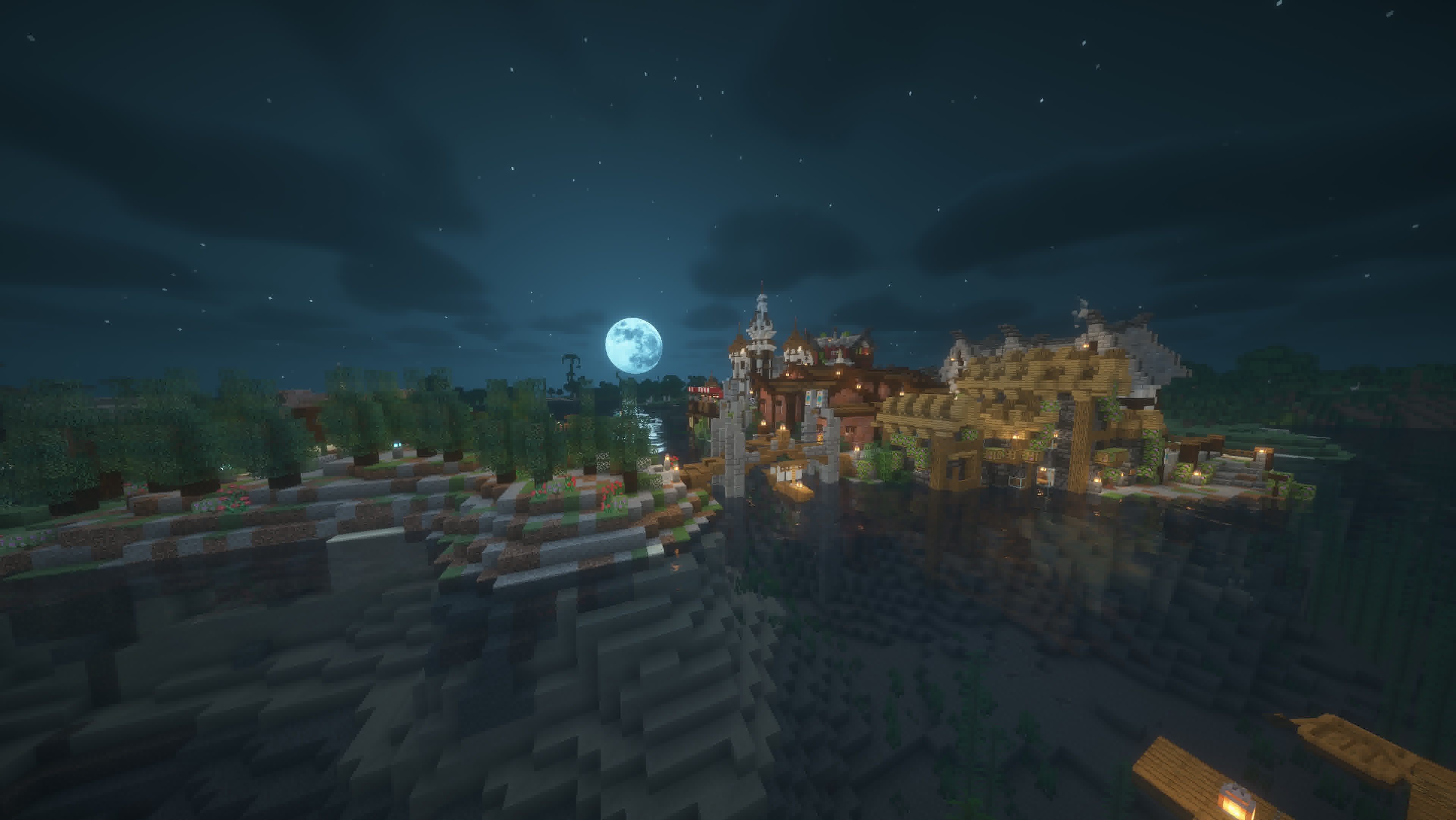
介绍

#
Swilla’s Usage modpack is a v1.21.4 only modpack that isn’t for optimizing, but to give an experience, making it a difference from the rest
See the Installation Instructions when installing the modpack, for launchers that can’t support downloading from modrinth, you may need to use the installing the modpack Externally
Here’s how it compares
| Feature | Fabulously Optimized | Simply Optimized | Remarkably Optimized | Performium | Sodium Plus | Swilla’s Usage ModPack |
|—————————————————————|:———————-:|:—————–:|:———————:|:———-:|:————-:|:————————:|
| Mojang Screen Removed (Game Boot) | ❌ | ❌ | ❌ | ❌ | ❌ | ✅ |
| Minecraft Options Configured By Default | ❌ | 🟨 | 🟨 | 🟨 | 🟪 | ✅ |
| Loading Terrain Removed | ❌ | ❌ | ❌ | ✅ | ❌ | ✅ |
| Fast Quitting Worlds (Quit Fast Mod) | ✅ | ❌ | ❌ | ❌ | ❌ | ✅ |
| Resource Pack Screen (Changing Packs) Removed | ✅ | ❌ | ❌ | ❌ | ❌ | ✅ |
| Zoom way better (Zoomify) | ✅ | ❌ | ✅ | ❌ | ❌ | ✅ |
| Mod Menu | ✅ | ❌ | ✅ | ✅ | ✅ | ✅ |
| Server Resource Pack Control | ❌ | ❌ | ❌ | ❌ | ❌ | ✅ |
| Pack Downloader and many more in-game | ❌ | ❌ | ✅ | ✅ | ❌ | ✅ |
| Resource Explorer (Resource Pack Folder Viewer) | ❌ | ❌ | ❌ | ❌ | ❌ | ✅ |
Notes
#
Tested on version 1.21+ only, on modpack versions:
Fabulosly Optimized – Fabulously Optimized 6.5.0-beta.10
Simply Optimized – Simply Optimized 1.21.4-2.0.1
Remarkably Optimized – Remarkably Optimized 1.13.1
Performium – Performium v1.1.0-Release+1
Sodium Plus – Sodium Plus 2.3.1-beta.1
#
Section 2 for Sodium Plus – Configured but not the music or etc
Section 2 for Remarkably Optimized – GUI Scale is not configured (Defaults to auto), And there’s only the built in Frabic Packs with Resource Packs from a Mod Only
Section 2 of Performium – Barely Configured, but not the FOV, neither the Resource Packs that cames with the modpack are enabled
Section 2 of Simply Optimized – GUI Scale set to 3, nothing else
But what does change even?
Worlds
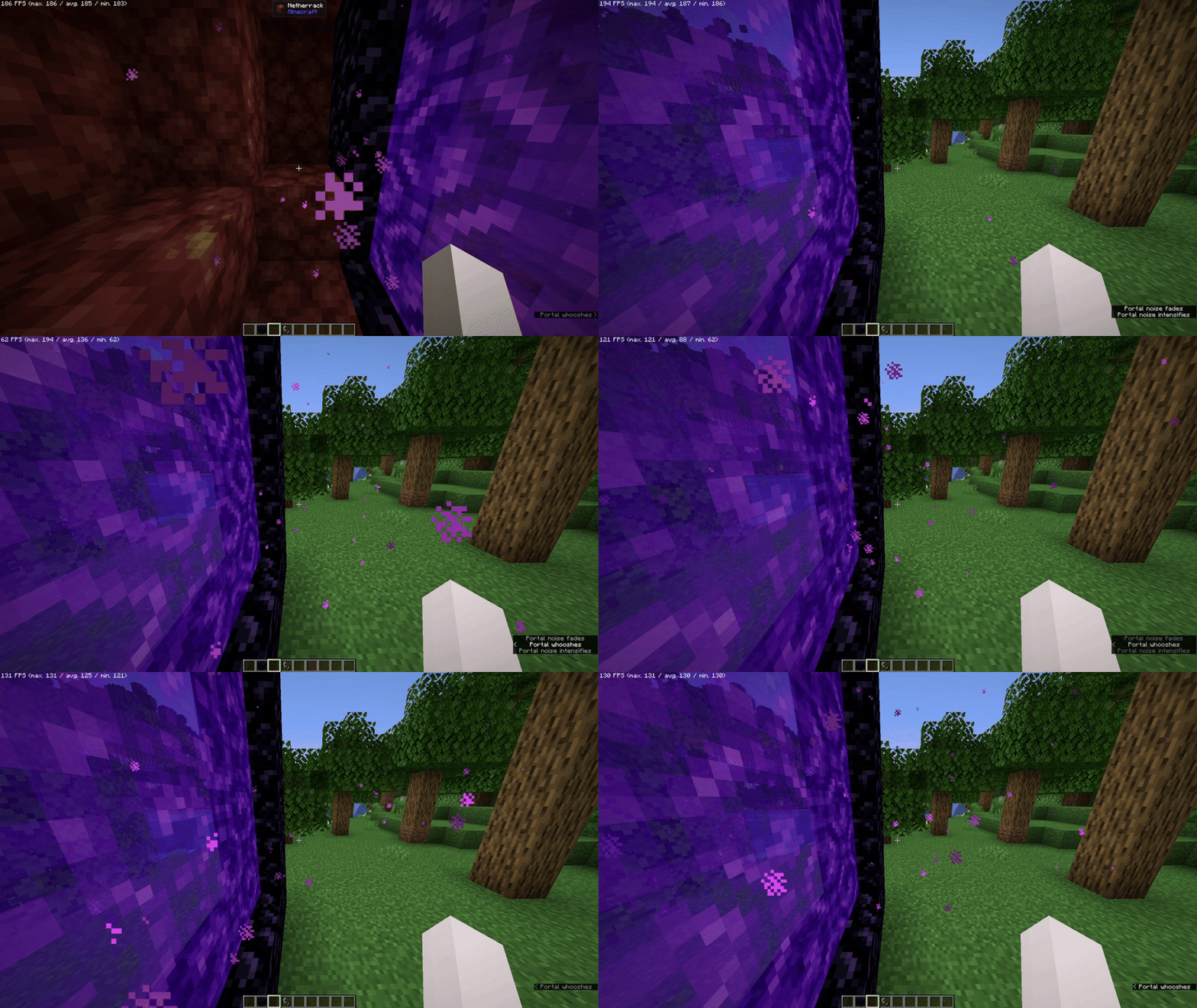
It Removes “Loading Terrain…” forever and ever (And Loads Fast!) when changing worlds/creating worlds, so it doesn’t feel like a pain to watch
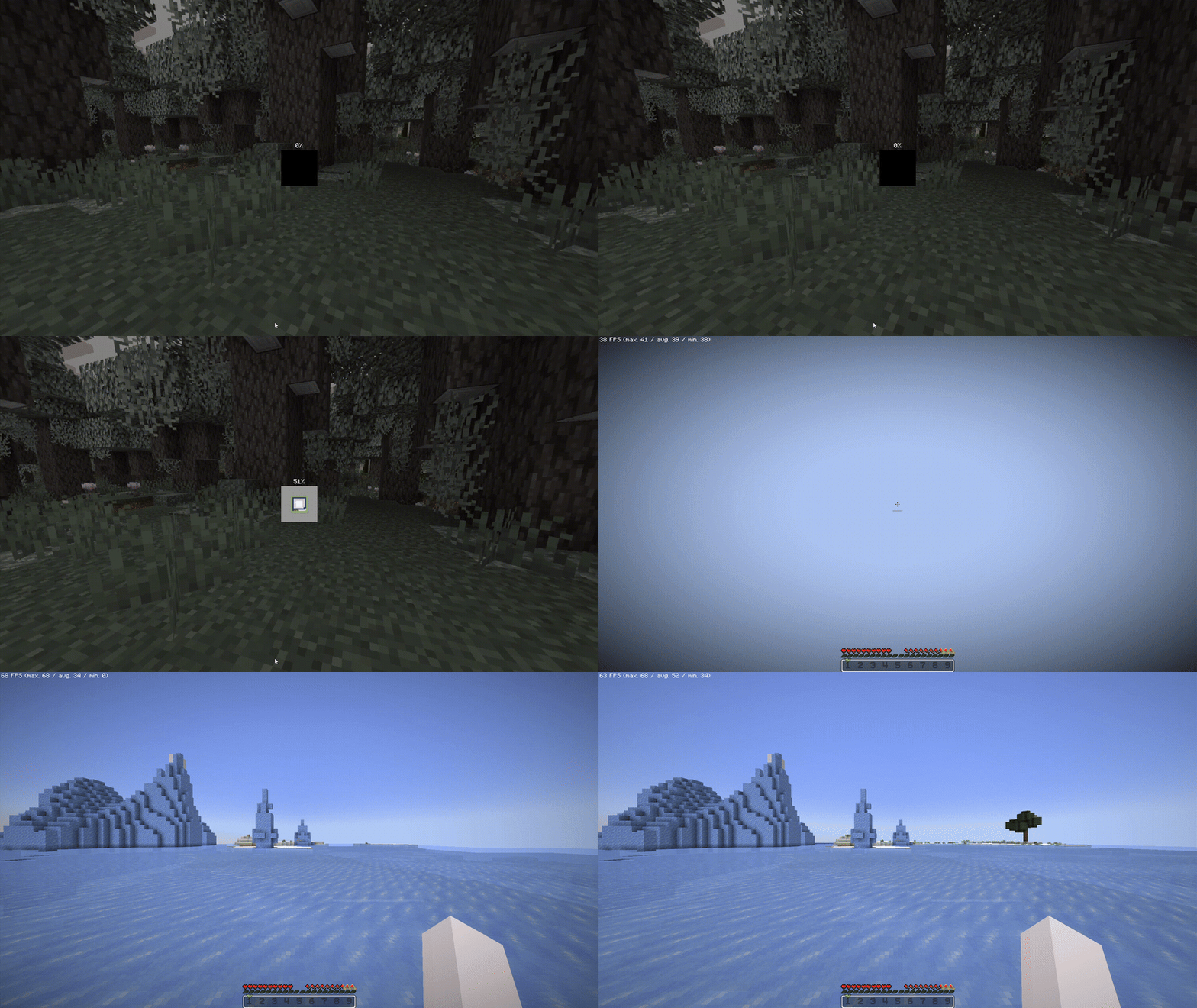
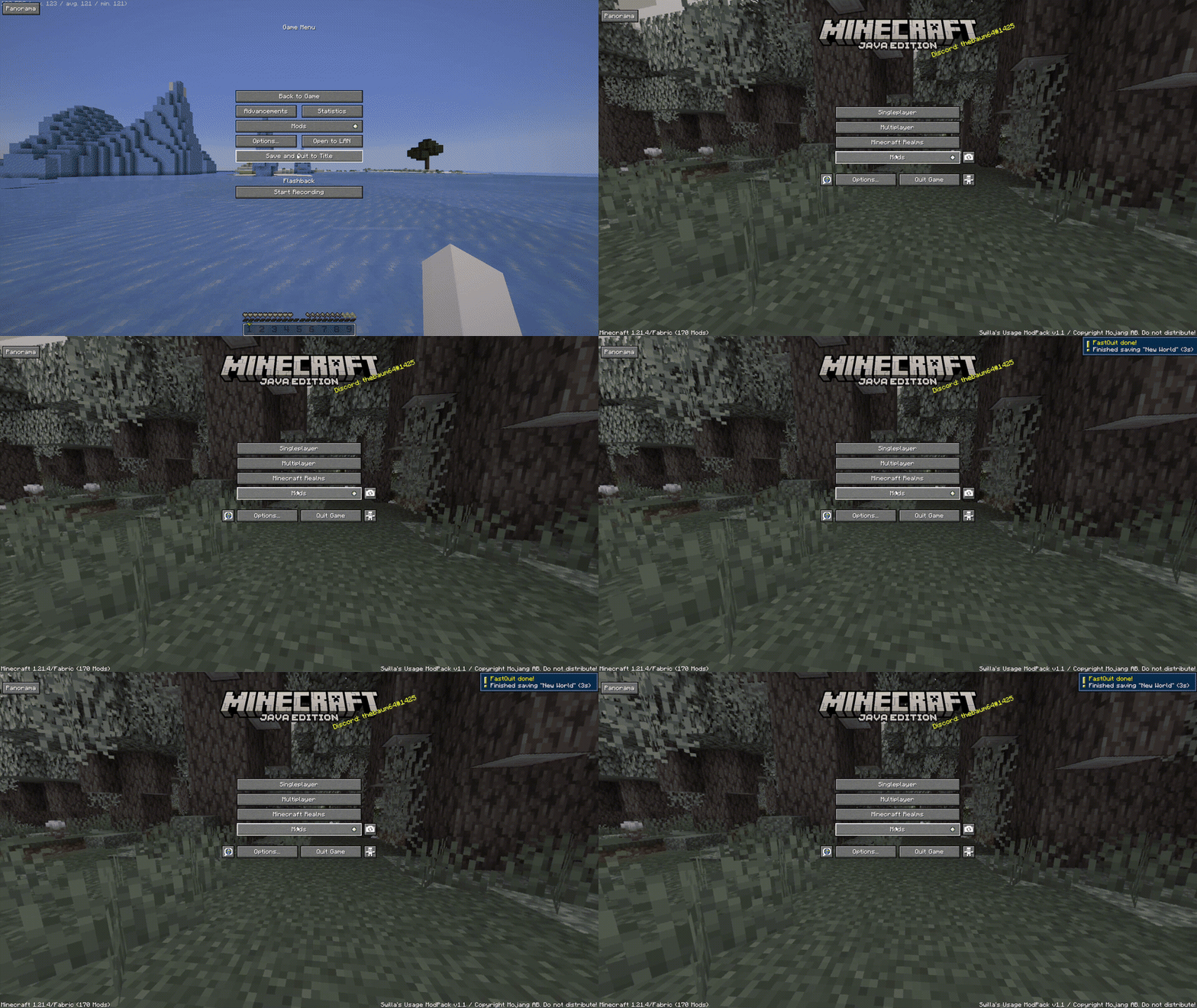
When saving worlds, you will be already at the menu, as the world is saved in the background (Shown at the top right)
Resource Packs
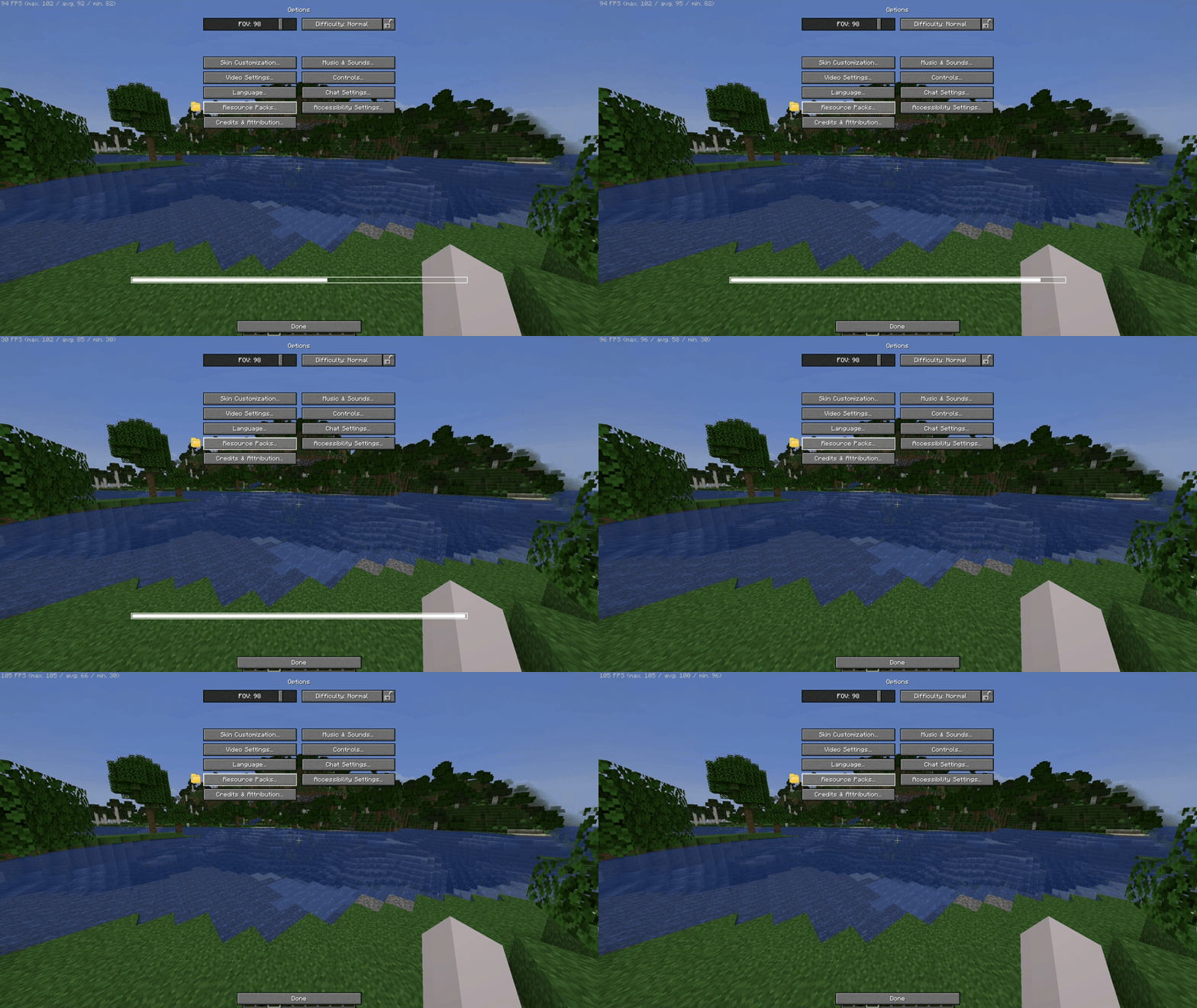
It removes the Mojang/Loading screen when changing any resource pack, so you can move while it loads on the background
Server Resource Packs
You can control the way Server Resource Packs are, not from the usual “Accept or don’t connect”, you can either Ignore (Accepts but doesn’t apply – Works on servers) Accept it, but with a check if you want the server to override (Change) the existing resources from your enabled Resource Packs on your client!

Game Launching
The game will boot in the menu instantly, as because of the Loading Screen and The Mojang Logo is removed!

Other
HUD and UI
The UI is from Catppuccin UI While if you want, you can apply the Etsan’s Better Hotbar or AxeFactor for PvP!*


*On Versions starting 1.2 and above, not v1.2 (Beta 1) and below
Flashback built in
If you want to record your gameplays, Flashback is built in here, you simply need to Start The Recording

Download DataPacks/Resource Packs/Shaders/etc…
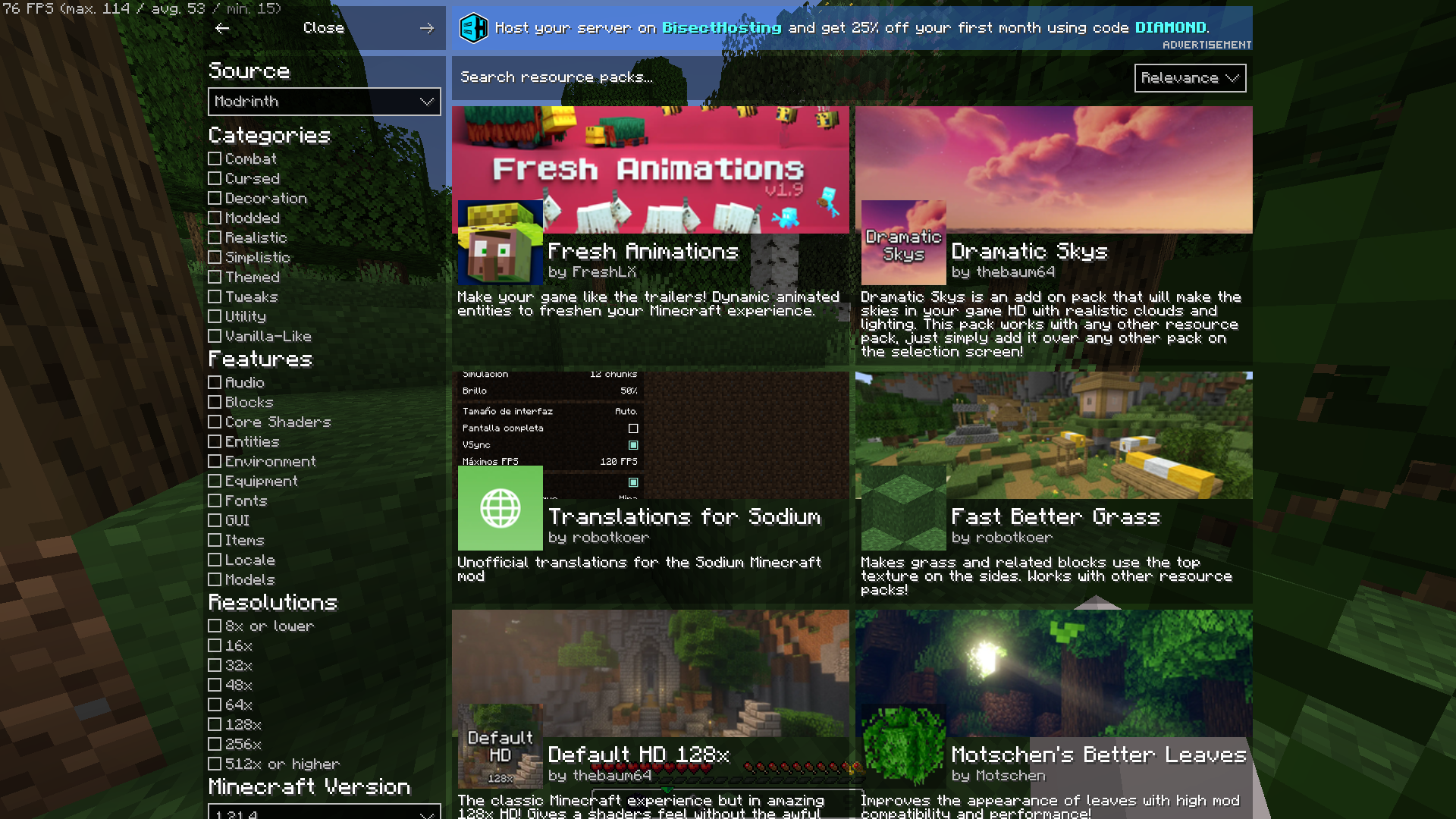
You can download worlds*, resource packs, shaders and other stuff in-game, from modrinth or curseforge!
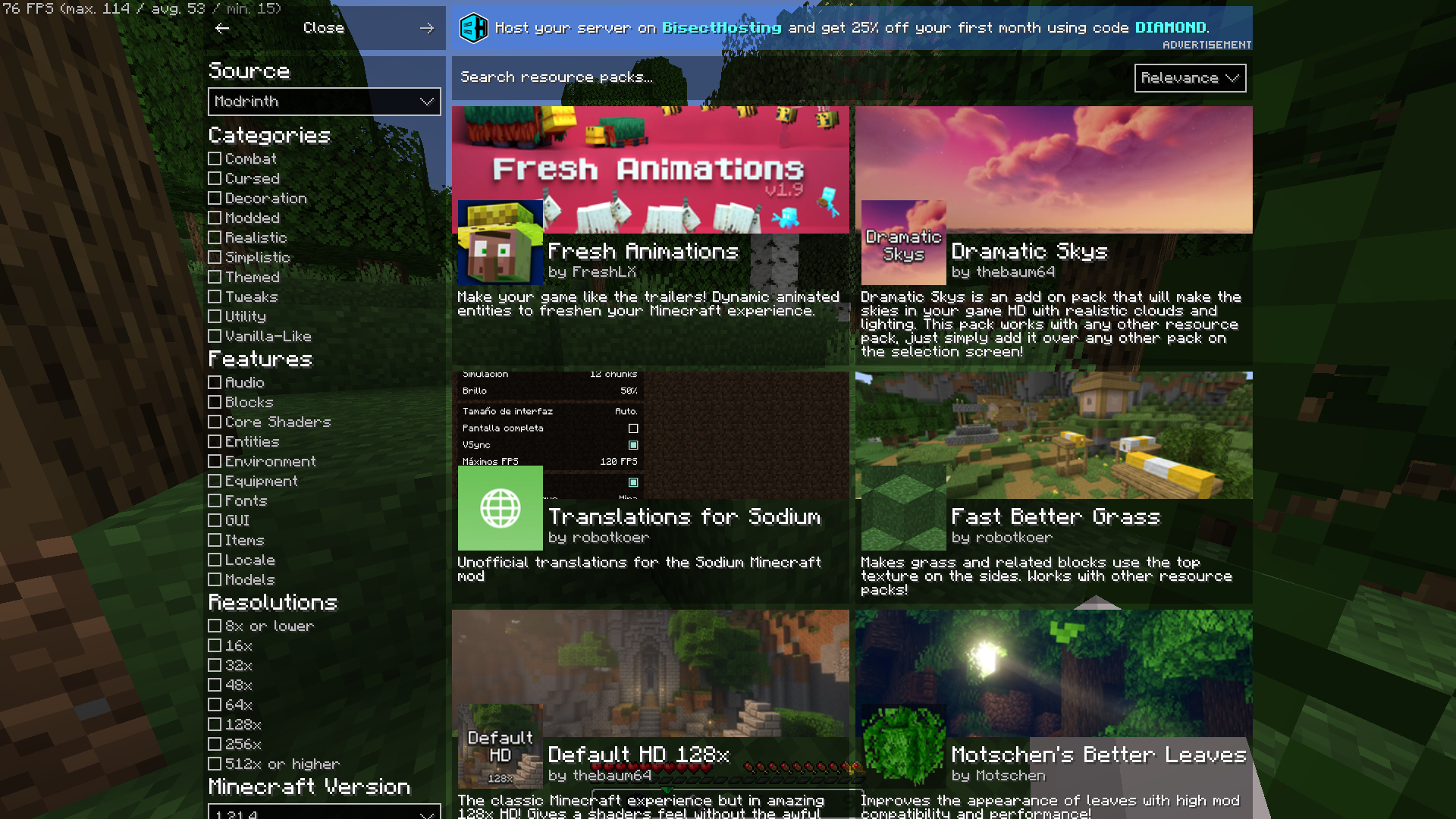
*Worlds are CurseForge Only
Information when looking in a block
I mean, you can see which block is even if its from a resource pack

Player Heads
Player Heads will show on chat when they chat, or with server messages

Pre-Built in Worlds
The ModPack Comes with prebuilt in worlds to test already the modpack**!

*
_*The modpack will take a while to extract before downloading mods_
_*Worlds from CurseForge:_
_Medieval Port City by ForgiaDeiBuilder & Millenniar_
_Voidblock by LoweredgamesDev_
_Xbox Tutorial 31 by noxgame1230_
Hello there… did you ready need to scroll down?
Well, this modpack is built from a single person, if you enjoyed using the modpack you can consider donating to my Ko-Fi if you want me to continue working!
包含的模组 68 个
 3D皮肤层
 [EMF] Entity Model Features
 [ETF] Entity Texture Features
 苹果皮
 AxeFactor
 Better Mount HUD
 Better Statistics Screen
 BetterF3
 BetterGrassify
 Capes
 Catppuccin UI
 Chat Heads
 Chat Reporting Helper
 Cloth Config API
 Clumps
 Continuity
 Cubes Without Borders
 Dramatic Skys
 Dynamic FPS
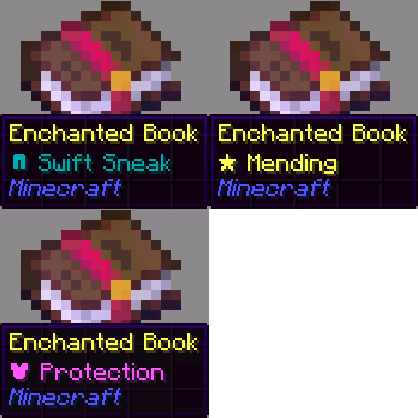 Enchant Icons
 Enhanced Block Entities
 实体剔除
 Etsan's Better Hotbar
 Fabric API
 Fabric Language Kotlin
 Fabrishot
 Fast Better Grass
 FastQuit
 FerriteCore
 Flashback
 Forge Config API Port
 ImmediatelyFast
 Iris Shaders
 Jade 🔍
 Just a Editable Game Title
 kennytvs-epic-force-close-loading-screen-mod-for-fabric
 Konkrete
 Language Reload
 锂
 Low On Fire
展开全部 68 个
 Melody
 模组菜单
 Model Gap Fix
 ModernFix
 More Chat History
 My Resource Pack, My Choice
 Nickname Detector
 No Chat Reports
 No Chat Restrictions
 No Telemetry
 Not Enough Animations
 OptiGUI
 oωo (owo-lib)
 Panorama
 Reese's Sodium Options
 Remove Reloading Screen
 Resource Explorer
 Resourcify
 Scoreboard Tweaks
 Simple Voice Chat
 钠
 Sodium Extra
 TCDCommons API
 Text Placeholder API
 Translations for Sodium
 ViaFabricPlus
 YetAnotherConfigLib (YACL)
 Zoomify (Zoom)
绿色边框的模组本站有收录,点进去看中文介绍;其余跳转到 Modrinth。
常见问题
Swilia’s Usage ModPack 支持哪些 Minecraft 版本?
Swilia’s Usage ModPack 基于 Minecraft Java 版 1.21.4,使用 Fabric 加载器。
Swilia’s Usage ModPack 怎么安装?
点本页「前往下载」拿到整合包文件(Modrinth 的是 .mrpack,CurseForge 的是 .zip),在 PCL2 或 HMCL 启动器里选择「导入整合包」,启动器会自动装好 Minecraft、加载器和全部模组。这个整合包有 68 个模组,建议在启动器里给游戏分配 4–6 GB 内存。
Swilia’s Usage ModPack 开服需要多大内存?
推荐服务器内存 12 GB。在线人数多、或者建了大量机器和区块加载器时,可以再加 2–4 GB。
怎么和朋友一起玩 Swilia’s Usage ModPack?
点本页的「一键开服」,选好配置后会自动安装 Swilia’s Usage ModPack 的服务端,几分钟就能开好。把服务器地址发给朋友,大家用同一个版本的整合包连进去就行。
swilia 的其他作品
查看全部 →
Over The Limits for Female Gender Mod
Allows you to go over the default limits for Female Gender Mod

Daily Menu Panoramas
Tired of those Mojang Panoramas? Yeah me too

Minecraft on Discord
A Discord Game SDK integration for Minecraft!
Just a Editable Game Title
Set any game title and icon, as you wish
评论
登录后评论和评分