
截图
介绍
中文介绍正在准备中,下面暂时显示原文。
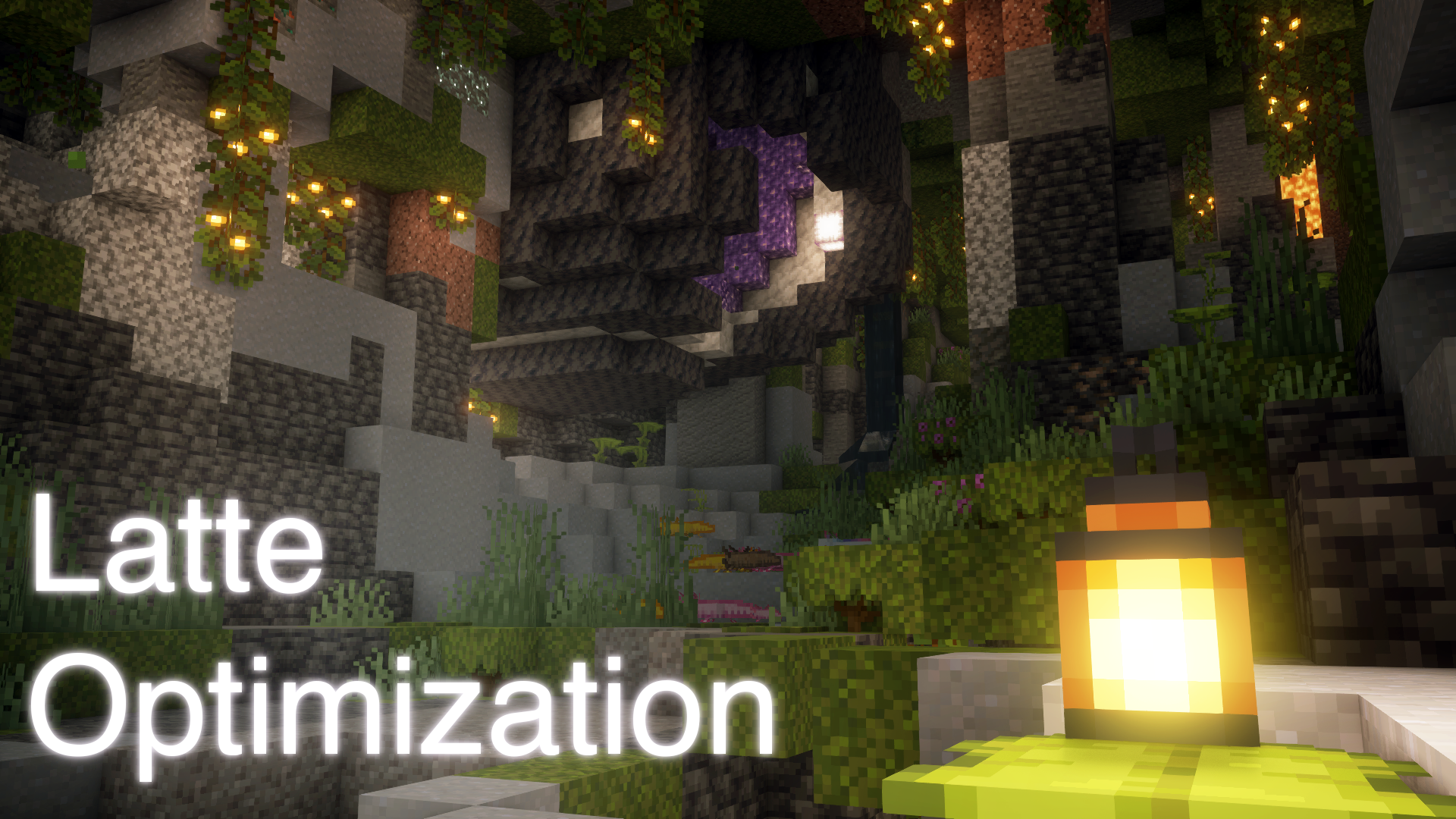
☕ Latte Optimization
Vanilla modpack aimed at optimization 🛠️
Why Latte Optimization?
- My modpacks are highly compatible with different versions of Minecraft. This means you can use them on any computer, even a calculator!
- This modpack is rigorously tested to meet quality standards. I am confident in the quality of my work and am ready to guarantee that your client will work without failures and bugs.
- I regularly update my modpack so that it is always up to date and has the latest features.
- If you have any questions or problems, I’ll always be happy to help you solve them.
- You can be sure that your client is safe, as all my modpacks are checked for vulnerabilities and bugs.
Versions of modpack:
- 1.20.1 ✔️
- 1.20 ✔️
- 1.19.4 ❌
- 1.19.3 ✔️
🧰 Mods:
- Debugify
- More Culling
- Dashloader
- Model Gap Fix
- Chunky
- Fastquit
- Ksyxis
- Let me despawn
- Servercore
- Iris Shaders
- Sodium
- Mod Menu
- Ferrite Core
- Memory Leak Fix
- Dynamic Fps
- Cloth Config
- Clean F3
- More Chat History
- Clean Chat
- Sound Physics Remastered
- Mouse Tweaks
- Lamb Dynamic Lights
- Continuity
- Capes
- Ok Zoomer
- Anti Ghost
- Borderless Mining
- Don’t Clear Chat History
- Dark Loading Screen
- Remove Reloading Screen
- No Resource Pack Warnings
- Mixintrace
- Armor Visibility
- Controlling
- Disable Insecure Chat Toast
- Puzzle
- Better Runtime Resource Pack
- Resource Pack Overrides
- Reese’s Sodium Options
- Sodium Extra
- Automodpack
- Custom Hud
- Indium
- Language Reload
- LazyDFU
- No Telemetry
- OptiGUI
- Better Statistics Screen
- CIT Resewn
- CTRL+Q
📦 Resource Packs:
☄️ Shader Packs:
🥰 Thank you for downloading! <3
包含的模组 65 个
 AntiGhost
 Architectury API
 Armor Visibility
 Ash API
 AutoModpack
 Better Runtime Resource Pack (BRRP)
 Better Statistics Screen
 Borderless Mining
 Capes
 Chunky
 CIT Resewn
 Clean Chat
 Clean F3
 Cloth Config API
 Complementary Shaders - Reimagined
 Continuity
 Controlling
 Ctrl Q
 CustomHud
 Dark Loading Screen
 DashLoader
 Debugify
 Default Dark Mode
 Disable Insecure Chat Toast
 Don't Clear Chat History
 Dynamic FPS
 Fabric Language Kotlin
 Faithful 64x
 FastQuit
 FerriteCore
 Indium
 Iris Shaders
 Ksyxis
 LambDynamicLights - Dynamic Lights
 Language Reload
 LazyDFU
 Let Me Despawn
 Main Menu Credits
 MakeUp - Ultra Fast
 Memory Leak Fix
展开全部 65 个
 MidnightLib
 MixinTrace
 模组菜单
 Model Gap Fix
 More Chat History
 More Culling
 鼠标微调
 No Resource Pack Warnings
 No Telemetry
 Ok Zoomer - It's Zoom!
 OptiGUI
 Puzzle
 Quilted Fabric API (QFAPI) / Quilt Standard Libraries (QSL)
 Reese's Sodium Options
 Remove Reloading Screen
 Searchables
 ServerCore
 钠
 Sodium Extra
 Sound Physics Remastered
 Super Duper Vanilla
 TCDCommons API
 Vanilla Experience+
 Vanilla Plus Shader
 Visual Enchantment Books
绿色边框的模组本站有收录,点进去看中文介绍;其余跳转到 Modrinth。
常见问题
Latte Optimization 支持哪些 Minecraft 版本?
Latte Optimization 基于 Minecraft Java 版 1.20.1、1.20、1.19.3,使用 Quilt 加载器。
Latte Optimization 怎么安装?
点本页「前往下载」拿到整合包文件(Modrinth 的是 .mrpack,CurseForge 的是 .zip),在 PCL2 或 HMCL 启动器里选择「导入整合包」,启动器会自动装好 Minecraft、加载器和全部模组。这个整合包有 65 个模组,建议在启动器里给游戏分配 4–6 GB 内存。
Latte Optimization 开服需要多大内存?
推荐服务器内存 12 GB。在线人数多、或者建了大量机器和区块加载器时,可以再加 2–4 GB。
怎么和朋友一起玩 Latte Optimization?
点本页的「一键开服」,选好配置后会自动安装 Latte Optimization 的服务端,几分钟就能开好。把服务器地址发给朋友,大家用同一个版本的整合包连进去就行。
评论
登录后评论和评分