
Keys of Recording
Level-up your Minecraft content creation experience with optimization, decoration and utility mods.
截图

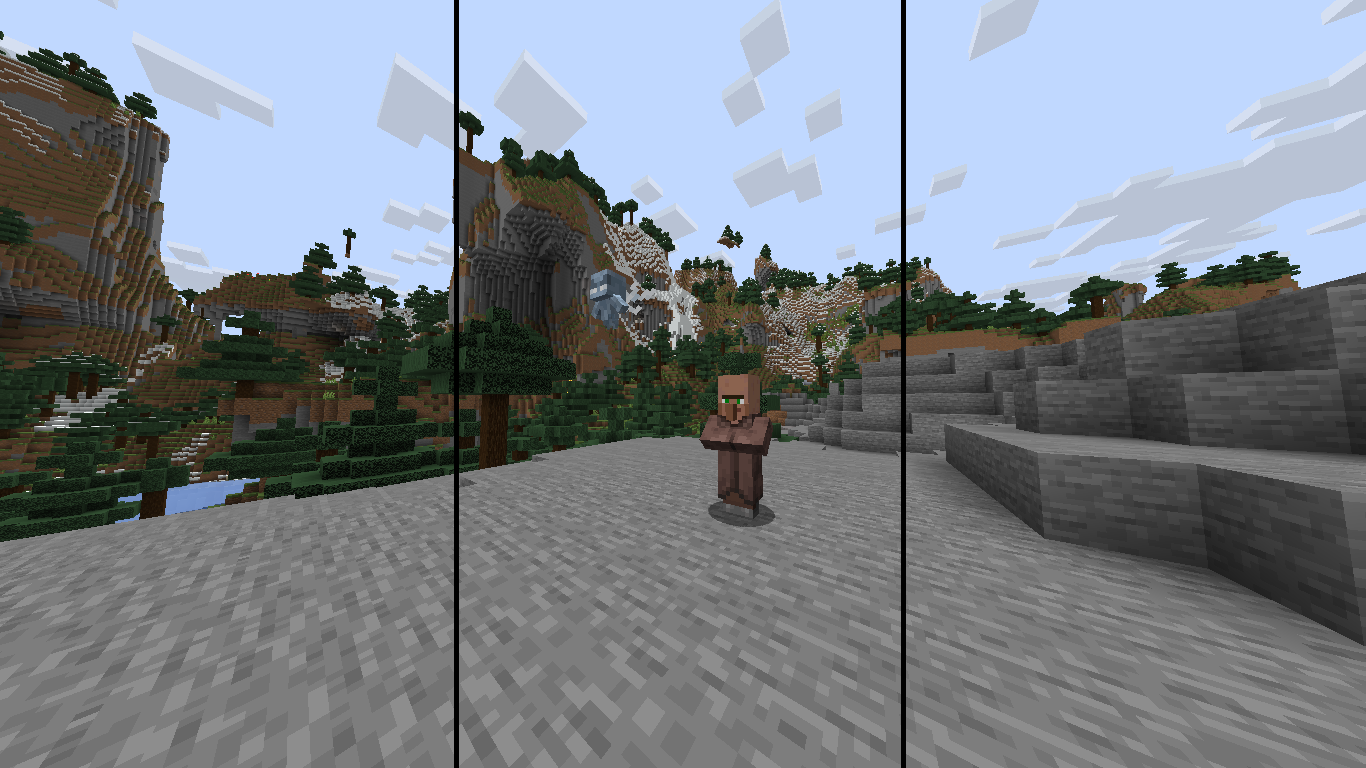
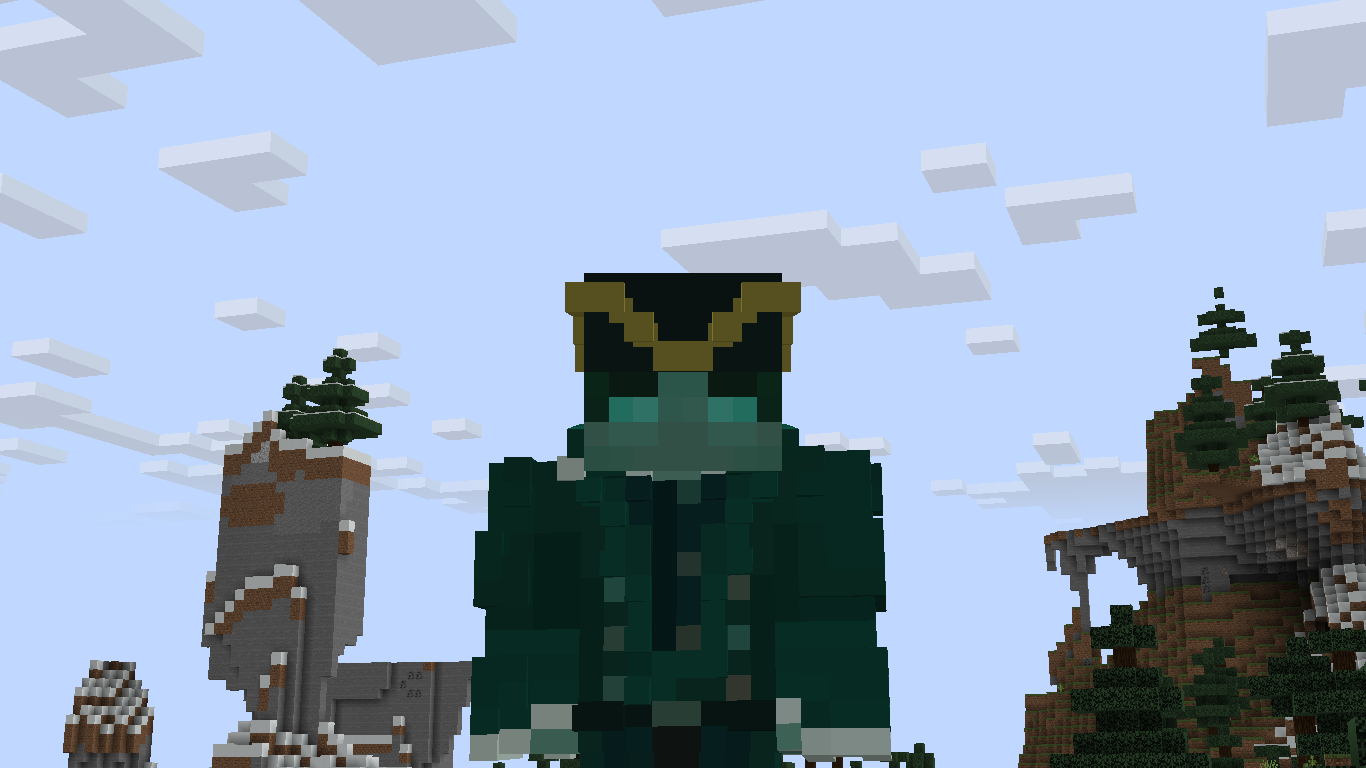
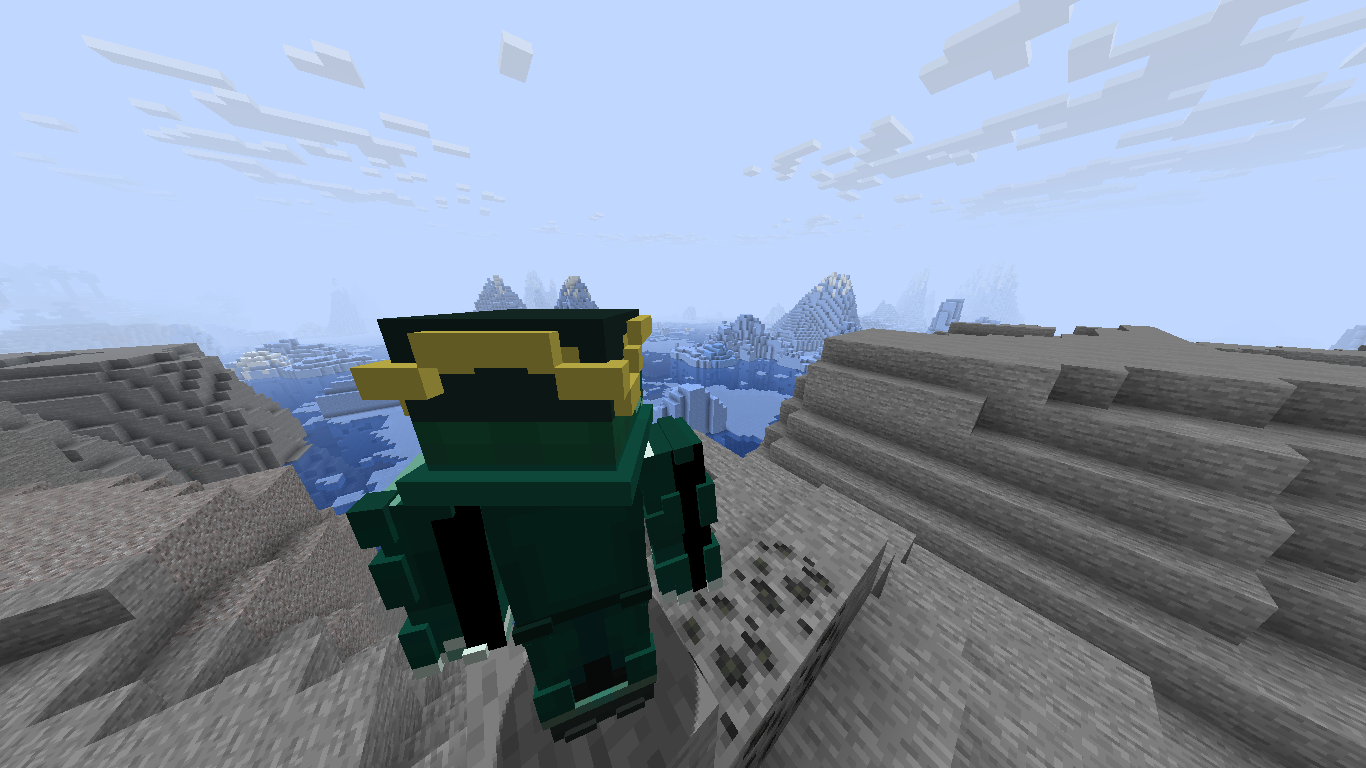
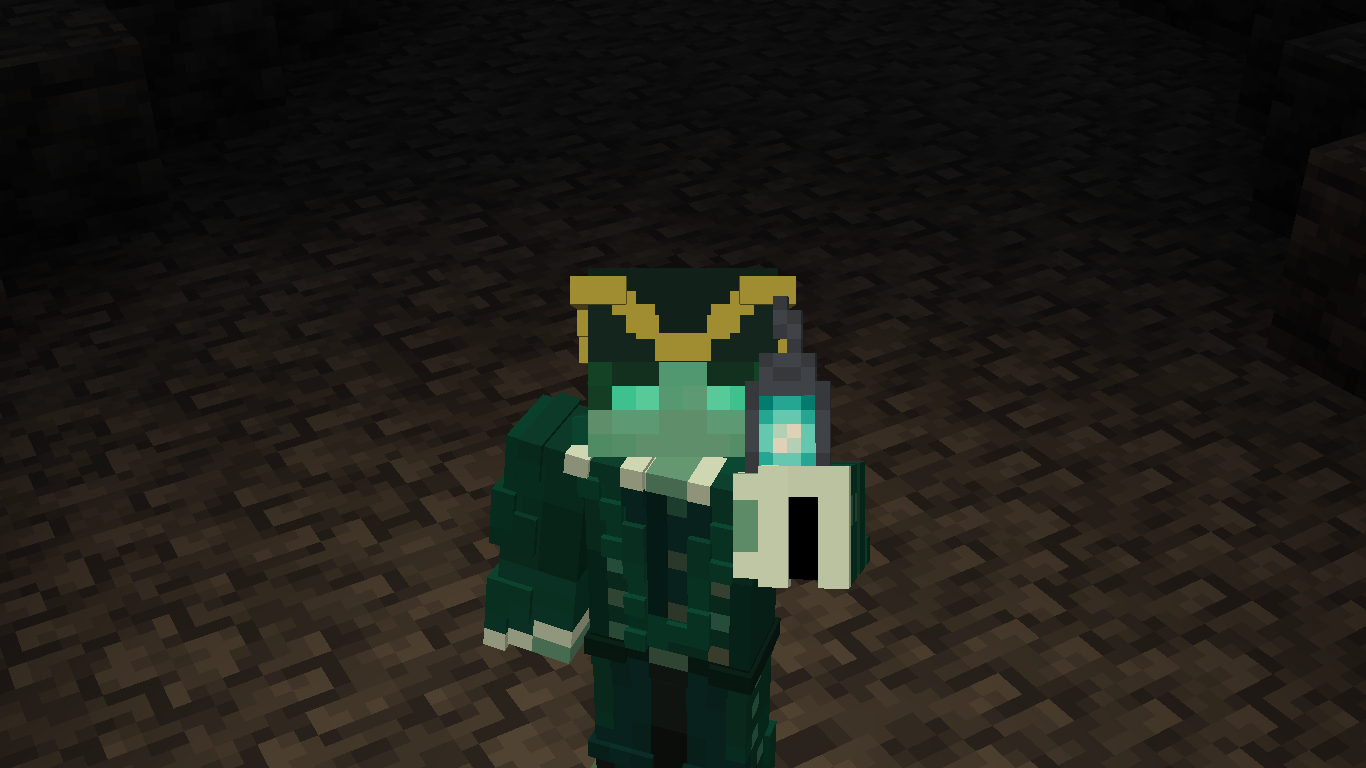
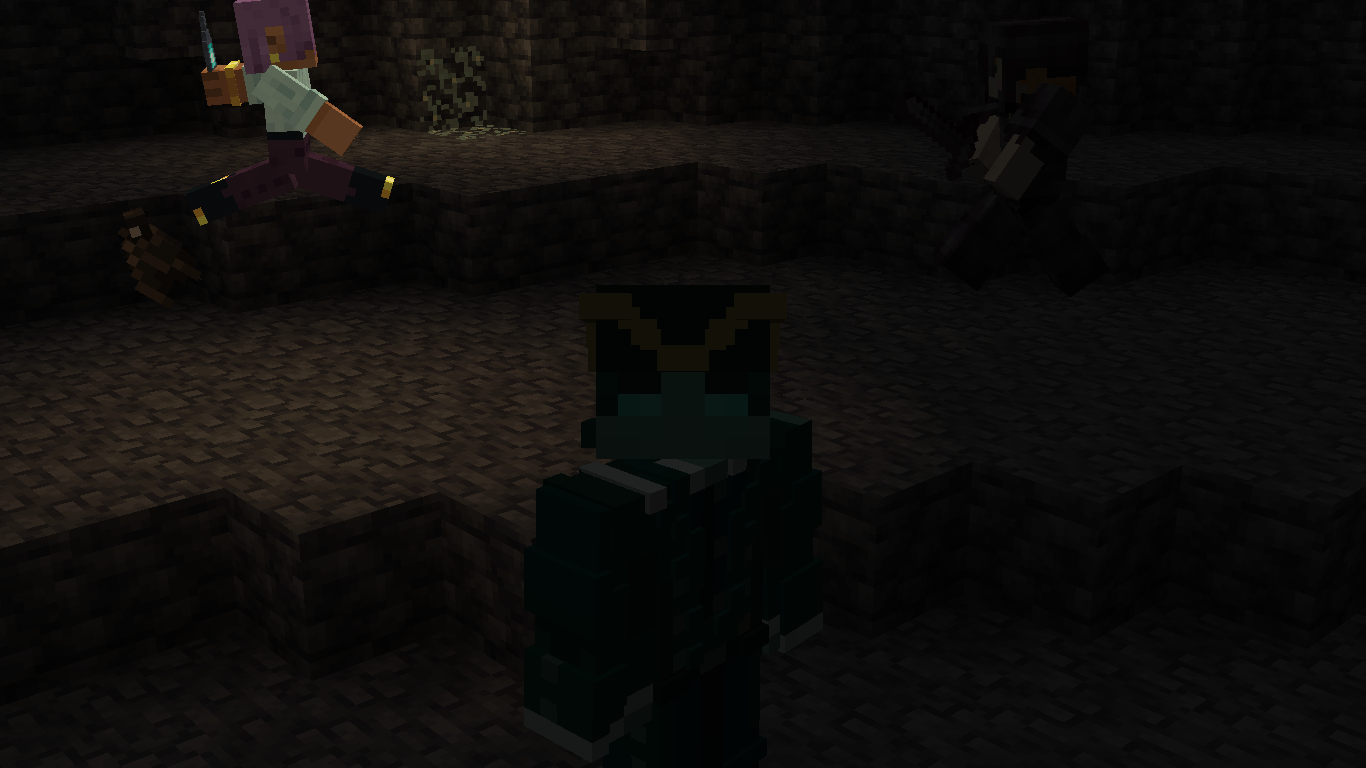
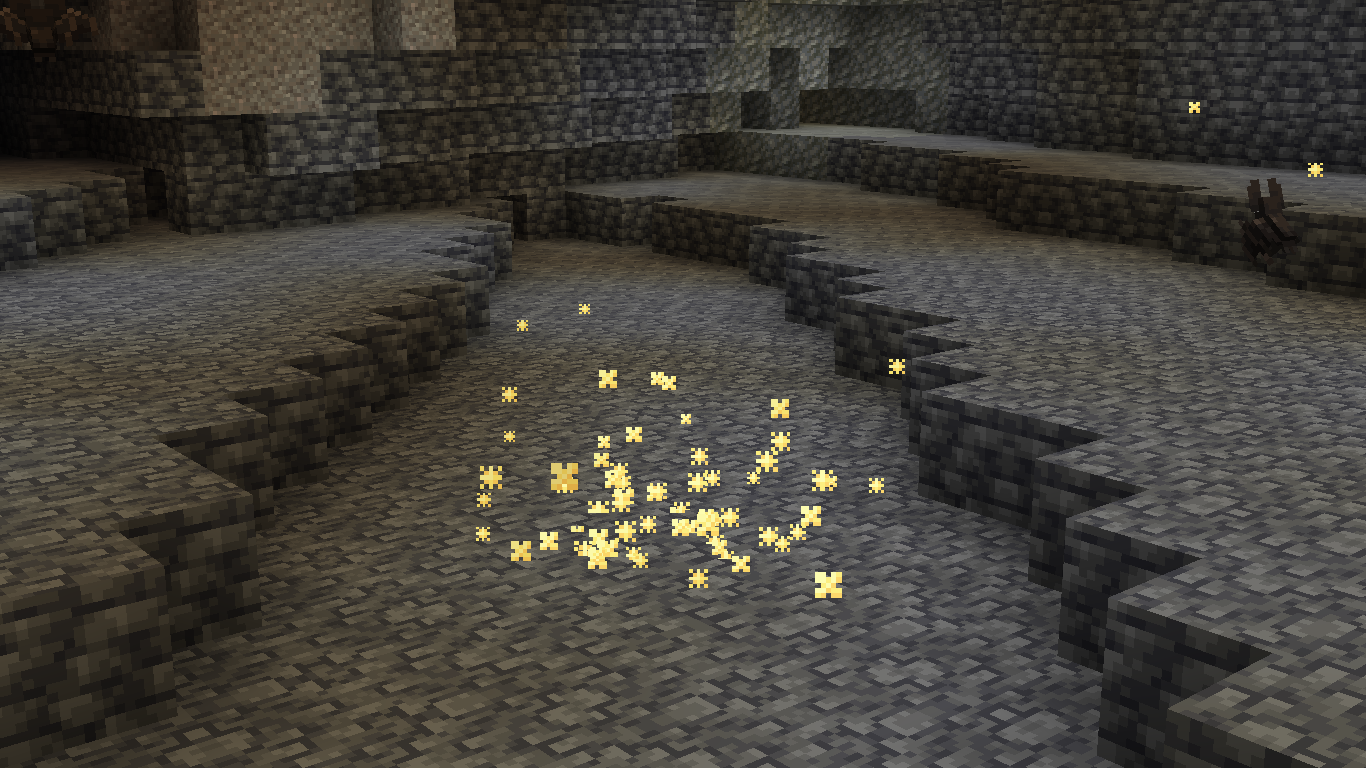
介绍
Backstory
As a chill person on YouTube, I occasionally enjoy watching professional videos of other people that make a simple Minecraft topic into hype as big as Team Cherry dropping a new project. And I often find myself asking what the key is to achieving such cinematic shots, and overall making the video feel very “premium”.
For my initial research, I just went around YouTube and tried to find some mods that either other people use very often, or mods that aren’t as impactful, but can draw the viewers attention with little details. And over time, I’ve gone through some mods on Modrinth too, and attempted to make my first video ever afterwards. And all of those experiences combined to make one mod pack to fulfill many tools for content creation, be it single player videos or videos with multiple people interacting.
However, I also didn’t have the best laptop, so I basically used an optimization pack and added mods in it before making this pack. Therefore, this pack doubled as a content creation and optimization pack.
Features
Enough of the yappery, let’s talk about what it can perform for the user.
- To begin with, this pack of course has the essential tools to record videos and get footage from in-game.
- The pack is also equipped with several small tweak mods that are picked to be close to the vanilla experience.
- Additionally, it has optimization mods to get a better FPS count, specifically for older hardware.
- Complimentary Shaders are used for the pack, although you can use whatever you would like.
- There are also some quality-of-life additions that makes the game feel more _smooth_.
Mod List
Huge shoutout to these mods/resource packs/shaders and their creators and thanks for their approval of usage.
All mods in the pack:
- [EMF] Entity Model Features
- [ETF] Entity Texture Features
- 3D Default
- 3D Ladders
- 3D Skin Layers
- BadOptimizations
- CameraUtils
- Cloth Config API
- Complementary Shaders – Unbound
- Concurrent Chunk Management Engine
- Continuity
- Cool Rain
- Creator Overlays
- Cubes Without Borders
- Dynamic FPS
- Eating Animation
- Enchantment Glint Outline
- Entity Culling
- Fabric API
- Fabric Language Kotlin
- Fabrishot
- Fast IP Ping
- FastQuit
- FerriteCore
- Fresh Animations
- Gamma Utils (Fullbright)
- Glowing
- ImmediatelyFast
- Iris Shaders
- LambDynamicLights
- Lithium
- Mace 3D
- Mod Menu
- MoreCulling
- Motion Capture
- Noisium
- Not Enough Animations
- Particle Effects
- Rarity Tooltips
- Reese’s Sodium Options
- ReplayMod
- ScalableLux
- Shulker Box Tooltip
- Sodium
- Sodium Extra
- Sound Physics Remastered
- Text Placeholder API
- ThreadTweak
- YetAnotherConfigLib (YACL)
- Zoomify
You can also find pictures from some mods in the Gallery!
包含的模组 50 个
 3D Default
 3D Ladders
 3D皮肤层
 [EMF] Entity Model Features
 [ETF] Entity Texture Features
BadOptimizations
 Camera Utils
 Cloth Config API
 Complementary Shaders - Unbound
 Concurrent Chunk Management Engine (Fabric)
 Continuity
 Cool Rain
 Creator Overlays
 Cubes Without Borders
 Dynamic FPS
 Eating Animation
 Enchantment Glint Outline
 实体剔除
 Fabric API
 Fabric Language Kotlin
 Fabrishot
 Fast IP Ping
 FastQuit
 FerriteCore
 Fresh Animations
 Gamma Utils (Fullbright)
 Glowing
 ImmediatelyFast
 Iris Shaders
 LambDynamicLights - Dynamic Lights
 锂
 Mace 3D
 模组菜单
 More Culling
 Motion Capture
 Noisium
 Not Enough Animations
 Particle Effects
 Rarity Tooltips
 Reese's Sodium Options
展开全部 50 个







绿色边框的模组本站有收录,点进去看中文介绍;其余跳转到 Modrinth。
常见问题
Keys of Recording 支持哪些 Minecraft 版本?
Keys of Recording 基于 Minecraft Java 版 1.21.5,使用 Fabric 加载器。
Keys of Recording 怎么安装?
点本页「前往下载」拿到整合包文件(Modrinth 的是 .mrpack,CurseForge 的是 .zip),在 PCL2 或 HMCL 启动器里选择「导入整合包」,启动器会自动装好 Minecraft、加载器和全部模组。这个整合包有 50 个模组,建议在启动器里给游戏分配 4–6 GB 内存。
Keys of Recording 开服需要多大内存?
推荐服务器内存 12 GB。在线人数多、或者建了大量机器和区块加载器时,可以再加 2–4 GB。
怎么和朋友一起玩 Keys of Recording?
点本页的「一键开服」,选好配置后会自动安装 Keys of Recording 的服务端,几分钟就能开好。把服务器地址发给朋友,大家用同一个版本的整合包连进去就行。

评论
登录后评论和评分