
截图

介绍
Humanity
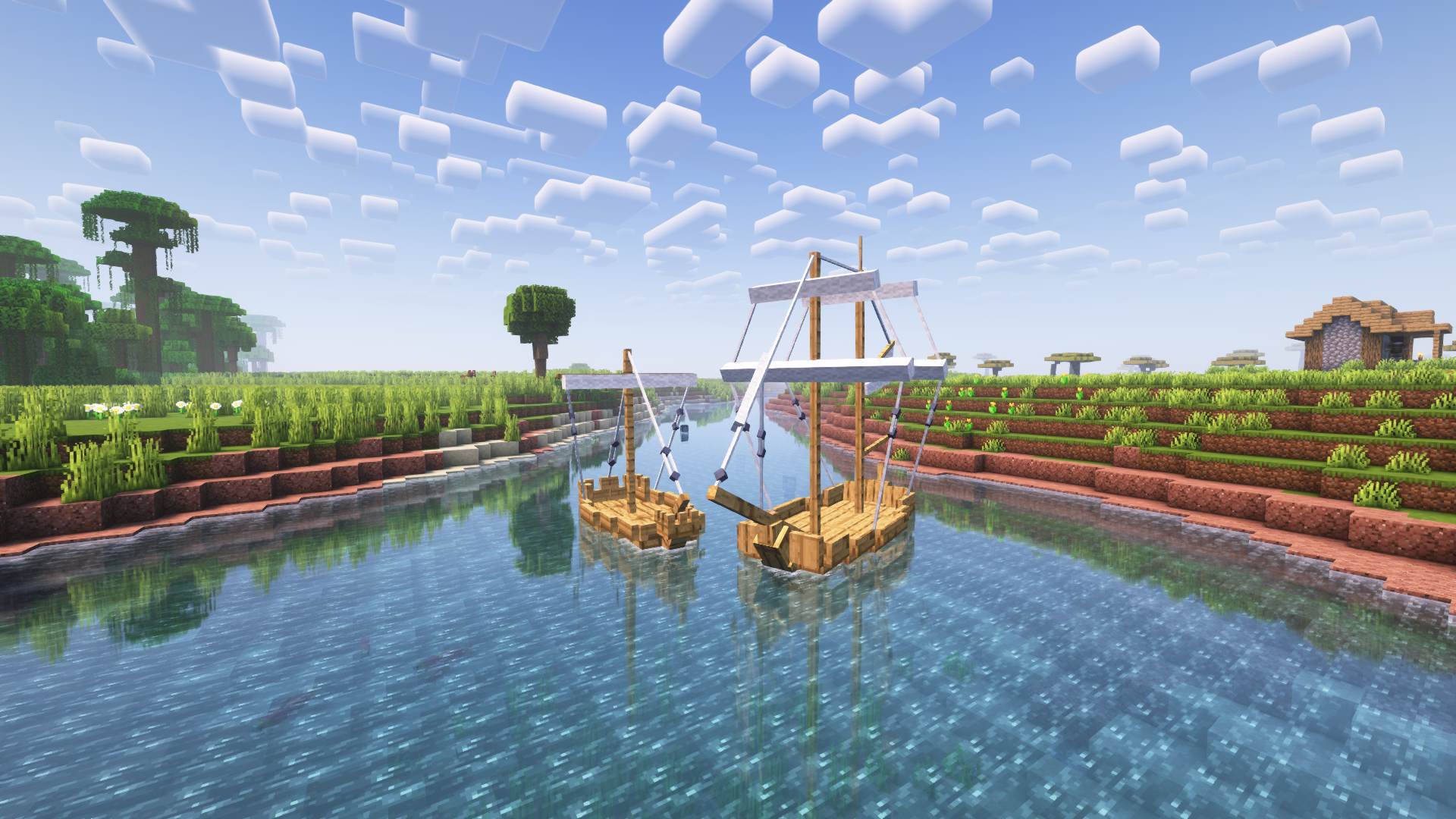
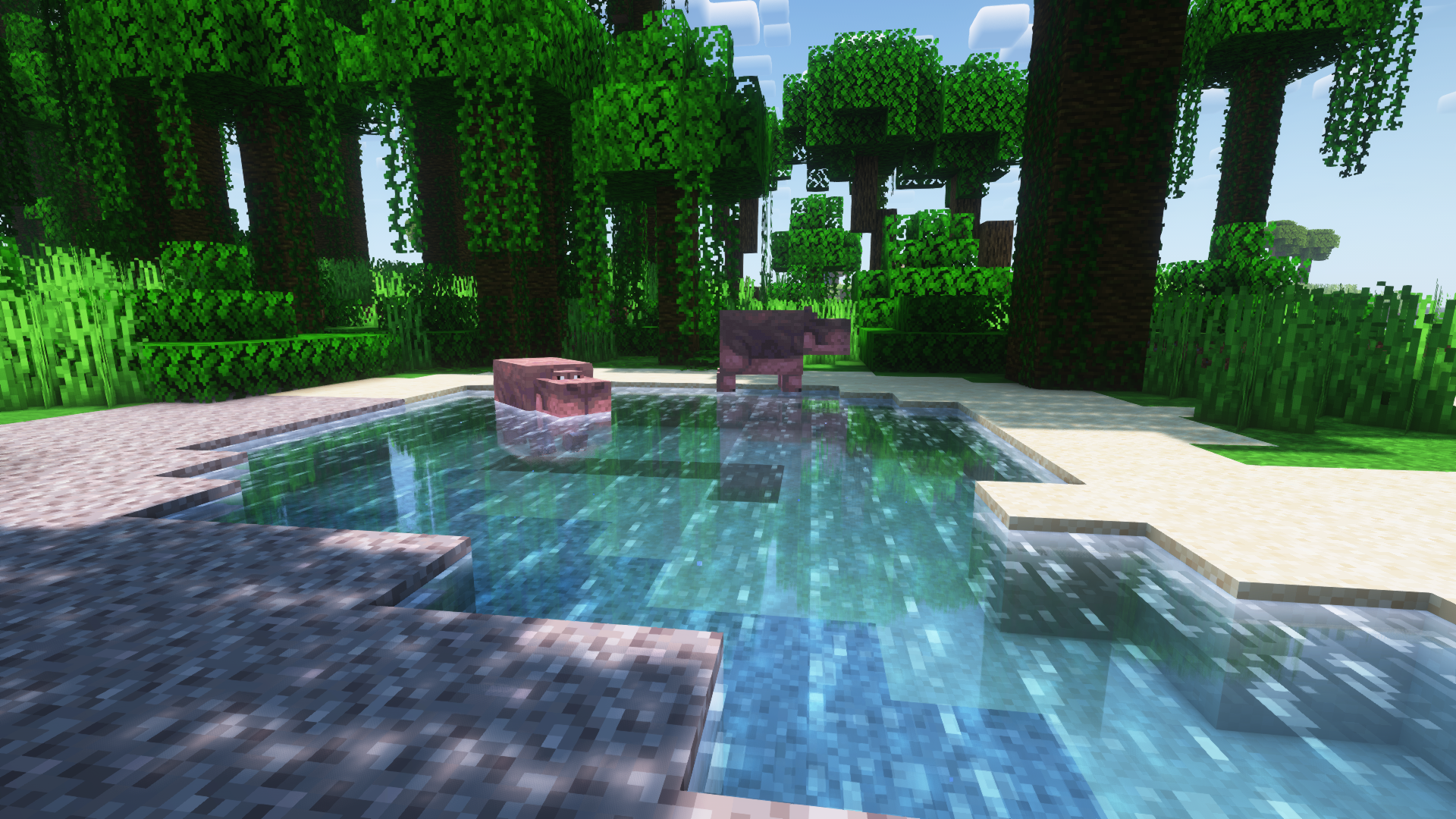
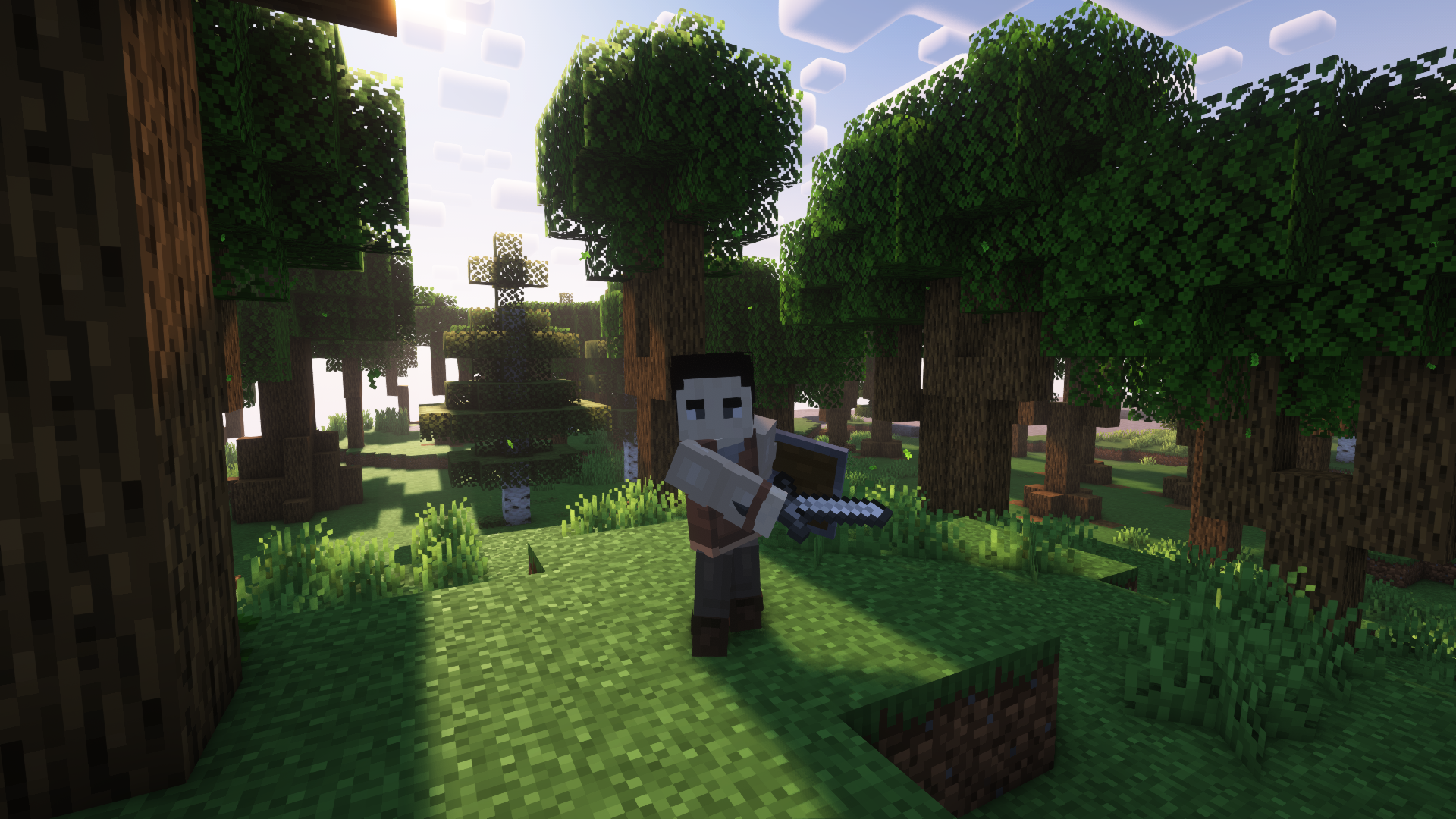
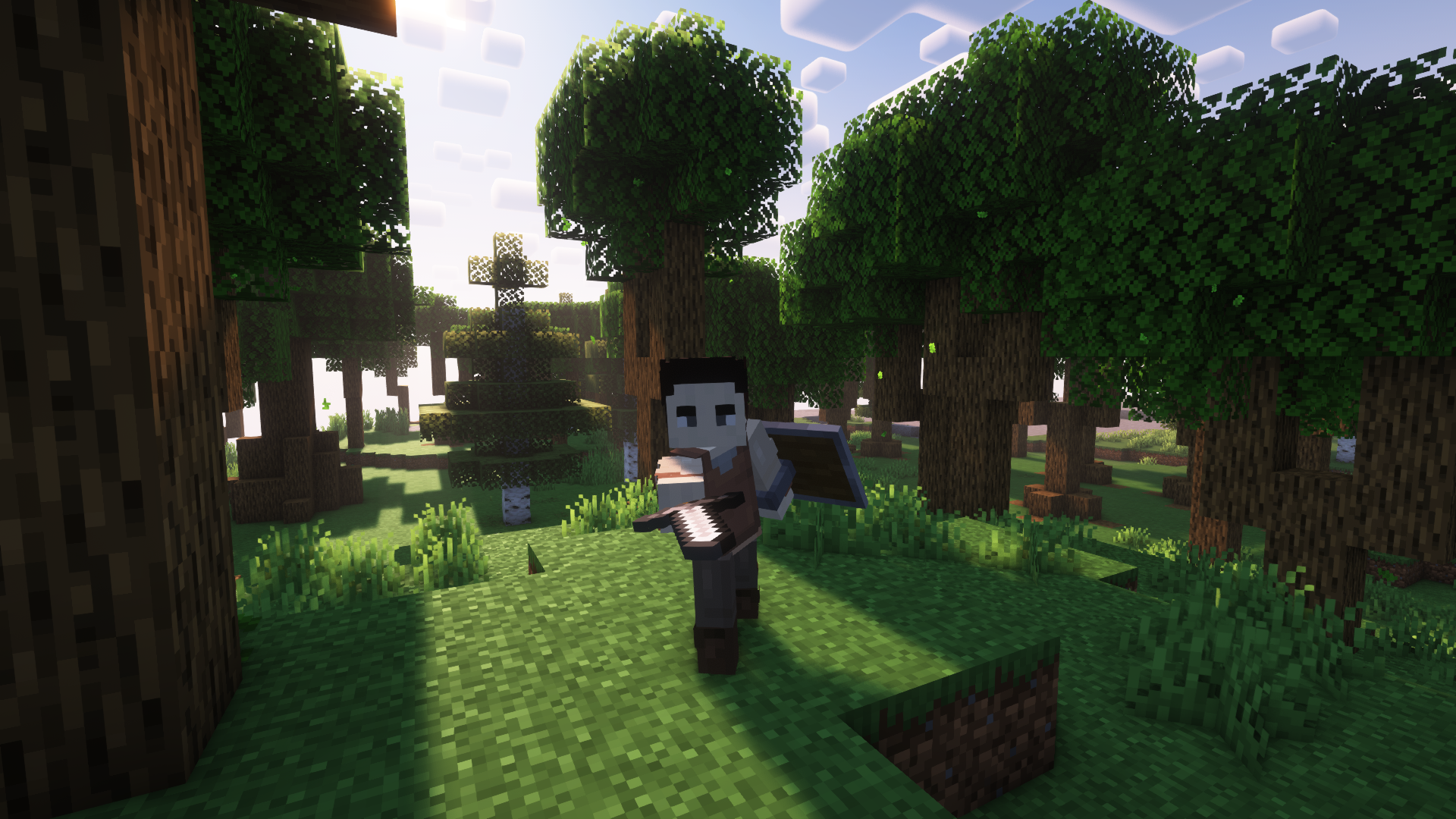
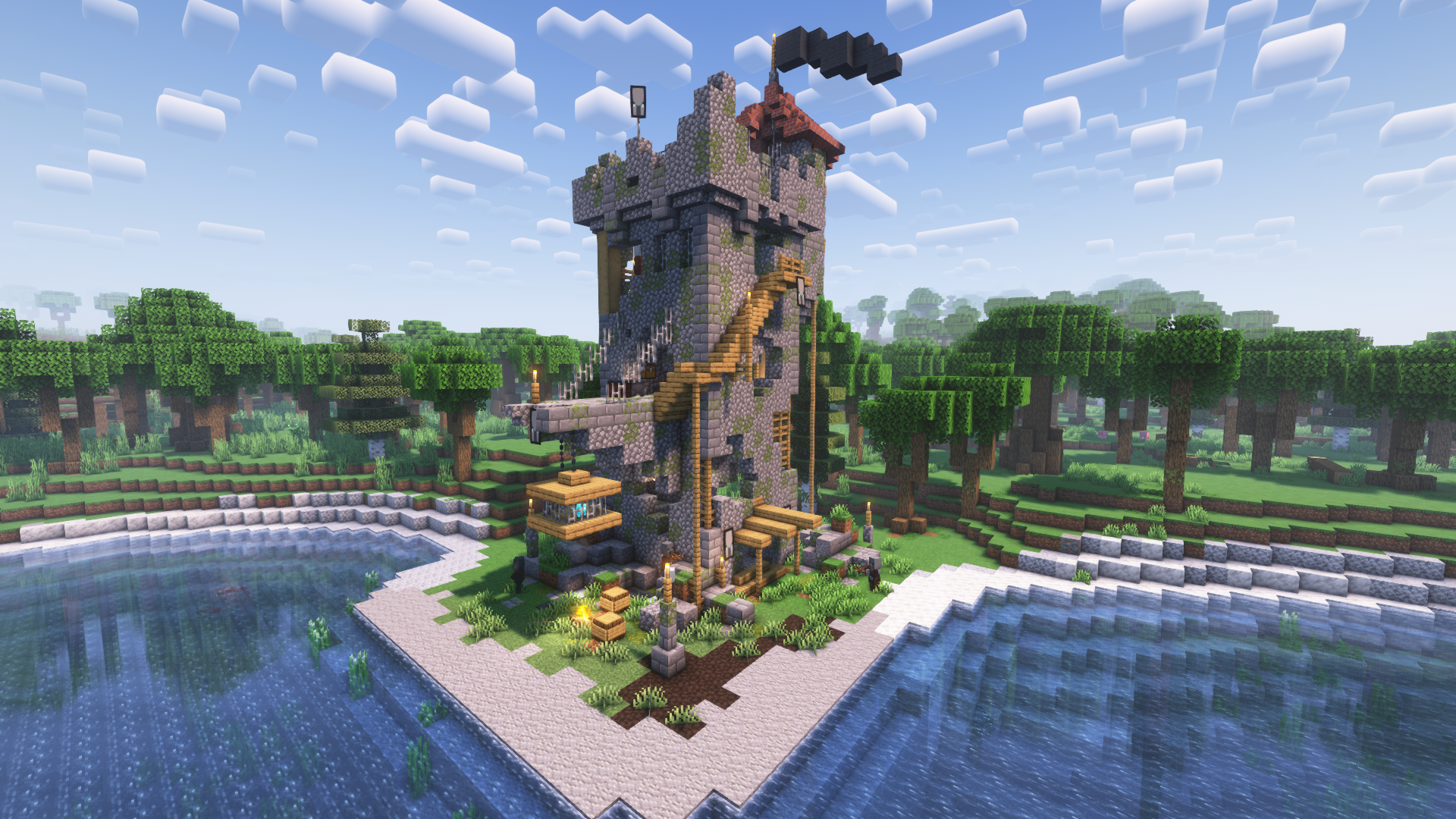
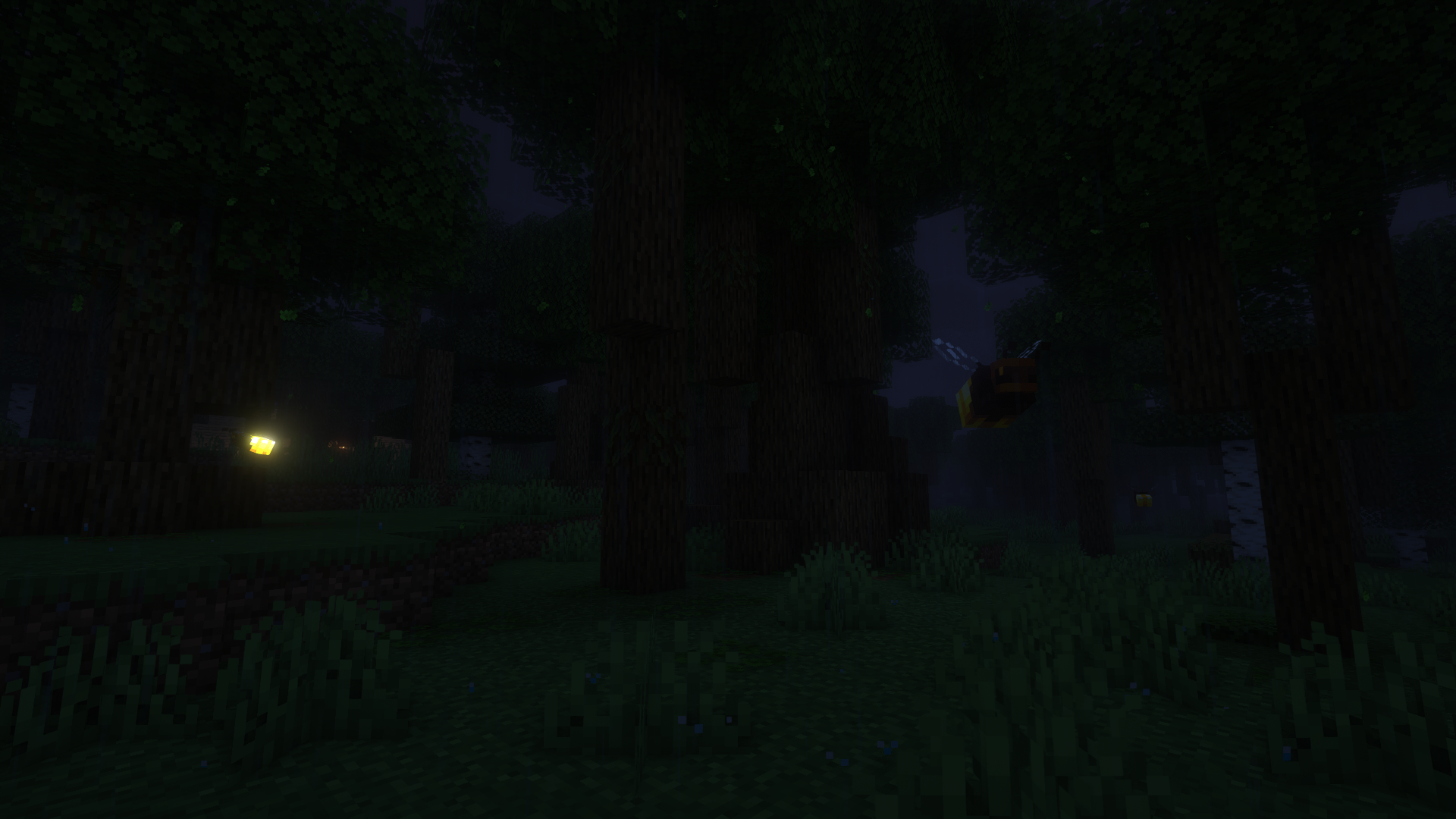
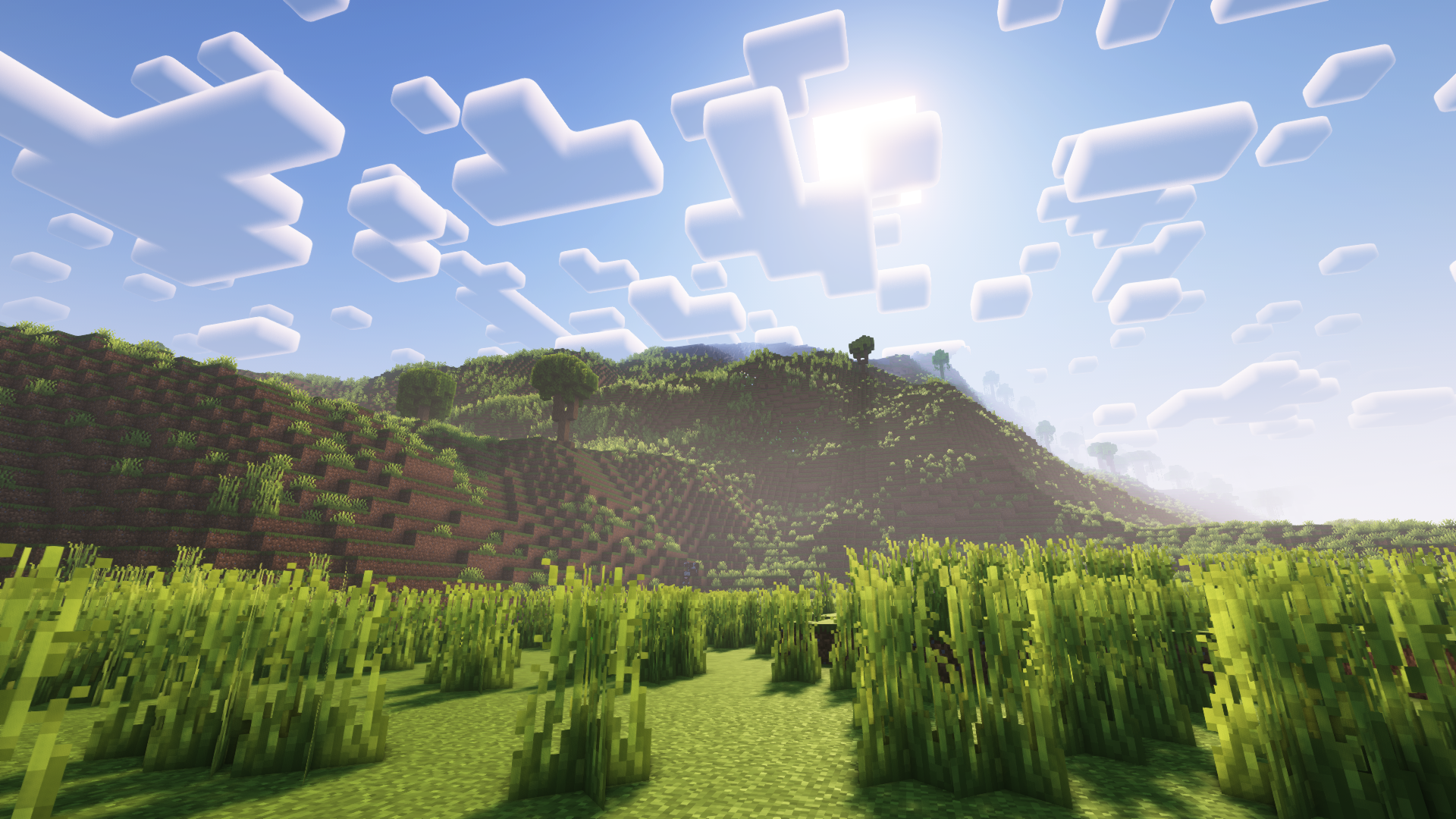
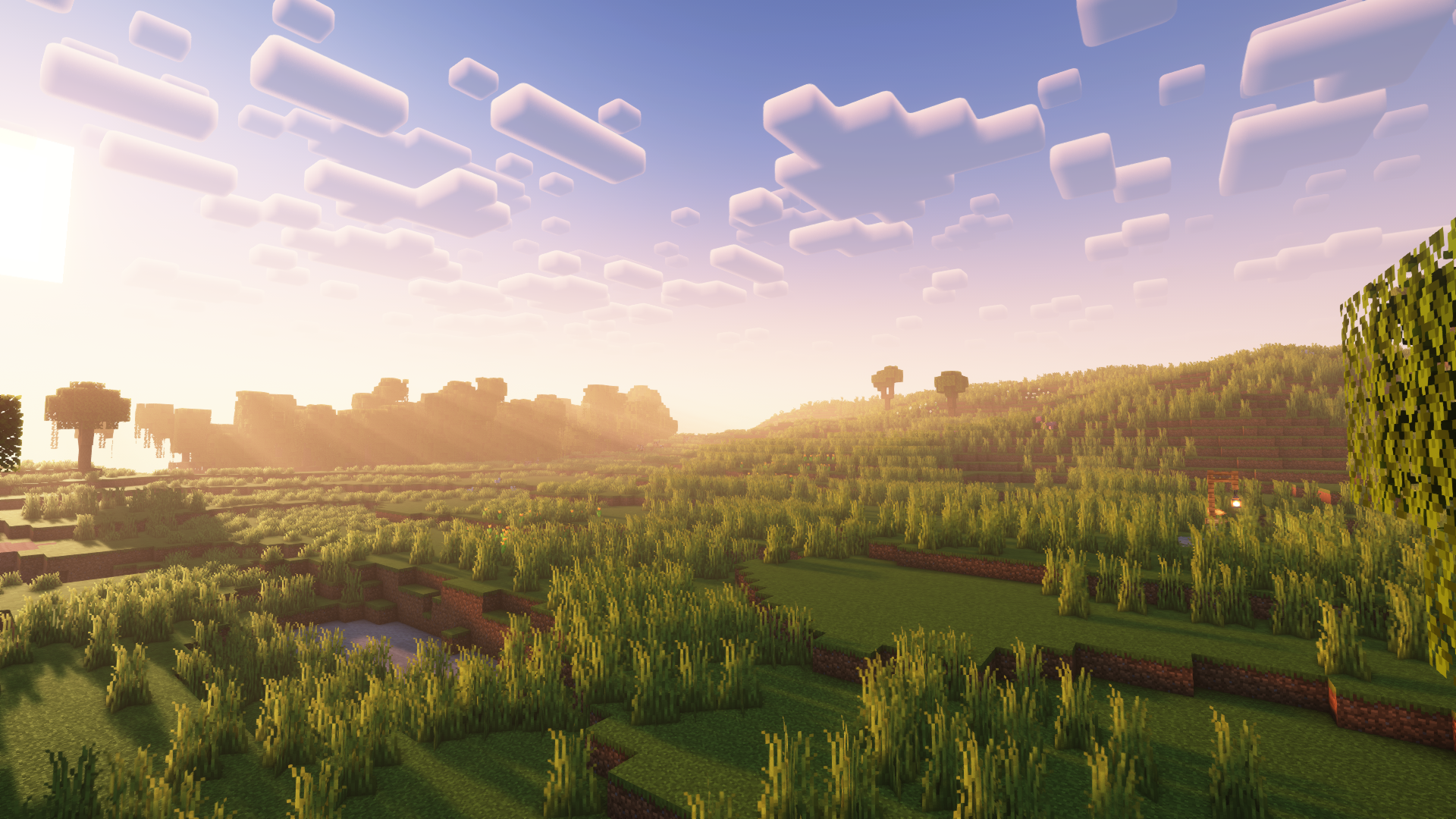
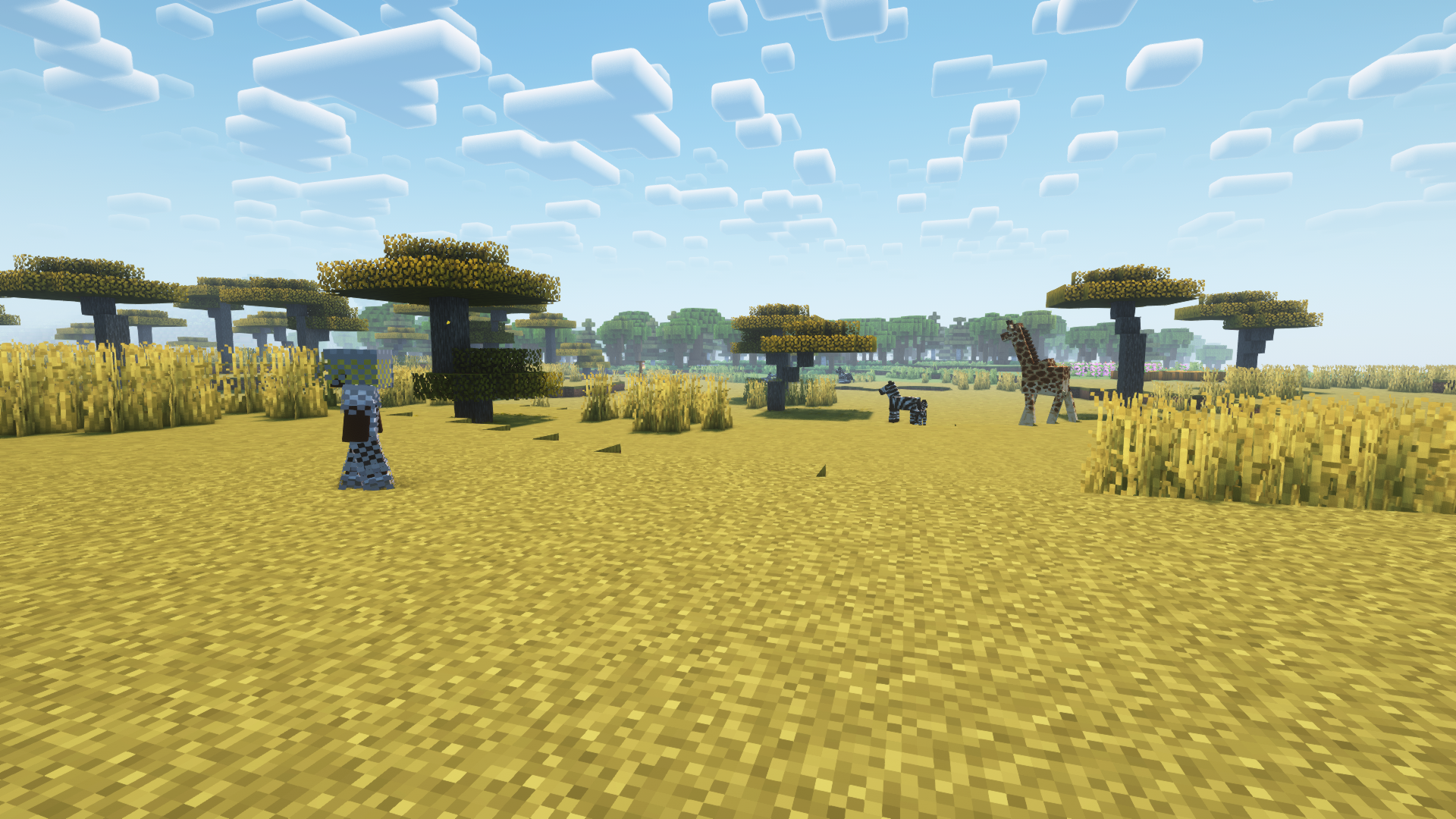
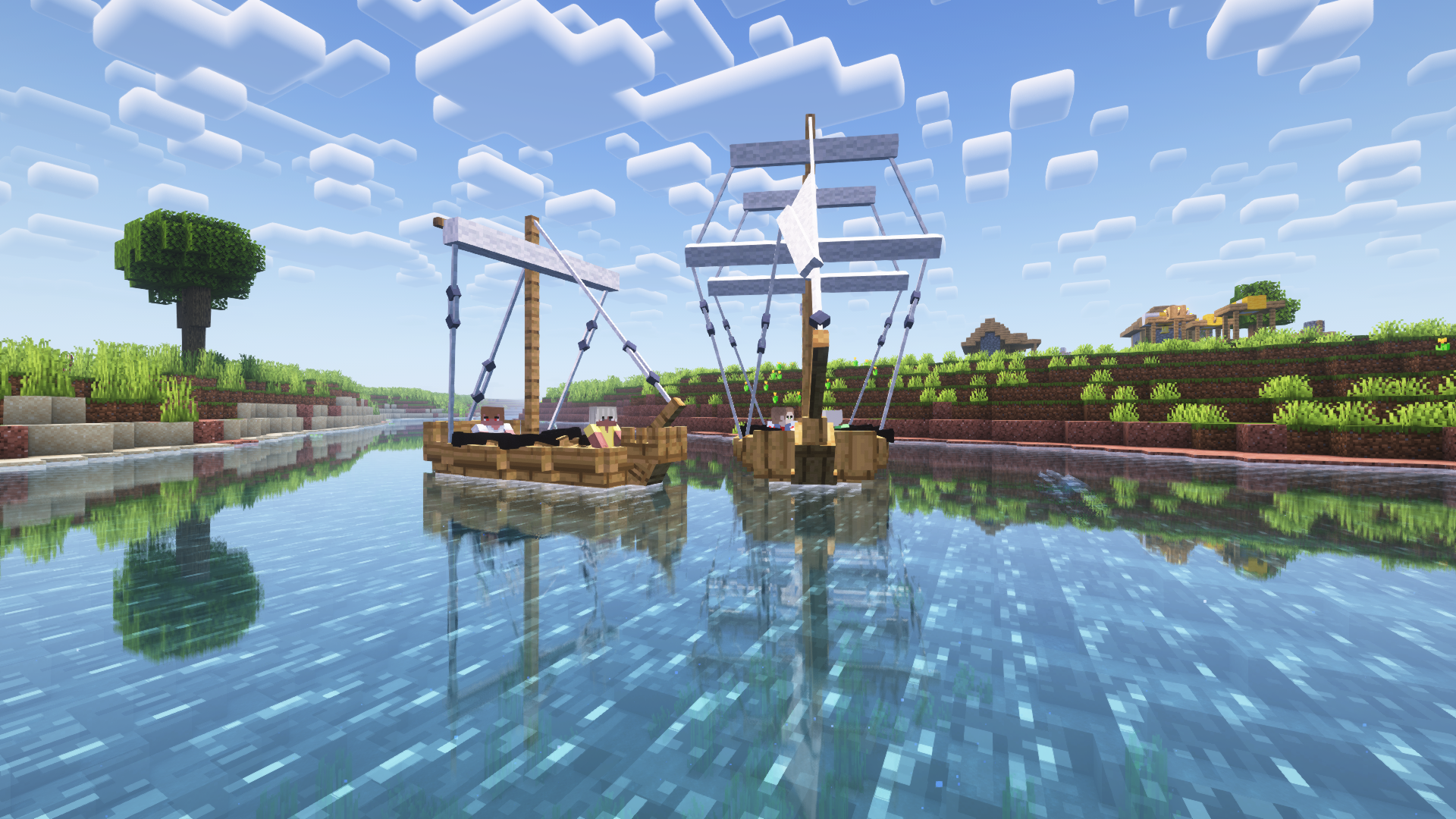
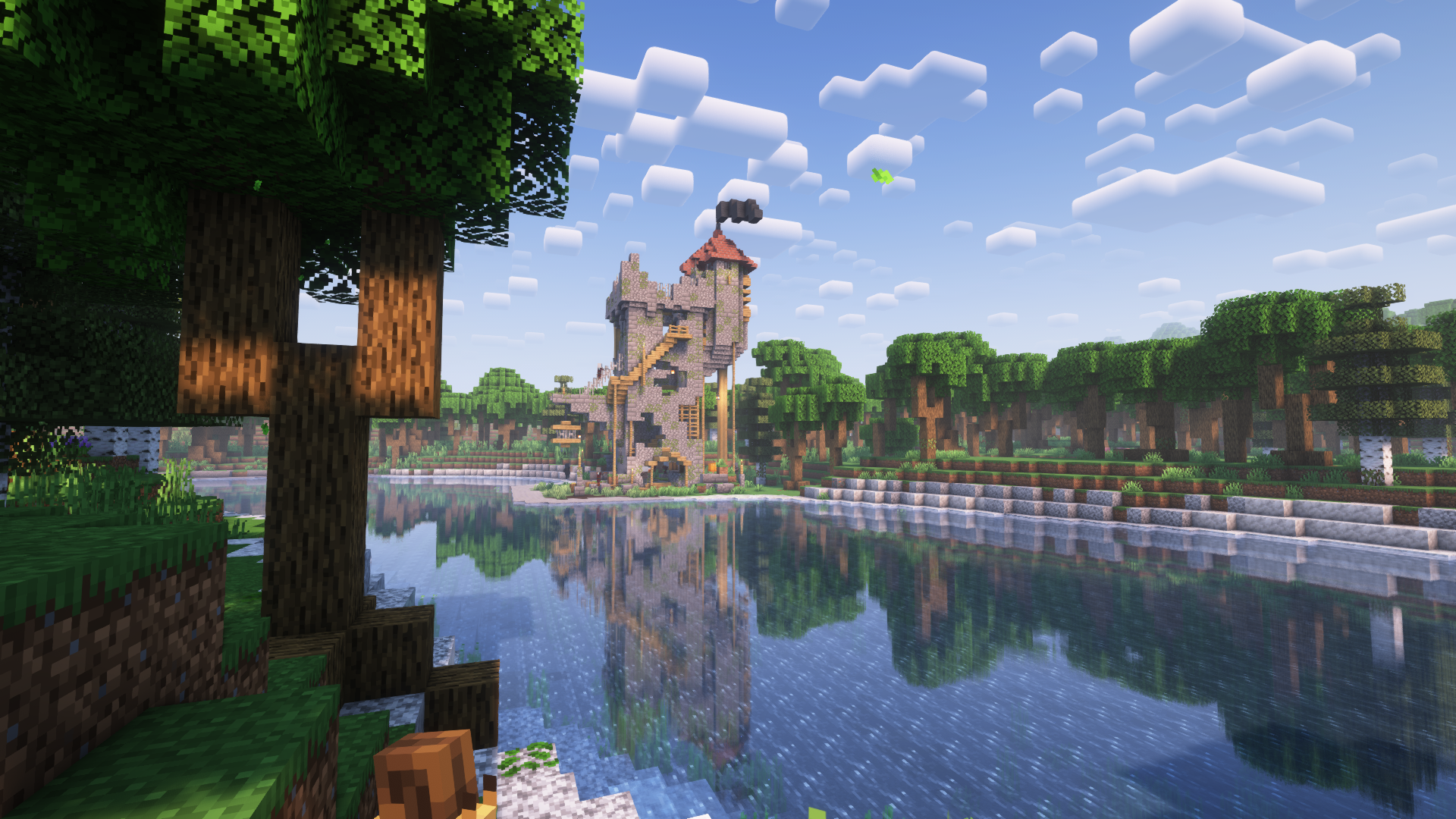
Humanity is a modpack aimed at creating a living Minecraft experience. Humanity adds quality-of-life features, visual improvements, more realistic world generation, new combat, human mobs, simple technology, and much more. The modpack is still in alpha, so things may be 100% complete nor stable. Some mods do have some conflicts; However, Humanity tries its best to sort these out through configuration options.
Performance
Testing with a Ryzen 5 1600, 32GB of RAM (~8GB allocated to Minecraft), and a NVIDIA GTX 1660ti, the modpack runs rather smoothly, even with shaders. That being said, as this is modded Minecraft, some issues may arise, however, it depends on the individual specifications of your computer. World generation is generally slower than the vanilla game, as Humanity uses multiple world-generation mods to create a visually appealing world. If the world generation is too heavy on your system, you can try disabling the Tectonic mod, which is used for the overall terrain shaping.
Mod Compatibility
Every mod included in Humanity generally works well together. Humanity uses a mod which enables the third-person view model in first person. This can cause some clipping with Better Combat, however, the modpack has been configured to reduce this as much as possible. Additionally, in the Minecraft Comes Alive character creation screen, it appears that skin color and type is not changeable; This is not the case and is just a visual bug in the menu, and your options will appear correct in game. If you find anything else that isn’t working right, please let us know on our Discord server.
Attribution
All mods are linked back to their respective CurseForge page in the changelog. Permission has been received from both Continents and Moonlight to be used in this modpack.
包含的模组 53 个,另有 23 个其他文件
 农夫乐事
 Alloy Forgery
 AmbientSounds
 Another Furniture
 Architectury API
 bad packets
 Better Combat
 Cammie's Minecart Tweaks
 Chat Heads
 Cloth Config API
 Concurrent Chunk Management Engine (Fabric)
 Continents
 CreativeCore
 Defensive Measures Mod
 实体剔除
 Experience Bottler
 Fabric Language Kotlin
 Falling Leaves
 FerriteCore
 First-person Model
 Geckolib
 Immersive Weathering
 Indium
 Iris Shaders
 LazyDFU
 锂
 Logical Zoom
 Main Menu Credits
 MCA Reborn
 MmmMmmMmmMmm
 模组菜单
 Motschen's Puddles
 Nuit
 Omni-Hopper
 oωo (owo-lib)
 Patbox's Brewery
playerAnimator
 Quilted Fabric API (QFAPI) / Quilt Standard Libraries (QSL)
 Raised
 Reese's Sodium Options
展开全部 53 个





绿色边框的模组本站有收录,点进去看中文介绍;其余跳转到 Modrinth。
常见问题
Humanity 支持哪些 Minecraft 版本?
Humanity 基于 Minecraft Java 版 1.19.2,使用 Quilt 加载器。
Humanity 怎么安装?
点本页「前往下载」拿到整合包文件(Modrinth 的是 .mrpack,CurseForge 的是 .zip),在 PCL2 或 HMCL 启动器里选择「导入整合包」,启动器会自动装好 Minecraft、加载器和全部模组。这个整合包有 53 个模组,建议在启动器里给游戏分配 4–6 GB 内存。
Humanity 开服需要多大内存?
推荐服务器内存 12 GB。在线人数多、或者建了大量机器和区块加载器时,可以再加 2–4 GB。
怎么和朋友一起玩 Humanity?
点本页的「一键开服」,选好配置后会自动安装 Humanity 的服务端,几分钟就能开好。把服务器地址发给朋友,大家用同一个版本的整合包连进去就行。

评论
登录后评论和评分