Authentic Beta
As close as possible to (vanilla!) Beta 1.7.3 in modern-ish versions.
截图


介绍
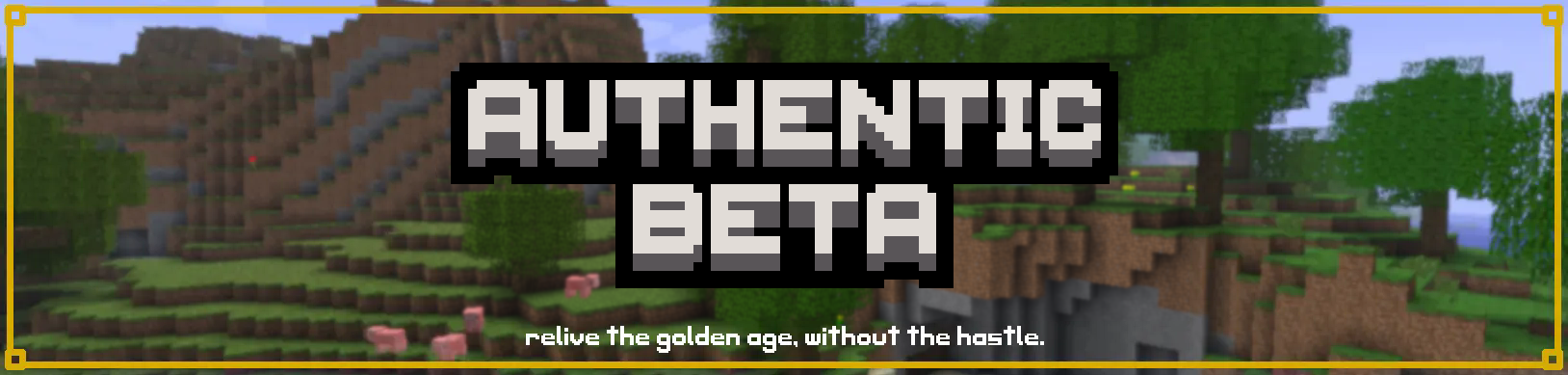
Authentic Beta aims to recreate the Beta 1.7.3 experience as closely as possible on the latest-ish versions of Minecraft, so you don’t have to deal with the hastle of playing the original. No more skin proxies or downgrading graphics drivers! Plus, you can play with modern mods!
Features
- No modern mobs, items, blocks, etc.!
- No hunger or sprinting!
- Old graphics and textures!
- Old world gen!
- Old achievements system!
- Old recipes and block drops!
- Better performance!
- Compatibility with modern Fabric mods!
_And much more.._
Important Info
- World Generation
- Moderner Beta world gen is pre-loaded, no need to set the world gen settings yourself!
- Updates
- Expect frequent-ish updates to fix issues and add new features to perfect the (Authentic) Beta experience!
Feel free to report issues or suggest features in the Discord Server or Issue tracker! - Video Settings
- The normal Sodium video settings can be shown by pressing
shift-p! - Versions
- The 1.20.1 version of the pack is the most accurate, and supports mods like Create which haven’t been updated past 1.20.1 yet. It is the most optimal version of Authentic Beta.
How to Install
Client
- Download the Authentic Beta modpack from the versions page or inside of your mod launcher.
- Import the Authentic Beta modpack into your launcher (if applicable).
- Play!
Server
- Download/Import the Server Version of the Authentic Beta modpack from your server host’s modpack section.
Can’t install it that way?
There are two other methods!
mrpack-install
If your server supports mrpack-install, you can use it to install Authentic Beta through command line!
Manual
If none of the above will work for you, you can install Authentic Beta on your server manually!
- Create a 1.21.1 Fabric server
- Import the Server version of Authentic Beta into your launcher using the Client method described previously!
- Copy the mods and config folders into your server folder!
- Play!
Q&A
Q: Server support?
A: Yes! Read the How to Install section!
Q: Where do I report issues or make suggestions?
A: Join the Discord server, or go to the Codeberg page!
Q: Why choose this modpack over others that claim to be accurate to Beta?
A: Other packs fail to be as accurate as this one. Other packs have blatant immersion-breaking inaccuracies that have gone unfixed (which can easily be fixed) and a lack of attention to detail. Most of those packs aren’t even being updated anymore either.
Q: Forge port?
A: No :3
Q: Can I use this as a base for my own modpack?
A: Of course! Just credit me and let me know about it, please :3 (and follow the terms of the license, of course)
Q: What’s the difference between the 1.20.1 and 1.21.1 versions?
A: The 1.20.1 version has more accurate mechanics compared to the 1.21.1 version, as KubeJS has not (and likely will not..) been ported to Fabric 1.21.1.
Q: Is this modpack completely 100% accurate to Beta 1.7.3?
A: No, and it never really can be. Despite this, I am trying to make it as accurate as I possibly can within my abilities. There are some things I’ve left in intentionally (basically just little modern QoL stuff) because I feel that it would not be beneficial to remove them for the sake of complete accuracy (although this is always subject to change, partially depending on how easy it is to change).
Q: Does this project use AI?
A: Absolutely not.
Credits
Nostalgica Reverie – Moderner Beta and Nostalgic Tweaks
millennIumAMbiguity – No More Horizontal Logs
Fneifnox – Custom Mob Attributes
…and many more! Thank you!
Inspiration
包含的模组 77 个,另有 1 个其他文件
 [EMF] Entity Model Features
 [ETF] Entity Texture Features
 Actually Beta Nether
 Alpha chest
 Architectury API
 AsyncParticles
BadOptimizations
 Beta English
 Bookshelf
 Break My Fall
 Cloth Config API
 Common Network
 Concurrent Chunk Management Engine (Fabric)
 Custom Default World Preset
 Custom Mob Attributes
 Dynamic FPS
 实体剔除
 F*** to New Skins
 Fabric API
 Fabric Language Kotlin
 FancyMenu
 Fast IP Ping
 FerriteCore
 Forge Config API Port
 Fzzy Config
 Golden Days Base
 Ice Boat Nerf
 ImmediatelyFast
 Item Obliterator
 Konkrete
 Ksyxis
 KubeJS
 lazy-language-loader
 Light Level 7 Spawning
 锂
 Log Begone
 Melody
 MidnightLib
 Mob Filter
 模组菜单
展开全部 77 个
 Moderner Beta
 ModernFix
 More Culling
 Necronomicon API
 No Chat Reports
 No More Horizontal Logs
 No More Post Beta Flowers
 Nostalgic Tweaks
 Not Enough Recipe Book [NERB]
 Old Bed Crafting Recipe
 oωo (owo-lib)
 Packet Fixer
 Paginated Advancements & Custom Frames
 Particle Core
 Paxi
 Polytone
 Preferred Gamerules
 Redirected
 Reese's Sodium Options
 Resource Pack Overrides
 Rhino
 Server Pinger Fixer
 ShatterLib | OctoLib
 Sneaky Sodium
 钠
 Sodium Extra
 Structurify - Structure Control
 Text Placeholder API
 ThreadTweak
 TxniLib
 UniLib
 Very Many Players (Fabric)
 XXL Packets
 Yeetus Experimentus
 YetAnotherConfigLib (YACL)
 Your Options Shall Be Respected (YOSBR)
 YUNG's API
绿色边框的模组本站有收录,点进去看中文介绍;其余跳转到 Modrinth。
常见问题
Authentic Beta 支持哪些 Minecraft 版本?
Authentic Beta 基于 Minecraft Java 版 1.21.1、1.20.1,使用 Fabric 加载器。
Authentic Beta 怎么安装?
点本页「前往下载」拿到整合包文件(Modrinth 的是 .mrpack,CurseForge 的是 .zip),在 PCL2 或 HMCL 启动器里选择「导入整合包」,启动器会自动装好 Minecraft、加载器和全部模组。这个整合包有 77 个模组,建议在启动器里给游戏分配 4–6 GB 内存。
Authentic Beta 开服需要多大内存?
推荐服务器内存 12 GB。在线人数多、或者建了大量机器和区块加载器时,可以再加 2–4 GB。
怎么和朋友一起玩 Authentic Beta?
点本页的「一键开服」,选好配置后会自动安装 Authentic Beta 的服务端,几分钟就能开好。把服务器地址发给朋友,大家用同一个版本的整合包连进去就行。
dianaisnthere 的其他作品
查看全部 →
Totem of Autism
Replaces the Totem of Undying with the Autism/TBH Creature
Actually Beta Nether
Actually removes all modern features from the Nether. Fork of Just Beta Nether

Better With Breasts!
Gives your character breasts in BTA!

[BTA!] Super Duper Octo Fishstick
A small vanilla-friendly BTA! Babric mod that adds several building blocks that should be in the base game but aren't.
评论
登录后评论和评分