
截图


介绍
This is a light modpack made for a group of friends (Кубът Мисъл) including only the most essential optimization mods along with a handful of visual/audio enhancement mods to make the experience prettier & more fun!
Below is a list of all mods and what they do (for whoever’s interested):
Optimization
- Sodium – Core optimization mod used. Optimizes rendering, therefore increasing FPS, among many other things (The modern OptiFine).
- Lithium – Game logic optimization.
- Entity Culling – Hides entities that aren’t visible.
- FerriteCore – Reduces the memory usage.
Utilities
- Mod Menu – Adds a mod menu to view the list of mods you have installed.
- Mouse Tweaks – Makes moving items much faster (allows draging your mouse over slots, instead of having to click each one individually.) Check the mod page for more info!
- Client Sort – Adds button for quick sorting of inventories.
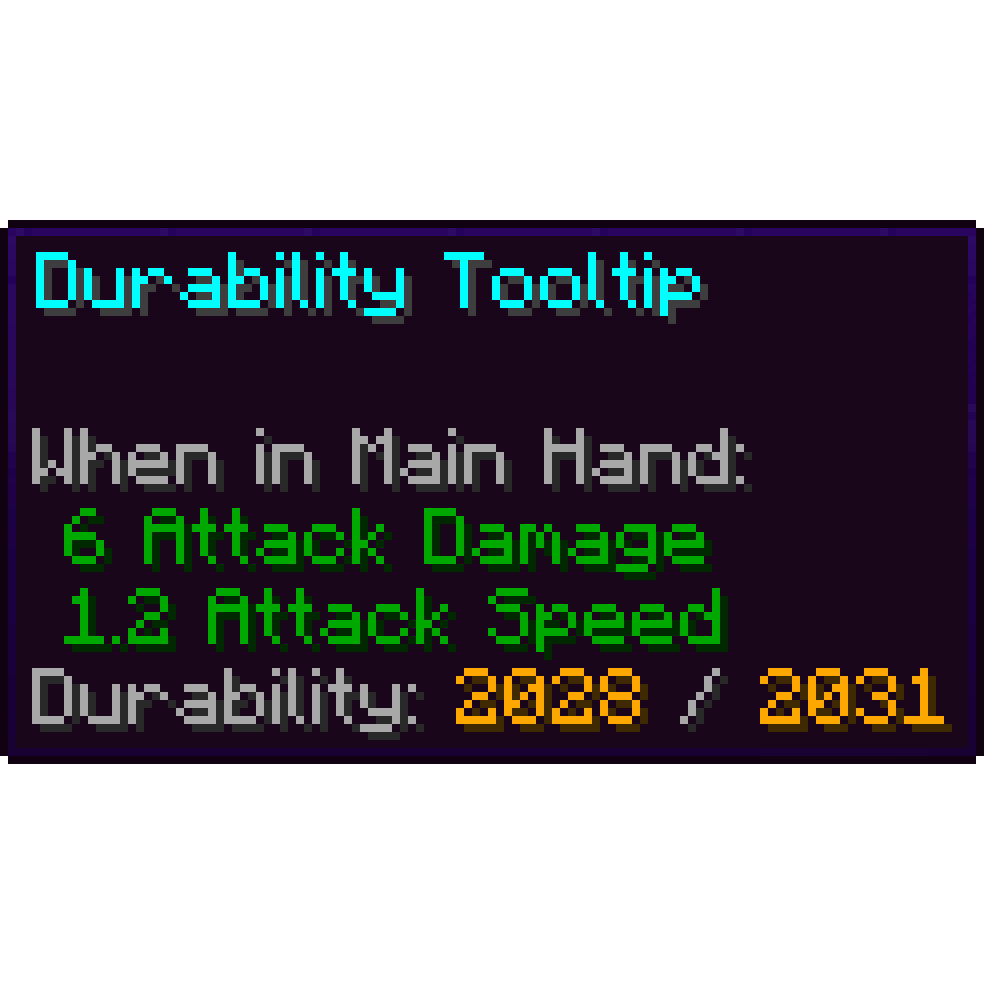
- Durability Tooltip – Shows you how much uses are left for tools (without having to use F3+H which shows unecessary details).
- Enchantment Descriptions – Describes what enchantment books do.
- RightClickHarvest – Allows you to harvest crops with right click (no need to break & replace them!).
- Veinminer – Adds the ability to break a clump of blocks (ores, wooden logs) together.
- Veinminer Enchantment – Makes it so only tools with the Veinminer enchantment can veinmine.
- Veinminer Hotkey – Makes veinmining active only when pressing a button (set to “~”).
- Shulker Box Tooltip – View the contents of shulker boxes from your inventory.
- Freecam – Press F4 to activate a Spectator Mode to observe builds easier or just look around the world.
- Litematica – Allows creation of schematics of builds that can be copied over from world to world.
- Cut Through – Weapons now slash through grass instead of breaking it.
- Leaves Be Gone – Leaves decay instantly so you don’t have to wait for them to disappear.
- NetherPortalFix – Ensures correct destinations when travelling back and forth through Nether Portals in Multiplayer.
- Resourcify – Service for downloading resource packs, data packs & shaders in-game.
- Datapack Injector – Automatically injects datapacks into any world.
- Default Options – Keeps settings (video settings, controls, etc.) saved for modpacks.
Visual Enhancements
- Iris Shaders – Loads Shaders.
- LambDynamicLights – Holding blocks/items that emit light, they’ll illuminate your surroundings.
- Voxy – Allows for infinite chunk rendering (using LODs so it’s very performant).
- Skin Restorer – Used for loading player skins.
- Skin Shuffle – For addings skins using local files / switching between skins.
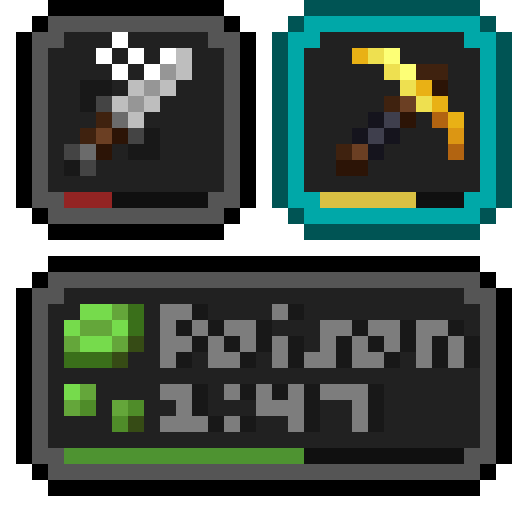
- Status Effect Bars – Adds timer to the potion effect overlay to track when they’ll run out.
- Better Clouds – Makes clouds prettier. (especially at sunset)
- Particle Rain – Makes rain and snow much prettier, adds surface fog & sandstorms.
- More Leaf Particles – Adds more variants to the new falling leaves so all tree types have distinct ones.
- Xaero’s World Map – Adds a map with many features: mapping explored chunks, making waypoints, tracking where other players are (Press M to view).
- Xaero’s Minimap – Adds the map into the interface (disabled by default).
- Advancements Reloaded – Makes the Advancements tab more visually appealing, keeps track of completion goals. (e.g. Tracks all biomes discovered for the advancement Adventuring Time)
- Euphoria Patches – mod that adds extra settings to Complementary Shaders.
Audio Enhancements
- Simple Voice Chat – In-game voice chat for spontaneous discussions even when not in Discord.
- Voice Chat Interaction – Lets talking using Simple Voice Chat get detected by Sculk Sensors.
- Sound Physics Remastered – Adds echo to caves among other cool audio enhancements.
- Sounds – Add sounds to inventory interactions & to some in-game actions (swinging a sword, pulling a bow).
- Cool Rain – Adds ambient sounds for certain blocks during rain.
Resource Packs / Data Packs / Shaders
- Authentic Shadows – Lowers the resolution of mob shadows to make them fit the Minecraft artstyle better.
- Even Better Enchants – Adds unique textures for all Enchanted Books.
- Complementary Shaders – Reimagined – Great Shaders that remain close to Minecraft’s artstyle.
Vanilla Tweaks – Website with small additions to enhance the game. Those include a Resource Pack, Data Pack & Crafting Recipes Data Pack:
Resource Pack: has 2 versions ->
- Main_DarkMode_Cookies (the way I prefer to play, set as the default).
- Main (with some specific additions separated into individual resource packs so you can add/remove whatever you want).
_Note: if something that bothers you isn’t removed in Main, you can open the resource pack on the website and pick & choose whatever features you desire._
Features exclusive to Main_DarkMode_Cookies (& separated into individual packs for use together with Main):
- Dark UI – Makes all interfaces Dark Mode
- Numbered Hotbar – Adds small numbers to hotbar slots to make quick switching easier.
- Cookie Hunger Bar – Replaces the default hunger bar with a Cookie icon.
All other features (included in both versions):
- Hunger Preview – Adds info to each food item about how much they fill you up.
- Lower Shield – Lowers the height of the shield so it doesn’t obscure a quarter of the screen when equipped.
- Brewing Guide – Adds a picture guide showing the ingredients for making all potions.
- HD Shield Banner Patterns – in Vanilla (the game without mods) the banner patterns get compressed in an ugly way when applied to a shield.
- Clearer Wither Hearts – Brightens the texture of hearts for when the players is withered (as they’re too dark in Vanilla and hard to distinguish from empty hearts)
- Visual Waxed Copper Items – Makes copper items that have been waxed easier to distinguish in inventories (in Vanilla the only way to tell the difference between waxed and unwaxed is reading their names).
- Ashless Campfires – Removes the ash pile under unlit campfires.
- Plain Leather Armor – Removes features of leather armor that keep the leather color even when the armor is dyed.
- Unique Axolotl Buckets – Axolotl Buckets now depict the correct color of the Axolotl inside (in Vanilla they depict only pink axolotls).
- Visual Honey Stages – Makes Beehives & Bee Nests show how full of honey they are in 5 stages (in Vanilla they have only an empty & full state which don’t represent the actual filling process).
- Sticky Piston Sides – Adds a slime texture to the sides of Sticky Pistons so they’re easier to distinguish in tight Redstone contraptions.
- Directional Hoppers – Adds arrow to all sides of hoppers to make it clear where they’re pointing, again helps in tight contraptions.
- Directional Dispensers & Droppers – Same thing but for Dispensers & Droppers.
- Directional Observers – Same thing.
- Unobtrusive Rain – Reduces the amount of rain particles.
- Unobtrusive Snow – Reduces the amount of snow particles.
- Unique Painting Items – Adds icons to all paintings in the Creative inventory for easy distinction.
- Colored Ping Indicator – Adds more colors to the ping icon when pressing Tab.
Data Pack
Teleport-commands:
- back – Go back to where you where, useful after dying.
- home – Teleports you to your home (location must be set first).
- spawn – Teleport to the spawn.
- tpa – Request to be teleported to another player.
Other cool tools:
- Armor statues – Adds a book for tweaking the positioning of Armor Stands (you can now give them arms).
- Silence mobs – Using a name tag renamed to “Silence me” mutes any mob it’s applied to.
- Cauldron Mud – Throwing Dirt into a Cauldron filled with water turns it into Mud.
- Cauldron Concrete – Throwing Concrete Powder into a Cauldron filled with water turns it into Concrete.
- Fast Leaf Decay – Does the same thing as the mod Leaves Be Gone, added in case the mod doesn’t update quickly to new versions.
Crafting Recipes Data Pack
- Straight to Shapeless – Recipes like Bread & Paper are now craftable in a 2×2 crafting grid.
- Universal Dyeing – Allows dyeing already colored blocks (not just white ones)
- Back to Blocks – Make stairs and slabs back into blocks.
- Blackstone Cobblestone – Adds missing recipes for Blackstone to make it equivalent to cobble.
- Craftable Coral Blocks 2×2 – Adds way to craft Coral Blocks from Corals/Coral Fans.
- Dropper to Dispenser – Can add the bow recipe to a Dropper to make it a Dispenser
- Sandstone Dyeing – Allows crafting of Red Sandstone blocks using red dye.
Libraries / APIs
Note: these mods don’t add any features that players interact with, they serve as a shared code base which the mods above use. You can ignore these.
包含的模组 70 个,另有 2 个其他文件
 Advanced Core Info (ACI)
 Advanced Loot Info (ALI)
 Advanced Worldgen Info (AWI)
 Advancements Reloaded (AdvancementInfo)
 苹果皮
 Architectury API
 Armor Statues
 Authentic Shadows
 Balm
 Better Clouds
 Chunky
 Client Sort
 Cloth Config API
 Complementary Shaders - Reimagined
 Concurrent Chunk Management Engine (Fabric)
 Controlling
 Cool Rain
 Cut Through
 Datapack Injector
 Default Options
 Durability Tooltip
 e4mc
 Enchantment Descriptions
 实体剔除
 Euphoria Patches
 Even Better Enchants
 Fabric API
 Fabric Language Kotlin
 FerriteCore
 Forge Config API Port
 Freecam
 Iris Shaders
 Jade 🔍
 JamLib
 JEI物品管理器
 LambDynamicLights - Dynamic Lights
 Leaves Be Gone
 投影
 锂
 Locator Heads
展开全部 70 个
 MaLiLib
 模组菜单
 More Leaf Particles
 鼠标微调
 MRU
 NetherPortalFix
 Particle Rain
 Prickle
 Puzzles Lib
 Resourcify
 RightClickHarvest
 Searchables
 Shulker Box Tooltip
 Silk
 Skin Restorer
 钠
 Sound Physics Remastered
 Sounds
 Status Effect Bars
 SuperMartijn642's Config Lib
 Text Placeholder API
 VeinMiner
 VeinMiner Enchantment
 VeinMiner Hotkey
 Visual Vibrance
 voxy
 Xaero的小地图
 Xaero的世界地图
 Yet Another Bingo
 YetAnotherConfigLib (YACL)
左侧绿标的模组本站有收录,点进去看中文介绍;其余跳转到 Modrinth。
常见问题
Cube of Thought 支持哪些 Minecraft 版本?
Cube of Thought 基于 Minecraft Java 版 26.3、1.21.11,使用 Fabric 加载器。
Cube of Thought 怎么安装?
点本页「前往下载」拿到整合包文件(Modrinth 的是 .mrpack,CurseForge 的是 .zip),在 PCL2 或 HMCL 启动器里选择「导入整合包」,启动器会自动装好 Minecraft、加载器和全部模组。这个整合包有 70 个模组,建议在启动器里给游戏分配 4–6 GB 内存。
Cube of Thought 开服需要多大内存?
推荐服务器内存 12 GB。在线人数多、或者建了大量机器和区块加载器时,可以再加 2–4 GB。
怎么和朋友一起玩 Cube of Thought?
点本页的「一键开服」,选好配置后会自动安装 Cube of Thought 的服务端,几分钟就能开好。把服务器地址发给朋友,大家用同一个版本的整合包连进去就行。
评论
登录后评论和评分