
Hypixel Skyblock, Optimizations, and Visuals (SOV)
A collection of some skyblock mods along with numerous helpful optimizations and mods to improve the visuals of the game
截图
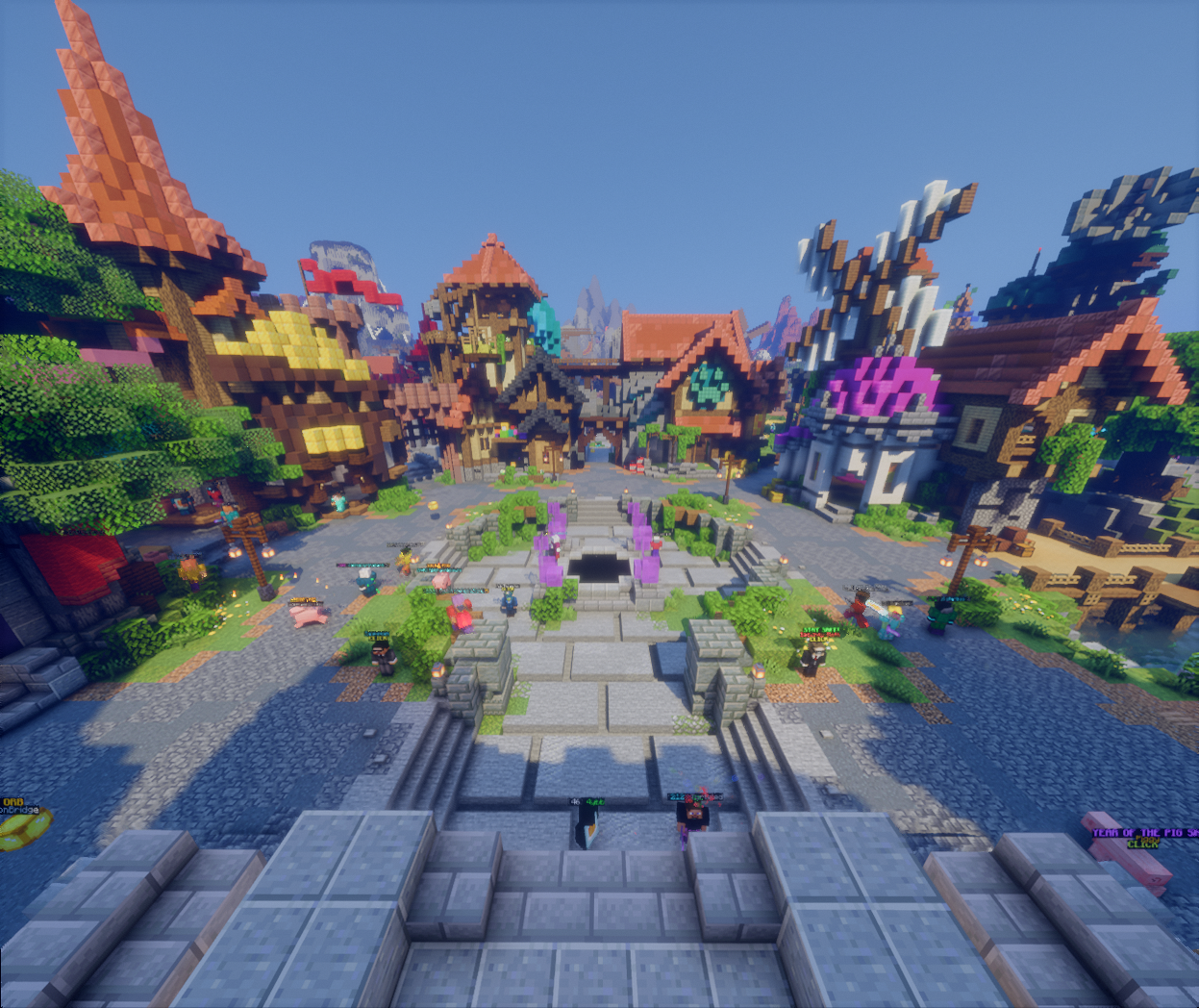
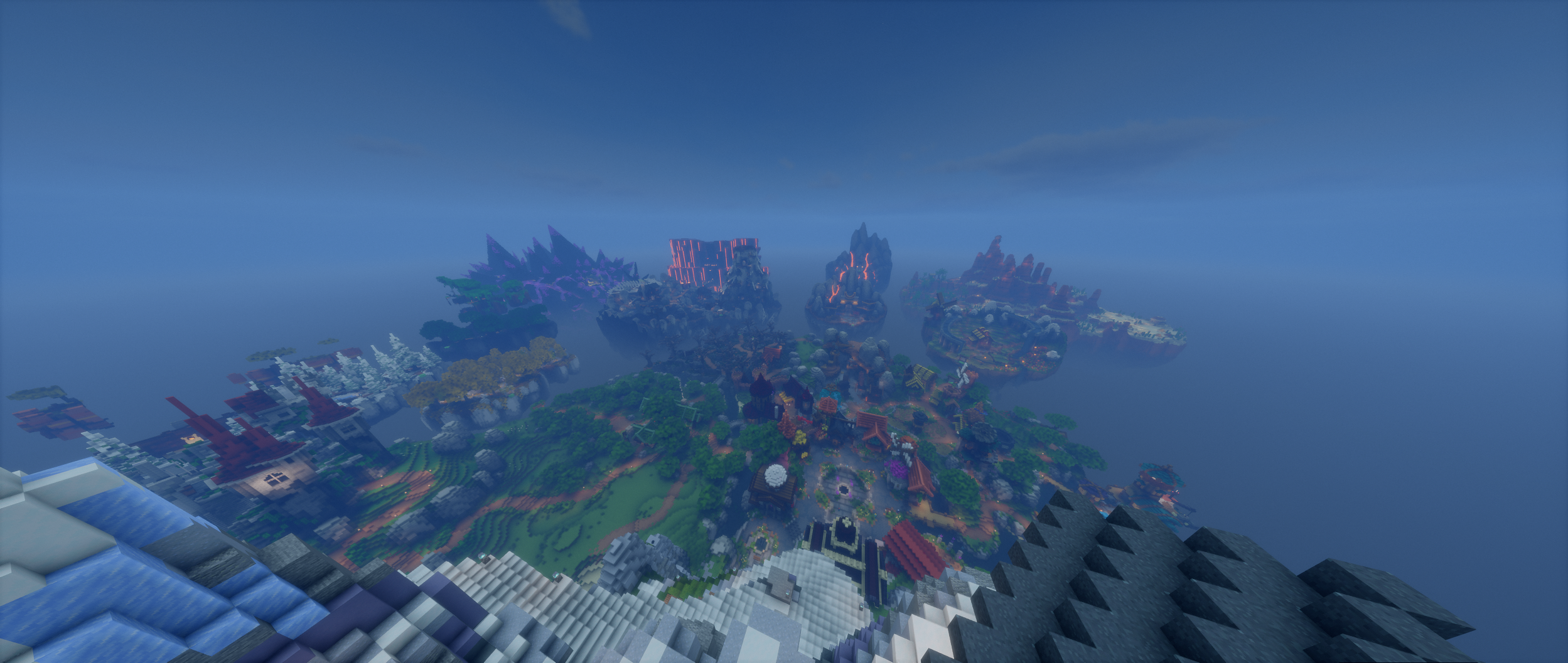
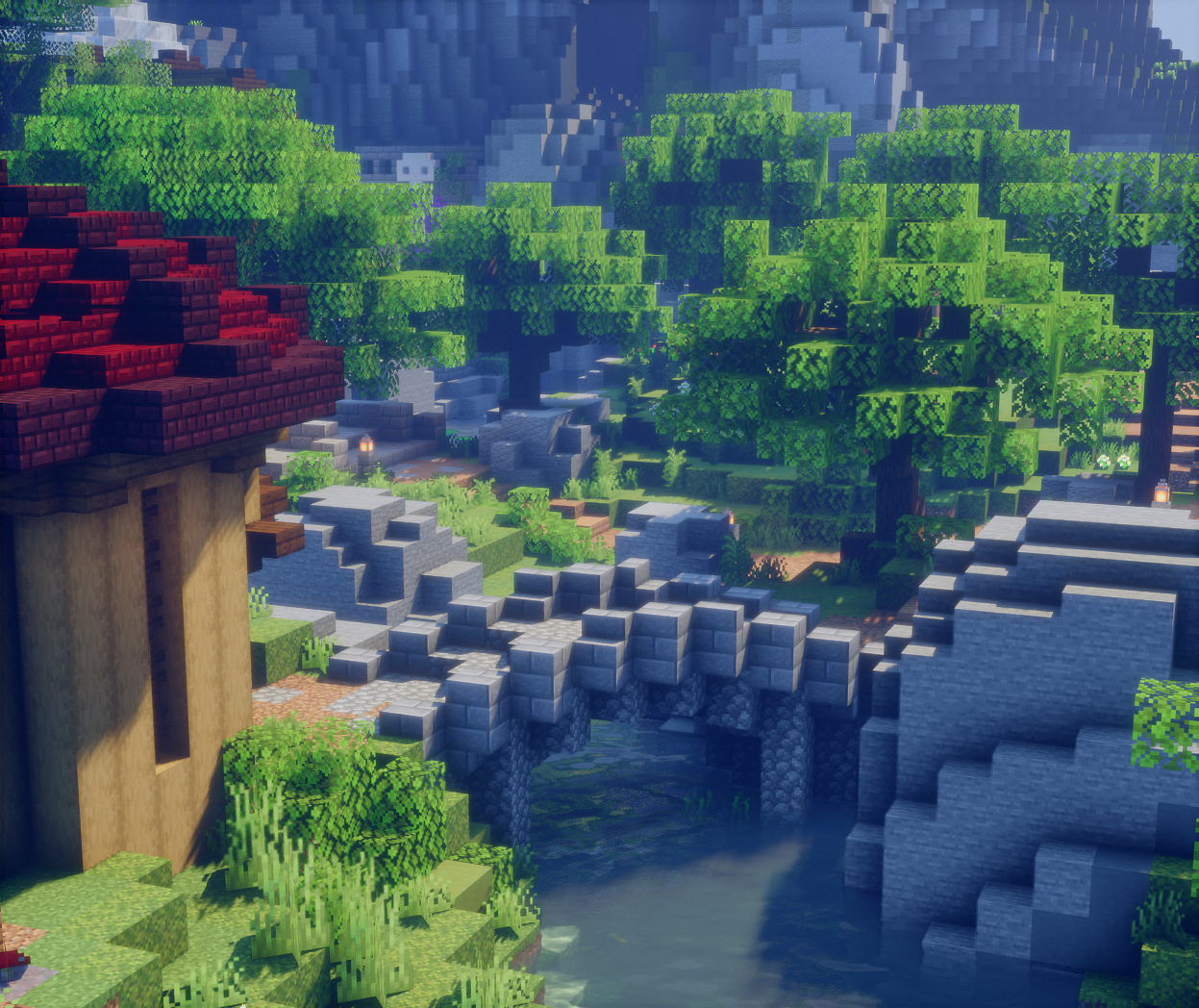
介绍
Important: In the settings for bobby mode enable “Dynamic World Management” (you can find the setting page using the mod menu in game) and set the chunk render distance to whatever you want (recommend 128) and then go to your render distance setting and set it to that
Do not run /bobby upgrade
Contact me @ wario_ on discord if you have issues 🙂
Please show these mod devs some love by hearting their mods and starring and forking their repo’s! Donate if you have the means to do so, there’s been a lot of work that’s gone into each of these mods.
What does this modpack include?
Mods
- Skyblock
- Firmament (port of some of NEU’s features)
- Skyblock PV (modern version of NEU’s pv feature)
- Skyblocker (general modern skyblock mod with dungeons features)
- Skyhanni (general skyblock mod)
- Aarons Mod (m7 features, in depth particle control, zoom utility)
- Fishing mods
- Feesh (main fishing mod)
- Fishy Addons (adds other fishing utilities like clear lava)
- RFU (adds some more “niche” fishing features and fishing achievments)
- Optimizations
- Bad Optimizations
- C2ME (Chunk Loading)
- Debugify
- Dynamic FPS (Idle FPS)
- Fast IP Ping
- Ferrite Core (fixes memory leaks)
- GPUBooster (adds some newer rendering capabilities to minecraft. Requires “newer” hardware)
- Immediately fast (boots faster)
- Kyrpton (networking improvements)
- Lithium
- Particle Core (particle culling)
- Sodium
- Sodium Extra
- Sodium Extra Information
- Entity Culling
- More Culling
- Utility
- Controlling (help with keybindings)
- Compacting (combines duplicate messages to reduce clutter (like skytils used to))
- Cubes without boarders (adds boarderless fullscreen)
- Mod Menu
- REI (fabric port of JEI)
- Sound Controller (allows editing of individual sounds)
- Tooltip Scroll (tolltip scrolling)
- Many Library/Dependancy Mods
Resource Packs
- Furfsky
- Fresh Animations (adds animations to mobs)
- Nautilus 3D (makes things 3d)
- Low on fire
Shaders (and other visuals)
- Bliss shader
- Mellow shader
- Bobby (increase render distance past 7)
- Continutity (connected textures)
- Dark Loading Screen
- Dynamic Crosshair (context based crosshair)
- Fadeless (removes fade effects)
- Sounds (adds sounds)
- Skin Mods
- 3d Skin Layers (makes skins 3d including player heads)
- Ears (used for adding custom elements to skins in a lightweight, multiplayer compatible way)
Setup
If you have a pre-existing mod instance you should copy your config folder and options file over unless you want to recongfigure everything.
包含的模组 64 个
 3D皮肤层
 [EMF] Entity Model Features
 [ETF] Entity Texture Features
 Aaron’s Mod
 Anvian's Lib
 Architectury API
BadOptimizations
 Bliss Shaders
 Bobby
 Catharsis
 Cloth Config API
 Compacting
 Concurrent Chunk Management Engine (Fabric)
 Continuity
 Controlling
 Cubes Without Borders
 Cull Leaves
 Dark Loading Screen
 Dynamic Crosshair
 Dynamic FPS
 Ears
 实体剔除
 Fabric API
 Fabric Language Kotlin
 Fadeless
 Fast IP Ping
 Feesh
 FerriteCore
 Firmament for Hypixel SkyBlock
 FishyAddons
 Fresh Animations
 Fresh Animations: Extensions
 FurSky Reborn
 Fzzy Config
 Hypixel Mod API
 ImmediatelyFast
 InventoryHUD+
 Iris Shaders
 Krypton
 锂
展开全部 64 个
 Low On Fire
 MaLiLib
 Mellow
 模组菜单
 More Culling
 MRU
 Nautilus 3D
 Particle Core
 Riccio Fishing Utils (RFU)
 REI物品管理器
 Searchables
 SkyBlock Profile Viewer
 Skyblocker • Hypixel Skyblock
 SkyHanni for Hypixel SkyBlock
 钠
 Sodium Extra
 Sodium Extra Information
 Sound Controller
 Sounds
 Text Placeholder API
 Tooltip Scroll
 UniLib
 Very Many Players (Fabric)
 YetAnotherConfigLib (YACL)
绿色边框的模组本站有收录,点进去看中文介绍;其余跳转到 Modrinth。
常见问题
Hypixel Skyblock, Optimizations, and Visuals (SOV) 支持哪些 Minecraft 版本?
Hypixel Skyblock, Optimizations, and Visuals (SOV) 支持 Minecraft Java 版 1.21.5–26.1.2,共 5 个版本,可用的加载器:Fabric。下载时注意选择和你游戏版本一致的文件。
Hypixel Skyblock, Optimizations, and Visuals (SOV) 怎么安装?
点本页「前往下载」拿到整合包文件(Modrinth 的是 .mrpack,CurseForge 的是 .zip),在 PCL2 或 HMCL 启动器里选择「导入整合包」,启动器会自动装好 Minecraft、加载器和全部模组。这个整合包有 64 个模组,建议在启动器里给游戏分配 4–6 GB 内存。
Hypixel Skyblock, Optimizations, and Visuals (SOV) 开服需要多大内存?
推荐服务器内存 12 GB。在线人数多、或者建了大量机器和区块加载器时,可以再加 2–4 GB。
怎么和朋友一起玩 Hypixel Skyblock, Optimizations, and Visuals (SOV)?
点本页的「一键开服」,选好配置后会自动安装 Hypixel Skyblock, Optimizations, and Visuals (SOV) 的服务端,几分钟就能开好。把服务器地址发给朋友,大家用同一个版本的整合包连进去就行。
评论
登录后评论和评分