
Integrated Dungeons and Structures- Configuration Datapack
The Configuration Datapack For Integrated Dungeons and Structures
截图
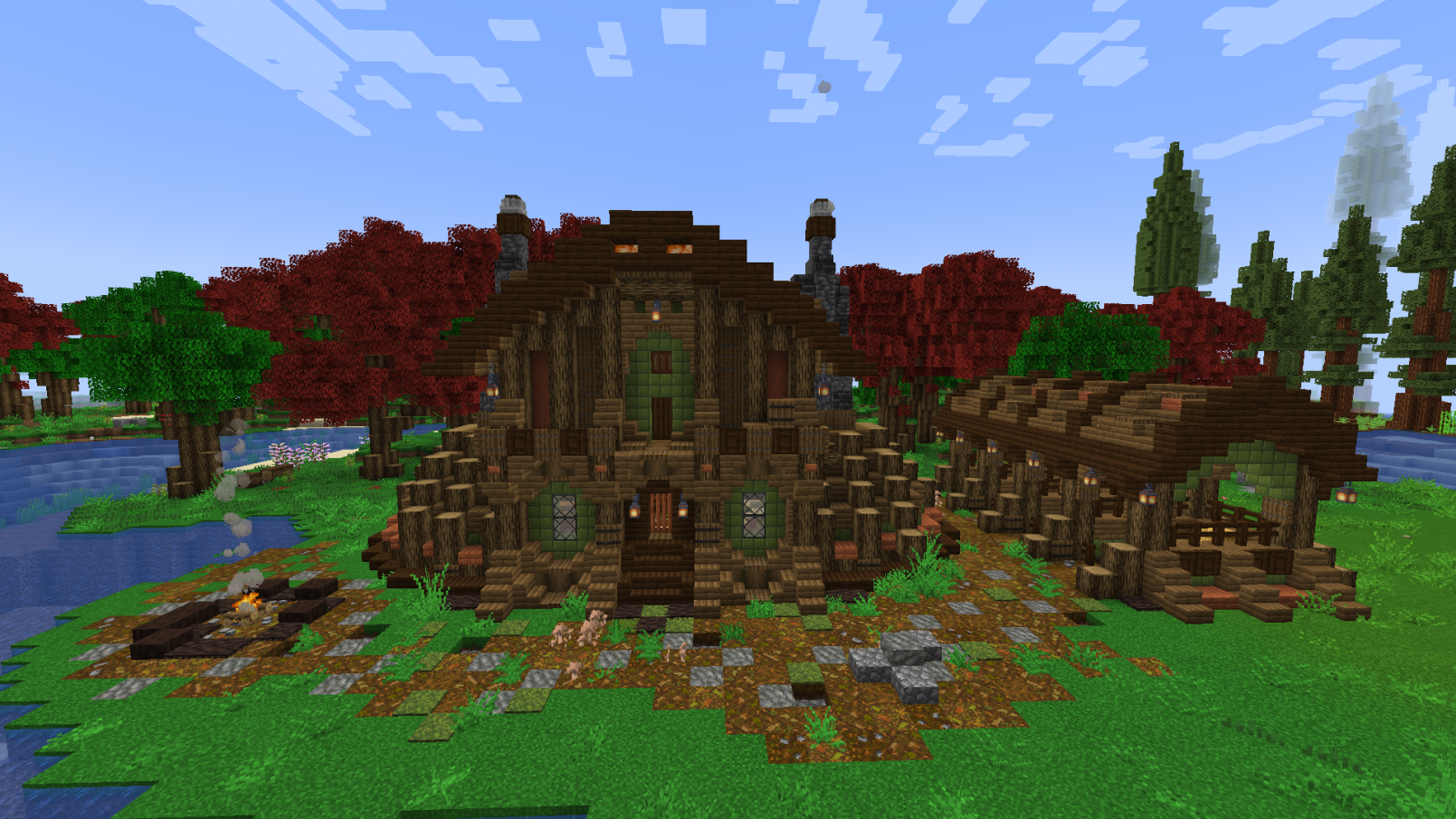
介绍

THIS REQUIRED THE MAIN MOD, IT DOES NOTHING ON IT’S OWN
WHAT IS INTEGRATED DUNGEONS AND STRUCTURES?
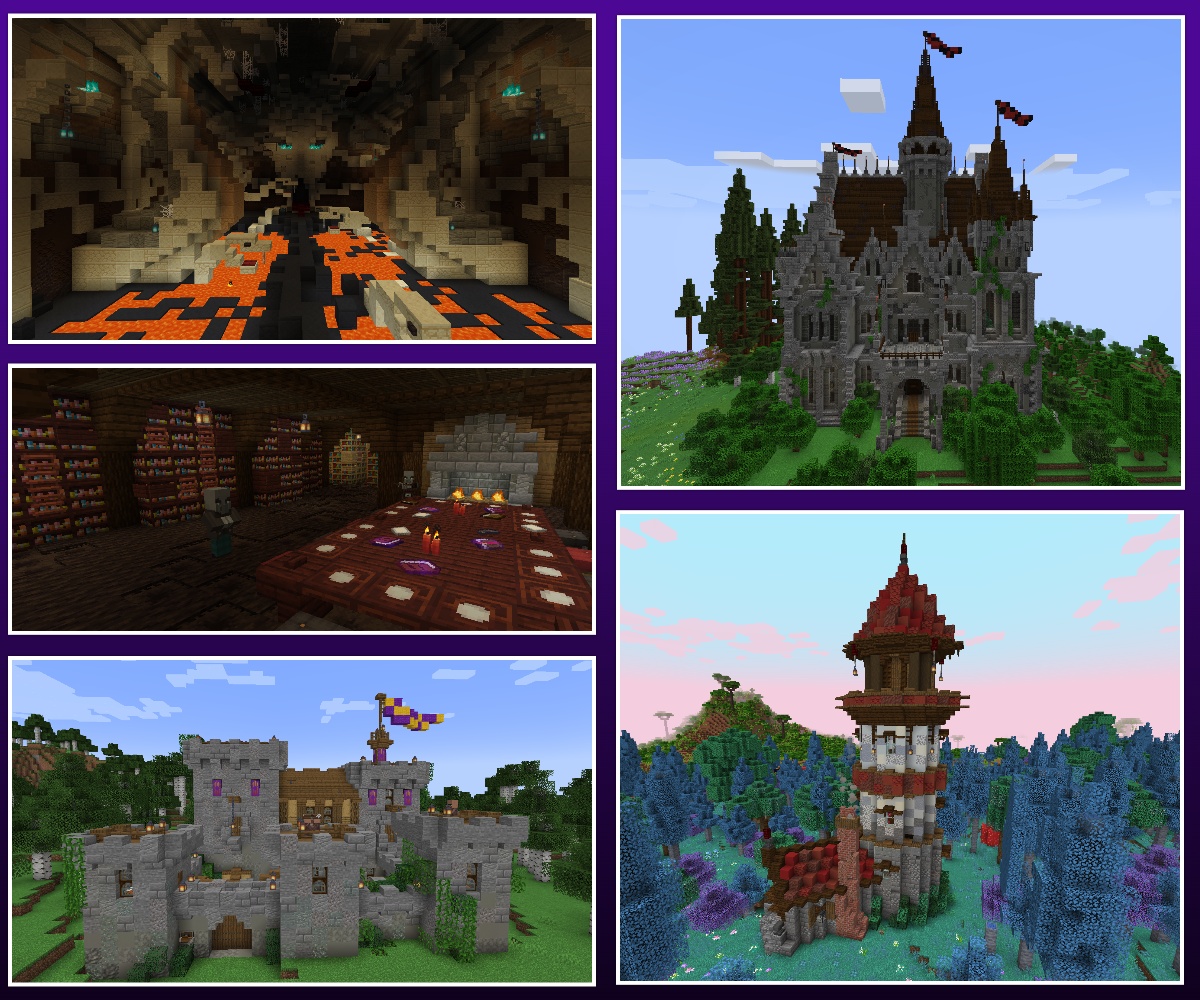
Integrated Dungeons and Structures (aka IDAS) is a mod that adds heavily detailed structures using blocks and mobs from Quark, Alex’s Mobs, and Create, with optional integrated with Biomes O’ Plenty. I got sick of installing structure mods into a pack and roaming the world, only to find vanilla items and nothing of difficulty anywhere. I love detailed builds and Create machines, so I decided to make a mod that adds exactly what I’ve been missing. Beautiful and challenging dungeons and structures packed with lore that are fully integrated into multiple core forge mods.
- To change spawn rates change the spacing and separation in the structures sets
- To edit biomes, edit the biome files in tags/worldgen/biome/has structure
- To edit mob spawns, edit the integrated_structure_spawner files
- To improve compatibility with other structure mods, add structures to the “structure set to avoid” list in each of the worldgen/configured_structure_feature files
Note: When using the global datapacks mod, if you’re using both the BOP and config data packs, you have to manually make sure that the data pack for bop integration is above the config data pack.
This is the optional configuration datapack for IDAS. To install, download the corresponding version, unzip, edit to your hearts content, and add it to your worlds datapack folder. Simple as that. Join this discord if you need help or have any questions- https://discord.com/invite/72a7jmc5mb
常见问题
Integrated Dungeons and Structures- Configuration Datapack 支持哪些 Minecraft 版本?
Integrated Dungeons and Structures- Configuration Datapack 支持 Minecraft Java 版 1.18.2–1.21.1,共 4 个版本。下载时注意选择和你游戏版本一致的文件。
Integrated Dungeons and Structures- Configuration Datapack 怎么安装?
把下载的 .zip 文件(不用解压)放进游戏目录的 resourcepacks 文件夹,进游戏后在「选项 → 资源包」里把它移到右边启用。
CraisinLord 的其他作品
查看全部 →
Integrated API
Integrated Structures 系列的前置库模组

Integrated Dungeons and Structures
Integrated Dungeons and Structures(简称 IDAS)是一个模组,使用夸克、超多生物群系、Alex's Mobs 和机械动力的方块和生物来添加细节丰富的结构。

Integrated Stronghold
Integrated Stronghold 是一个模组,它将原版中老旧单调的要塞结构替换为一座细节丰富的地牢,使用了来自机械动力、夸克和锦致装饰的模组方块建造。

Integrated Villages
通过模组联动全面改造村庄
评论
登录后评论和评分