
zy optimised pack
A modpack with a focus on optimisation and quality of life features. Designed for use with vanilla servers.
截图


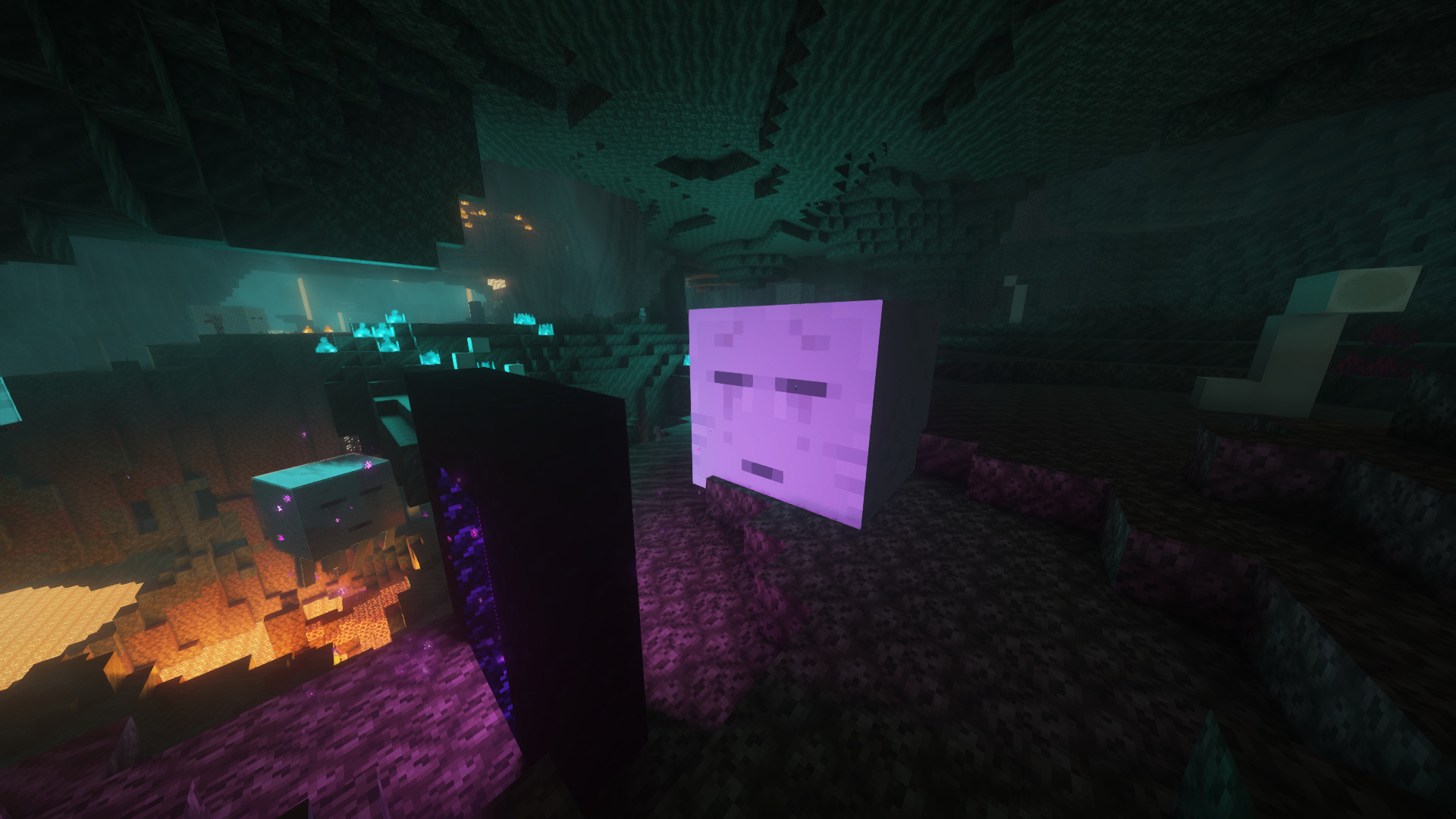

介绍
zy optimised pack is modpack with a focus on optimisation and quality of life features. The performance of the game is improved with mods such as Sodium and Lithum, with QoL mods such as OK Zoomer, Shulker Box Tooltip and Fair Freecam.
Some resource packs and shaders are included, making configuration easily accessible upon startup. This modpack aims to enable good performance across various devices and keep the experience as close to vanilla as possible, whilst improving the game in unobtrusive ways.
PrismLauncher is recommended to manage different Minecraft versions.
NOTE: The modpack might crash on old graphics cards/iGPUs. If this occurs, please disable the Voxy mod and you’ll be able to play!
How to Install
Prism Launcher is recommended to manage instances and download mods. With PrismLauncher open, click the Add Instance button, select the Modrinth tab and search for this modpack (either by name or by using the link).
Alternatively, you can use the Import tab to select the .mrpack that can be downloaded to import the pack into PrismLauncher.
You will need Java (Java 21 or above) installed on your device. Prism Launcher can download Java for you when you open it for the first time.
Additionally, you can also download Java here: adoptium.net.
Note: On Apple silicon (M1 and above) Macs, you need to install the Arm 64 (aarch64) version of Java. On older Macs with Intel processors, you will need the x64 version of Java.
When Updating
You can use Prism Launcher to update this modpack easily, you can do this by Editing the instance, selecting the Modrinth tab and selecting the latest version by the Update to version dropdown.
** Note: This can only be done if the instance was created by selecting the Modpack from modrinth directly.
” loading=”lazy”>**
If manually moving, to keep your settings, make sure to copy over options.txt to the new instance’s folder, from your old folder. Also, if you want, copy over servers.dat (your server list), hotbar.nbt (your saved creative hotbars), saves/ (your worlds) and screenshots/, along with .bobby/ (only made if you have the bobby mod).
Included Resource Packs and Shaders
Resource Packs
- Bare Bones
- C418 Songs Only
- Default Dark Mode
- Enchantment Glows
- Even Better Enchants
- No Mob Variants
- No Wolf Skin Variants
- Redstone Tweaks
- Vanilla Tweaks
Shaders
包含的模组 50 个,另有 3 个其他文件
 Bare Bones
 Better Block Entities
 BSL Shaders
 C418 Songs Only
 Chat Heads
 Chunky
 Cloth Config API
 Complementary Shaders - Reimagined
 Concurrent Chunk Management Engine (Fabric)
 Cubes Without Borders
 e4mc
 Enchantment Glows
 实体剔除
 Even Better Enchants
 Fabric API
 FerriteCore
 Freecam
 Gnetum
 Held Item Info
 ImmediatelyFast
 Iris Shaders
 Ixeris
 LambDynamicLights - Dynamic Lights
 锂
 LOD Server Support
 Main Menu Credits
 模组菜单
 ModernFix-mVUS
 More Chat History
 More Culling
 No Chat Reports
 No Chat Restrictions
 No Resource Pack Warnings
 No Wolf Skin Variants
 Ok Zoomer - It's Zoom!
 Phase's Discord Rich Presence
 Redstone Tweaks
 Rethinking Voxels
 ScalableLux
展开全部 50 个





绿色边框的模组本站有收录,点进去看中文介绍;其余跳转到 Modrinth。
常见问题
zy optimised pack 支持哪些 Minecraft 版本?
zy optimised pack 支持 Minecraft Java 版 1.21.6–26.3,共 9 个版本,可用的加载器:Fabric。下载时注意选择和你游戏版本一致的文件。
zy optimised pack 怎么安装?
点本页「前往下载」拿到整合包文件(Modrinth 的是 .mrpack,CurseForge 的是 .zip),在 PCL2 或 HMCL 启动器里选择「导入整合包」,启动器会自动装好 Minecraft、加载器和全部模组。这个整合包有 50 个模组,建议在启动器里给游戏分配 4–6 GB 内存。
zy optimised pack 开服需要多大内存?
推荐服务器内存 12 GB。在线人数多、或者建了大量机器和区块加载器时,可以再加 2–4 GB。
怎么和朋友一起玩 zy optimised pack?
点本页的「一键开服」,选好配置后会自动安装 zy optimised pack 的服务端,几分钟就能开好。把服务器地址发给朋友,大家用同一个版本的整合包连进去就行。
评论
登录后评论和评分