
NEFIX Optimized
An OPTIMIZED mod pack that will increase PERFORMANCE and FPS even on the WEAKEST devices, as well as simplify and improve your gaming experience
截图
介绍
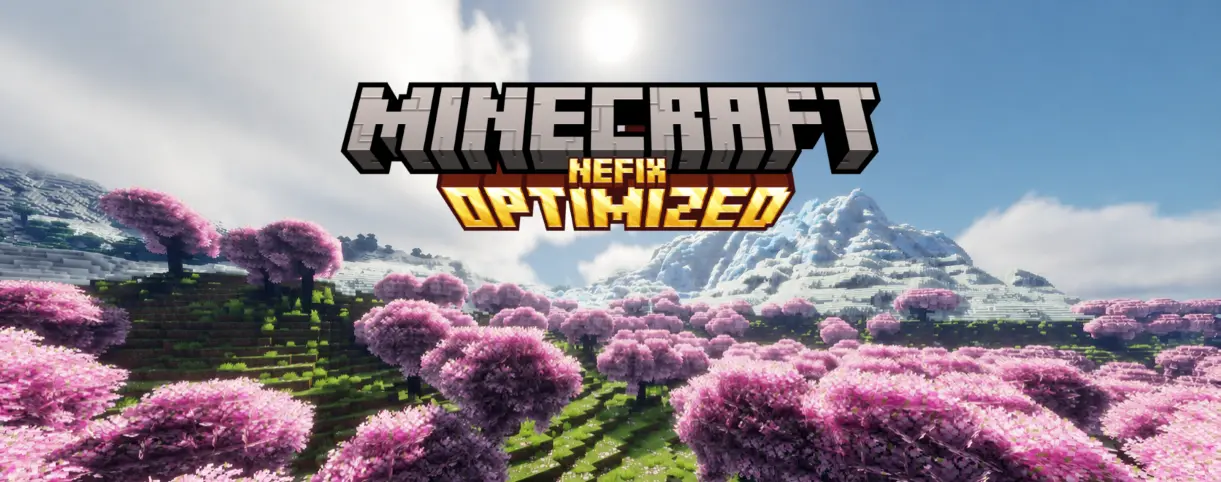
### How does this mod pack work?
**This mod pack works very simply. From my own experience, I’ve tested many popular mod packs for optimization, and in many of them I noticed a major problem: CONFLICTS BETWEEN CERTAIN MODS AND SODIUM
Such a conflict can lead to a significant drop in FPS, since the same options—such as those in the popular Sodium base mod and the More Culling mod—overlap and perform the same optimization functions, which can cause FPS to drop. but in my mod pack, I’ve checked all the technical aspects of the mods to ensure that each one performs its specific function without causing conflicts.
And to my surprise, it turned out to be very lightweight—even I wouldn’t have expected that, given that I was adding 20–30 mods for the same function.**
### Start of installation
- Download the mod pack for your version of Minecraft
- Open the Modrinth app
- Create a new instance
- Install the build
- Import the build
- Select the downloaded file
- Done
### Additions
In addition to all of the above, I’ve also saved my settings so you don’t have to spend a lot of time configuring them when you first launch the game.
So you don’t have to go through all the hassle of testing this modpack as if you were just starting your workday hoping to earn more, I’ve included the results of my independent tests of vanilla graphics, as well as a number of popular shaders, on a fairly underpowered device (full specifications are listed below the text with FPS metrics)
### ↓BELOW ARE THE RESULTS OF MY SIMPLE INDEPENDENT TESTS↓ 8 chunks
|Pure vanilla Minecraft|Minecraft with sodium|Minecraft with my modpack|My modpack + vulkan|
|:—:|:—:|:—:|:—:|
|350-450FPS|500-600FPS|600-800+FPS|1000-1100fps+|
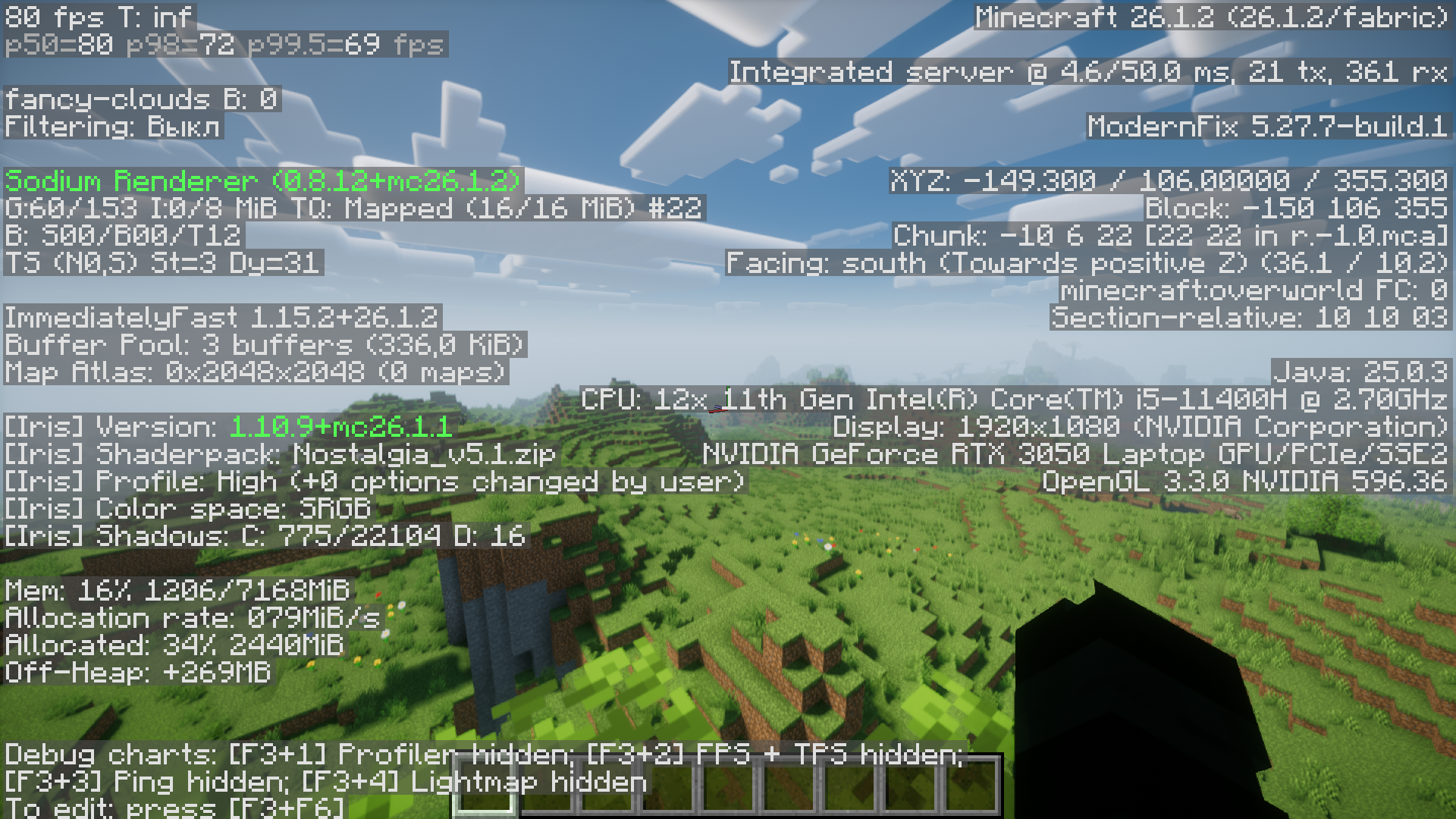
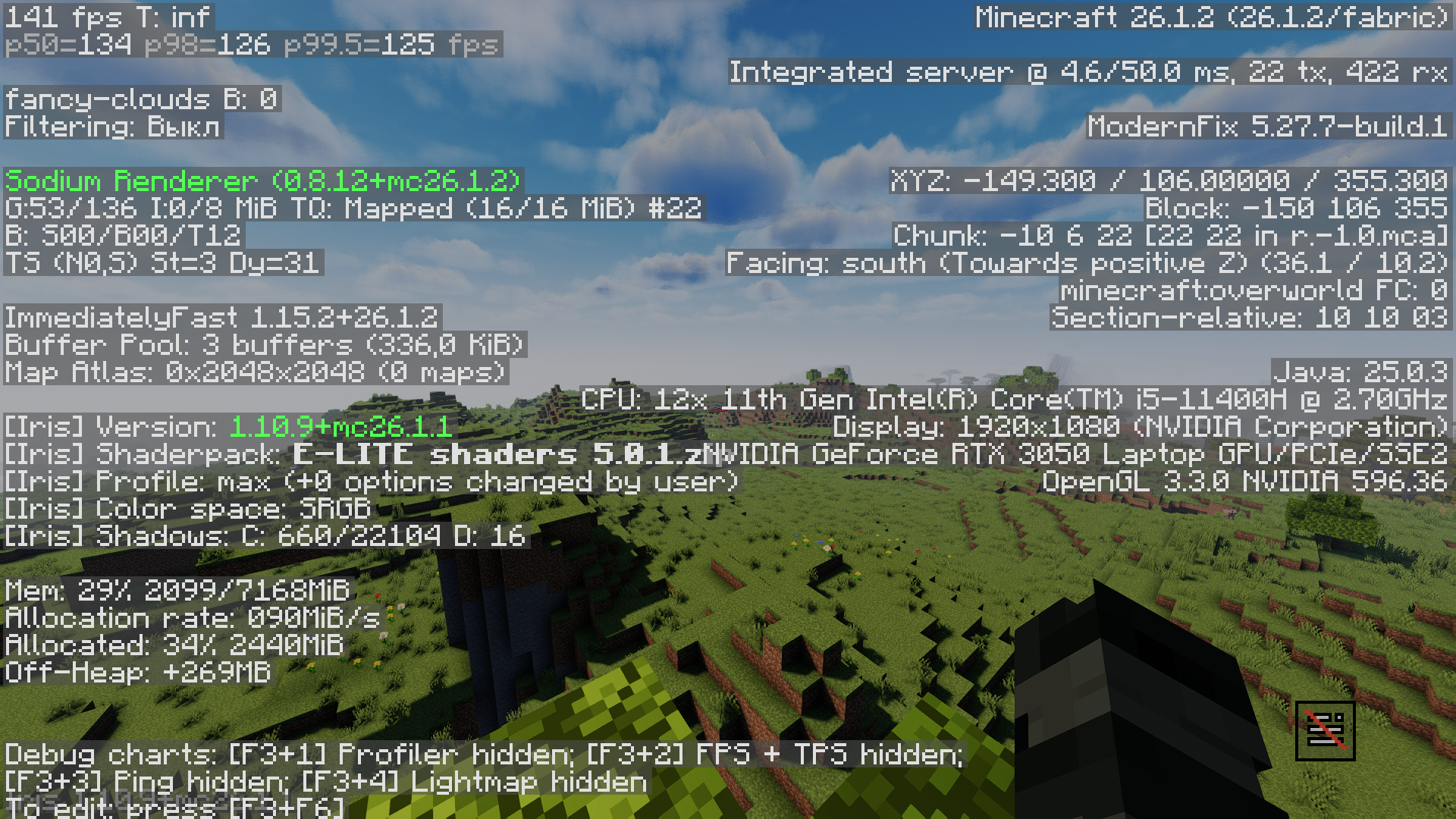
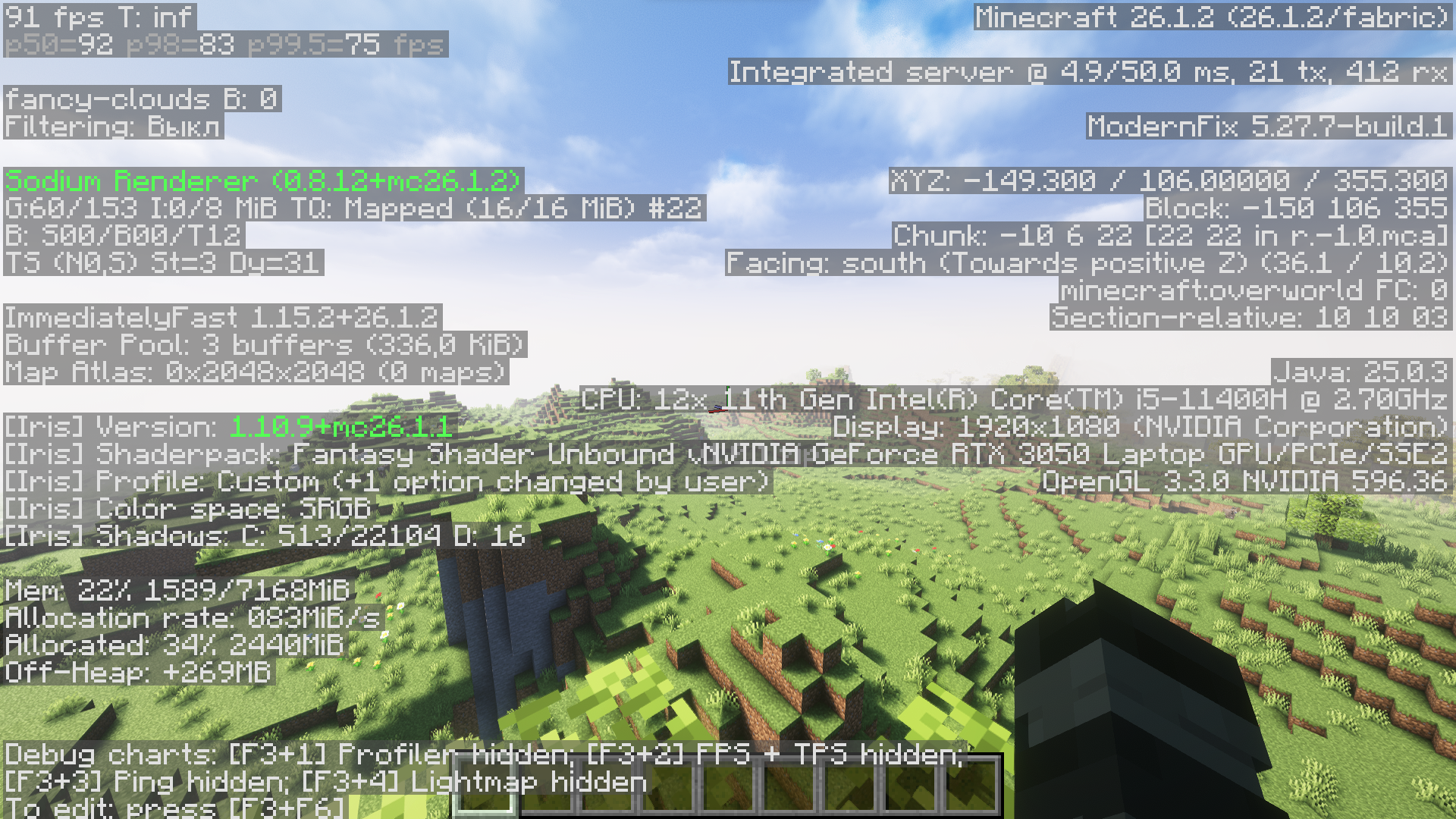
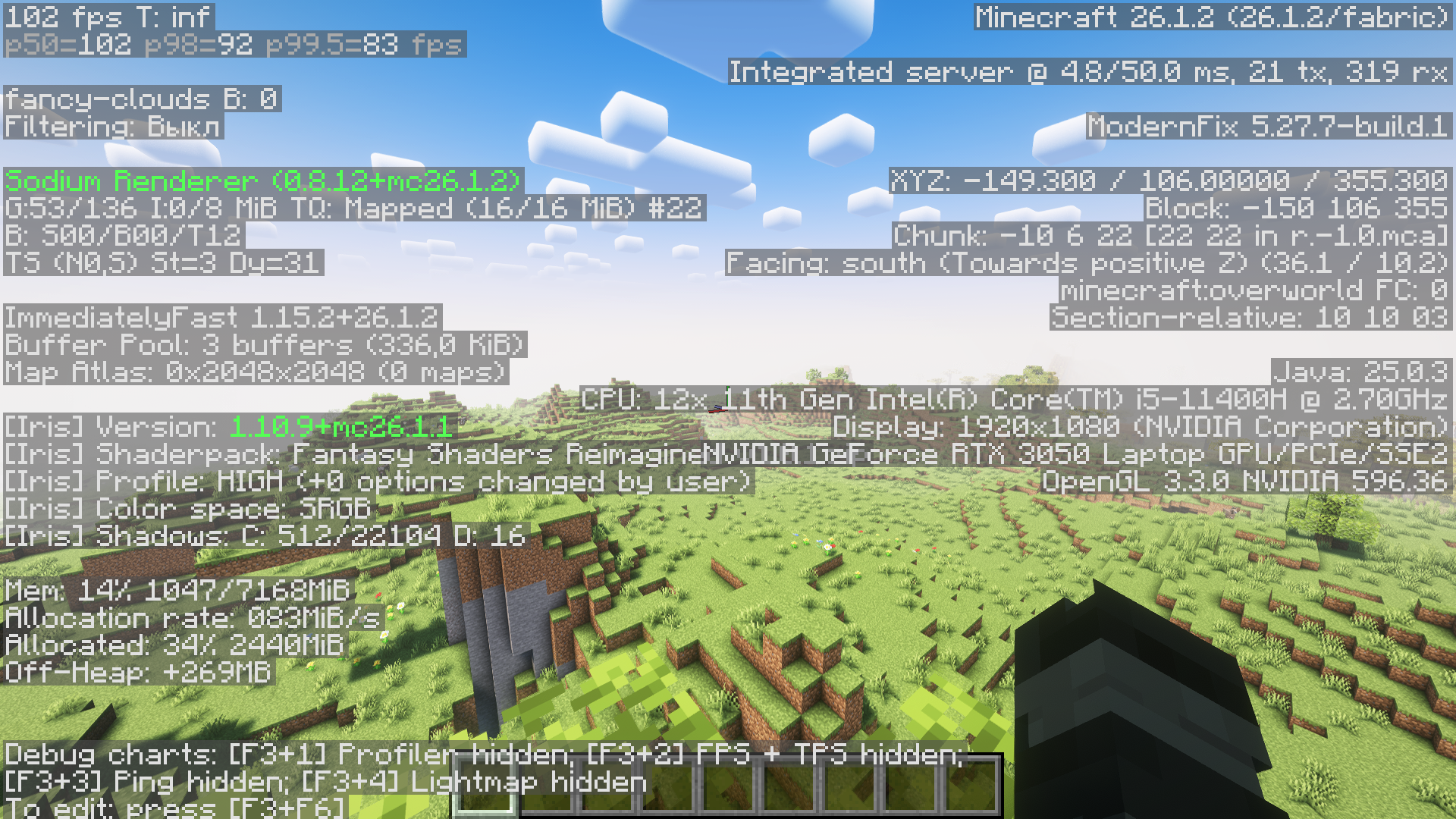
### ↓Shader tests with my mod pack↓ 16 chunks
|Shader name|Graphics preset|FPS result|
|:—:|:—:|:—:|
|AstraLex Shader|High|75|
|Solas Shader|Ultra|60|
|Photon Shaders|Ultra|90|
|Bliss Shader|High|110|
|BSL Shader|Ultra|105|
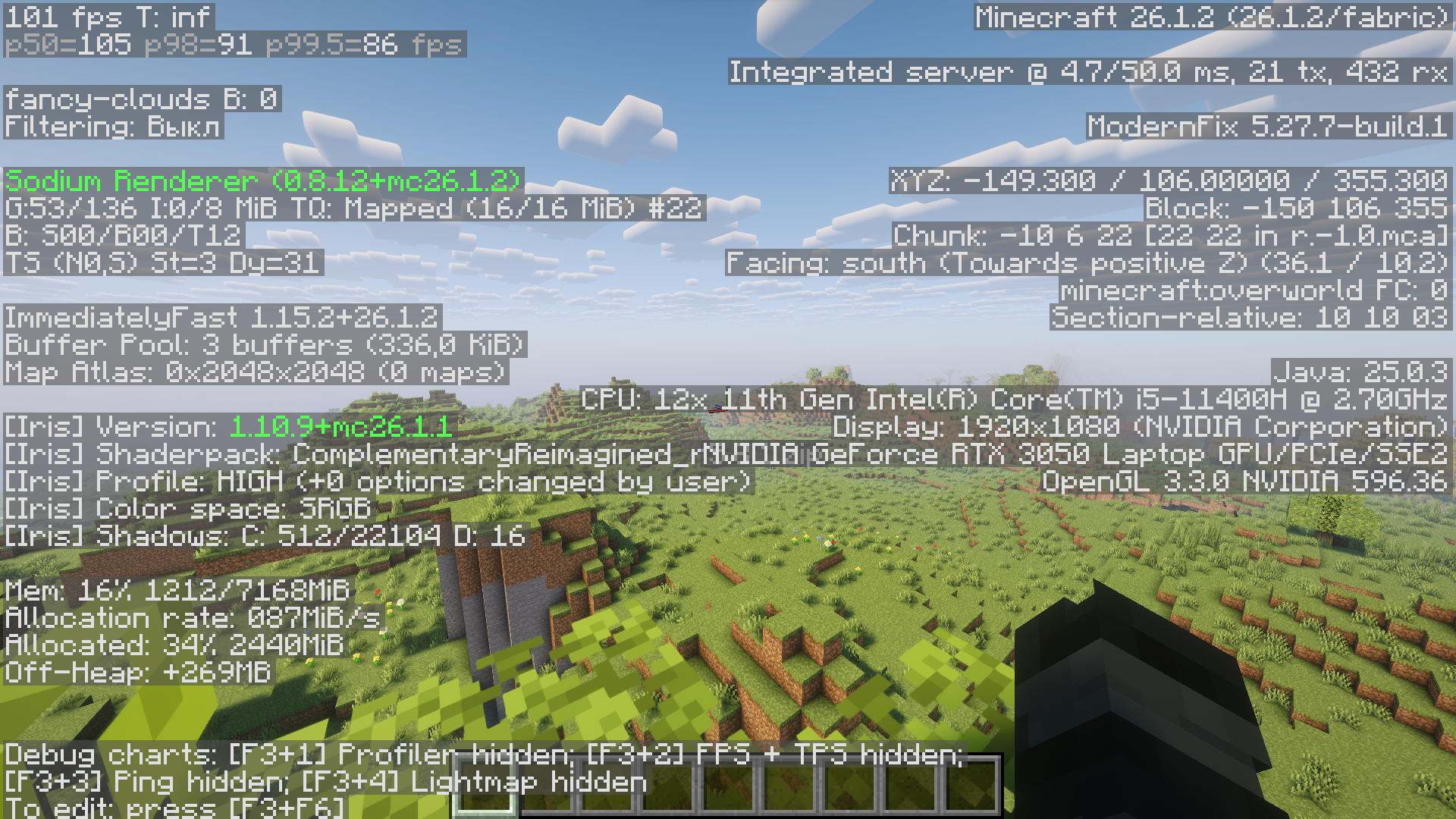
|Complementary Reimagined|High|100|
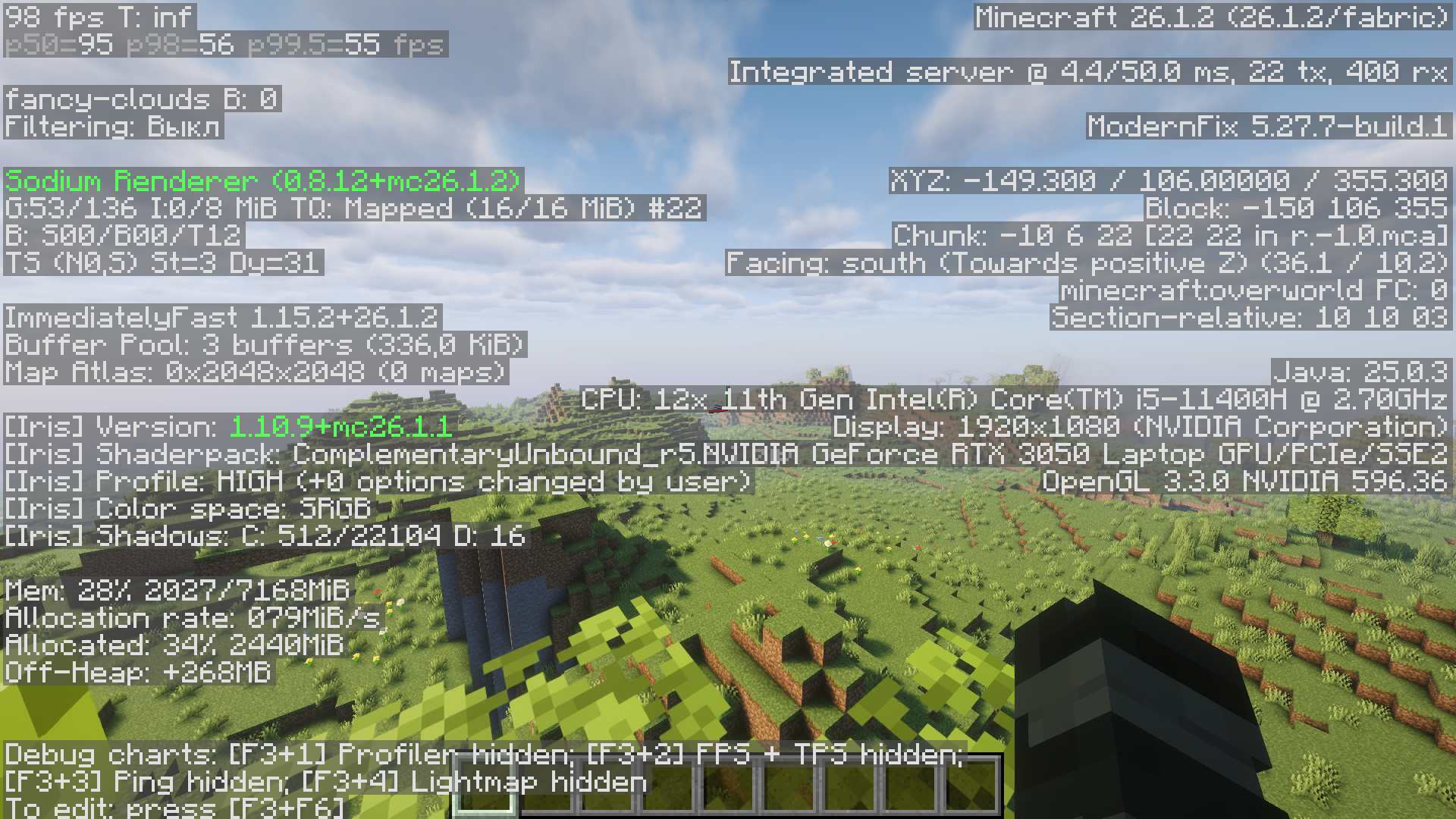
|Complementary Unbound|High|95|
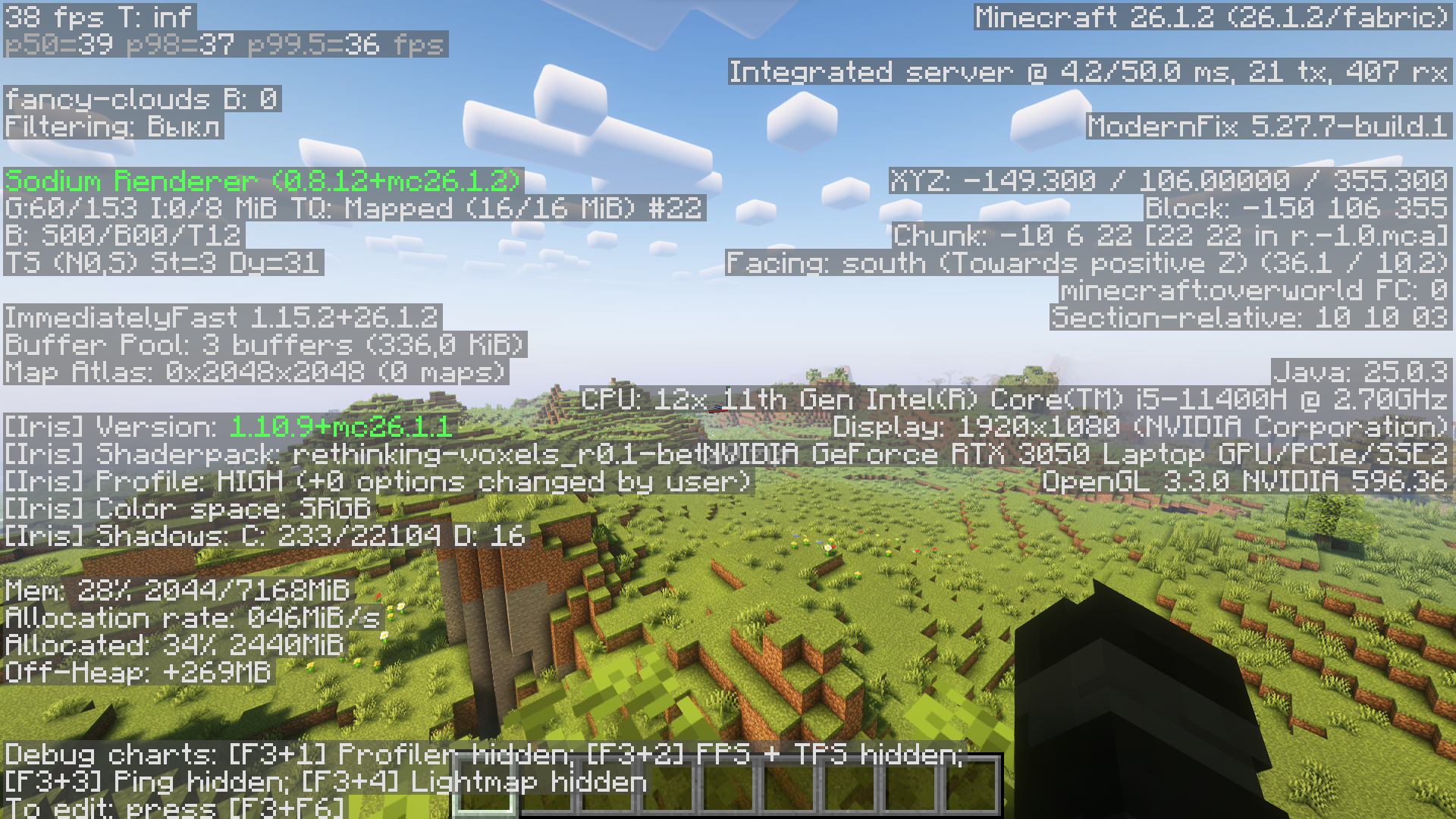
|Rethinking Voxels|Ultra|50|
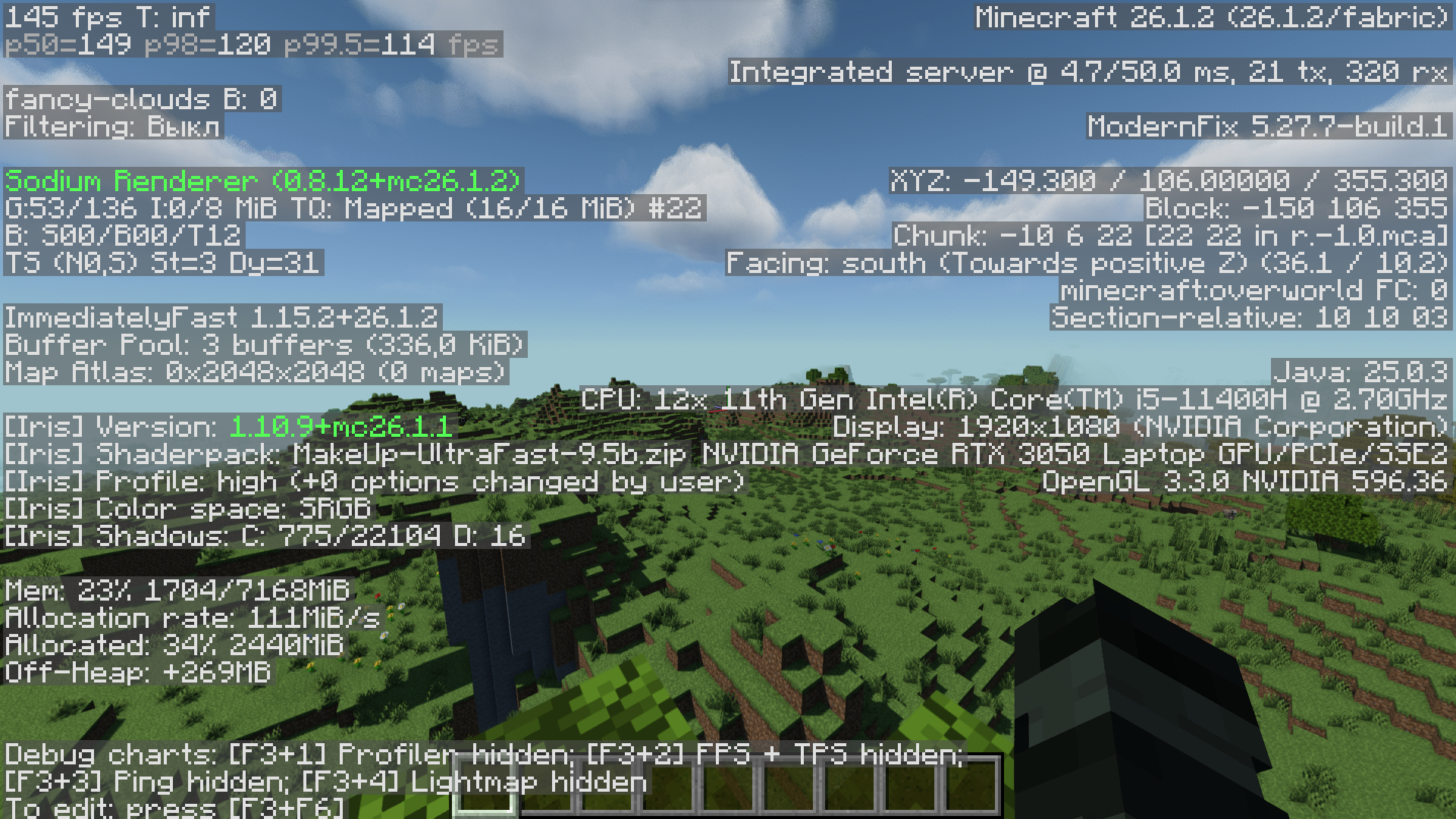
|MakeUp Ultra Fast 9|High|145|
|Fantasy Reimagined|High|105|
|Fantasy Unbound|High|90|
|E-LITE shaders 5|Max|140|
|Nostalgia Shader|High|80|
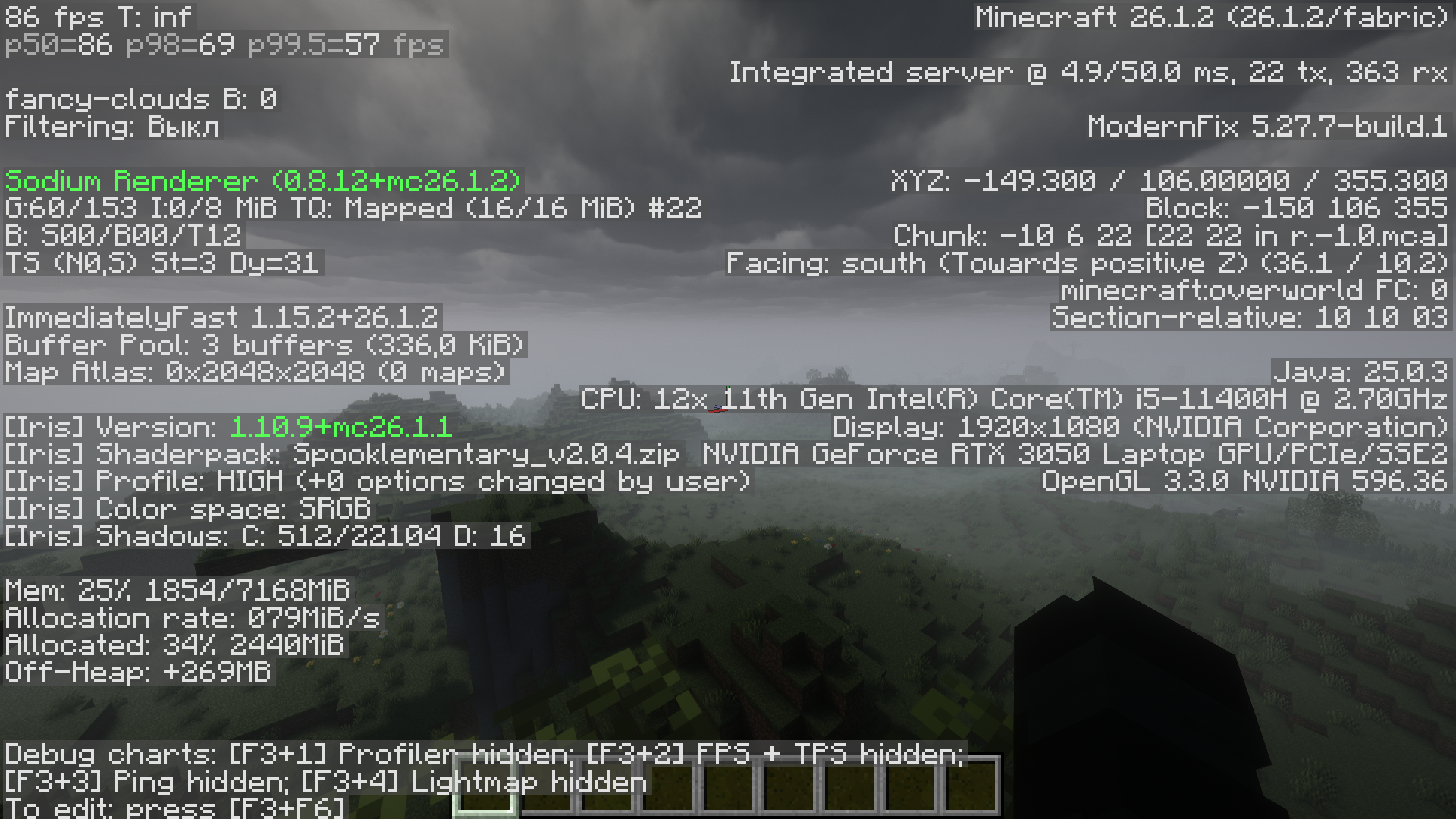
|Spooklementary|High|85|
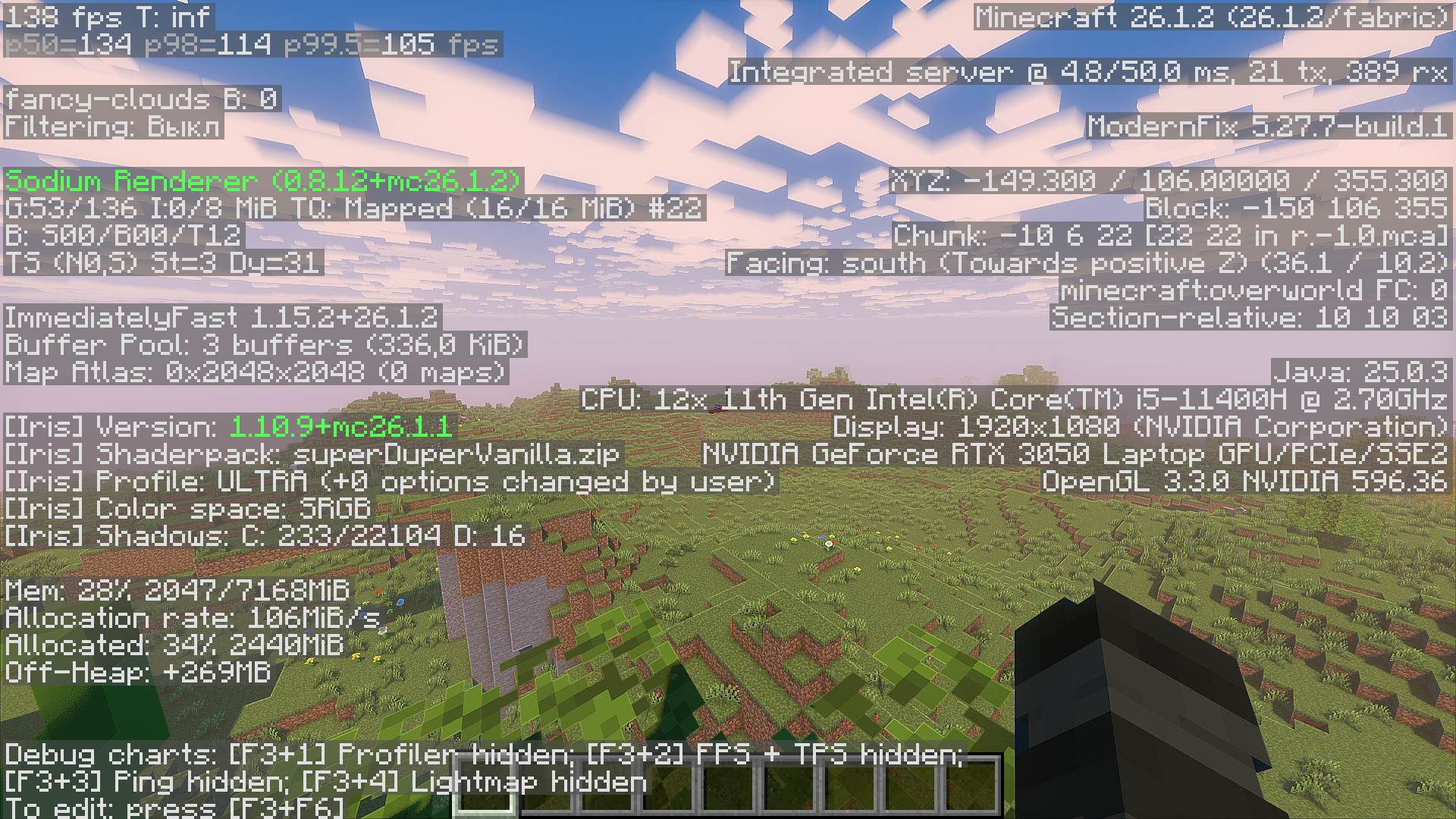
|Super Duper Vanilla|Ultra|140|
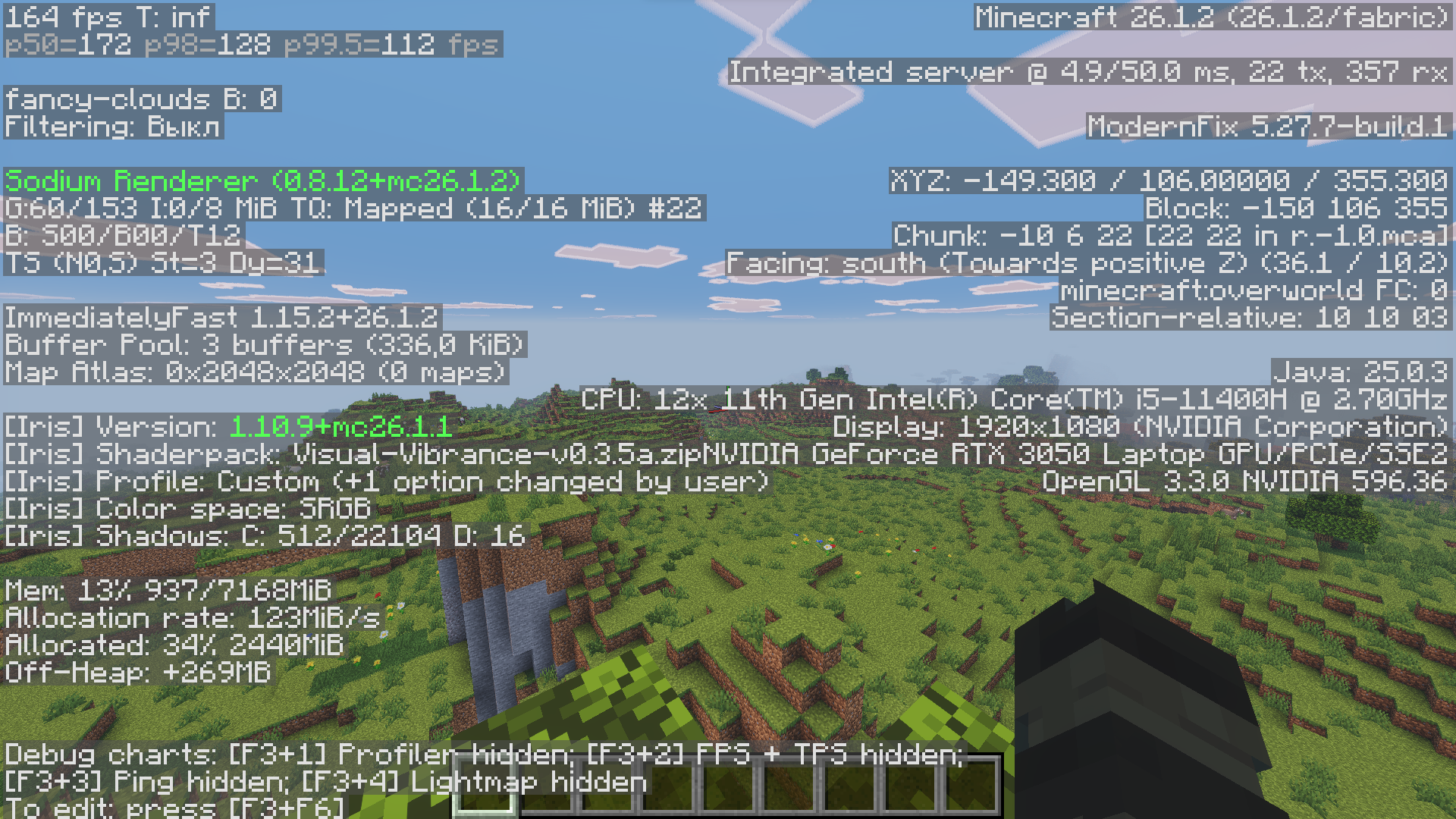
|Visual Vibrance|High|155|
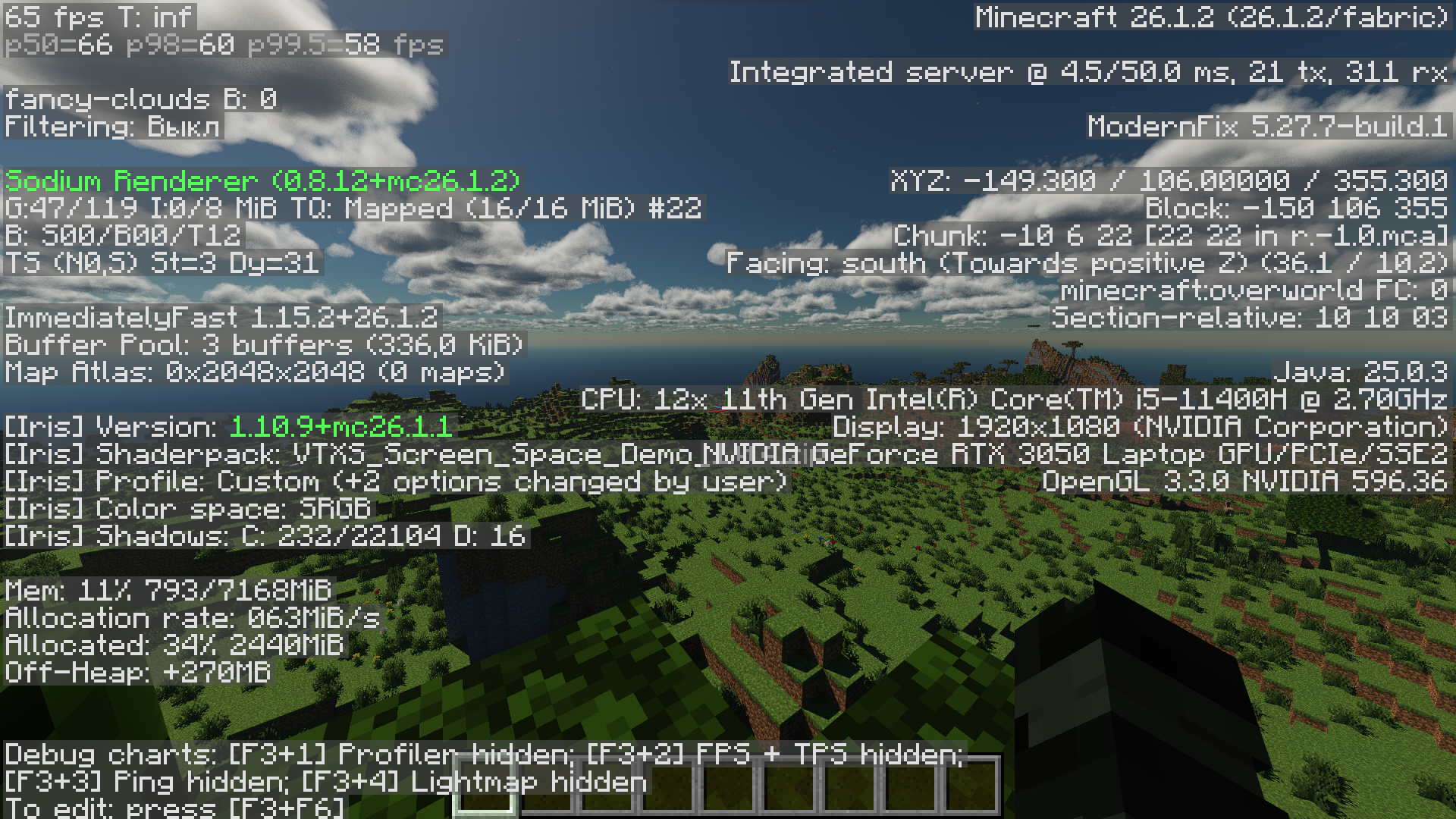
|VTXS Shader|Ultra|65|
### Don’t panic if you notice a big difference in FPS between the vanilla graphics and the shaders—this is because I’m testing this on my laptop. If you have a desktop PC, you’ll get much better performance with the shaders. Also, keep in mind that the graphics card in my laptop is much weaker than an RX 580
In addition to this text result of my tests, you can also go to the “gallery” section and see all the simple tests there
### ↓My device specifications↓
- CPU – Intel core i5 11400H
- GPU – Nvidia RTX 3050 mobile
- MEM – 16GB DDR4 3200mhz
- SSD – WDC PC SN540
- OS – Windows 11 pro
_If your results don’t match mine, then idk what could be weaker than the 3050 for laptops frr_
_All my tests are not a serious confirmation that your FPS will always be as stated in the test, since all my tests are quite simple with a favorable scenario_
Translated via DeepL
包含的模组 46 个
 [EMF] Entity Model Features
 [ETF] Entity Texture Features
 Betta Click Sound
 BSL Minipacks
 Cloth Config API
 Concurrent Chunk Management Engine (Fabric)
 Controlify (Controller support)
 Debugify
 实体剔除
 Fabric API
 Fabric Language Kotlin
 Fast Grass + FPS Boost
 Fast Noise
 FerriteCore
 Fzzy Config
 Gnetum
 ImmediatelyFast
 Improved Low Shield
 Iris Shaders
 Ixeris
 Language Reload
 锂
 Low On Fire
 模组菜单
 ModernFix-mVUS
 More Culling
 More Mouse Tweaks
 鼠标微调
 Ok Zoomer - It's Zoom!
 Optimized Block Entities [OBE]
 Particle Core
 Reese's Sodium Options
 Remove Reloading Screen
 Resourcify
 SKT's Fast Mangrove Roots
 Smooth Gui
 Smooth Scrolling
 Smooth Swapping
 钠
 Sodium Extra
展开全部 46 个






绿色边框的模组本站有收录,点进去看中文介绍;其余跳转到 Modrinth。
常见问题
NEFIX Optimized 支持哪些 Minecraft 版本?
NEFIX Optimized 支持 Minecraft Java 版 1.16.5–26.3,共 18 个版本,可用的加载器:Fabric。下载时注意选择和你游戏版本一致的文件。
NEFIX Optimized 怎么安装?
点本页「前往下载」拿到整合包文件(Modrinth 的是 .mrpack,CurseForge 的是 .zip),在 PCL2 或 HMCL 启动器里选择「导入整合包」,启动器会自动装好 Minecraft、加载器和全部模组。这个整合包有 46 个模组,建议在启动器里给游戏分配 4–6 GB 内存。
NEFIX Optimized 开服需要多大内存?
推荐服务器内存 12 GB。在线人数多、或者建了大量机器和区块加载器时,可以再加 2–4 GB。
怎么和朋友一起玩 NEFIX Optimized?
点本页的「一键开服」,选好配置后会自动安装 NEFIX Optimized 的服务端,几分钟就能开好。把服务器地址发给朋友,大家用同一个版本的整合包连进去就行。
评论
登录后评论和评分