
Needed Essentials
The mods I always install: minimap, recipe viewer, zoom, inventory sorting, tooltips and performance. Client side only, works on any server.
截图


介绍
Needed Essentials
The mods I install every time I play Minecraft, in one click. Vanilla gameplay, just smoother and easier to live with.
What it is
Needed Essentials is a client side only Fabric modpack for Minecraft 26.3. It adds performance mods and the
everyday helpers most players end up installing anyway: a minimap, a recipe viewer, zoom, inventory sorting and
useful tooltips. It does not add blocks, items or mobs, and it does not change how the game plays.
Because everything runs on your side, you can join any server, including plain vanilla and plugin servers, and
play singleplayer worlds as normal.
Find your way
- Xaero’s Minimap: a minimap in the corner with waypoints and death points. Settings on Y, new waypoint on B, waypoint list on J, bigger minimap on N.
- Xaero’s World Map: a full-screen map of everywhere you have been. Press M.
- Jade: shows what you are looking at, with its health, crop growth and the tool you need.
- Light Overlay: shows where mobs can spawn. Press F9.
Items and inventory
- JEI: a searchable list of every item. Hover over one and press R for its recipe or U for its uses.
- Inventory Profiles Next: sort buttons on your inventory and chests, and your hotbar refills tools and blocks when they run out.
- Mouse Tweaks: drag and scroll to move items quickly.
- Shulker Box Tooltip: see what is inside a shulker box without placing it.
- AppleSkin: hunger, saturation and how much each food restores.
- Durability Tooltip and Enchantment Descriptions: durability numbers and what each enchantment does.
- Pick Up Notifier: a small list of what you just picked up.
Everyday tools
- Just Zoom: hold Z to zoom, scroll to zoom further.
- Controlling: search the key binds and spot clashes.
- Mod Menu: every mod in the pack with its settings button.
- Resource Gamma Util: full bright on H.
- More Chat History, Chat Heads: longer chat, with player heads next to messages.
- Ping Wheel: mark a spot with the side mouse button (friends see it when the server has Ping Wheel too).
- Better Mount HUD: your hunger and XP bar while riding.
- World Play Time Reborn: play time and size of each world in the world list.
- Advancement Screenshot and Screenshot Compression: a screenshot of every advancement, in smaller files.
- Fullscreen Tweaks: borderless fullscreen in the video settings.
Looks
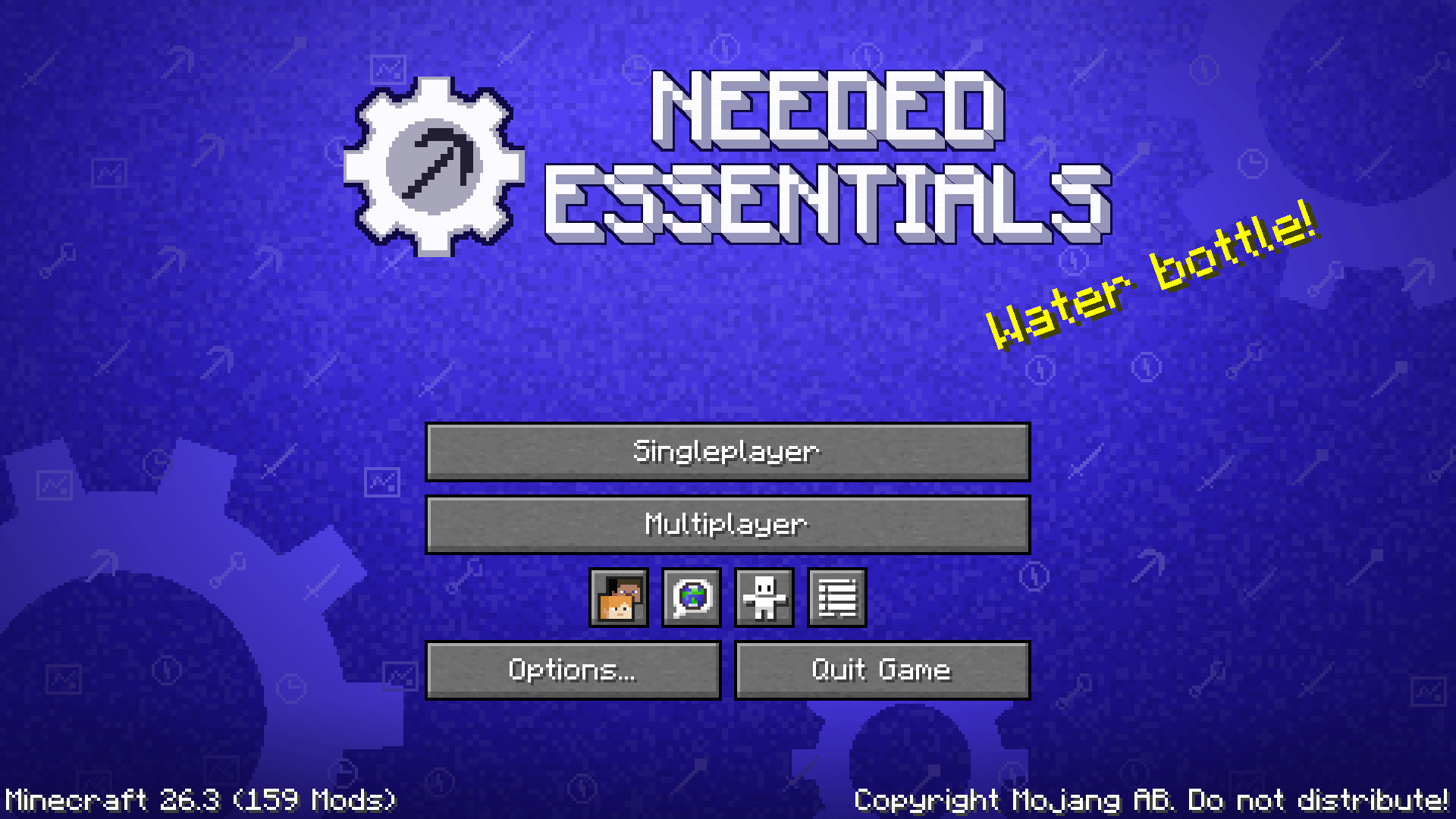
- A title screen of its own (FancyMenu): a blue toolkit background and the pack logo, drawn for Needed Essentials, with the buttons in one tidy column.
- Iris with four shaders included: Complementary Reimagined, Complementary Unbound, Bliss and Solas. They start switched off so the pack runs well on every PC. Press K to turn them on and I to pick one.
- LambDynamicLights: torches and glowing items light up the area while you hold them.
- Skin Layers 3D, Not Enough Animations: 3D skin layers and better player animations.
- Dark Loading Screen: a dark loading screen instead of the bright red one.
- Texture packs included: Low On Fire (on), Faithful 64x, Aimz crosshair and Slightly Improved Font (off, switch them on under Resource Packs).
Performance
Sodium, Sodium Extra, Lithium, FerriteCore, Entity Culling, ImmediatelyFast, MoreCulling, BadOptimizations and
Fast IP Ping keep the game smooth. Dynamic FPS lowers the frame rate while the game is in the background, and spark
helps you find lag.
Requirements / how to install
- Install it with the CurseForge app: it picks Minecraft 26.3, Fabric and Java 25 for you.
- About 4 GB of memory is plenty.
- Your own settings and keys are kept when you update the pack. The pack’s defaults are only used on a new install.
FAQ
Can I use it on servers? Yes. Every mod is client side, so it works on vanilla, Paper and Spigot servers. Some servers ban minimap radars, so the player and mob radar starts switched off. You can turn it on in the minimap settings (Y) where it is allowed.
Why does JEI show fewer recipes on some servers? Since Minecraft 1.21.2 servers no longer send every recipe to players. In singleplayer, and on servers that have JEI, every recipe shows. The item list and search always work.
Where is Litematica? It has no version for Minecraft 26.3 yet. It will come back when it does.
Feedback and bugs
Found a bug, a crash or something that looks wrong? Leave a comment on this page with the version you play and what happened. A crash log or screenshot helps a lot. Ideas and feedback are welcome too.
Permissions
- The configs and default settings in this pack are mine. You can use the pack in videos, streams and reviews.
- Every mod, texture pack and shader in it belongs to its own author and is downloaded from their CurseForge page.
- Please don’t re-upload the pack, or make money from it without asking first.
Advert
This is an ad. JustJosh99 makes this modpack and also runs Swift Web Design.

You install the essentials first. Your business needs one too: a good website. Swift Web Design builds websites that are fast, clear and easy to use on any screen. Visit Swift Web Design
常见问题
Needed Essentials 支持哪些 Minecraft 版本?
Needed Essentials 基于 Minecraft Java 版 26.3、1.21.10,使用 Fabric 加载器。
Needed Essentials 怎么安装?
点本页「前往下载」拿到整合包文件(Modrinth 的是 .mrpack,CurseForge 的是 .zip),在 PCL2 或 HMCL 启动器里选择「导入整合包」,启动器会自动装好 Minecraft、加载器和全部模组。建议在启动器里给游戏分配 4–6 GB 内存。
Needed Essentials 开服需要多大内存?
推荐服务器内存 12 GB。在线人数多、或者建了大量机器和区块加载器时,可以再加 2–4 GB。
怎么和朋友一起玩 Needed Essentials?
点本页的「一键开服」,选好配置后会自动安装 Needed Essentials 的服务端,几分钟就能开好。把服务器地址发给朋友,大家用同一个版本的整合包连进去就行。
JustJosh99 的其他作品
查看全部 →
! 0verHaul !
Big kitchen-sink pack for 1.21.1: 340 mods of tech, magic, dungeons and dimensions, with quests that guide you through the big mods.

Client Enhancements
More FPS, fewer vanilla bugs, optional shaders. A light Fabric pack for 26.3 that only changes your client, so it works on any server, vanilla ones too.

Better 2Gether
A cosy, lightly modded pack for couples and friend groups: easy hosting by link, proximity voice chat, maps and cosy building.

Hearthwood 128x
A rustic medieval fantasy 128x pack: every block, item, mob and screen redrawn, with worn tools, unique armour and shader maps.
评论
登录后评论和评分