Better 2Gether
A cosy, lightly modded pack for couples and friend groups: easy hosting by link, proximity voice chat, maps and cosy building.
截图


介绍
Better 2Gether
Minecraft is better with someone else. This is a cosy, lightly modded pack for couples and small groups of friends.
What it is
The Minecraft you know, made smoother, prettier and easier to share. No big tech trees and no wiki needed: build a home together, farm, cook, explore, and keep each other alive at night. It works just as well on your own.
Playing together
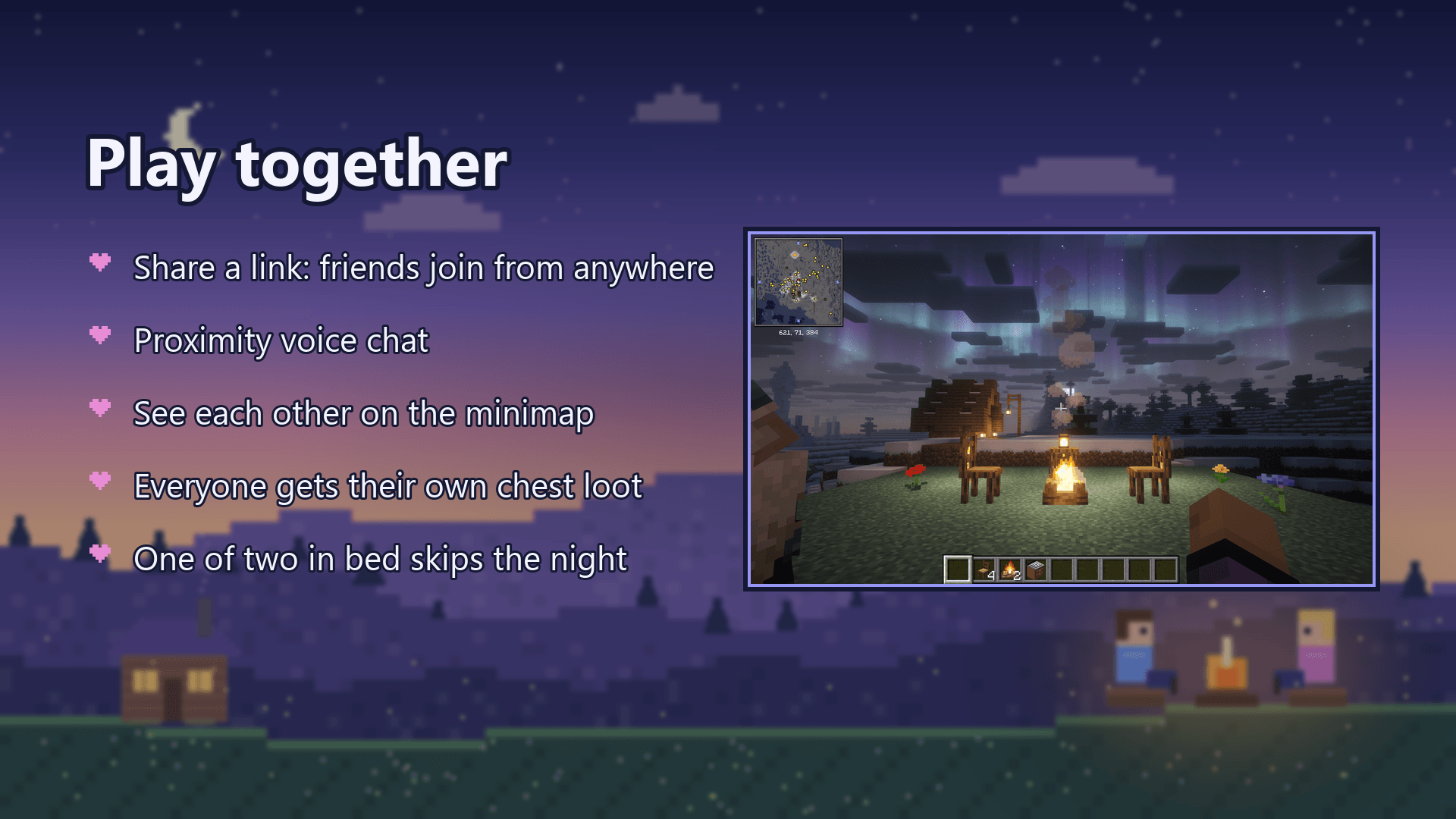
- Same house: one of you presses Esc, opens World Options…, turns LAN on under Multiplayer and presses Apply Changes. The other finds the world under Multiplayer.
- Anywhere else: turn LAN on the same way, and e4mc puts a link in chat (it ends in
e4mc.link). Click it to copy it, send it to your friend, and they paste it into Multiplayer > Direct Connection. No router setup. - Voice chat (Simple Voice Chat): hear each other when you are close. Press V once to set up your microphone.
- Find each other: a minimap and a world map (press M) show where your friends are. Share a waypoint in chat with one click.
- Point things out: press ` (the key under Esc) to ping a spot or a mob so your friend sees it.
- Fair loot: every player gets their own loot from each chest (Lootr), so nobody misses out.
- No lost items: when you die, your things wait in your corpse.
- Sleep together: in a new world, one of two players in bed is enough to skip the night.
- Remember the good bits: WorldLedger writes down your places, chests and deaths, and you can send an entry to your friend.
- Village friends: Village Standing gives each of you a standing with the villagers, a bounty board of village requests, and better prices and golem help when you treat villagers well.
- Co-op projects: BlockByte Exchange adds crypto-mining machines and a market; start a co-op and friends share machines, research and payouts.
- Waystones to get back to each other fast, and player heads next to chat messages.
Cosy building and farming
- Macaw’s furniture, windows, doors, roofs, fences, bridges, lamps, paths and paintings.
- Right-click ripe crops to harvest and replant them.
- A kitchen you build together that shows what you can cook (Cooking for Blockheads).
- Crops in decorated pots, more stone blocks, elevators, and cheap wooden and brick hoppers.
- Endermen leave your builds alone.
Little extras
- Backpacks, upgradable chests and bins (Sophisticated Backpacks and Storage, Trash Cans).
- Hang gliders, better boats and minecarts, and horse stats before you tame one.
- New animals and sea life, villages in many styles, new Nether and End structures, rare huge ore deposits.
- Recipe lookup (JEI), what you are looking at (Jade), food values, tool durability and effect descriptions.
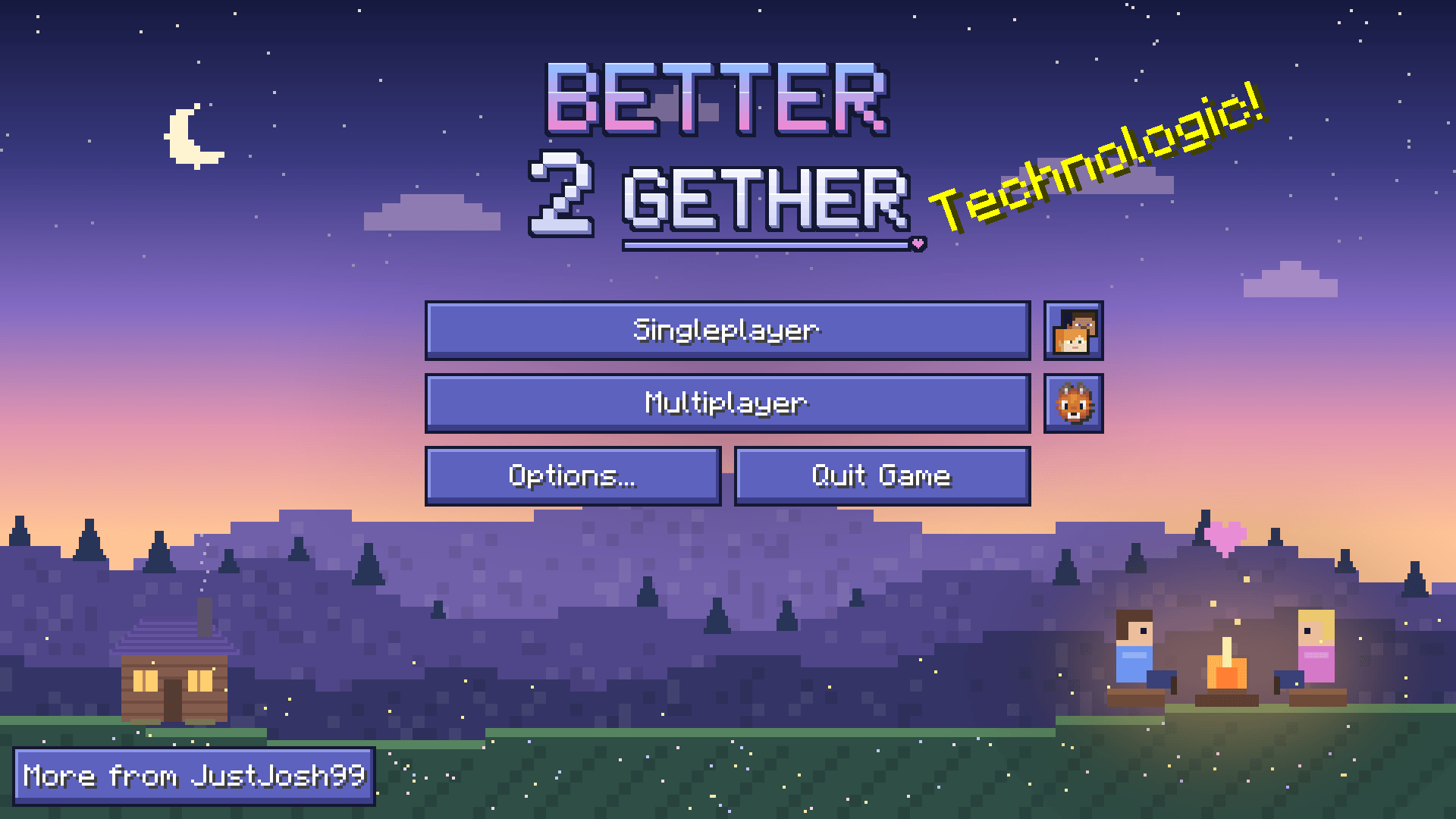
- Its own look: a drawn title screen (two friends at a campfire by a cosy cottage) and loading screen, a tidy menu, and periwinkle buttons.
Handy keys
| Key | What it does |
|---|---|
| V | voice chat settings |
| J | mute your microphone |
| M | world map |
| N | new waypoint |
| ` | ping a spot |
| B | open your backpack |
| H | open your ledger |
| R | your villager standing |
| P | your BlockByte Exchange portfolio |
| E, then an item | how to make it |
All keys can be changed in Options > Controls. The pack’s keys never overwrite ones you have already set.
Requirements and install
- Minecraft 26.3 with NeoForge. The CurseForge app sets this up for you: install the pack and press Play.
- Java 25 (the CurseForge app picks it).
- Give it 6 GB of memory (Settings > Minecraft > Java Settings).
- Everyone who plays together needs the pack, the same version.
- Shaders are included but switched off (Complementary and BSL). Turn one on in Options > Video Settings > Shader Packs. Faithful 64x is there too, in Resource Packs.
FAQ
Can I use my 0.6 world?
No. 1.0.0 moves to Minecraft 26.3 and many mods changed. Start a new world, or keep playing 0.6 (it is still on this page for 1.21.8).
Where did Essential go?
Essential has no NeoForge version for Minecraft 26.3. e4mc now gives you a link your friend can join from anywhere.
Does voice chat work through the e4mc link?
No. Voice chat needs its own connection: it works in LAN worlds and on servers that open its port (24454, UDP).
Can I run it on a server?
Yes. Put the mods on a NeoForge 26.3 server (the client-only mods, such as e4mc, the shaders and the menu mods, are not needed there).
Credits
Every mod in this pack belongs to its author. Thank you to all of them. The menu art, the Better 2Gether Core mod and the pack’s settings are made for this pack.
Feedback and bugs
Found a bug, a crash or something that looks wrong? Leave a comment on this page with the version you play and what happened. A crash log or screenshot helps a lot. Ideas and feedback are welcome too.
Permissions
- You can play this pack, stream it and make videos with it.
- The pack’s own files (its settings, menu art and the Better 2Gether Core mod) are All Rights Reserved: please don’t re-upload them or reuse them in another pack without asking first.
- Every mod in the pack belongs to its own author and keeps its own licence.
Advert
This is an ad. JustJosh99 makes this modpack and also runs Swift Web Design.

Building something together? Let us build your website. Swift Web Design makes websites that are fast, clear and easy to use on any screen. Visit Swift Web Design
常见问题
Better 2Gether 支持哪些 Minecraft 版本?
Better 2Gether 基于 Minecraft Java 版 26.3、1.21.8,使用 NeoForge 加载器。
Better 2Gether 怎么安装?
点本页「前往下载」拿到整合包文件(Modrinth 的是 .mrpack,CurseForge 的是 .zip),在 PCL2 或 HMCL 启动器里选择「导入整合包」,启动器会自动装好 Minecraft、加载器和全部模组。建议在启动器里给游戏分配 4–6 GB 内存。
Better 2Gether 开服需要多大内存?
推荐服务器内存 12 GB。在线人数多、或者建了大量机器和区块加载器时,可以再加 2–4 GB。
怎么和朋友一起玩 Better 2Gether?
点本页的「一键开服」,选好配置后会自动安装 Better 2Gether 的服务端,几分钟就能开好。把服务器地址发给朋友,大家用同一个版本的整合包连进去就行。
JustJosh99 的其他作品
查看全部 →
! 0verHaul !
Big kitchen-sink pack for 1.21.1: 340 mods of tech, magic, dungeons and dimensions, with quests that guide you through the big mods.

Needed Essentials
The mods I always install: minimap, recipe viewer, zoom, inventory sorting, tooltips and performance. Client side only, works on any server.

Client Enhancements
More FPS, fewer vanilla bugs, optional shaders. A light Fabric pack for 26.3 that only changes your client, so it works on any server, vanilla ones too.

Hearthwood 128x
A rustic medieval fantasy 128x pack: every block, item, mob and screen redrawn, with worn tools, unique armour and shader maps.
评论
登录后评论和评分