
InsertName Utility
A client-side utility modpack optimised for mutiplayer gameplay, packed with QOL and performance boosting mods
截图

介绍
InsertName Utility
InsertName Utility is a small modpack that includes QOL mods including, but not limited to Simple Voice Chat, Sound Physics Remastered and Gamma Utils together with mods which improve the game’s performance, like Sodium, Indium and Lithium. It’s useful for improving your game experience in a lot of ways while still staying close to the vanilla game.
FAQ
Which mods are included?
You have an entire list of the included mods in the dependencies section of the versions page
I’m getting issues with the modpack, what do I do?
You can simply contact me using the “Contact” page, I will try and help you
I have an idea for a mod that you should add to the modpack
Just contact me using one of the options on the “Contact” page and I’ll consider your suggestion.
Installation
To install this modpack, there are a few options. The preferred one being
Using a third party launcher
To install this modpack, I recommend using the Modrinth App or other launchers like Prism Launcher or MultiMC as they allow an easy installation of the modpack. A guide on how to install these can be found here: Prism Launcher Documentation, MultiMC Downloads Page
After you’ve downloaded the launcher and finished the installation process (including adding your Minecraft account), follow one of the instructions below:
Modrinth App
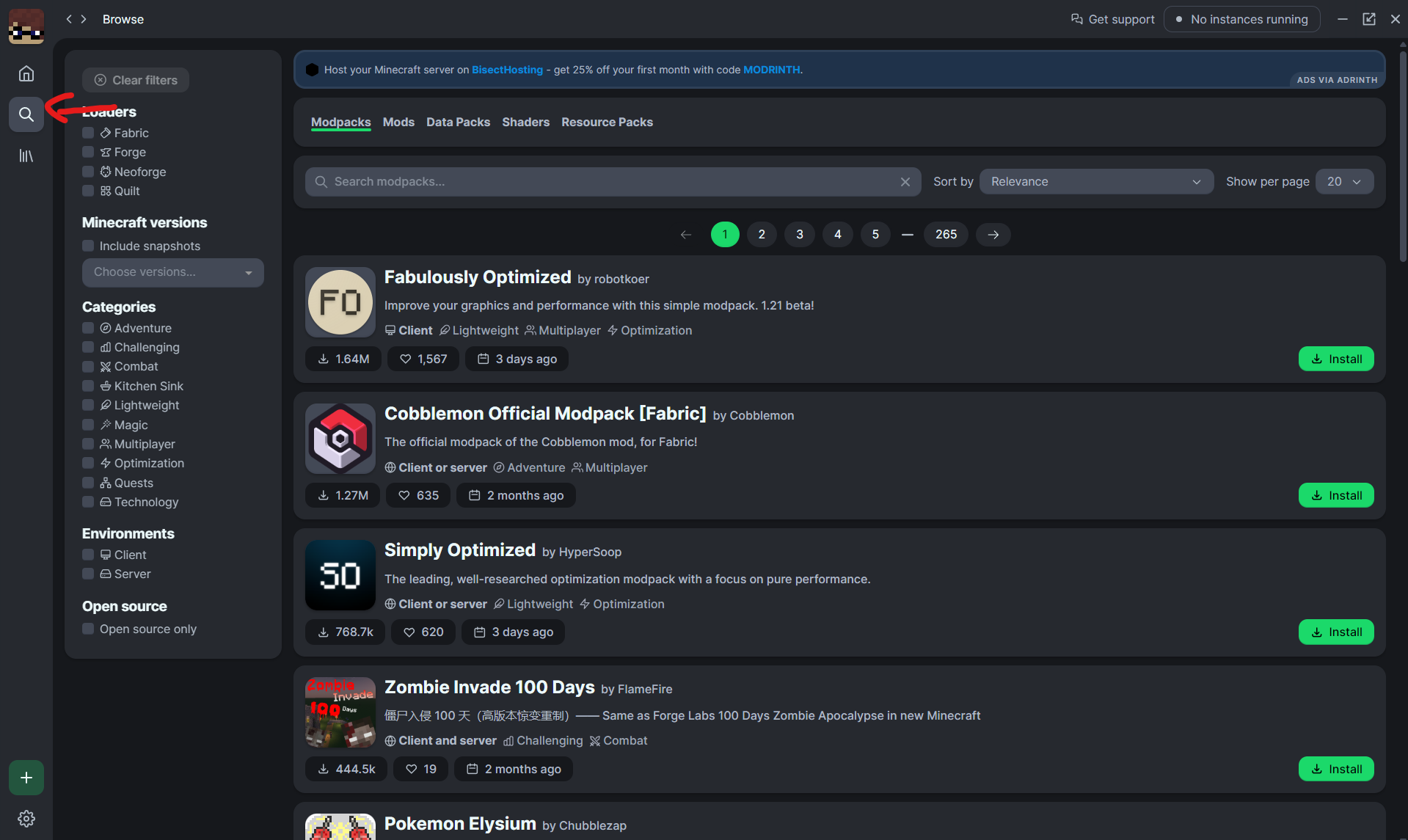
So first after you’ve installed the app, you need to click on the search icon
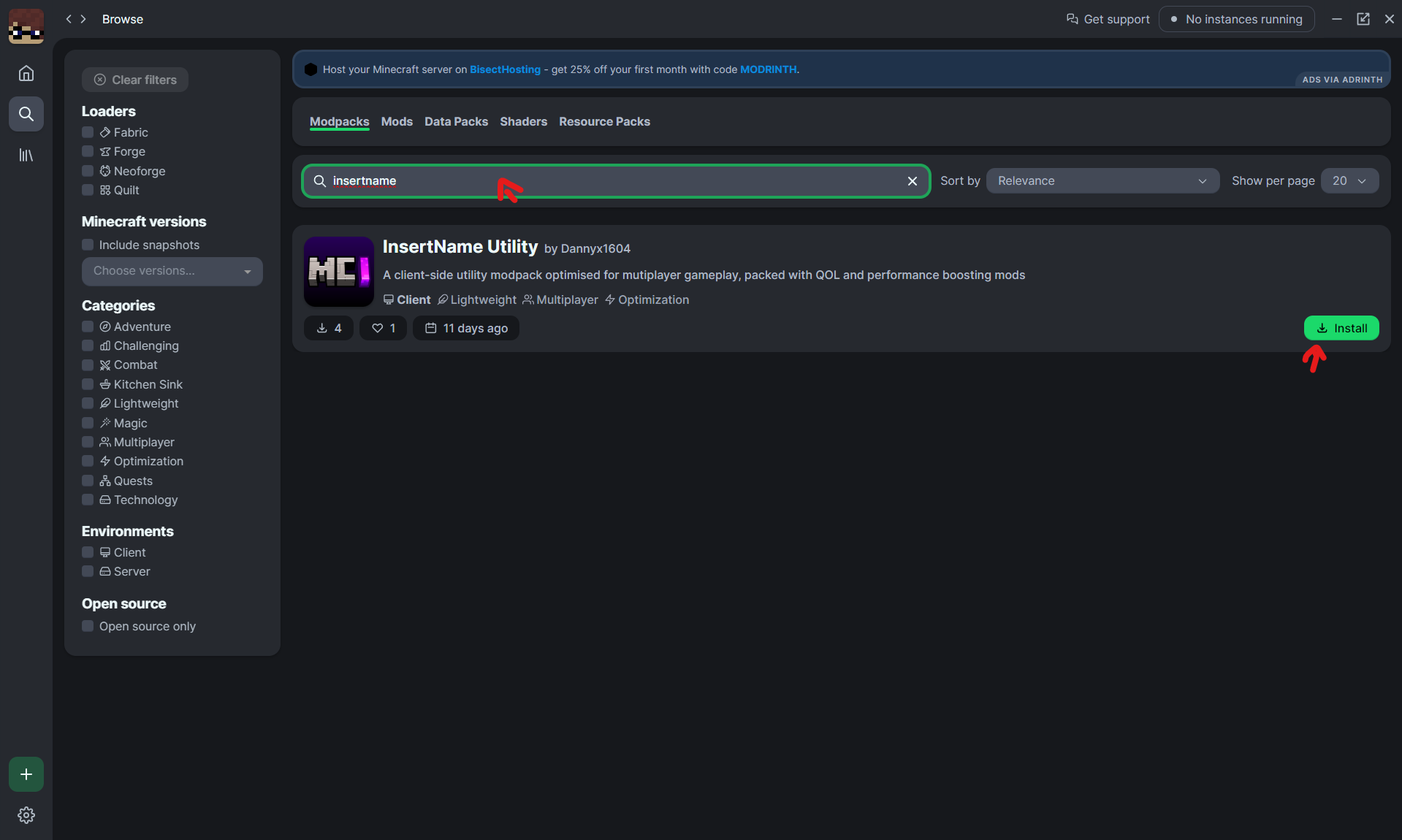
Then you need to search for the name “InsertName” and press on install
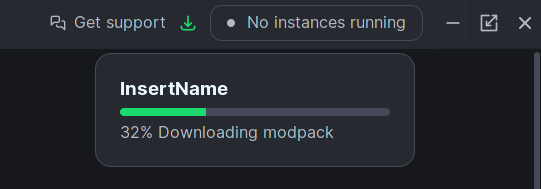
After you’ve selected the previously downloaded pack, you’d need to wait until it has installed all of the dependencies
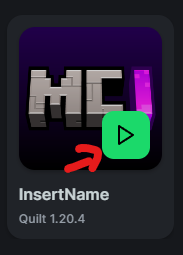
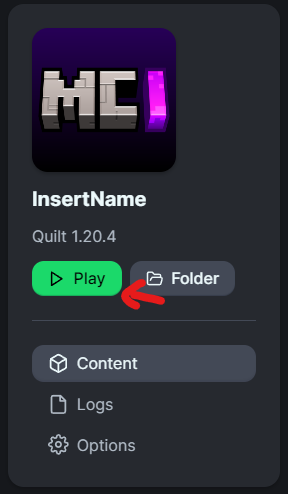
And then press on “Play” as seen on one of those images
Prism Launcher
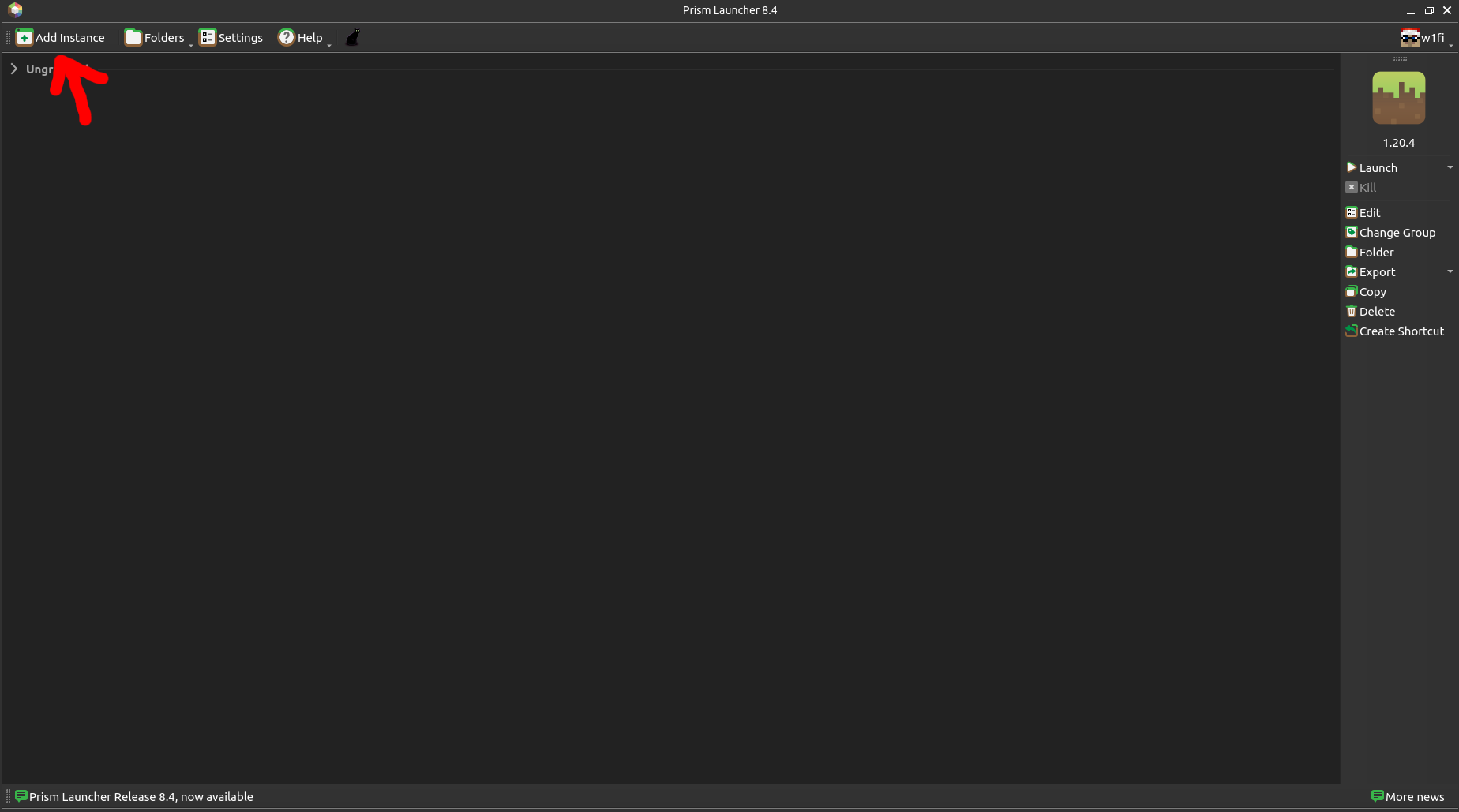
After you’ve installed Prism Launcher, you’re greeted with the menu below. Press the button “Add Instance”
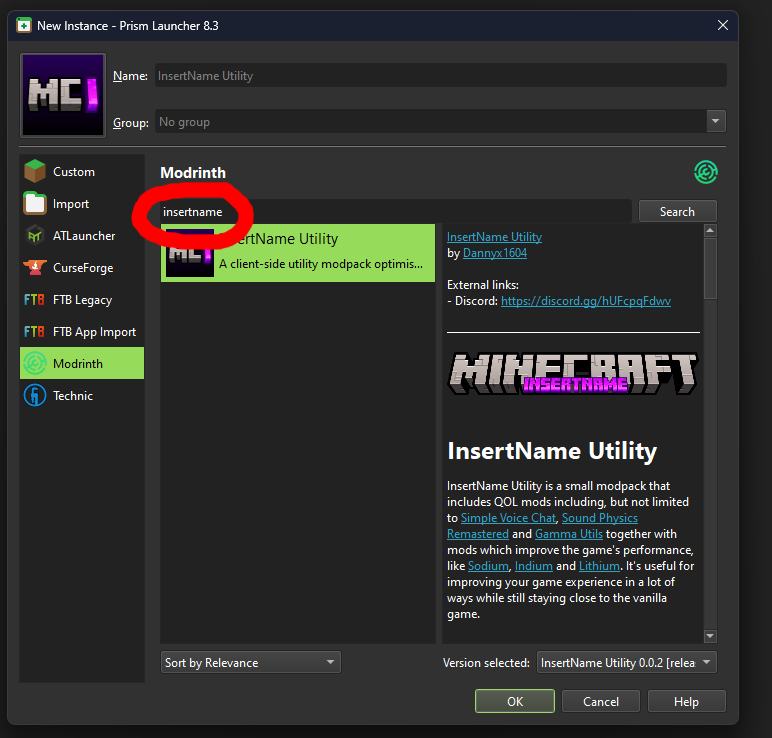
Then select the menu “Modrinth” and search for the term “insertname”. This will show you the modpack. Just select it, select the latest version in the bottom-right corner (as it is per default) and press on “OK”.
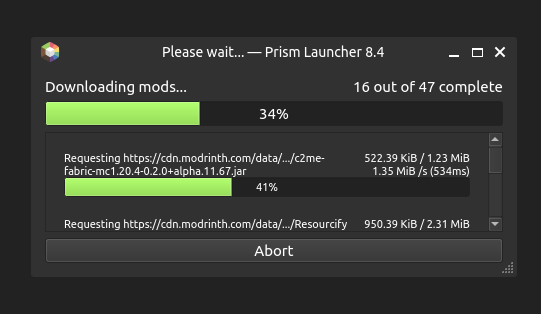
After that, it will download all of the dependencies
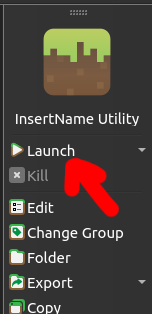
And finally, press on “Launch” to launch the game
Other launchers that support importing modpacks
If you want to use another launcher that supports downloading modpacks from Modrinth, follow the steps from Prism, you’ll just have a different GUI.
If the launcher you’re using doesn’t have that option, instead it has an option to import (Modrinth) modpacks, just import the .mrpack file from the releases folder as a modpack.
Contact
You can contact me through Discord (preferred), but also via E-Mail ([email protected])
包含的模组 40 个
 3D Skin Layers
 [ETF] Entity Texture Features
 Auto Reconnect Reforged
 Axiom
 Bare Bones
 Chat Animation [Smooth Chat]
 Chat Heads
 Chat Patches
 Cloth Config API
 Component Viewer
 实体剔除
 Essential Mod
 Fabric API
 Fabric Language Kotlin
 Fabrishot
 Fast IP Ping
 FerriteCore
 Flashback
 Gamma Utils (Fullbright)
 ImmediatelyFast
 Iris Shaders
 kennytvs-epic-force-close-loading-screen-mod-for-fabric
 Krypton
 lazy-language-loader
 MaLiLib
 模组菜单
 More Culling
 MultiScoreboard
 NBT Autocomplete
 No Chat Restrictions
 Resourcify
 Simple Voice Chat
 钠
 Sound Physics Remastered
 Symbol Chat
 Text Placeholder API
 ViaFabricPlus
 voxy
 WorldEdit
 YetAnotherConfigLib (YACL)
绿色边框的模组本站有收录,点进去看中文介绍;其余跳转到 Modrinth。
常见问题
InsertName Utility 支持哪些 Minecraft 版本?
InsertName Utility 支持 Minecraft Java 版 1.20.4–26.2,共 8 个版本,可用的加载器:Fabric / Quilt。下载时注意选择和你游戏版本一致的文件。
InsertName Utility 怎么安装?
点本页「前往下载」拿到整合包文件(Modrinth 的是 .mrpack,CurseForge 的是 .zip),在 PCL2 或 HMCL 启动器里选择「导入整合包」,启动器会自动装好 Minecraft、加载器和全部模组。这个整合包有 40 个模组,建议在启动器里给游戏分配 4–6 GB 内存。
InsertName Utility 开服需要多大内存?
推荐服务器内存 12 GB。在线人数多、或者建了大量机器和区块加载器时,可以再加 2–4 GB。
怎么和朋友一起玩 InsertName Utility?
点本页的「一键开服」,选好配置后会自动安装 InsertName Utility 的服务端,几分钟就能开好。把服务器地址发给朋友,大家用同一个版本的整合包连进去就行。
评论
登录后评论和评分