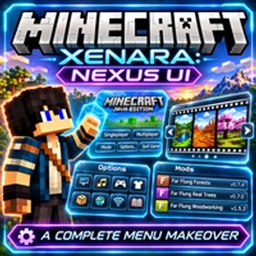
Xenara: Nexus UI
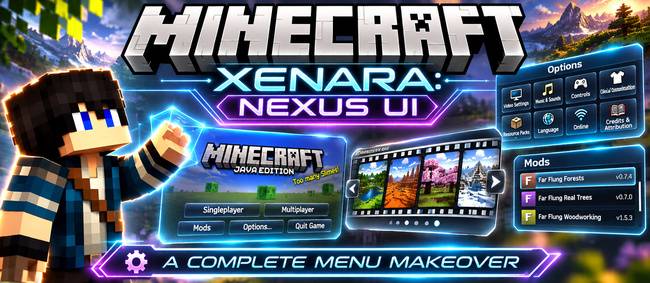
A complete menu makeover: a huge MINECRAFT logo over a fading slideshow of your own worlds, a film-reel world picker, and sleek glass-style Options, Mods and settings pages.
截图
介绍
Xenara: Nexus UI
Give Minecraft’s menus the makeover they deserve.
Xenara: Nexus UI restyles the whole menu side of Minecraft: the title screen, world selection, Options, the Mods list and the settings pages. It’s all done in one clean see-through glass style. Every button still does exactly what it did before; it just looks a lot better doing it.
✨ The Title Screen
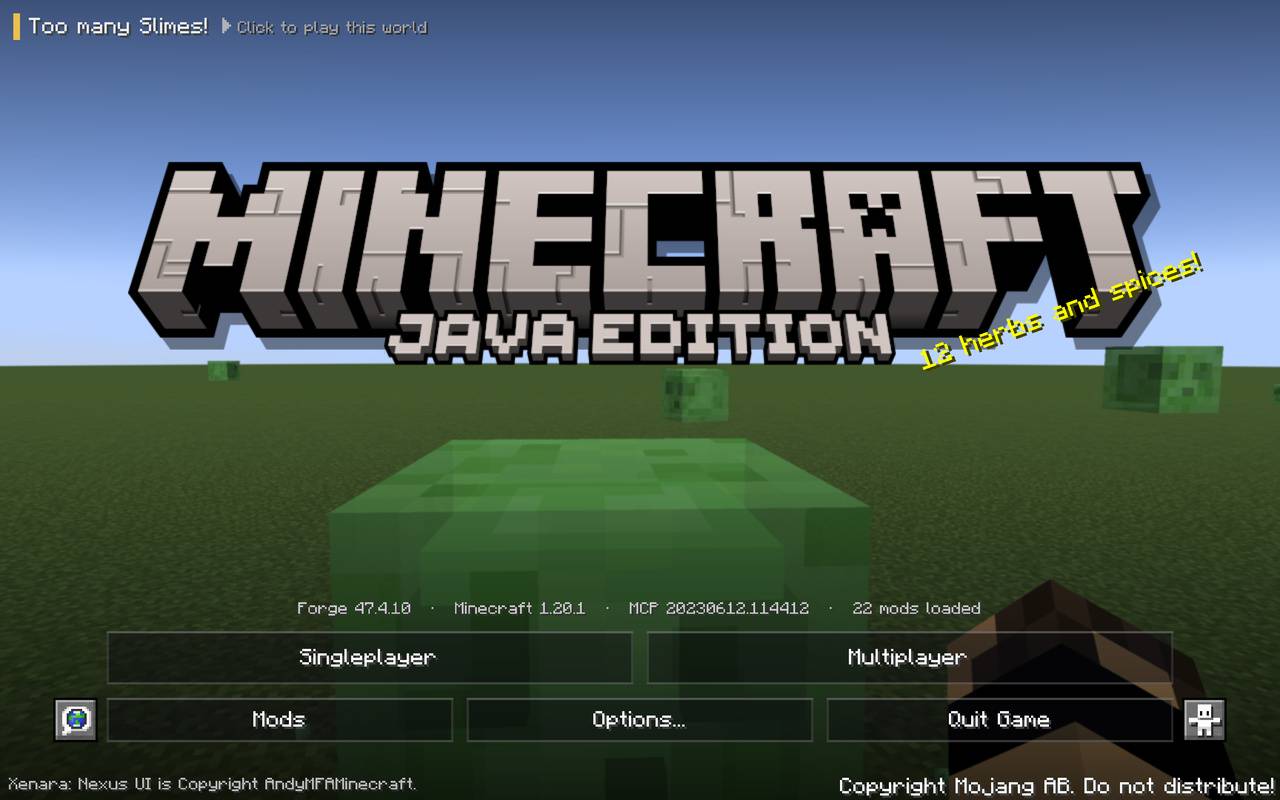
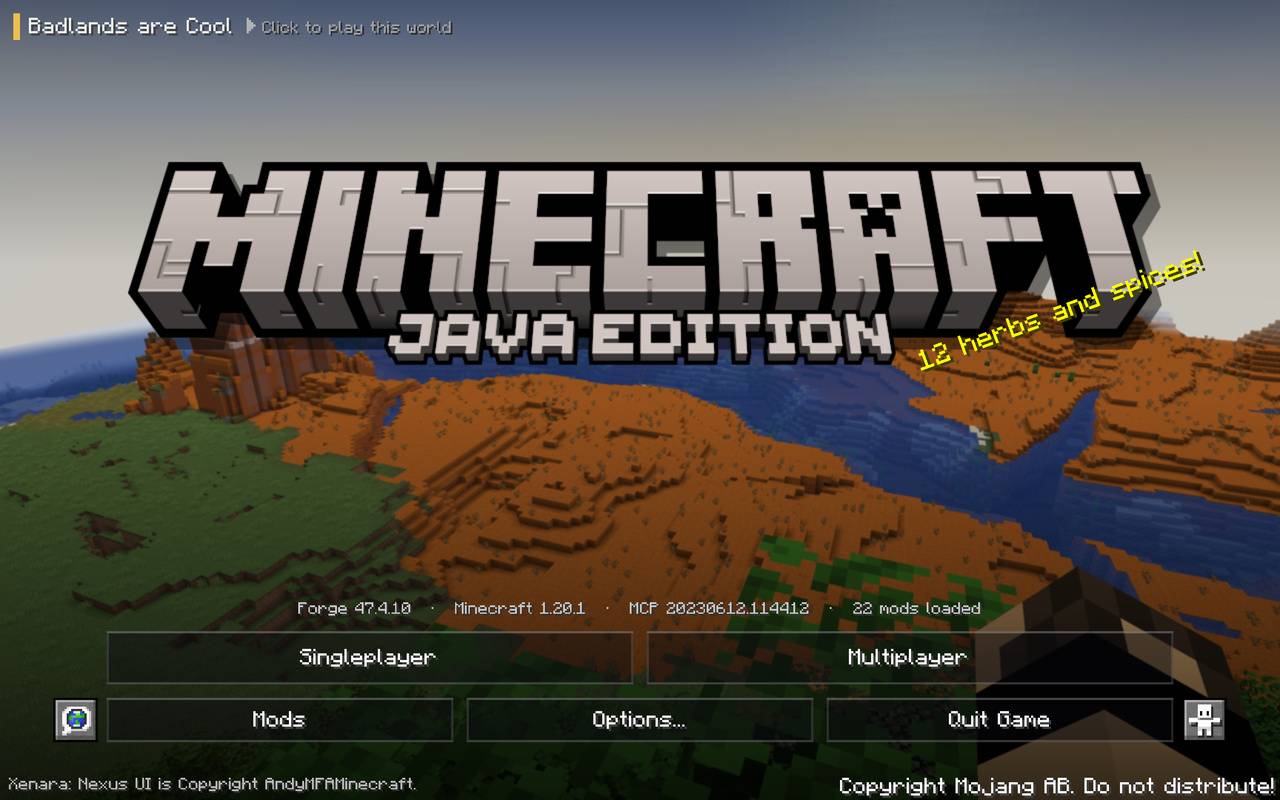
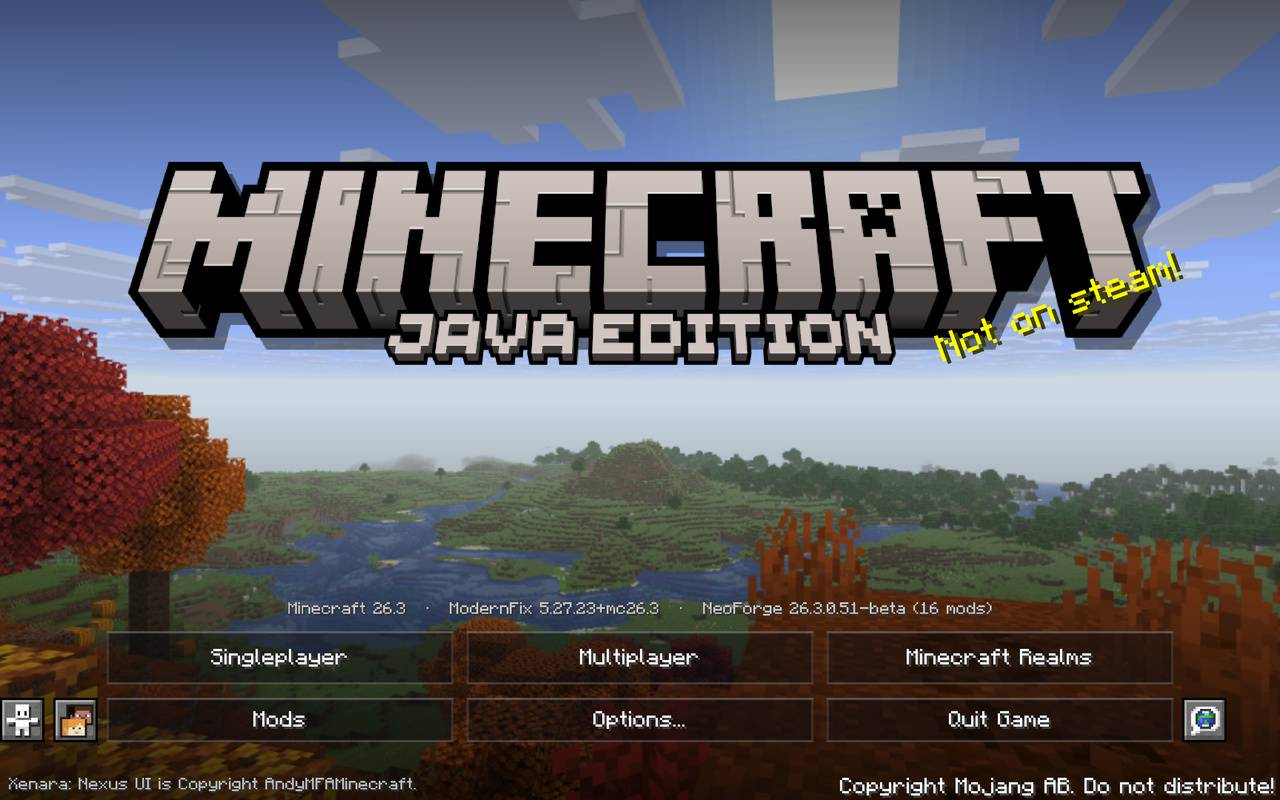
- A huge MINECRAFT logo across the middle of the screen
- A living slideshow background: beautiful pictures that slowly zoom and cross-fade into each other
- Your own worlds as the backdrop: while you play, the mod quietly takes scenic shots (no hand, no HUD) and adds them to the slideshow
- Click to jump straight in: the world name shown on each picture is clickable and loads that world (or joins that server) instantly
- Sleek glass buttons with a soft gold glow when you hover
- Version info tidied away, small and centred above the menu
- Add your own backgrounds by dropping pictures into the
backgroundsfolder
🎞️ World Reel: a Better Select World Screen
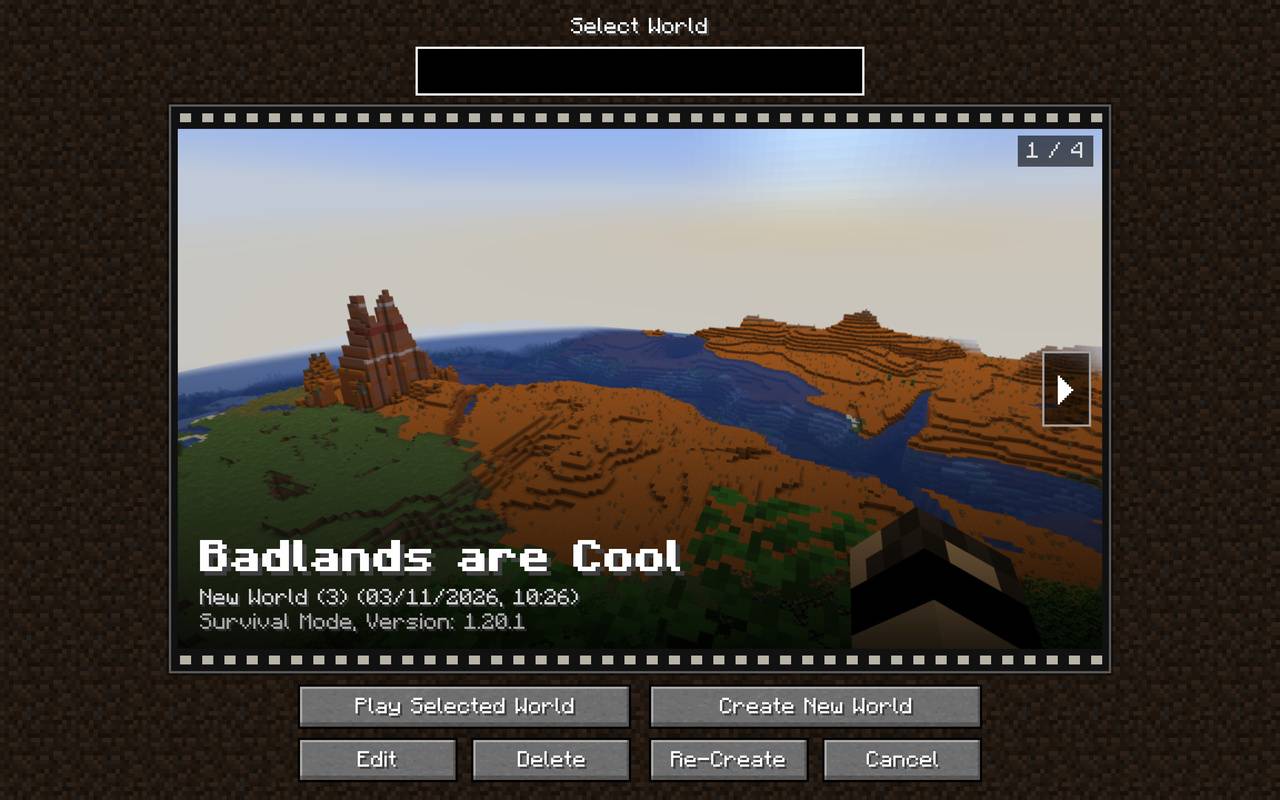
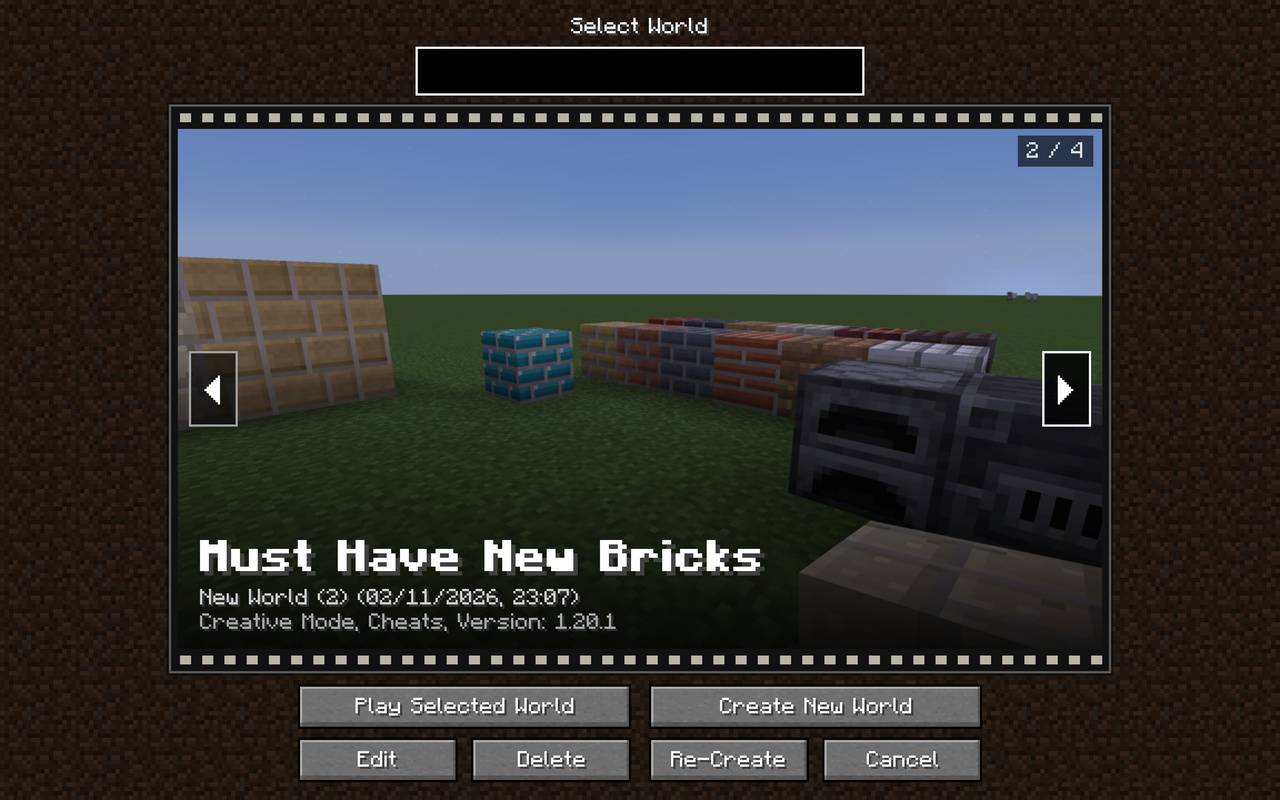
The plain world list becomes a film reel of full-size world pictures. Roll left and right with the arrows, mouse wheel or arrow keys, and see each world’s name, last-played date and game mode in big bold text. Pictures update automatically as you play.
⚙️ Options, Reimagined
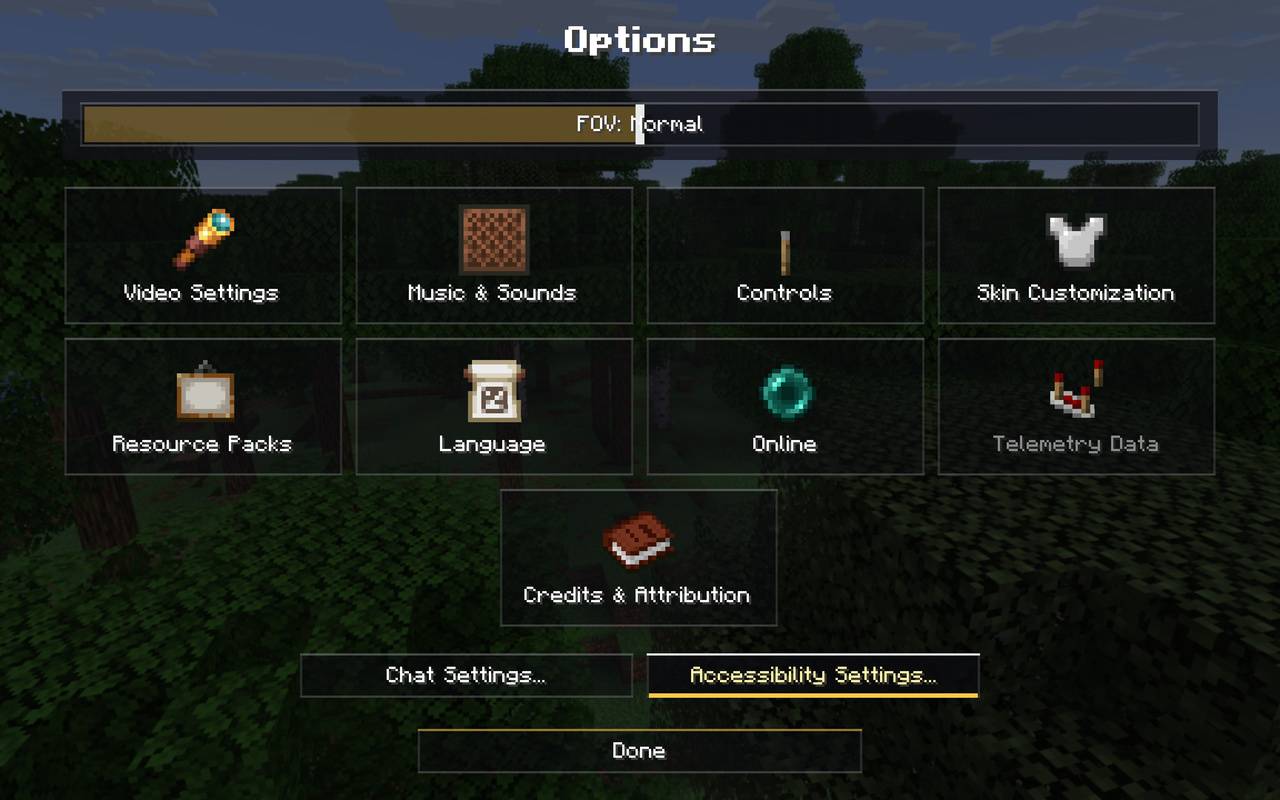
- The Options screen becomes a set of picture tiles: Video Settings, Music & Sounds, Controls, Skin Customisation, Resource Packs, Language and more
- Quick settings (FOV, difficulty) sit in their own strip at the top
- Every settings page restyled to match: Video, Sound, Controls, Key Binds, Chat, Accessibility, Resource Packs, Language, Telemetry, Credits & Attribution and more
🧩 A Nicer Mods Screen
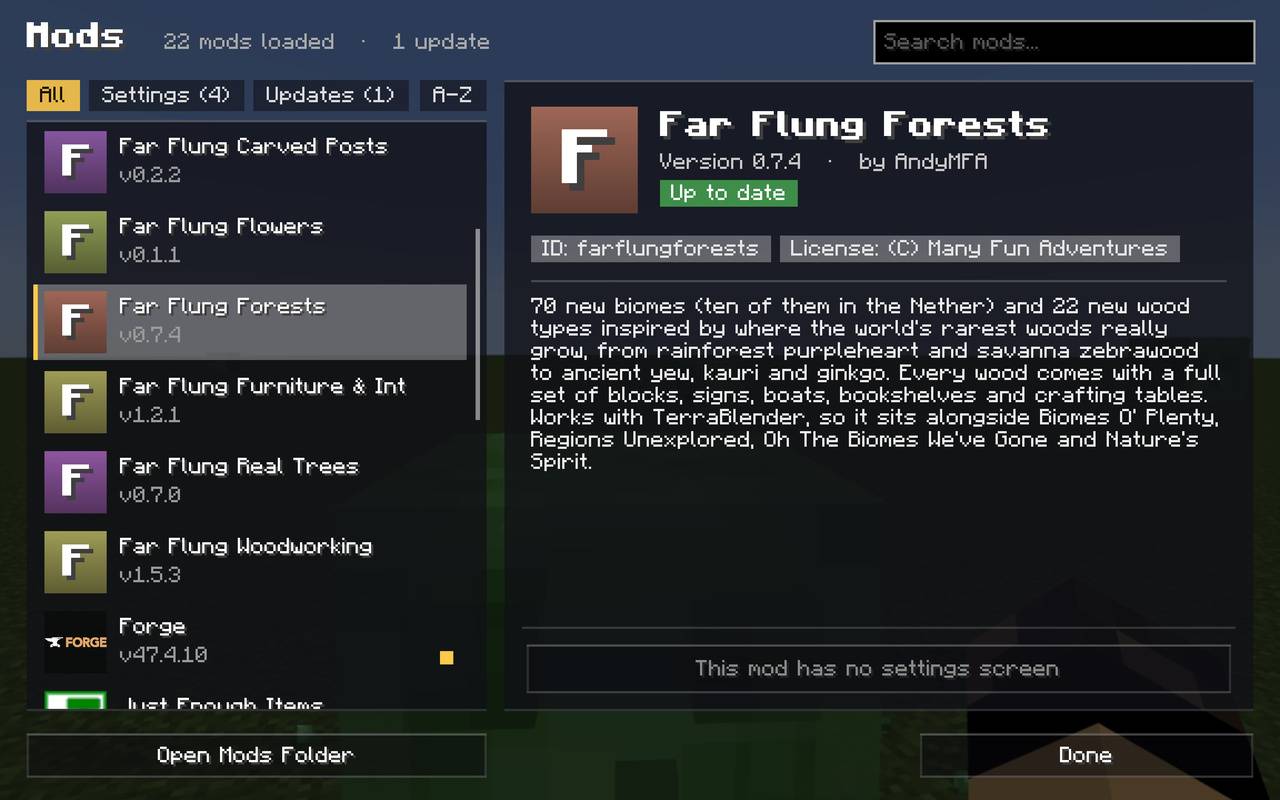
- Mod cards with logos, a search box and filters
- A detailed info panel for each mod, with description, authors, licence and links
- Configure button still works, so each mod’s own settings open as normal
🌍 Everything Else Matches Too
- Create New World (all its tabs), Game Rules and Experiments
- Multiplayer, Add/Edit Server, Direct Connect and the multiplayer warning screen
- Loading, saving and confirmation screens
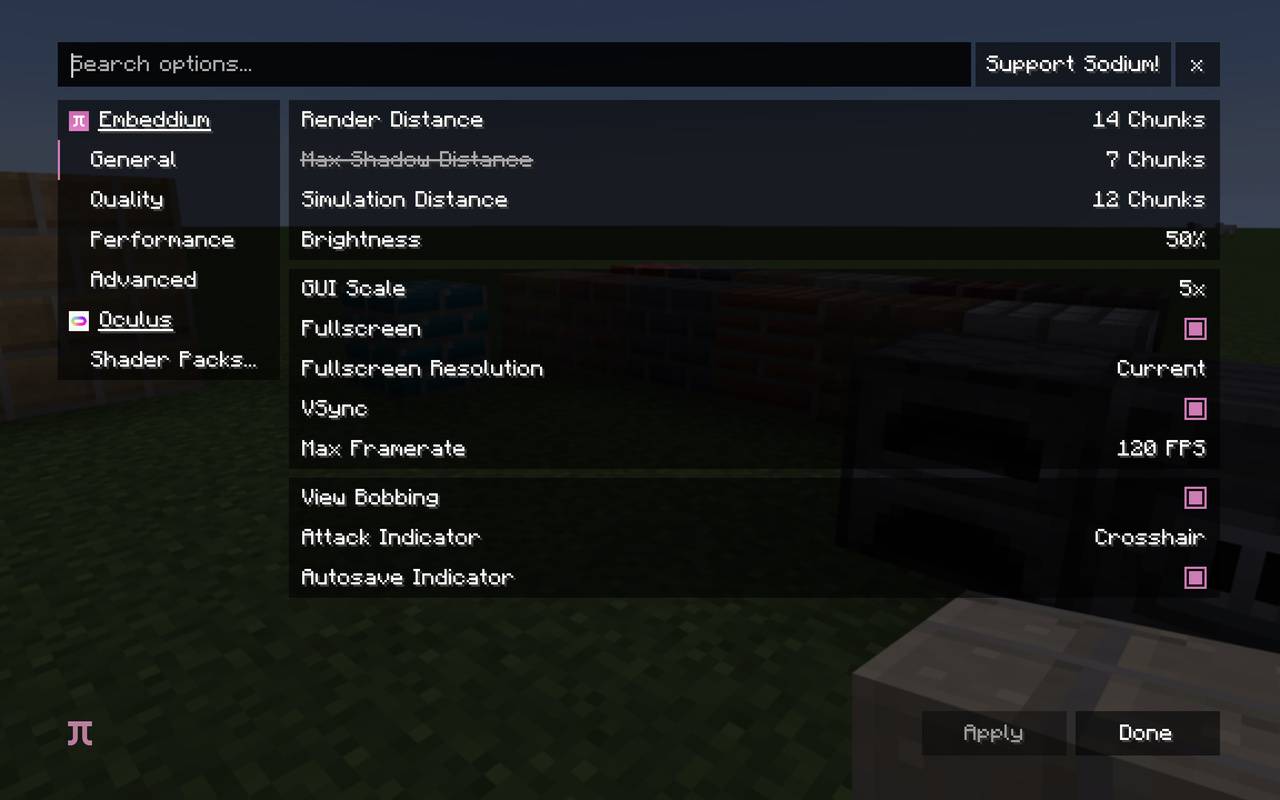
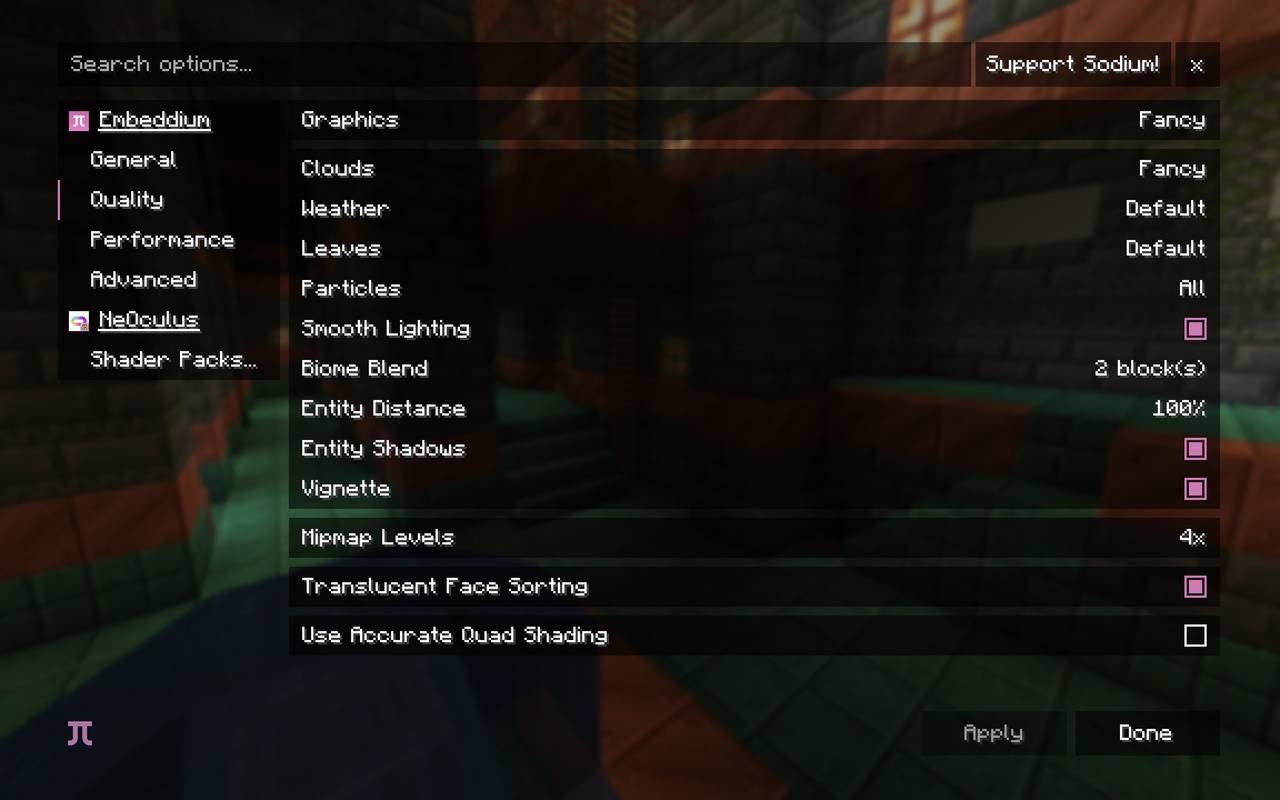
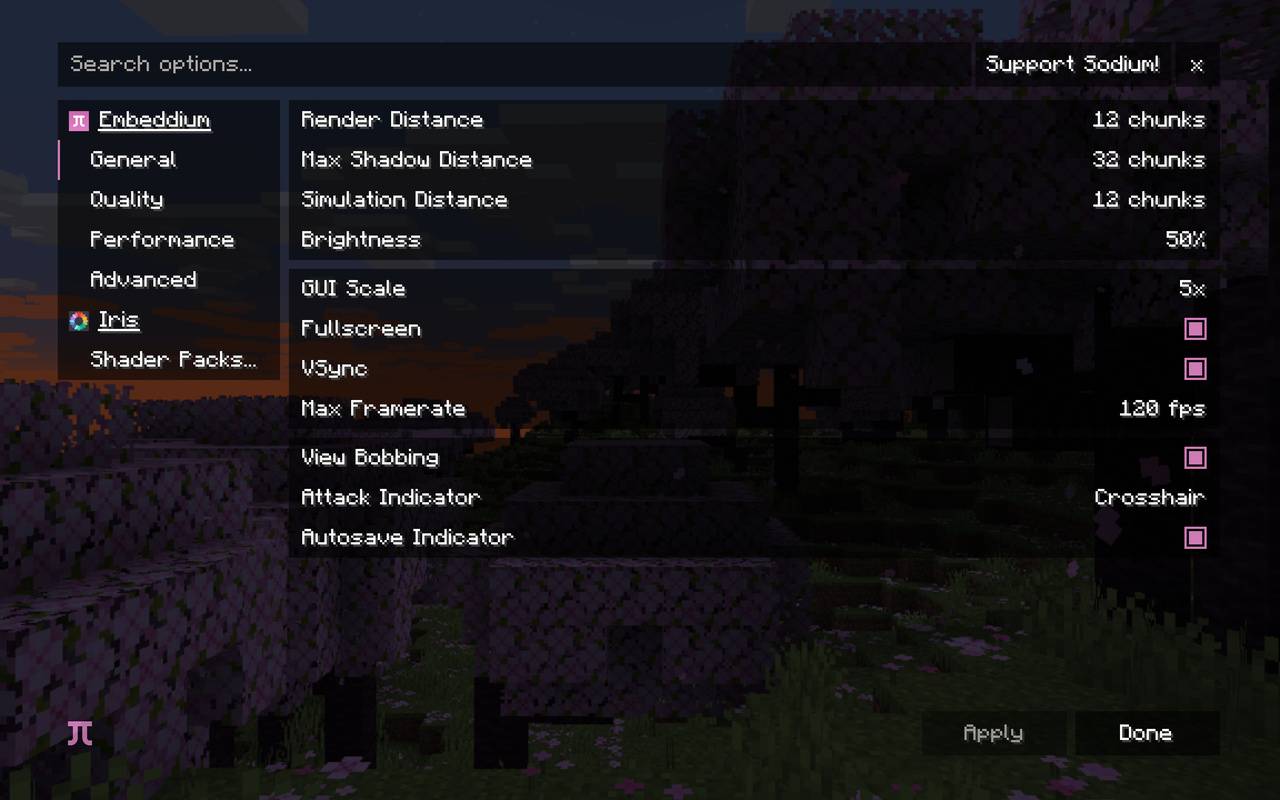
- Embeddium / Sodium and Oculus / Iris settings pages
📦 Versions
| Minecraft | Loader |
|---|---|
| 1.20.1 | Forge, Fabric |
| 1.21.1 | NeoForge, Fabric |
| 26.3 | NeoForge, Fabric |
- Mod Menu is optional: with it, the restyled Mods screen replaces Mod Menu’s list, and Configure opens each mod’s settings.
- Realms: the Realms button is hidden on 1.20.1 and 1.21.1, and shown on 26.3.
- Client-side only. Install it on your own game; servers don’t need it.
🔧 Settings
Everything can be switched on or off in config/xenaranexusui/settings.properties:
- the slideshow and its timings
- scenic shots
- World Reel
- the Mods, Options and settings-page restyles
- picture names
- the Realms button
Made by AndyMFA. Check out my other mods on my CurseForge profile.
(C) Many Fun Adventures
常见问题
Xenara: Nexus UI 支持哪些 Minecraft 版本?
Xenara: Nexus UI 支持 Minecraft Java 版 1.20.1–26.3,共 3 个版本,可用的加载器:Fabric / Forge / NeoForge。下载时注意选择和你游戏版本一致的文件。
Xenara: Nexus UI 怎么安装?
先用 PCL2 或 HMCL 启动器安装对应版本的 Fabric / Forge / NeoForge,再把下载的 .jar 文件放进游戏目录的 mods 文件夹,重新启动游戏即可。开启了版本隔离的,mods 文件夹在 versions/版本名 下面。
AndyMFAMinecraft 的其他作品
查看全部 →
Abandoned Tunnels
翻山越岭太折磨了,何不抄近道穿过废弃隧道?能出什么事呢?
Far Flung Forests
70 new biomes and 22 rare real-world wood types, each with a full set of blocks, signs, boats, bookshelves and crafting tables. Built on TerraBlender.

Teleportals Are Here
Use our beautiful Teleportals to travel across your world, See your destination before you leave. Take your Pet too!

Enchantment Transference
Ever wanted a way of moving your enchants onto a book? Time to get overpowered!
评论
登录后评论和评分