
Pillager Outpost Radar
The Pillager Outpost Radar device allows you to find their evil little base with ease!
截图
介绍

Pillager Outpost Radar
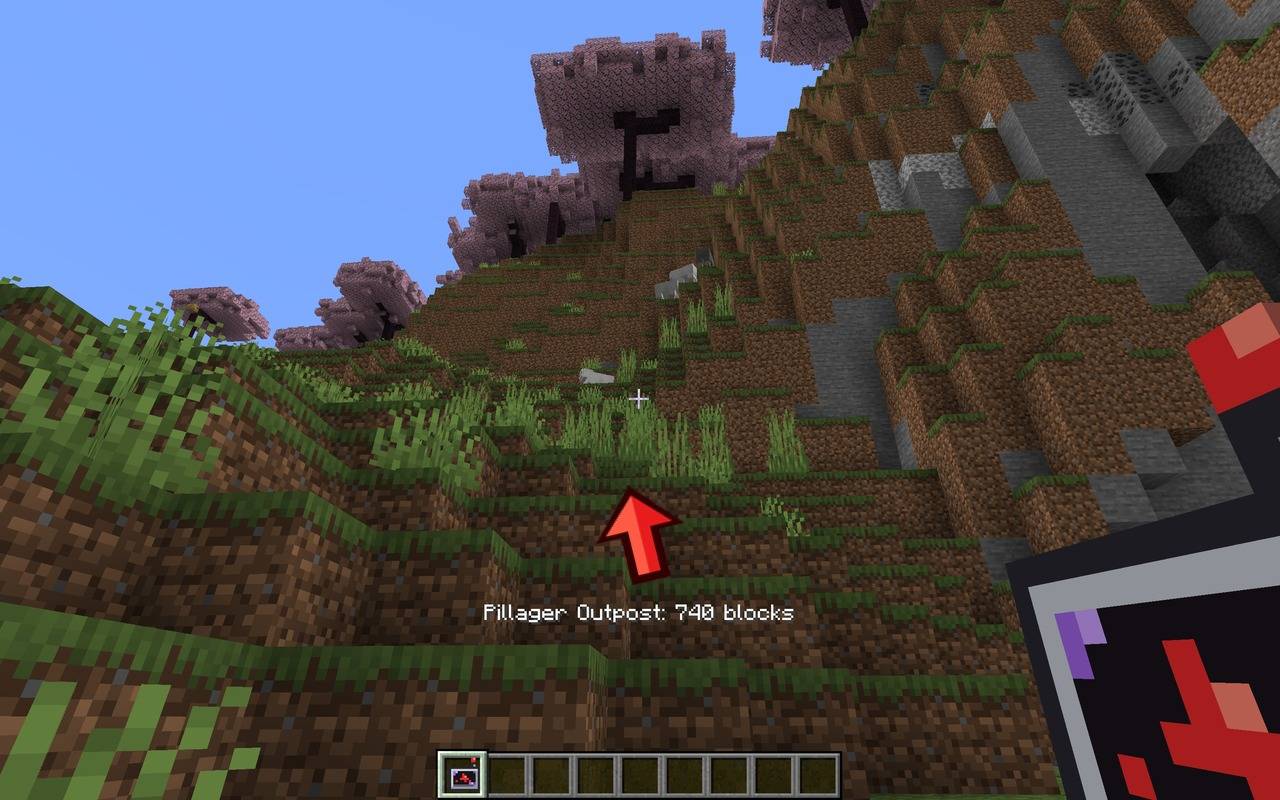
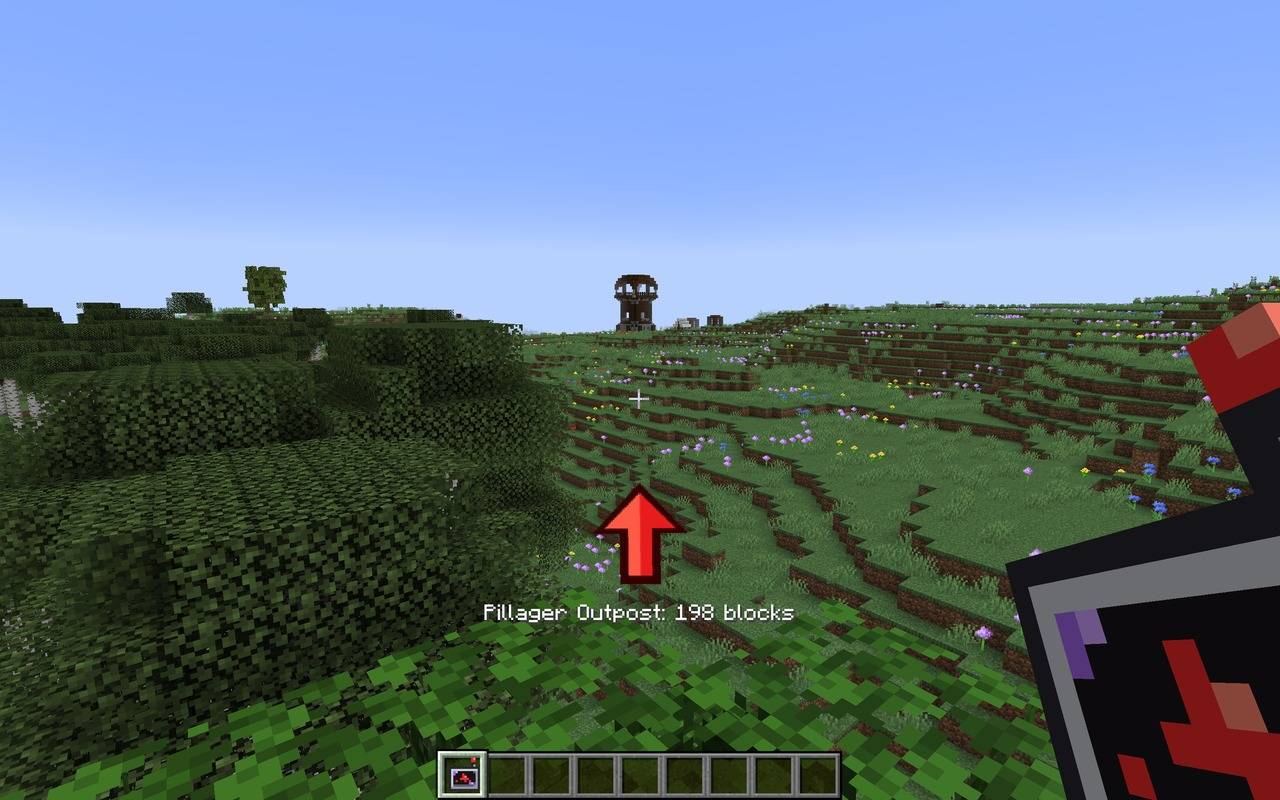
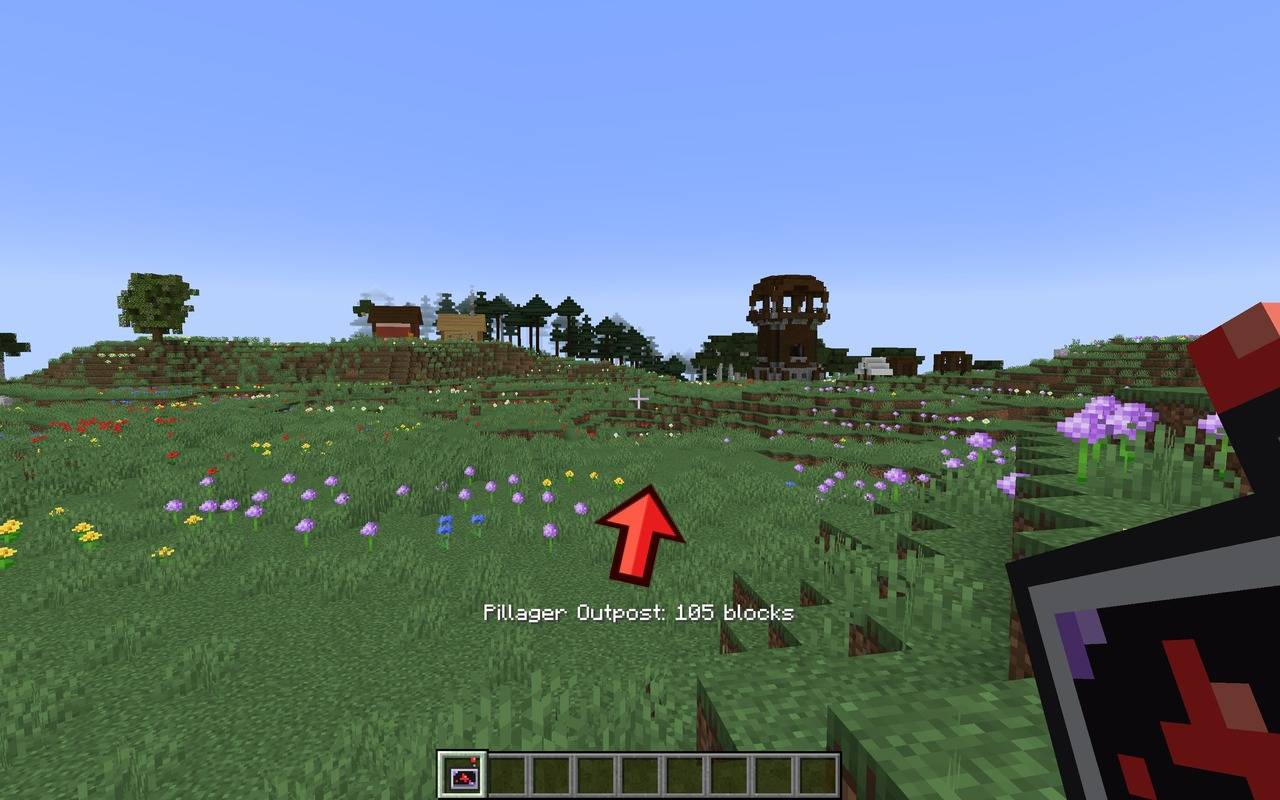
Stop wandering the hills hoping to spot a crossbow tower on the horizon. Craft the Pillager Outpost Radar, hold it in your hand, and a big red arrow appears on your screen pointing straight at the nearest Pillager Outpost. It turns as you turn and counts down the blocks as you get closer.
Great for raid hunters, Ominous Banner collectors, Allay rescuers and anyone who just wants to go and pick a fight with some pillagers.
✨ Features
- A big red arrow on your screen – Hold the radar in your main hand or off-hand and an arrow appears in the middle of your screen, a third of the way up so it never blocks your crosshair.
- Turns as you move – The arrow updates smoothly in real time as you walk, run, fly or ride, always pointing towards the outpost.
- Live distance read-out – See exactly how far away the outpost is, e.g. “Pillager Outpost: 198 blocks”.
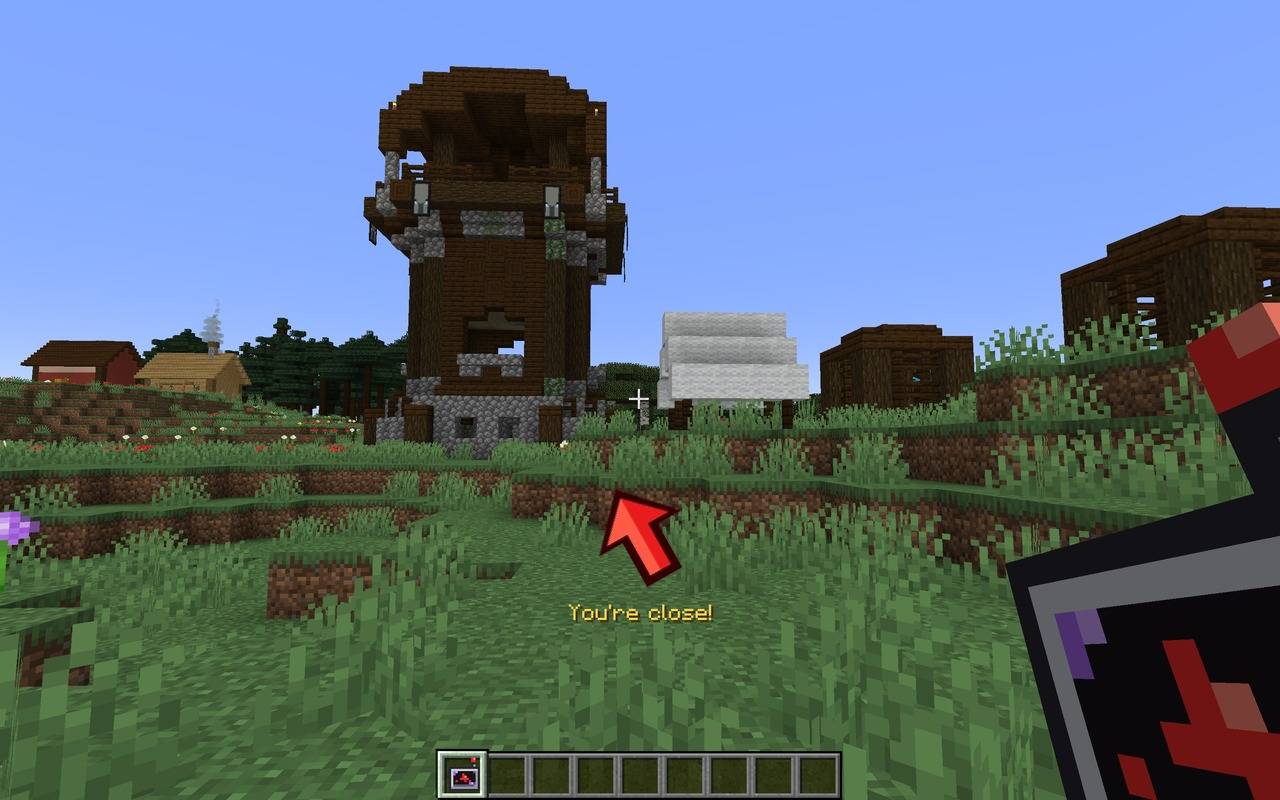
- “You’re close!” – Within 30 blocks the distance changes to a golden “You’re close!” so you know to get your shield up.
- Gently pulsing arrow – A subtle pulse makes the arrow easy to see against busy terrain.
- Always finds the nearest one – Wander off in a new direction and the radar automatically re-scans and switches to whichever outpost is now closest.
- Knows where it is – Pillager Outposts only exist in the Overworld, so in the Nether or the End the radar tells you so instead of pointing nowhere.
- Hides when you put it away – Switch to another item and the arrow disappears. Pressing F1 to hide the HUD hides it too.
- Light on performance – The radar only re-scans after you have moved about 96 blocks, so it costs almost nothing, even on servers.
- Multiplayer friendly – Every player gets their own radar and their own arrow.
🛠️ Crafting Recipe
| Amethyst Shard | Iron Ingot | Amethyst Shard |
| Iron Ingot | Redstone Dust | Iron Ingot |
| Amethyst Shard | Iron Ingot | Amethyst Shard |
Makes: 1 Pillager Outpost Radar (stacks to 1)
🎮 How to Use
- Craft the radar using the recipe above.
- Hold it in either hand while in the Overworld.
- Follow the red arrow!
- When you see “You’re close!”, get ready for a fight.
What the messages mean:
| On screen | Meaning |
|---|---|
| Scanning for outposts… | The radar is looking for the nearest outpost. |
| Pillager Outpost: 198 blocks | Outpost found, follow the arrow. |
| You’re close! | The outpost is less than 30 blocks away. |
| No outpost found nearby | There isn’t one within search range. Keep exploring and it will try again. |
| Outposts only exist in the Overworld | You’re in the Nether or the End. |
📦 Requirements
- Dependencies: None!
- Install on: the client and the server if you play multiplayer.
❓ FAQ
Does it work with modded biomes and world generation? Yes. The radar uses Minecraft’s own structure search (the same one as /locate), so it finds Pillager Outposts wherever the world generator has placed them.
Can I add it to my modpack? Yes, you’re welcome to include it in modpacks.
Will there be other versions? Ports to newer Minecraft versions and NeoForge are planned.
Made by AndyMFA – (C) Many Fun Adventures
常见问题
Pillager Outpost Radar 支持哪些 Minecraft 版本?
Pillager Outpost Radar 支持 Minecraft Java 版 1.20.1–1.21.1,共 2 个版本,可用的加载器:Forge / NeoForge。下载时注意选择和你游戏版本一致的文件。
Pillager Outpost Radar 怎么安装?
先用 PCL2 或 HMCL 启动器安装对应版本的 Forge / NeoForge,再把下载的 .jar 文件放进游戏目录的 mods 文件夹,重新启动游戏即可。开启了版本隔离的,mods 文件夹在 versions/版本名 下面。
AndyMFAMinecraft 的其他作品
查看全部 →
Abandoned Tunnels
Climbing those hills are such a grind, what don't you take a shortcut through an abandoned tunnel? What could possibly go wrong?

Far Flung Forests
70 new biomes and 22 rare real-world wood types, each with a full set of blocks, signs, boats, bookshelves and crafting tables. Built on TerraBlender.

Enchantment Transference
Ever wanted a way of moving your enchants onto a book? Time to get overpowered!

Teleportals Are Here
Use our beautiful Teleportals to travel across your world, See your destination before you leave. Take your Pet too!
评论
登录后评论和评分