
Effects After Death
Keep all Effects after death. Extremely configurable server-side mod/datapack
截图

介绍
Effects after Death 💀🧪
Effects After Death is a highly configurable Minecraft datapack/mod that allows all minecraft effects to persist after a player’s death.
Designed for maximum flexibility, it supports both global and per-player customization to suit various gameplay styles and server rules.
Ideal for RPG style servers, challenge modes, or progression based gameplay, Effects After Death.
_Fully server side!_
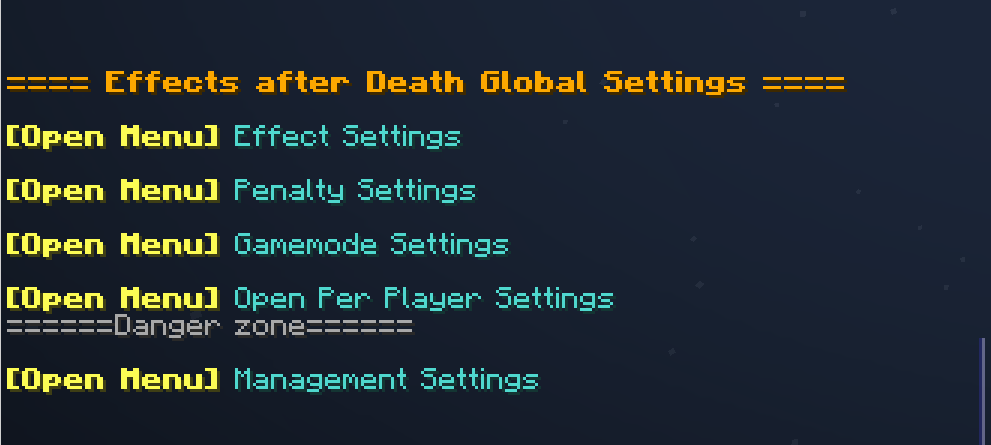
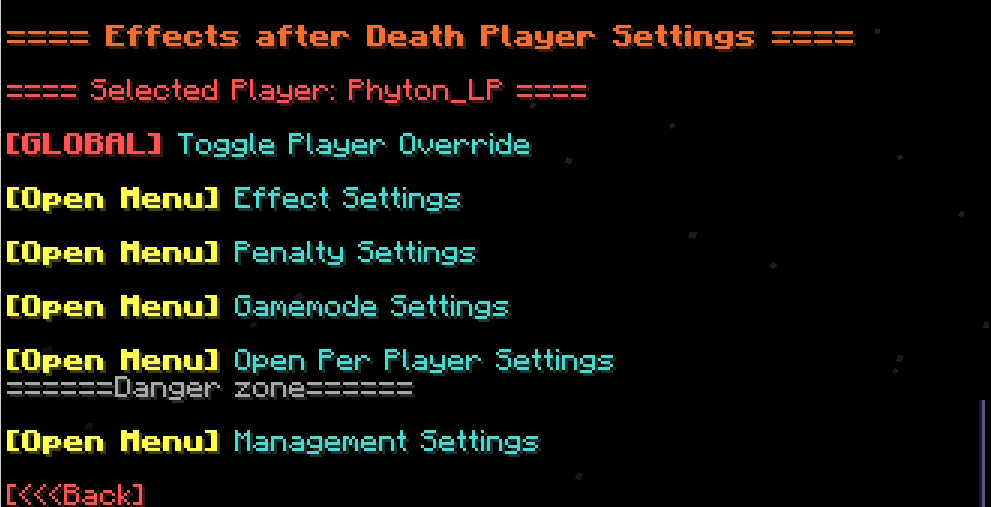
⚙️ Settings Menu — Effects After Death
Open Settings with /trigger EffectsOnDeath.settings
| Category | Description |
|————————|—————————————————–|
| 🧪 Effect Settings | Toggle individual effects on or off |
| ⚖️ Penalty Settings | Modify penalties applied upon death |
| 🎮 Gamemode Settings | Choose which gamemodes are affected |
| 👤 Per-Player Settings | Set individual player configurations |
| 🧹 Management Settings| Reset, clean up, or uninstall datapack |
Image
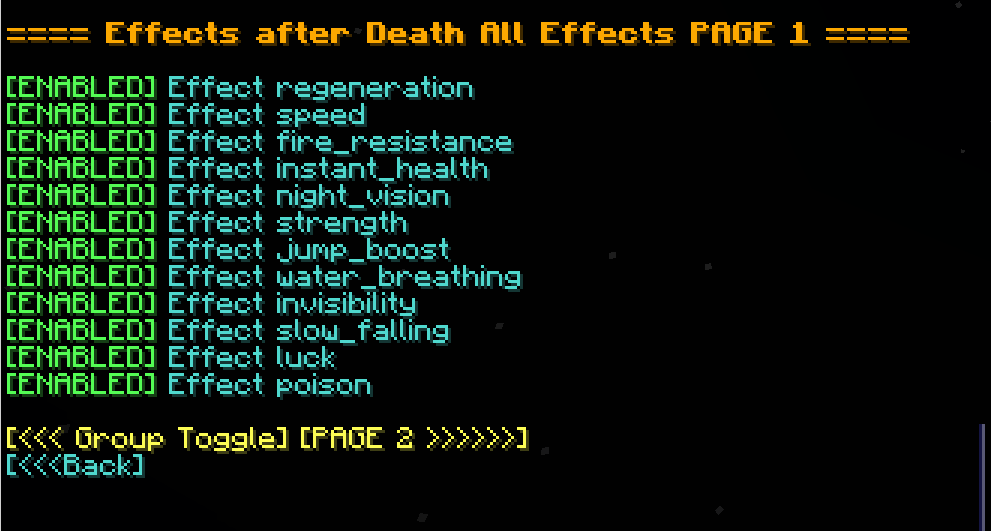
🧪 Effect Settings
- Multi-page system for organizing effects
- Group Toggle Page: Turn multiple effects on/off at once
- Infinite Effects: Enable/disable keeping effects with infinite duration
- Individual Effects: Enable/disable each effect in minecraft separately
–
Image
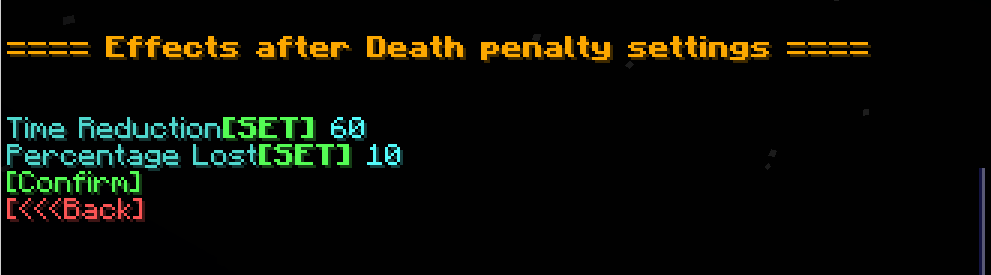
⚖️ Penalty Settings
| Option | Description |
|———————-|——————————————-|
| ⏱️ Time Reduction | Fixed number of seconds lost on death |
| 📉 Percentage Lost | Percentage of time lost on death |
Image
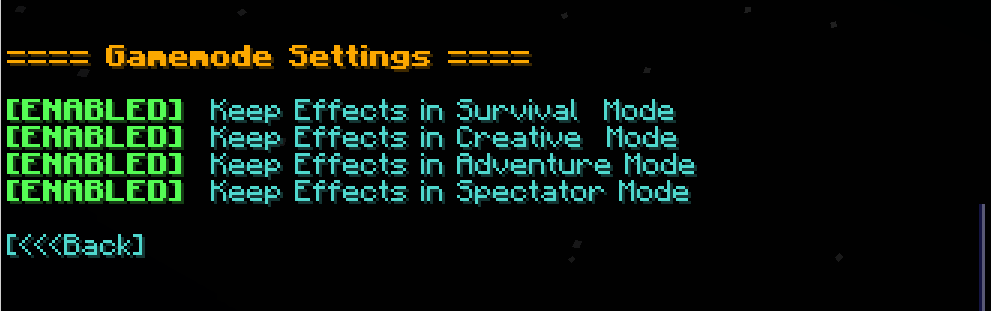
🎮 Gamemode Settings
- Enable/disable effect retention in specific gamemodes (e.g., survival, creative, spectator)
Image
👤 Per-Player Settings
- Customize which players are affected by each setting
- Give Players individual rule sets!
Image
🧹 Management Settings
| Option | Description |
|———————|————————————————–|
| 🔄 Reset to Defaults | Restore all effect and group settings to default |
| 👥 Reset Players | Remove all per-player overrides |
| ❌ Uninstall | Fully remove all related data and scoreboards |
常见问题
Effects After Death 支持哪些 Minecraft 版本?
Effects After Death 支持 Minecraft Java 版 1.21–1.21.11,共 12 个版本,可用的加载器:Fabric / Forge / NeoForge / Quilt。下载时注意选择和你游戏版本一致的文件。
Effects After Death 怎么安装?
先用 PCL2 或 HMCL 启动器安装对应版本的 Fabric / Forge / NeoForge / Quilt,再把下载的 .jar 文件放进游戏目录的 mods 文件夹,重新启动游戏即可。开启了版本隔离的,mods 文件夹在 versions/版本名 下面。运行环境:客户端 / 服务端。
Phyton 的其他作品
查看全部 →
Night Vision Spyglass
Nightvision when looking through a spyglass! Configurable as an enchantment!
Night Vision Spyglass
Nightvision when looking through a spyglass! Configurable as an enchantment!

Phytons Hearts
Survival Friendly Items that Add or Remove Hearts and Health permanently! Fully configurable Settings!

XP Crystals
Store your XP in craftable crystals. Survival-friendly and tier-based: store 3, 10, 30, 50 levels—or infinite XP. Very Customizable
评论
登录后评论和评分