CC:DirectGPU
DirectGPU is a high-resolution monitor and GUI add-on for CC: Tweaked; the Fabric and Forge versions have been discontinued due to maintenance difficulties, and development is now exclusive to NeoForge 1.21.1.
截图
介绍
# CC:DirectGPU, VS Compatible now
Next-gen graphics for ComputerCraft.
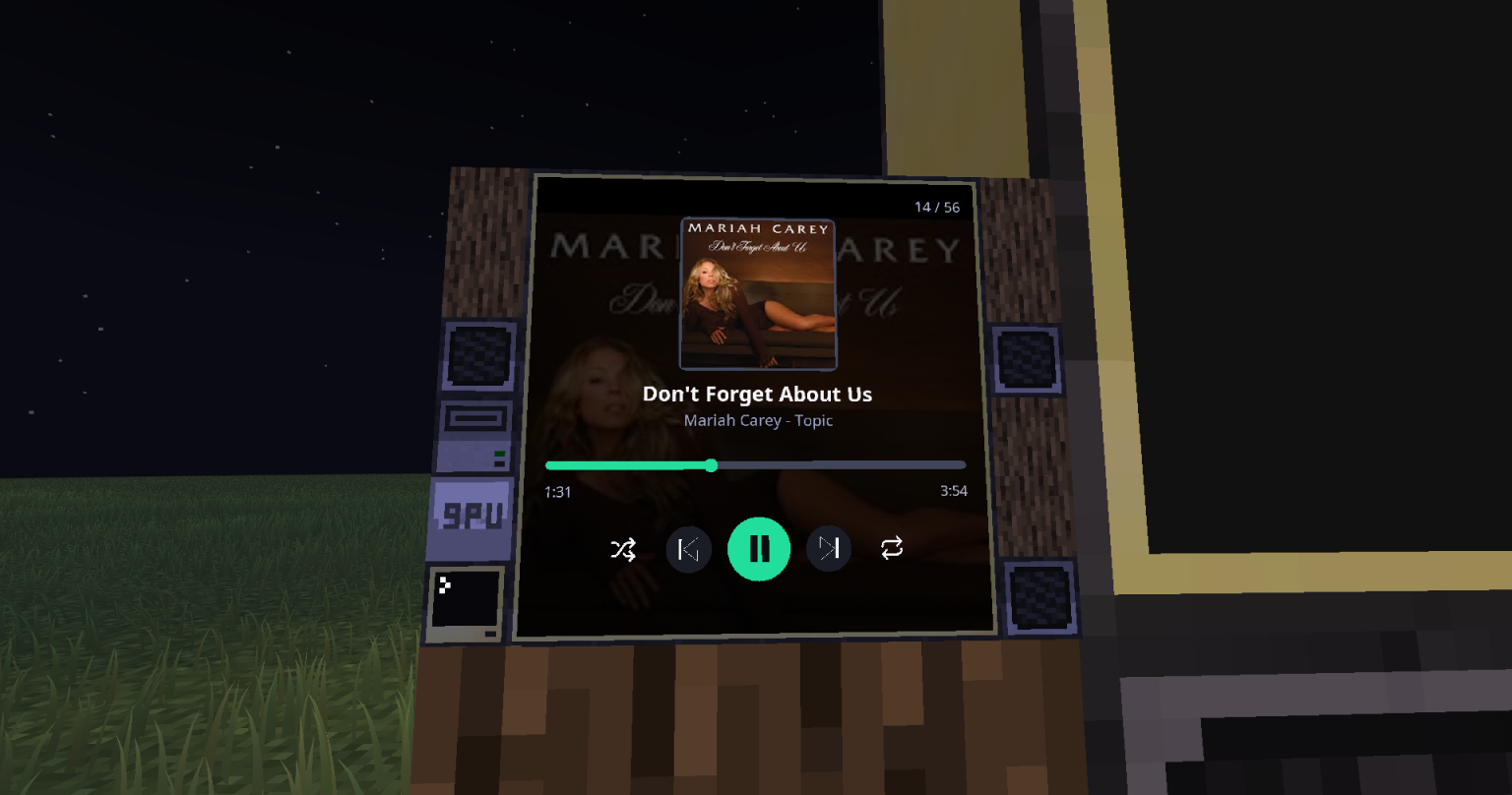
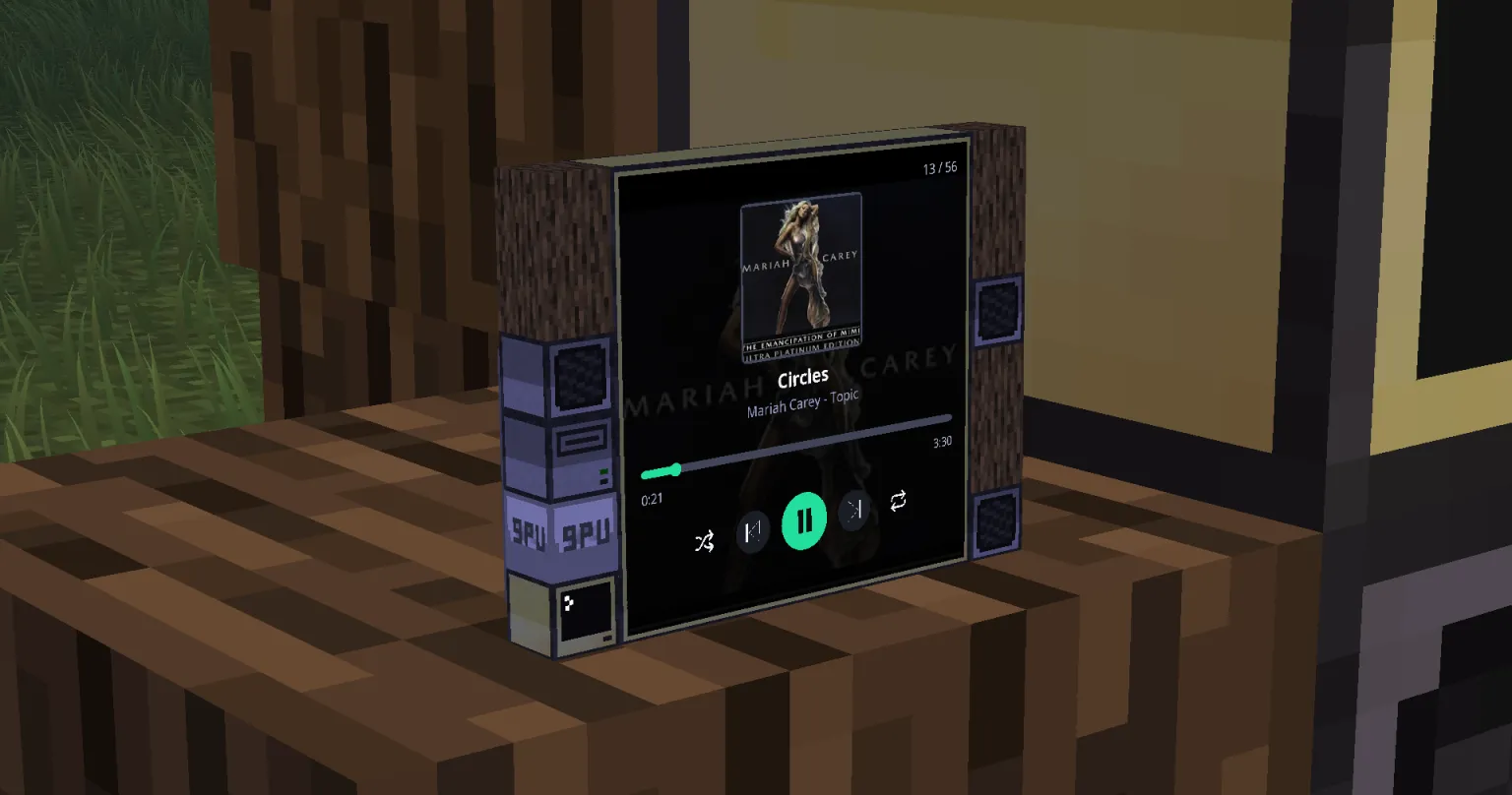
Unlock true 24-bit colour, GPU-level performance, and real-time interactivity on your ComputerCraft monitors — all inside Minecraft.
💬 Join the Discord (https://discord.gg/zr2CScq7Gf) • GitHub Repository (https://github.com/tiktop101/CC-DirectGPU-Mod)
[Reddit Community] (https://www.reddit.com/r/CCDirectGPU/)
Recommended Version of CC:T for this mod is: 1.116.1
—
# What It Adds
Bring your ComputerCraft displays to life with hardware-accelerated rendering, full RGB graphics, and interactive UIs — all plug-and-play.
– True RGB pixel graphics: Up to 164×164 pixels per block, or 656×656 with 4× scaling. “as of 1.0.21 neforge”
– Auto monitor detection: Works with any monitor array or orientation — no manual setup.
– Fast drawing primitives: Draw pixels, lines, and shapes at GPU-like speeds.
– JPEG + PNG + GIF image support: Decode and render images in milliseconds (≈5–15 ms typical).
– Smart compression: 90%+ bandwidth savings for streamed or repeating frames.
– Interactive input: Detect clicks, drags, and keyboard input directly on monitors.
– Massive displays: Supports up to 16×16 monitor arrays and 50+ total displays.
– Thread-safe design: Multiple computers can safely update the same screen for smooth visuals.
—
# Why You’ll Want It
Turn basic text monitors into vibrant, dynamic displays.
– Create real-time dashboards, control rooms, or media walls.
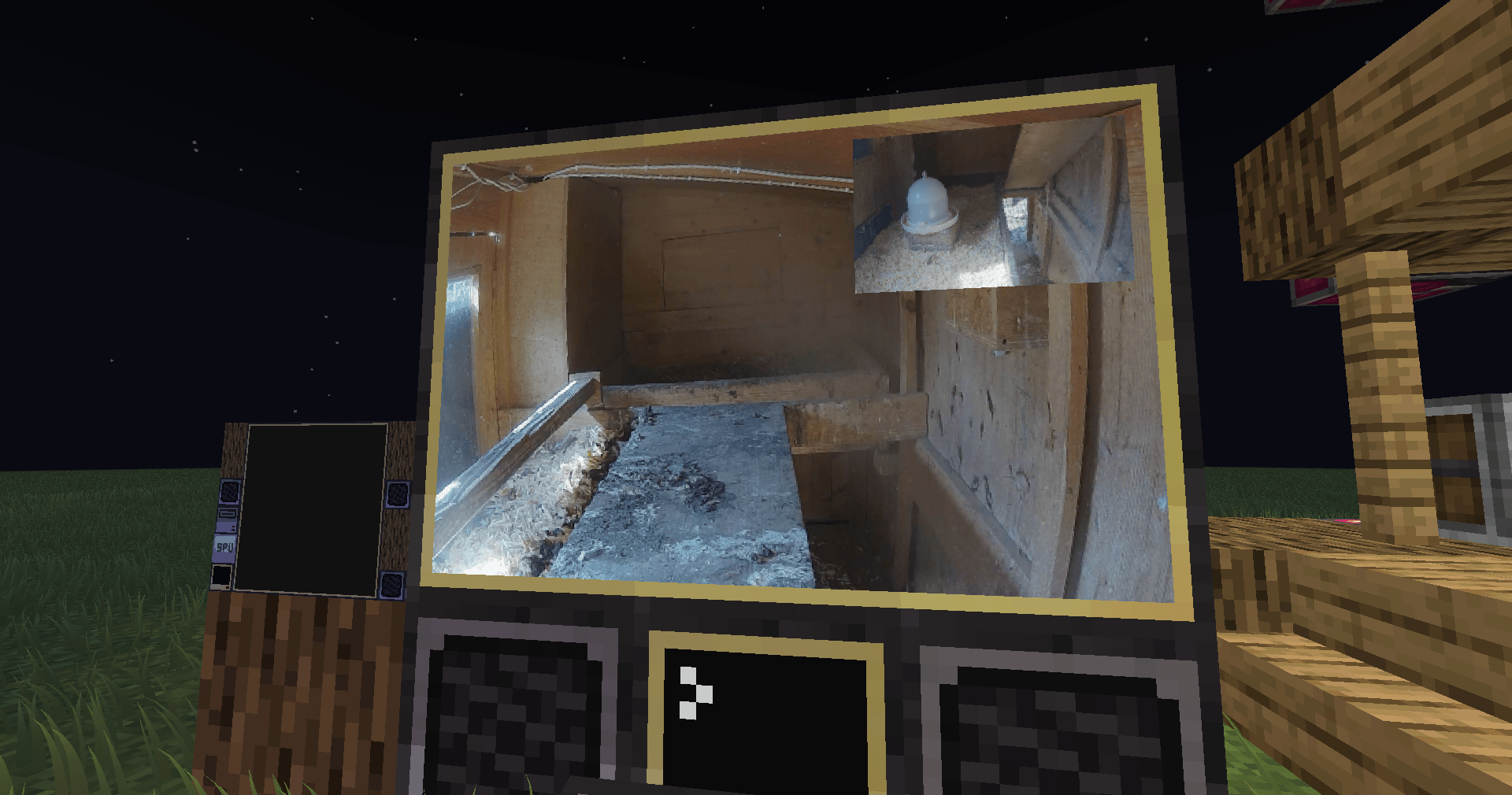
– Display pixel art, animations, or live webcam feeds.
– Perfect for builders, modpack creators, and creative coders.
—
# Highlights
– Supports Forge & Neoforge (requires latest CC:Tweaked).
– Orientation-independent arrays: Works in any direction.
– Resolution scaling: Choose between 1×–4× detail depending on performance.
—
# Code Examples
[View Example Scripts on GitHub] (https://github.com/tiktop101/CC-DirectGPU-Mod/tree/main/Examples)
Interactive Input
Detect mouse clicks, drags, and keyboard events directly on the monitor surface to build custom UIs, dashboards, or drawing boards.
—
# Setup
– Minecraft Java Edition
– Forge or Neoforge
– Latest CC:Tweaked
Supports monitor arrays up to 16×16 blocks with optional 2×–4× resolution scaling
Larger setups increase pixel count and bandwidth use — plan accordingly.
—
> CC:DirectGPU — because your ComputerCraft screens deserve more than text.
常见问题
CC:DirectGPU 支持哪些 Minecraft 版本?
CC:DirectGPU 支持 Minecraft Java 版 1.20.1–1.21.1,共 2 个版本,可用的加载器:Fabric / Forge / NeoForge。下载时注意选择和你游戏版本一致的文件。
CC:DirectGPU 怎么安装?
先用 PCL2 或 HMCL 启动器安装对应版本的 Fabric / Forge / NeoForge,再把下载的 .jar 文件放进游戏目录的 mods 文件夹,重新启动游戏即可。开启了版本隔离的,mods 文件夹在 versions/版本名 下面。
tiktop101 的其他作品
查看全部 →
CC:DirectGPU
DirectGPU is a high-resolution monitor and GUI add-on for CC: Tweaked; the Fabric and Forge versions have been discontinued due to maintenance difficulties, and development is now exclusive to NeoForge 1.21.1.

CC:LiftLink
CC:LiftLink: Create & ComputerCraft integration for elevators. Manage floor calls, track real-time movement, and query states via a simple Lua API—all through one redstone contact. No complex wiring required. Designed for Minecraft 1.20.1 and 1.21.1.

CC:HQ Speakers
CC HQ Speakers A mod for Minecraft CC Tweaked Speaker's uses cc tweakeds speakers and adds higher quality support and most importantly mp3s

CC:LiftLink
CC:LiftLink provides ComputerCraft integration for Create elevators, allowing full control through a single redstone contact. Instead of wiring every floor or connecting to the pulley, you can manage floor calls, track real-time movement, and query elevato
评论
登录后评论和评分