
Auto Torch(er)
Remove some tasks from your Minecraft adventures by letting AutoTorcher handle torch placement for you in the dark! Just keep stacked is my advice
截图
介绍
AutoTorcher
Do you forget to place torches while exploring caves? Or maybe you just want to make sure you’re never in complete darkness? If so, AutoTorcher is the mod for you!
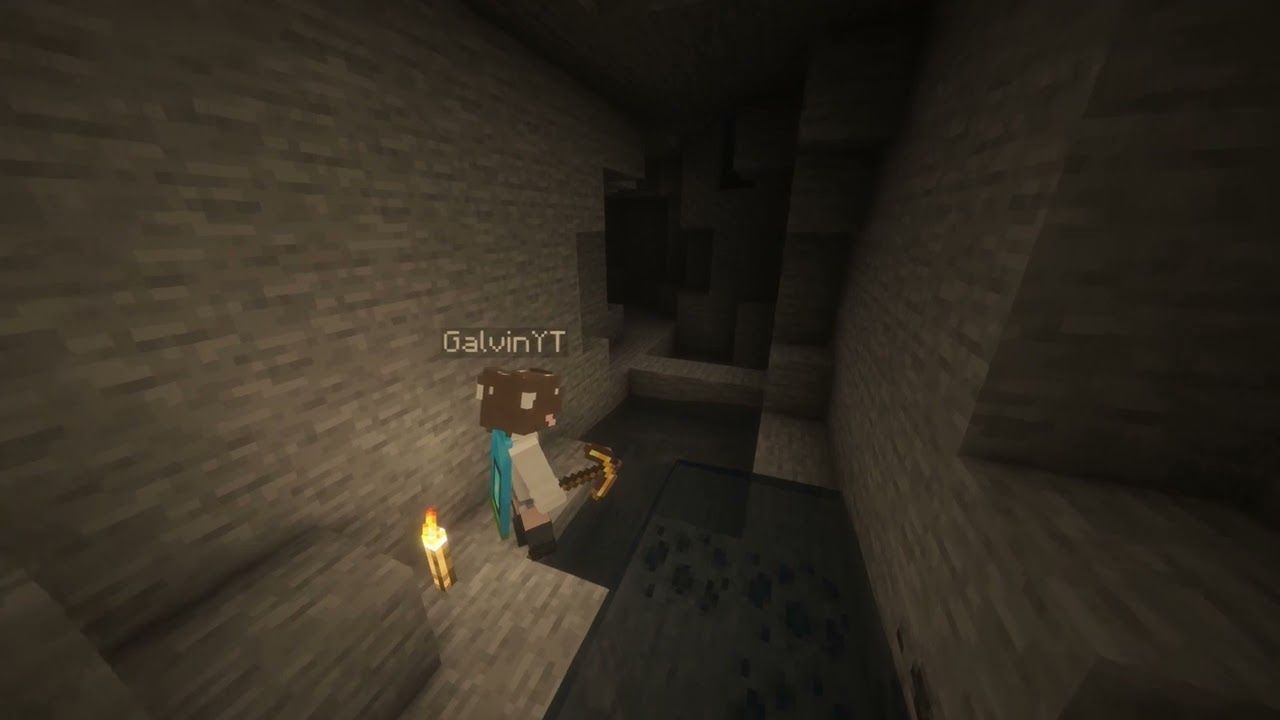
Remove some tasks from your Minecraft adventures by letting AutoTorcher handle torch placement for you. With this mod installed, torches will be automatically placed whenever you find yourself in a light level of 0, ensuring you always have visibility in dark areas, and a mob-free experience.
Let yourself mine, or eat, or just explore without needing torches in your hand. Just make sure you have torches in your inventory though.
_A torch a day keeps the mobs away!_ Or something like that.
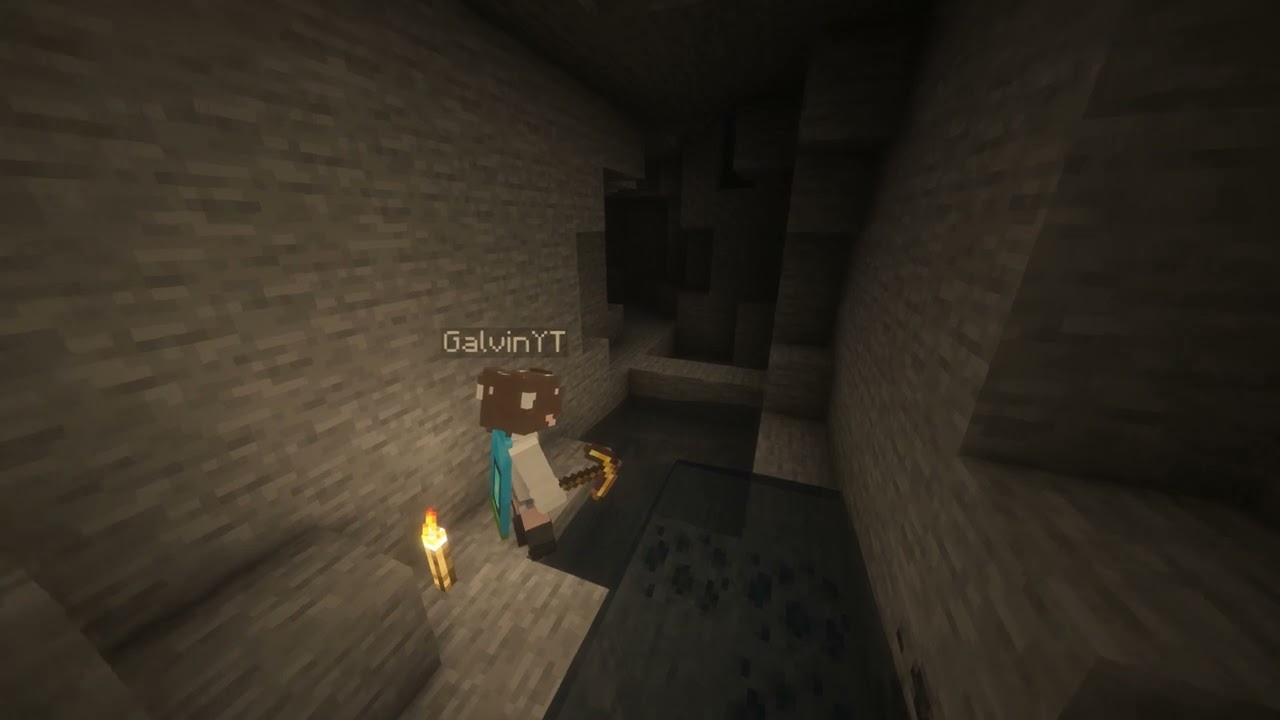
A little video demonstration
How to use
Just keep torches in your inventory, and you’ll find that the surrounding space will be automatically lit up!
Supported versions
AutoTorcher is available for Minecraft versions 1.21.10 and above!
Due to the frequency of Minecraft updates now, each Minecraft version has its own .jar file. This is mainly to prevent crashes from each drop.
Please also keep your loader and Fabric API up to date to ensure the best compatibility!
Changelog
1.2.0 – 30/12/2025
- Updated for Minecraft 1.21.11
- Removes torches from being placed when in adventure mode
1.1.0 – 14/12/2025
Closes #2
Gives players the ability to toggle AutoTorch functionality for themselves. New commands for this are
/autotorch on– Turns AutoTorch on for the player/autotorch off– Turns AutoTorch off for the player/autotorch toggle– Toggles AutoTorch on or off for the player/autotorch debug– Enable debugging (admins only for servers, singleplayer requires cheats)
常见问题
Auto Torch(er) 支持哪些 Minecraft 版本?
Auto Torch(er) 支持 Minecraft Java 版 1.21.10–26.1.1,共 4 个版本,可用的加载器:Fabric / Quilt。下载时注意选择和你游戏版本一致的文件。
Auto Torch(er) 怎么安装?
先用 PCL2 或 HMCL 启动器安装对应版本的 Fabric / Quilt,再把下载的 .jar 文件放进游戏目录的 mods 文件夹,重新启动游戏即可。开启了版本隔离的,mods 文件夹在 versions/版本名 下面。运行环境:仅服务端。
GalvinPython 的其他作品
查看全部 →
Server Day Counter
Server Day Counter is a mod (designed for servers) to broadcast and show the day of the world, just like you can in singleplayer!

Player Finder
A Minecraft Mod for Fabric 1.21 that allows users to find the co-ordinates of other players on your server using a command

Force Port
A mod that forces the port to always be the same when using the "Open To LAN" feature!

No Elytras
Bans Elytras from everyone's inventory!
评论
登录后评论和评分