
BubbleVehicles
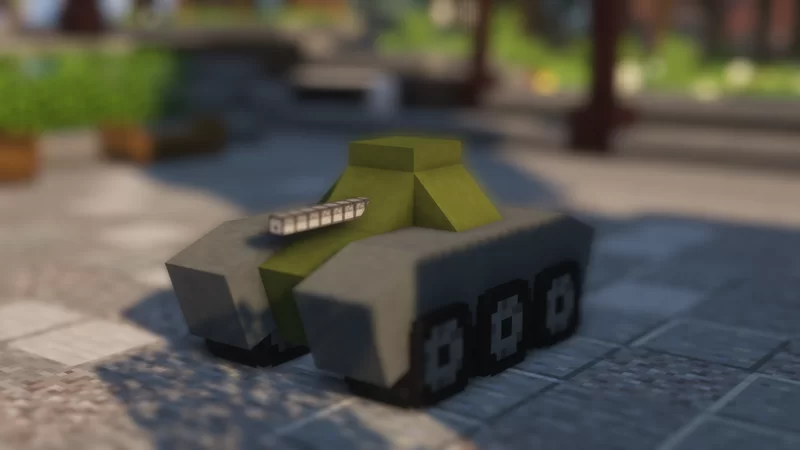
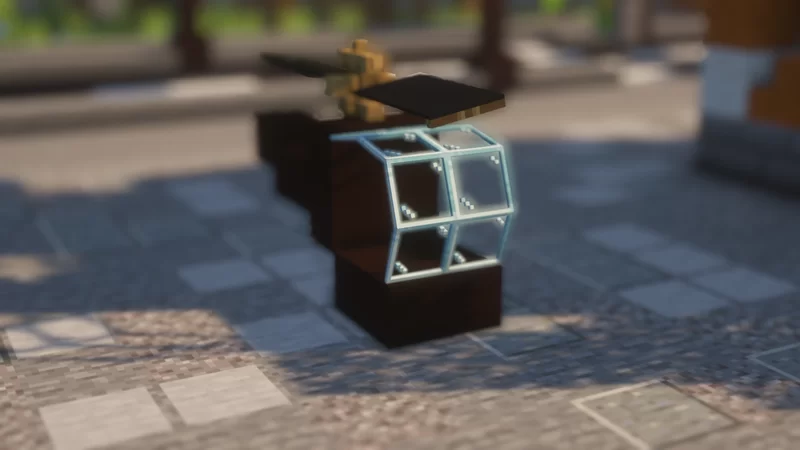
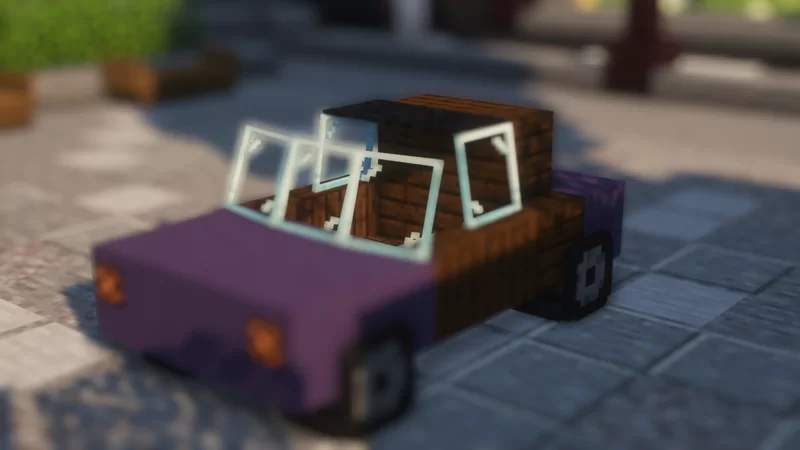
This Data Pack adds fabulous server side vehicles such as cars, helicopters, and more
截图



介绍
BubbleVehicles
This Data Pack adds fabulous server side vehicles that have a lot of features.
https://youtu.be/OpHmEsNTu0U
Installation
Install it just as any other data-pack, no dependencies required.
Usage
To get vehicles you need a trader that you might find in a village or by renaming any villager to “BubbleVehicles” (using a name tag).
Provided content
| Entities | Items |
| ——— | ——|
| * Ambulance | * Engine Tier I
| * Bike | * Engine Tier II
| * Cabriolet | * Engine Tier III
| * Military Helicopter | * Engine Tier IV
| * Police Cruiser | * Ambulance Spawn Egg
| * Police Helicopter | * Bike Spawn Egg
| * Police Interceptor | * Cabriolet Spawn Egg
| * Private Helicopter | * Military Helicopter Spawn Egg
| * Sedan | * Police Cruiser Spawn Egg
| * Tank | * Police Helicopter Spawn Egg
| * Taxi | * Police Interceptor Spawn Egg
| * Trader | * Private Helicopter Spawn Egg
| * Van | * Sedan Spawn Egg
| * Tractor | * Tank Spawn Egg
| * Formula One | * Taxi Spawn Egg
| * Drill | * Van Spawn Egg
|| * Tractor Spawn Egg
|| * Formula One Spawn Egg
|| * Drill Spawn Egg
|| * Upgrade Engine
|| * Upgrade Gas Tank
|| * Upgrade Glove Box
|| * Upgrade Nitro Boost
|| * Upgrade Transmission
Datapack functions
/function uninstall:bubblevehicles: Uninstalls the datapack, removes all data, kills all vehicles and removes all datapack tags from entities/function about:bubblevehicles: Shows about screen, that tells datapack information, as well as statistics (how many vehicles spawned, how many mesh pieces loaded)/function settings:bubblevehicles: Let’s you change settings of the datapack world wide:- Render Distance: To optimize datapack, you can reduce the distance from which vehicles start rendering
- Projectile Type: For vehicles that shoot projectiles you can switch type between fireworks and TNTs
- Load Message: Lets you disable the datapack one-line load message in console/chat
- Register Message: Lets you disable messages, that people get when the datapack registers them.
- Vehicle Damaging: Lets you disable vehicle damaging. Remember that if a vehicle has already been damaged it won’t be repaired automatically.
- Fuel Usage: Lets you disable fuel usage. Remember that if a vehicle has used some fuel it won’t fill up automatically.
/function summon:bubblevehicles/<NAME>: Summons a vehicle/trader (that datapack provides)/function give:bubblevehicles/<NAME>: Gives you an item (that datapack provides)
Trader
Trader lets you obtain all datapack items

Vehicle Interaction interface
Every vehicle has interaction menu, that can be opened by sneaking and right clicking the driver seat.
You will get a green particle in-front of your face when you are able to open the trunk!

| Action | Description |
| —— | ——- |
| Refuel | Refuels the vehicle with Blaze Powder. A dispenser may also be used. |
| Lock/Unlock | Locks or Unlocks the vehicle. Locked vehicles cannot be accessed by any players except the owner |
| Repair | Repairs vehicle using copper ingot/block |
| Paint | Paints vehicle |
| Upgrade | Lets you upgrade vehicle with a special item |
| Pick Up | Picks up vehicle in creative mode |
| Reset Ownership | Resets the ownership of the vehicle. First player to seat on this vehicle will be set as the new owner |
| Scrap | Removes the vehicle |
| Kick | Damages vehicle with a random chance |
| Statistics | Shows the information about vehicle |
Features
- No resourcepack, no plugins, no mods required
- Data pack has automatic debug system that can detect issues and suggest how to solve them
- All vehicles have a trunk
- Vehicles are customizable
- Controlling vehicles without using chat, hotbar, or any other unnecessary workarounds
- No annoying minecarts/pigs. Vehicles look how they are supposed to
- And much more, making this datapack one of the, if not the best vehicles datapack out here
常见问题
BubbleVehicles 支持哪些 Minecraft 版本?
BubbleVehicles 支持 Minecraft Java 版 1.17–1.20.4,共 13 个版本。下载时注意选择和你游戏版本一致的文件。
BubbleVehicles 怎么安装?
新建世界时在「数据包」里把下载的 .zip 拖进去;已有的存档,把文件放进存档目录下的 datapacks 文件夹,进游戏输入 /reload 即可生效。服务器同样放在世界目录的 datapacks 里。
BubbleFish 的其他作品
查看全部 →
Bubblellaneous
Adds Furniture, Technology, Food & Miscellaneous blocks and items.

Bubbleconomy
(Bubble + Economy) - A data pack, that adds simple economy: new currency - Bubbles (β), bank accounts, transferring money & shops.

BubbleSeekOut
A Server Utility data pack, that adds logging and inventory seeking features.

Recipe Tweaks
QoL data pack to selectively improve recipes
评论
登录后评论和评分