
Bubblellaneous
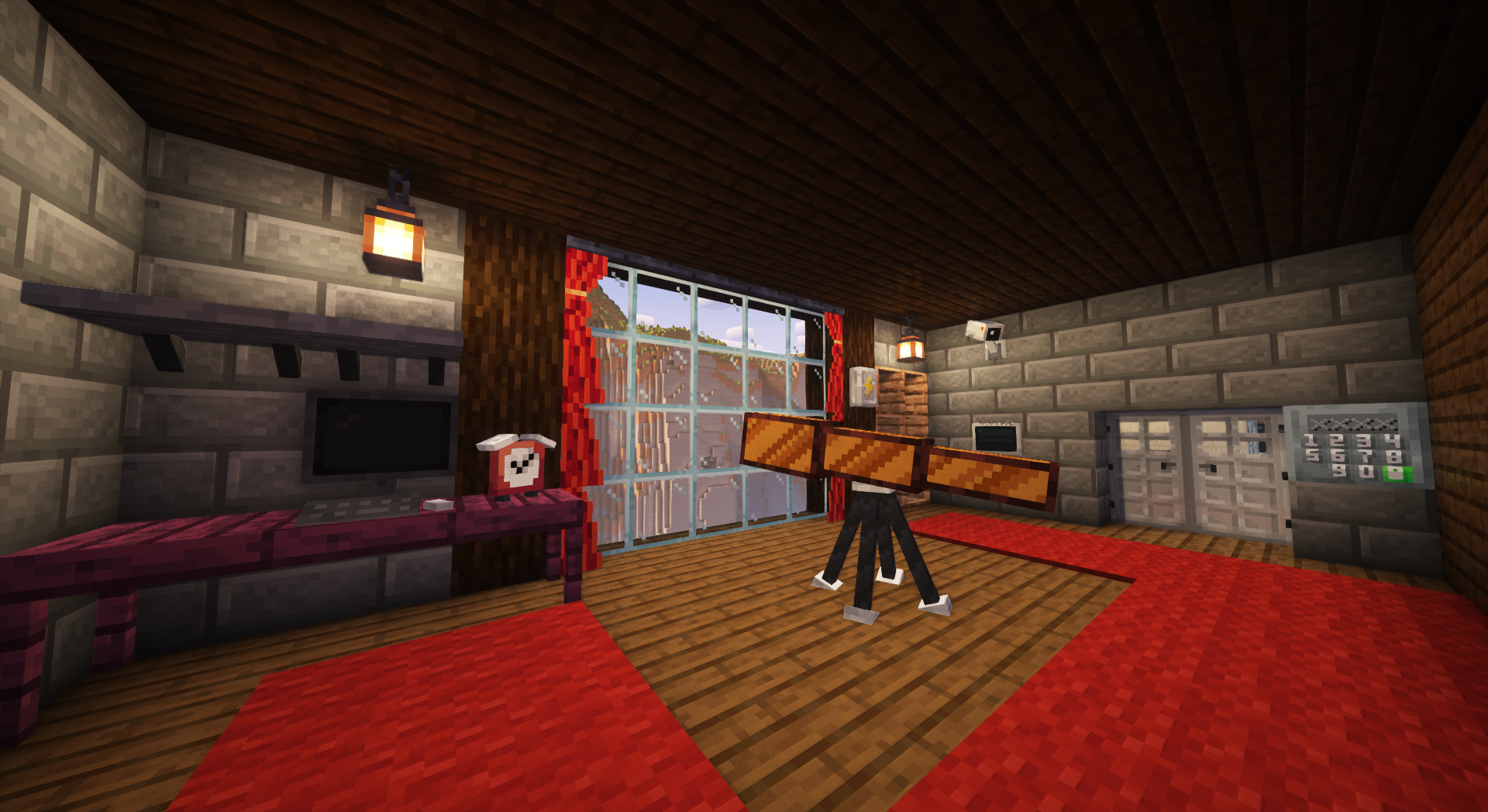
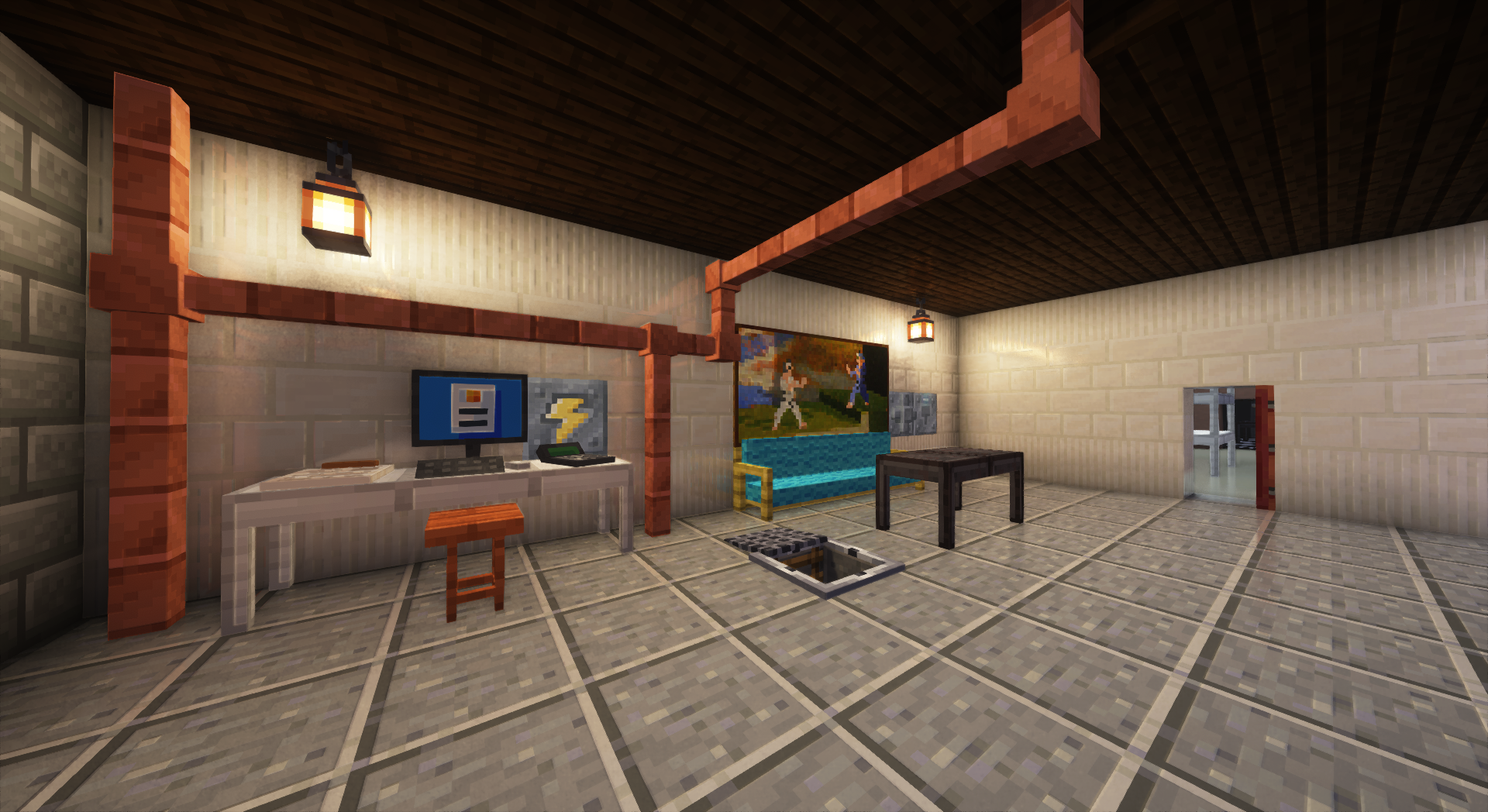
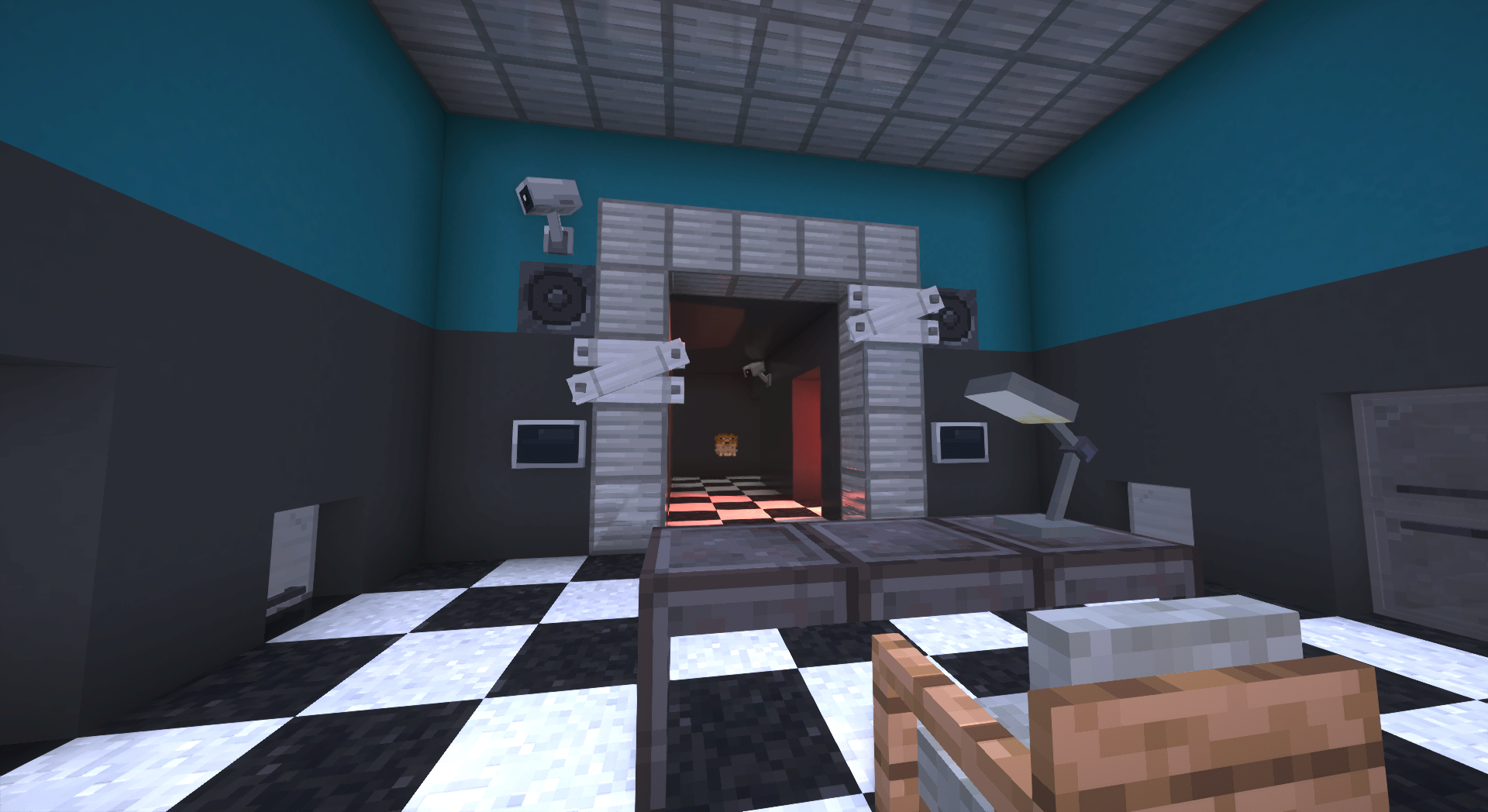
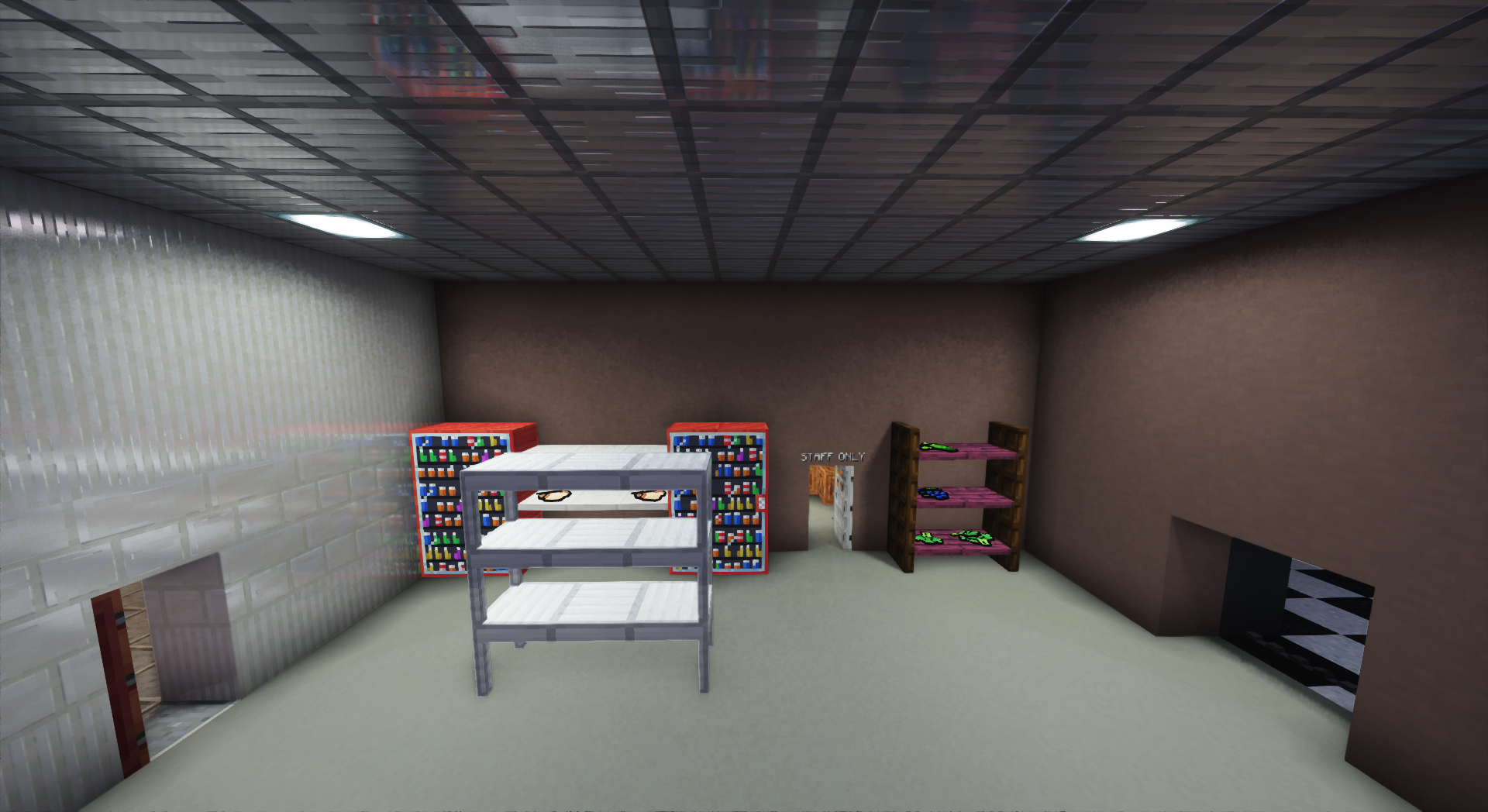
Adds Furniture, Technology, Food & Miscellaneous blocks and items.
截图

介绍
🫧 Bubblellaneous Pack
This Minecraft pack adds Furniture, Technology, Food & Miscellaneous blocks and items.
To use it you must install the data pack in your world. All players playing on your server must have the resource pack installed.
- Use
/function menu:bubblellaneousfor settings/debugging! - Use
/function give:bubblellaneous/<item_name>to give an item. - Use
/function spawn:bubblellaneous/<item_name>to spawn an item. - Use
/function place:bubblellaneous/<block_name>to place a block.
| Minecraft version | Status |
| —————— | ————————————– |
| 1.20.2 and earlier | 🚫 Broken due to Minecraft limitations |
| 1.20.3 | ✅ Supported (only 2.0.0) |
| 1.20.4 | ✅ Supported (only 2.0.0) |
| 1.21.0—1.21.9 | ✅ Supported (only to 2.2.3) |
| 1.21.11—26.2 | ✅ Supported (only 3.0.0 and later) |
If you wish to contribute, refer to CONTRIBUTING.md
🔖 Translations
Thanks to wonderful people you can enjoy this pack in different languages:
| Maintainer | Translation |
| ——————————————————– | —————————— |
| BubbleFish | 🇺🇸 English (US) \[100%\] |
| BubbleFish | 🇬🇧 English (UK) \[100%\] |
| BubbleFish | 🇷🇺 Russian \[100%\] |
| Unintegrated | 🇨🇿 Czech \[100%\] |
| Unintegrated | 🌍 Toki Pona \[100%\] |
| Atten007 | 🇩🇪 German \[100%\] |
| Caesar_Galahad | 🇨🇳 Chinese \[100%\] |
| Antoha256M | 🇷🇺 Russian Pre-Reform \[100%\] |
| FBreakDance30 | 🇮🇹 Italian \[99%\] |
| Dorlonkho | 🇯🇵 Japanesse \[17%\] |
If you want to help with translations, refer to CONTRIBUTING.md
🖥️ About Bubblellaneous
This data pack was originally published by me on Nov 21st, 2021. This is a complete rework, designed to be great for survival, map making, and the creation of your content.
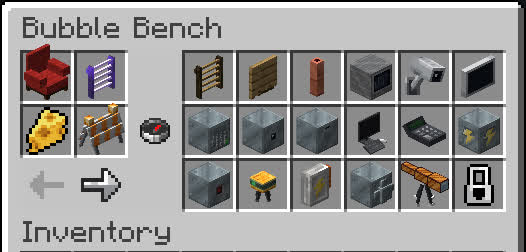
- You can obtain all custom content without memorizing recipes using Bubble Bench: Drop a glass bottle onto a crafting table!

- Many blocks/items have different variants (variating in color and material):

- Have fun with all the content! Feel free to join my discord:
📦 For Map Makers / Developers
Storing blocks
Bubblellaneous uses entities to display blocks, this may become inconvenient for mapmakers. For this reason, there’s a way of restoring the block’s state when loading from structures using structure blocks or /place:
- Prevent copying before you save all of the blocks:
/function bubblellaneous:blocks/copy_properties/prevent_copying. - Store blocks that you want to save:
/execute as @e[tag=bbln.block] run function bubblellaneous:blocks/copy_properties/save_to_block. - Save the structure. You can now break the blocks.
- Start copying state:
/function bubblellaneous:blocks/copy_properties/stop_prevent_copying. - Now you can place the saved structure template anywhere and it will automatically restore all data.
- If you encounter errors, create a GitHub Issue telling which block and how exactly it broke.
Events
Bubblellaneous has several events that can be used to extend the data pack logic. The way you hook to these events is by creating a Function tag in the specified path. The function tag is executed by a certain entity that you can refer to.
\[!NOTE\]
If your project requires more events, create a GitHub Issue or message me on Discord, and I’ll add it.
Entity tag is @e[tag=bbln.<value>]. e.g. if the value is name.test, then the actual selector is @e[tag=bbln.name.test].
| Function tag | Entity tag | Description |
| ————————————————- | ——————- | ———————————————————————- |
| #bubblellaneous:settings/on_load | – | Settings were loaded/changed |
| #bubblellaneous:block/all/on_place | block | A block was placed |
| #bubblellaneous:block/all/on_break | block | A block was broken. Use /return 1 to prevent the block from breaking |
| #bubblellaneous:block/bear_trap/on_catch | name.bear_trap | Bear Trap caught a player |
| #bubblellaneous:block/bear_trap/on_release | name.bear_trap | Bear Trap released the player |
| #bubblellaneous:block/electrical_box/on_enable | name.electrical_box | An electrical box was toggled on |
| #bubblellaneous:block/electrical_box/on_disable | name.electrical_box | An electrical box was toggled off |
| #bubblellaneous:block/alarm_block/on_trigger | name.alarm_block | An alarm block was triggered with redstone |
Bubble Bench Blacklist
You can hide certain blocks/items from Bubble Bench, preventing players from crafting them.
Substitute
<unit>/<id>with the following values:
–
<unit>is eitherblockoritem.
–
<id>is the id of the block/item. The same ID is used in commands like/function give:bubblellaneous/...for reference.
Adding unit into blacklist:
data modify storage minecraft:bubblellaneous bench_blacklist append value {entry: "<unit>/<id>"}

# Example:
data modify storage minecraft:bubblellaneous bench_blacklist append value {entry: "block/acacia_table"}
Removing unit from blacklist:
data remove storage minecraft:bubblellaneous bench_blacklist[{entry: "<unit>/<id>"}]

# Example:
data remove storage minecraft:bubblellaneous bench_blacklist[{entry: "item/white_key"}]
The changes will apply on the next /reload.
🔗 Extra Links
You can leave a comment on the PMC page!

常见问题
Bubblellaneous 支持哪些 Minecraft 版本?
Bubblellaneous 支持 Minecraft Java 版 1.17–26.3,共 21 个版本,可用的加载器:Fabric / Forge / NeoForge / Quilt。下载时注意选择和你游戏版本一致的文件。
Bubblellaneous 怎么安装?
新建世界时在「数据包」里把下载的 .zip 拖进去;已有的存档,把文件放进存档目录下的 datapacks 文件夹,进游戏输入 /reload 即可生效。服务器同样放在世界目录的 datapacks 里。
BubbleFish 的其他作品
查看全部 →
BubbleVehicles
This Data Pack adds fabulous server side vehicles such as cars, helicopters, and more

Bubbleconomy
(Bubble + Economy) - A data pack, that adds simple economy: new currency - Bubbles (β), bank accounts, transferring money & shops.

BubbleSeekOut
A Server Utility data pack, that adds logging and inventory seeking features.

Recipe Tweaks
QoL data pack to selectively improve recipes
评论
登录后评论和评分