截图
介绍
What is it?
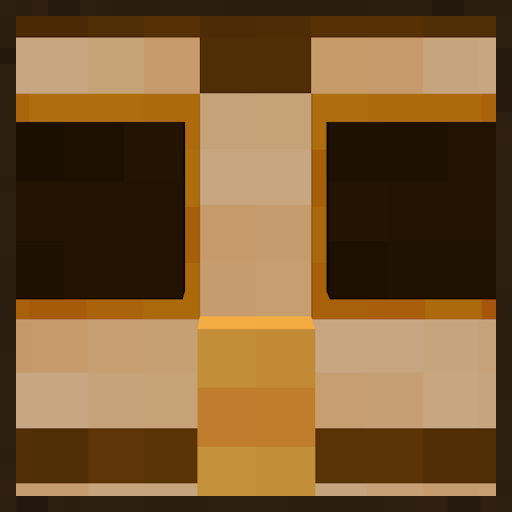
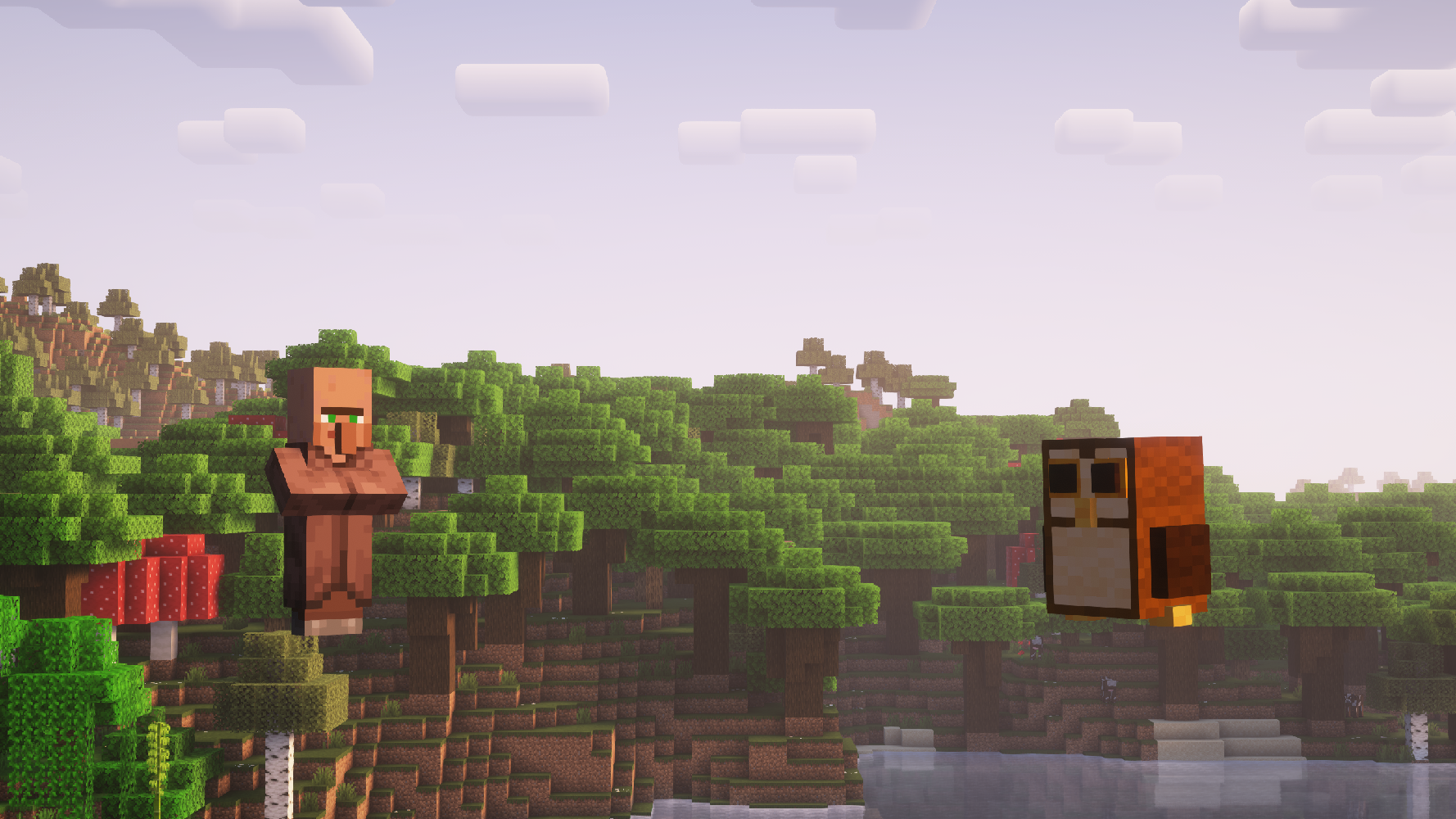
Ever wanted villagers to behave just the same as they do right now but make them look like little brown owls? Well now you can! Woohoo! Yippee! Yahoo! Wowza! Bonkers! Radical!
Features
Owl
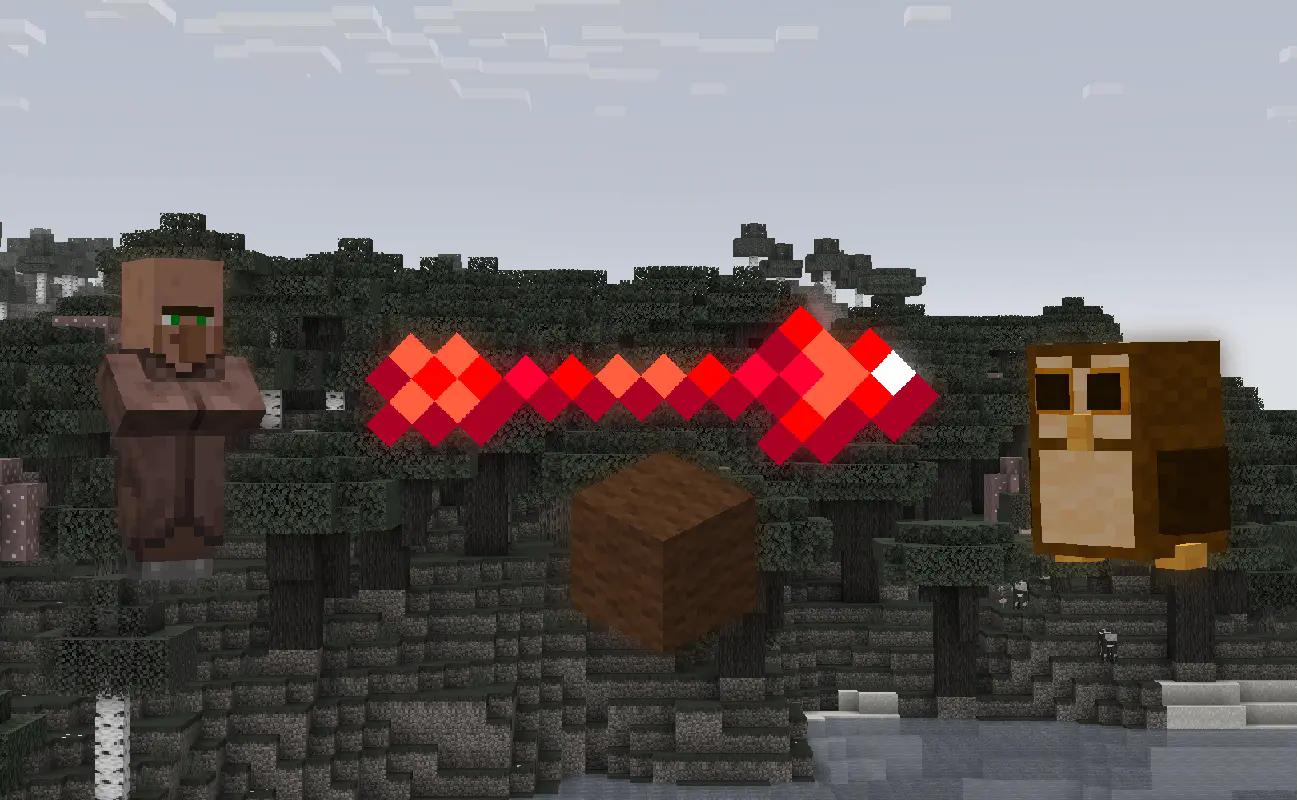
Drop a brown wool on a villager to make it look like an owl. That’s it. They’re cute though, no?
I made this data pack for myself initially, but I decided to publish it on here cause why not? lmao
Installation Guide:
Data Pack version:
- Make sure your Minecraft version matches the data pack version
- Download the data pack
- Download the resource pack provided with the data pack by clicking on the data pack at the downloads page
- Exit the world you want to install the data pack in
- Select that world in the world selection screen, click on “Edit”, then “Open world folder”.
- Open the folder named “datapacks”, and put the downloaded ‘bagtag[version you downloaded]-data.zip’ file into it.
- Go back to the main “.minecraft” folder and enter the “resourcepacks” folder
- Place the “bagtag[version you downloaded]-resources.zip” file provided with the data pack file into this folder
- Now enter the world, and have fun 🙂
Mod version:
- Make sure your Minecraft version matches the mod version
- Download the mod
- Go to your main “.minecraft” folder
- Enter the “mods” folder (or if you don’t have one yet create one)
- Place the downloaded mod into the mods folder
- Now enter the world, and have fun 🙂
Using the Modrinth App on desktop:
- Install the mod/data pack
- That’s it, have fun 🙂
常见问题
BagTag 支持哪些 Minecraft 版本?
BagTag 支持 Minecraft Java 版 1.21.4,可用的加载器:Fabric / Forge / NeoForge / Quilt。下载时注意选择和你游戏版本一致的文件。
BagTag 怎么安装?
新建世界时在「数据包」里把下载的 .zip 拖进去;已有的存档,把文件放进存档目录下的 datapacks 文件夹,进游戏输入 /reload 即可生效。服务器同样放在世界目录的 datapacks 里。
owlycode 的其他作品
查看全部 →
Call of the King
Name any mob "King" and watch it size up!

Falings’ Summonings
Adds a new ender mob with trades to spare, a new currency and a new magic structure

More Stands
Craft more armor stands in vanilla
More Stands
Craft more armor stands in vanilla
评论
登录后评论和评分