
截图
介绍
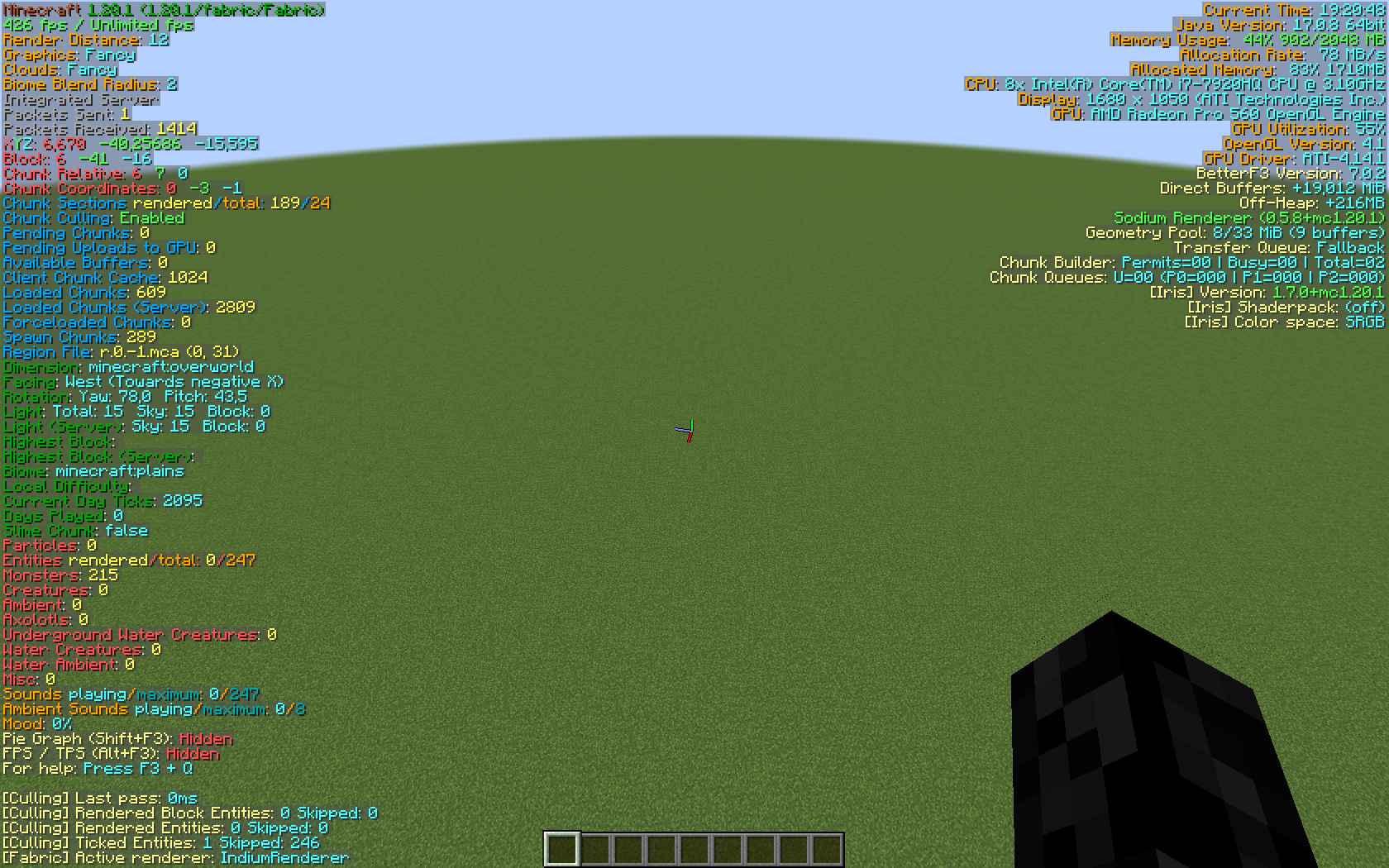
This modpacks focus is on performance while being light weight. Intended for people who dont have the fastest download speeds so they can play boot up Minecraft fastly and have good performance.
List of mods being used:
Optimization Mods:
Sodium (Optimzation Mod),
Sodium Extra (Sodium Addon adding More options to the Options Menu) and
Entity Culling (Skips rendering for entities that arent in the visible)
Quality of Life Mods:
Iris (Adds shader support),
BetterF3 (Improves the F3 Menu to be more Readable),
Continuity (Adds connected texture support to Fabric),
ETF and EMF (Add better model support for texturepacks),
Capes Mod (Adds capes only avaible in +1.0.1),
Zoomify (Adds a zoom feature),
No Chat Reports (Removes Chat Reports) and Mod Menu (Adds a Mod Menu)
Libs and APIs:
Cloth Config API (Adds a Config screen API),
Fabric API (Adds an Essential API for Fabric),
Fabric Language Kotlin (Adds Kotlin support to fabric),
Indium (Replaces Sodium render with a Indigo based one also Continuity is Dependant on it) and
YetAnotherConfigLib (Is a Config Library)
包含的模组 20 个
 [EMF] Entity Model Features
 [ETF] Entity Texture Features
 BetterF3
 Capes
 Cloth Config API
 Continuity
 实体剔除
 Fabric API
 Fabric Language Kotlin
 Faithless
 Fresh Animations
 Indium
 Iris Shaders
 模组菜单
 No Chat Reports
 Simplicissimus Shader
 钠
 Sodium Extra
 YetAnotherConfigLib (YACL)
 Zoomify (Zoom)
绿色边框的模组本站有收录,点进去看中文介绍;其余跳转到 Modrinth。
常见问题
Cosmic optimizations 支持哪些 Minecraft 版本?
Cosmic optimizations 基于 Minecraft Java 版 1.20.1,使用 Fabric 加载器。
Cosmic optimizations 怎么安装?
点本页「前往下载」拿到整合包文件(Modrinth 的是 .mrpack,CurseForge 的是 .zip),在 PCL2 或 HMCL 启动器里选择「导入整合包」,启动器会自动装好 Minecraft、加载器和全部模组。这个整合包有 20 个模组,建议在启动器里给游戏分配 4–6 GB 内存。
Cosmic optimizations 开服需要多大内存?
推荐服务器内存 12 GB。在线人数多、或者建了大量机器和区块加载器时,可以再加 2–4 GB。
怎么和朋友一起玩 Cosmic optimizations?
点本页的「一键开服」,选好配置后会自动安装 Cosmic optimizations 的服务端,几分钟就能开好。把服务器地址发给朋友,大家用同一个版本的整合包连进去就行。
评论
登录后评论和评分