
Organize
Organize your resource packs into folders and browse them in the pack screen.
截图
介绍


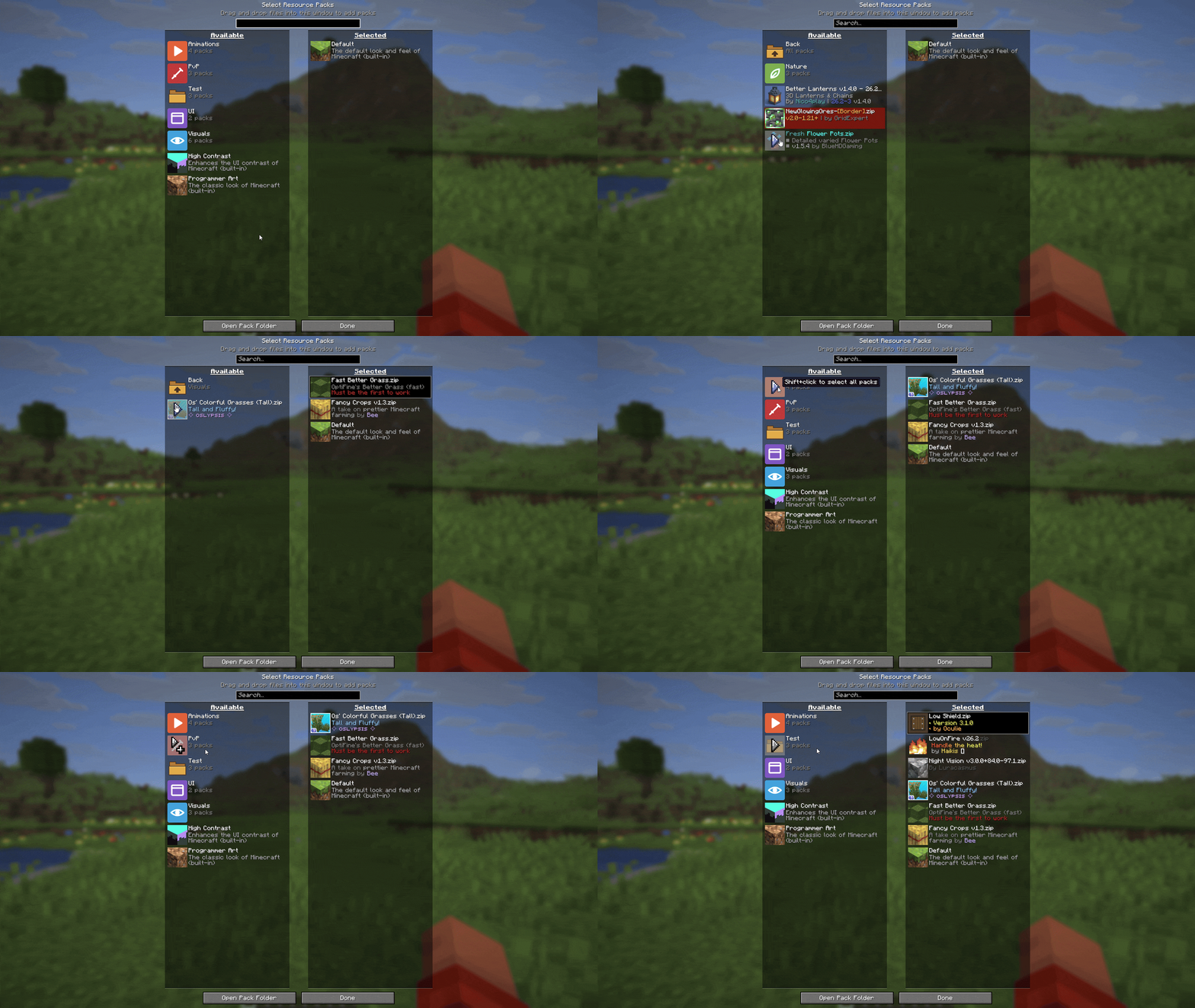
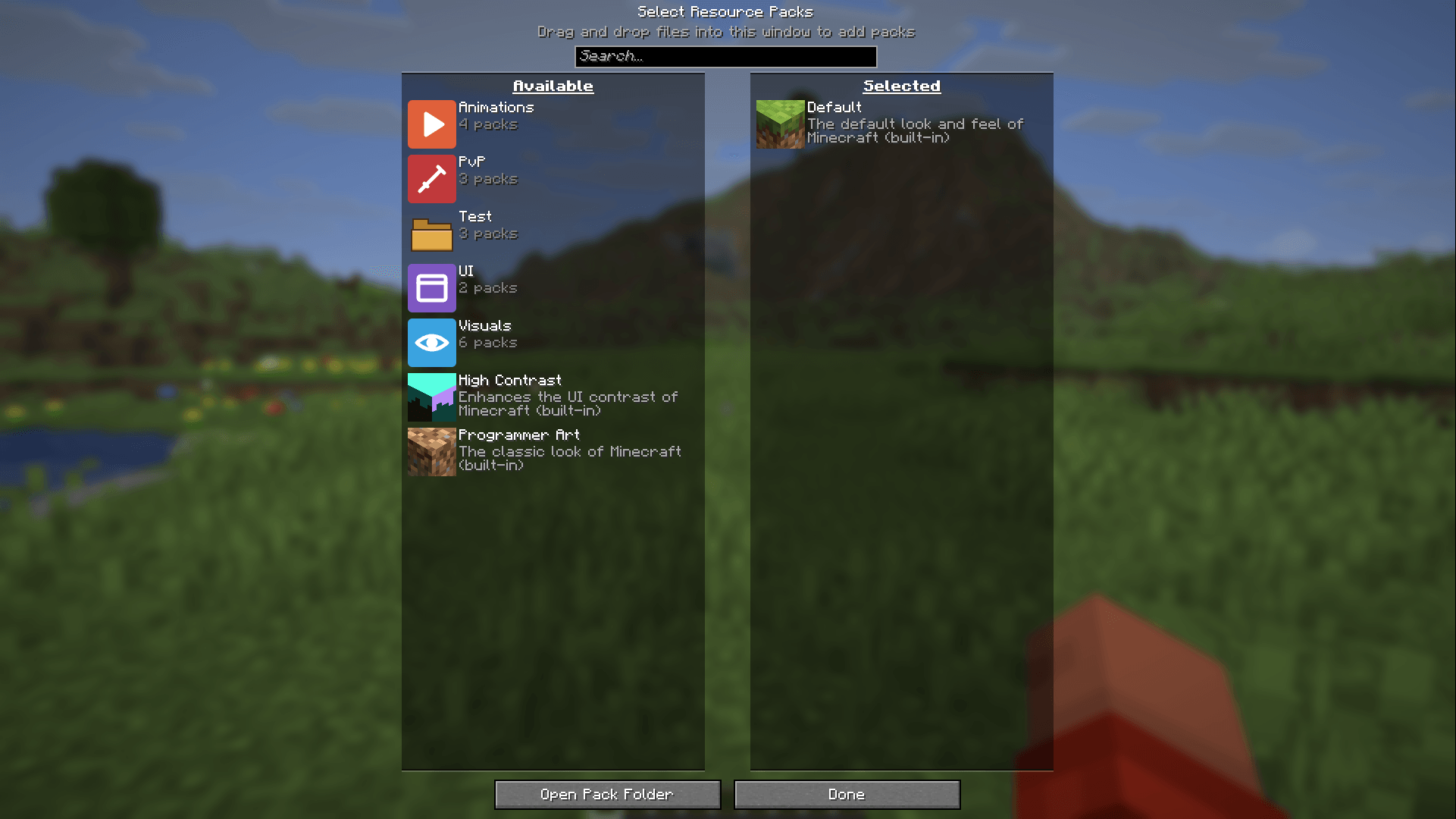
Organize lets you sort your resource packs into folders and browse them right in the pack screen. No more scrolling through one endless list.
How it works
Folders
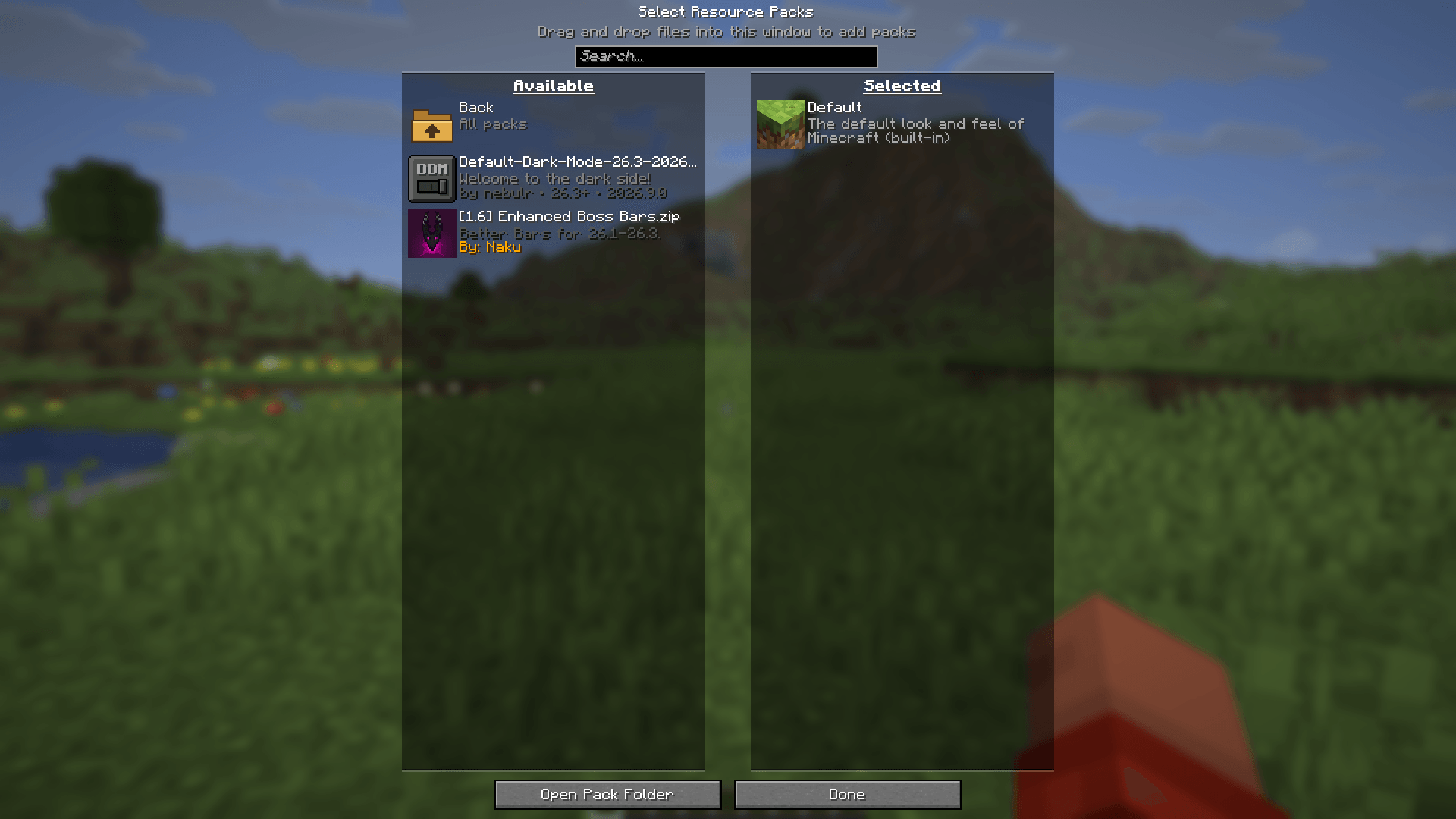
Add folders in your resourcepacks folder and put packs inside. Folders can be nested as deep as you like.
Browsing
Folders show up above the packs in the available list, along with how many packs they hold. Click a folder to open it and use Back to go up again.
Selecting
Shift-click a folder to select all of its packs at once.
Icons
Put an icon.png in a folder to give it its own icon.
常见问题
Organize 支持哪些 Minecraft 版本?
Organize 支持 Minecraft Java 版 26.3,可用的加载器:Fabric / NeoForge / Quilt。下载时注意选择和你游戏版本一致的文件。
Organize 怎么安装?
先用 PCL2 或 HMCL 启动器安装对应版本的 Fabric / NeoForge / Quilt,再把下载的 .jar 文件放进游戏目录的 mods 文件夹,重新启动游戏即可。开启了版本隔离的,mods 文件夹在 versions/版本名 下面。


评论
登录后评论和评分