
Rearrange
Drag and drop to reorder your servers, worlds, resource packs and data packs.
截图
介绍


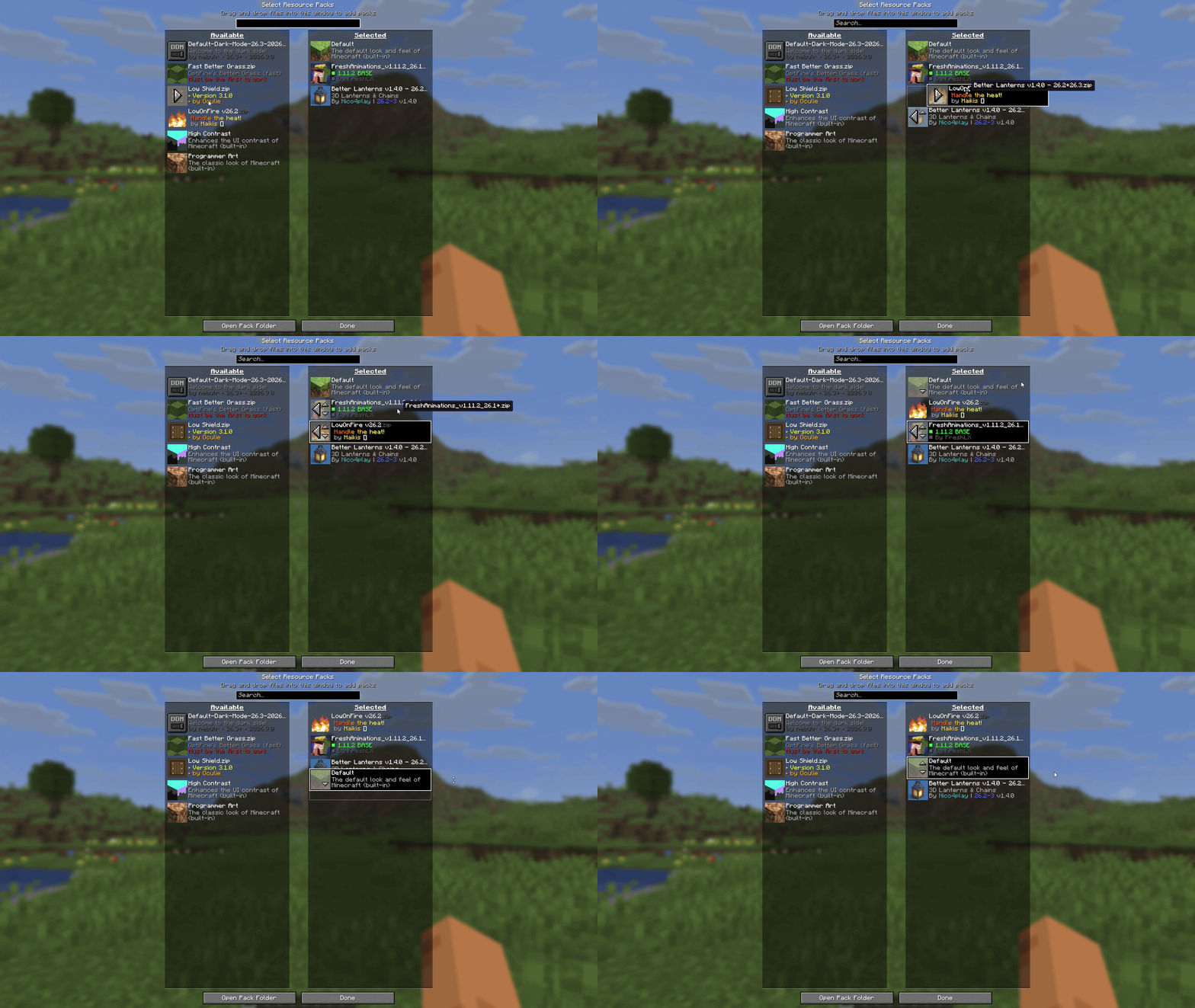
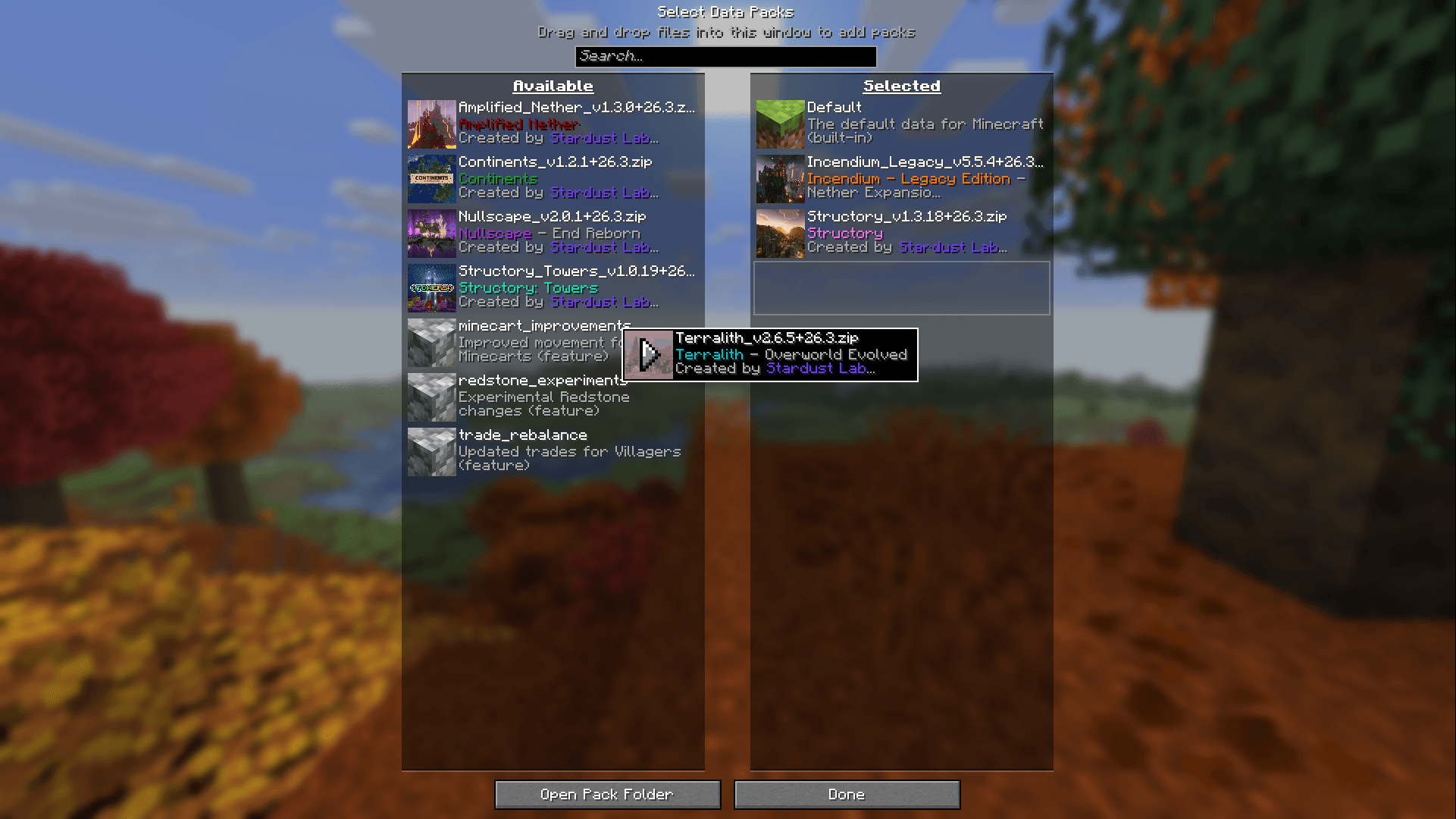
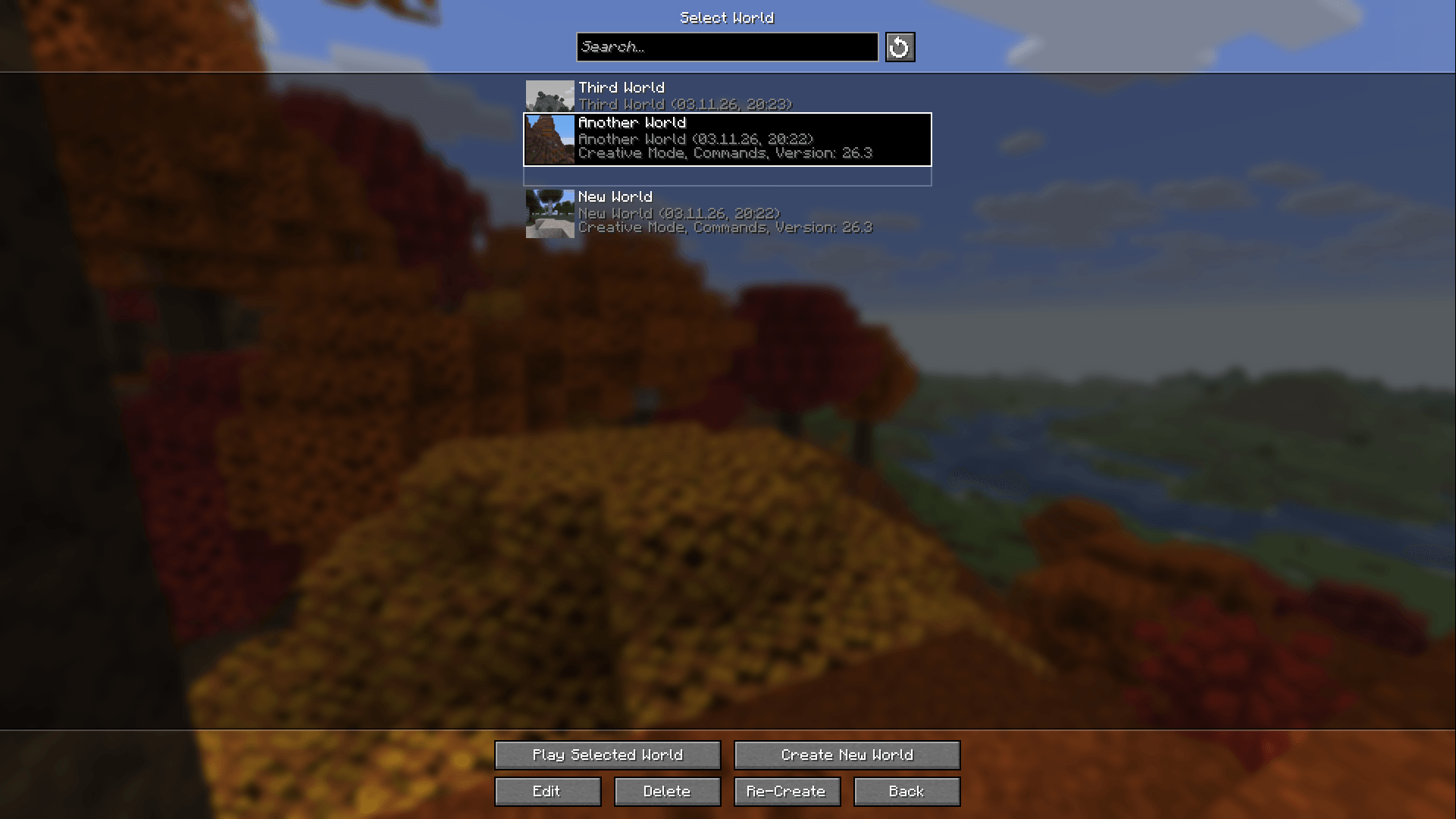
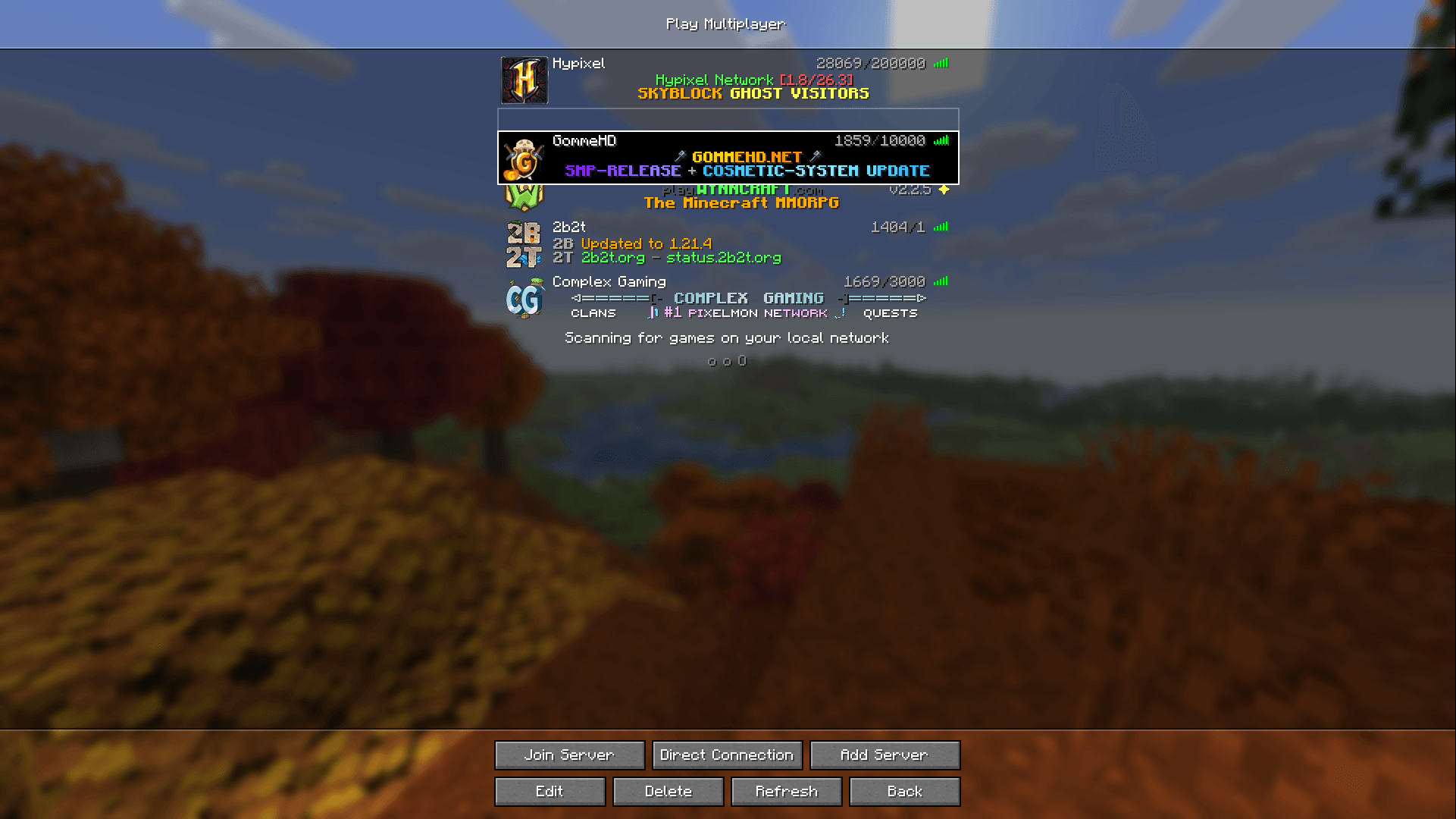
Rearrange lets you drag and drop to reorder your servers, worlds, resource packs and data packs. Grab an entry, move it where you want it and let go.
How it works
Servers
Drag servers in the multiplayer list into any order. The order is saved to your server list, just like with vanilla’s arrow buttons.
Worlds
Drag worlds in the singleplayer list into any order. New worlds show up at the top. The button next to the search box sorts your worlds by when you last played them again.
Resource packs and data packs
Drag packs to reorder the selected list, or drag them between the available and selected lists. Packs that are fixed in place stay where they are.
常见问题
Rearrange 支持哪些 Minecraft 版本?
Rearrange 支持 Minecraft Java 版 26.3,可用的加载器:Fabric / NeoForge / Quilt。下载时注意选择和你游戏版本一致的文件。
Rearrange 怎么安装?
先用 PCL2 或 HMCL 启动器安装对应版本的 Fabric / NeoForge / Quilt,再把下载的 .jar 文件放进游戏目录的 mods 文件夹,重新启动游戏即可。开启了版本隔离的,mods 文件夹在 versions/版本名 下面。


评论
登录后评论和评分