
Accelerate
Increase and configure your spectator and creative flight speed to fly up to 100× faster.
截图
介绍


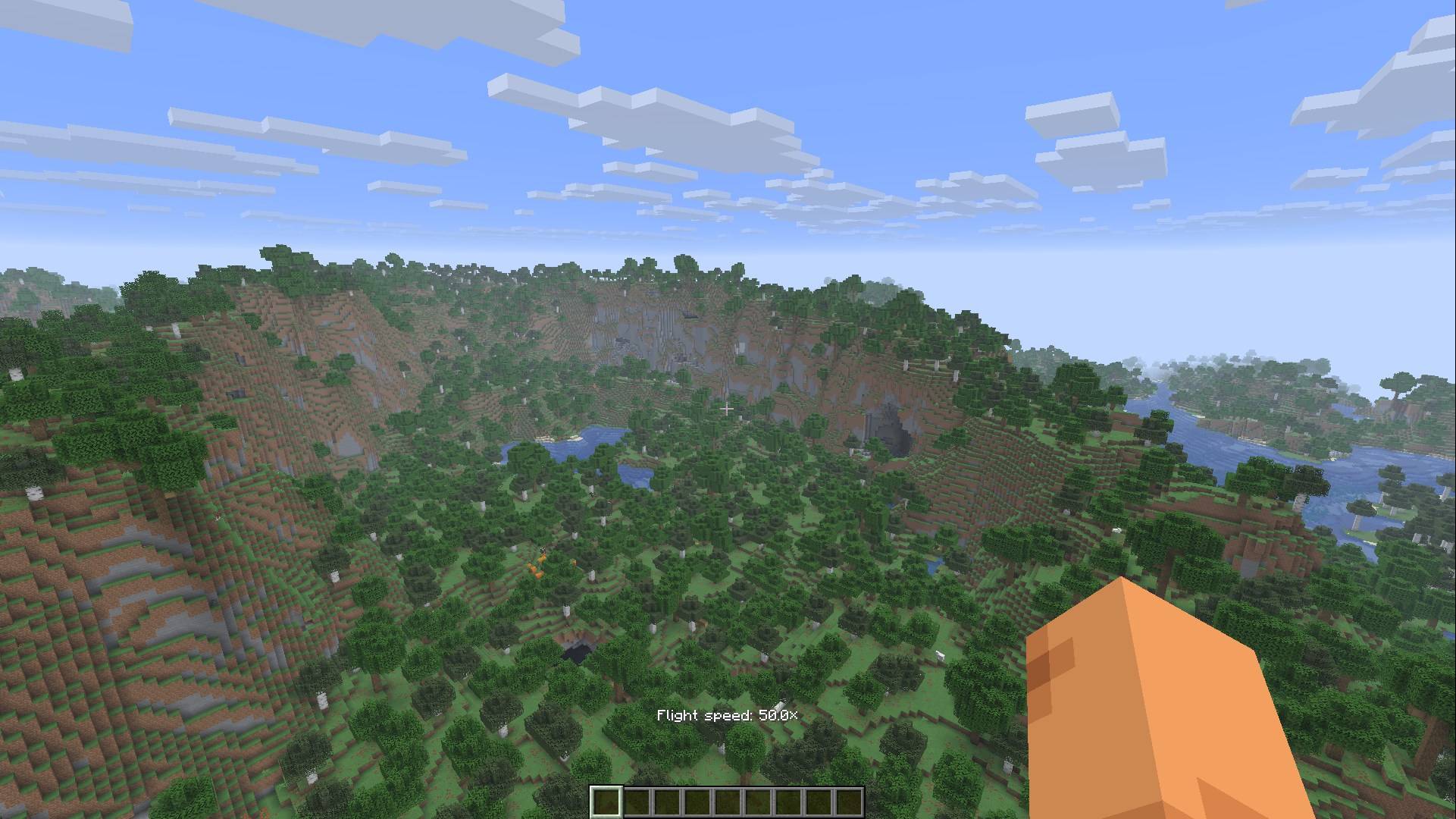
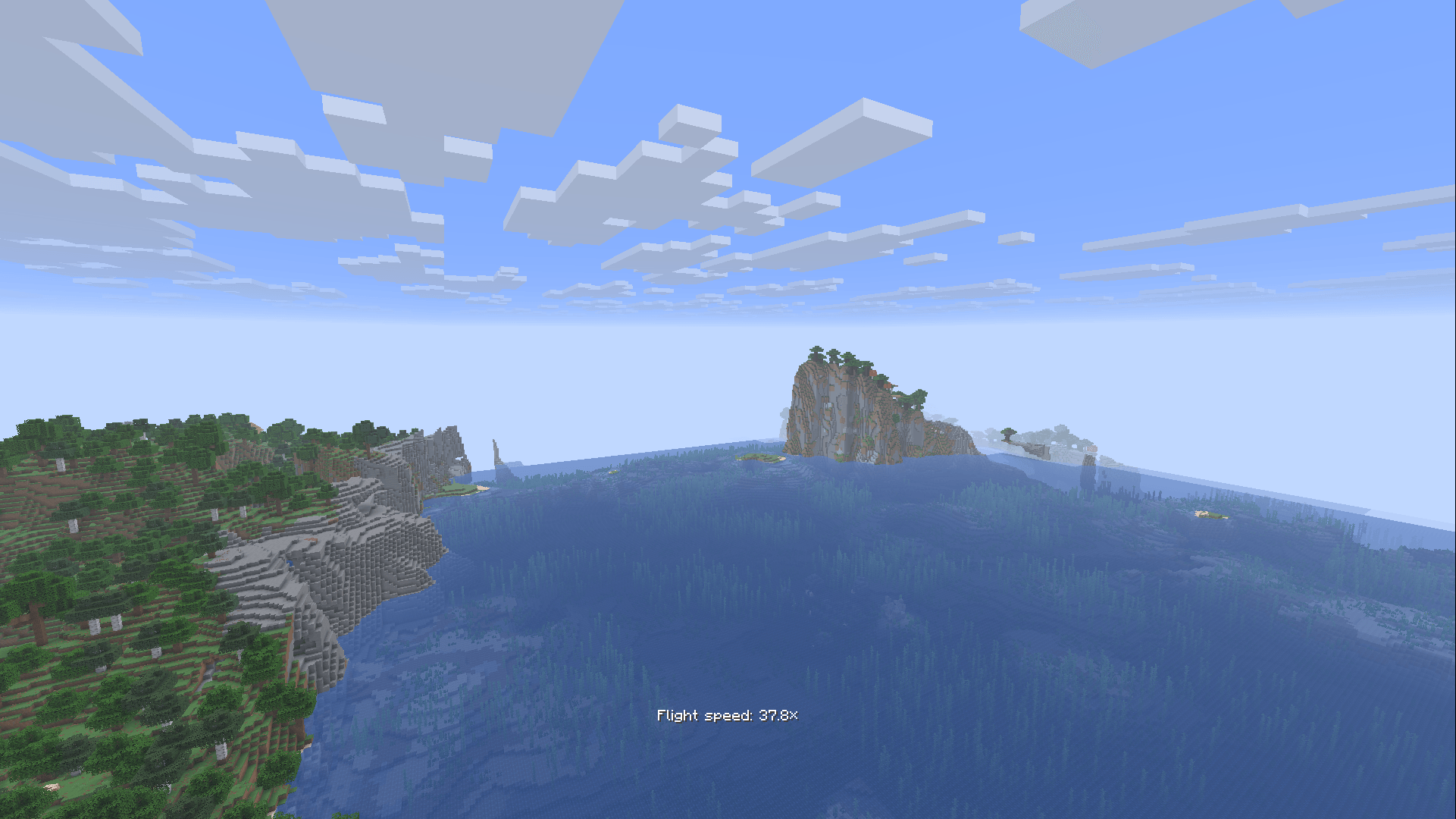
Accelerate removes vanilla’s flight speed limits in worlds you host. Use the scroll wheel or the keybinds to go as fast as you like.
How it works
Spectator mode
Scroll or use the keybinds to change your flight speed. The vanilla cap of 4× is removed.
Creative mode
Hold the modifier key (Left Control by default) while flying, then scroll or use the keybinds. The scroll wheel changes your speed instead of your hotbar slot while you hold it. Let go of the modifier and you’re back to normal creative flight.
Controls
All keys can be changed in Controls, under the Accelerate category.
| Action | Default |
|---|---|
| Fly Faster | Page Up |
| Fly Slower | Page Down |
| Reset Flight Speed | Not bound |
| Modifier (creative) | Left Control |
Settings
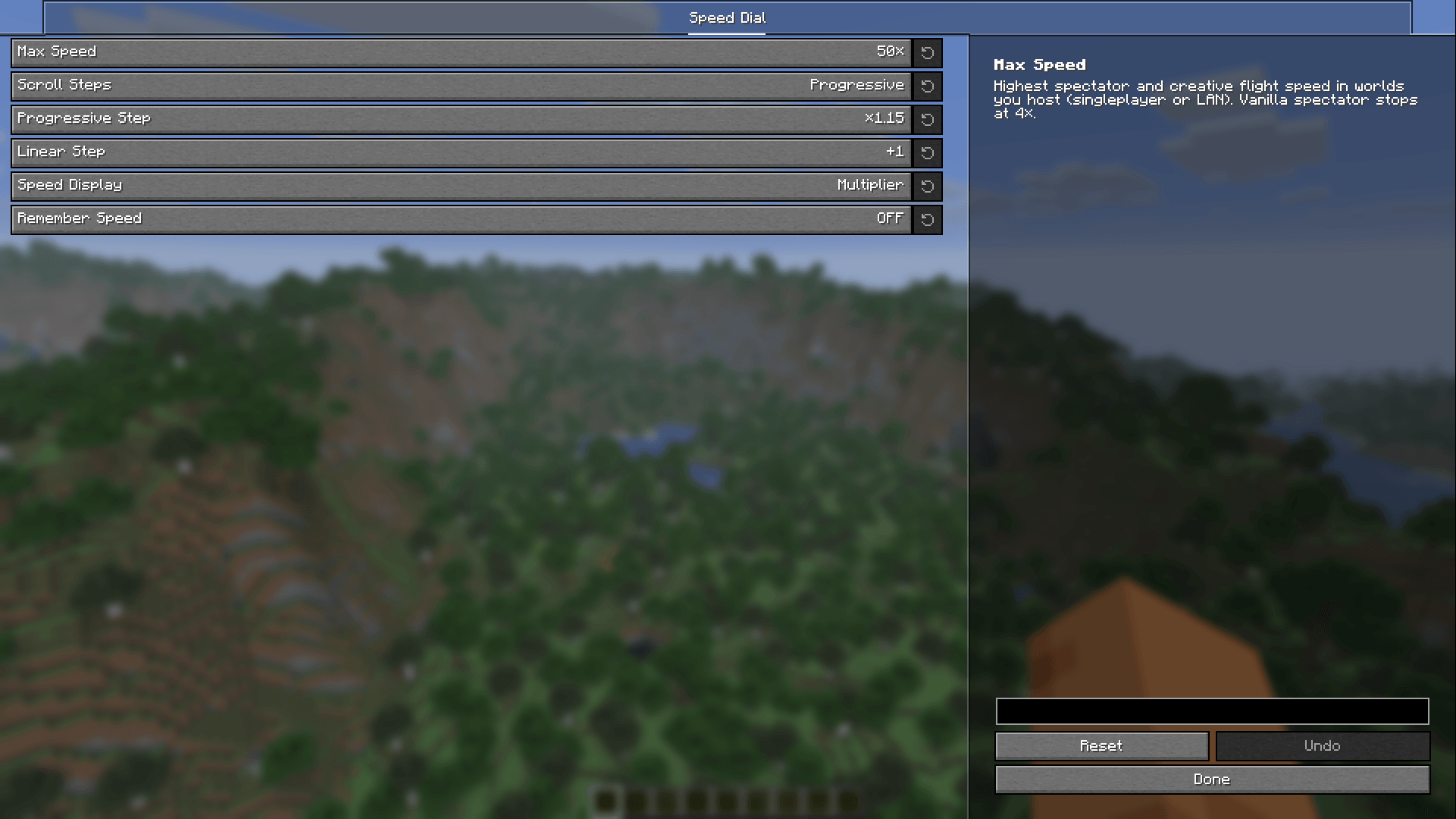
Open the config screen from the Mods screen (Mod Menu on Fabric).
- Max Speed: the highest speed you can reach, from 1× to 100×. The default is 50×.
- Scroll Steps: Progressive keeps vanilla’s small steps up to 4× and then multiplies your speed on every step. Linear adds the same amount on every step.
- Progressive Step and Linear Step: how big each step is in the two modes.
- Speed Display: shows your speed above the hotbar after you change it, as a multiplier, in blocks per second, km/h, Mach or chunks per second. It can also be turned off.
- Remember Speed: keeps your speed when you rejoin, respawn or switch game modes. In creative, each hold of the modifier starts at your last speed.
常见问题
Accelerate 支持哪些 Minecraft 版本?
Accelerate 支持 Minecraft Java 版 26.3,可用的加载器:Fabric / NeoForge / Quilt。下载时注意选择和你游戏版本一致的文件。
Accelerate 怎么安装?
先用 PCL2 或 HMCL 启动器安装对应版本的 Fabric / NeoForge / Quilt,再把下载的 .jar 文件放进游戏目录的 mods 文件夹,重新启动游戏即可。开启了版本隔离的,mods 文件夹在 versions/版本名 下面。
评论
登录后评论和评分