
Glance Box
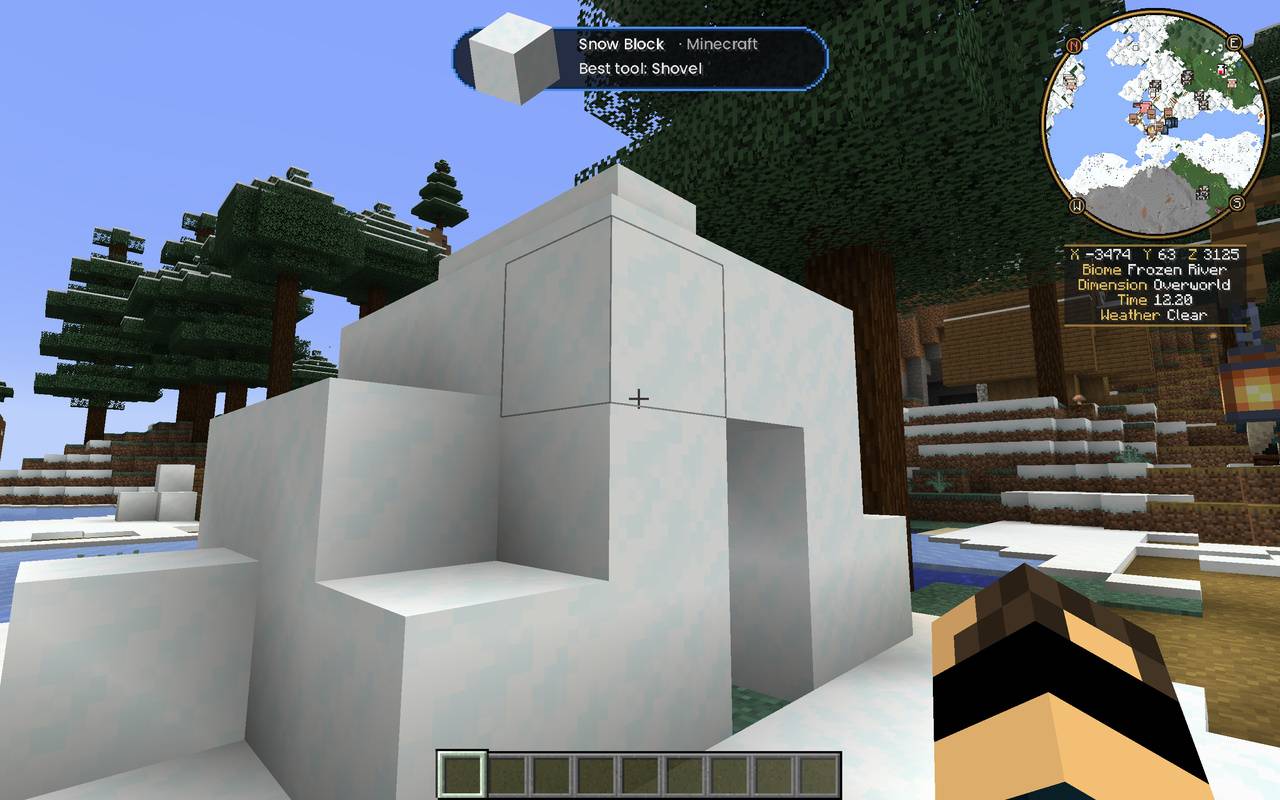
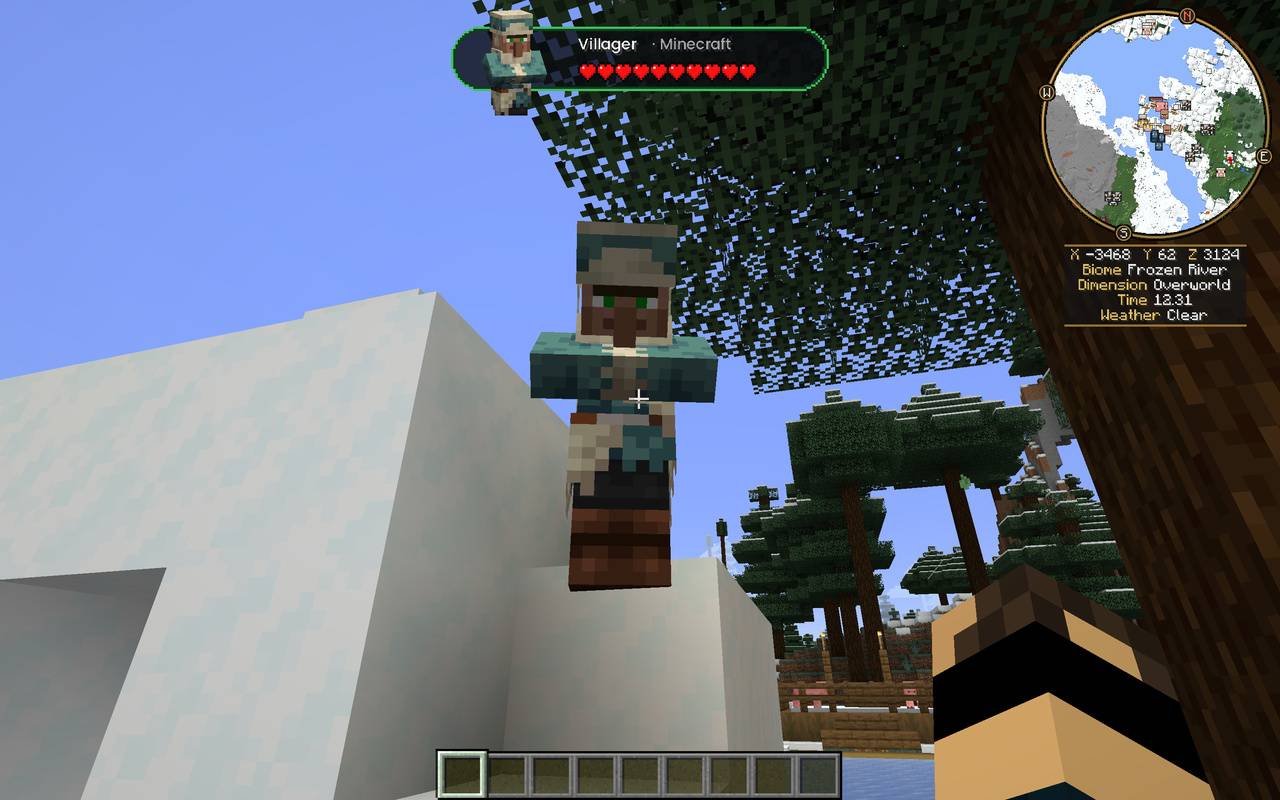
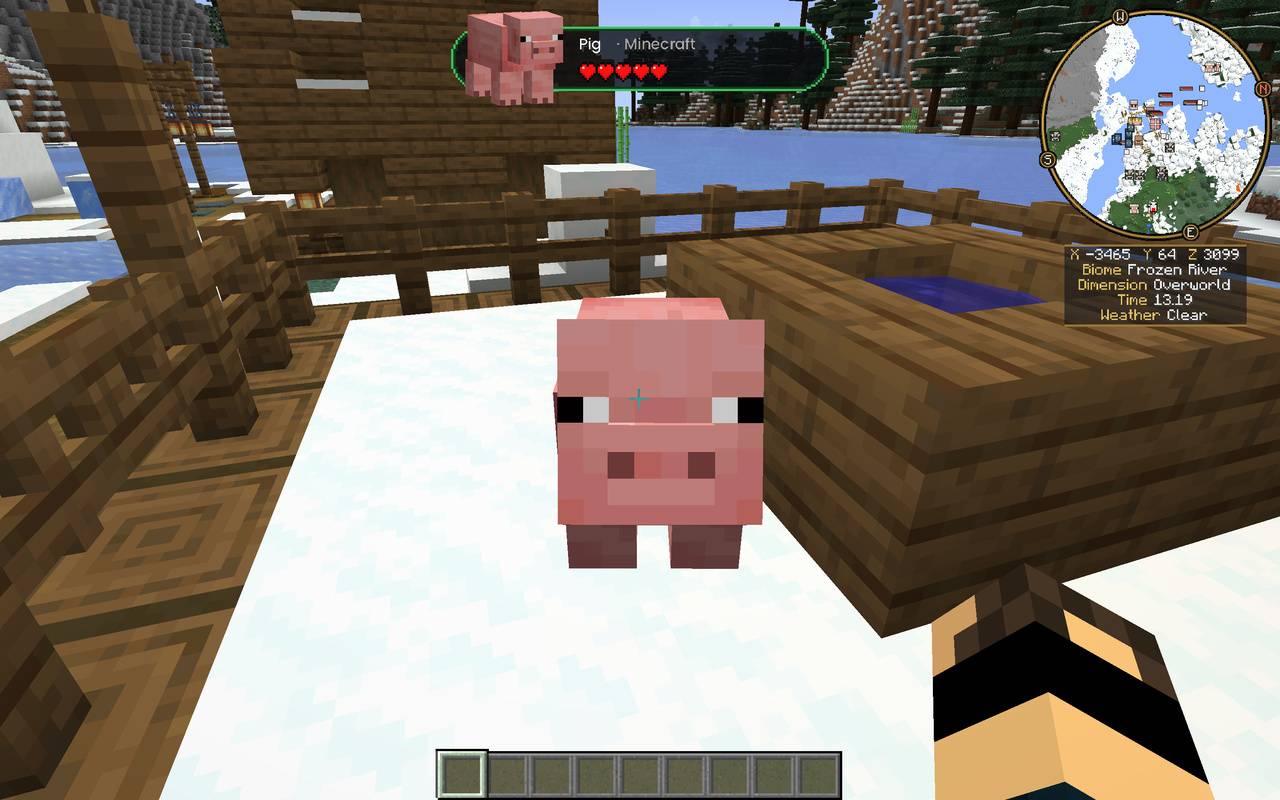
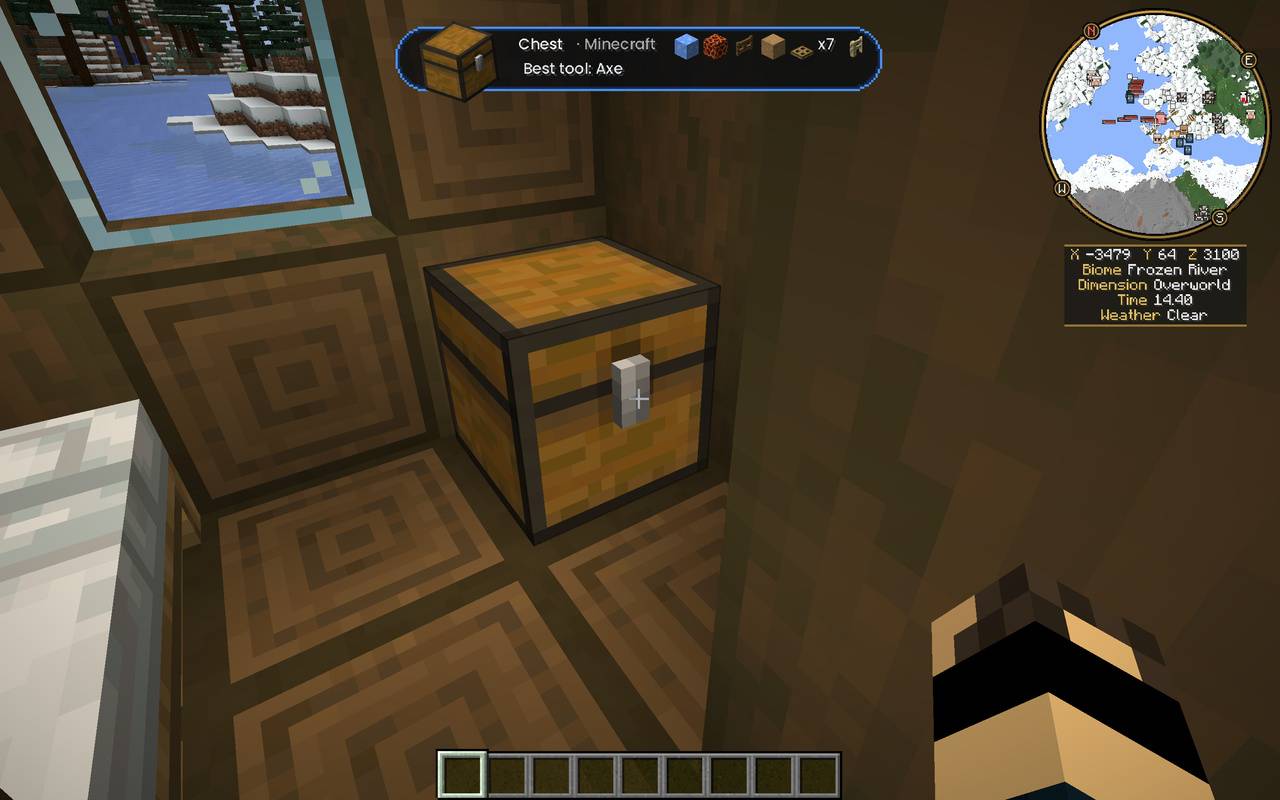
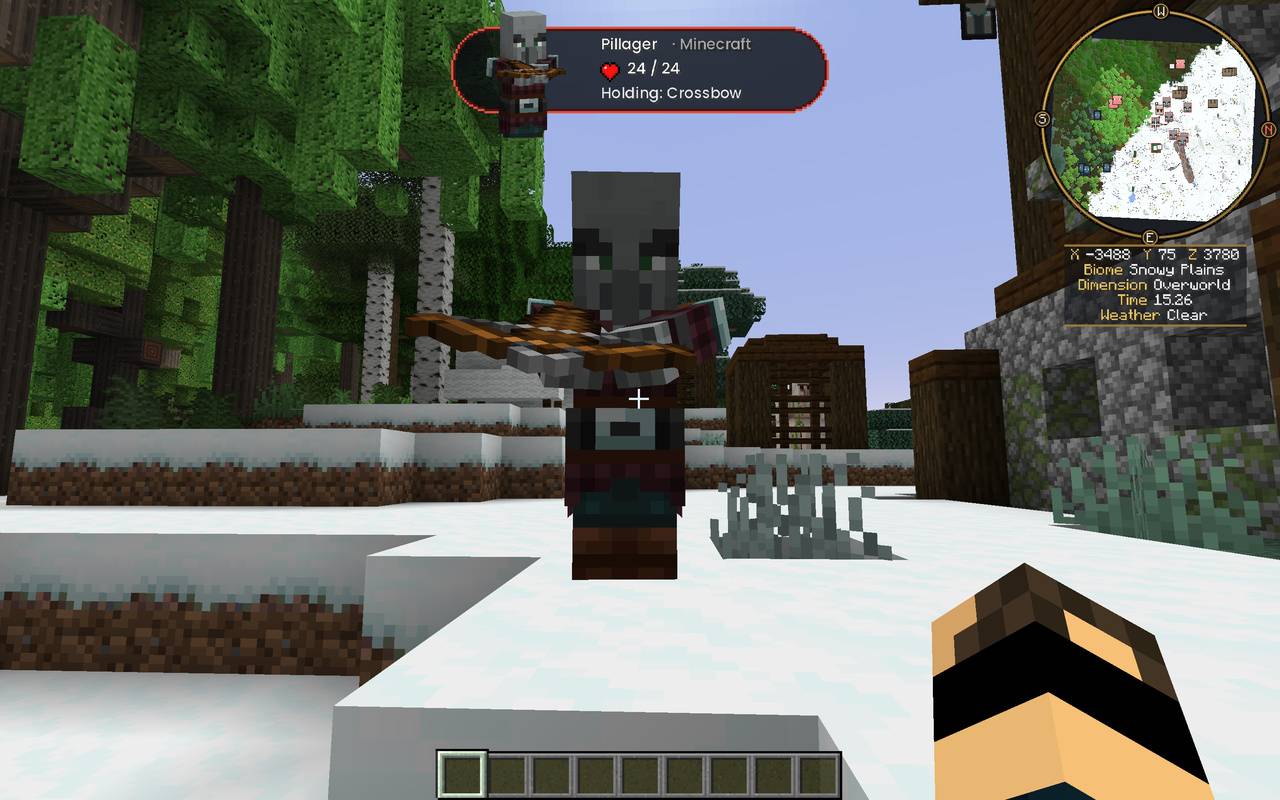
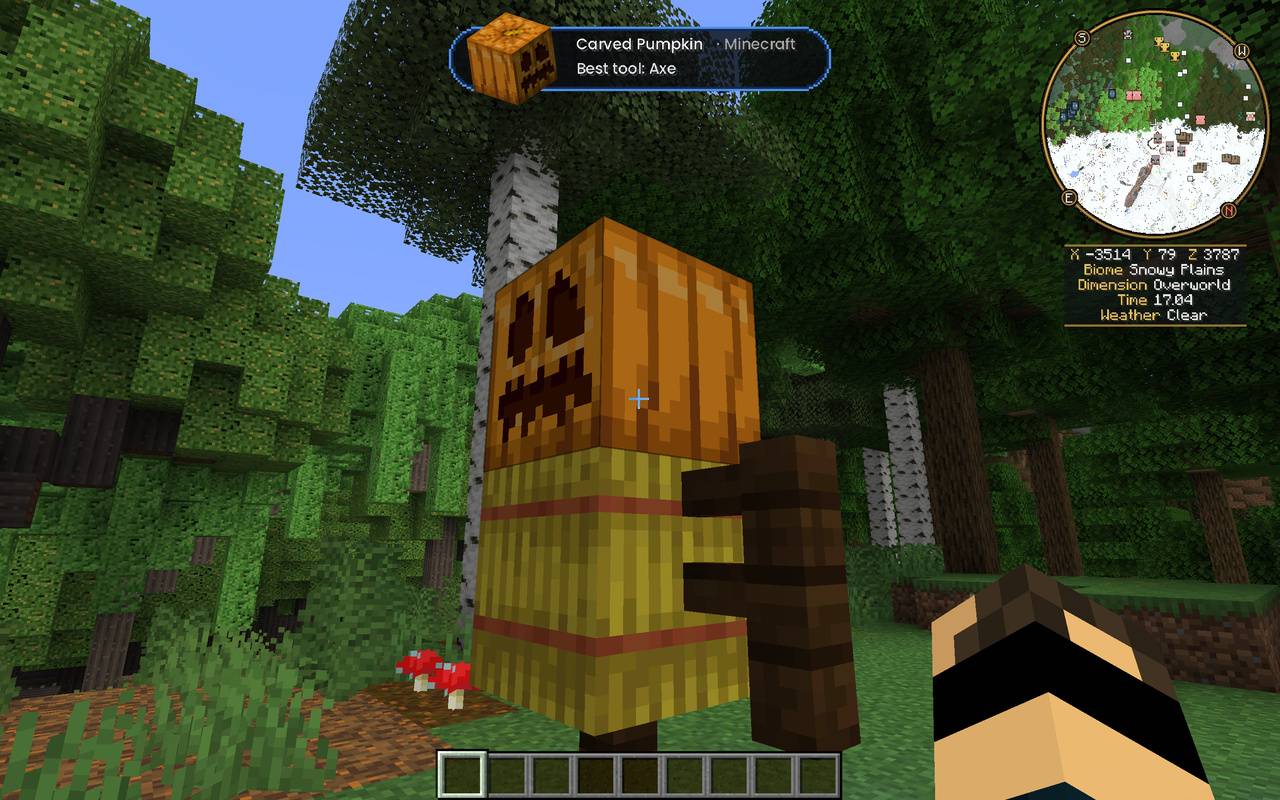
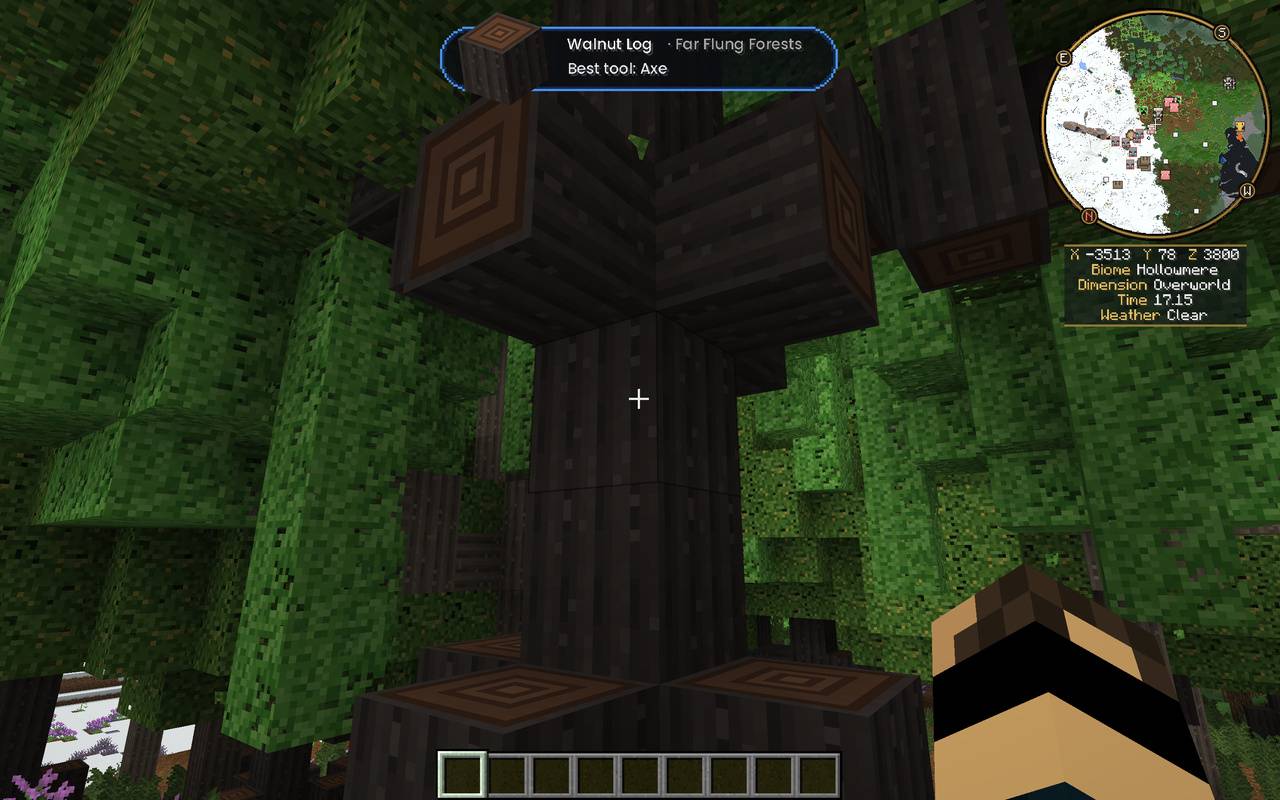
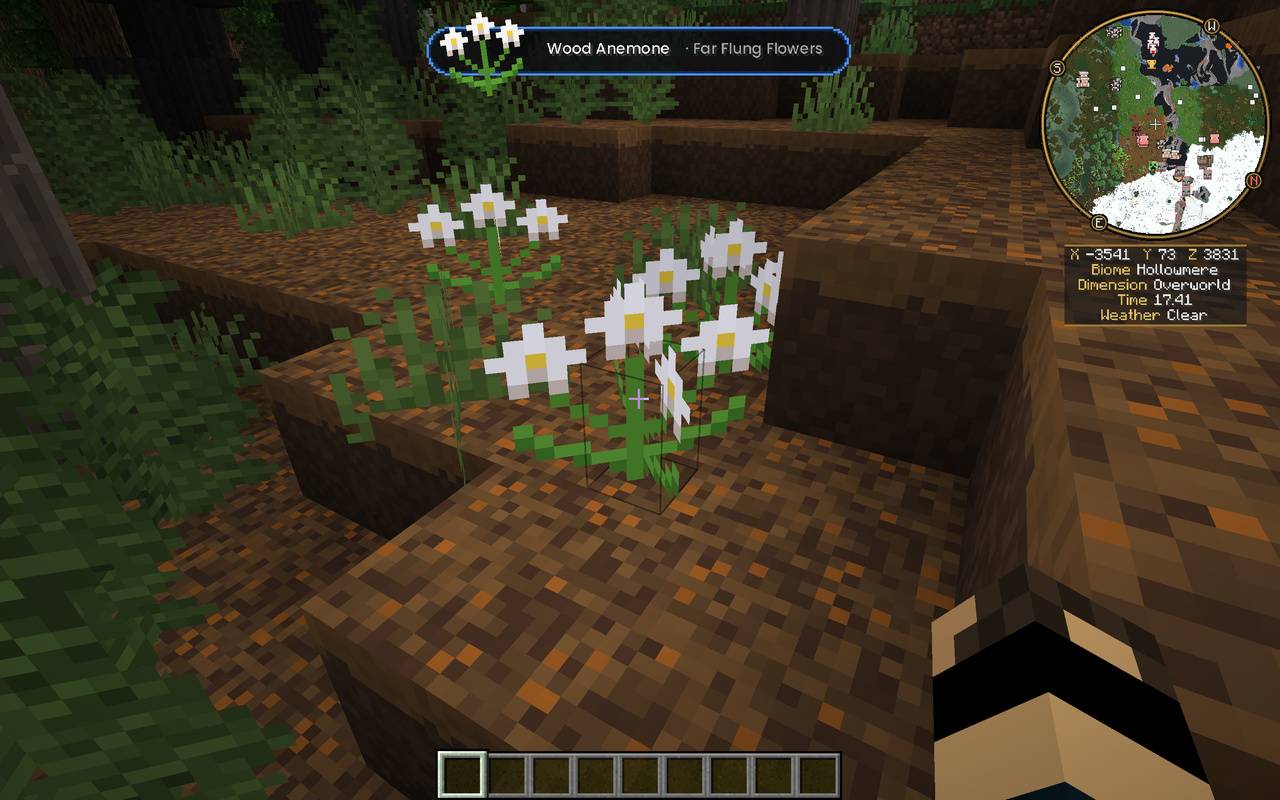
A much prettier info box. Look at any block, item or mob and the Glance Box pops up at the top of your screen. It shows a large, angled picture of what you’re looking at, a coloured edge that tells you what kind of thing it is, and all the useful details.
截图
介绍

Glance Box
A much prettier info box. Look at any block, item or mob and the Glance Box pops up at the top of your screen. It shows a large picture of what you’re looking at, a coloured edge that tells you what kind of thing it is, and all the useful details.
What it shows
Blocks
- The block’s name and the mod it comes from (or Minecraft)
- The best tool to use on it: pickaxe, axe, shovel or hoe
- Crop growth, right up to “Ready to harvest”
Mobs
- A picture of the mob
- What the mob is holding and how much armour it has
- Current health as hearts, or as a number like 50 / 50 for big mobs
Storage, without opening it
- Look at a chest, barrel, shulker box or ender chest and small pictures of what’s inside appear along the top line, each with its amount (x2, x64, 1.2k…)
- If there are a lot of items, the line slowly scrolls along so you can see everything
- Ender chests show your own items, so nobody can peek at anyone else’s
Colour-coded edges
- 🔴 Hostile mobs
- 🟠 Neutral mobs (wolves, Endermen, iron golems…)
- 🟢 Passive mobs
- 🔵 Blocks
- 🟣 Dropped items
- 🟡 Players
Works with other mods
- Every modded block, item and mob shows its own picture and mod name automatically
- Lootr: see your own loot in Lootr chests, barrels and shulker boxes once you’ve opened them
- Sophisticated Storage: chests, barrels, limited barrels and shulker boxes all show their contents
- Most other storage mods’ chests and barrels work too
Made by AndyMFA (C) Many Fun Adventures
Glance Box’s text uses the Poppins font (Copyright 2020 The Poppins Project Authors), under the SIL Open Font License 1.1.
常见问题
Glance Box 支持哪些 Minecraft 版本?
Glance Box 支持 Minecraft Java 版 1.20.1,可用的加载器:Forge。下载时注意选择和你游戏版本一致的文件。
Glance Box 怎么安装?
先用 PCL2 或 HMCL 启动器安装对应版本的 Forge,再把下载的 .jar 文件放进游戏目录的 mods 文件夹,重新启动游戏即可。开启了版本隔离的,mods 文件夹在 versions/版本名 下面。
AndyMFAMinecraft 的其他作品
查看全部 →
Abandoned Tunnels
Climbing those hills are such a grind, what don't you take a shortcut through an abandoned tunnel? What could possibly go wrong?
Far Flung Forests
70 new biomes and 22 rare real-world wood types, each with a full set of blocks, signs, boats, bookshelves and crafting tables. Built on TerraBlender.
Enchantment Transference
Ever wanted a way of moving your enchants onto a book? Time to get overpowered!

Teleportals Are Here
Use our beautiful Teleportals to travel across your world, See your destination before you leave. Take your Pet too!
评论
登录后评论和评分