
截图
介绍
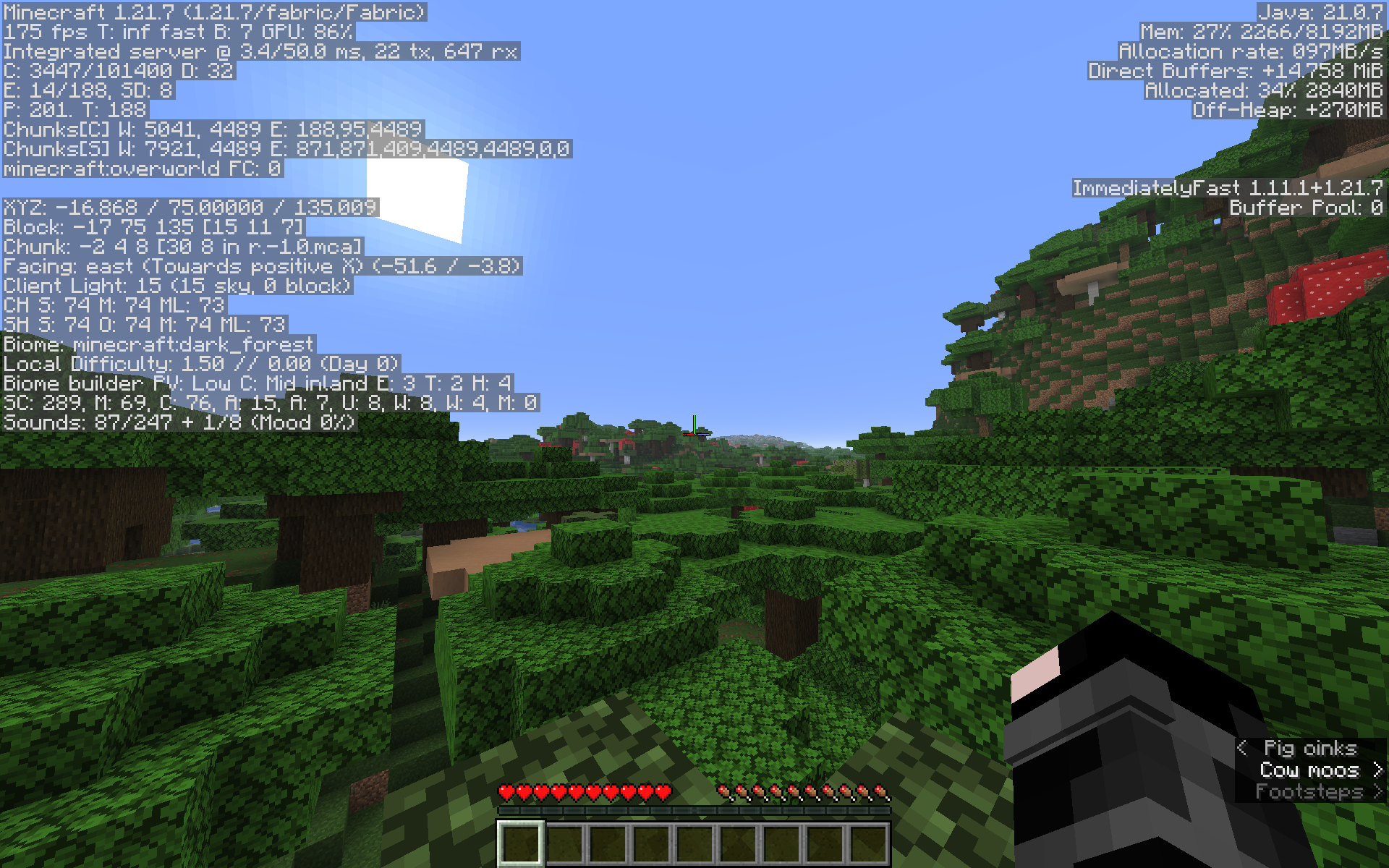
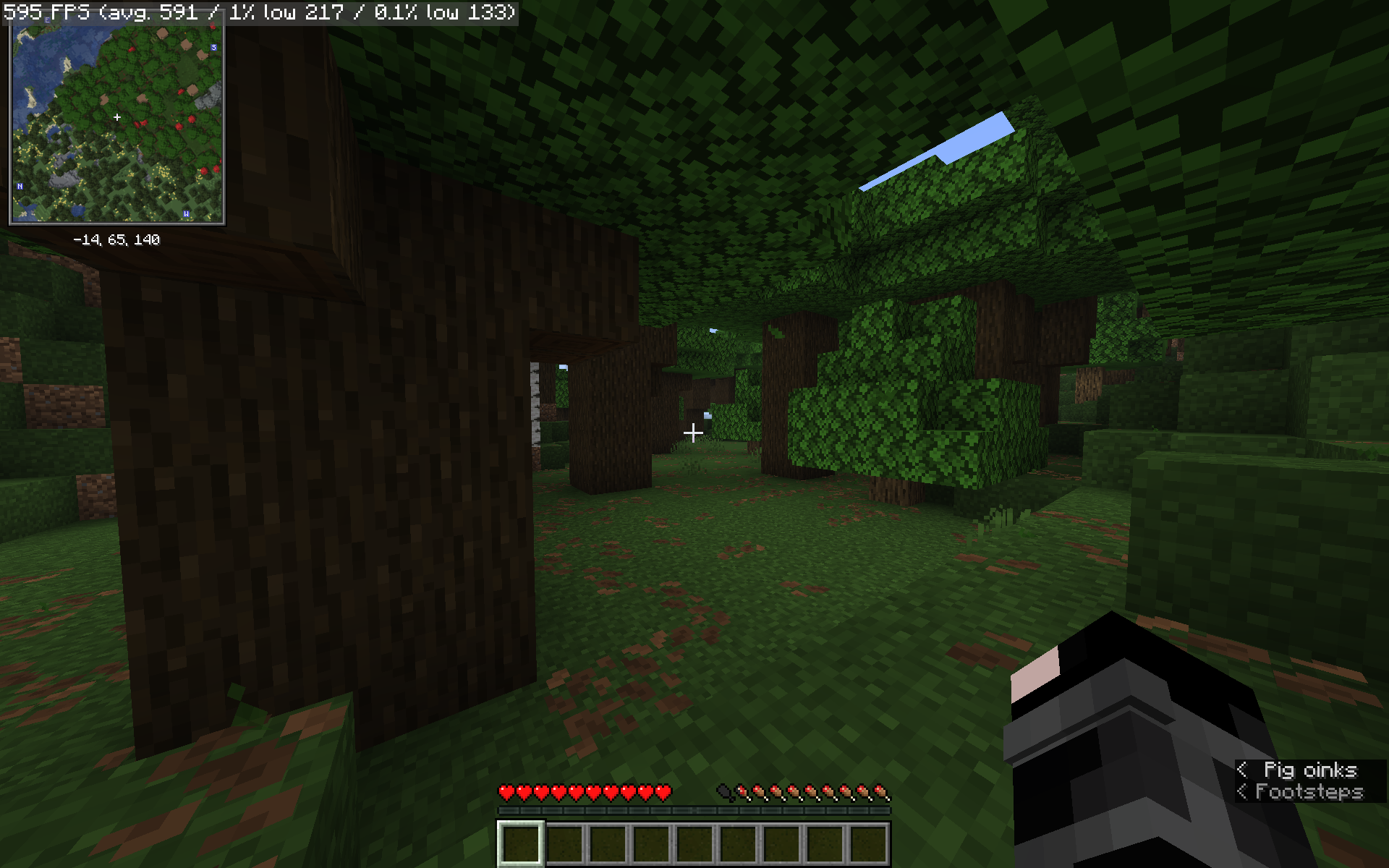
MacCraft provides a solid foundation of the best optimization mods available, carefully configured for maximum performance on macOS. Backed by extensive testing and research, MacCraft runs smoothly on Apple Silicon Macs.
Built with simplicity and maintainability in mind, it includes only essential quality-of-life and visual enhancements—keeping things lightweight, fast, and focused on performance. This also means it’s quick to recieve Minecraft version updates.
The modpack includes the Iris Shaders Mod and supports shaders, though you’ll have to check for MacOS/ Metal compatibility on the shaderpack that you want to use. (This limitation is because Apple discontinued support for OpenGL on MacOS with OpenGL 4.1 in 2011.) This modpack includes Complementary Shaders by EminGT which runs well on MacOS and provides a nice balance between visuals and performance.
包含的模组 47 个
 (Bee's) Fancy Crops
 (Bee's) Fine Armory
 (Bee's) Fluffy Carpets and Wool
 3D皮肤层
BadOptimizations
 Better Mount HUD
 Cloth Config API
 Complementary Shaders - Reimagined
 Concurrent Chunk Management Engine (Fabric)
 Continuity
 Controlify (Controller support)
 Cool Rain
 Cubes Without Borders
 Default Dark Mode
 Dynamic FPS
 e4mc
 实体剔除
 Even Better Enchants
 Fabric API
 Fabric Language Kotlin
 Falling Leaves
 Fast Better Grass
 Fast IP Ping
 Fast Noise
 FerriteCore
 FPS - Display
 ImmediatelyFast
 Iris Shaders
 Ixeris
 LambDynamicLights - Dynamic Lights
 Language Reload
 锂
 Low Fire
 Low Shield
 模组菜单
 ModernFix-mVUS
 More Culling
 No Chat Reports
 Os' Colorful Grasses
 Reese's Sodium Options
展开全部 47 个





绿色边框的模组本站有收录,点进去看中文介绍;其余跳转到 Modrinth。
常见问题
MacCraft 支持哪些 Minecraft 版本?
MacCraft 支持 Minecraft Java 版 1.21.7–26.2,共 5 个版本,可用的加载器:Fabric。下载时注意选择和你游戏版本一致的文件。
MacCraft 怎么安装?
点本页「前往下载」拿到整合包文件(Modrinth 的是 .mrpack,CurseForge 的是 .zip),在 PCL2 或 HMCL 启动器里选择「导入整合包」,启动器会自动装好 Minecraft、加载器和全部模组。这个整合包有 47 个模组,建议在启动器里给游戏分配 4–6 GB 内存。
MacCraft 开服需要多大内存?
推荐服务器内存 12 GB。在线人数多、或者建了大量机器和区块加载器时,可以再加 2–4 GB。
怎么和朋友一起玩 MacCraft?
点本页的「一键开服」,选好配置后会自动安装 MacCraft 的服务端,几分钟就能开好。把服务器地址发给朋友,大家用同一个版本的整合包连进去就行。
评论
登录后评论和评分