
截图
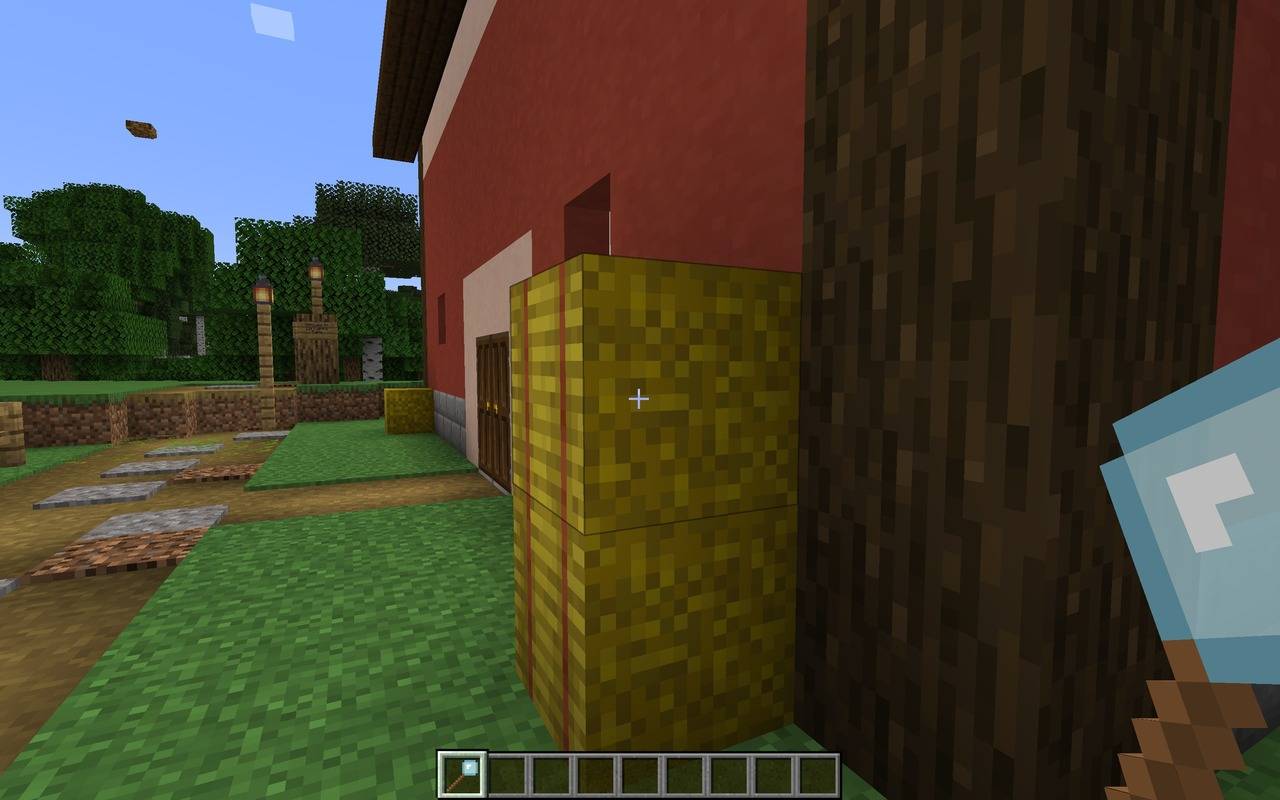
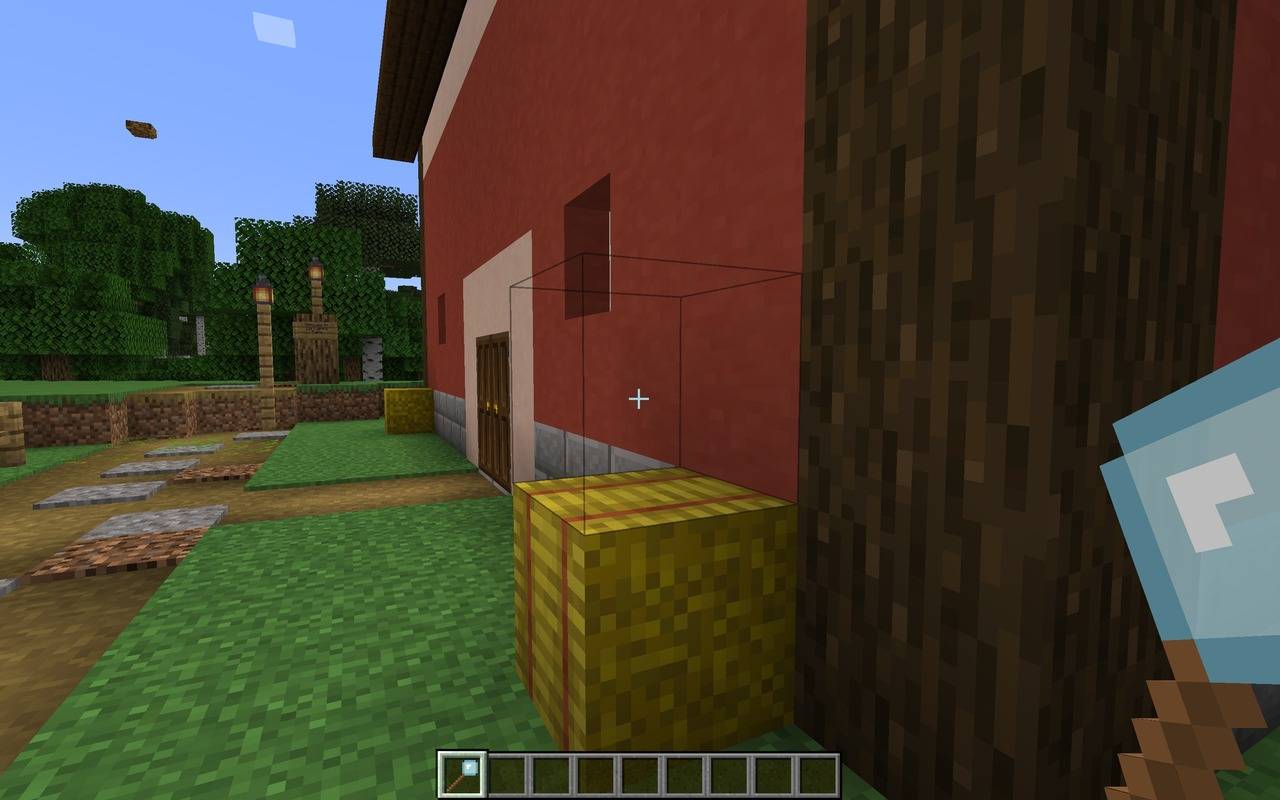
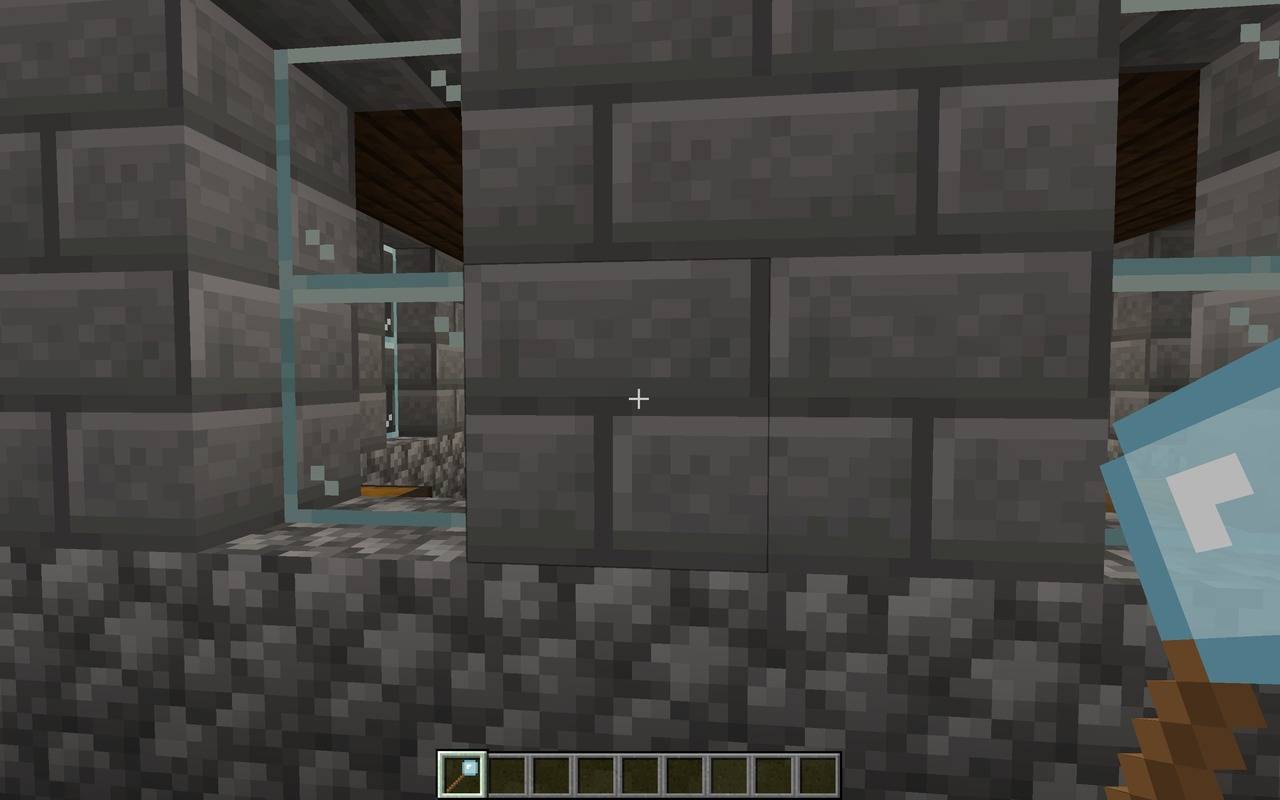
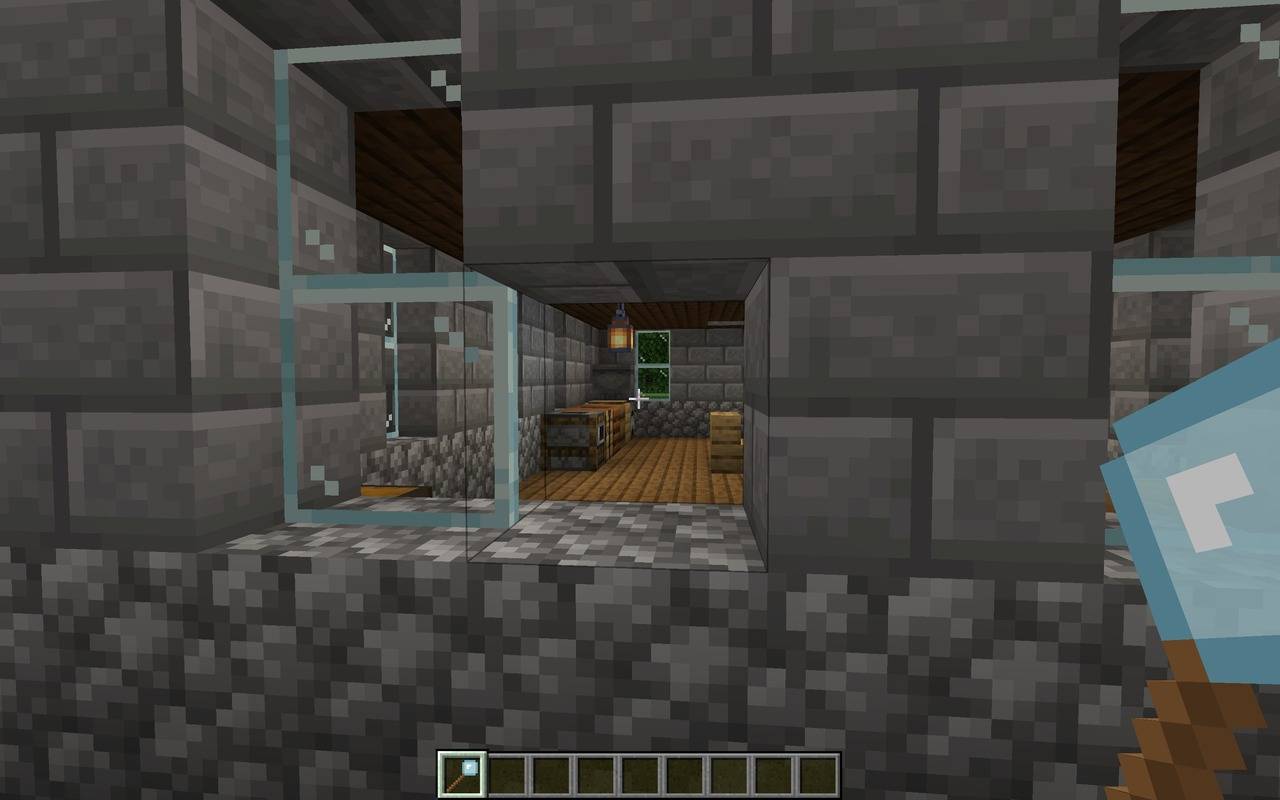
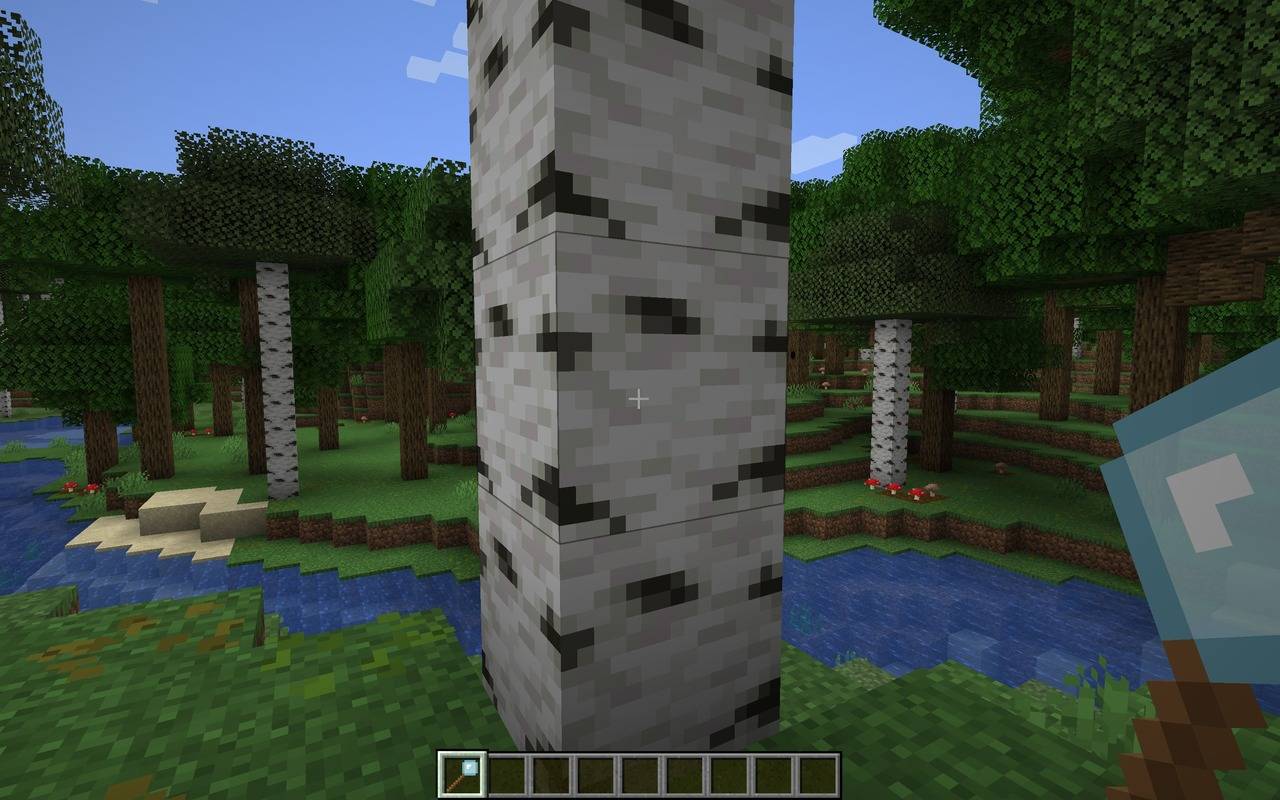
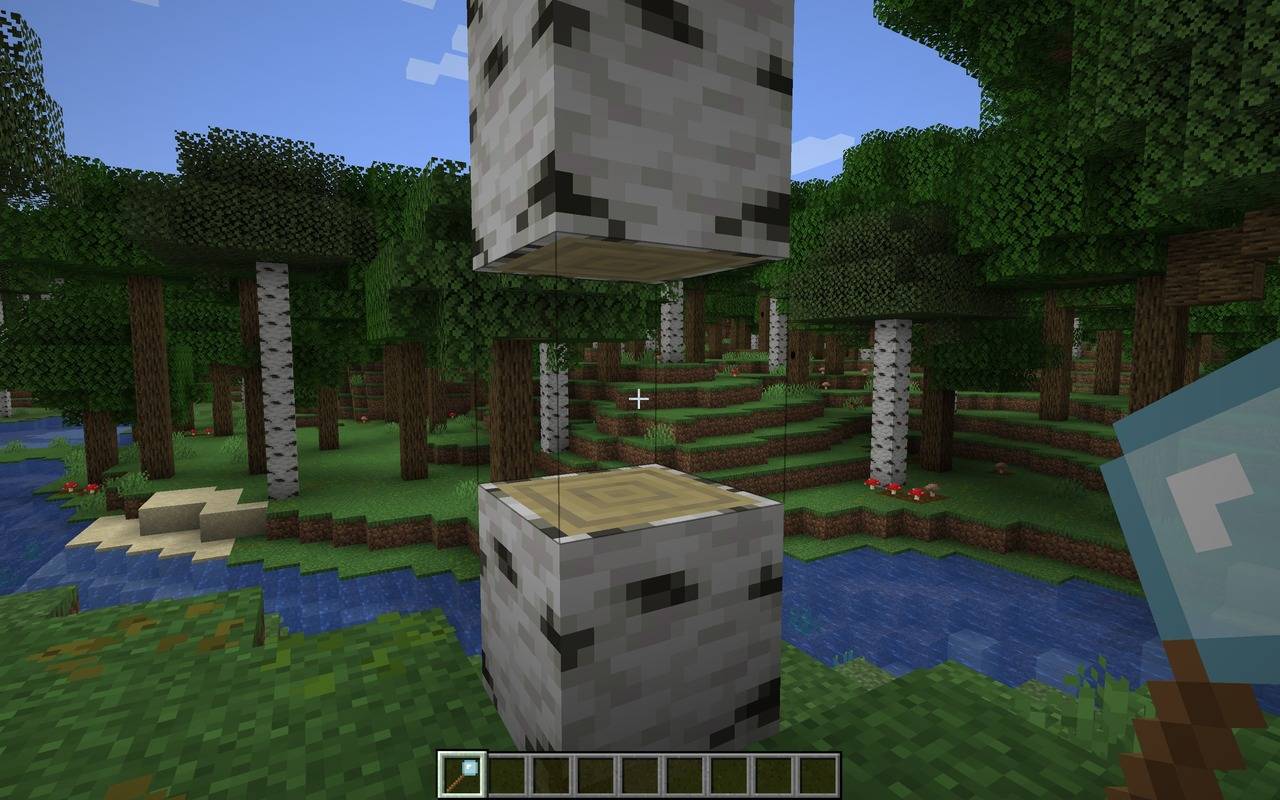
介绍
Invisiblock
Make any block disappear, without it going anywhere.
Invisiblock adds one simple, handy tool: the Vanishing Tool. Left-click a block with it and the block turns invisible. It’s still there and still solid, and you can still walk on it, but you can’t see it. Click it again and the original block comes straight back, exactly as it was.
Use it for hidden walkways, secret doors, floating builds, see-through floors, invisible walls, parkour courses, or just for messing with your friends.
✨ Features
- 🪄 One tool, two jobs. Left-click a block to make it vanish. Left-click it again to bring it back.
- 🧱 Still solid. Invisible blocks keep their full collision, so you can stand on them, walk into them and build against them.
- 🔲 You can still find them. The block outline still shows when you look at an invisible block, so you won’t lose track of it.
- ↩️ Remembers what it was. Every invisible block stores the exact block it replaced, including its rotation and state (stairs, logs, slabs and so on), and restores it perfectly.
- ☀️ Lets the light through. Invisible blocks behave like glass for lighting, so sunlight and torchlight pass straight through.
- 🔔 A satisfying chime when a block vanishes or reappears.
- 🛡️ Safe by design. Chests, furnaces, signs and other blocks that store items or data can’t be converted, so you’ll never lose their contents. Bedrock and other unbreakable blocks are protected too.
- 🎨 Works in Survival and Creative. The tool won’t accidentally break the block you click, even in Creative mode.
🛠️ Crafting the Vanishing Tool
Put 1 Glass on top of 2 Sticks in a straight vertical line:
🎮 How to Use It
- Hold the Vanishing Tool in your main hand.
- Left-click any normal block. Poof! It’s invisible.
- Left-click the invisible block again with the tool to restore it.
If a block can’t be made invisible, a short message above your hotbar will tell you.
⚠️ Good to Know
- Breaking an invisible block by hand (without the tool) drops nothing, and the original block is lost. Always use the Vanishing Tool to turn a block back before mining it.
- Invisible blocks break quickly, about as fast as glass, so keep that in mind around mobs and explosions.
- Blocks with stored contents or data (chests, barrels, furnaces, signs, etc.) can’t be converted.
- Unbreakable blocks such as bedrock can’t be converted.
- Two-part blocks like doors and tall flowers may behave oddly if you only convert one half.
📦 Installation
- In multiplayer, the mod must be installed on both the server and every client.
- Just drop the
.jarinto yourmodsfolder and you’re ready to go.
💬 Feedback & Ideas
Found a bug or have an idea to make Invisiblock even better? Leave a comment, I’d love to hear from you!
Made by AndyMFA
(C) Many Fun Adventures
常见问题
Invisiblock 支持哪些 Minecraft 版本?
Invisiblock 支持 Minecraft Java 版 1.20.1–1.21.1,共 2 个版本,可用的加载器:Forge / NeoForge。下载时注意选择和你游戏版本一致的文件。
Invisiblock 怎么安装?
先用 PCL2 或 HMCL 启动器安装对应版本的 Forge / NeoForge,再把下载的 .jar 文件放进游戏目录的 mods 文件夹,重新启动游戏即可。开启了版本隔离的,mods 文件夹在 versions/版本名 下面。
AndyMFAMinecraft 的其他作品
查看全部 →
Abandoned Tunnels
Climbing those hills are such a grind, what don't you take a shortcut through an abandoned tunnel? What could possibly go wrong?
Far Flung Forests
70 new biomes and 22 rare real-world wood types, each with a full set of blocks, signs, boats, bookshelves and crafting tables. Built on TerraBlender.

Enchantment Transference
Ever wanted a way of moving your enchants onto a book? Time to get overpowered!

Teleportals Are Here
Use our beautiful Teleportals to travel across your world, See your destination before you leave. Take your Pet too!
评论
登录后评论和评分