
Molokai
A bundle of QoL and performance enhancements for Create-focused gameplay with out of the box config.
截图
介绍

A bundle of QoL and performance enhancements for Create-focused gameplay with out of the box config.

Molokai
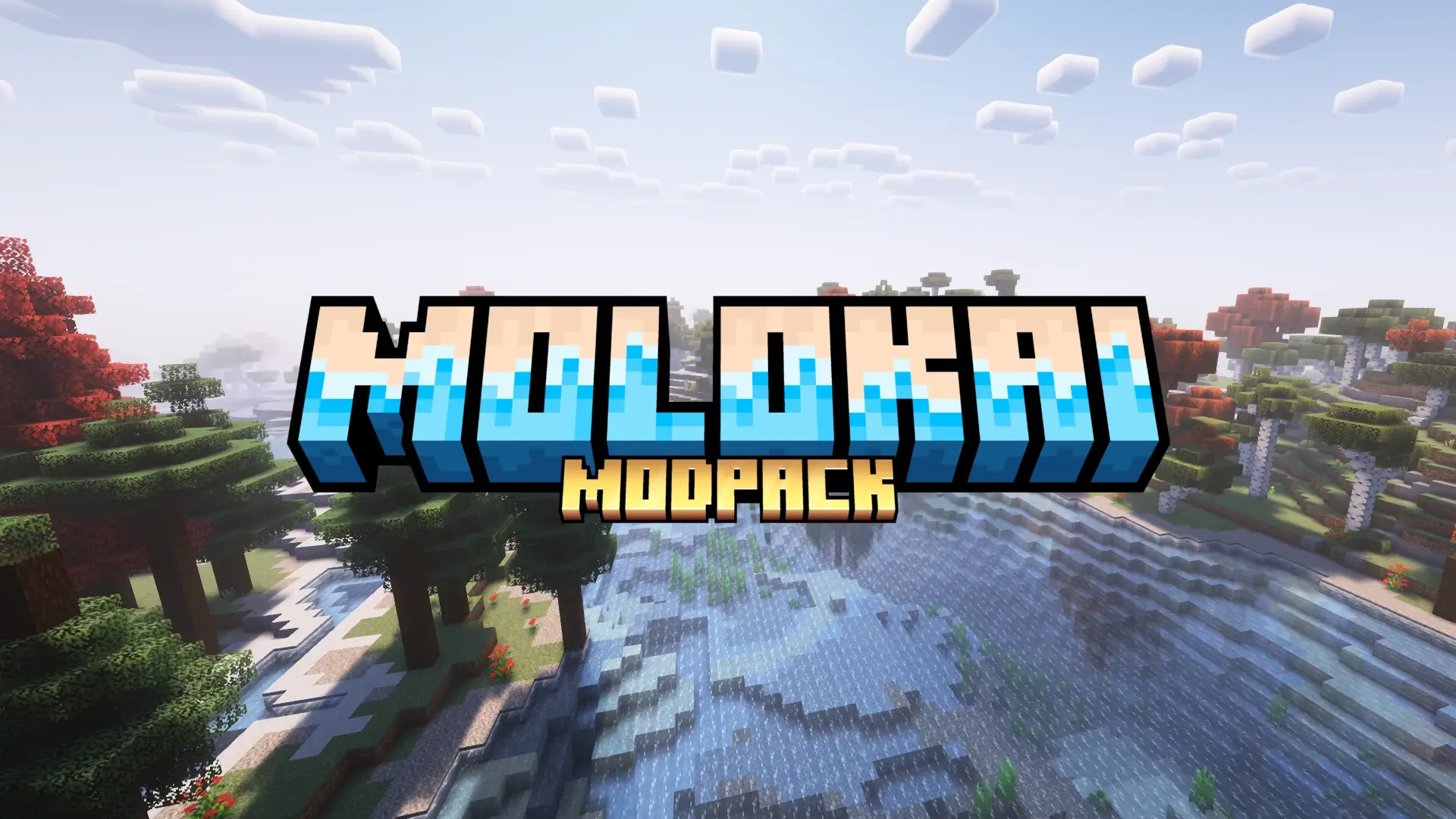
Molokai is bundle of quality of life and performance enhancements for Create-focused gameplay with out of the box config built on Adrenaline. Jump right into Create and related mods instead of spending half your time in a menu!
_This modpack was created so that players of a private server can automatically stay in sync with updates to the server, but it remains available to anyone who appreciates QoL enhancements and the Create mod._
📥 Installation
The recommended method of downloading, installing, and updating this modpack is to do so through the Modrinth app.
- Before launching for the first time, set your Java memory (Settings gear > Java settings > Java memory) to at least
4096mb, although8192is recommended.
- Shaders are included and selected but disabled by default to assist low end systems. Press
kin-game to toggle shaders.
✨ Out of the Box Configuration
The following notable options are applied out of the box in addition to those included with Adrenaline:
Vanilla Options
- The Mojang logo appears in dark mode by default.
- Accessibility onboarding is disabled by default.
- The “Caution: Third-Party Online Play” screen is disabled by default.
- Realms notifications are disabled by default.
- The social interactions hint is disabled by default.
- Tutorial steps are disabled by default.
- Advanced item tooltips (showing durability) is enabled by default.
- The brightness (gamma) is set to bright by default.
- Music volume is set to zero by default.
- Weather volume is set to 10% by default.
- All other volumes are set to 25% by default (to optimize volume for voice channels).
- The Molokai resource pack (which changes the title screen) is enabled by default.
- The Sparkles resource pack is enabled by default (to make Terralith, Incendium, and Nullscape biomes and biome names look correct).
Mod Options
- Complimentary Shaders are selected within Iris but not enabled by default. (Press
kto toggle.) - Create Engineer’s Goggles tooltips are integrated into Jade by default.
- Xaero’s Minimap is displayed in the top right corner by default.
- Xaero’s Minimap displays the current biome name by default.
- Mod Menu replaces the Realms menu option by default.
- Mod update notifications (and related settings) are disabled by default.
📦 What’s Included
The following mods, shaders, and resource packs are included:
Mods
- AppleSkin
- Architectury API
- Azure Paxels
- Balm
- Bobby
- Chunk Loaders
- CIT Resewn
- Cloth Config API
- Create Enchantment Industry Fabric
- Create Fabric
- Create Fabric Sodium Fix
- Create Goggles
- Create Jetpack
- Create Ore Excavation
- Create Slice & Dice
- Create: Steam ‘n’ Rails
- Custom Biome Saplings
- Dynamic FPS
- EMI
- Enhanced Block Entities
- Entity Culling
- [[EMF] Entity Model Features](https://modrinth.com/mod/entity-model-features)
- [[ETF] Entity Texture Features](https://modrinth.com/mod/entitytexturefeatures)
- Extended Drawers
- Fabric API
- Fabric Language Kotlin
- FallingTree
- [Farmer’s Delight [Fabric]](https://modrinth.com/mod/farmers-delight-fabric)
- FerriteCore
- Forge Config API Port
- ImmediatelyFast
- Incendium
- Indium
- Iris Shaders
- Jade Addons (Fabric)
- Jade 🔍
- Lithium
- Mod Menu
- ModernFix
- More Culling
- No Chat Reports
- Nullscape
- Remove Terralith Intro Message
- Sodium
- Tectonic
- Terralith
- ThreadTweak
- Tom’s Simple Storage Mod
- Universal Graves
- Waystones
- Xaero’s Minimap
- Xaero’s World Map
- Your Options Shall Be Respected (YOSBR)
Resource Packs
❓ Getting Support
If you are a member of the private server, please submit issues, feedback, and suggestions via Discord. Otherwise, this modpack is provided as-is. Please consult the documentation for each individual mod or your server operator.
💚 Support Creators
If you find value in this pack, please consider supporting the creators of Adrenaline as well as the mods and shaders listed above.
包含的模组 56 个
 农夫乐事
 [DEPRECATED]Create Enchantment Industry - Fabric Legacy
 [EMF] Entity Model Features
 [ETF] Entity Texture Features
 苹果皮
 Architectury API
 Azure Paxels
 Balm
 Bobby
 Chunk Loaders
 CIT Resewn
 Cloth Config API
 Complementary Shaders - Reimagined
 Create Fabric
 Sodium Fix
 Create Goggles
 Create Jetpack
 Create Ore Excavation
 Create Slice & Dice
 机械动力:蒸汽与铁路
 Dynamic FPS
 EMI
 Enhanced Block Entities
 实体剔除
 Extended Drawers
 Fabric API
 Fabric Language Kotlin
 砍树
 FerriteCore
 Forge Config API Port
 ImmediatelyFast
 Incendium Legacy
 Indium
 Iris Shaders
 Jade Addons (Fabric)
 Jade 🔍
 锂
 模组菜单
 ModernFix
 More Culling
展开全部 56 个





绿色边框的模组本站有收录,点进去看中文介绍;其余跳转到 Modrinth。
常见问题
Molokai 支持哪些 Minecraft 版本?
Molokai 基于 Minecraft Java 版 1.20.1,使用 Fabric 加载器。
Molokai 怎么安装?
点本页「前往下载」拿到整合包文件(Modrinth 的是 .mrpack,CurseForge 的是 .zip),在 PCL2 或 HMCL 启动器里选择「导入整合包」,启动器会自动装好 Minecraft、加载器和全部模组。这个整合包有 56 个模组,建议在启动器里给游戏分配 4–6 GB 内存。
Molokai 开服需要多大内存?
推荐服务器内存 12 GB。在线人数多、或者建了大量机器和区块加载器时,可以再加 2–4 GB。
怎么和朋友一起玩 Molokai?
点本页的「一键开服」,选好配置后会自动安装 Molokai 的服务端,几分钟就能开好。把服务器地址发给朋友,大家用同一个版本的整合包连进去就行。

评论
登录后评论和评分