
UI/HUD Safe Zone
Adjust your HUD and menu UI within a centered safe zone on ultrawide monitors.
截图
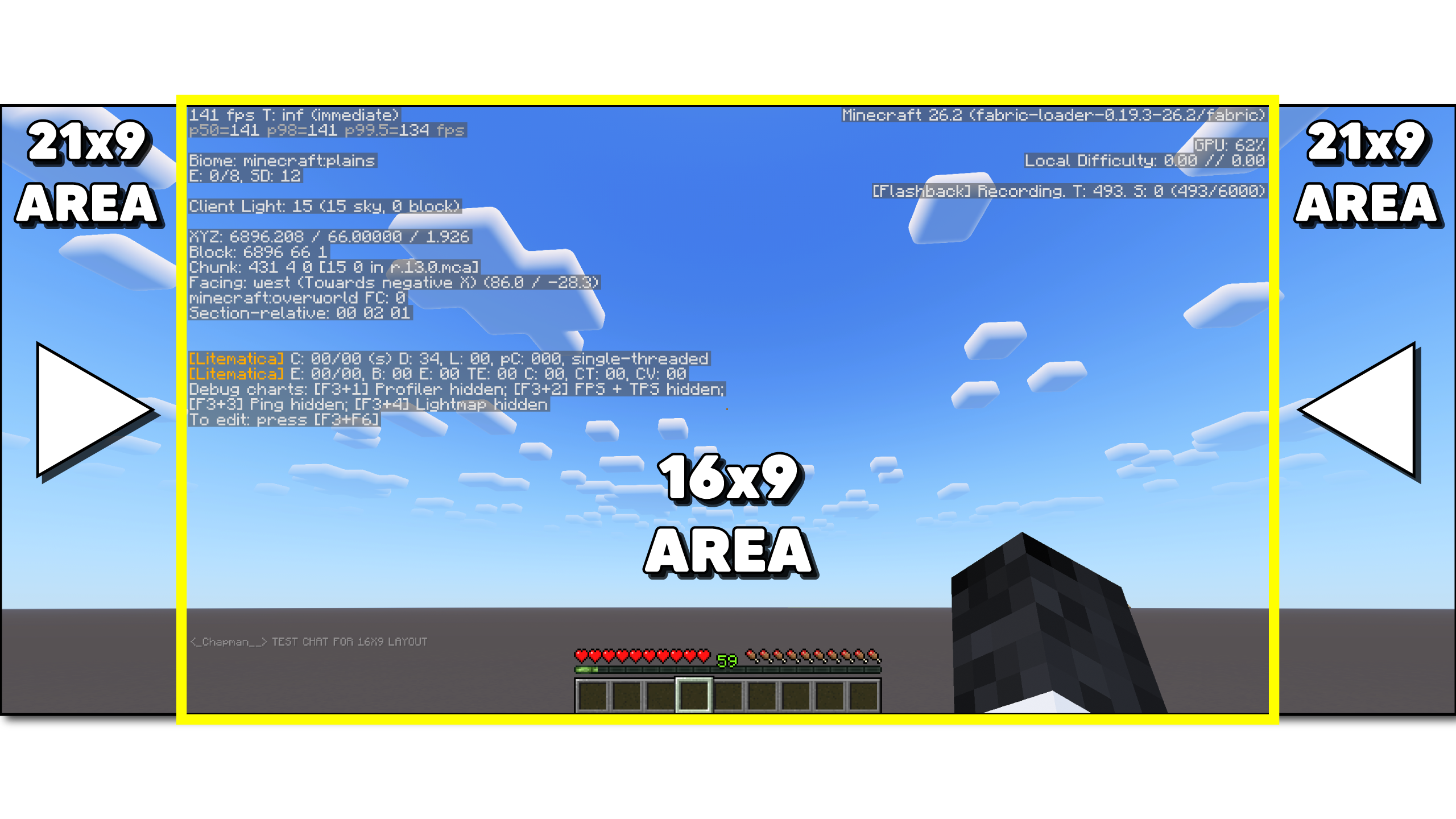
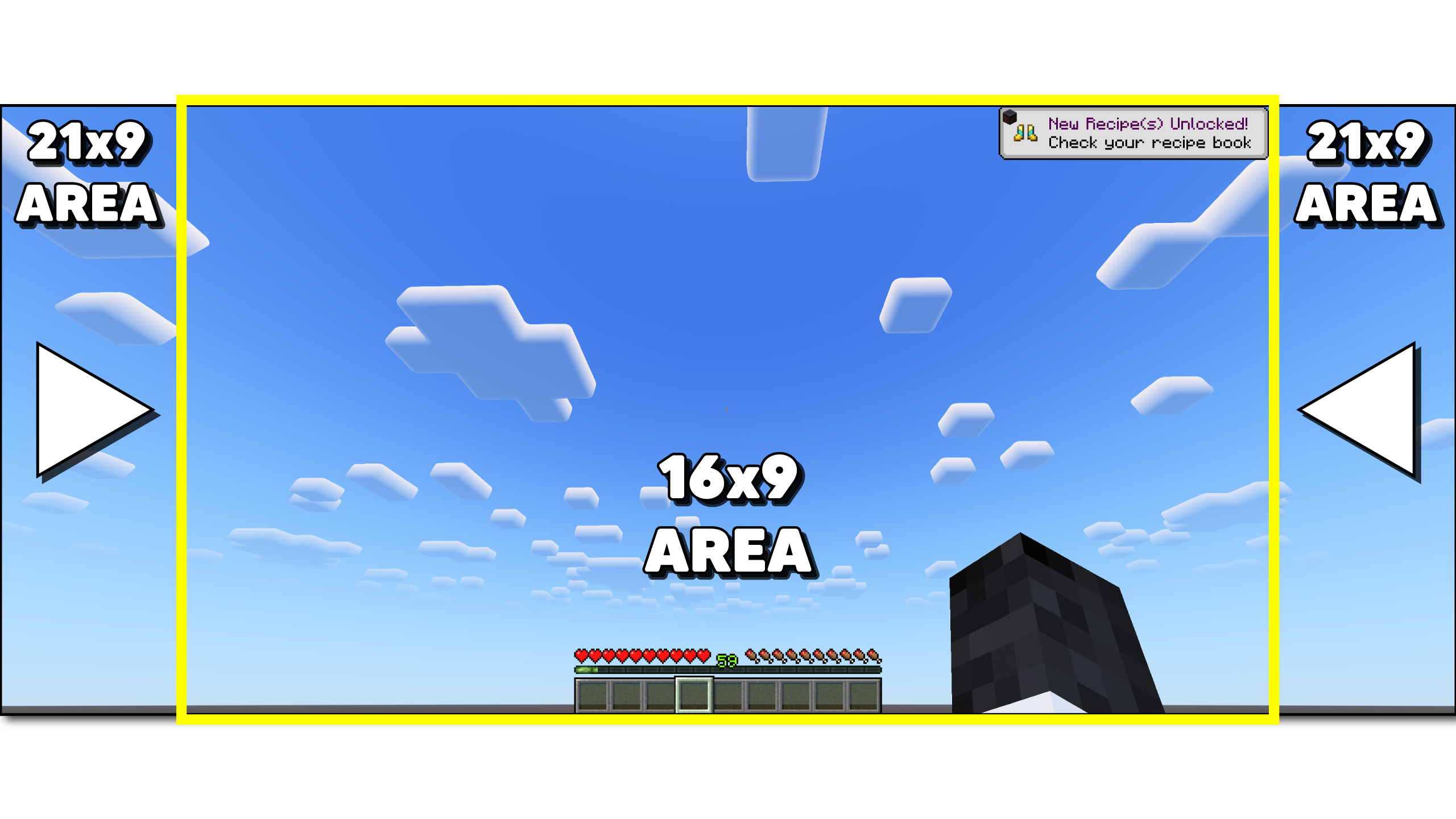
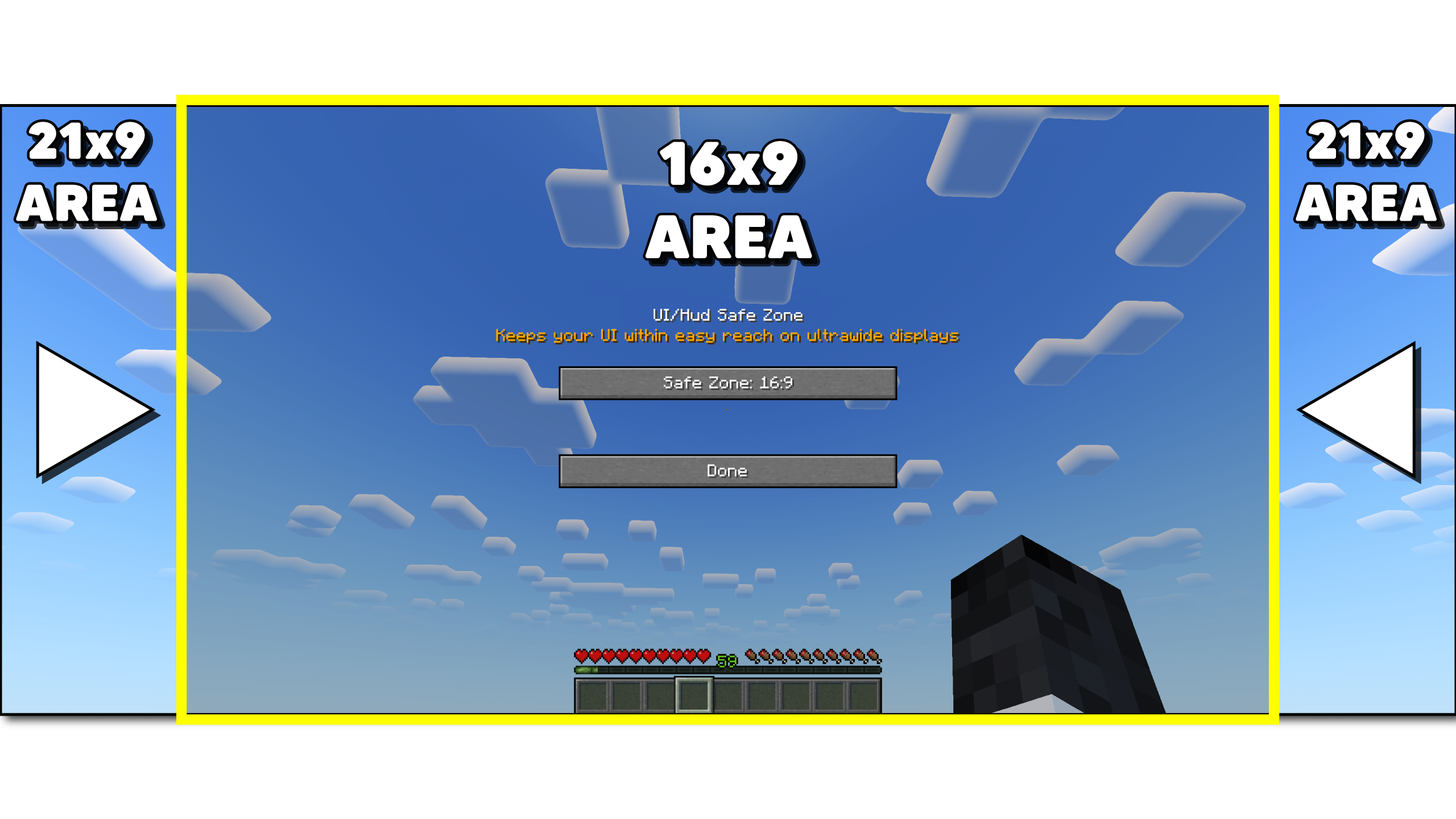
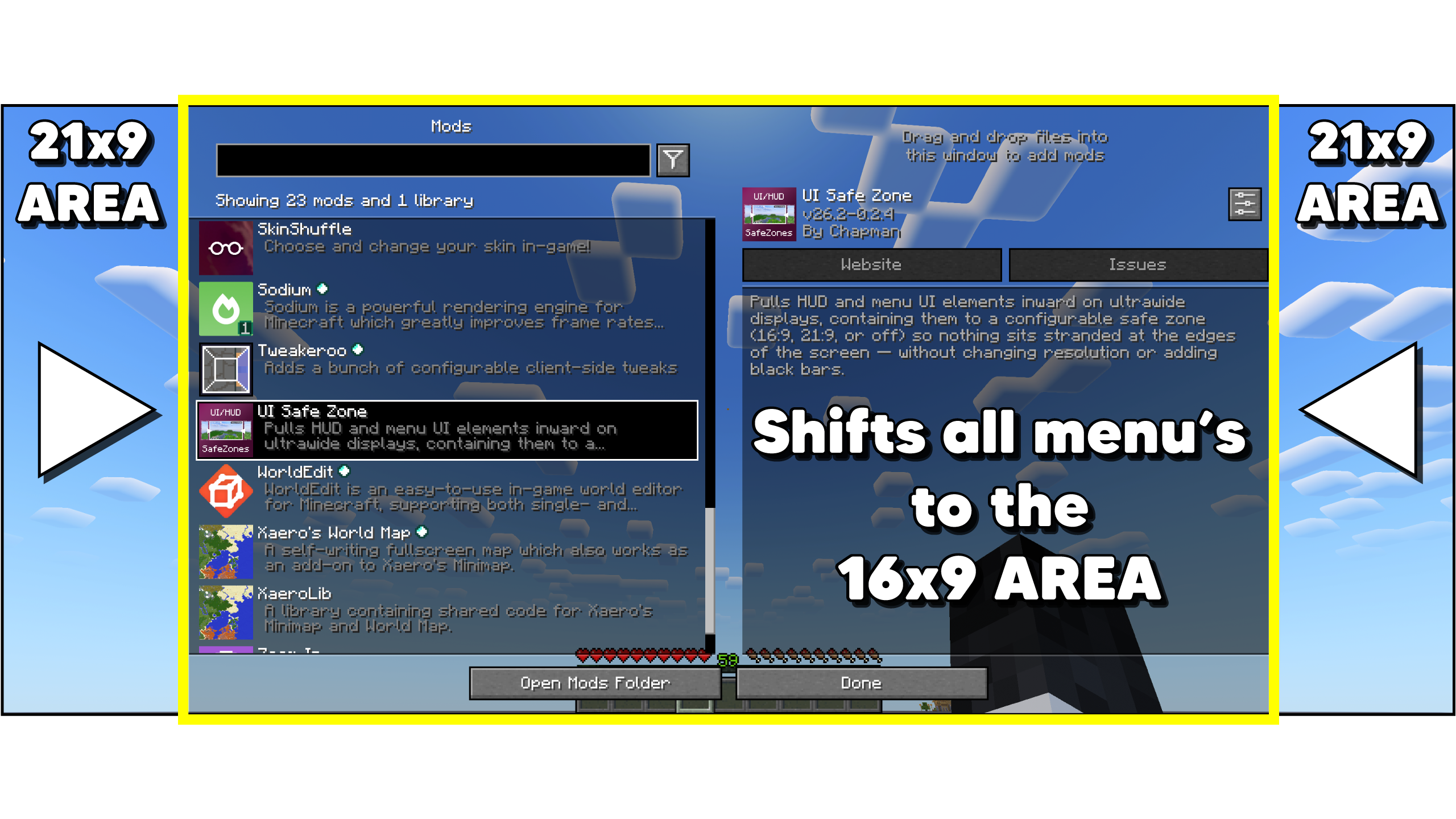
介绍
UI Safe Zone
Keep your UI centered, so your eyes don’t have to travel across an ultrawide screen.
On an ultrawide monitor, HUD elements and menus render at the true edges of your display – meaning your eyes have to travel a long way just to check the chat, glance at a toast, or read your coordinates. UI Safe Zone pulls that UI inward into a centered 16×9 zone, so you’re not peeking so far off to the side of the screen.
_It’s a visibility and comfort upgrade for anyone playing on an ultrawide – no resolution change, no black bars, nothing about the game world itself is touched._
What it does
- Chat – both the message history and the input box are pulled in from the edge
- Toasts – achievement and recipe popups no longer spawn off in the far corner of your display
- F3 debug screen – coordinates and debug info stay close and readable instead of hugging the true screen edges
- Menus – the main menu, pause menu, ModMenu, and virtually any other mod’s config/settings screen are centered automatically (this isn’t hardcoded per-mod – it works on the base screen class every mod’s GUI is built on)
What it leaves alone
- The hotbar, health bar, and hunger bar – already centered on screen by default, so there’s nothing to fix
- Inventory, chest, crafting, and other container-style screens – small dialogs that already self-center and don’t extend near the real screen edges
Modes
Choose between Off, 16:9, and 21:9 depending on how tight you want the zone. Switch anytime – no restart, no reopening menus.
How to configure
- Through Mod Menu, if installed
- A Set keybind you can assign in Controls
- Slach commands:
/safezone,/hud, or/ui– _all three do the same thing (off,16x9,21x9, ormenuto open the settings screen)_
A bonus for content creators
The same effect that keeps UI within easy reach also happens to keep it within a 16:9 or 21:9 crop – so if you play on ultrawide but record or stream at a narrower aspect ratio, viewers stop losing chat, toasts, and menus off the edges of the frame. A welcome side effect if that’s your setup.
常见问题
UI/HUD Safe Zone 支持哪些 Minecraft 版本?
UI/HUD Safe Zone 支持 Minecraft Java 版 1.21.11–26.3,共 3 个版本,可用的加载器:Fabric。下载时注意选择和你游戏版本一致的文件。
UI/HUD Safe Zone 怎么安装?
先用 PCL2 或 HMCL 启动器安装对应版本的 Fabric,再把下载的 .jar 文件放进游戏目录的 mods 文件夹,重新启动游戏即可。开启了版本隔离的,mods 文件夹在 versions/版本名 下面。运行环境:仅客户端。
ChapmanOfficial 的其他作品
查看全部 →
Zoom In
A Zoom In mod with customizations - Zoom in & out with a single keypress -Scroll zoom and more! 4x-Infinite Zoom with scroll

Enchantment Calculator Mod
Calculates the cheapest anvil order for any item and enchantment set - without leaving the game.

Hopper Stats
A lightweight server-compatible hopper tracking mod.
评论
登录后评论和评分