
Zoom In
A Zoom In mod with customizations - Zoom in & out with a single keypress -Scroll zoom and more! 4x-Infinite Zoom with scroll
截图
介绍
A Complete lightweight zoom mod that lets you zoom in with a single keypress.
_Now includes optional Zoom In & 3rd Person Zoom Out, both off by default._
_Now includes Zoom To Max Depth Keybind – Hold Zoom + Keybind to Zoom in/Out to set zoom level._
How to Use
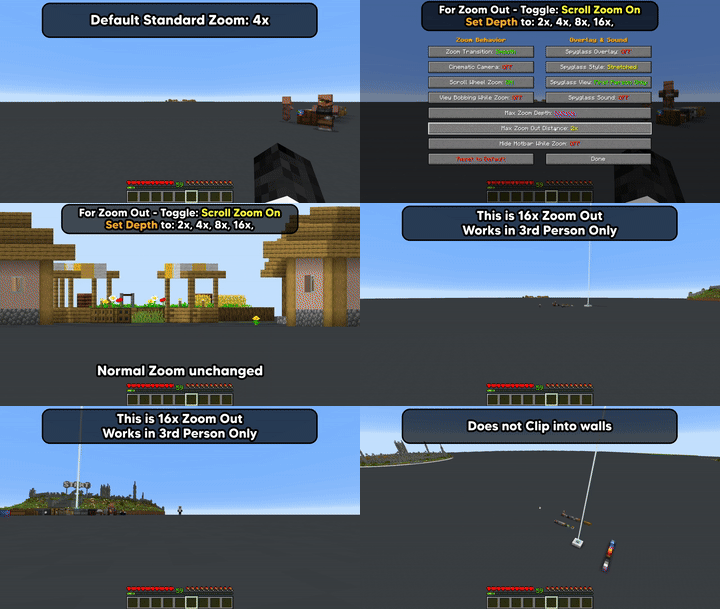
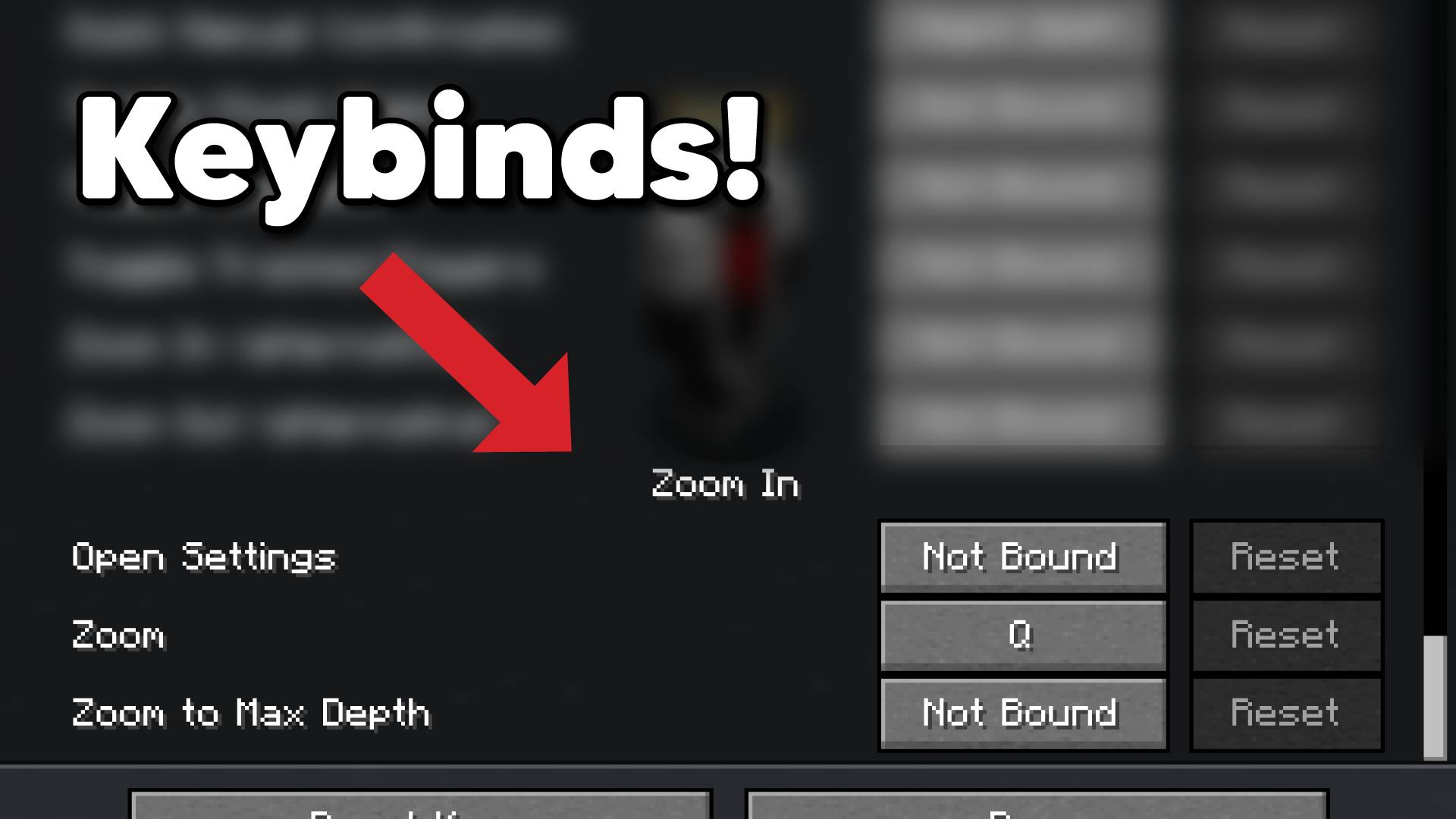
Press Q to zoom in, default 4x (rebindable in Controls > Keybinds)
Zoom To Max Depth Keybind (off by default)
*New v26.2=0.4.5+
Enable Scroll Zoom > Hold Zoom + Max Depth Keybind to zoom in/out to max depth level.

_or Open Settings_
Enable Scroll Wheel Zoom (off by default) –
hold Q and scroll to zoom in further
Third Person Zoom Out is a separate opt-in (also off by default)
3rd Person: Hold Q and scroll to zoom in & out from player.

Settings Access
- Set a Settings keybind to access the
Settings Screen - Slash command:
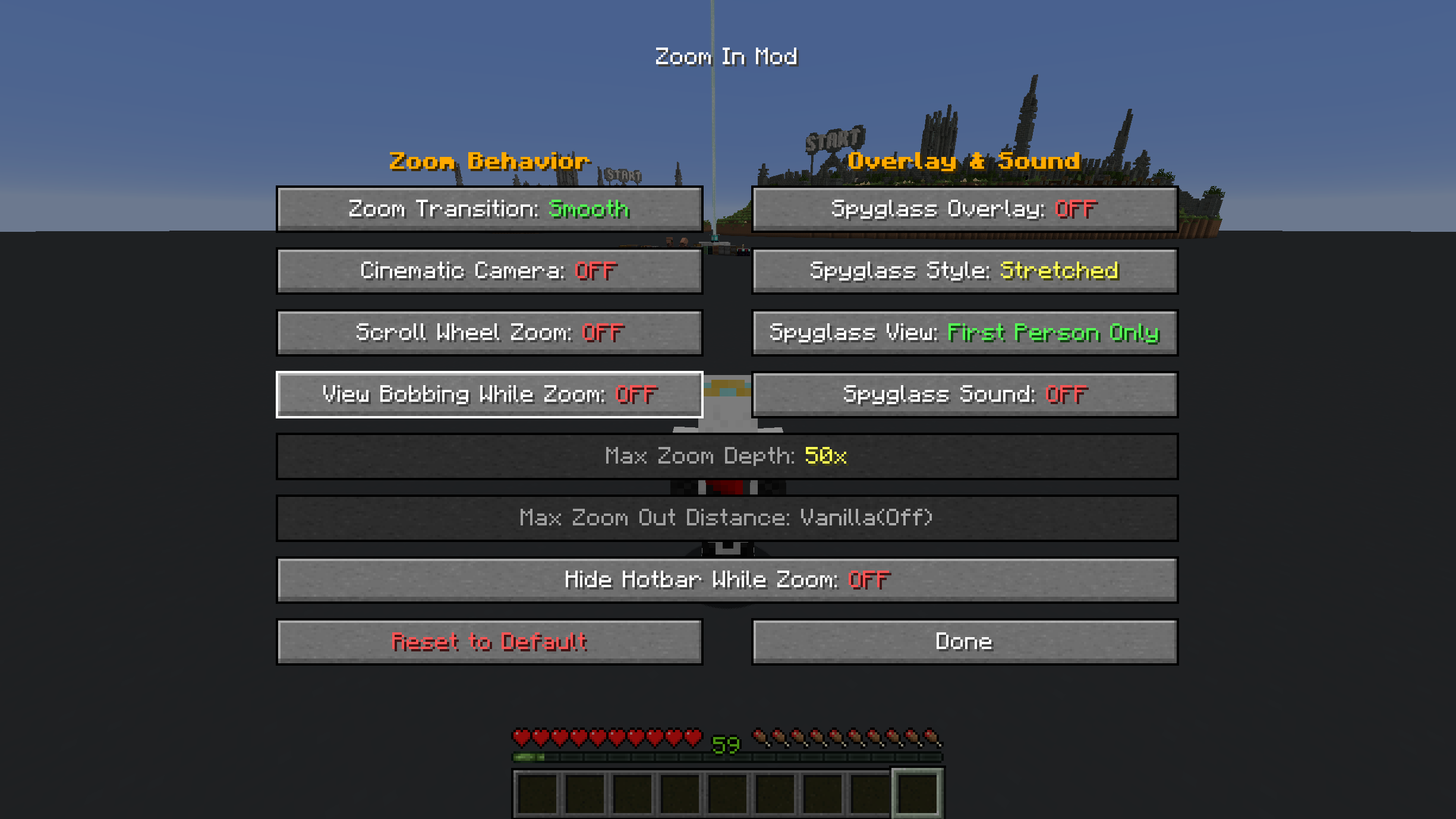
/zoom menuto accessSettings Screen - Open Mod Menu to access the
Settings Screen_(Optional)_
Options/Settings – _Defaults_

Zoom Transition – _Smooth or Instant_
Cinematic Camera – _Floaty and smooth, or Instant_
Scroll Wheel Zoom – _Hold the zoom key and scroll to zoom in further. Off by default – the base 4x zoom-in works exactly the same whether this is on or off._
*Scroll Zoom has relative mouse sensitivity built in, (skipped while Cinematic Camera is on)Max Zoom Depth – * New in v26.2-0.3.1+ – _10x, 25x, 50x, 100x, Infinite (1000x). Only applies while Scroll Wheel Zoom is on._
Max Zoom Out Distance – *New in v26.2-0.4.3+ – _Default (off), 2x, 4x, 8x, 16x. Independent of Max Zoom Depth – set to Default to keep deeper zoom-in without any camera pull-back._
Zoom Out only works in 3rd person perspective.
Defaults to off (Vanilla), even when Scroll Wheel Zoom is enabled.
Hide Hotbar while Zoomed – _Toggle to show or hide the Hotbar while zoomed_
Disable View Bobbing While Zoom – _Toggle view bobbing while zoomed_
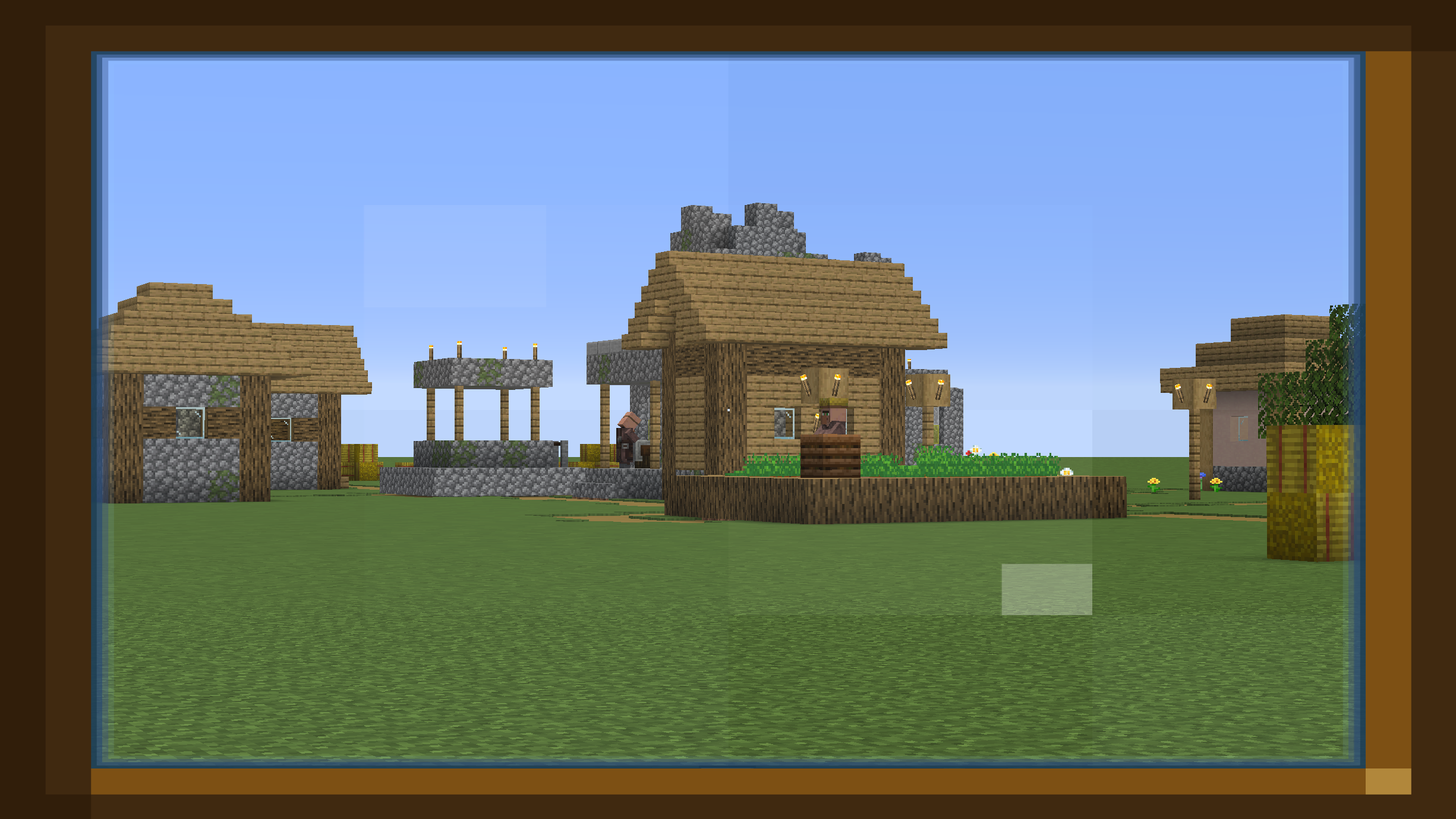
Spyglass Overlay – _Classic scope overlay while zoomed_
Spyglass Style – _Stretched or Framed overlay_
Spyglass View – _First Person Only or All Perspectives_
Spyglass Sound – _Plays the spyglass use/stop sound on zoom_
Commands
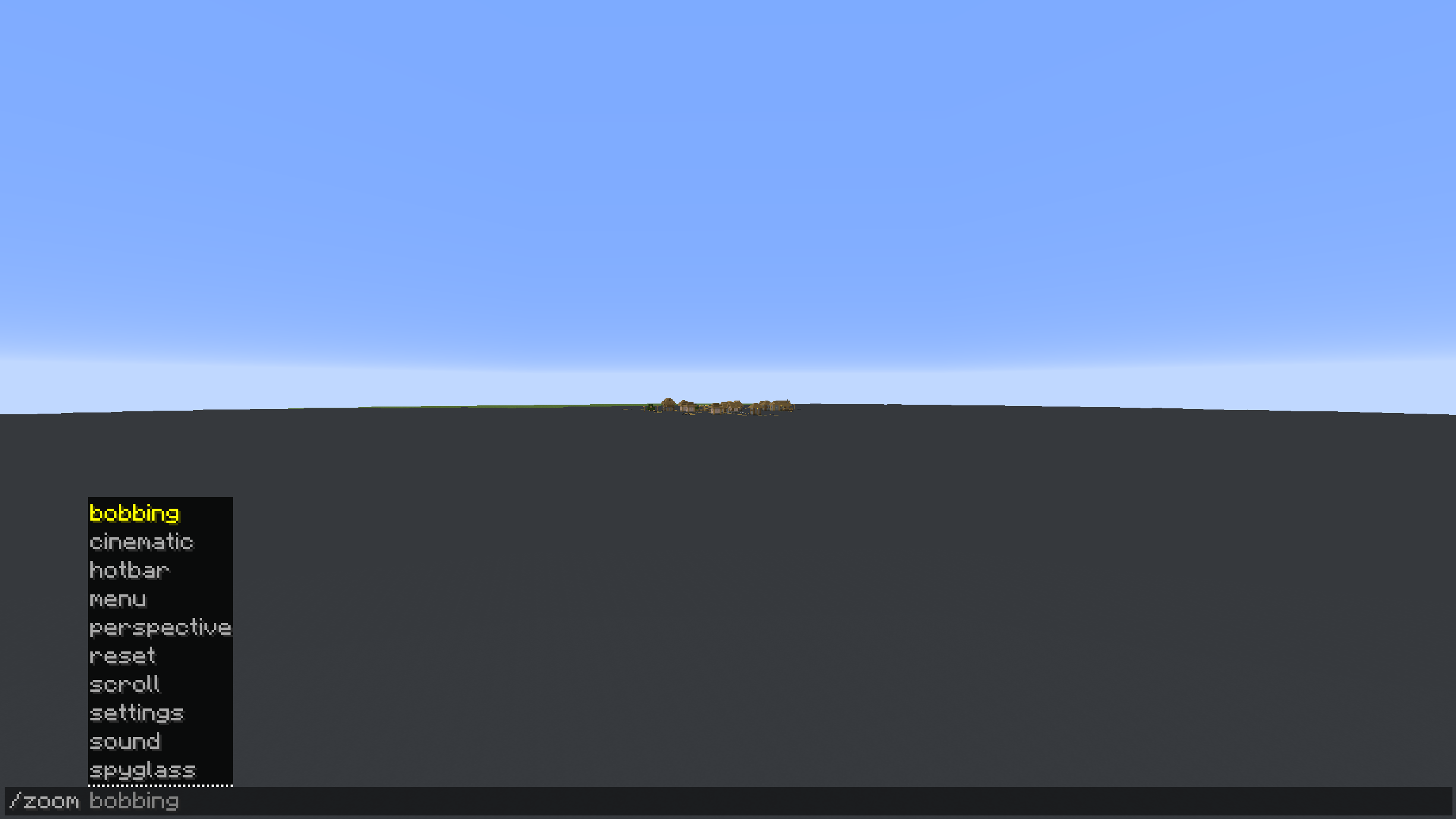
Every command below toggles when run with no argument, or takes an explicit value:
/zoom transition [smooth|instant]/zoom cinematic [on|off]/zoom scroll [on|off]– Scroll Wheel Zoom/zoom maxzoom [10|25|50|100|infinite]– Max Zoom Depth (zoom-in)/zoom zoomout [default|2|4|8|16]– Max Zoom Out Distance (third-person zoom-out)/zoom bobbing [on|off]– View Bobbing While Zoom/zoom hotbar [on|off]– Hide Hotbar While Zoom/zoom spyglass [on|off]– Spyglass Overlay/zoom style [stretched|framed]/zoom perspective [first|all]/zoom sound [on|off]/zoom menu– open the settings screen/zoom reset– reset all settings to default/zoom settings– print all current settings in chat
Credits
Built by ChapmanOfficial
常见问题
Zoom In 支持哪些 Minecraft 版本?
Zoom In 支持 Minecraft Java 版 1.21.11–26.3,共 4 个版本,可用的加载器:Fabric。下载时注意选择和你游戏版本一致的文件。
Zoom In 怎么安装?
先用 PCL2 或 HMCL 启动器安装对应版本的 Fabric,再把下载的 .jar 文件放进游戏目录的 mods 文件夹,重新启动游戏即可。开启了版本隔离的,mods 文件夹在 versions/版本名 下面。运行环境:仅客户端。
ChapmanOfficial 的其他作品
查看全部 →
Enchantment Calculator Mod
Calculates the cheapest anvil order for any item and enchantment set - without leaving the game.

UI/HUD Safe Zone
Adjust your HUD and menu UI within a centered safe zone on ultrawide monitors.

Hopper Stats
A lightweight server-compatible hopper tracking mod.
评论
登录后评论和评分