
Eden Shaders
Lush landscapes, warm sunlight, swaying foliage and pastel skies. Enjoy turquoise waters and three carefully scaled quality profiles.
截图
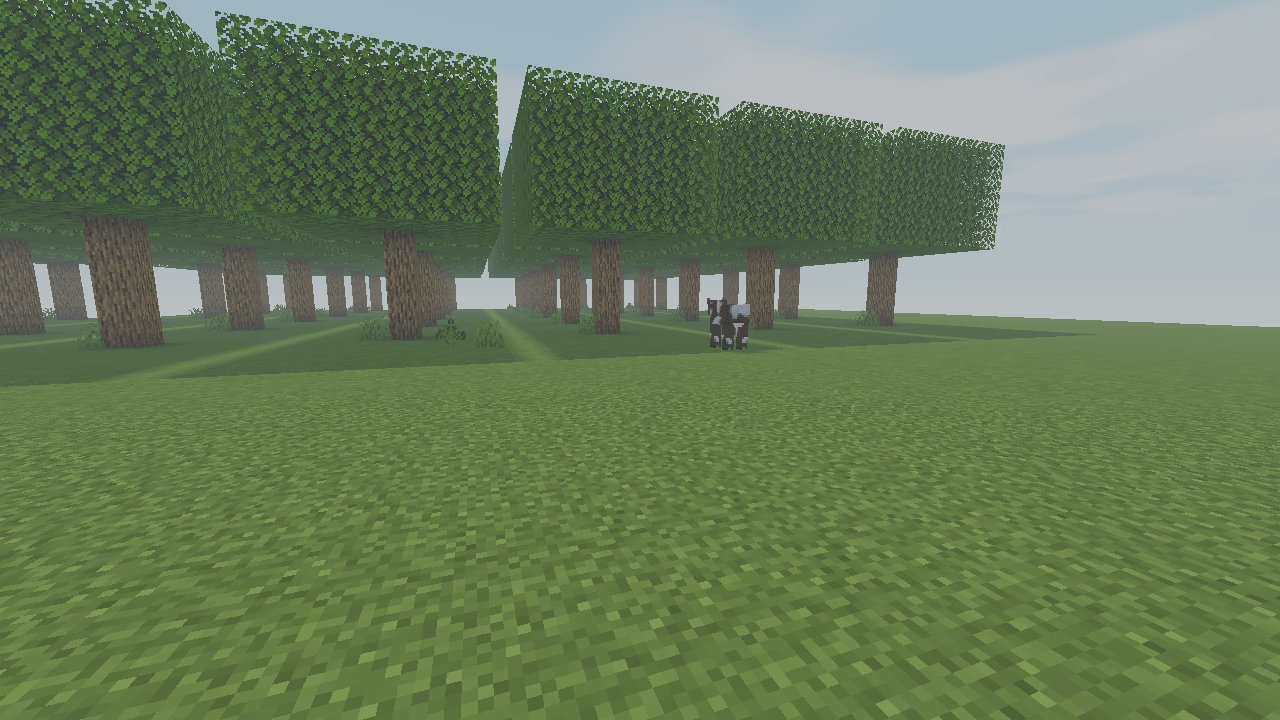
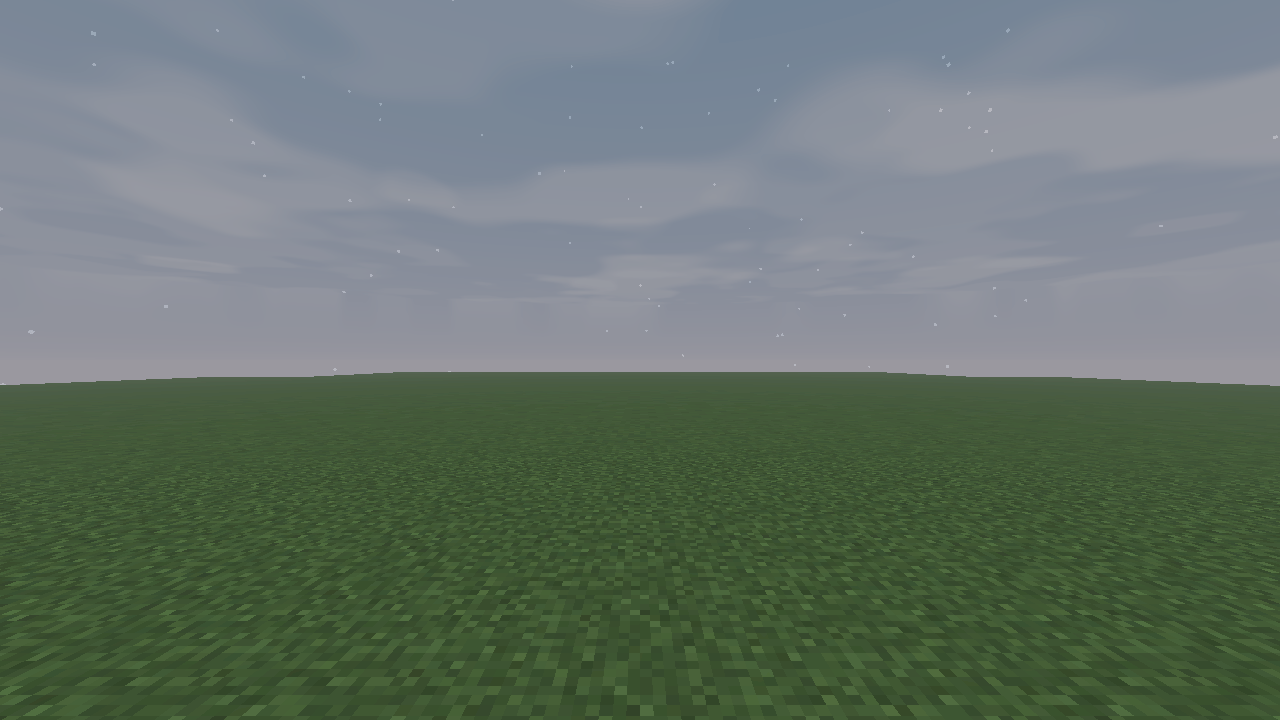
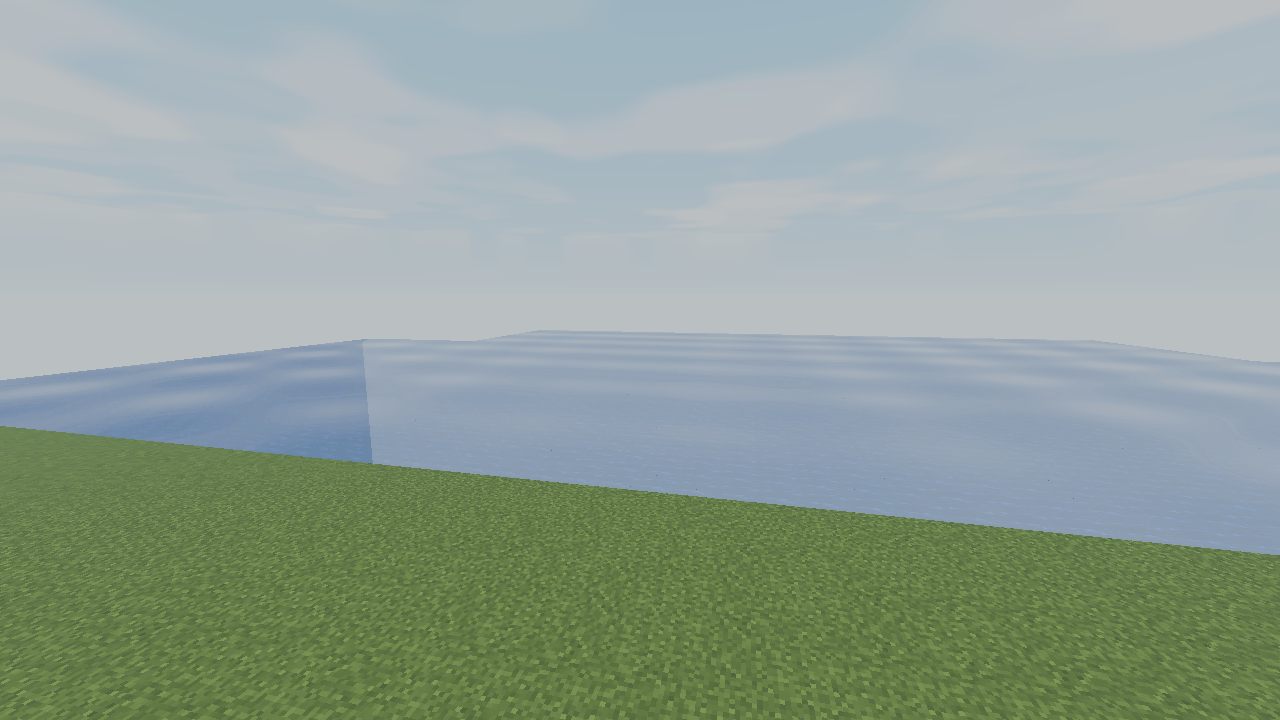
介绍
Eden Shaders
A brighter, more magical Minecraft world.
Eden gives familiar landscapes a soft fantasy atmosphere: warm sunlight, cooler forest shade and a restrained boost to foliage color.
Living landscapes
Gentle movement brings compatible leaves, grass and flowers to life. Vegetation stays rooted while subtle lighting variation adds depth to forests and clearings.
Pastel horizons
Layered procedural clouds drift across soft blue skies. Dawn and dusk bring peach highlights, while distance fog creates a gentle sense of depth.
Quiet turquoise waters
Animated wave normals, a sky reflection approximation and turquoise shading give rivers and lakes a calm, luminous character. Underwater fog softens distant surfaces.
Three quality profiles
Lite retains Eden’s defining lighting and atmosphere. Balanced adds filtered shadows, richer clouds and selective highlight glow. Ultra refines those effects with more samples and detail.
Eden changes how the existing world is rendered. It does not add plants, buildings or terrain. Promotional artwork is illustrative; actual appearance depends on the scene and graphics settings.
常见问题
Eden Shaders 支持哪些 Minecraft 版本?
Eden Shaders 支持 Minecraft Java 版 26.3,可用的加载器:Iris。下载时注意选择和你游戏版本一致的文件。
Eden Shaders 怎么安装?
光影需要先装 Iris。把下载的 .zip 文件(不用解压)放进游戏目录的 shaderpacks 文件夹,进游戏后在「选项 → 视频设置 → 光影包」里选中它。光影对显卡要求较高,卡顿可以调低光影设置或渲染距离。
Fox_Studios_by_teolm30 的其他作品
查看全部 →
Ultra Shaders
The best optimized shaders
Wearable Lantern
Wearable Lantern adds a dedicated lantern slot next to your armor, letting you wear vanilla lanterns at your waist and carry their light wherever you go.

Mine’s Minimap
A 250×250 live minimap showing nearby terrain, players, hostile mobs, and friendly mobs. You are a blue directional arrow at the center. Toggle it with M.
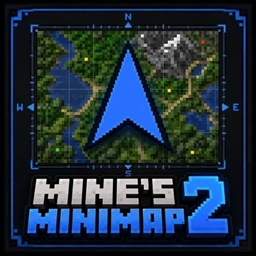
Mine’s Minimap 2
The updated and supported version of Mine's Minimap, featuring a compact 380×380 live map, directional arrow, compass, coordinates, and layer-aware mob markers.
评论
登录后评论和评分