
Wireless Redstone SD
A simple wireless redstone pack. Link redstone lamps together on channels. When one lamp turns on, the others emit signals.
截图
介绍
With this datapack, you can easily set up wireless redstone transmission/reception.
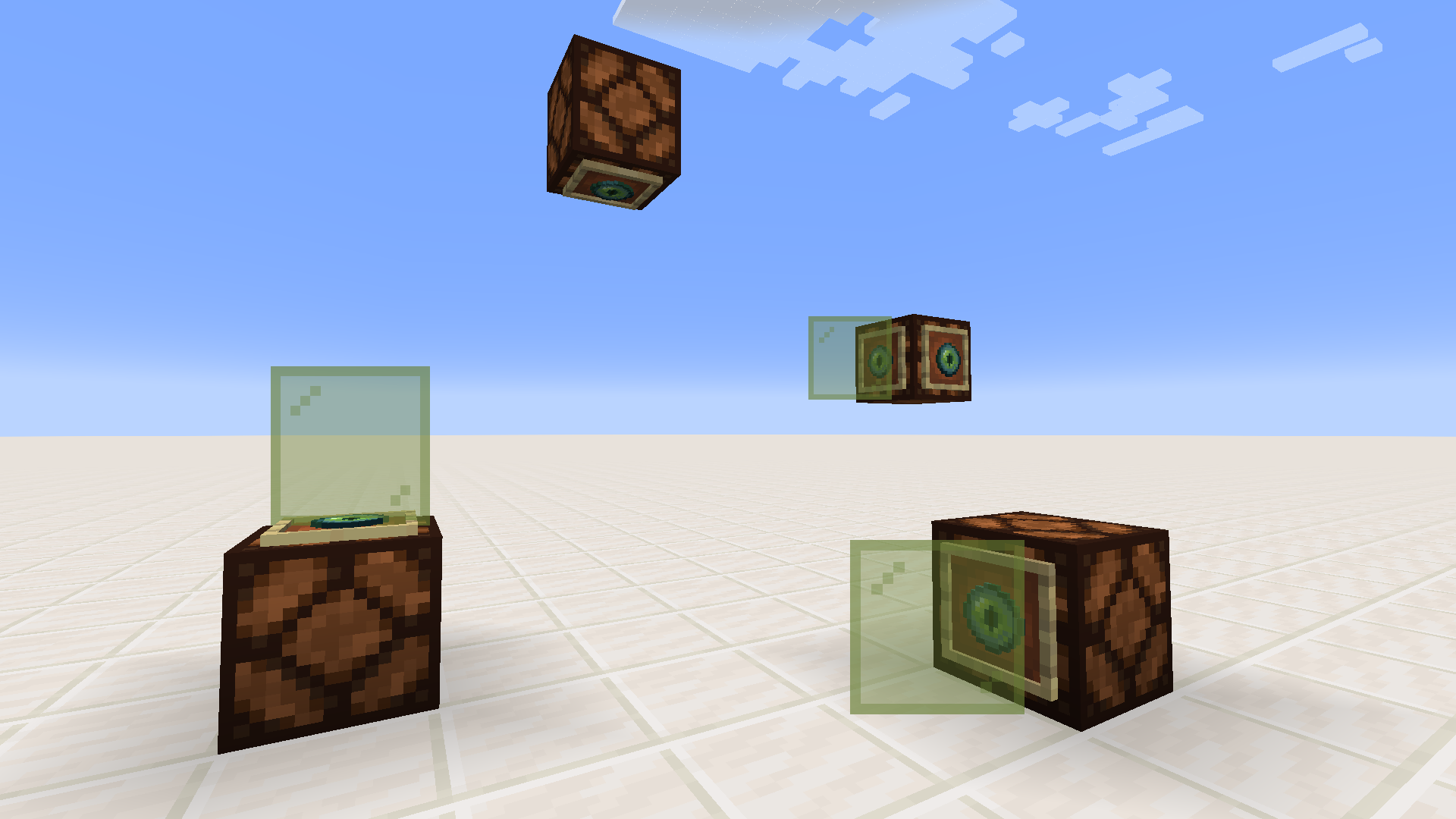
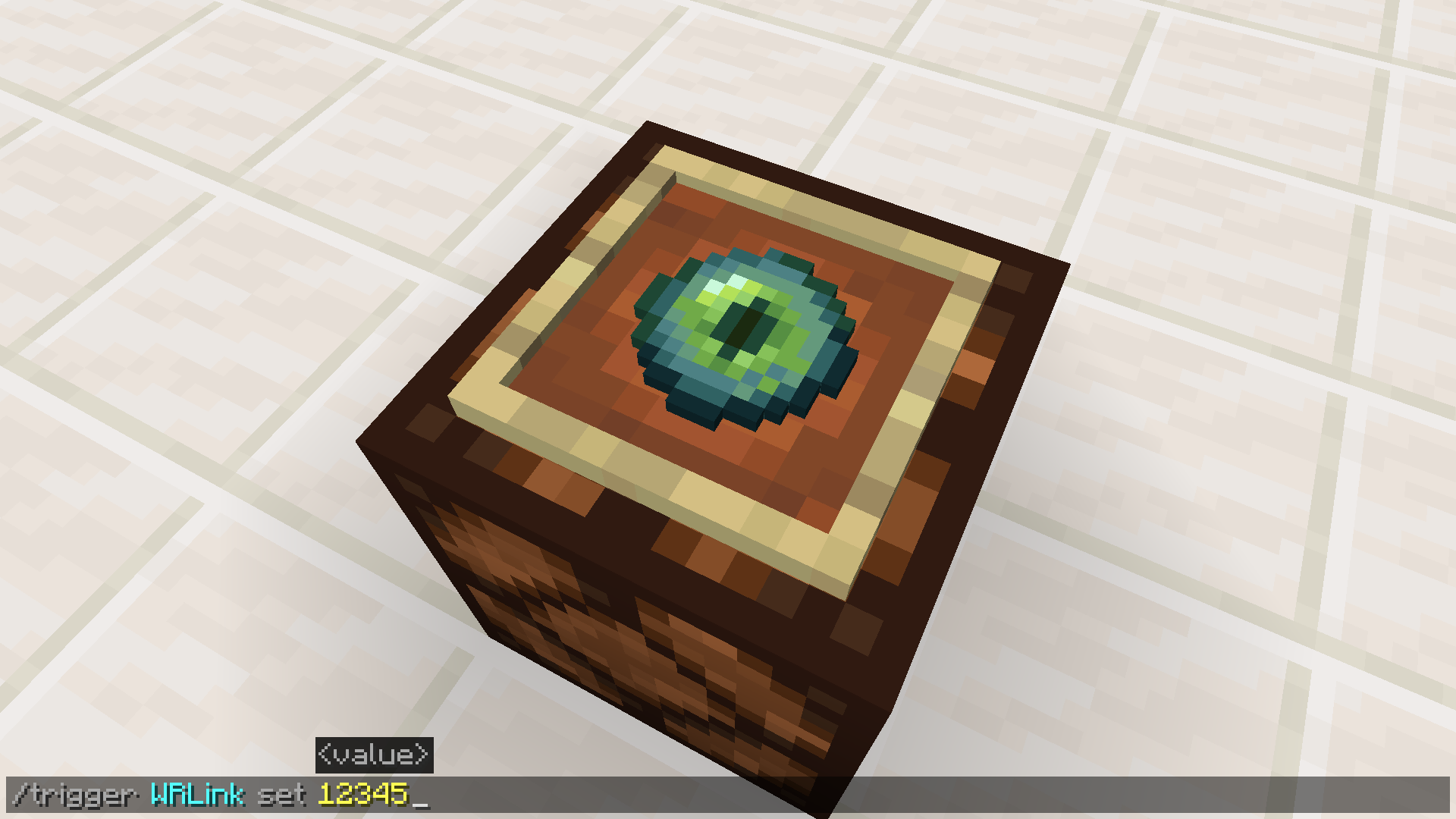
Redstone lamps are linked to a channel by placing one or more ender eyes on their face (in an item frame), before using the /trigger command on “WRLink” to activate the eye.
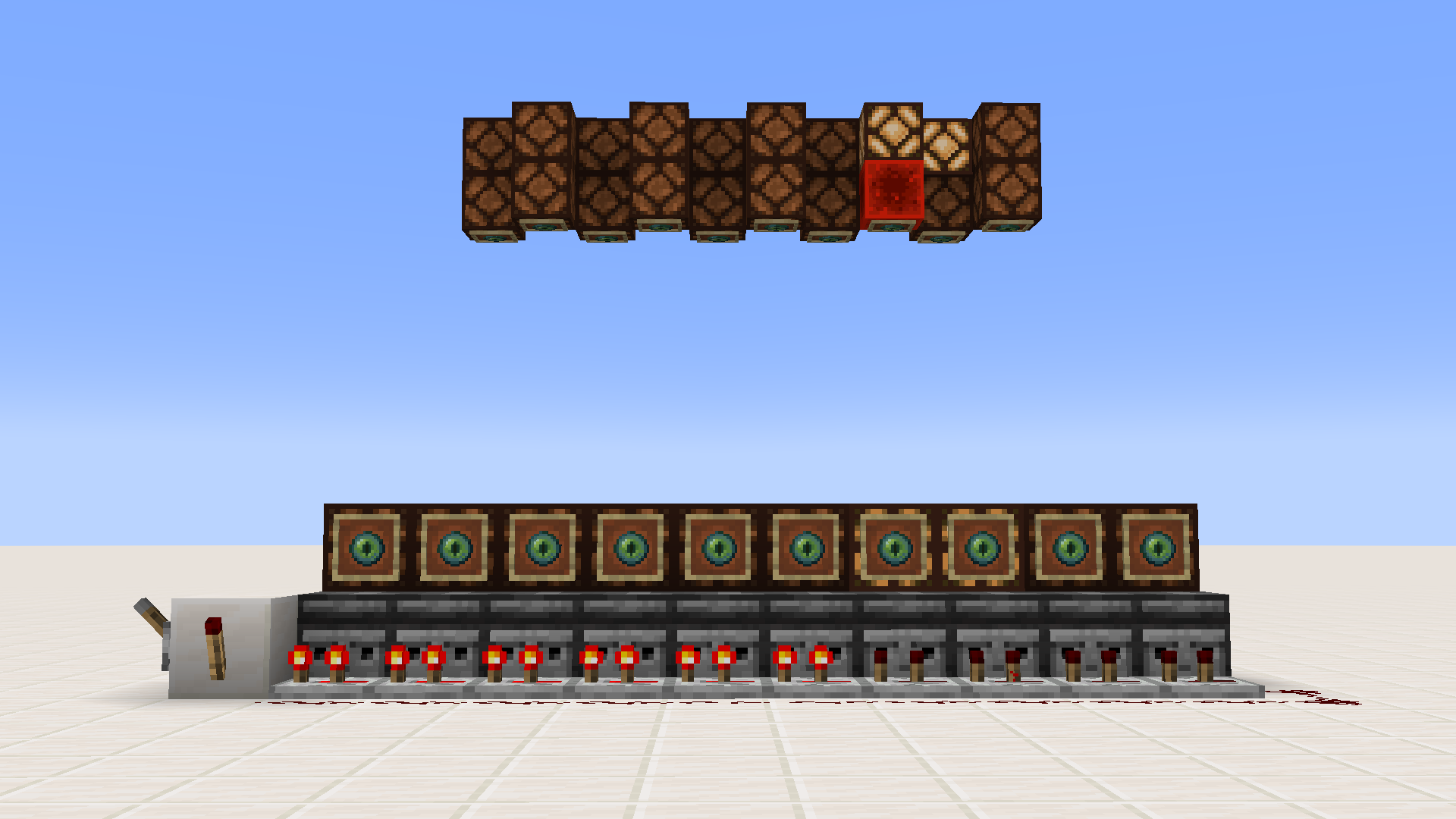
Lamps on the same channel will activate one another. When one turns on, the others become redstone blocks until the first turns off again.
You can also check what channel an eye is on, or which eyes are on a given channel, by triggering “WRGetChannel” or “WRTestChannel”, respectively.
The /trigger command is automatically enabled by the pack for all players for these objectives.
To install the datapack, just place the downloaded .zip file into your world save’s “datapacks” directory. Do not unzip the file beforehand.
A demonstration video:
常见问题
Wireless Redstone SD 支持哪些 Minecraft 版本?
Wireless Redstone SD 支持 Minecraft Java 版 1.18–1.18.1,共 2 个版本。下载时注意选择和你游戏版本一致的文件。
Wireless Redstone SD 怎么安装?
把下载的 .zip 文件(不用解压)放进游戏目录的 resourcepacks 文件夹,进游戏后在「选项 → 资源包」里把它移到右边启用。
Serpent_Dagger 的其他作品
查看全部 →
Graphing Calculator 3D
高品质、高性能的 3D 图表,支持多种坐标系,多到你大概数不过来。

The TNT Games Minigame Park
TNT Games 包含 50 款双人小游戏和“游乐项目”,分为 TNT、解谜、跑酷和综合四大类。每款游戏都附有说明手册,介绍玩法。大多数游戏中,玩家可以展开竞争……
Artificial Artificing
A fresh take on the fantasy/tech genre, Artificial Artificing brings you in-depth spellcasting and volatile crystal networks. Wits sold seperately.
评论
登录后评论和评分