
Updated GUI — Translucent
Minecraft's GUIs, but better and translucent, matching what's behind it.
截图


介绍
About
This a themed version of Updated GUI that makes interfaces translucent.
Updated GUI updates various aspects of the interfaces across the entire game while preserving the vanilla style. It adds new icons, improved interfaces, buttons, scrollbars, dedicated textures for each storage container and more.
You can find a normal version here and a dark version here).
Changes
Expand list
- New titles across all GUIs.
- Redesigned xp bar, hotbar and hud icons.
- Animated hud icons.
- New recipe book texture.
- GUI arrows redesigned (now look less like Faithful).
- Book page arrows are now straight instead of curved.
- Buttons glow on hover.
- Green highlight when hovering over some item slots.
- Consistent, smaller scroll bars.
- Minor language tweaks across the game.
- Axiom Mod support.
- Dedicated textures for each storage container (Uses OptiGUI).
- Removed empty armor hud icons.
Recommended
Updated GUI uses OptiGUI. While not required, it’s recommended to use it so each storage container can have its own dedicated interface, and because the generic_54 texture currently used is textured specifically for chests only.
However, alternative textures are included in the texture files, so they can be swapped to fit your needs when OptiGUI is not installed or for server use.
Issues/Solutions
When OptiGUI is not installed
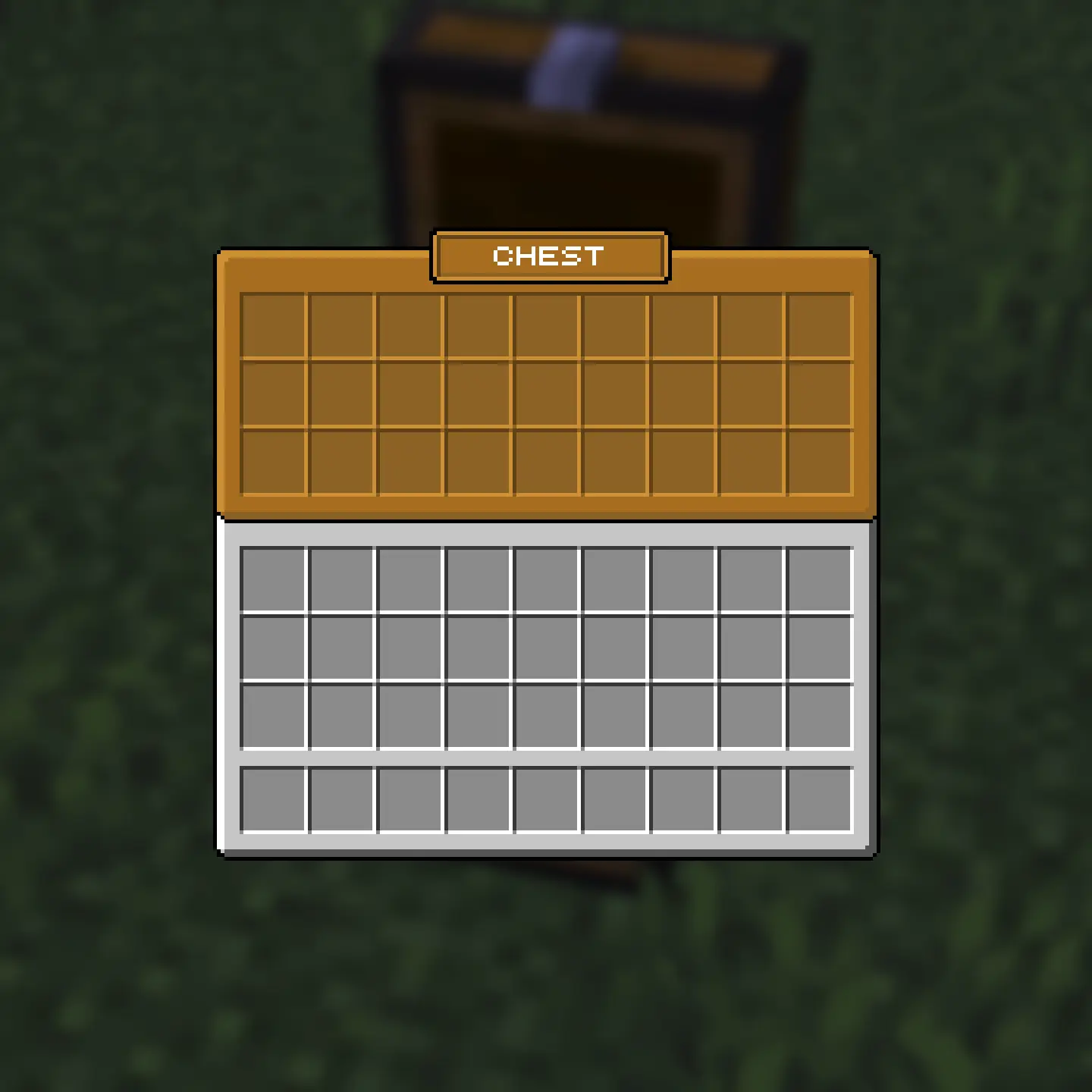
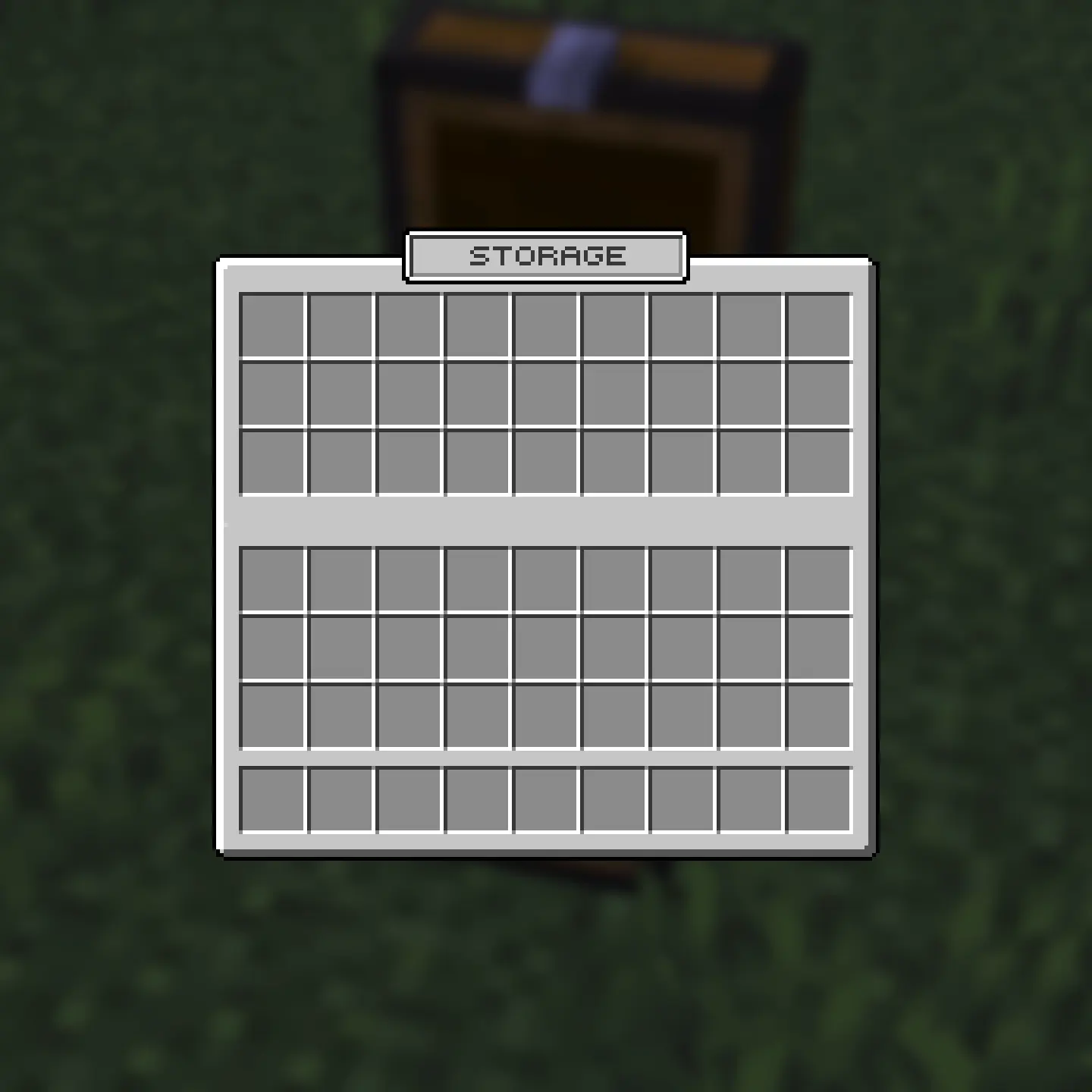
The generic_54 texture labeled “generic_54 default” can be renamed to “generic_54” which uses a “Storage” label that can be used across chests, ender chests, and barrels when OptiGUI is not installed.
Issue
Solution
Server plug-in named chests
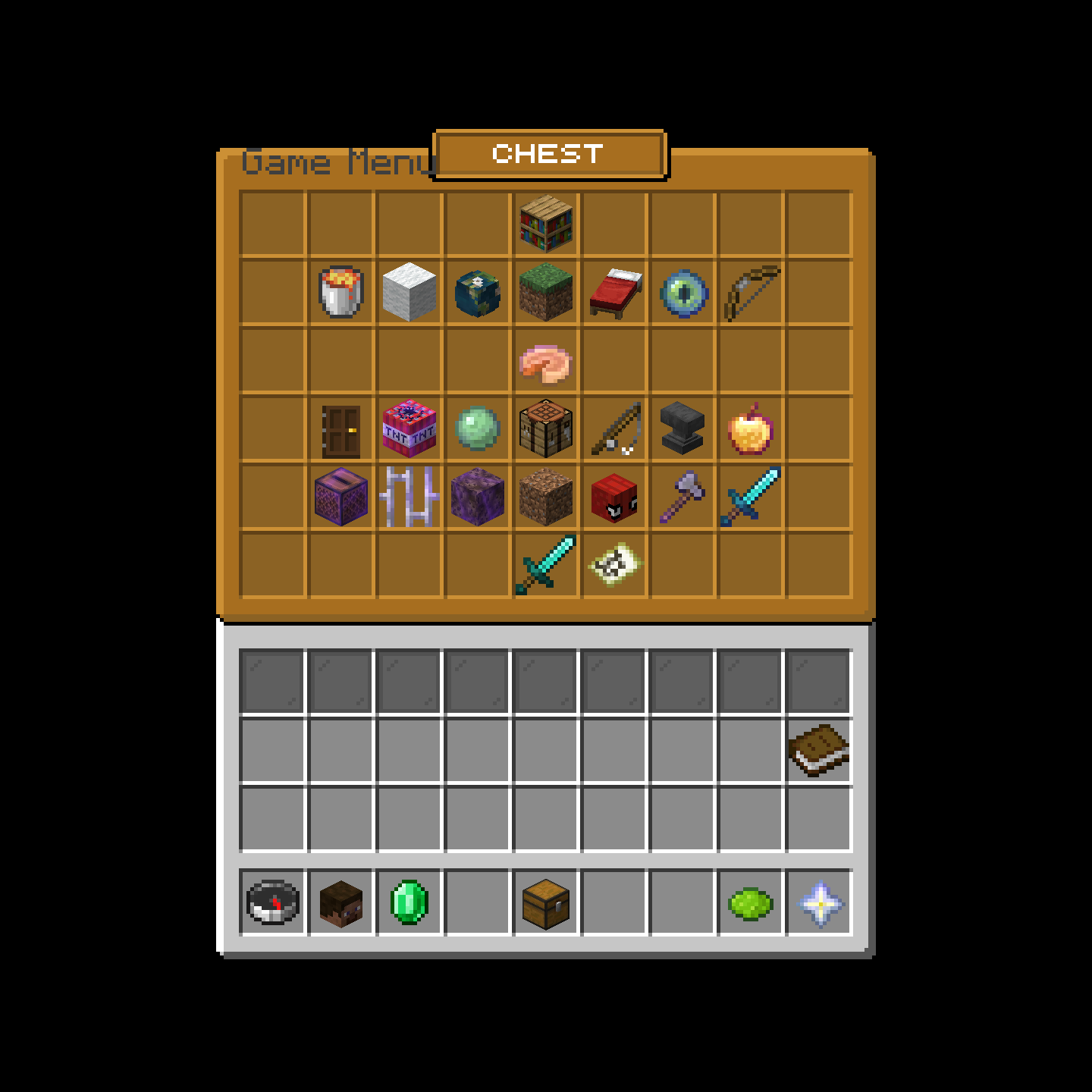
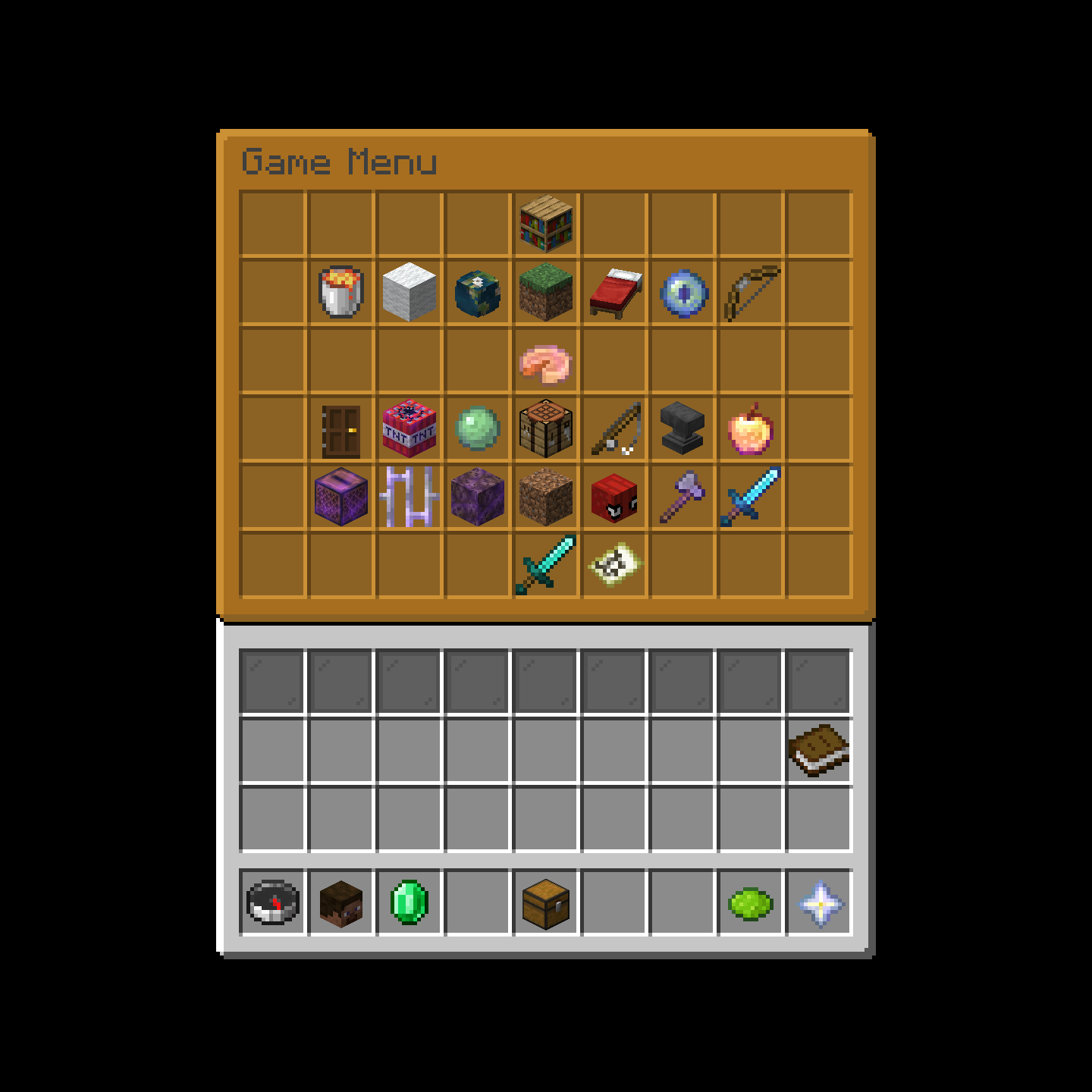
Two unlabeled generic_54 options are there for server use to prevent interference with plugin-named chests.
Issue
Solutions
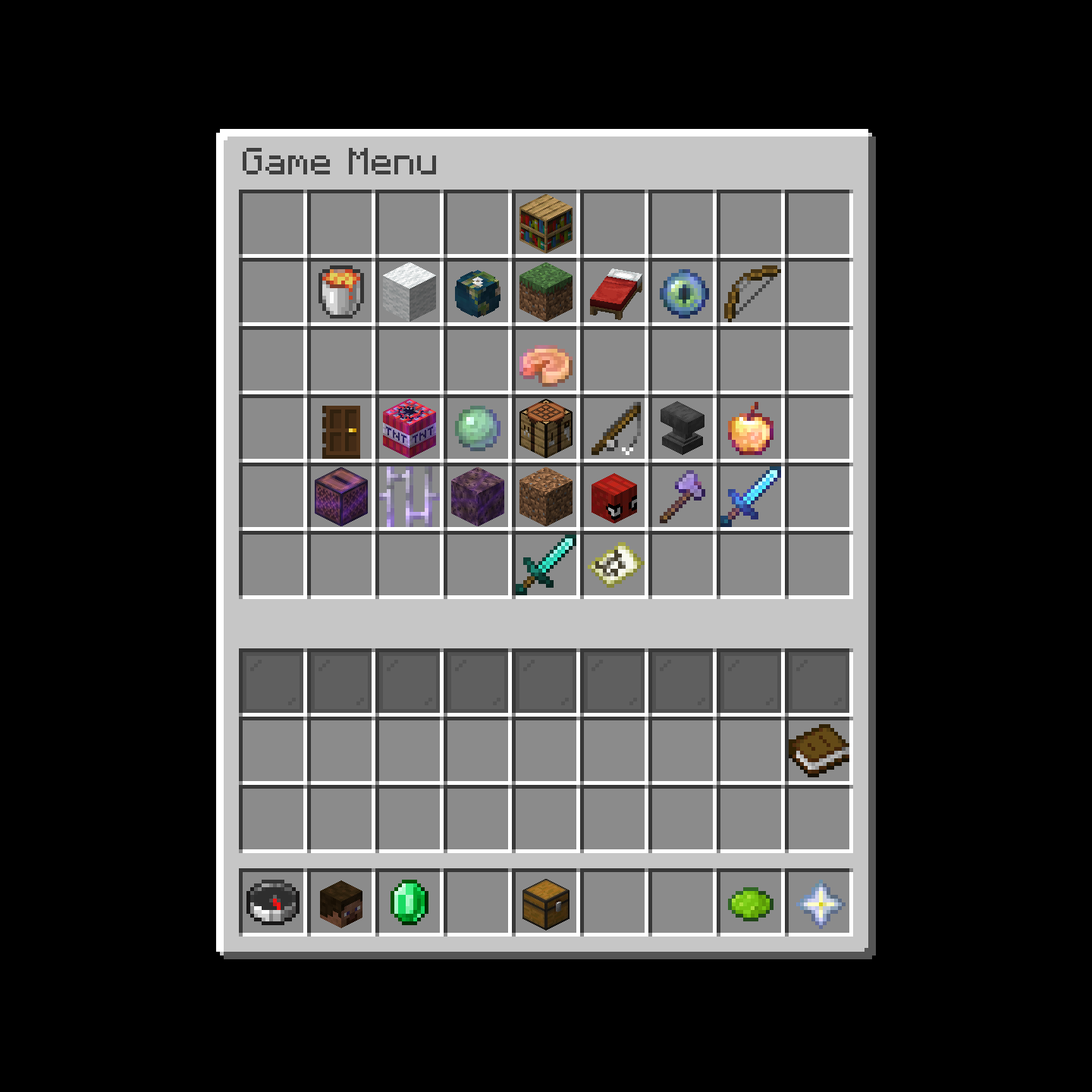
Compare Versions
Updated GUI
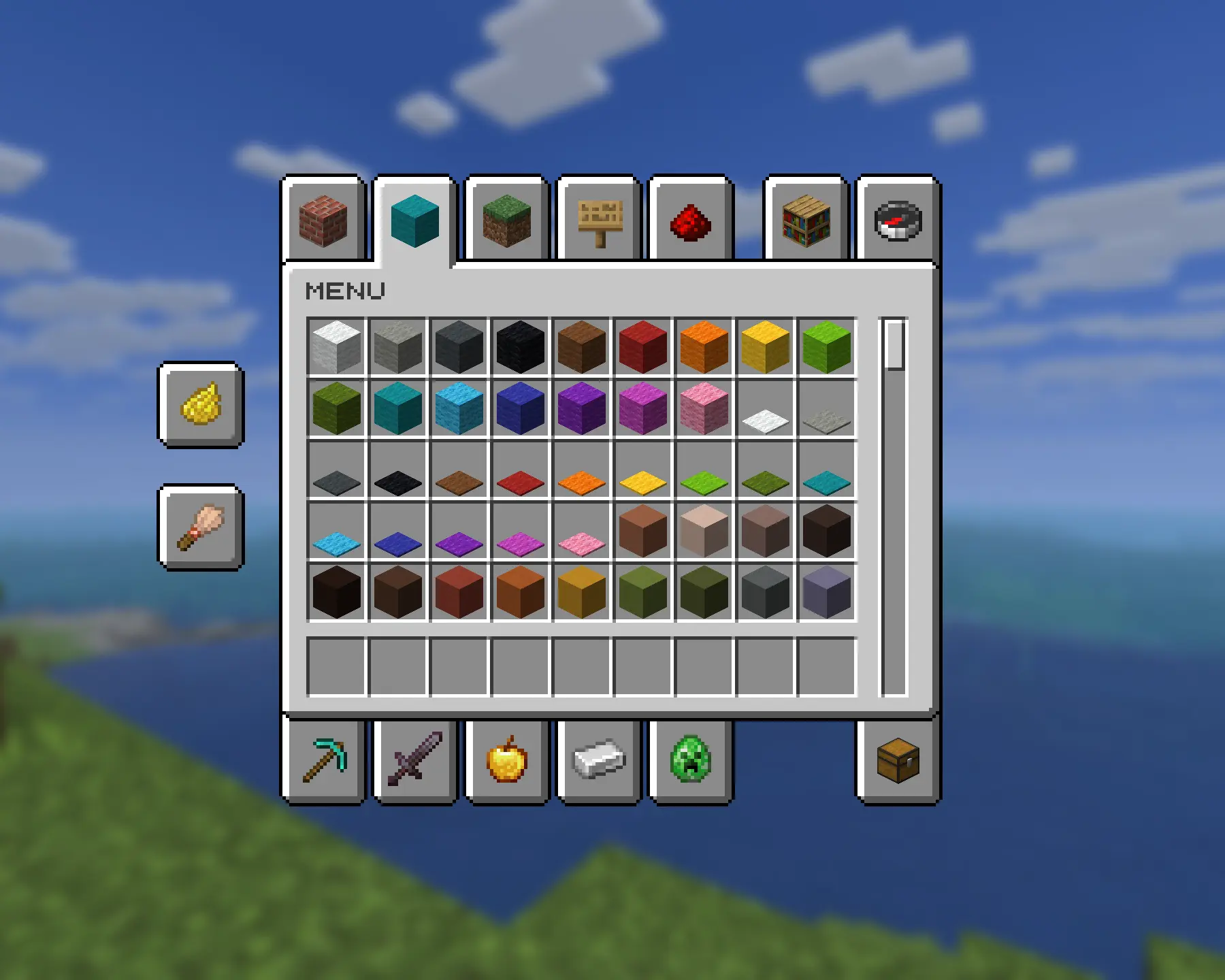
Updated GUI — Dark Mode
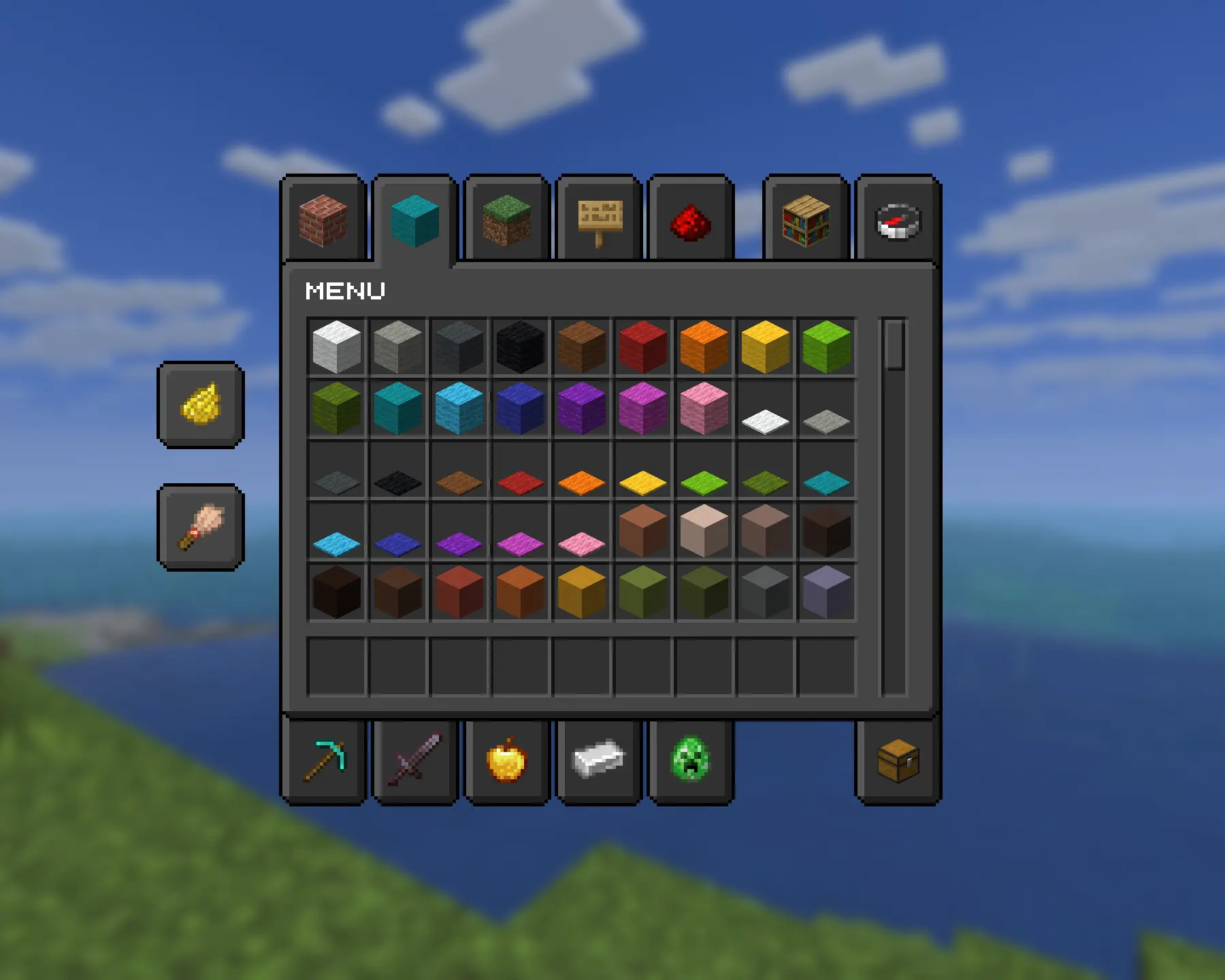
Updated GUI — Translucent

Updated GUI — Translucent v2

常见问题
Updated GUI — Translucent 支持哪些 Minecraft 版本?
Updated GUI — Translucent 支持 Minecraft Java 版 1.20.5–1.21.10,共 13 个版本。下载时注意选择和你游戏版本一致的文件。
Updated GUI — Translucent 怎么安装?
把下载的 .zip 文件(不用解压)放进游戏目录的 resourcepacks 文件夹,进游戏后在「选项 → 资源包」里把它移到右边启用。
spiderbat 的其他作品
查看全部 →
Chase the Skies
受 1.21.6 更新宣传图“追逐天空”启发的日出与日落。

Grass Clovers
Gives short grass a chance of appearing as clovers.

Glass
Consistent glass textures and colors with clear connected textures.

Water Caustics
Makes oceans more immersive by giving blocks animated textures to mimic water caustics from vibrant visuals, only underwater, and without the use of shaders.
评论
登录后评论和评分