
截图

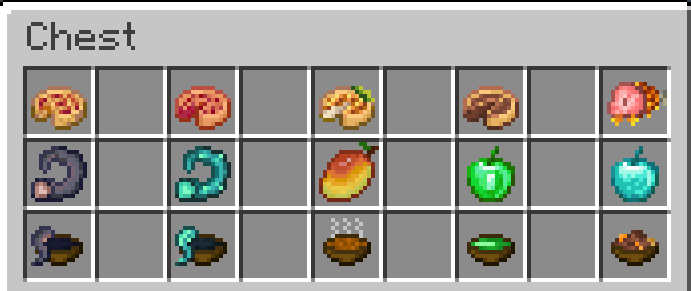
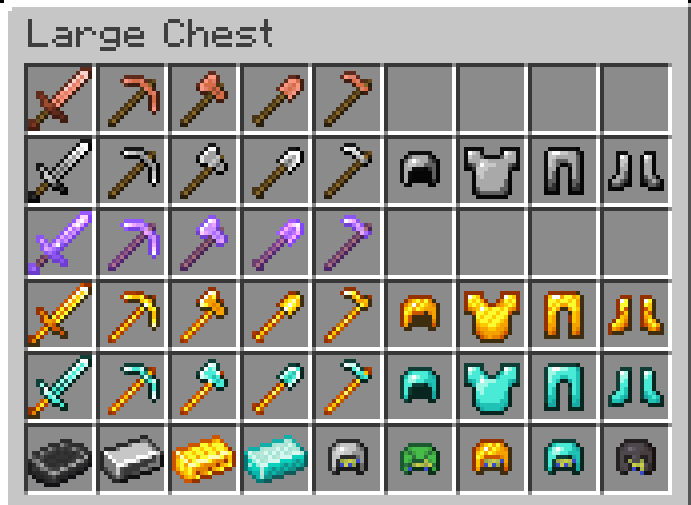
介绍
中文介绍正在准备中,下面暂时显示原文。
Link to the datapack: https://modrinth.com/project/ultra-hardcore-datapack
How to install
- Download a resource pack, you should get a .zip file
- Open the folder to which you downloaded the file
- Copy the .zip file
- Open Minecraft
- In Minecraft, click on “Options”, then “Resource Packs”
- Choose “Open resource pack folder”
- Paste the file into the resource folder in Minecraft
- Go back to Minecraft, the resource pack should now be listed
常见问题
Ultra Hardcore Resource Pack 支持哪些 Minecraft 版本?
Ultra Hardcore Resource Pack 支持 Minecraft Java 版 1.20.3–1.20.4,共 2 个版本。下载时注意选择和你游戏版本一致的文件。
Ultra Hardcore Resource Pack 怎么安装?
把下载的 .zip 文件(不用解压)放进游戏目录的 resourcepacks 文件夹,进游戏后在「选项 → 资源包」里把它移到右边启用。
DWizard 的其他作品
查看全部 →
Ultra Hardcore by DWizard
by DWizard
A feature-rich datapack that aims to increase Minecraft's difficulty and turn the game into a true survival experience, by expanding it's progression and all of it's survival aspects.
86
5 个月前
Modrinth
Ultra Hardcore Resource Pack
by DWizard
The resource pack required for the Ultra Hardcore Datapack
55
6 个月前
Modrinth
评论
登录后评论和评分