截图
介绍
中文介绍正在准备中,下面暂时显示原文。
NetheriteGlowing
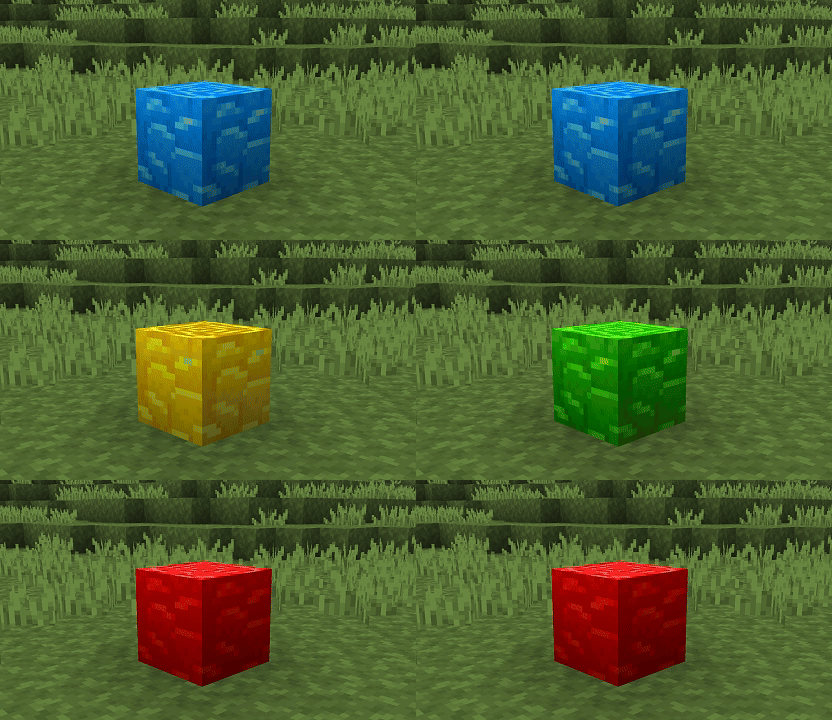
Make Ancient Debris glow in the depths of the Nether! ⛏️✨
How to install
Download the NetheriteGlowing resource pack and place it in your resourcepacks/ folder
Enjoy your mining sessions! 🎉
✨ Features
- 🔥 Block Glowing: Ancient Debris illuminates in pitch black darkness so you never miss them again.
- 👀 Optimized Visibility: Instantly spot the rare ore during your TNT or bed mining sessions.
- ⚡ Ultra Lightweight: Only modifies the emissive properties of this specific block without impacting your FPS.
- 🎨 Vanilla Friendly: Keeps the original Ancient Debris texture, simply adding a glowing effect to the cracks!
🎮 How it works
🔍 Exploration and Mining
- ✅ Go down mining in the Nether (usually around Y-level 15).
- ✅ Uncovered Ancient Debris blocks will stand out visually thanks to their magmatic glow.
- 🔄 Works instantly upon pack activation, no game restart required.
⚙️ Configuration
For the lighting effects to display correctly, check your settings:
📊 Requirements
- ✅ Minecraft: v:1.21 to 26.2
🐛 Support & Issues
The block doesn’t glow in-game?
- 📝 Verify that the pack is at the very top of your resource packs list.
All rights reserved to VTH Studios
Happy mining in the Nether! ⛏️
常见问题
NetheriteGlowing 支持哪些 Minecraft 版本?
NetheriteGlowing 支持 Minecraft Java 版 1.21–26.2,共 16 个版本。下载时注意选择和你游戏版本一致的文件。
NetheriteGlowing 怎么安装?
把下载的 .zip 文件(不用解压)放进游戏目录的 resourcepacks 文件夹,进游戏后在「选项 → 资源包」里把它移到右边启用。


评论
登录后评论和评分