
截图

介绍
中文介绍正在准备中,下面暂时显示原文。
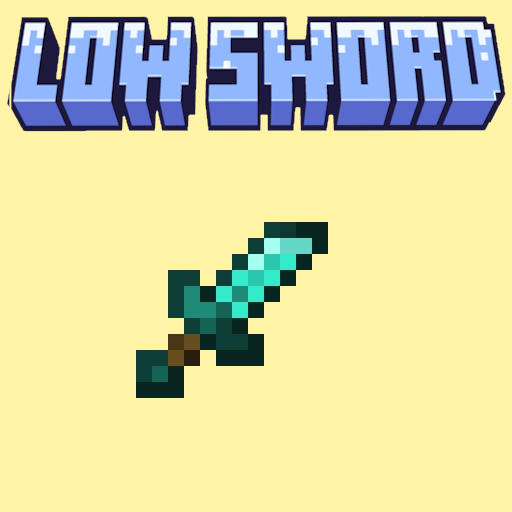
LowSword
Clear your view and keep your eyes on the target during intense battles! 🗡️👀
How to install
Download the LowSword resource pack and place it in your resourcepacks/ folder
Enjoy your newly unobstructed combat view! 🎉
✨ Features
- 🗡️ Lowered Position: Swords are held lower on your screen to maximize screen visibility during fights.
- ⚔️ Combat Optimized: Perfect for PvP and PvE—prevents large weapon models from blocking your crosshair and target tracking.
- ⚡ Ultra Lightweight: Only modifies the 3D display properties of swords without impacting your FPS.
- 🎨 Vanilla Friendly: Keeps original textures and swinging animations, simply adjusting their position on your screen!
🎮 How it works
🔍 Exploration and Combat
- ✅ Hold any sword in your main hand or off-hand.
- ✅ Enjoy an expanded, clutter-free field of view while sprinting, walking, or attacking.
- 🔄 Works instantly upon pack activation, no game restart required.
⚙️ Configuration
For the new sword position to display correctly, check your settings:
📊 Requirements
- ✅ Minecraft: v:1.21 to 26.2
🐛 Support & Issues
The sword still takes up too much space on your screen?
- 📝 Verify that the pack is at the very top of your resource packs list (especially above other PvP or texture packs).
All rights reserved to VTH Studios
Stay sharp and happy fighting! ⚔️
常见问题
LowSwordVery 支持哪些 Minecraft 版本?
LowSwordVery 支持 Minecraft Java 版 1.21.6–26.2,共 10 个版本。下载时注意选择和你游戏版本一致的文件。
LowSwordVery 怎么安装?
把下载的 .zip 文件(不用解压)放进游戏目录的 resourcepacks 文件夹,进游戏后在「选项 → 资源包」里把它移到右边启用。


评论
登录后评论和评分