
Windows 95 Plus!
作者:Mine Co. +
A vanilla-friendly resource pack that turns Minecraft into Windows 95 with Microsoft Plus! — pink UI, setup wizard loading screen, and retro vibes with BTB Shader + High Contrast.
截图


介绍
中文介绍正在准备中,下面暂时显示原文。

Minecraft 95 Plus
Welcome to Minecraft 95 Plus — a vanilla-friendly resource pack that transforms Minecraft into a nostalgic throwback to Windows 95 + Microsoft Plus!
This pack adds:
- 🖥️ Windows 95–inspired UI
- 🎨 Pink retro aesthetic
- 📂 Setup Wizard–style loading screen
- 🟪 High Contrast visuals
- 🕹️ Retro performance modes (requires FPS cap + shader setup)
🎮 Retro Experience Guide
All modes require:
- ✅ High Contrast ON
- ✅ BTB Shader (Back To Basics, PS1-style)
Modes:
- Win95 Emulation Mode → 10 FPS cap
- Pentium III Mode → 20 FPS cap
- CRT Smooth Mode → 30 FPS cap
- Windows ME Chaos Mode → Random stutters + fake crash vibes (Coming soon…)
📦 Compatibility
- ✔️ Works with Minecraft 1.21+
- ✔️ No mods required (resource pack only)
- ⚡ For the full retro vibe, use with Iris/Oculus shaders + BTB Shader.
📸 Screenshots
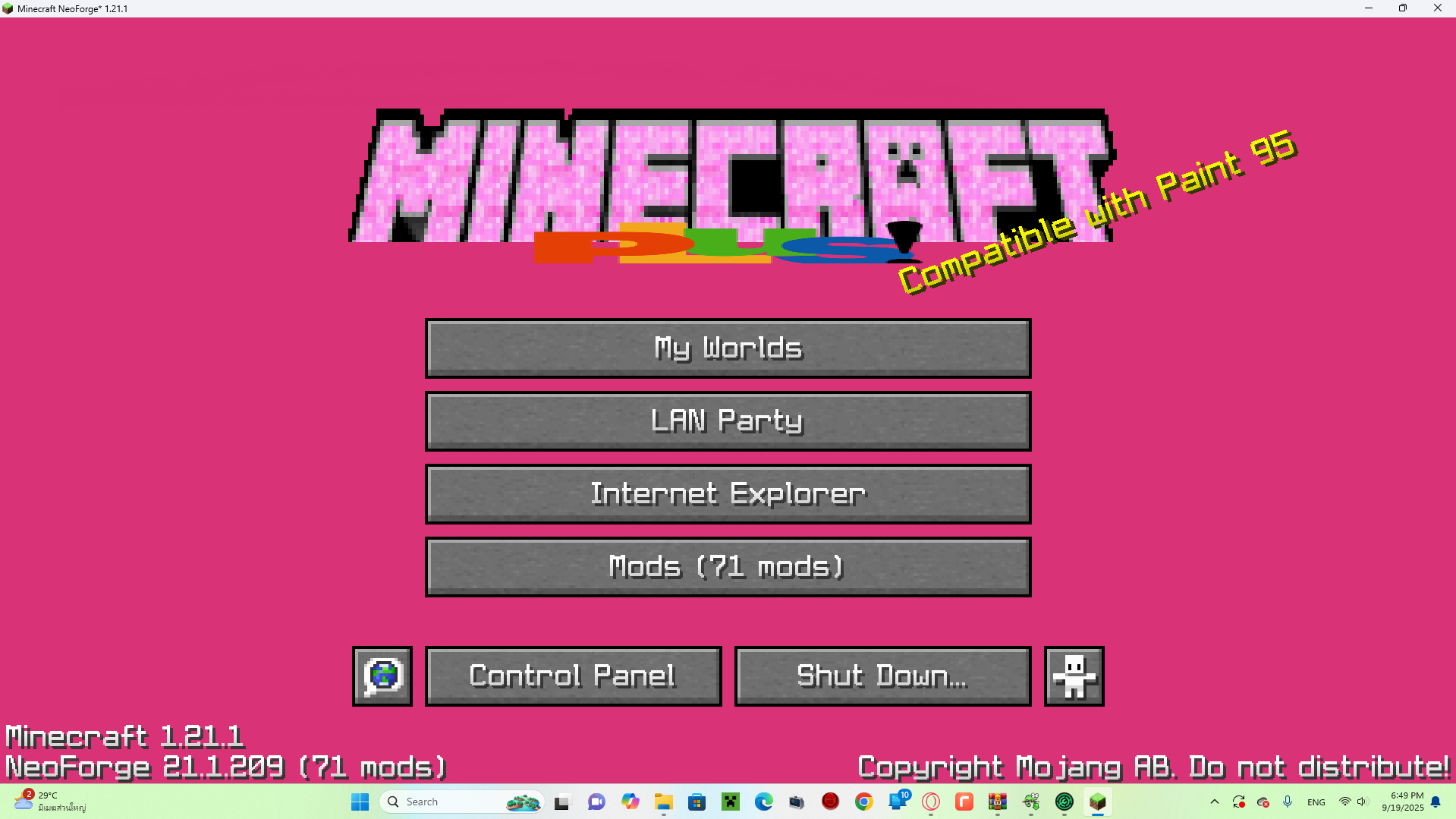
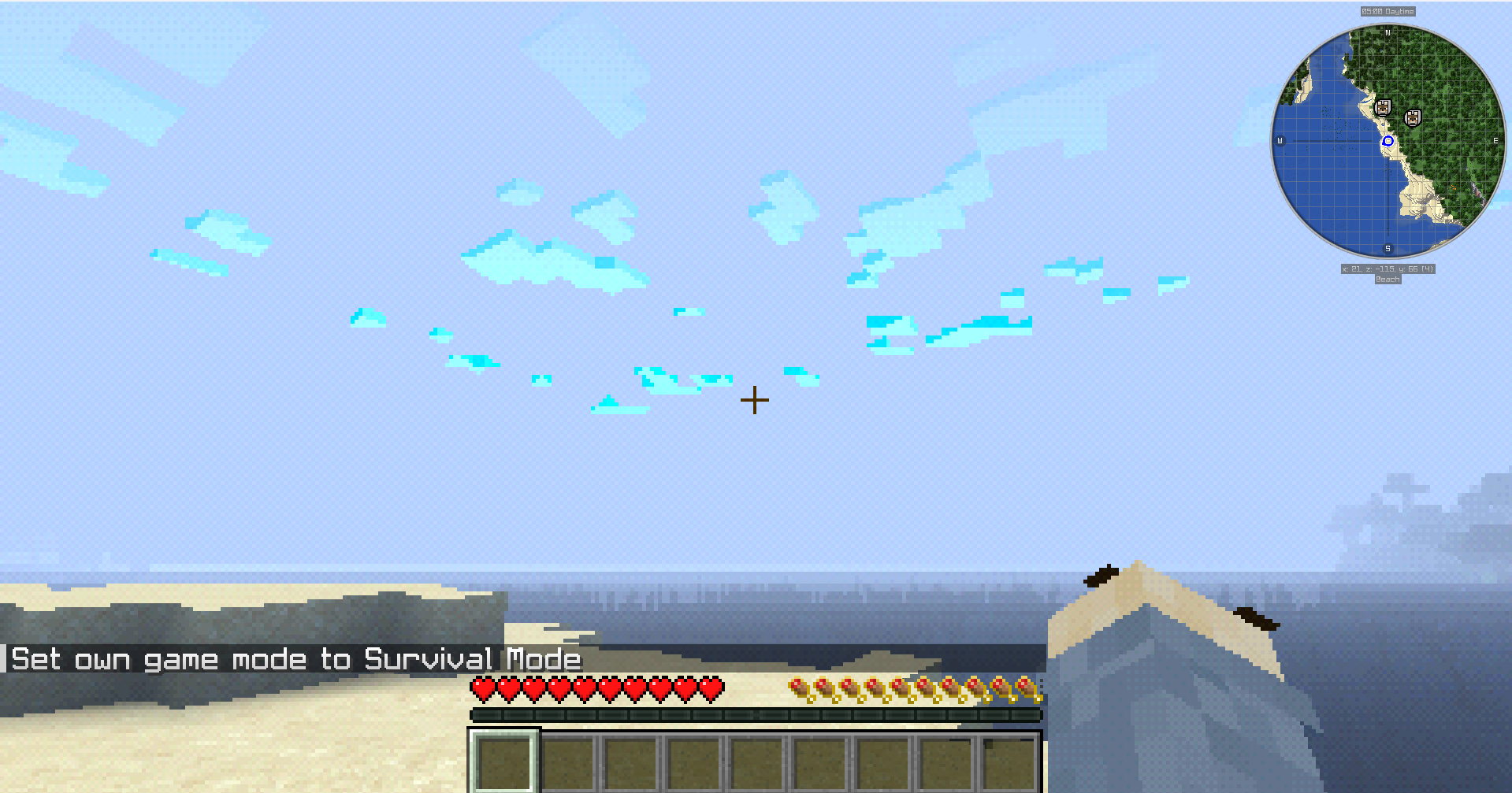
📥 Installation
- Download the
.zipfile. - Place it in your Minecraft
resourcepacksfolder. - Enable it in the Resource Packs menu.
- (Optional but recommended) Enable High Contrast + BTB Shader for the full experience.
🔗 Distribution
- Available on Modrinth and CurseForge.
- Free to use, but please credit if showcased in videos/streams.
👾 Step back in time — Minecraft has never looked this retro and cursed before.
常见问题
Windows 95 Plus! 支持哪些 Minecraft 版本?
Windows 95 Plus! 支持 Minecraft Java 版 1.21–1.21.8,共 9 个版本。下载时注意选择和你游戏版本一致的文件。
Windows 95 Plus! 怎么安装?
把下载的 .zip 文件(不用解压)放进游戏目录的 resourcepacks 文件夹,进游戏后在「选项 → 资源包」里把它移到右边启用。
Mine Co. + 的其他作品
查看全部 →
Better Cave Sounds
by Mine Co. +
A better cave detector for Minecraft.
2,820
1 年前
Modrinth · CurseForge

Fog Begone
by Mine Co. +
Removes all fog from the game for a clearer experience.
1,726
1 年前
Modrinth

PixelPaw’s Back To Nostalgia Pack
by Mine Co. +
Make minecraft look and feel old
1,468
1 年前
Modrinth

Trailer
by Mine Co. +
Make Minecraft Look and Feel Like Trailer
1,090
1 年前
Modrinth
评论
登录后评论和评分