
Wynn Volcanism
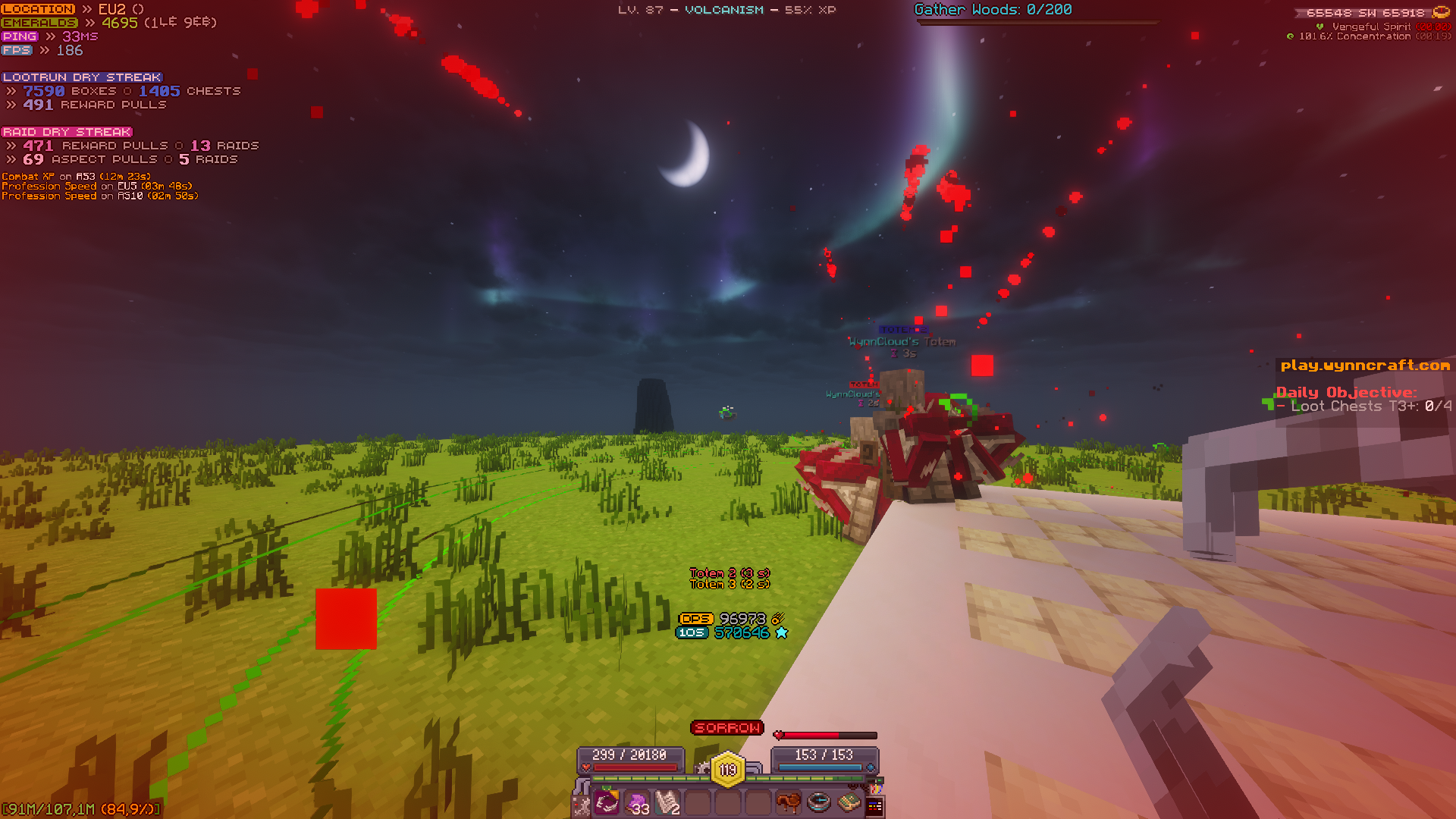
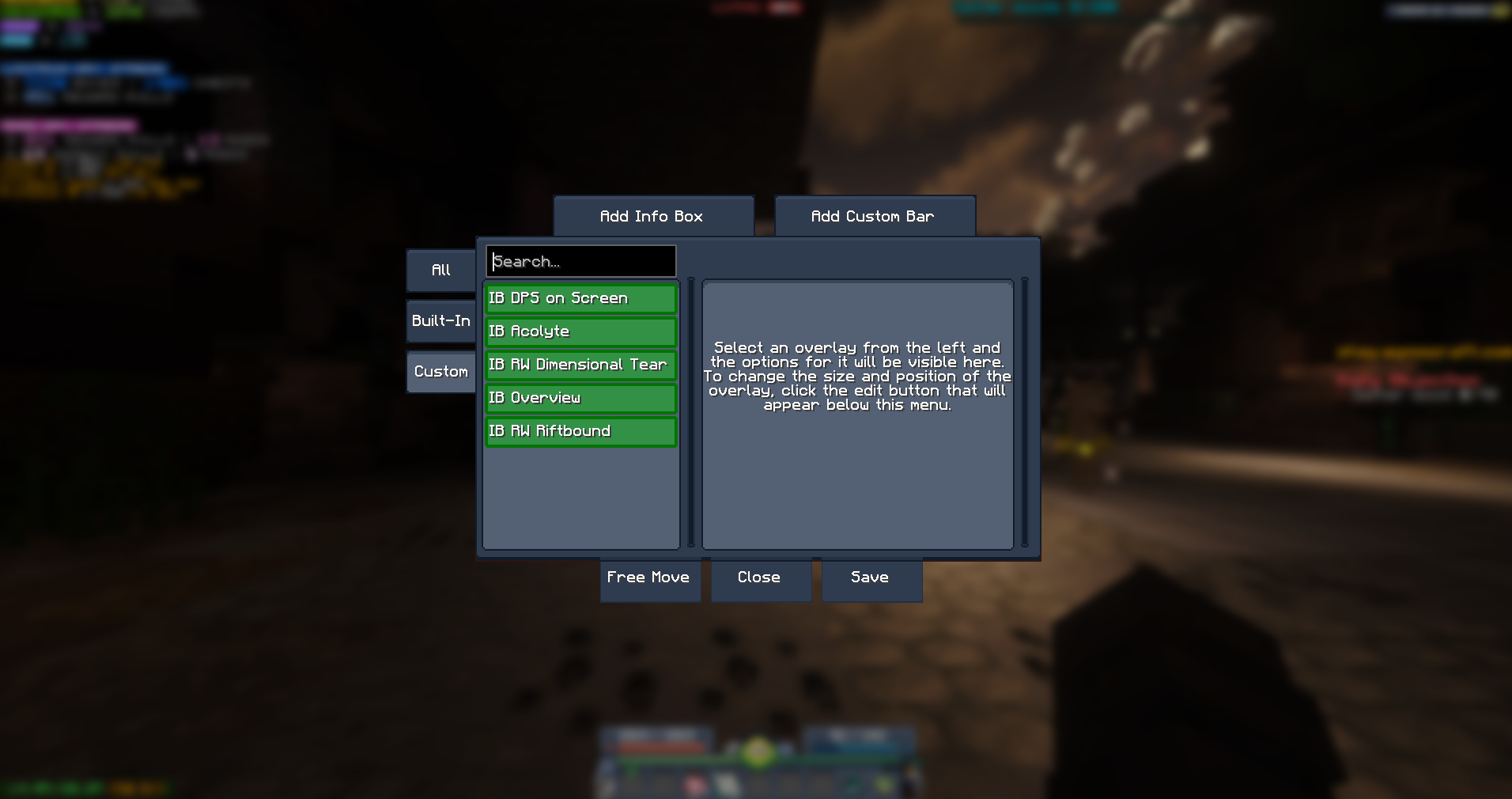
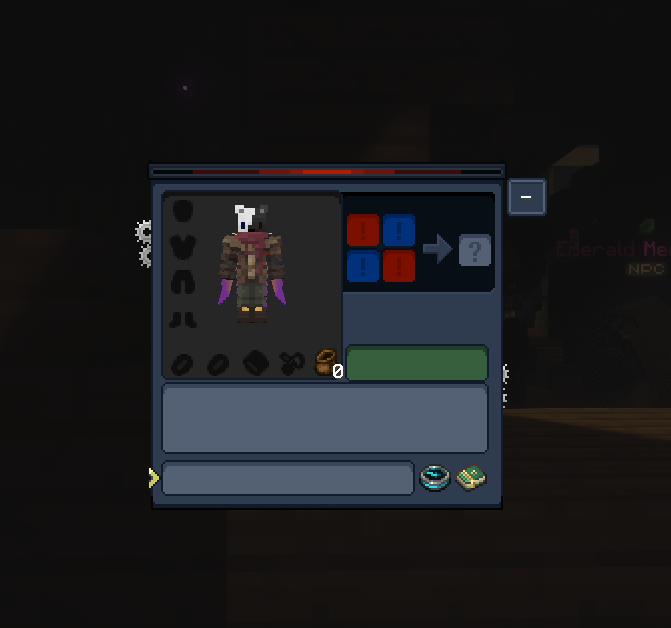
Custom Wynncraft modpack focused on a clean experience, minimal GUI, unobtrusive overlays, and only the mods that actually matter.
截图
介绍
A performance-focused client modpack built specifically for the Wynncraft server. Optimized for smooth gameplay, a clean unobtrusive UI, and quality-of-life features that let you focus on the game without unnecessary bloat.
Performance, Visuals & UI
- Sodium — massively improves rendering performance over vanilla
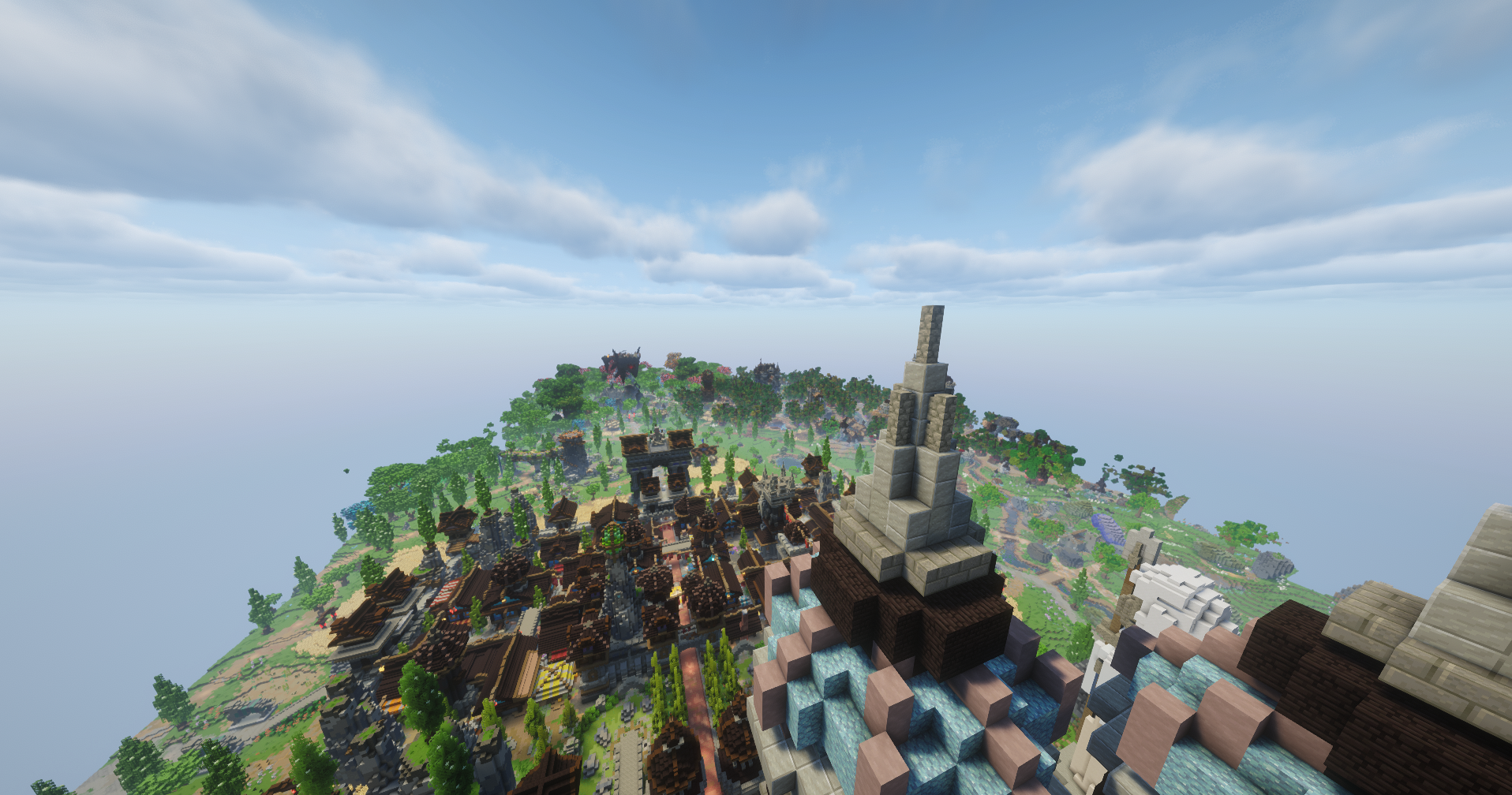
- Bobby — extends render distance beyond what the server sends, keeping the world feeling full
- Disable Fog — removes the fog effect for clearer long-distance visibility
- Iris — optional shader support with minimal performance cost
- WynnIris — Wynncraft-specific Iris integration for optimized shader compatibility
- 3D Skin Layers — renders all skin layers in full 3D for a polished player appearance
- Konkrete — clean UI rendering library used by several mods in this pack
- Mod Menu — in-game mod list and config access
Wynncraft-Specific
- Wynntils — the essential Wynncraft companion: custom HUD, map, item tooltips, and more
- wynnmod — core Wynncraft utility mod for additional QoL improvements
- wynnventory — enhanced inventory management for Wynncraft loot
- Wynncraft Spell Caster — improved spell casting to be more precise
- VisibleToggleSprint — visual sprint toggle indicator
Keep in mind every overlay is tailored for Minecraft GUI Scale 2
包含的模组 27 个
 3D皮肤层
 Bobby
 Clarity
 Cloth Config API
 Complementary Shaders - Reimagined
 Disable Fog
 F5 Ranger
 Fabric API
 Fabric Language Kotlin
 Fzzy Config
 Iris Shaders
 Just Zoom
 Konkrete
 MaLiLib
 MidnightLib
 模组菜单
 钠
 Text Placeholder API
 Visible Toggle Sprint
 Wynn Legacy Item Fonts
 Wynncraft - Fancy Professions Materials
 Wynncraft Spell Caster
 Wynngineer's Vision
 WynnIris
 wynnmod
 Wynntils
 Wynnventory
左侧绿标的模组本站有收录,点进去看中文介绍;其余跳转到 Modrinth。
常见问题
Wynn Volcanism 支持哪些 Minecraft 版本?
Wynn Volcanism 基于 Minecraft Java 版 1.21.11,使用 Fabric 加载器。
Wynn Volcanism 怎么安装?
点本页「前往下载」拿到整合包文件(Modrinth 的是 .mrpack,CurseForge 的是 .zip),在 PCL2 或 HMCL 启动器里选择「导入整合包」,启动器会自动装好 Minecraft、加载器和全部模组。这个整合包有 27 个模组,建议在启动器里给游戏分配 4–6 GB 内存。
Wynn Volcanism 开服需要多大内存?
推荐服务器内存 12 GB。在线人数多、或者建了大量机器和区块加载器时,可以再加 2–4 GB。
怎么和朋友一起玩 Wynn Volcanism?
点本页的「一键开服」,选好配置后会自动安装 Wynn Volcanism 的服务端,几分钟就能开好。把服务器地址发给朋友,大家用同一个版本的整合包连进去就行。

评论
登录后评论和评分