
截图
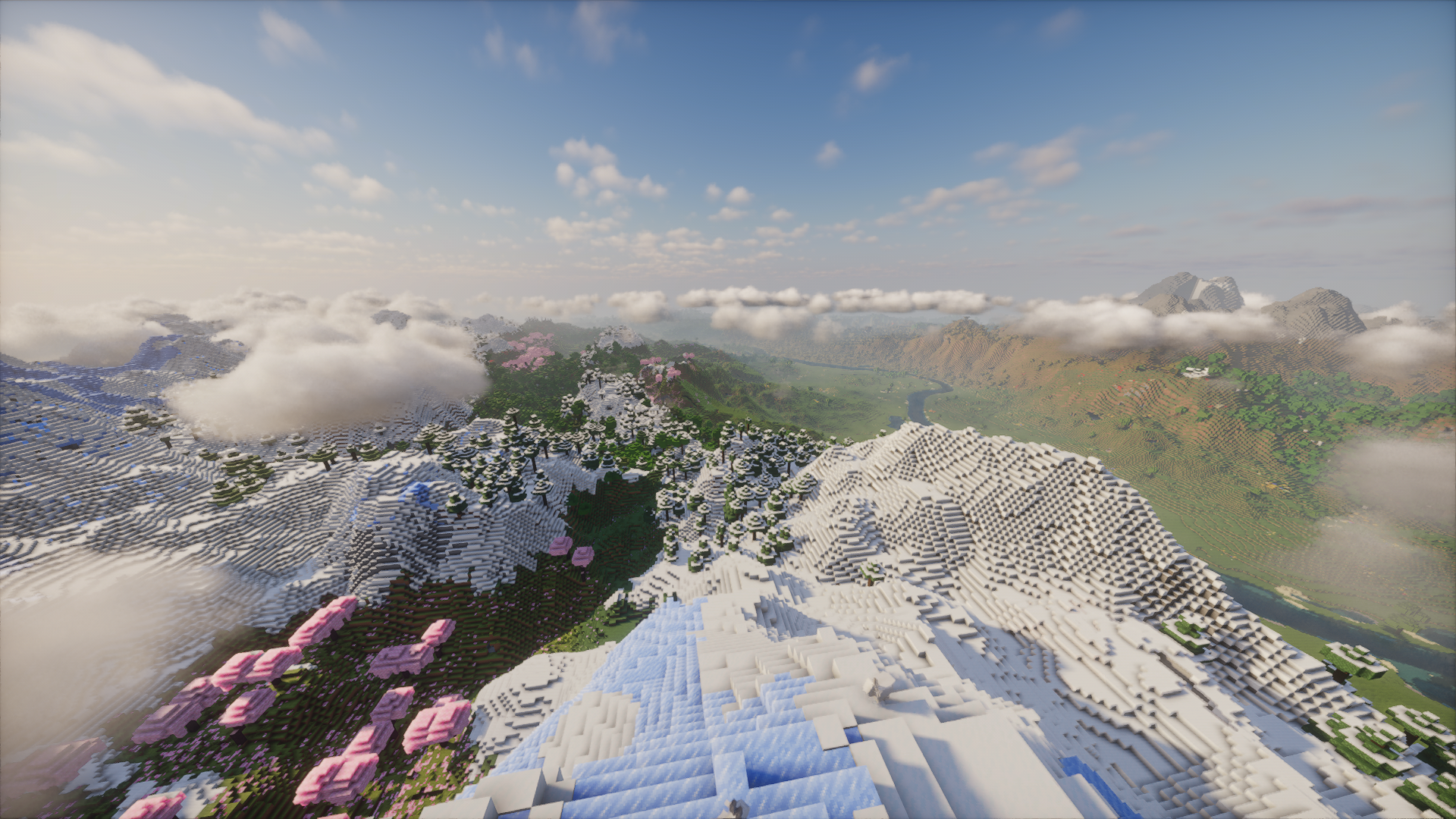
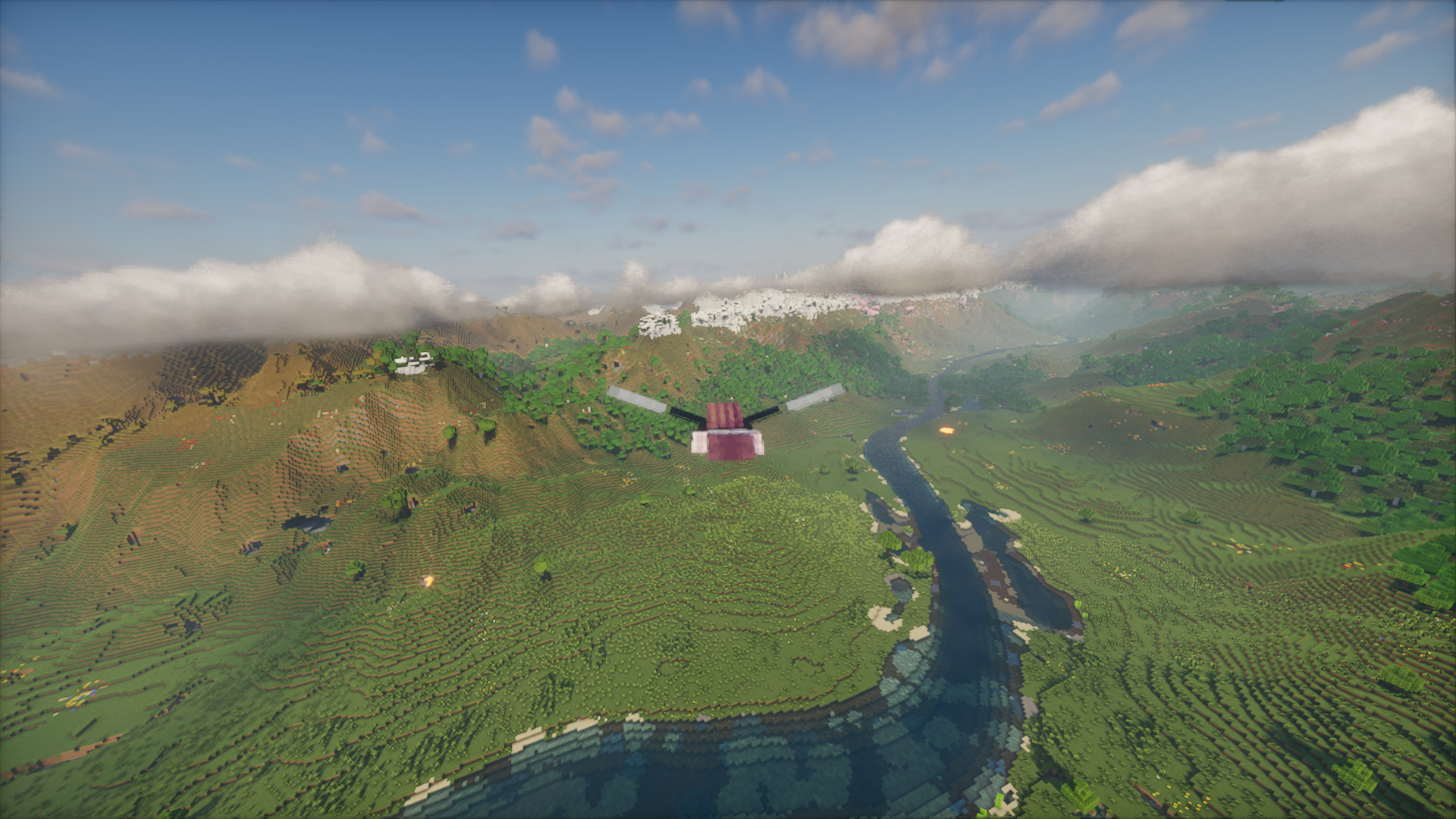
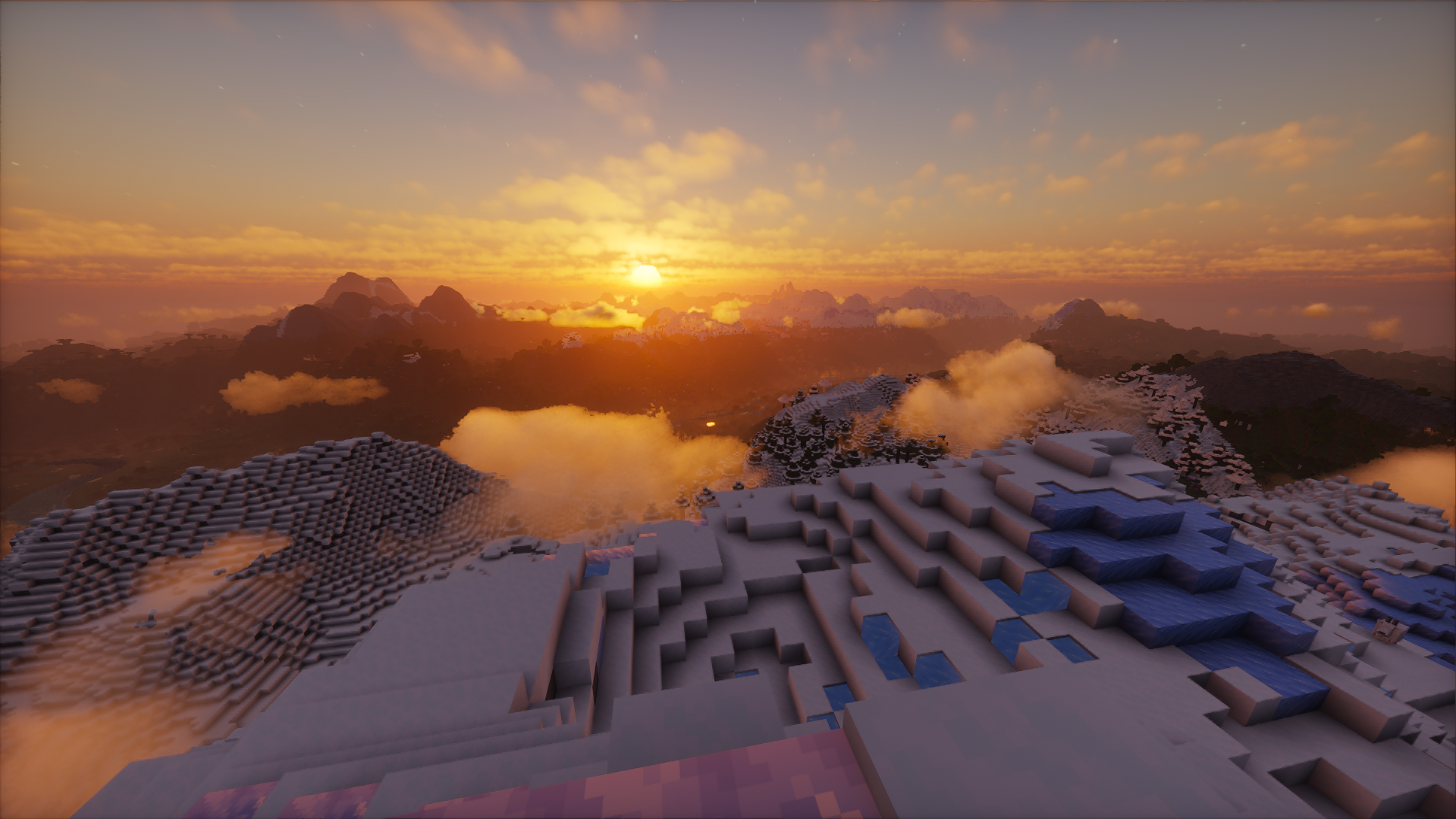
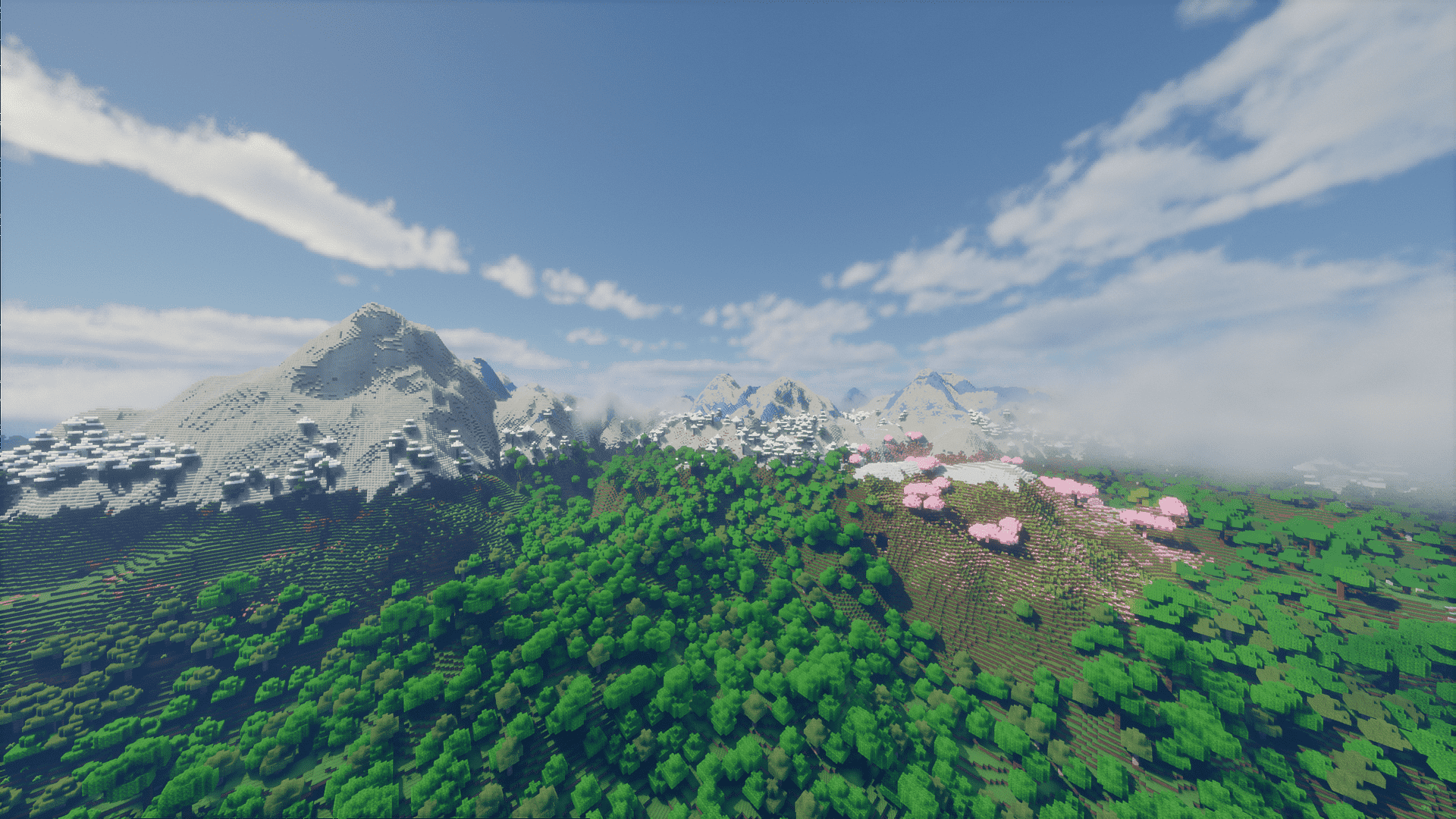
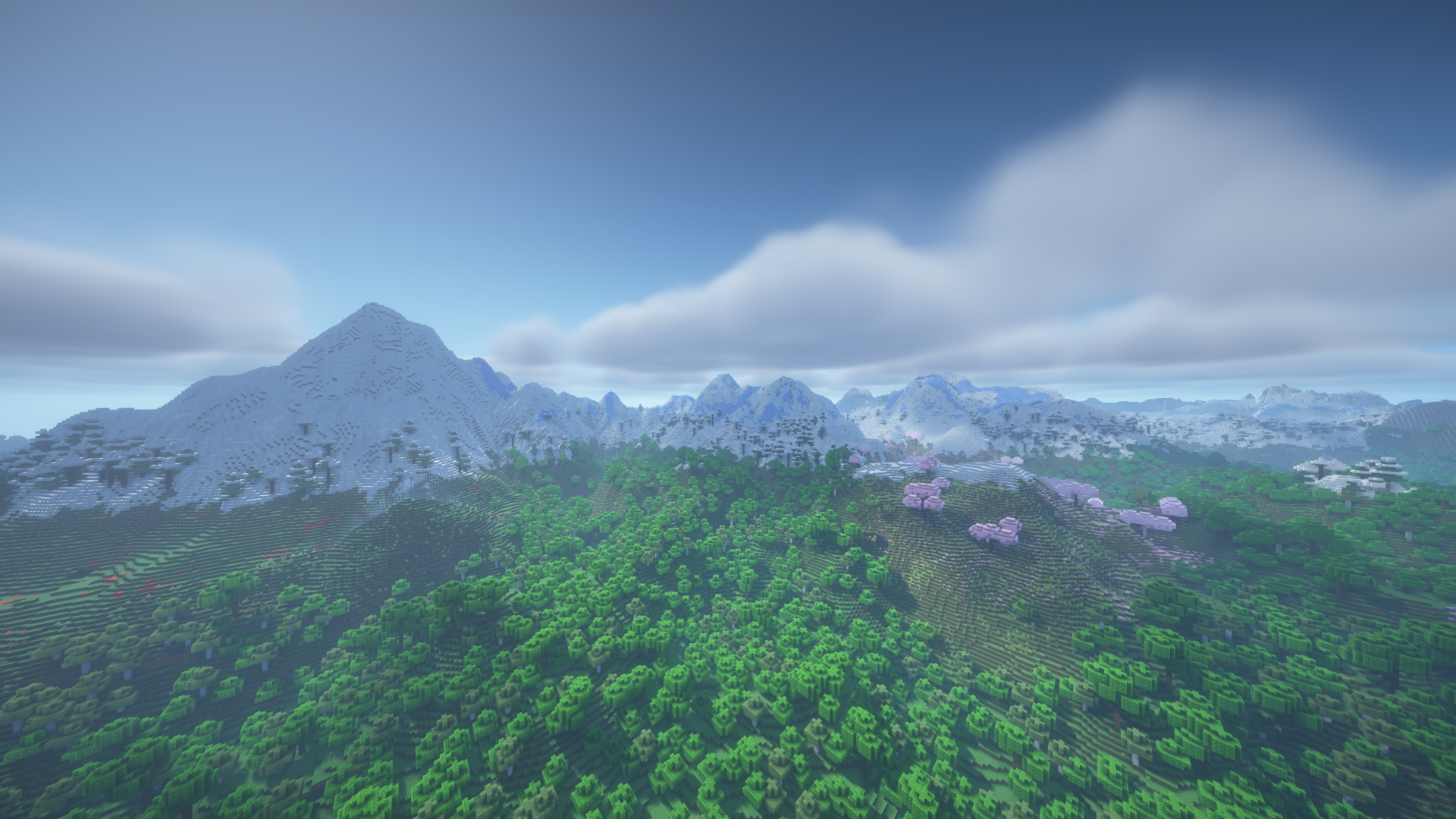
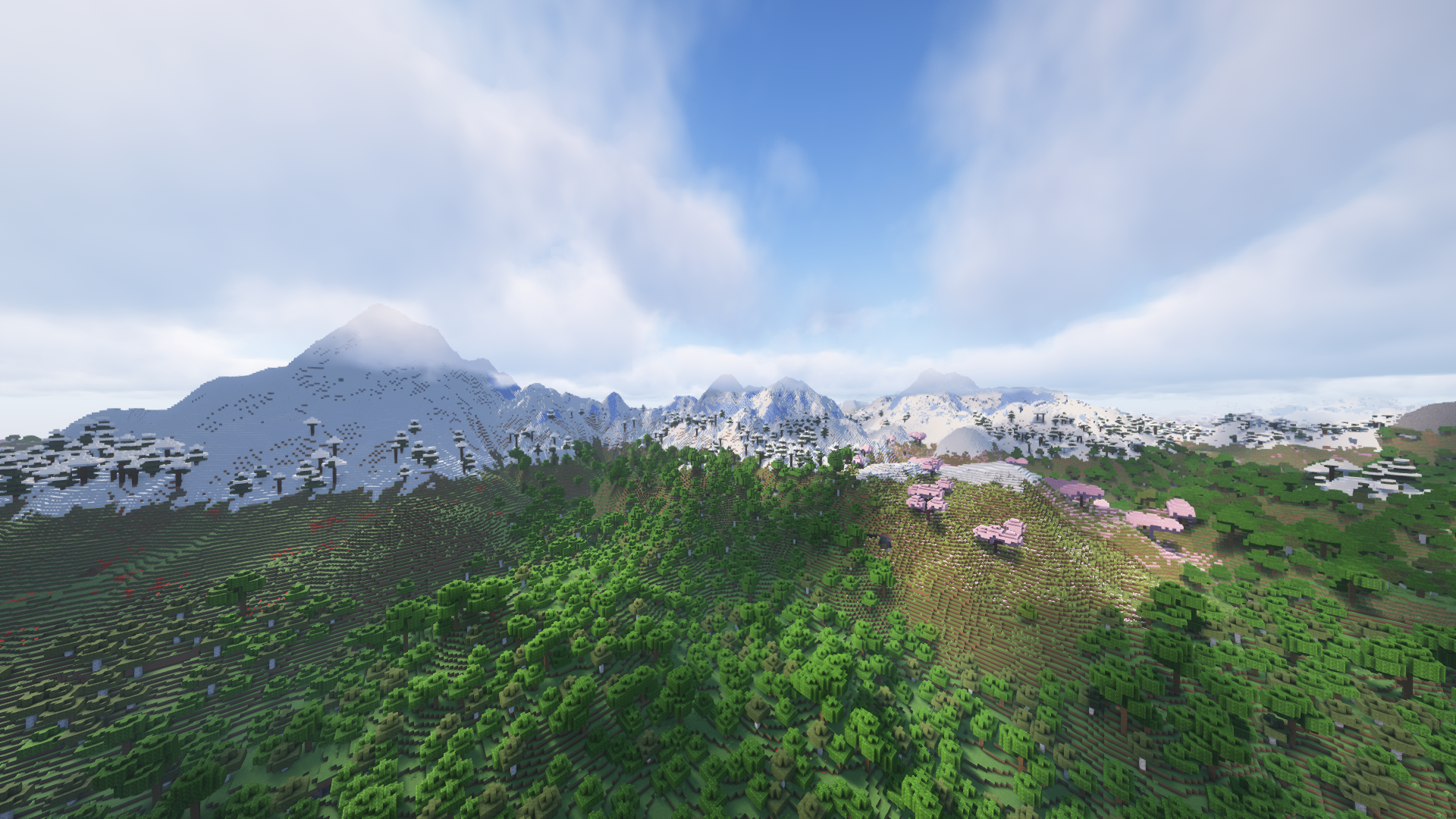
介绍
Features
- Performance optimizations included
- Shaders included
- Preconfigured for the looks
- It works on my PC™
Demo world
Due to Modrinth’s file size constraints, I couldn’t include a pregenerated demo world in the modpack (because it’s 800 MBs). Fortunately, you can download it here (click Download All), extract it into an empty directory, and copy it to your saves folder manually.
Inculded shaders
- Bliss Shaders by X0nk
- BSL Shaders by CaptTatsu
- Complementary Shaders – Unbound by EminGT
- Photon Shader by sixthsurge
How to play
- Have a decent computer
- Install the modpack from Modrinth in your favourite launcher
- Allocate a minimum of 6-8 GB of RAM
- It’ll probably work. No guarantee though.
Performance
Depends on the shader and the settings used.
With Photon it runs about 50-70 FPS on an RTX 2060 6GB, but your mileage may vary.
Disclaimer
Distant Horizons (a mod included) is alpha software, which may be unstable. Use the modpack at your own risk only.
Do not report bugs directly to any mods included, instead, email me first!
包含的模组 18 个,另有 1 个其他文件
 BSL Shaders
 Chunky
 CICADA
 Complementary Shaders - Unbound
 Concurrent Chunk Management Engine (Fabric)
 遥远的地平线
 Do a Barrel Roll
 实体剔除
 Fabric API
 FerriteCore
 Indium
 Iris Shaders
 Lithosphere
 模组菜单
 Noisium
 Photon Shaders
 钠
 Text Placeholder API
绿色边框的模组本站有收录,点进去看中文介绍;其余跳转到 Modrinth。
常见问题
Whoa! 支持哪些 Minecraft 版本?
Whoa! 基于 Minecraft Java 版 1.21,使用 Fabric 加载器。
Whoa! 怎么安装?
点本页「前往下载」拿到整合包文件(Modrinth 的是 .mrpack,CurseForge 的是 .zip),在 PCL2 或 HMCL 启动器里选择「导入整合包」,启动器会自动装好 Minecraft、加载器和全部模组。这个整合包有 18 个模组,建议在启动器里给游戏分配 4–6 GB 内存。
Whoa! 开服需要多大内存?
推荐服务器内存 12 GB。在线人数多、或者建了大量机器和区块加载器时,可以再加 2–4 GB。
怎么和朋友一起玩 Whoa!?
点本页的「一键开服」,选好配置后会自动安装 Whoa! 的服务端,几分钟就能开好。把服务器地址发给朋友,大家用同一个版本的整合包连进去就行。
ubionexd 的其他作品
查看全部 →
Chronos Client
Your go-to performance booster for Minecraft.

Create Railways
Build beautiful trains with Create & add-ons!

Pineapple
A mod for QuiltMC's macot: Pineapple

Unobtainable Elytra
Makes the Elytra unobtainable.
评论
登录后评论和评分