
截图
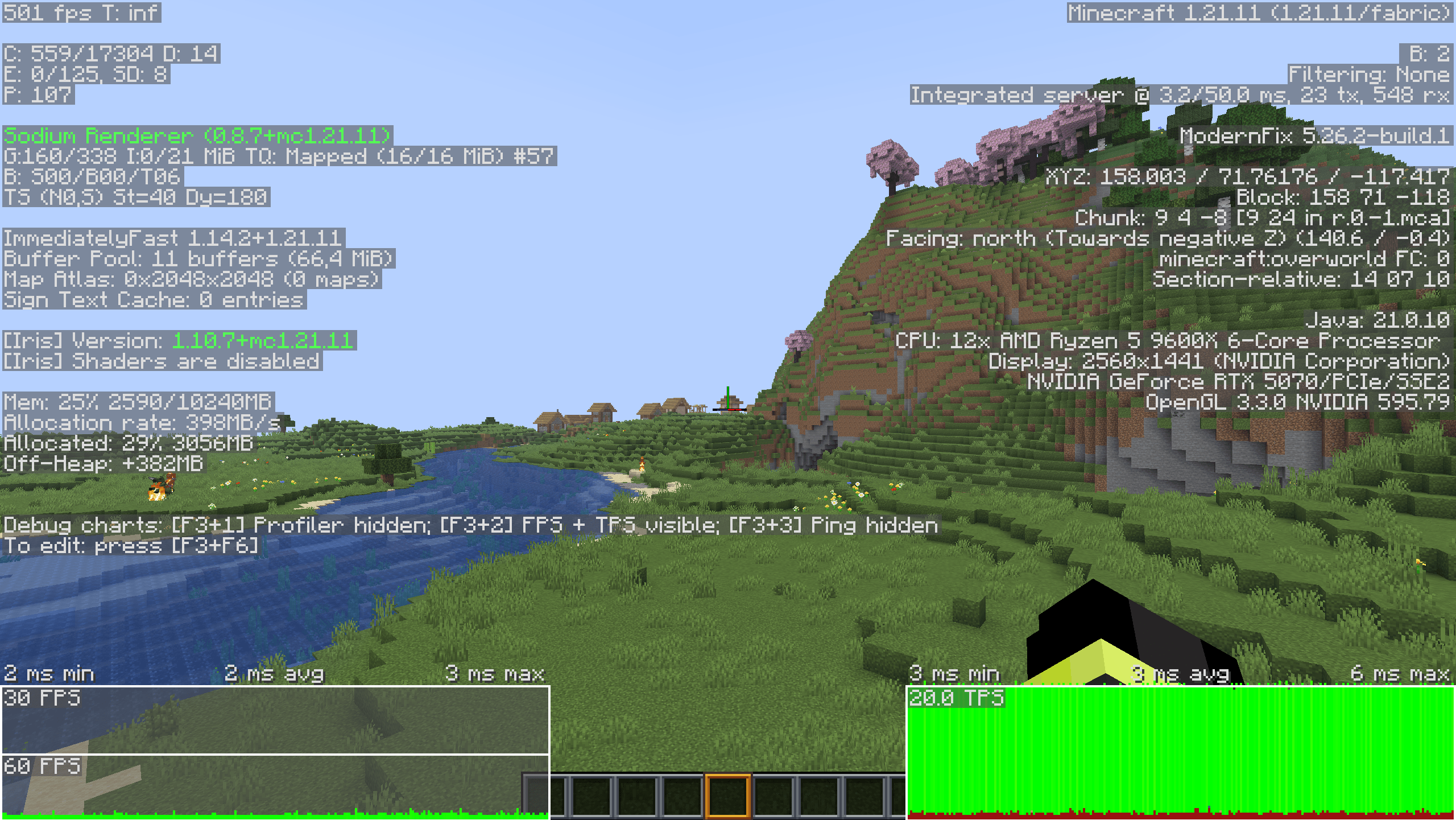
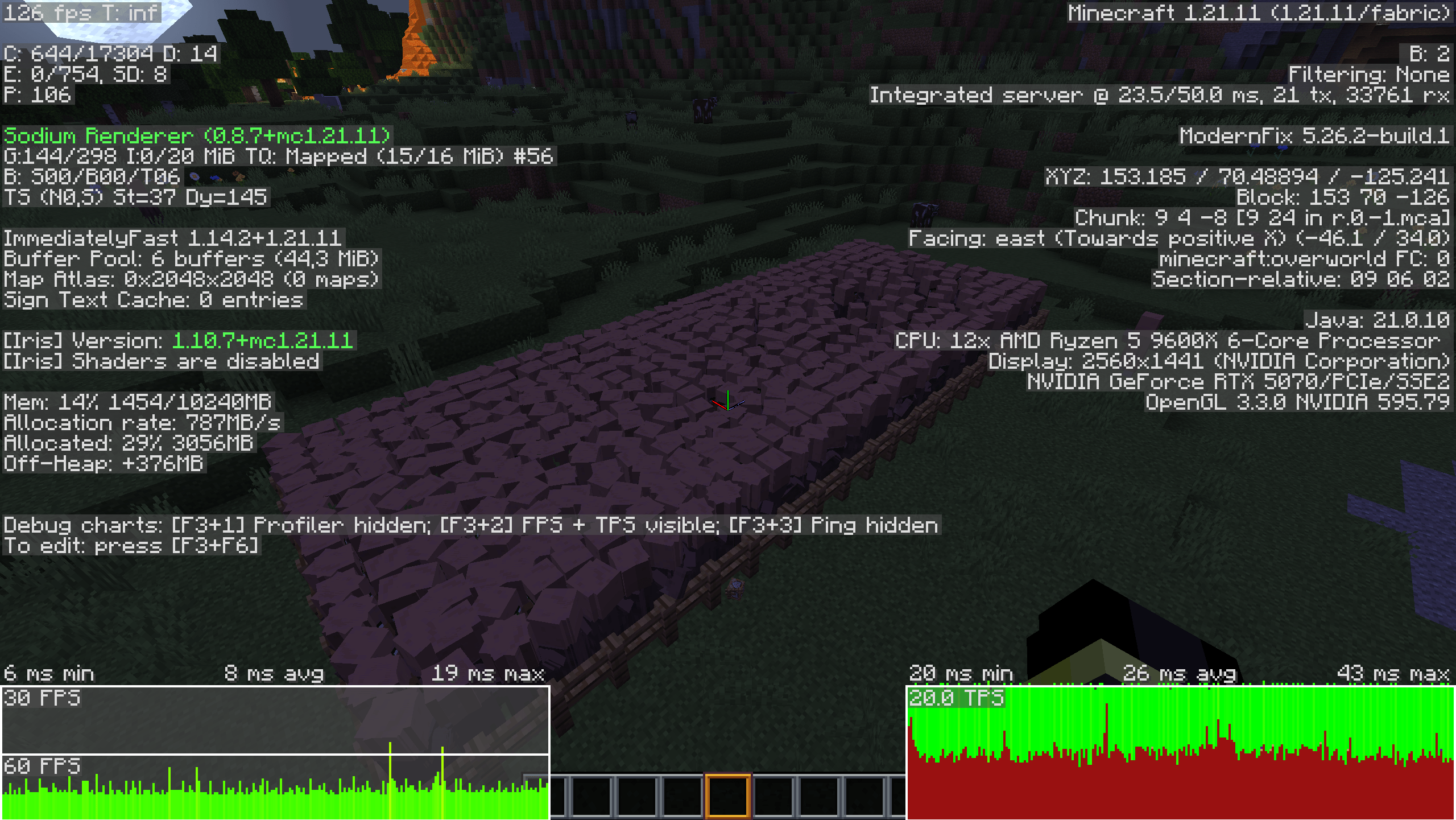
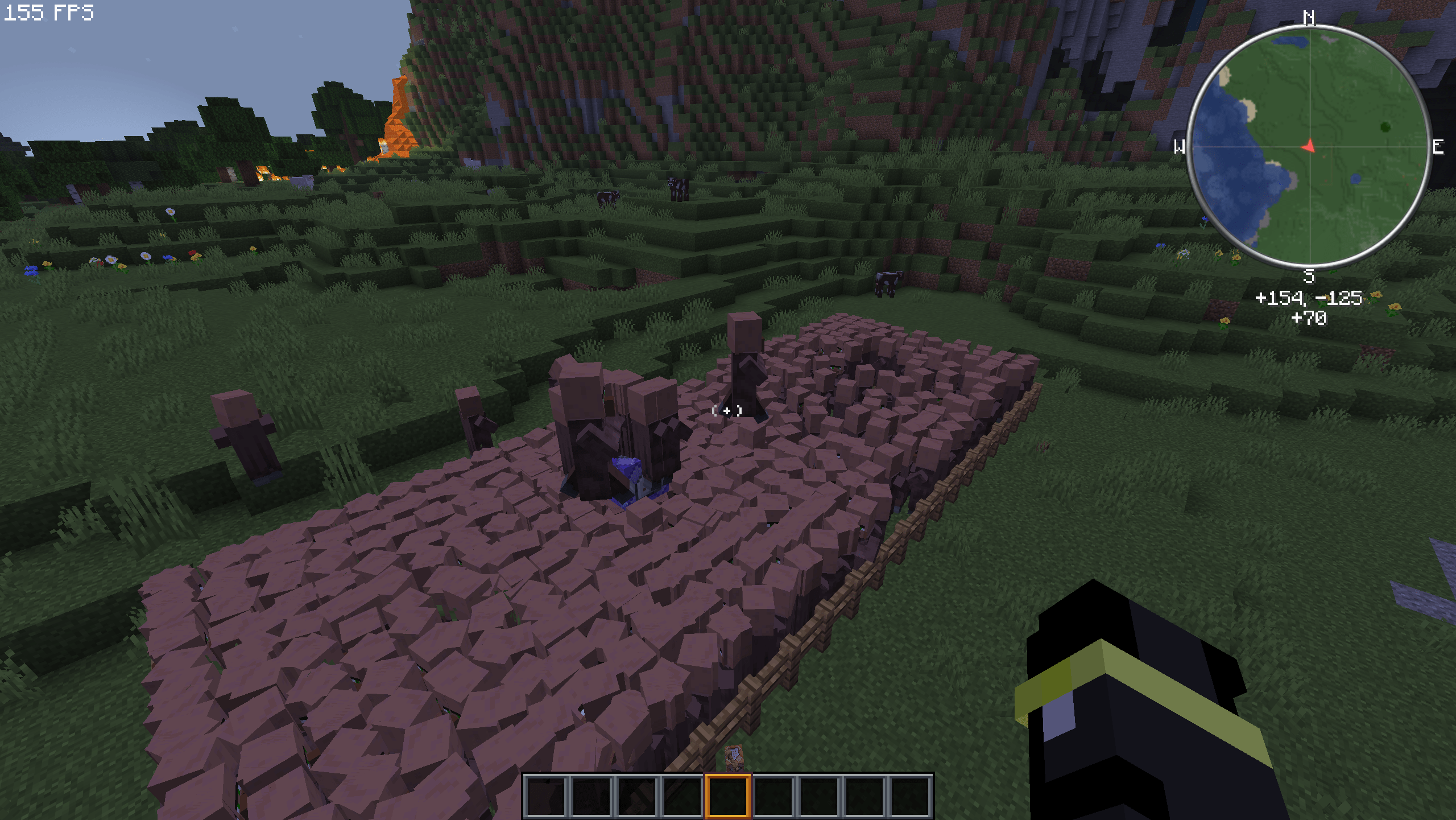
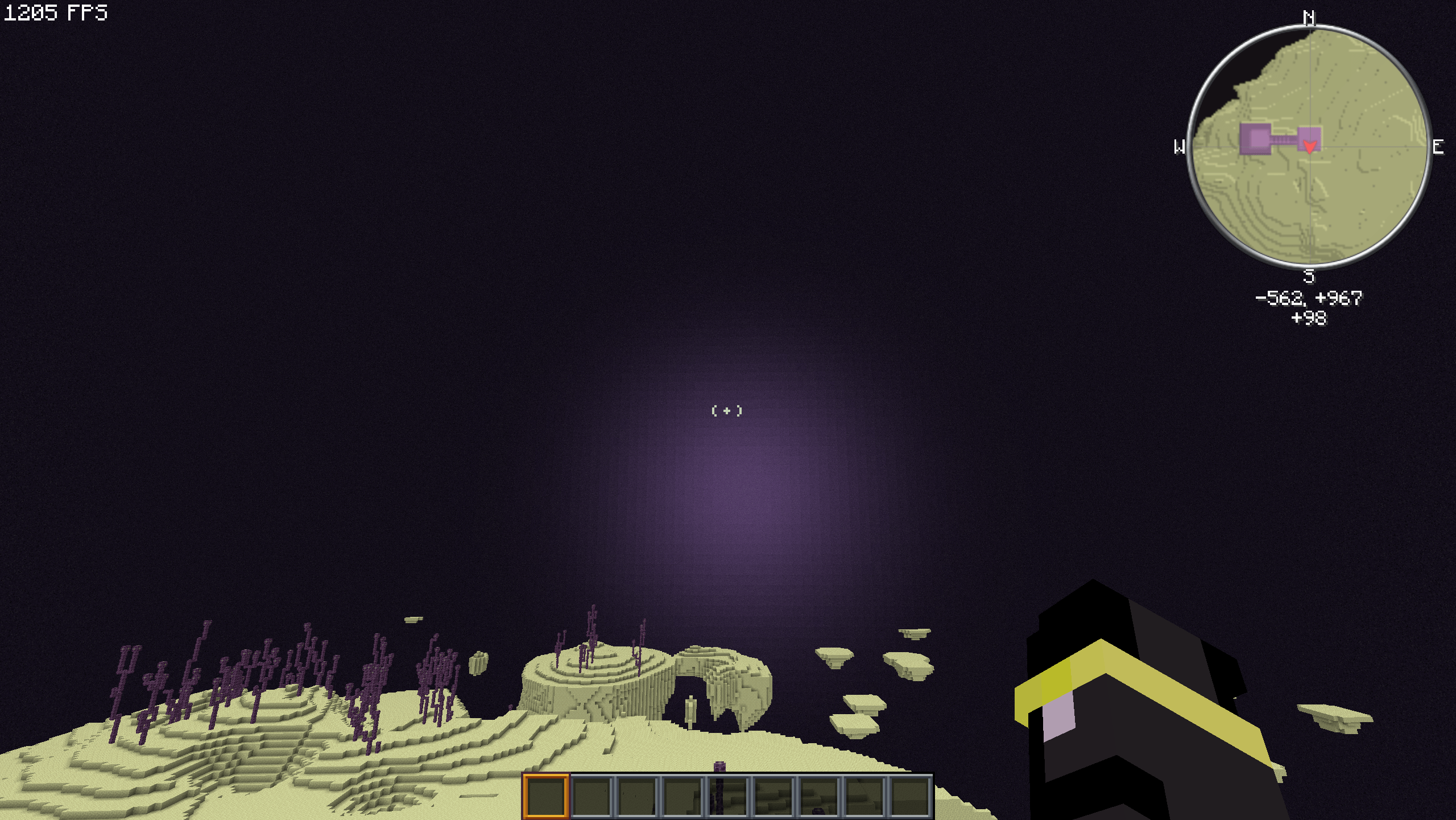
介绍
A lot of work and fine-tuning has gone into this modpack. If you notice anything that doesn’t work properly or something you don’t like, please let me know so it can be improved.
If everything runs well for you, feel free to share it with your friends and help the modpack reach a wider audience.
Below are settings for performance from Low to God
Discord(I’m trying to fix the bugs as soon as possible)
If you want the modpack on Modrinth
For recommendations on graphics settings, see Help at the bottom of the page.
What are the plans for this modpack?
This modpack will also be released in expansions. PVP (for PVP and based on Smooth pack) and NEW (adds new things, based on Smooth pack extra but with new features that are no longer vanilla with new blocks. However, it should still feel reasonably vanilla). Maybe the modpack will also be released for 1.21.10, 1.21, and 1.20.1, and maybe sometime in the future for Neoforge.
This modpack will now focus only on performance. There used to be an expansion, but it is no longer being updated. However, the modpack itself will still be expanded to support other versions.
Why should I use the modpack at all?
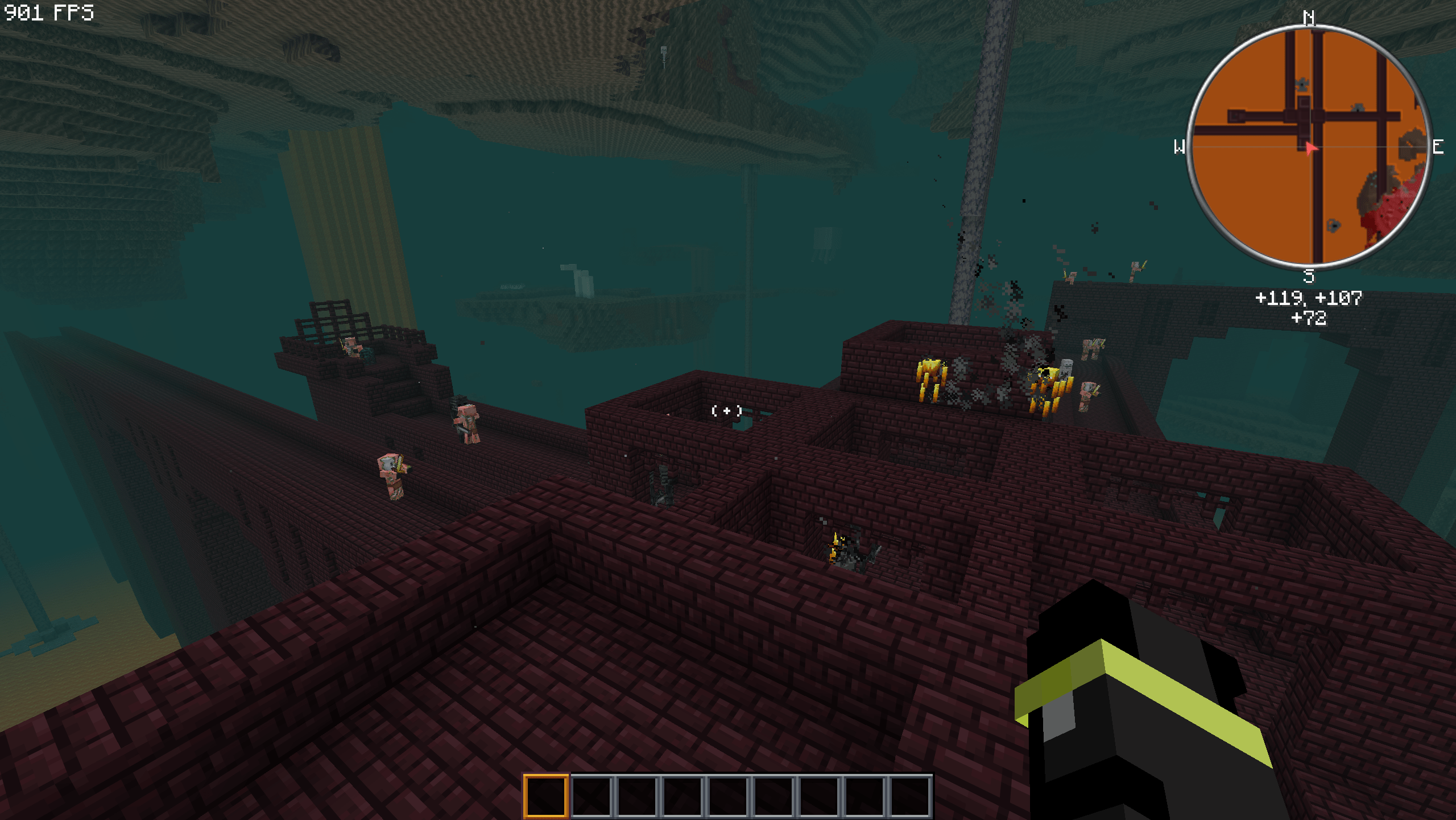
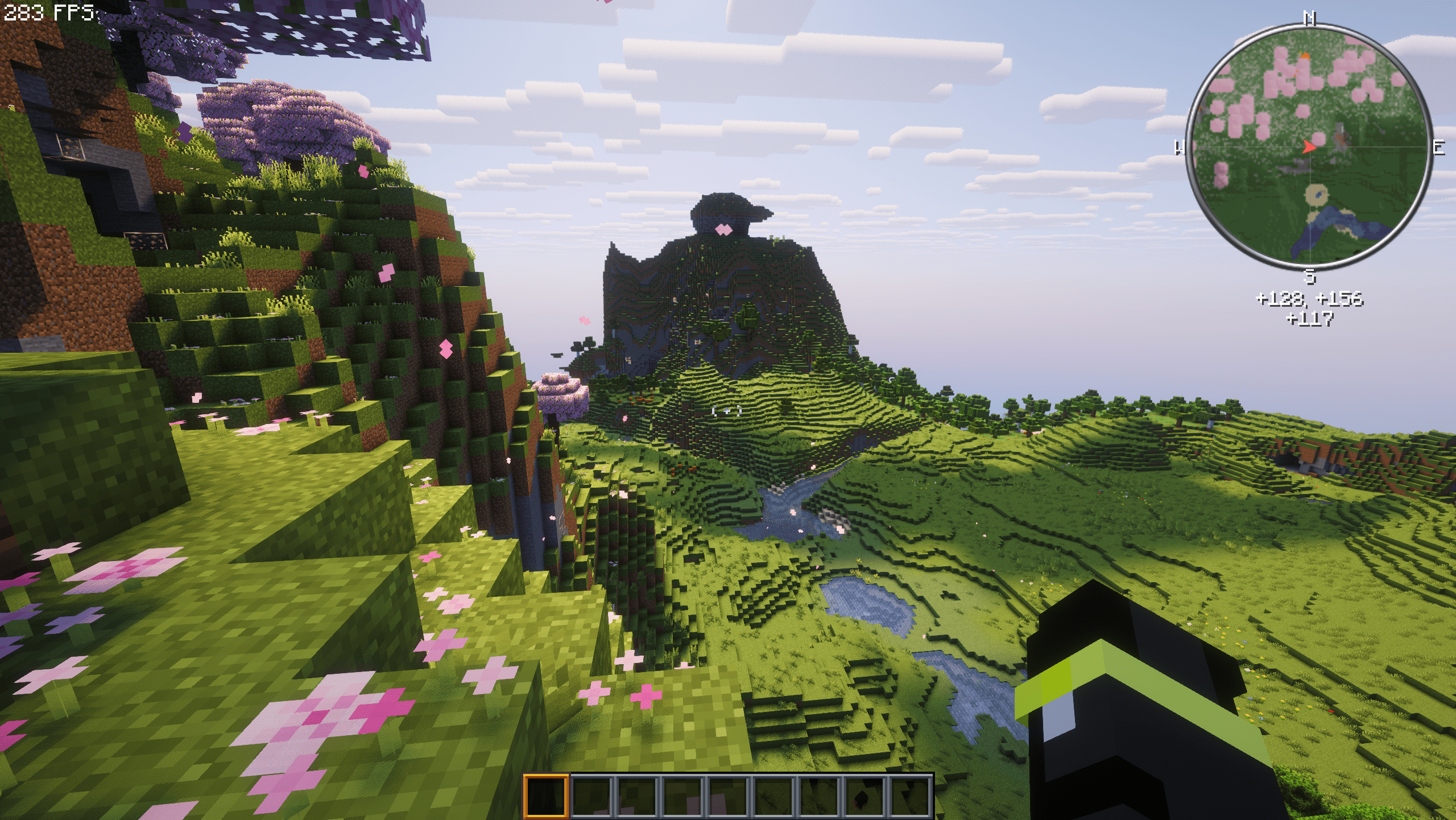
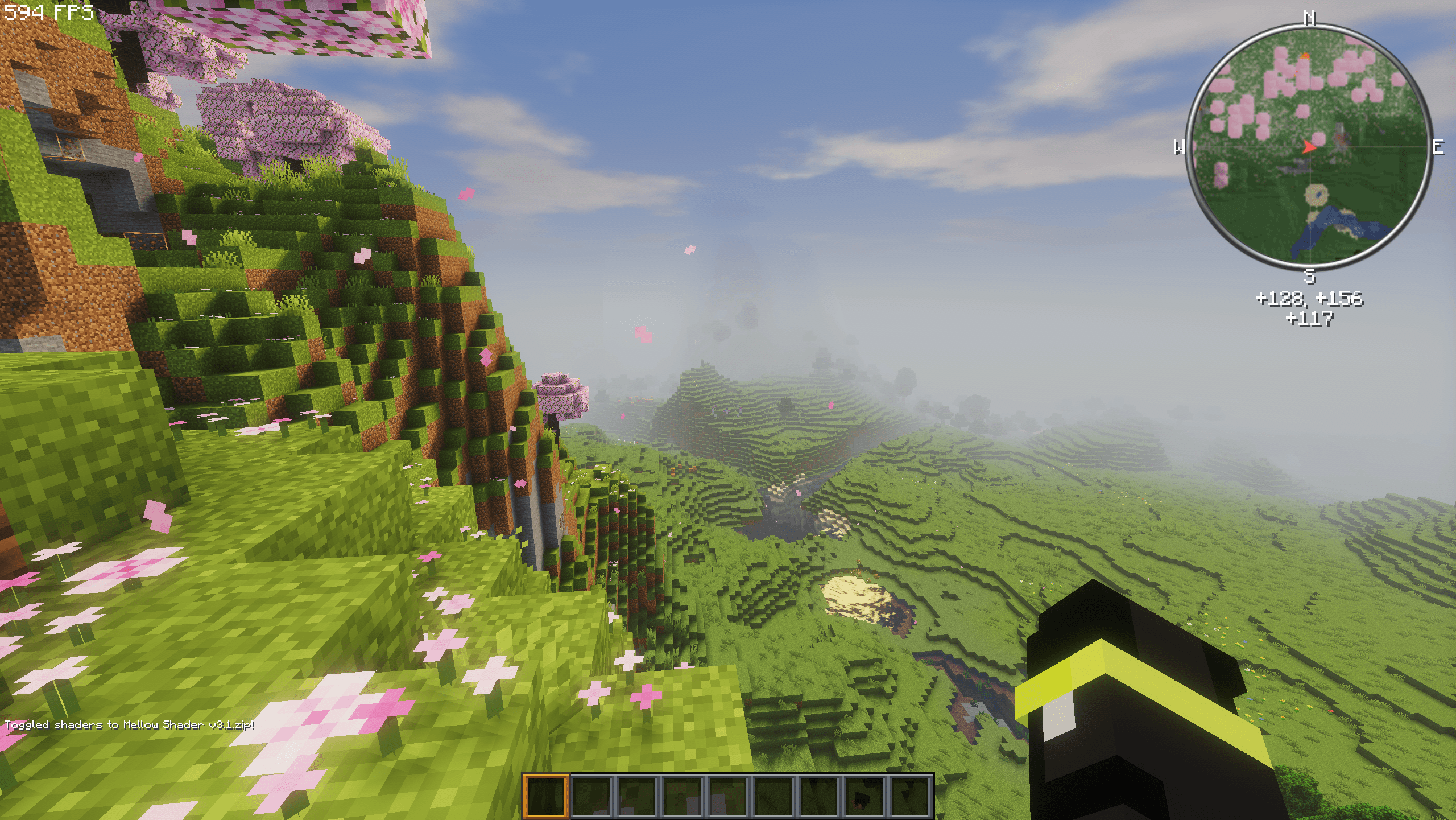
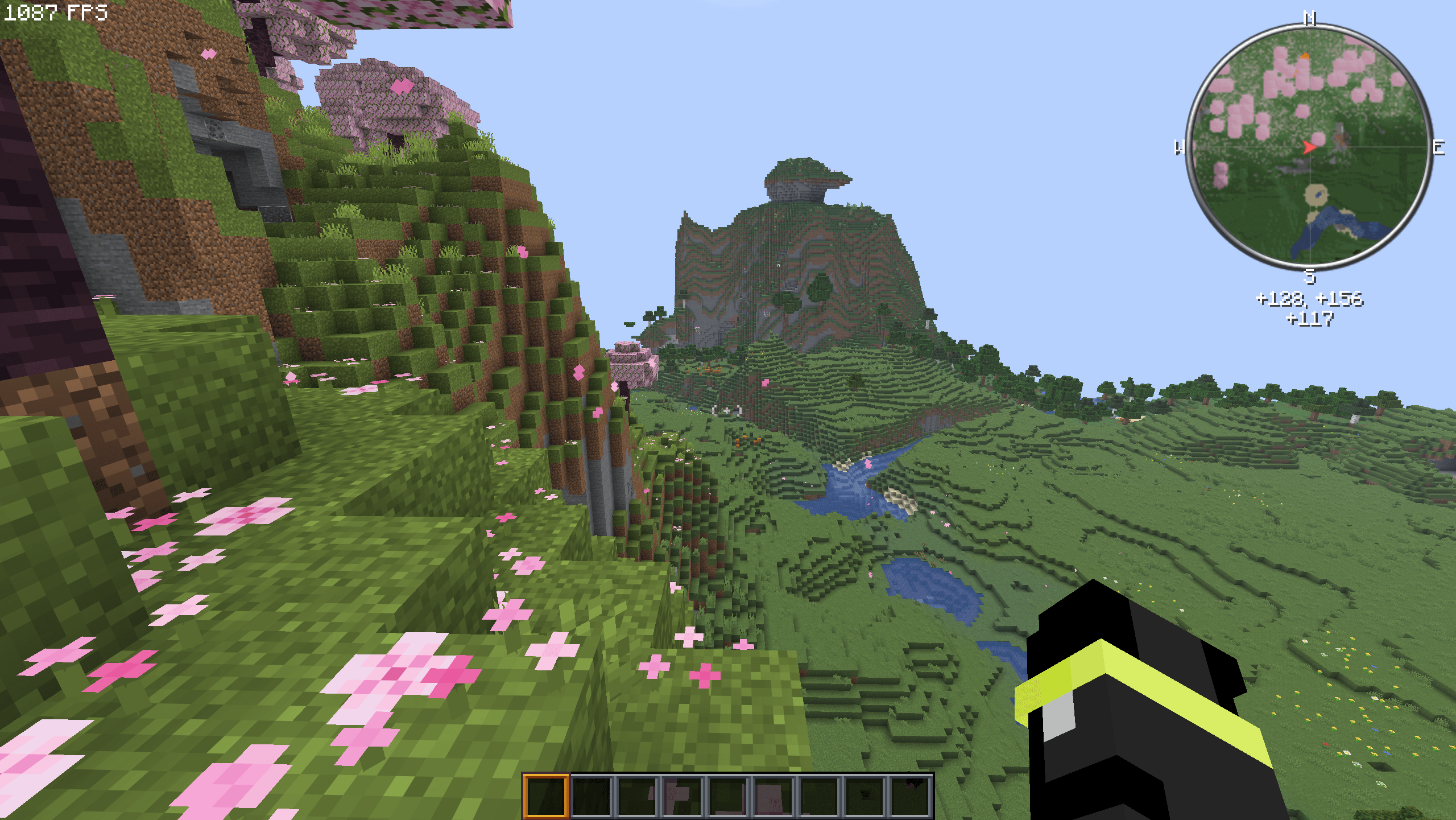
You get significantly higher FPS than in Vanilla (my FPS in pictures) with a few quality-of-life mods and total smoothness
Credits:
Credits go to all mod developers who made this modpack possible. Thank you for your work!
Compatibility:
This modpack works on servers. Nevertheless, you should always check whether the servers prohibit things like zoom or similar, but these mods are not really that critical.
Help, I have a bug or an idea!
If you encounter any issues with this modpack, feel free to join the Discord and report bugs in the Bugs channel. Ideas and suggestions are also welcome in the Ideas channel.
How much RAM should I allocate to this modpack?
Minimum RAM: 1.5 GB
Good RAM: 1.5-4 GB
Maximum RAM: 4-8(10) GB
Important:
When you go to Mods, you will now see a mod called Bobby. This mod allows you to set your render distance above 32 in the graphics settings. It lets you see further on servers, but in single player, never set the render distance above 32 , otherwise it will lag extremely!!
Best Settings for Best settings for different performance settings
These settings are recommended
Potato Settings:
1. Render Distance=8
2. Simulation Distance=5
3. Clouds=Fast
4. Cloud Distance=24
5. See throgh leaves=OFF
6. Weather Effect=3
7. Particles=Minimal
8. Biome Blend=NONE
9. Entity Distance=50-75%
10. Entity Shadows=Off
11. Mipmap Levels=0x
Very Low Settings:
1. Render Distance=10
2. Simulation Distance=7
3. Clouds=Fast
4. Cloud Distance=32
5. See throgh leaves=OFF
6. Weather Effect=5
7. Particles=Minimal
8. Biome Blend=3×3
9. Entity Distance=50-75%
10. Entity Shadows=Off
11. Mipmap Levels=0x
Low Settings(Default Setting):
1. Render Distance=14
2. Simulation Distance=8
3. Clouds=Fast
4. Cloud Distance=48
5. See throgh leaves=OFF
6. Weather Effect=5
7. Particles=Decreased
8. Biome Blend=5×5
9. Entity Distance=75%
10. Entity Shadows=Off
11. Mipmap Levels=1x
Medium Settings:
1. Render Distance=18
2. Simulation Distance=10
3. Clouds=Fast
4. Cloud Distance=64
5. See throgh leaves=ON
6. Weather Effect=7
7. Particles=Decreased
8. Biome Blend=9×9
9. Entity Distance=100%
10. Entity Shadows=ON
11. Mipmap Levels=2x
High Settings:
1. Render Distance=24
2. Simulation Distance=16
3. Clouds=Fancy
4. Cloud Distance=80
5. See throgh leaves=ON
6. Weather Effect=10
7. Particles=Decreased
8. Biome Blend=11×11
9. Entity Distance=100%
10. Entity Shadows=ON
11. Mipmap Levels=3x
Ultra Settings:
1. Render Distance=32
2. Simulation Distance=20
3. Clouds=Fancy
4. Cloud Distance=96
5. See throgh leaves=ON
6. Weather Effect=10
7. Particles=All
8. Biome Blend=13×13
9. Entity Distance=125-150%
10. Entity Shadows=ON
11. Mipmap Levels=4x
God Settings:
1. Render Distance=32
2. Simulation Distance=26
3. Clouds=Fancy
4. Cloud Distance=128
5. See throgh leaves=ON
6. Weather Effect=10
7. Particles=All
8. Biome Blend=15×15
9. Entity Distance=150-200%
10. Entity Shadows=ON
11. Mipmap Levels=4x
常见问题
Smooth Pack 支持哪些 Minecraft 版本?
Smooth Pack 基于 Minecraft Java 版 26.1.2、1.21.11,使用 Fabric 加载器。
Smooth Pack 怎么安装?
点本页「前往下载」拿到整合包文件(Modrinth 的是 .mrpack,CurseForge 的是 .zip),在 PCL2 或 HMCL 启动器里选择「导入整合包」,启动器会自动装好 Minecraft、加载器和全部模组。建议在启动器里给游戏分配 4–6 GB 内存。
Smooth Pack 开服需要多大内存?
推荐服务器内存 12 GB。在线人数多、或者建了大量机器和区块加载器时,可以再加 2–4 GB。
怎么和朋友一起玩 Smooth Pack?
点本页的「一键开服」,选好配置后会自动安装 Smooth Pack 的服务端,几分钟就能开好。把服务器地址发给朋友,大家用同一个版本的整合包连进去就行。


评论
登录后评论和评分