
Flowstate
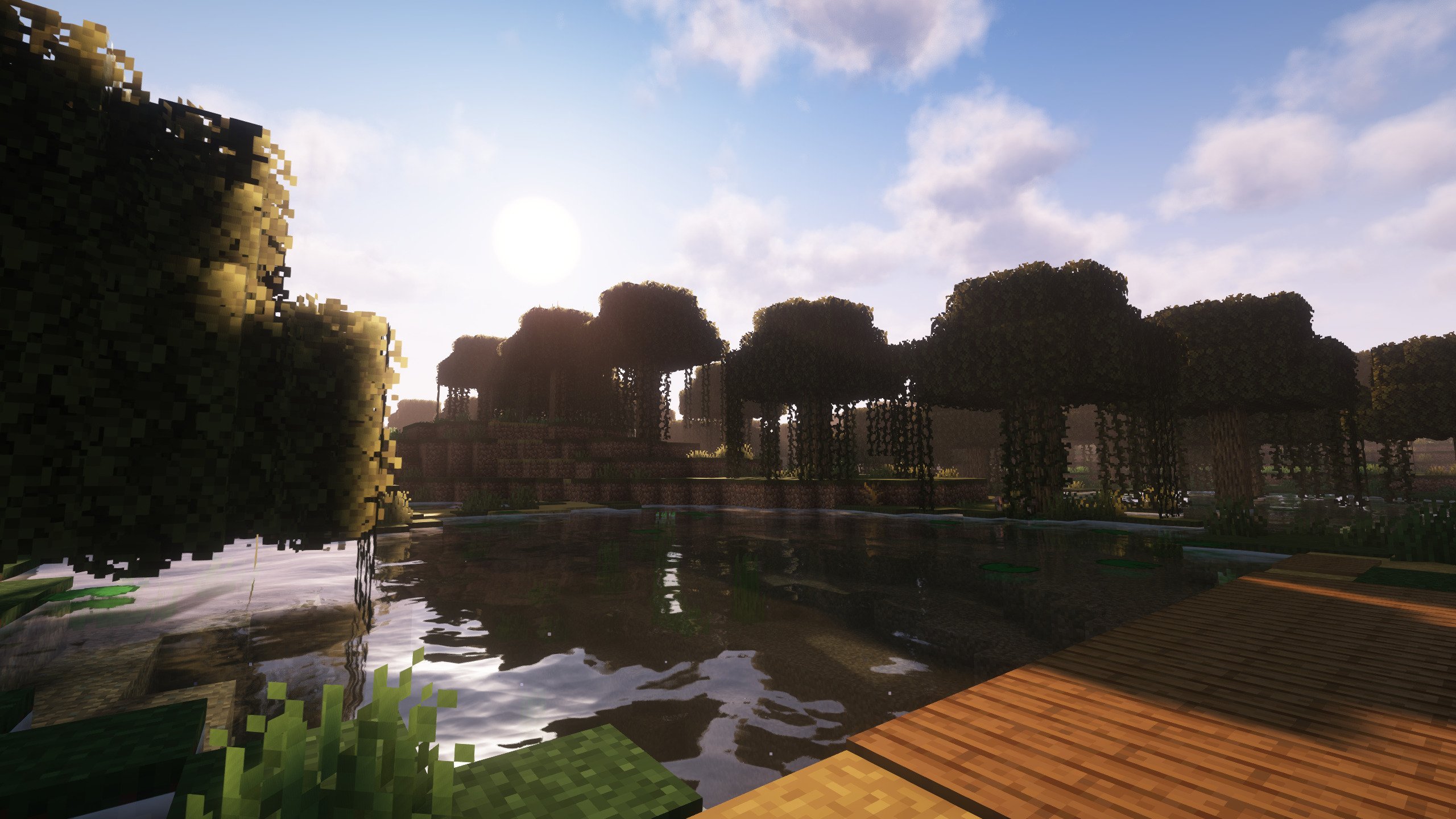
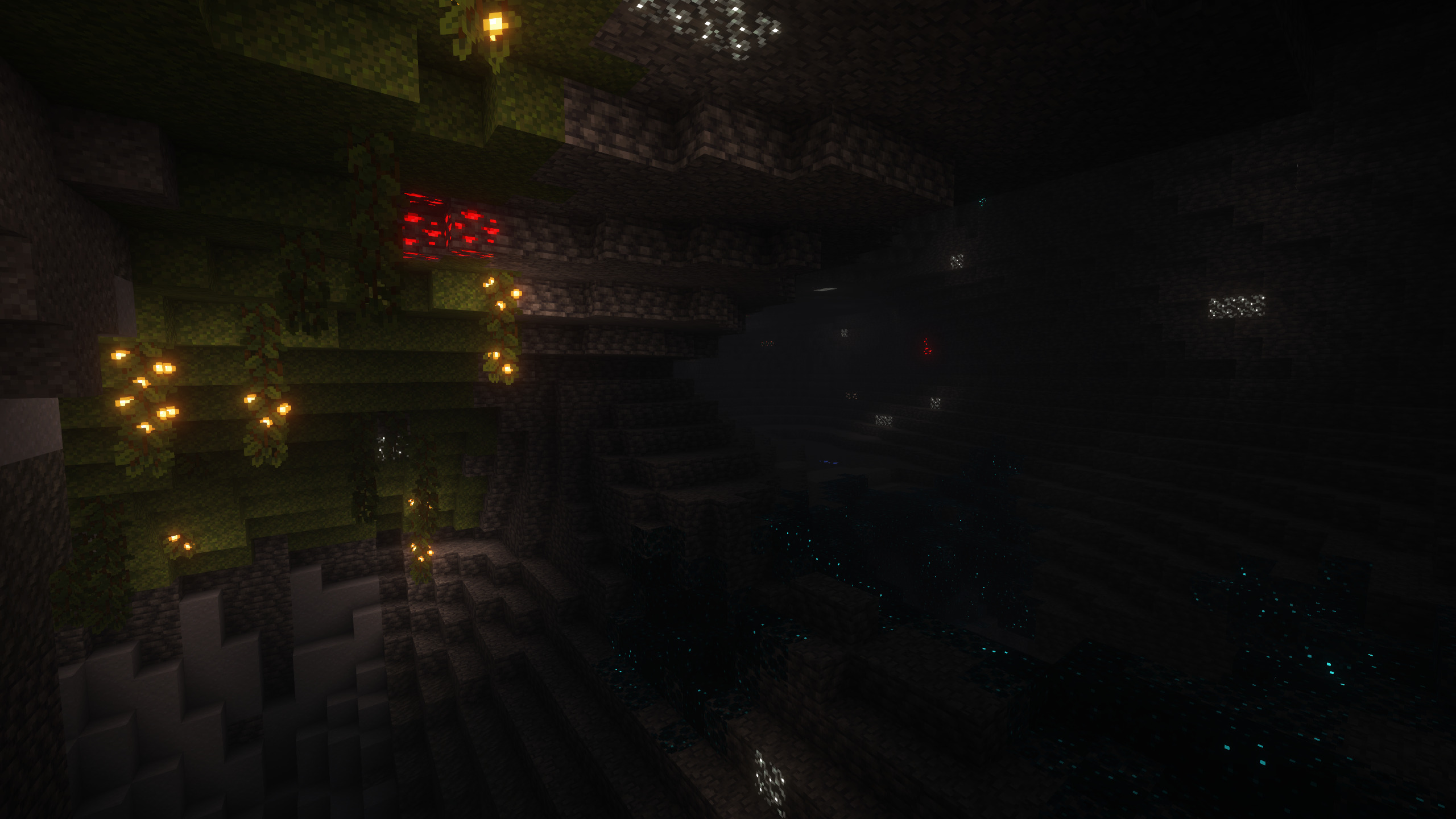
A plug-n-play, quality o' life modpack dedicated to keeping the vanilla gameplay with better visuals, performance, and convenience.
截图
介绍
This mod used to be known as _Quality O’ Life_
Summary:
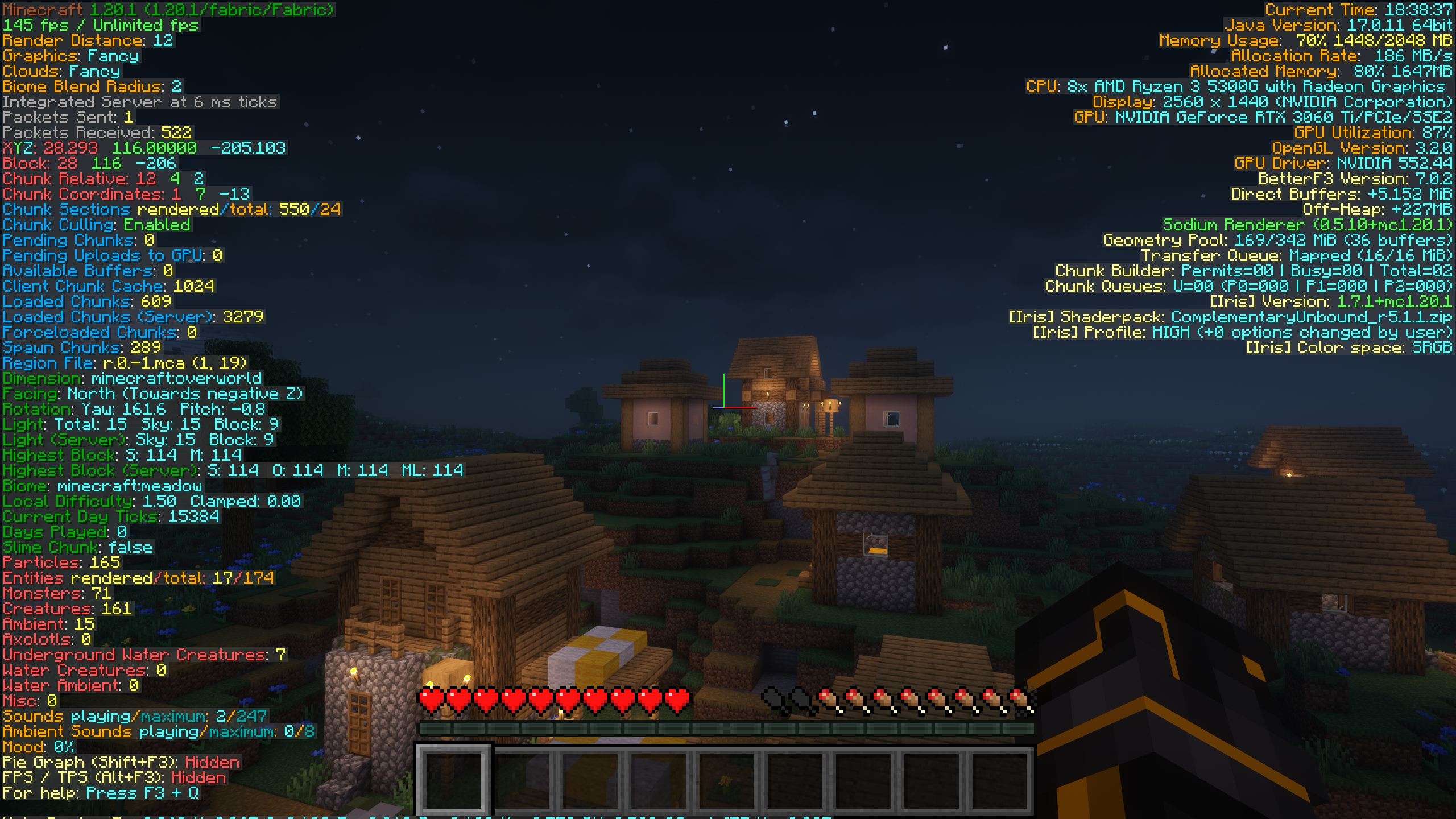
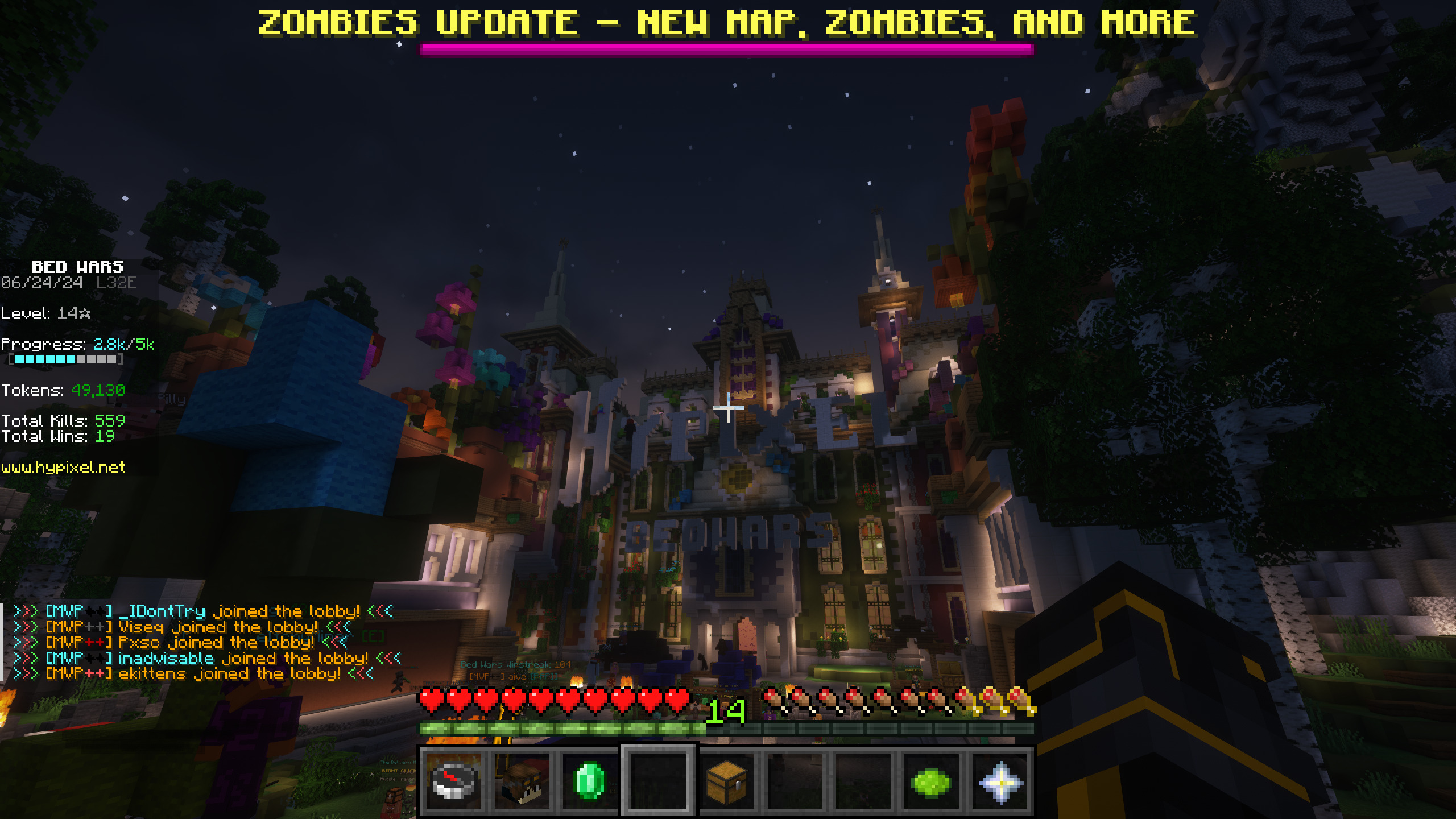
A plug-n-play modpack dedicated to keeping the vanilla gameplay with better visuals and performance. This includes better GUI, Shaders, Map, and Server & Singleplayer experience. This modpack is great for someone wishing for a better vanilla minecraft experience. This means you won’t even have to change any settings or keybinds before playing; I set them for you!
Features:
Anything in brackets is a keybind, although I set them you can still change them. Everyone is different!
- FPS Increase
- Super Duper Vanilla Shaders (yes that is the name) + Extra Options
- Better GUI Scale and Design
- Freecam [F4] (Please only utilize in servers / worlds that allow this)
- Zoom Key for seeing far away [R]
- Tooltips for showing Shulker Box contents
- Auto-hides Shield to clear screen space
- Removes Delay Between Music Tracks
- World Map w/ Waypoints [C] (No Teleport)
- Click through signs and Item frames for easy container access
- Play Next Song [M]
- Controller Support
Installation:
This Modpack is avalible in several versions of Minecraft, Remember to consider both game and mod version! Check Changelog for more details
Use the Modrith App to easily install this pack!
Moving your singleplayer worlds to a new modpack version:
This mod is meant for general purpose use, meaning sometimes you have to move your singleplayer worlds to a new game version. This process is quite simple, on the modrinth app go to the modpack in your library and select “Folder” underneath the Modpack Icon. This will open the file manager for your operating system. Go to “saves” and you will find a folder for all of your singleplayer worlds in that modpack. Locate the updated modpack’s saves folder with these instructions and move the world folders from the old modpack to the new!
Customization:
This Modpack has customizable options, you can learn how to change them here.
Using an optional shader pack:
We include optional shader packs to allow others to use the shader pack they perfer. To use an optional shader pack go to options > video settings > shader packs and then select the shader pack you want to use, then click apply.
Enabling/Disabling resource packs:
We include optional resource packs to allow others to use the resource pack they perfer. Enabling/Disabling resource packs is done in the menu options > resource packs. There you can switch resource packs between being used and disabled (right and left respectively). On the right or enabled side the packs found at the top have the highest priority, meaning put the packs you want to apply at the top.
Support:
As a university student I am always fighting for a free moment, however if you need any technical support contact me on Discord @ paradoxicalcode
Known Issues:
There are currently no known issues!
Buy me a Tea!
If you really love this modpack or just want to support me, feel free to buy me a tea! It is always apreciated.
包含的模组 49 个
 苹果皮
 Better Mount HUD
 BetterF3
 Chat Heads
 Cherished Worlds
 ClickThrough Plus
 Cloth Config API
 Collective
 Controlify (Controller support)
 Cubes Without Borders
 Dark Loading Screen
 Double Doors
 Dynamic FPS
 Effect Timer Plus
 实体剔除
 Fabric API
 Fabric Language Kotlin
 Fair Freecam
 Falling Leaves
 FancyMenu
 FerriteCore
 Fzzy Config
 ImmediatelyFast
 Iris Shaders
 Jade 🔍
 Konkrete
 LambDynamicLights - Dynamic Lights
 锂
 Logical Zoom
 Melody
 模组菜单
 More Chat History
 More Culling
 OptiGUI
 Passive Shield
 Reese's Sodium Options
 Scoreboard Tweaks
 Scribble
 Shulker Box Tooltip
 Simple Music Control
展开全部 49 个






绿色边框的模组本站有收录,点进去看中文介绍;其余跳转到 Modrinth。
常见问题
Flowstate 支持哪些 Minecraft 版本?
Flowstate 支持 Minecraft Java 版 1.20.1–26.2,共 9 个版本,可用的加载器:Fabric。下载时注意选择和你游戏版本一致的文件。
Flowstate 怎么安装?
点本页「前往下载」拿到整合包文件(Modrinth 的是 .mrpack,CurseForge 的是 .zip),在 PCL2 或 HMCL 启动器里选择「导入整合包」,启动器会自动装好 Minecraft、加载器和全部模组。这个整合包有 49 个模组,建议在启动器里给游戏分配 4–6 GB 内存。
Flowstate 开服需要多大内存?
推荐服务器内存 12 GB。在线人数多、或者建了大量机器和区块加载器时,可以再加 2–4 GB。
怎么和朋友一起玩 Flowstate?
点本页的「一键开服」,选好配置后会自动安装 Flowstate 的服务端,几分钟就能开好。把服务器地址发给朋友,大家用同一个版本的整合包连进去就行。
评论
登录后评论和评分