
截图
介绍
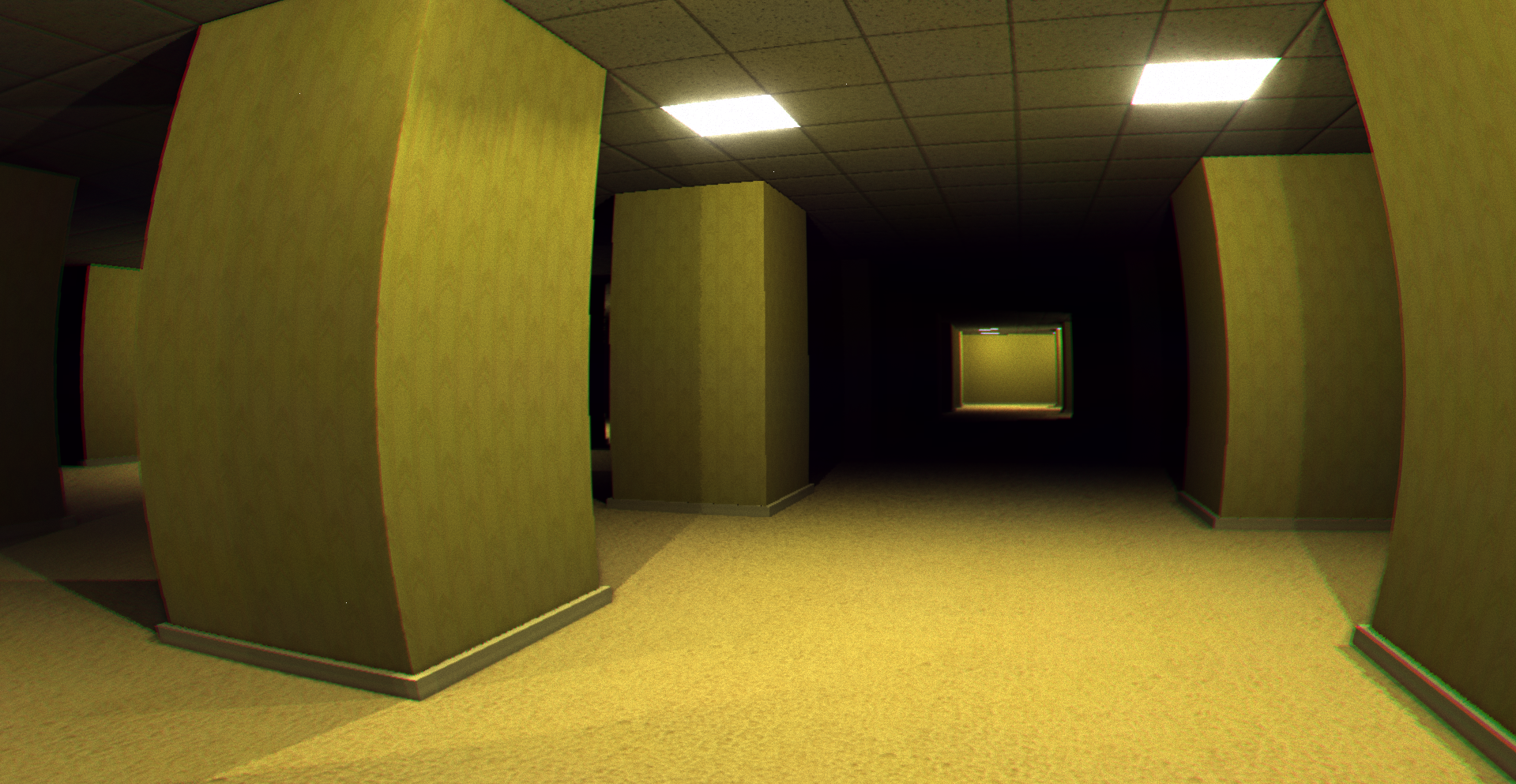
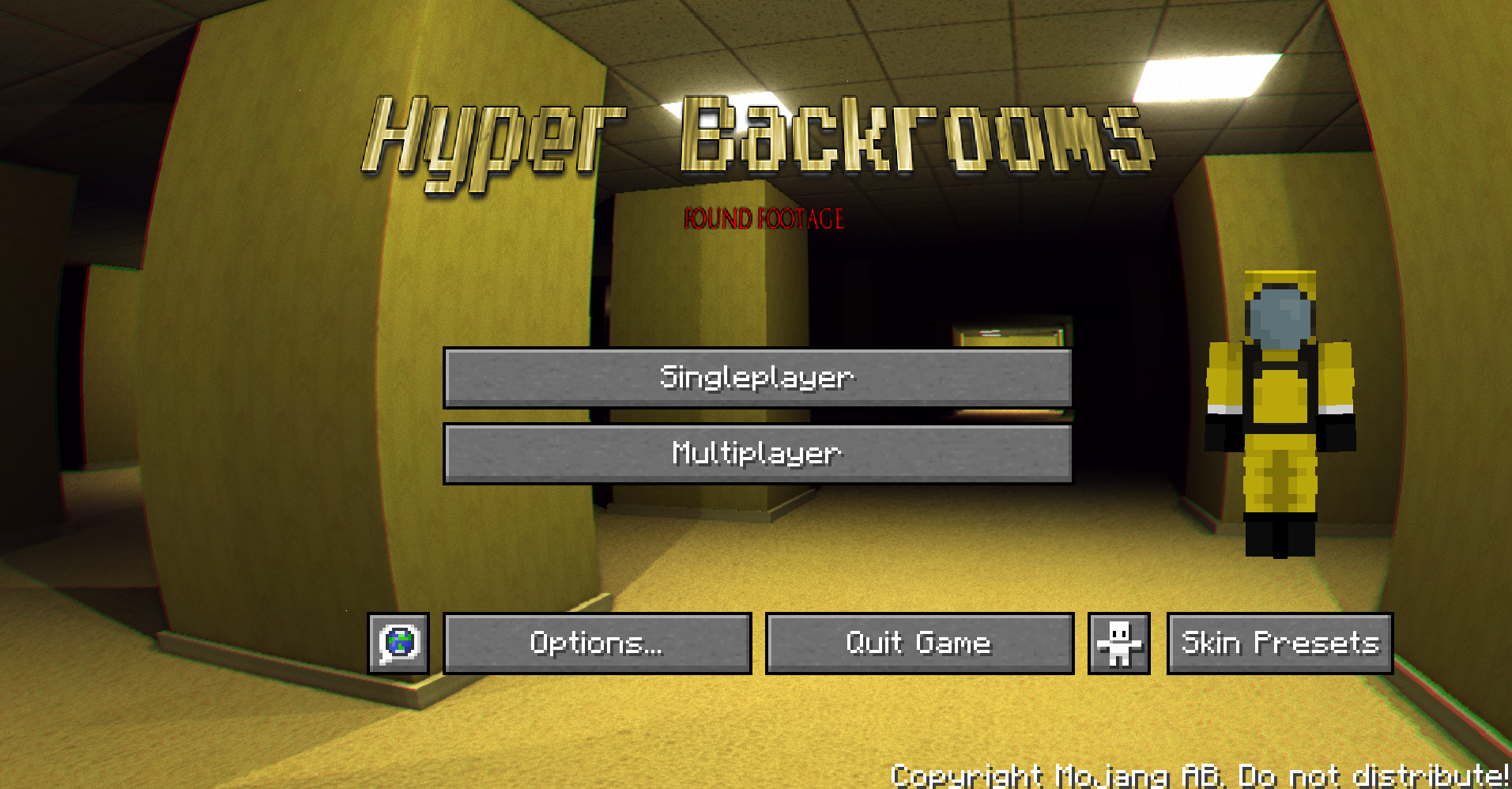
Hyper Backrooms: Found Footage
The Best Backrooms Experience for Minecraft
How To Play
To enter the Backroom world, once you create a world, you have to find a way to get buried, such as dropping blocks, sand, or gravel on yourself. Then you will be sent to the Backrooms.
Once you are in the backrooms, try to get out of them.
Basic Controls
- Click “W” twice – Run
- Shift – Sneak
- R – Flashlight
- V – Set Up Voice Chat
Special thanks
- SpacePotato (creator of the mod “Backrooms: Found Footage”)
- The creators of all the other mods used in my modpack
Other projects
包含的模组 21 个
 Borderless Mining
 Cloth Config API
 Collective
 Concurrent Chunk Management Engine (Fabric)
 实体剔除
 Fabric API
 FerriteCore
 Geckolib
 ImmediatelyFast
 Krypton
 Language Reload
 Minecraft Backrooms Found Footage
 More Culling
 no f3
 No Menu Music
 Packet Fixer
 Simple Menu
 Simple Voice Chat
 Skin Shuffle
 Very Many Players (Fabric)
绿色边框的模组本站有收录,点进去看中文介绍;其余跳转到 Modrinth。
常见问题
Hyper Backrooms – found footage 支持哪些 Minecraft 版本?
Hyper Backrooms – found footage 基于 Minecraft Java 版 1.20.1,使用 Fabric 加载器。
Hyper Backrooms – found footage 怎么安装?
点本页「前往下载」拿到整合包文件(Modrinth 的是 .mrpack,CurseForge 的是 .zip),在 PCL2 或 HMCL 启动器里选择「导入整合包」,启动器会自动装好 Minecraft、加载器和全部模组。这个整合包有 21 个模组,建议在启动器里给游戏分配 4–6 GB 内存。
Hyper Backrooms – found footage 开服需要多大内存?
推荐服务器内存 12 GB。在线人数多、或者建了大量机器和区块加载器时,可以再加 2–4 GB。
怎么和朋友一起玩 Hyper Backrooms – found footage?
点本页的「一键开服」,选好配置后会自动安装 Hyper Backrooms – found footage 的服务端,几分钟就能开好。把服务器地址发给朋友,大家用同一个版本的整合包连进去就行。
S-Robot_Studio 的其他作品
查看全部 →
Liquid Client
One of the bests clients for minecraft

Cinematics
A modpack that focuses on making Minecraft as beautiful as possible while still maintaining a vanilla feel.

Cinematic Sound
This modpack makes minecraft sound absolutly beautiful.

Bad Client
A modpack that focuses on making Minecraft unplayable while remaining completely client-side.
评论
登录后评论和评分