
DevClient Tools
DevClient Tools is a lightweight client-side modpack with QoL features and tools for developers. Includes NBT viewer, resource pack inspector, and utilities for building and plugin testing.
截图
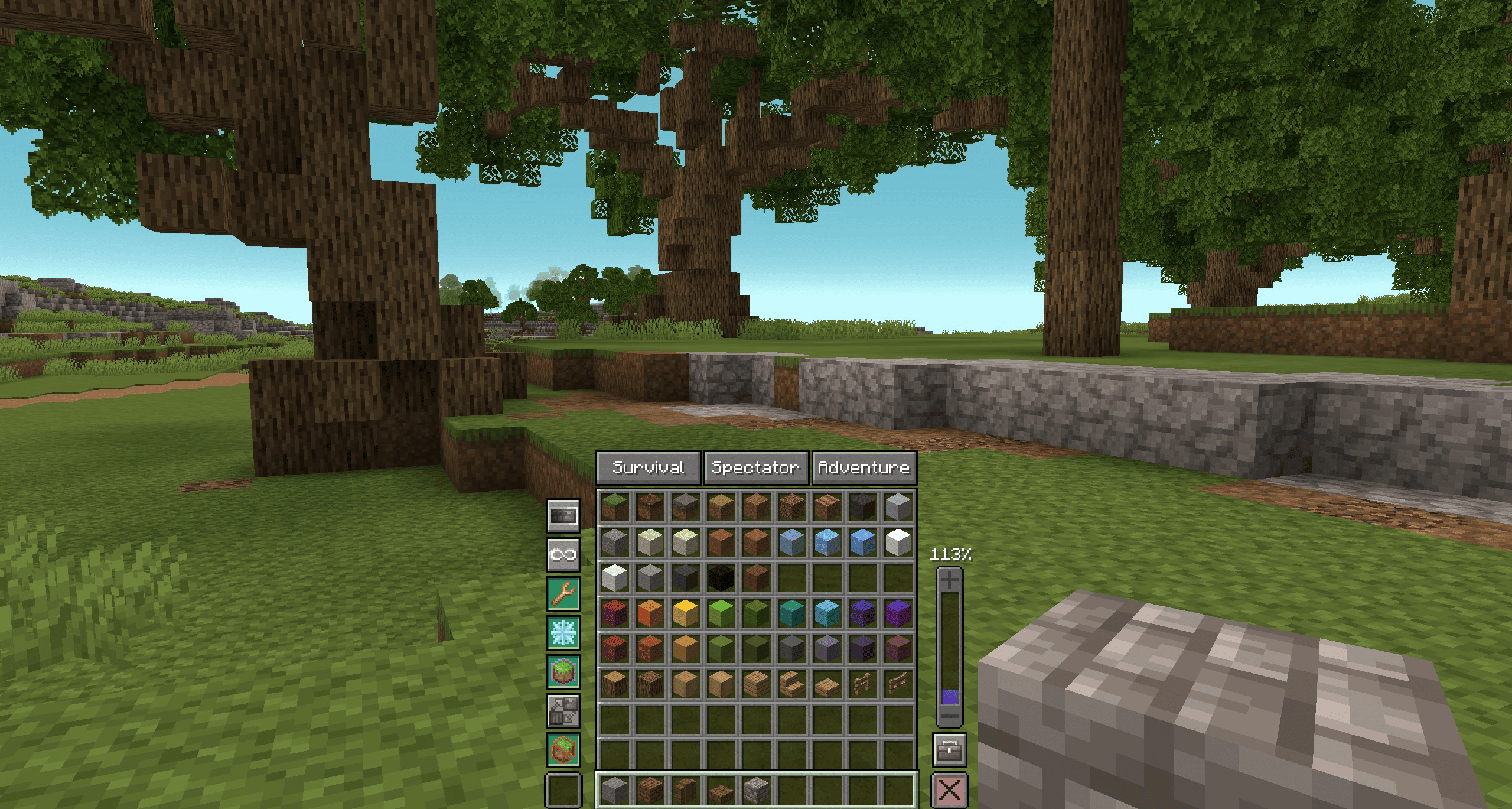


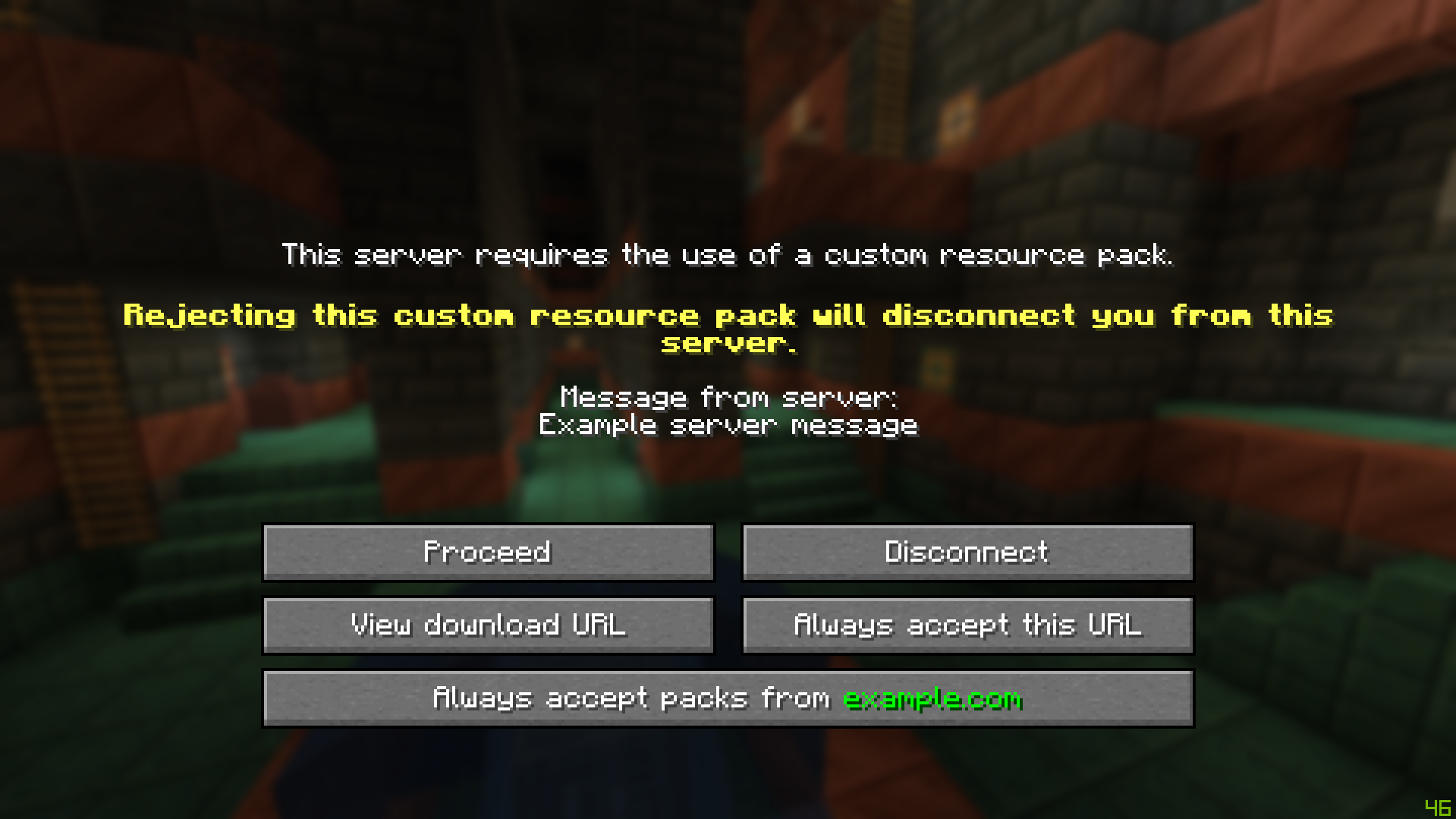
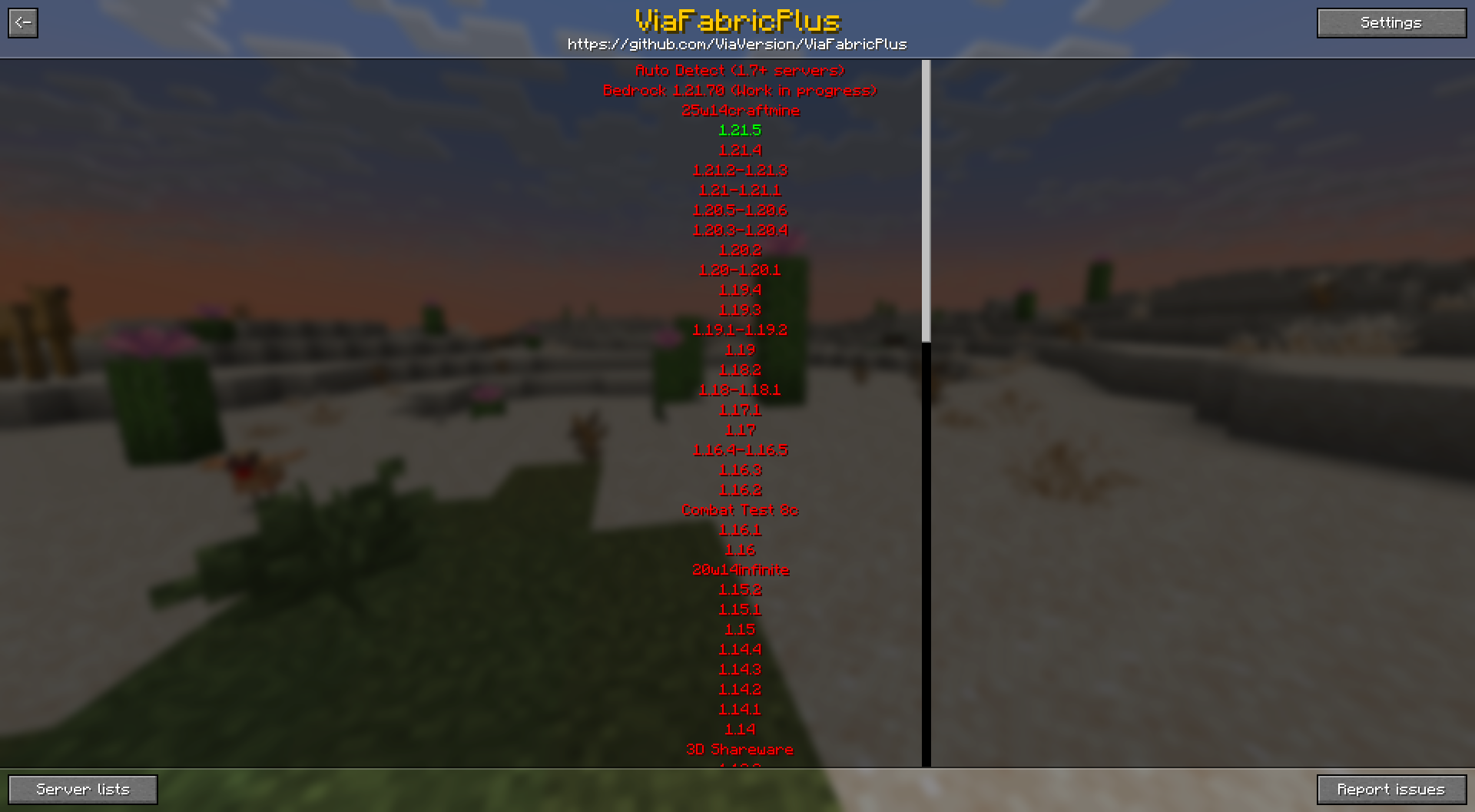
介绍
🛠️ DevClient Tools – Lightweight QoL & Developer Utility Pack
DevClient Tools is a purely client-side modpack tailored for players and developers who want a cleaner, more efficient Minecraft experience — without altering core gameplay. Whether you’re building, testing server plugins, or simply playing with enhanced clarity, this pack provides the tools you need without adding unnecessary bulk.
🔍 Developer-Oriented Features
Component Viewer
Component Viewer is a mod for Minecraft Java Edition that allows you to view and copy components of any item stack.
My Resource Pack, My Choice
This mod can be used to give you full control over server resource packs. It allows you to ignore, re-order or just partially apply server packs, giving you full control, which parts of the pack you want to use.
_Side Note: This mod can also help you as a developer to create systems to restrict the client-side denial of required server resource packs._
View Server Resources
A Minecraft mod that allows you to preview server resource pack URLs before downloading them
Axiom
Axiom is a powerful all-in-one Minecraft editing tool that combines real-time previews, client-side rendering, and an intuitive interface to streamline and enhance building.
ViaFabricPlus
Minecraft Fabric mod which allows you to join EVERY Minecraft server version (Classic, Alpha, Beta, Release, April Fools, Bedrock)
🌿 General QoL Improvements
In addition to developer utilities, the pack includes various client-side quality-of-life mods that improve visuals, usability, and comfort while playing—ideal for players who want a smoother and more customizable experience without modifying gameplay mechanics.
包含的模组 33 个
 苹果皮
 Architectury API
 Axiom
 Bobby
 Cloth Config API
 Component Viewer
 Controlling
 实体剔除
 Essential Mod
 Essential UI
 Fabric API
 Fabric Language Kotlin
 FerriteCore
 Freecam
 Gamma Utils (Fullbright)
 ImmediatelyFast
 锂
 Low Fire
 模组菜单
 More Culling
 My Resource Pack, My Choice
 No Chat Reports
 Searchables
 钠
 Text Placeholder API
 uku's Armor HUD
 ukulib
 ViaFabricPlus
 View Server Resources
 Xaero的小地图
 Xaero的世界地图
 YetAnotherConfigLib (YACL)
 Zoomify (Zoom)
绿色边框的模组本站有收录,点进去看中文介绍;其余跳转到 Modrinth。
常见问题
DevClient Tools 支持哪些 Minecraft 版本?
DevClient Tools 基于 Minecraft Java 版 1.21.8、1.21.7,使用 Fabric 加载器。
DevClient Tools 怎么安装?
点本页「前往下载」拿到整合包文件(Modrinth 的是 .mrpack,CurseForge 的是 .zip),在 PCL2 或 HMCL 启动器里选择「导入整合包」,启动器会自动装好 Minecraft、加载器和全部模组。这个整合包有 33 个模组,建议在启动器里给游戏分配 4–6 GB 内存。
DevClient Tools 开服需要多大内存?
推荐服务器内存 12 GB。在线人数多、或者建了大量机器和区块加载器时,可以再加 2–4 GB。
怎么和朋友一起玩 DevClient Tools?
点本页的「一键开服」,选好配置后会自动安装 DevClient Tools 的服务端,几分钟就能开好。把服务器地址发给朋友,大家用同一个版本的整合包连进去就行。

评论
登录后评论和评分