
Better With Tech
This is a modpack surrounding the Better With Time mod for the purposes of making it easier to access and install
介绍
This is a tech-focused modpack surrounding the Better With Time mod for the purposes of making it easier to access, install, and play. It also includes a standard set of performance mods, pretty-ification mods, and EMI as a recipe viewer for which BWT has custom integration.
Mods
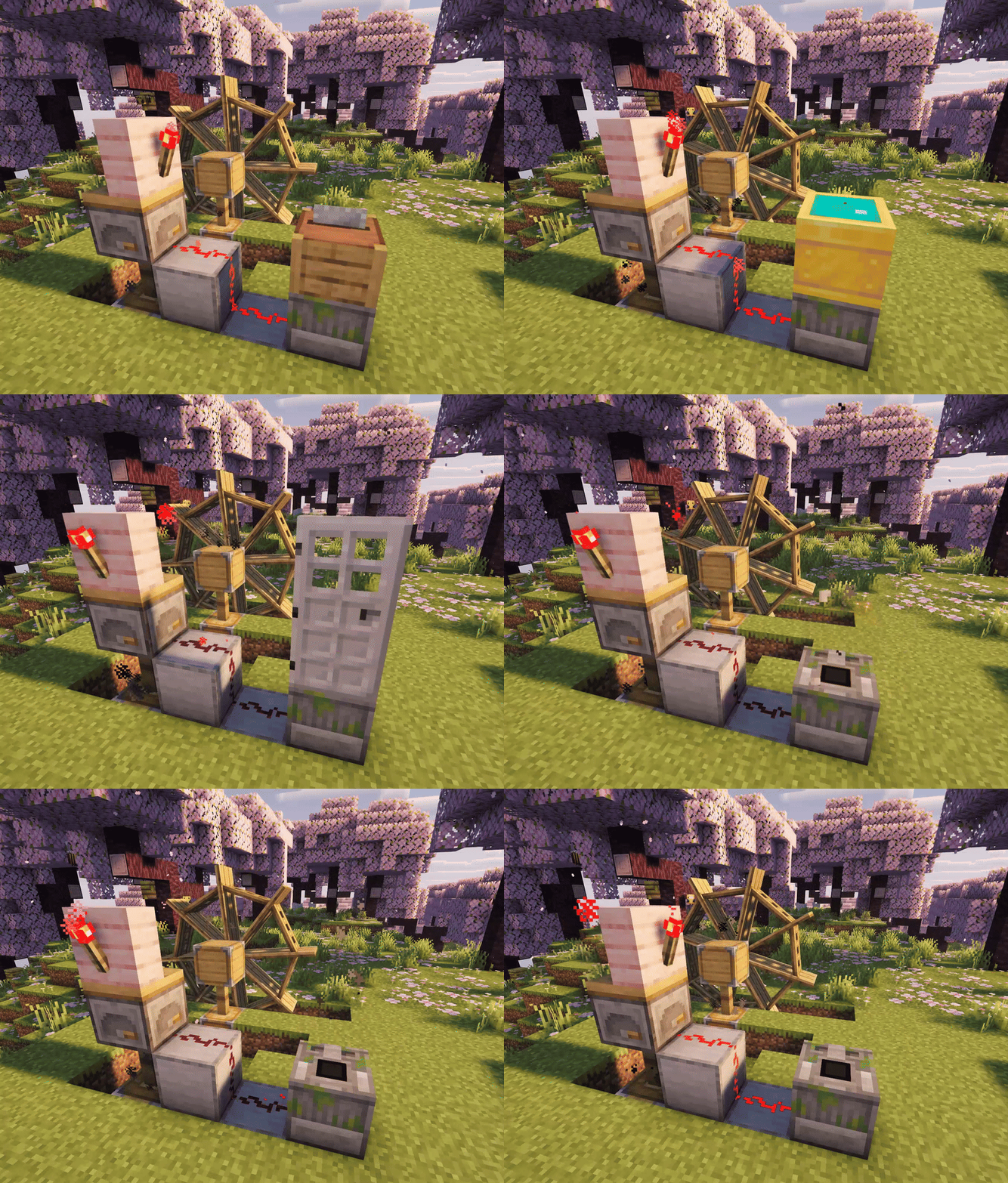
- Better With Time – The core focus of the modpack, and the only mod that changes the game in a way that can’t be removed from the pack without breaking your world
- EMI – Recipe viewer for which BWT has custom integration. Not sure how to obtain an item, or where/how to craft something? Use EMI to explore custom recipes
- Litematica – The first of a trio of mods by Masa that are often used by tech-heavy vanilla players. Litematica makes it easy to import, build, save, and share large structures, which BWT incentivizes
- MiniHUD – The second of Masa’s mods, this one being for the purpose of displaying helpful technical information on the client side.
- Tweakeroo – The third of Masa’s mods, which allows the tweaking and disabling of many parts of the vanilla game that obstruct a more straightforward technical experience. I personally recommend setting up hotkeys for the flexible block placement tweaks most of all.
- Iris Shaders – Pretty shaders!
- Distant Horizons – a jaw-dropping and game-changing chunk rendering mod that makes the world look as big as it feels.
- Lithium – Server-side optimization
- Sodium – Client-side optimization
包含的模组 14 个
 Better With Time
 Complementary Shaders - Reimagined
 遥远的地平线
 EMI
 Fabric API
 Iris Shaders
 Litematica
 锂
 MaLiLib
 MiniHUD
 模组菜单
 钠
 Text Placeholder API
 Tweakeroo
绿色边框的模组本站有收录,点进去看中文介绍;其余跳转到 Modrinth。
常见问题
Better With Tech 支持哪些 Minecraft 版本?
Better With Tech 基于 Minecraft Java 版 1.21.1,使用 Fabric 加载器。
Better With Tech 怎么安装?
点本页「前往下载」拿到整合包文件(Modrinth 的是 .mrpack,CurseForge 的是 .zip),在 PCL2 或 HMCL 启动器里选择「导入整合包」,启动器会自动装好 Minecraft、加载器和全部模组。这个整合包有 14 个模组,建议在启动器里给游戏分配 4–6 GB 内存。
Better With Tech 开服需要多大内存?
推荐服务器内存 12 GB。在线人数多、或者建了大量机器和区块加载器时,可以再加 2–4 GB。
怎么和朋友一起玩 Better With Tech?
点本页的「一键开服」,选好配置后会自动安装 Better With Tech 的服务端,几分钟就能开好。把服务器地址发给朋友,大家用同一个版本的整合包连进去就行。

评论
登录后评论和评分