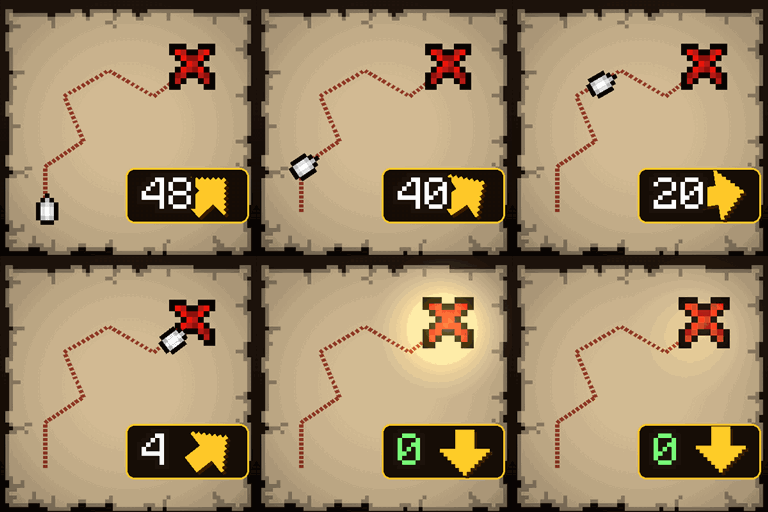
X Marks the Spot: Treasure Map Distance
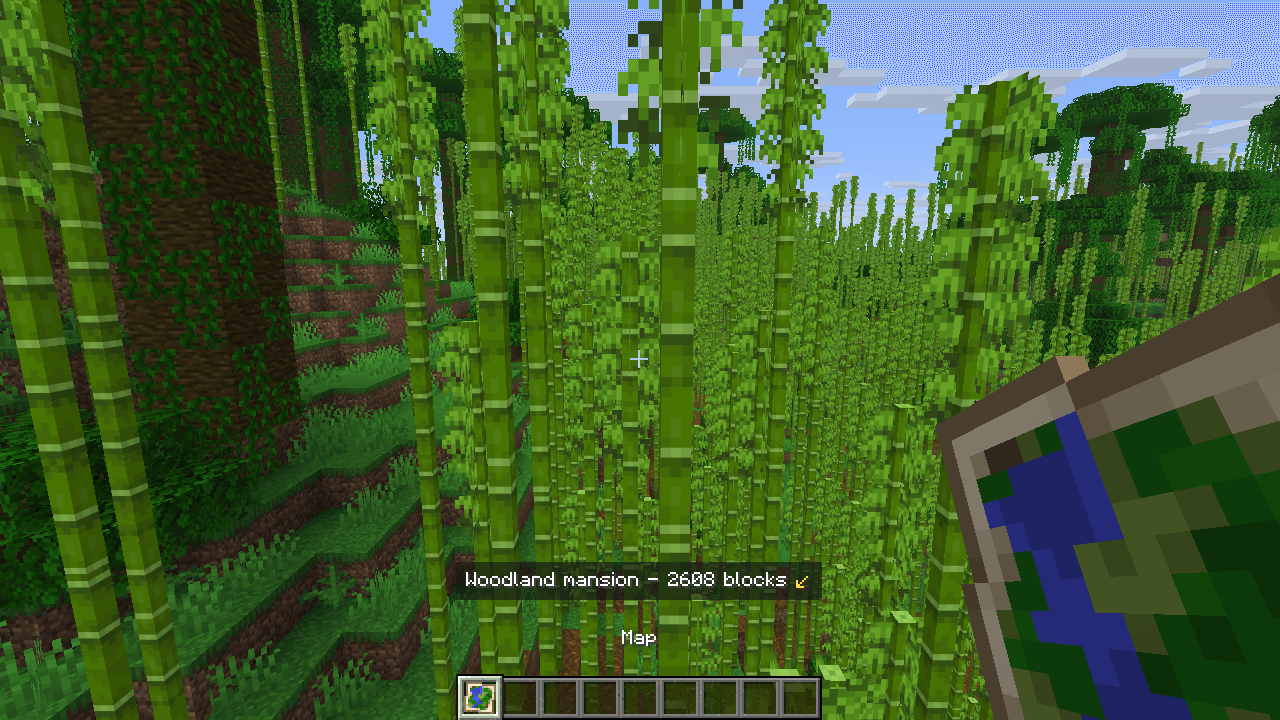
Hold a treasure or explorer map to see how far its target is and which way to go, with a big arrow - and "Dig here!" when you stand on the X. The position comes from the map itself. Client-side.
截图
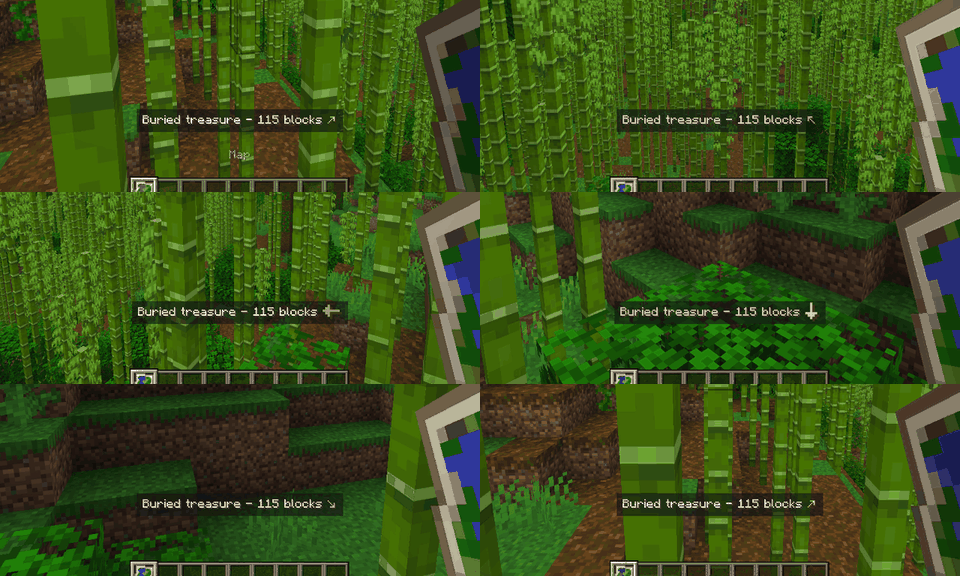
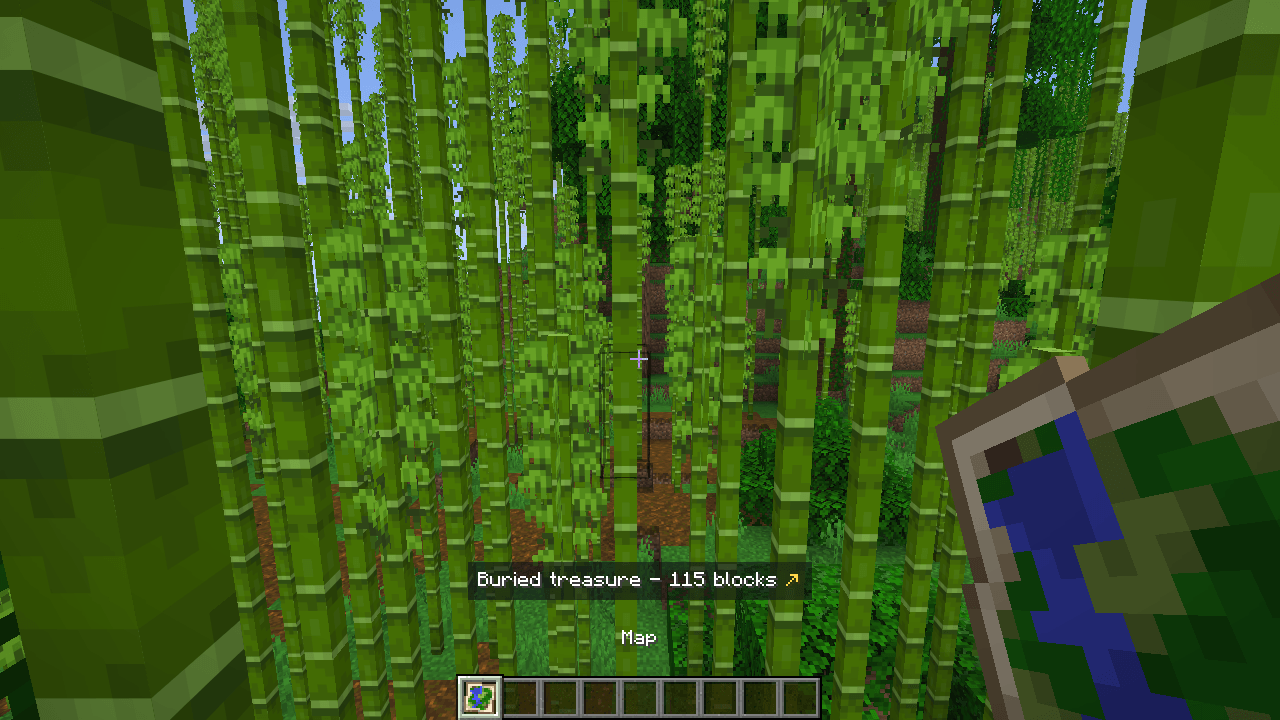
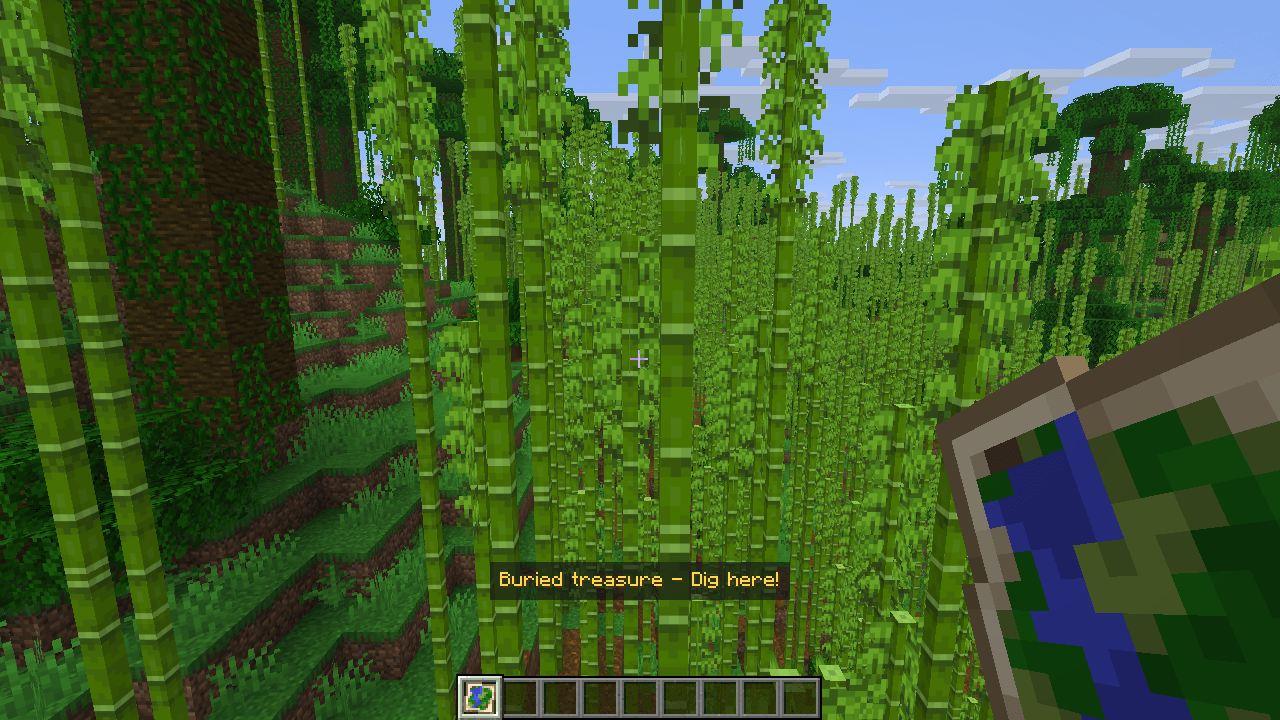
介绍
Stop pacing around the X.
Hold a treasure map and a line above your hotbar tells you how far the X is and which way to turn, with a big arrow. Stand on the X and it says Dig here!
- Buried treasure maps (from shipwreck and ocean ruin chests): the distance, an arrow that keeps pointing at the X as you turn, and "Dig here!" on the spot.
- Explorer maps from cartographers: the woodland mansion shows its distance and arrow too.
- The other targets a map can carry (ocean monuments, trial chambers, villages, temples and more) are read the same way, each with its own name.
- The position comes from the map item itself: exact, nothing guessed from the picture and nothing asked of the server.
Tested in game
- Fabric 26.3 and 26.2: a buried treasure map (distance and arrow, a full turn with the arrow holding on the X, then "Dig here!" on the spot) and a woodland mansion map.
- NeoForge 26.2: loads cleanly to the main menu.
Client-side
Nothing to install on the server. Works on any server, in single player and on Realms.
English and Portuguese.
Made by an indie dev with help from AI tools; every version is tested in game.
Like the mod? You can support future updates and new mods on Ko-fi. Totally optional, everything stays free.
常见问题
X Marks the Spot: Treasure Map Distance 支持哪些 Minecraft 版本?
X Marks the Spot: Treasure Map Distance 支持 Minecraft Java 版 26.2–26.3,共 2 个版本,可用的加载器:Fabric / NeoForge。下载时注意选择和你游戏版本一致的文件。
X Marks the Spot: Treasure Map Distance 怎么安装?
先用 PCL2 或 HMCL 启动器安装对应版本的 Fabric / NeoForge,再把下载的 .jar 文件放进游戏目录的 mods 文件夹,重新启动游戏即可。开启了版本隔离的,mods 文件夹在 versions/版本名 下面。
Vitral 的其他作品
查看全部 →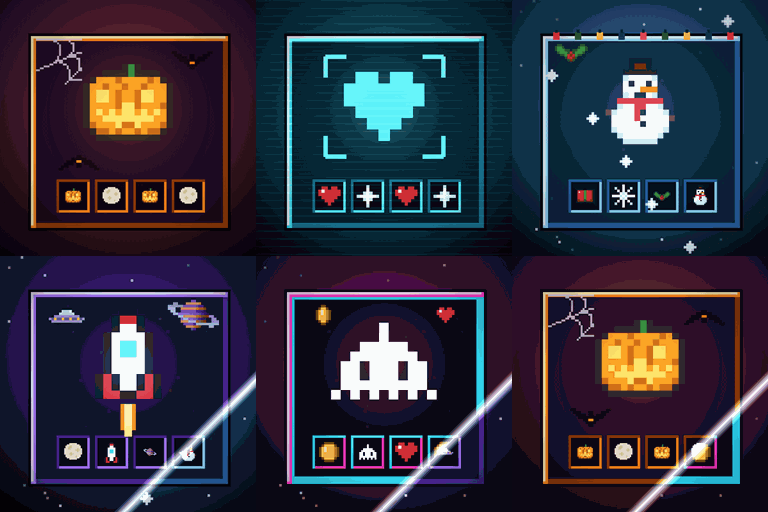
Immersive Screens: Animated Halloween & Hologram GUI
为每个界面提供动态主题:万圣节、全息、冬季/圣诞、太空和复古街机。箱子面板会升起,边框会发光,熔炉会燃烧。物品保留原本的颜色。仅限客户端。
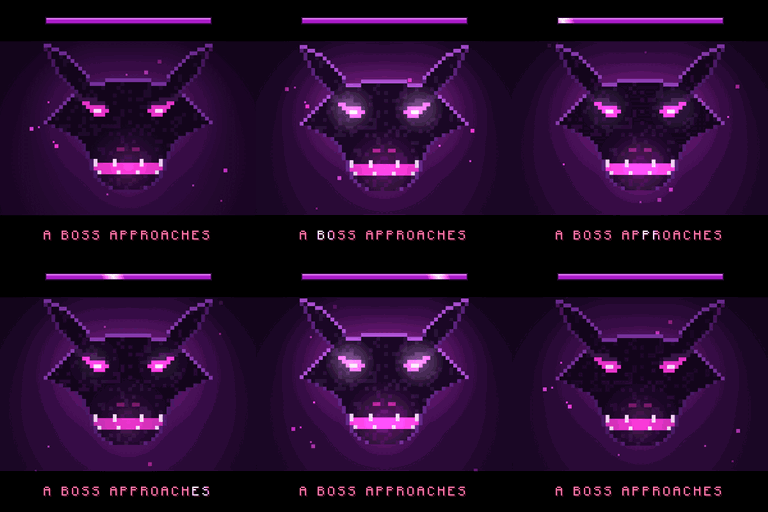
Boss Intros: Cinematic Boss Titles & Entrances
电影感 Boss 登场提示:Boss 出现时,黑边滑入,名称以大字呈现;获胜后还会播放胜利卡片。支持模组和服务器中的 Boss。仅客户端生效。
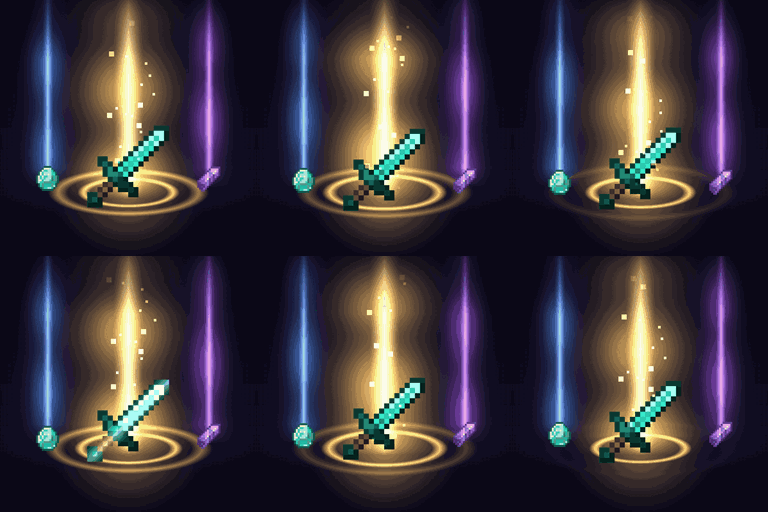
Loot Beams – Rarity Light Beams for Dropped Items
珍贵掉落物会发出光柱,颜色取决于物品等级或物品本身的颜色。支持游戏内配置和 ItemPhysic。仅客户端。
Damage Numbers: Floating Damage Indicators & Crits
每次击中生物都会弹出漂浮的伤害数字并碎裂成像素。金色暴击带有命中标记,每种伤害类型有专属颜色,绿色代表治疗,红色代表击杀和连击。客户端模组。
评论
登录后评论和评分