Way Better Leaves
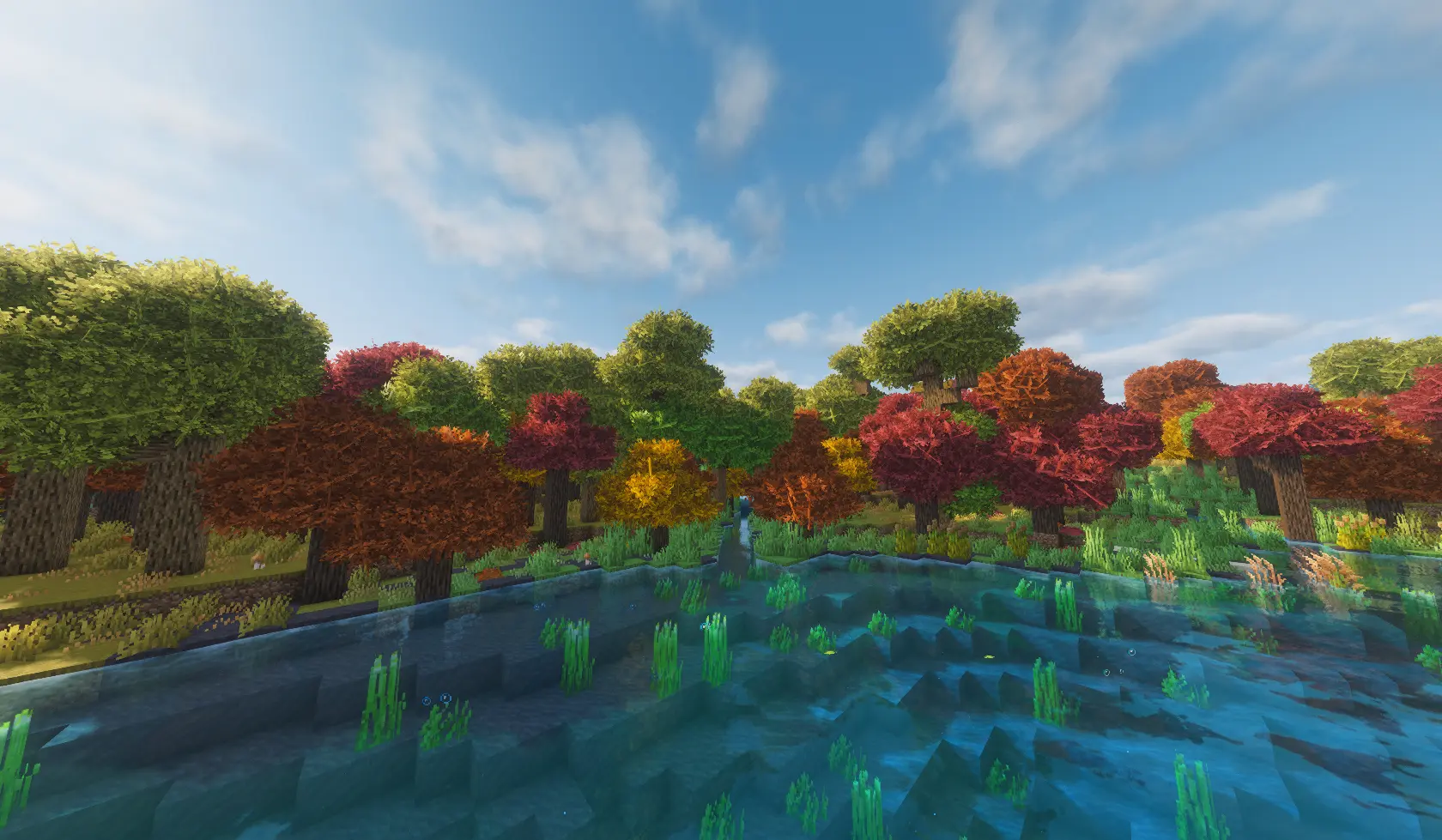
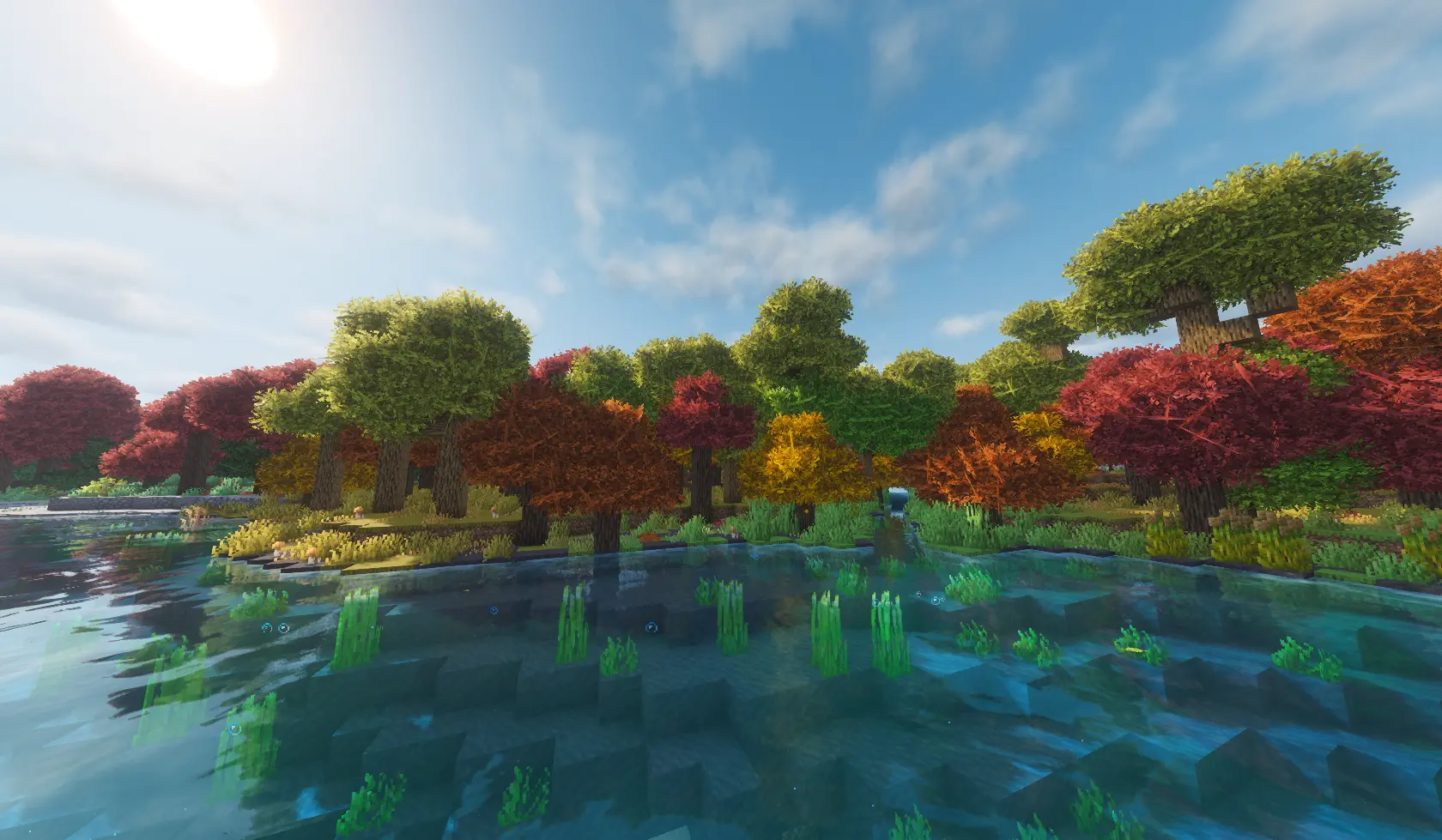
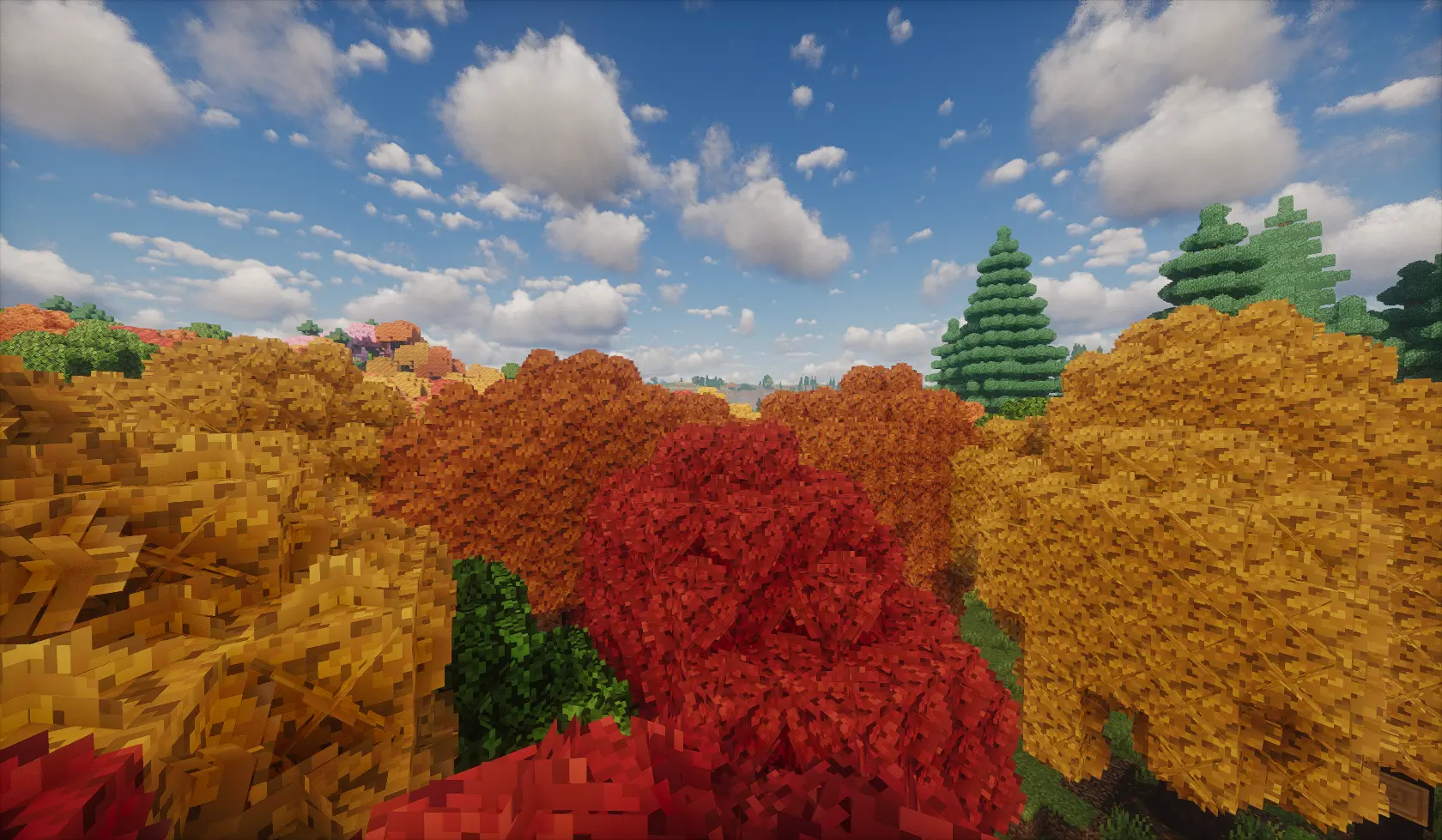
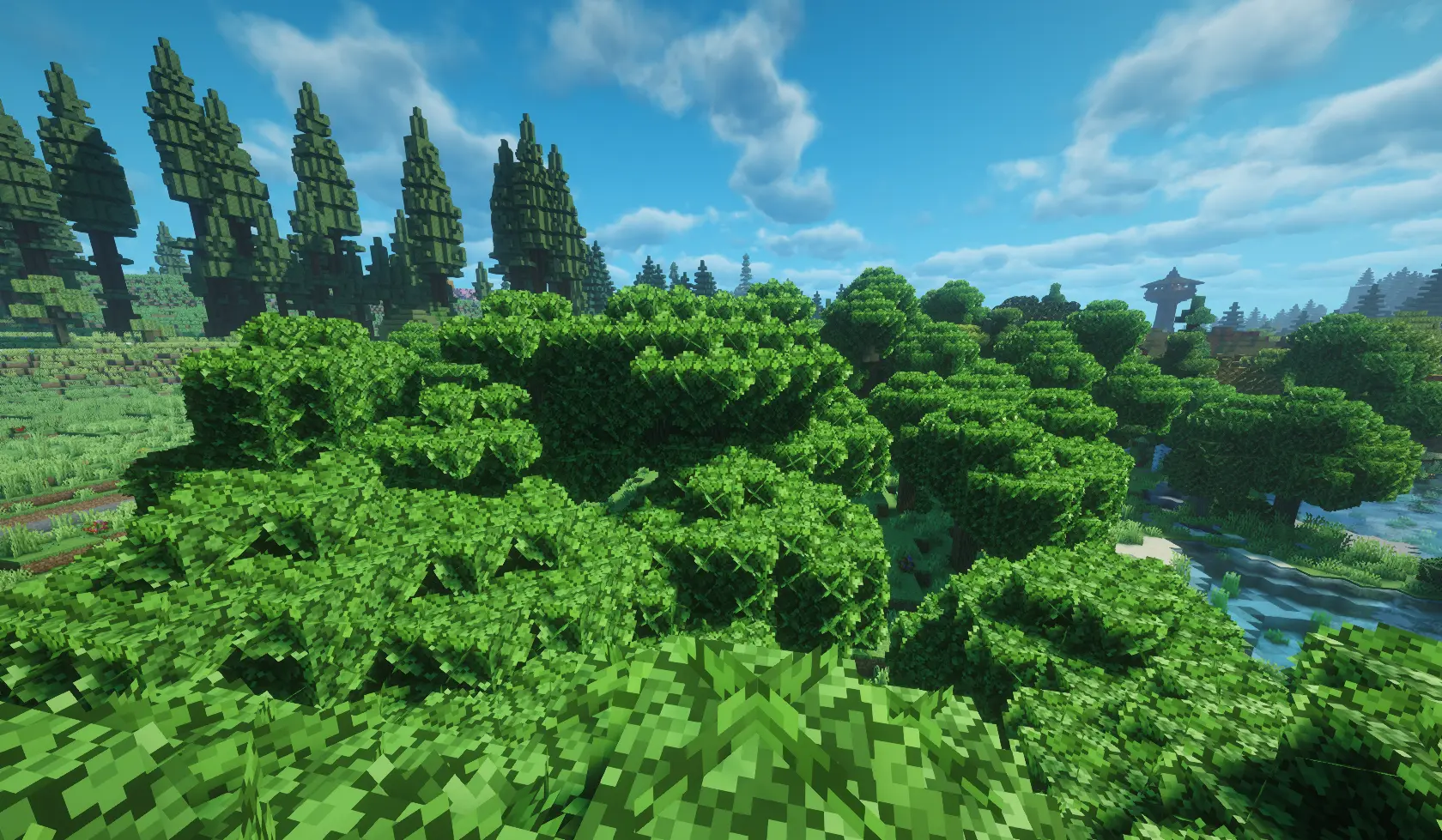
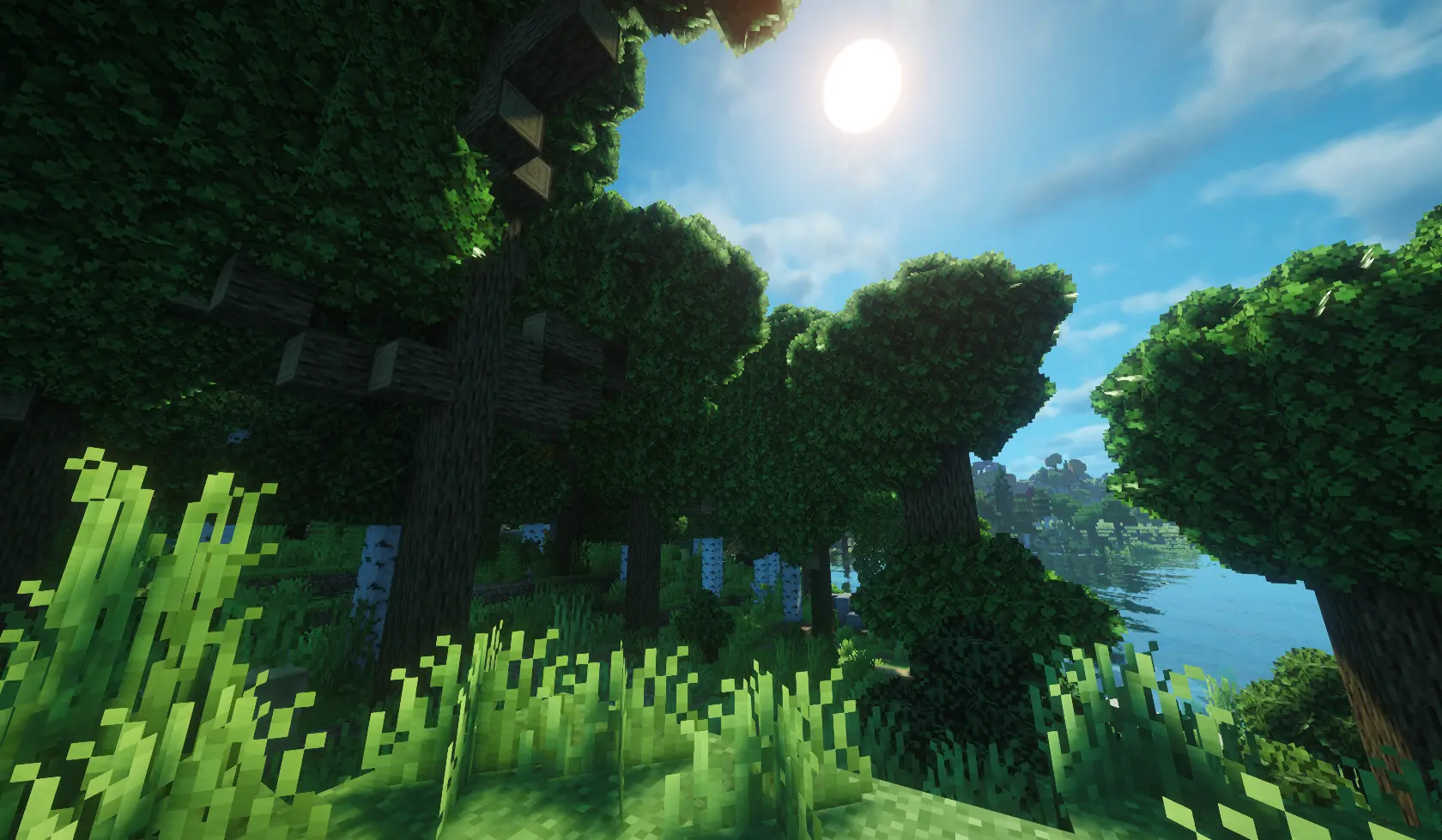
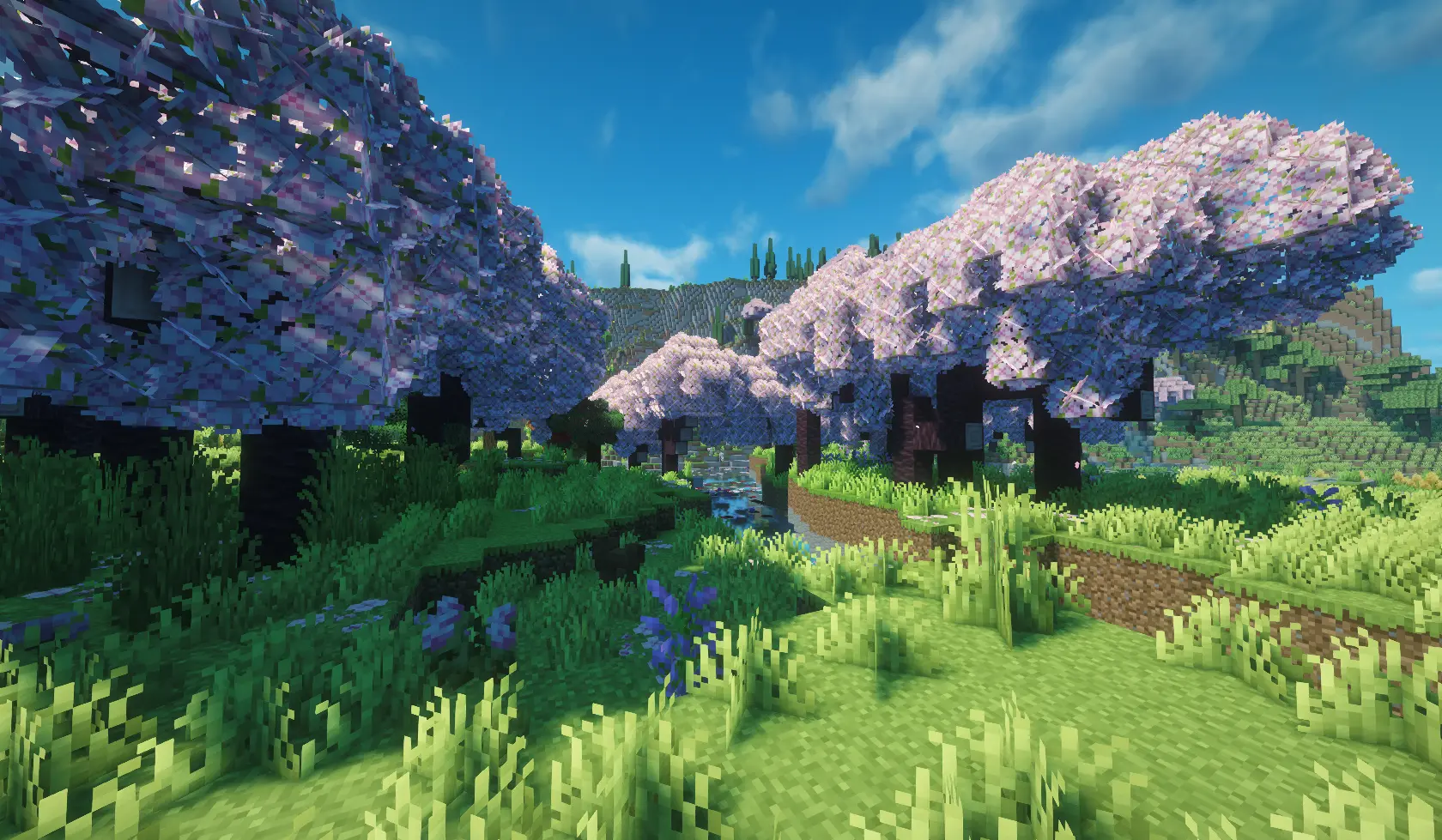
Way Better Leaves is a client-side mod. It automatically gives vanilla and modded leaf blocks external X-shaped leaf panels using each block model's own leaf texture.
截图
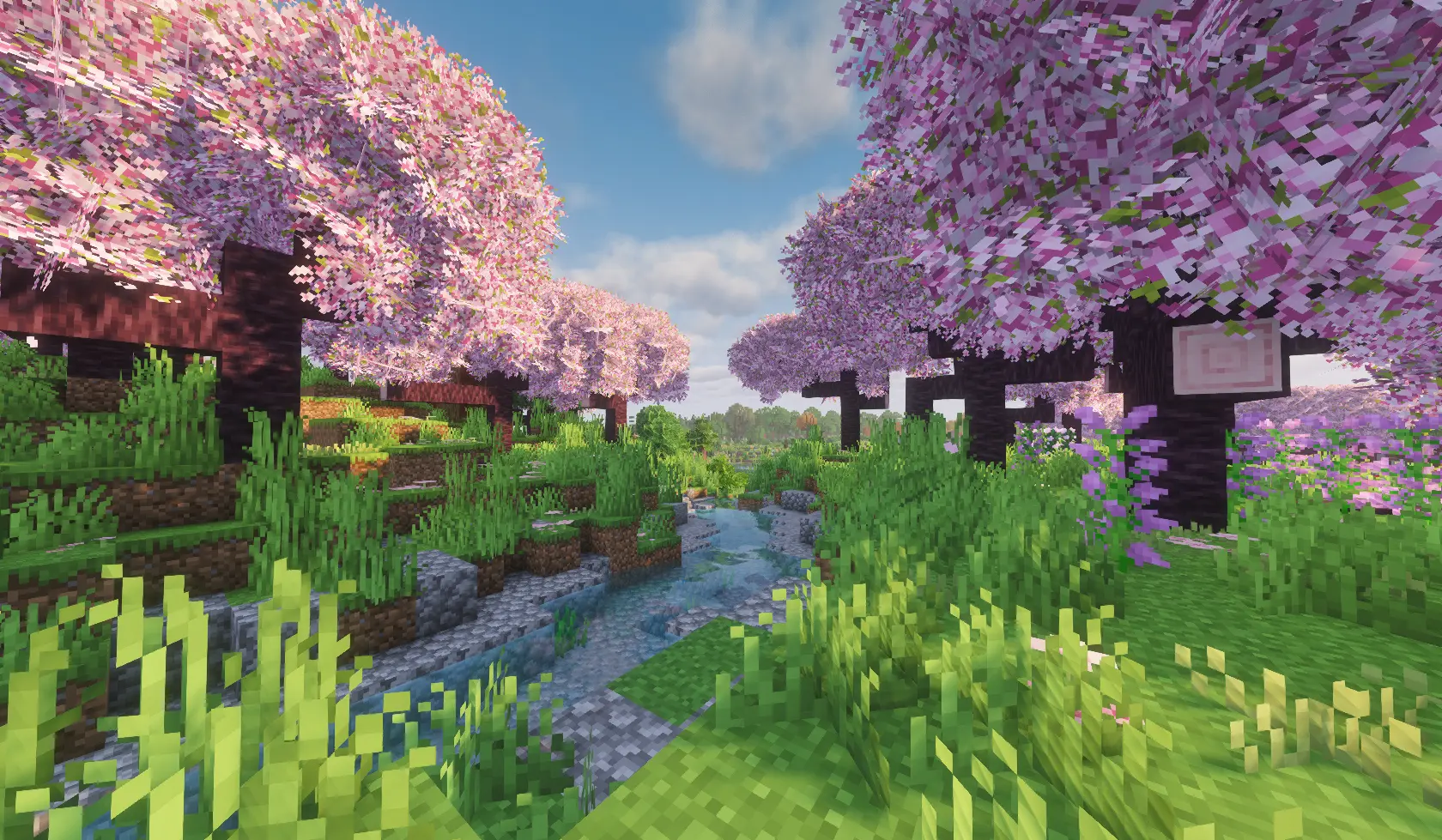
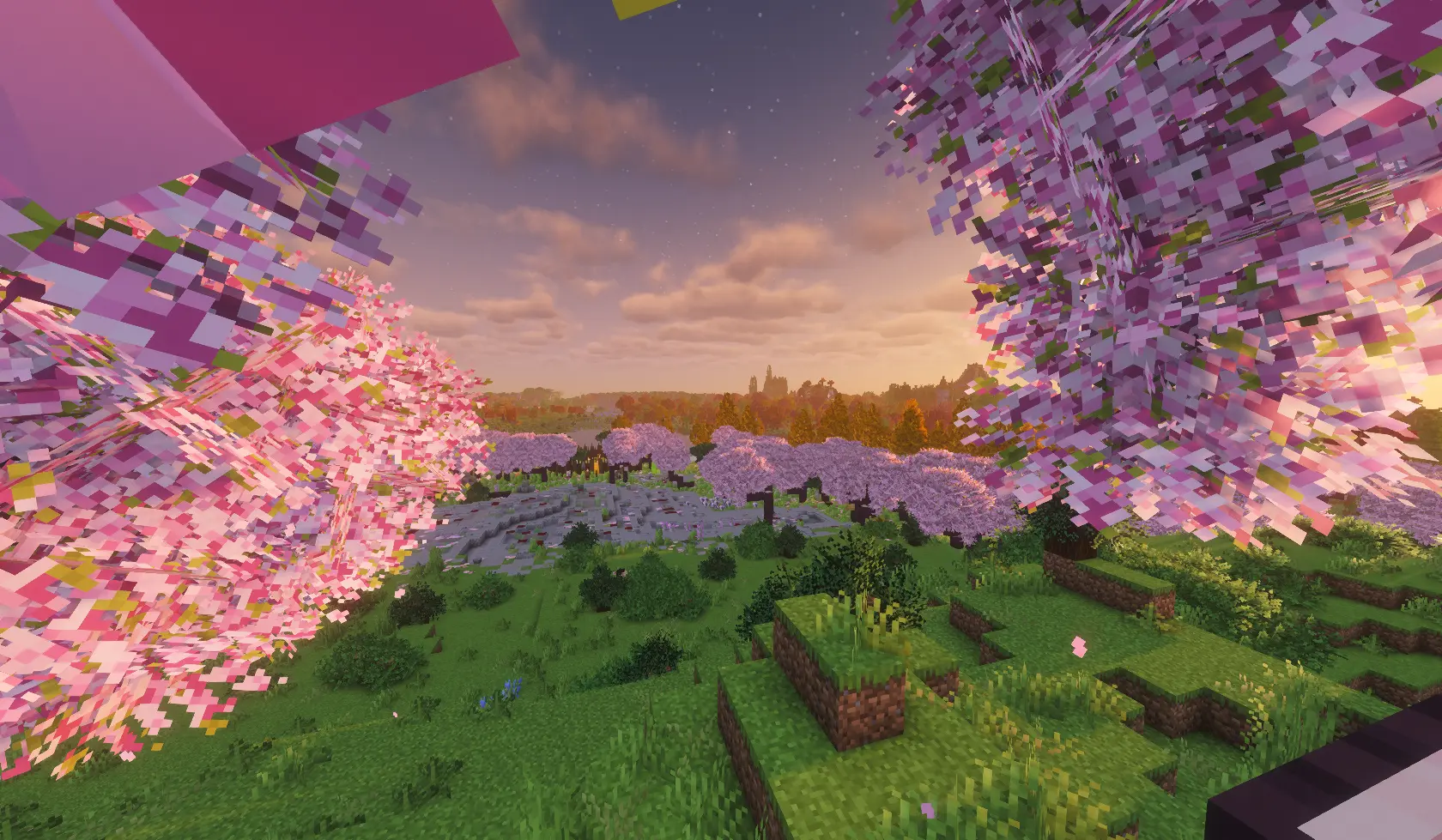
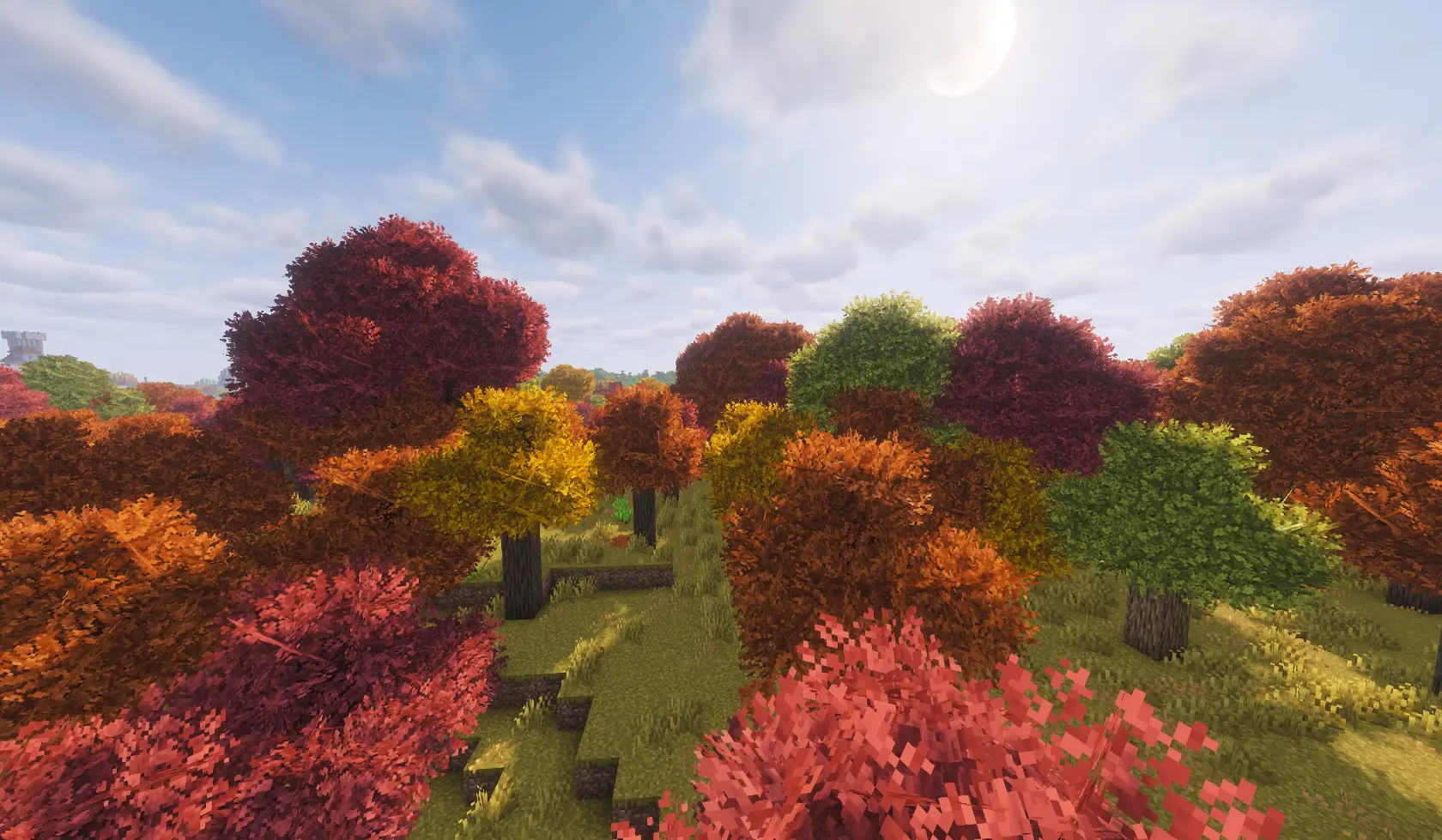
介绍
About
Way Better Leaves makes Minecraft trees look fuller, softer, and more natural while keeping the familiar blocky Minecraft style.
The mod automatically detects vanilla and modded leaf blocks, uses their original textures and colors, and prepares the bushy models when resources are loaded. Resource-pack textures and biome coloring are preserved automatically.
Way Better Leaves is completely client-side. It does not change gameplay, block collisions, drops, world generation, or server behavior. Servers do not need to install it, and accidental server installation is handled safely.
Features
- 🌳 Automatic Modded Leaf Support: Detects vanilla and modded leaf blocks without requiring separate compatibility packs.
- 🎨 Original Leaf Textures: Uses the texture, transparency, and biome colors of each leaf block.
- 📦 Resource-Pack Support: Automatically adapts to leaf textures supplied by your active resource packs.
- 🍃 Natural Variation: Leaf shapes receive position, depth, and full rotational variation, making forests look less repetitive.
- ✂️ Custom Leaf Shapes: Uses a prepared transparency mask to create carefully trimmed, pixelated foliage instead of plain square panels.
- 👁️ Optional Culling: Removes hidden faces and foliage between connected leaves to improve performance in dense forests.
- 💡 Custom Lighting: Ambient Occlusion and Directional Shading can be controlled specifically for leaves.
- ✨ LabPBR Support: Includes normal and specular texture support for compatible shaders and resource packs.
- 🚫 Configurable Blacklist: Individual leaf blocks can be excluded if their shape does not work well with bushy geometry.
- 🖥️ Client-Side Only: Works on multiplayer servers without requiring server installation.
Leaf Styles
Way Better Leaves includes three selectable styles:
- Native: Keeps Minecraft’s original leaf shape while still allowing the mod’s lighting, culling, and blacklist options to be used.
- Classic: Keeps the original leaf block and adds smaller bushy panels around its visible sides.
- Plus: Replaces the cube-shaped leaf model with three large crossed panels. Each panel uses a repeating 32×32 version of the original leaf texture and remains at a 90-degree angle to the other panels.
Configuration
The configuration file is located at:
config/waybetterleaves-client.toml
enabled = true

type = "PLUS"

culling = true

ambientOcclusion = false

directionalShading = false

blacklist = [ "mod_name:block_name", "another_mod:another_leaf_block"

]
enabled— Enables or disables the mod.type— Selects the leaf style: NATIVE, CLASSIC, or PLUS.culling— Removes hidden leaf geometry to improve performance.ambientOcclusion— Adds softer shadows around nearby blocks and corners.directionalShading— Makes leaf surfaces appear lighter or darker depending on their direction.blacklist— Lists leaf blocks that should keep their original appearance and culling behavior.
All options can also be changed through the in-game configuration screen.
常见问题
Way Better Leaves 支持哪些 Minecraft 版本?
Way Better Leaves 支持 Minecraft Java 版 1.20.1–26.2,共 22 个版本,可用的加载器:NeoForge。下载时注意选择和你游戏版本一致的文件。
Way Better Leaves 怎么安装?
先用 PCL2 或 HMCL 启动器安装对应版本的 NeoForge,再把下载的 .jar 文件放进游戏目录的 mods 文件夹,重新启动游戏即可。开启了版本隔离的,mods 文件夹在 versions/版本名 下面。
Luc1fer1o 的其他作品
查看全部 →
Crosshair Damage Indicator
Client-side NeoForge QoL mod that shows clean white damage numbers below your crosshair when your attacks, projectiles, or abilities damage nearby targets.

Accurate Fast Block Placement
Client-side NeoForge 1.21.1 mod that makes held right-click block placement faster and more accurate by timing placement attempts as your crosshair moves.
Accurate Fast Block Placement
Client-side NeoForge 1.21.1 mod that makes held right-click block placement faster and more accurate by timing placement attempts as your crosshair moves.

Hoe Scythes
Server-side NeoForge 1.21.1 mod that lets hoes clear grass-like blocks in 3x3 to 9x9 areas.
评论
登录后评论和评分