
Visible Energy
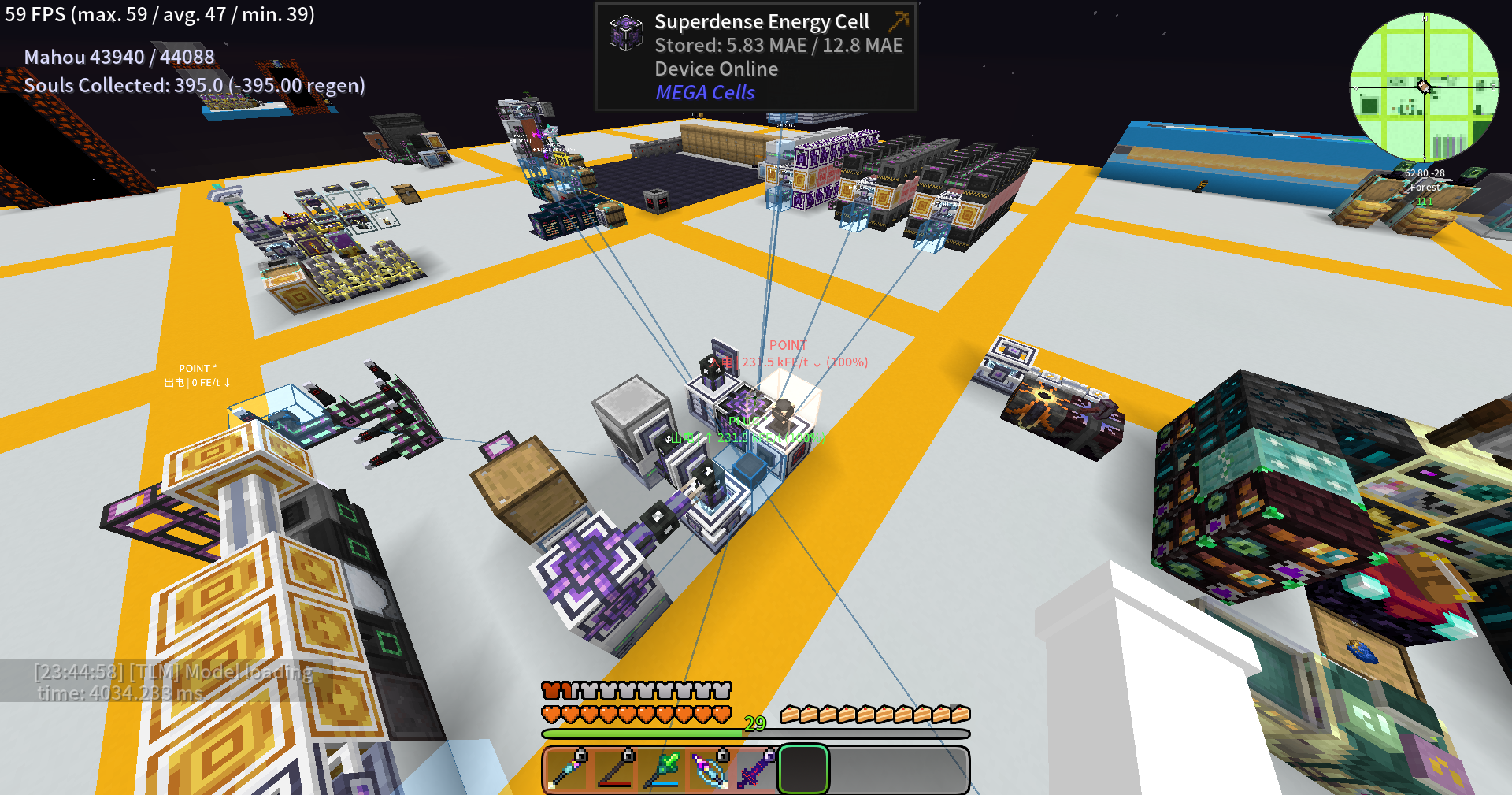
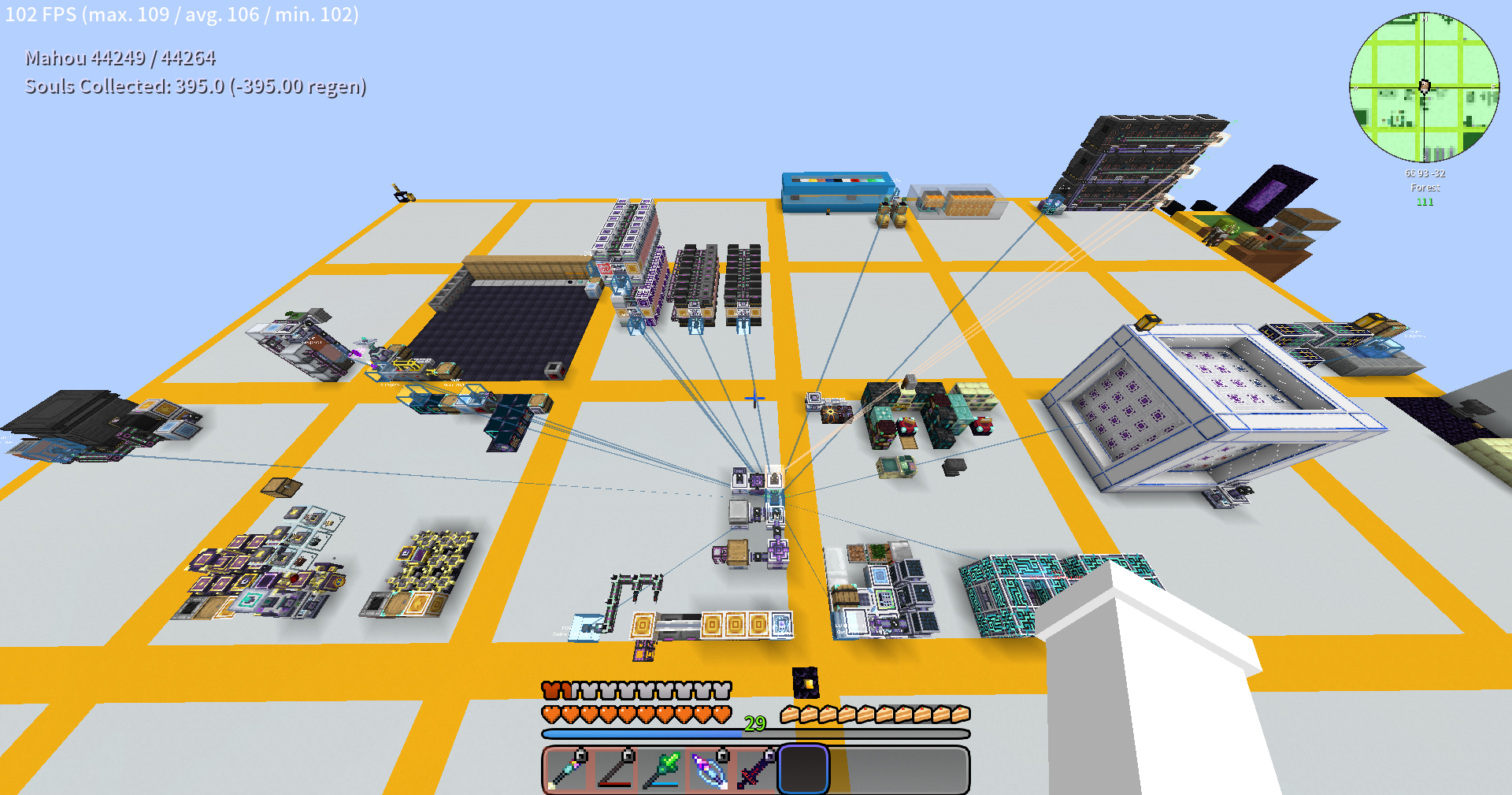
A FluxNetworks addon that highlights energy devices in-world with colored overlays, network connection lines, and transfer rate labels. Use /ve scan to find and visualize Flux Networks devices around you.
截图
介绍
Visible Energy
A NeoForge addon mod for FluxNetworks that highlights the locations, transfer rates, and network topology of flux network devices in the game world.
Features
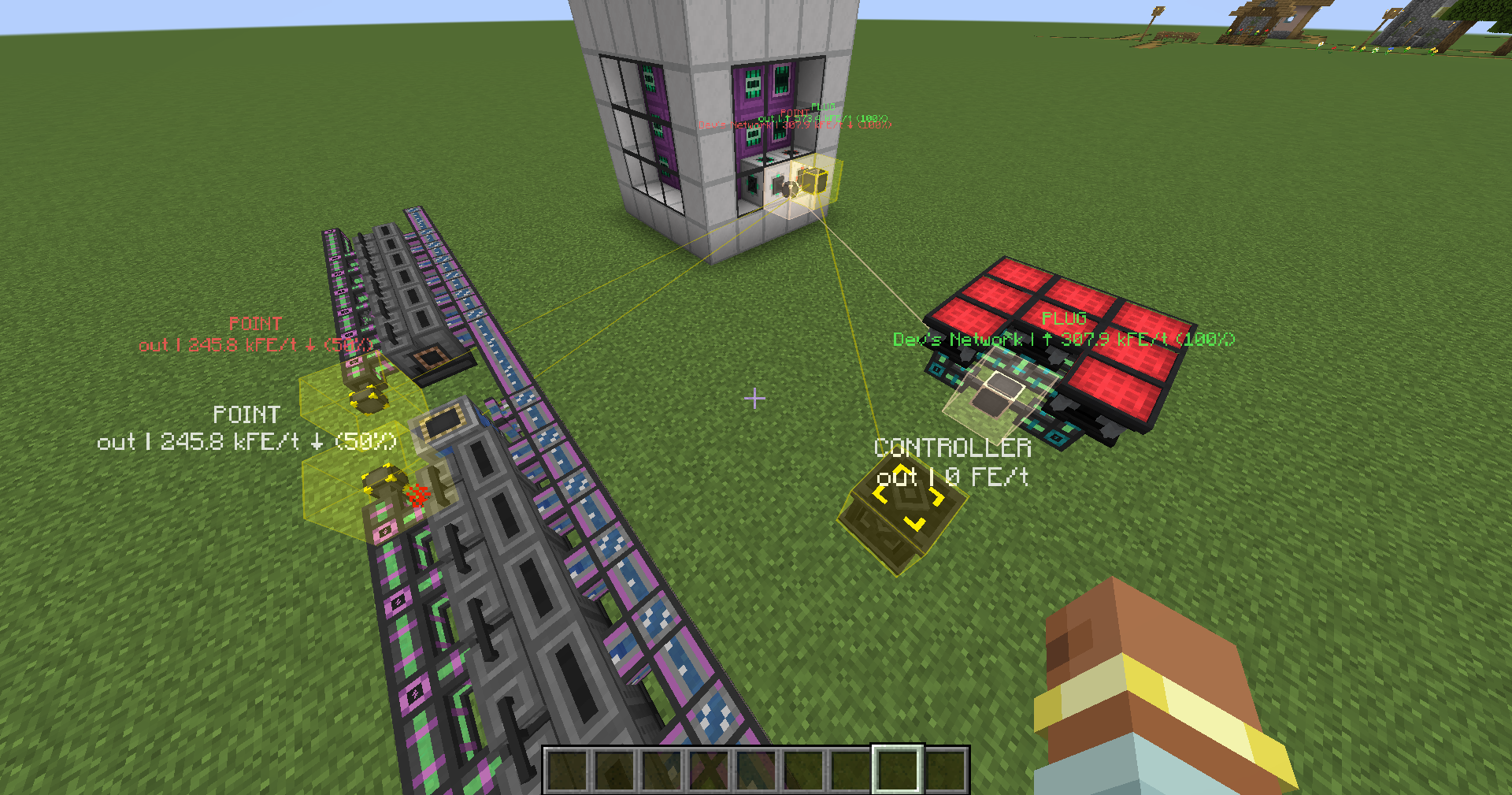
- Device Highlighting — Marks all Flux devices in the scan area with semi-transparent colored blocks and wireframes matching the flux network’s color
- Connection Lines — Draws thin colored lines between input points (PLUG) and other devices within the same network, providing a clear visual representation of network topology
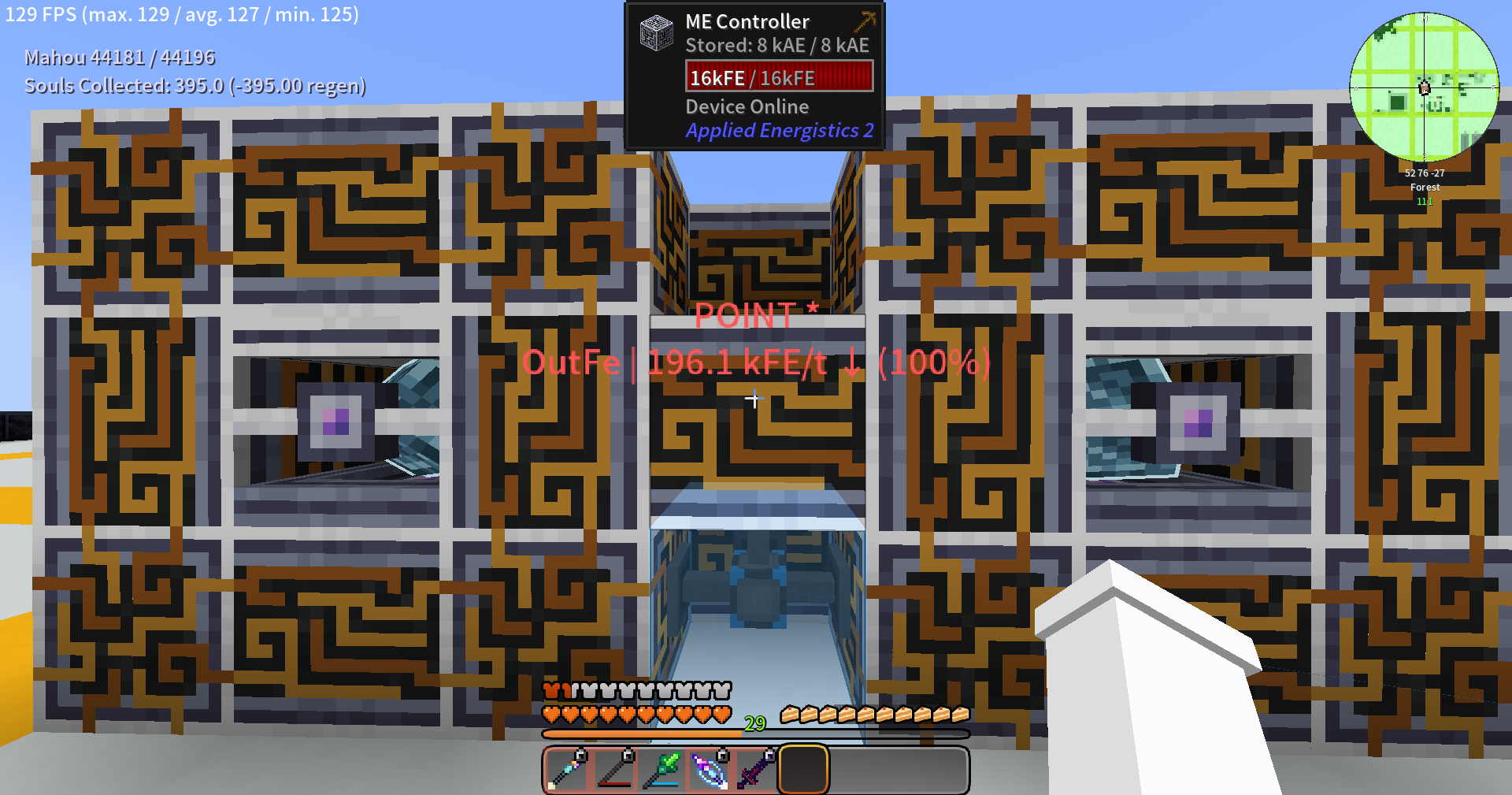
- Info Labels — Displays the device name, network name, energy transfer rate, and network percentage above each device
- Dynamic Refresh — Automatically updates data every 1 second, reflecting energy changes in real time
- Cross-Dimensional Monitoring — Detects and indicates devices in other dimensions within the network, displaying coordinates and chunk loading status
- Color-Coded Hints — Green indicates energy input, red indicates high-percentage output
Commands
| Command | Description |
|———|————-|
| /ve | Scans surrounding Flux devices with the default radius |
| /ve scan [radius] | Scans with a specified radius (5~128) |
| /ve stop | Stops the current scan |
| /ve duration <seconds> | Sets the highlight display duration (1~3600 seconds) |
Configuration
Configure via visible_energy-common.toml:
scanRadius— Scan radius, default 32, range 5~128displayDuration— Highlight display duration in seconds, default 30, range 5~300
Dependencies
- Minecraft 1.21.1
- NeoForge 21.1.234+
- FluxNetworks 8.0.0+
常见问题
Visible Energy 支持哪些 Minecraft 版本?
Visible Energy 支持 Minecraft Java 版 1.20.1–1.21.1,共 2 个版本,可用的加载器:Forge / NeoForge。下载时注意选择和你游戏版本一致的文件。
Visible Energy 怎么安装?
先用 PCL2 或 HMCL 启动器安装对应版本的 Forge / NeoForge,再把下载的 .jar 文件放进游戏目录的 mods 文件夹,重新启动游戏即可。开启了版本隔离的,mods 文件夹在 versions/版本名 下面。运行环境:客户端和服务端都要装。
Chatterjay 的其他作品
查看全部 →
EMIAccelerator
将 EMI 的物品堆叠列表缓存到磁盘,并将搜索索引的构建延后至后台线程,大幅缩短 EMI 的重载时间。

Network Tool Plus
AE2 Network Tool enhancement mod with auto card collection and 21 upgrade slots.

AE Crafting Tracker
A Minecraft NeoForge mod that highlights active Pattern Providers in AE2 networks. Provides real-time visual feedback for crafting status with color-coded highlights (green=yellow=red) and a Network Locator tool for remote AE network monitoring.

EMILink
EMI ↔ AE2 / BeyondDimensions integration enhancement mod, adding convenient AE2 and BD related operations to the EMI recipe interface.
评论
登录后评论和评分